
Reviews & Guides · Creative Tools
Bambu Lab A1: first-week setup, print quality and fan noise
Reviewed: Bambu Lab A1Regional reference: Bambu Lab A1 / A1 Combo (US); Bambu Lab A1 / A1 Combo (UK); Bambu Lab A1 / A1 Combo (EU store)
Two A1 owners describe their first week: assembly and calibration, scraper and Benchy prints, custom-model slicing, visible layer lines and cooling-fan noise.
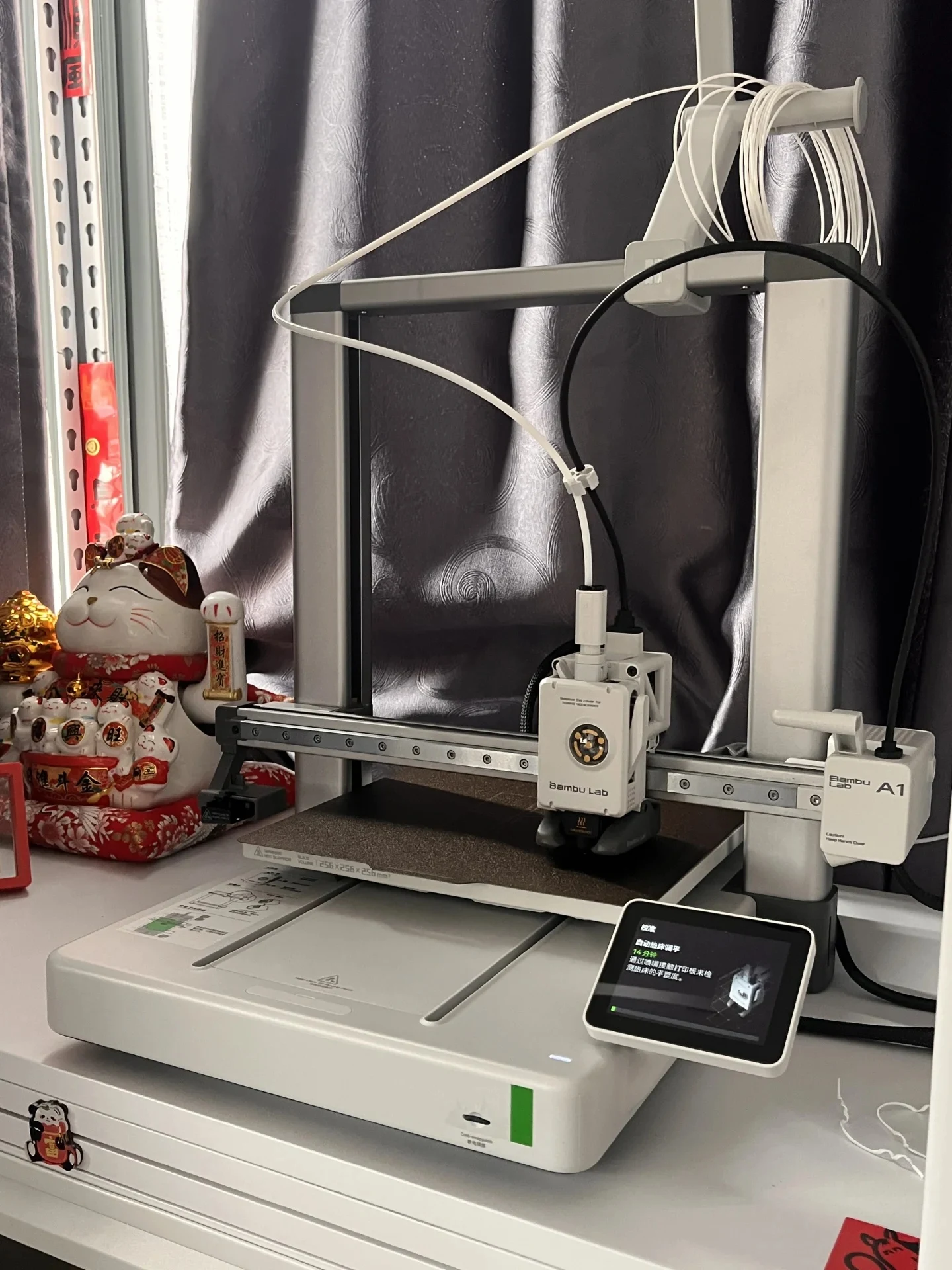
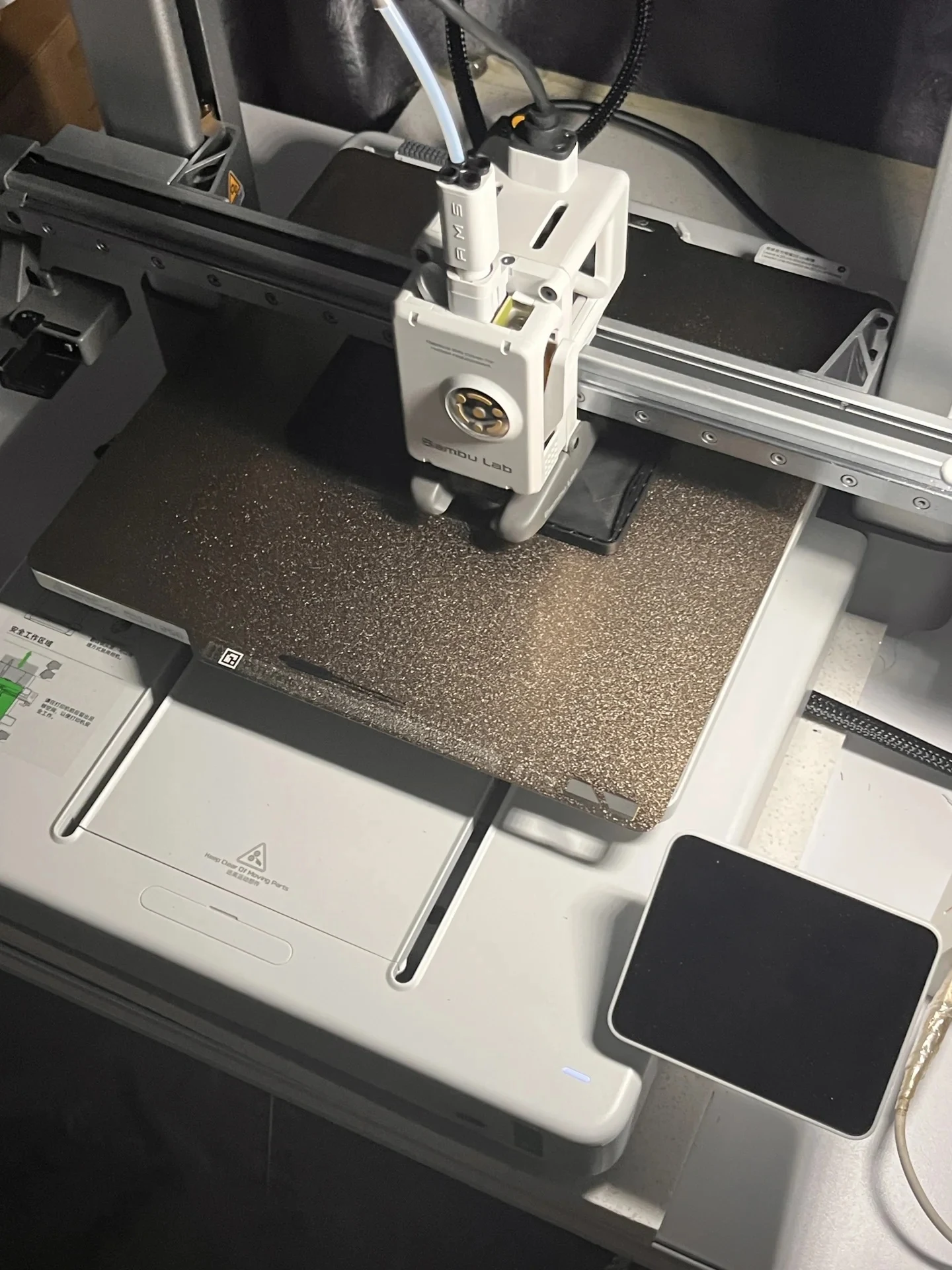
Quick assembly and a smooth first scraper print
I had just bought the Bambu Lab A1 a week earlier, and I had barely let it sit idle during those days. Here is a quick account of my real experience.
Unboxing and assembly
My first impression was that the packaging was very sturdy. Assembly was much simpler than I expected—basically just tightening a few screws and plugging in two cables. It took less than 15 minutes from opening the box to powering it on for the first time.
To be honest, before buying it I did not expect much precision from an FDM printer, especially at around the thousand-yuan price point. The actual prints surprised me. My first print was the included scraper model: the layer lines were barely visible, the surface was very smooth, and the edge details on the blade were clear.
Daily use experience
Speed: At standard speed, printing a small decorative model took about 2–3 hours, which was broadly in line with the advertised performance. I tried Fast mode once. It was indeed noticeably quicker, but the surface showed some lines. For models where perfect appearance is not important, it was completely fine.
Noise: I kept it in my study, and with the door closed I could barely hear it from the bedroom. It made some noise during high-speed movements, but it was not harsh or piercing.
Summary
If this is your first 3D printer, or you are upgrading from an older machine, the Bambu Lab A1 is hard to beat at this price. Its precision, speed and ease of use all exceeded my expectations. Automatic bed leveling and the smooth software experience especially changed printing from something to tinker with into something enjoyable.
After one week, I was already printing my fourth model. Next, I plan to challenge myself by designing a part of my own, and I believe the A1 will be up to it.
If you have any specific questions, feel free to leave a comment and ask.
Source: Yilia Zhang · Xiaohongshu · 2026-05-30 · 拓竹A1一周使用体验:精度超预期,新手也能轻. Search this Chinese title in Xiaohongshu to find the original post.
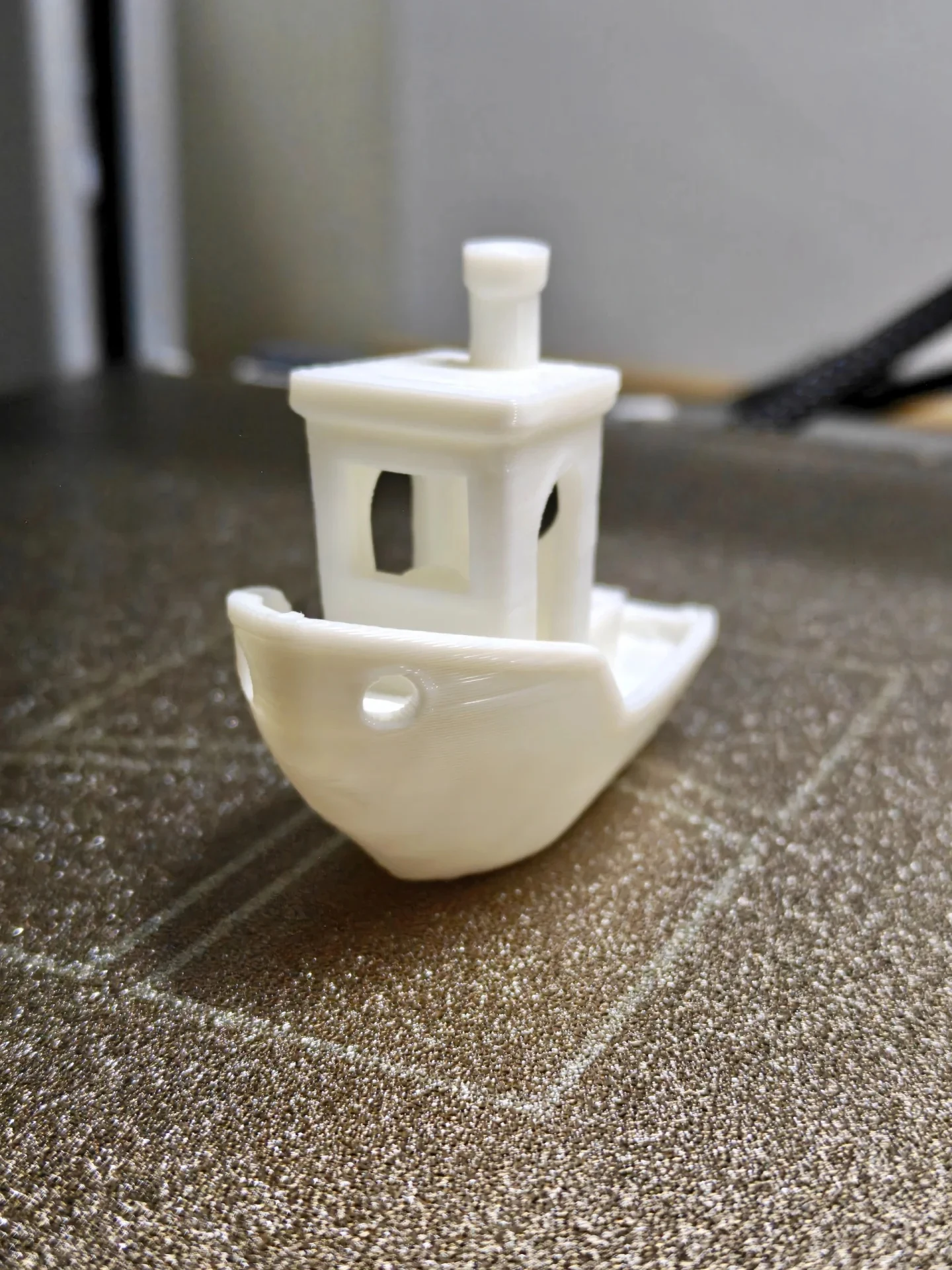
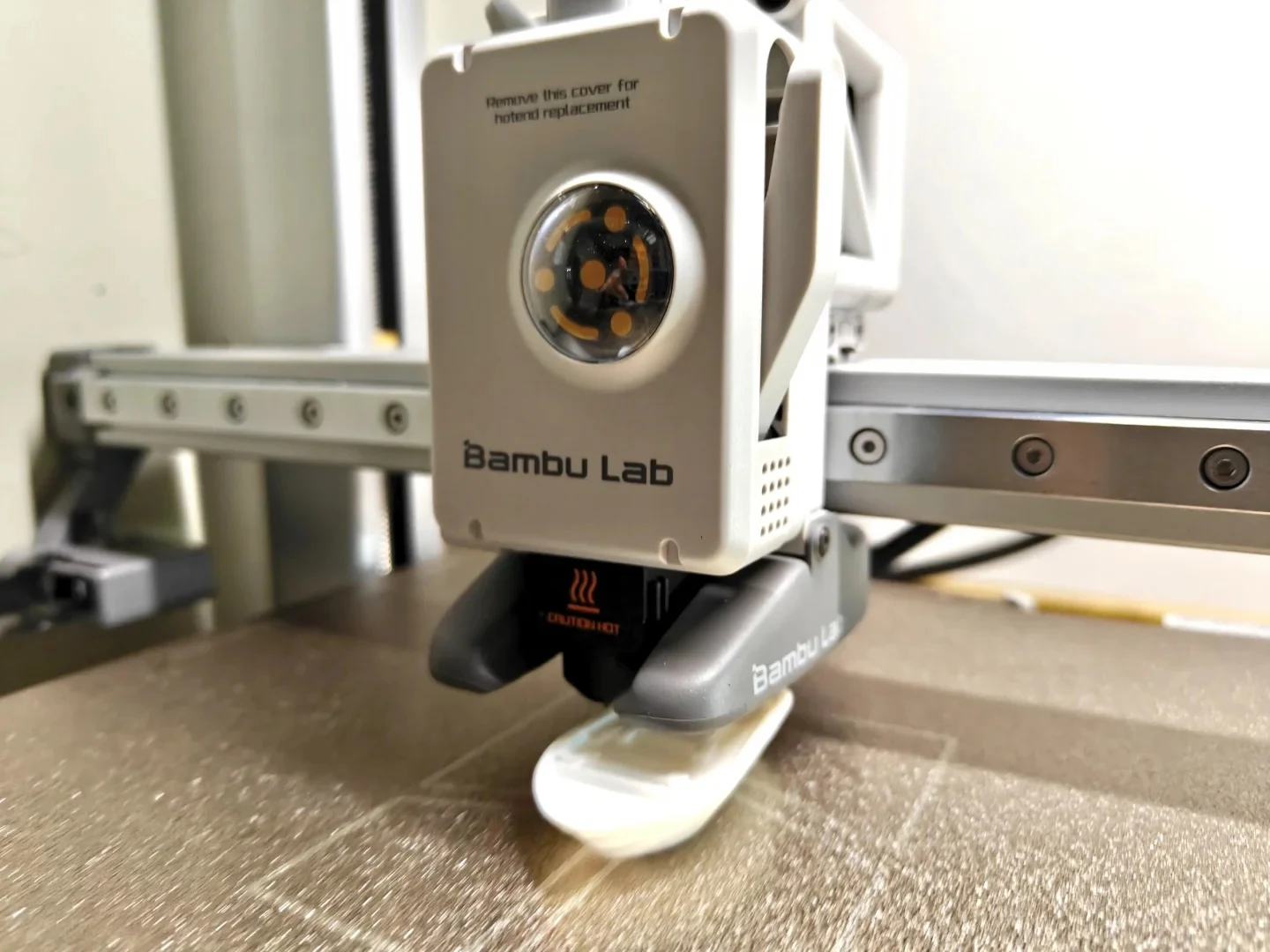
A Benchy, custom models and occasional cooling-fan noise
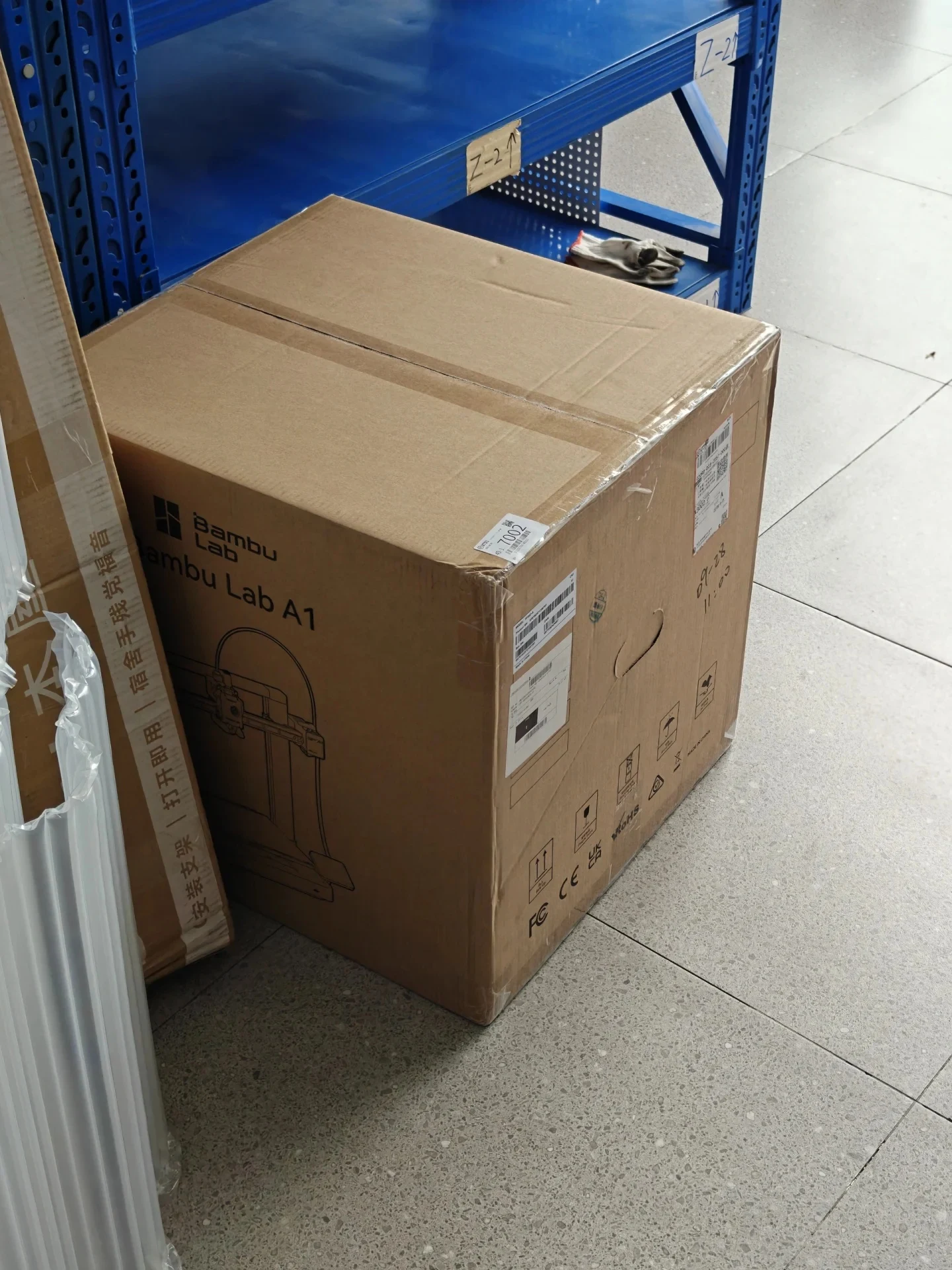
I bought the A1 for 1,290 yuan with China's consumer subsidy, and it arrived in a very large box.
The printer was shipped fully assembled. After unboxing, I only had to remove two shipping restraints before I could start printing.
The white-and-gray body looks very attractive, and the extruder housing in particular has a strong high-tech design.
After about 30 minutes of startup calibration, I could begin printing. I did not need to adjust any settings myself.
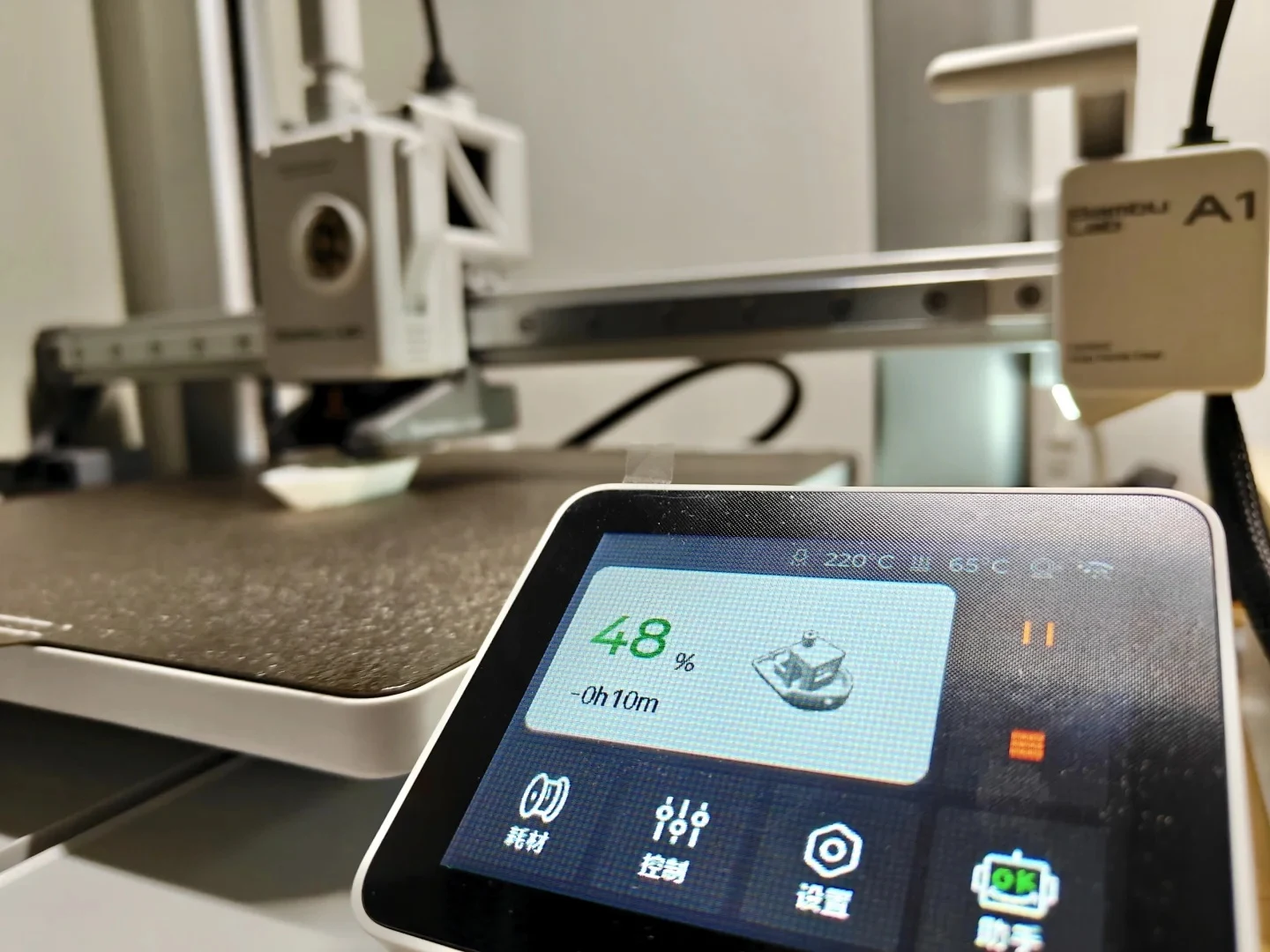
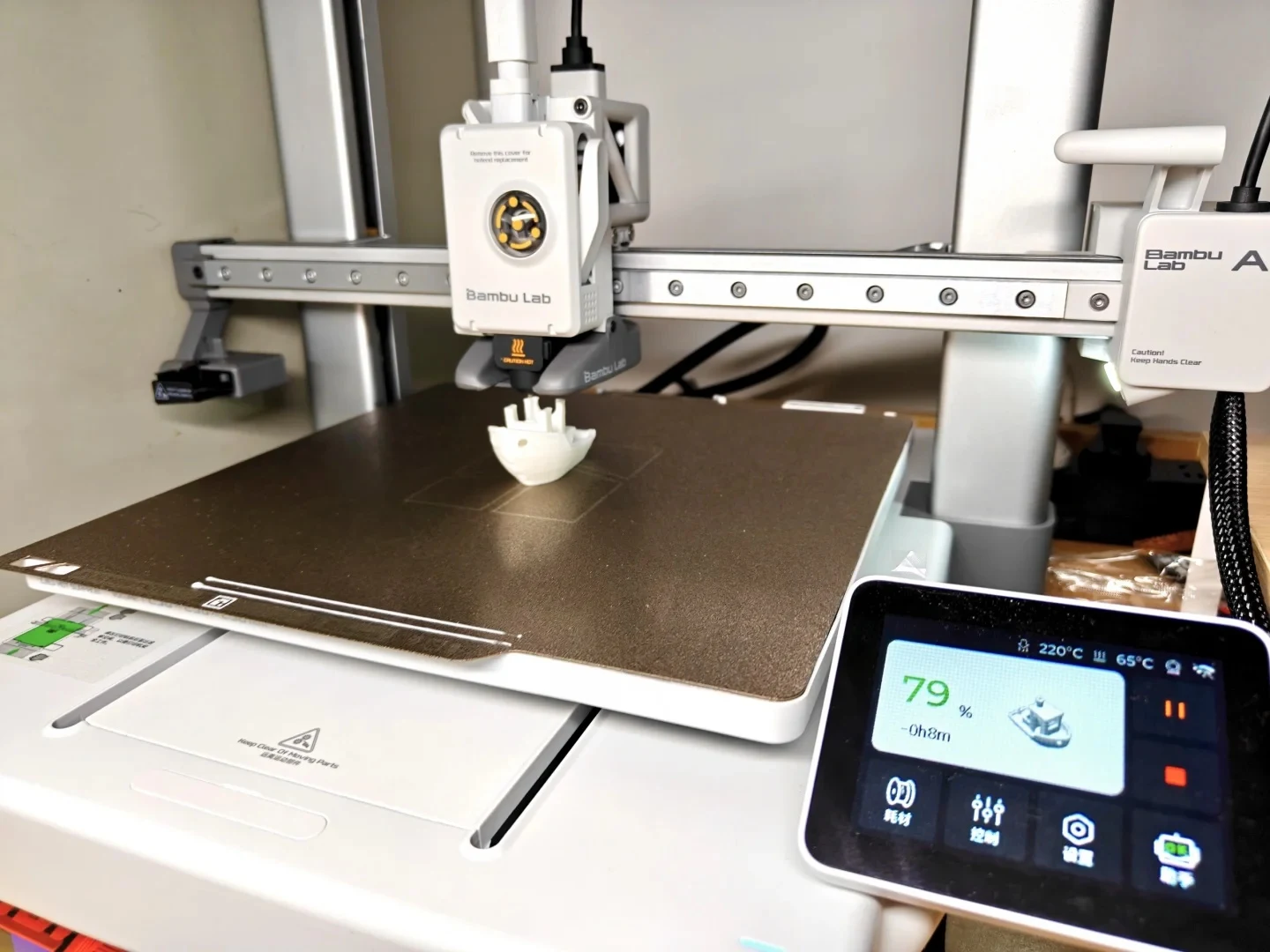
The included Benchy test boat printed with good quality, and the speed was also quite acceptable.
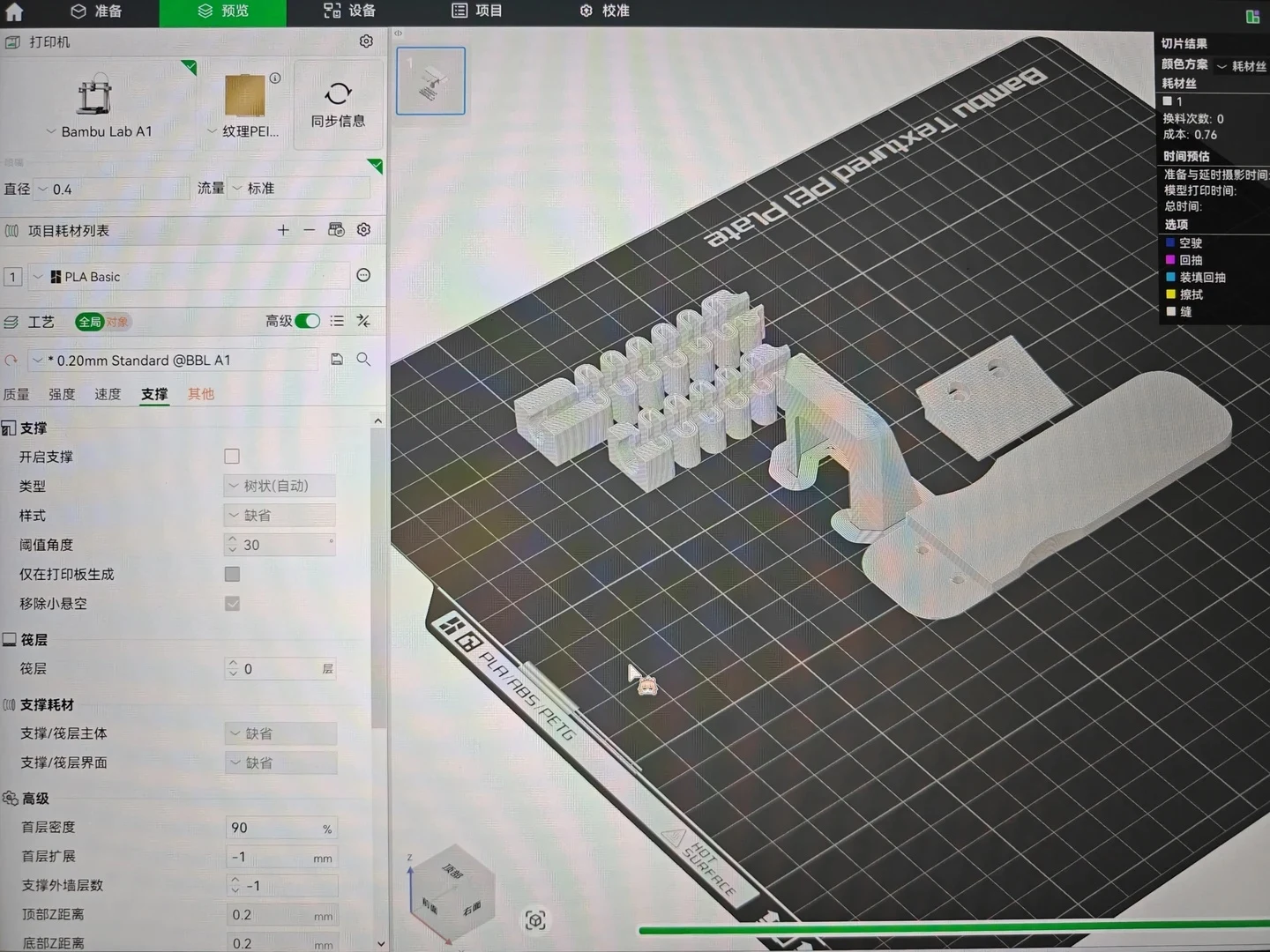
The official slicing software is very easy to use while still offering many customization options. I can export a model I drew in a CAD program, make a few adjustments, and start printing, which saves a lot of time.
The main shortcomings I have found so far are that taller parts show fairly noticeable layer lines, and the cooling fan can sometimes be quite loud.
I am still working on learning how to use it.
Source: Am4Ezz · Xiaohongshu · 2025-10-09 · 拓竹A1使用一周下来的体验. Search this Chinese title in Xiaohongshu to find the original post.
Before You Buy
Models in your region
Both reviews concern the Bambu Lab A1, with the complete regional packages unspecified. The regional listings distinguish the A1 printer from the A1 Combo bundle with AMS lite; neither review establishes that the multicolour accessory was included.
| Model in this review | Related regional model | What to know |
|---|---|---|
| Bambu Lab A1 | Bambu Lab A1 / A1 Combo (US) | The A1 has a 256 × 256 × 256 mm build volume and automatic calibration. The cited Combo bundle includes AMS lite. |
| Bambu Lab A1 | Bambu Lab A1 / A1 Combo (UK) | Choose the standalone printer or Combo package with AMS lite, using the UK listing for local purchase and support terms. |
| Bambu Lab A1 | Bambu Lab A1 / A1 Combo (EU store) | Select your destination country in the EU store for its delivery and purchase terms. |
- Model in this review
- Bambu Lab A1
- Related regional model
- Bambu Lab A1 / A1 Combo (US)
- What to know
- The A1 has a 256 × 256 × 256 mm build volume and automatic calibration. The cited Combo bundle includes AMS lite.
- Model in this review
- Bambu Lab A1
- Related regional model
- Bambu Lab A1 / A1 Combo (UK)
- What to know
- Choose the standalone printer or Combo package with AMS lite, using the UK listing for local purchase and support terms.
- Model in this review
- Bambu Lab A1
- Related regional model
- Bambu Lab A1 / A1 Combo (EU store)
- What to know
- Select your destination country in the EU store for its delivery and purchase terms.
Allow time for assembly and calibration
Yilia Zhang’s under-15-minute figure ends at first power-on after unpacking and assembly. Am4Ezz describes roughly 30 minutes of startup calibration. These durations cover different steps, so neither gives a complete unpack-to-first-print time.
Plan for assembly as well as calibration: Bambu Lab’s A1 quick-start guide includes fitting the printer frame to the base and fastening it with screws. Follow the guide supplied with your printer before powering it on; automatic calibration does not replace those assembly steps.
Surface finish depends on part geometry and print mode
The smooth scraper and good Benchy are encouraging first prints from different users. Yilia also noticed more surface lines in one faster-mode trial, while Am4Ezz noticed clearer layer lines on taller parts. For a decorative object, compare the finish you want with the mode and geometry you will actually use.
The 2–3-hour decorative print belongs to Yilia’s setup, not every small model. Am4Ezz also describes exporting CAD models and making minor slicer adjustments; Yilia’s self-designed part was still a planned next step. For custom work, check the path from CAD export to slicing as well as the appearance of a bundled test print.
Fan noise matters where you work
A printer behind a closed study door and a cooling fan heard nearby are different listening situations. Yilia could barely hear the A1 from the bedroom with the study door shut; Am4Ezz found the cooling fan loud at times. These are room-specific impressions without a measured noise level.
If the printer will share a room with your desk, listen during a representative print at your normal working distance. Being unobtrusive from another room does not tell you how the fan will sound beside you.
Choose materials and accessories for the job
PLA and PETG are among the A1’s recommended materials. Bambu Lab’s specification does not recommend ABS, ASA, PC, PA, PET or carbon/glass-fibre-reinforced polymers. A good scraper or Benchy result should not be extended to those materials.
Bambu Lab A1 · technical specification
AMS lite is a package decision, not something demonstrated by these first-week accounts. If multicolour printing is part of your plan, check that the accessory you intend to use is included in the selected bundle.
Related Reading
Reviews & Guides · Creative Tools
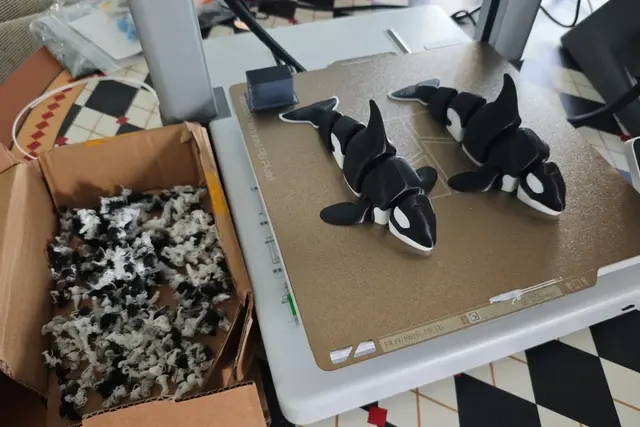
Bambu Lab A1 Combo: a failed print scattered filament and lifted the shell
I left my Bambu Lab A1 Combo printing a statue base; by evening, filament was tangled around the head and the shell had been pushed off.
Reviews & Guides · Creative Tools
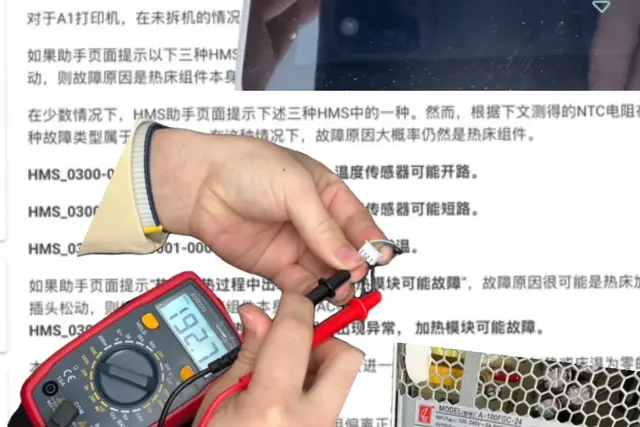
Bambu Lab A1 Combo: a heatbed fault and two unsuccessful part swaps
My A1 Combo showed a heatbed temperature error on its first print. Restarting helped briefly, but two replacement parts and over 15 hours of repair work did not fix it.
Reviews & Guides · Creative Tools
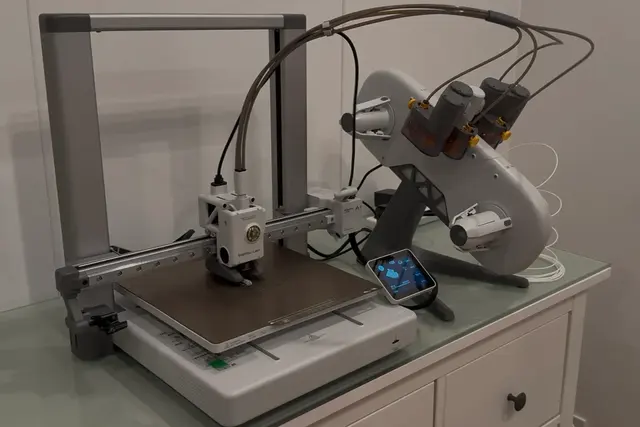
Bambu Lab A1 Combo: a screen flaw, a stalled update and a first boat
I had a screen flaw and a stalled firmware update on my Bambu Lab A1 Combo, but after recalibrating it, I printed my first model: a little boat.