Bambu Lab · 3D printer

Bambu Lab A1

Owner reviews & buying guide

Explore A1 and A1 Combo experiences, from first-week setup to six months of PLA and PETG printing. Follow the reports by topic to compare everyday printing, multicolor workflows and maintenance.

6 owner reportsLatest report update
Explore the reports
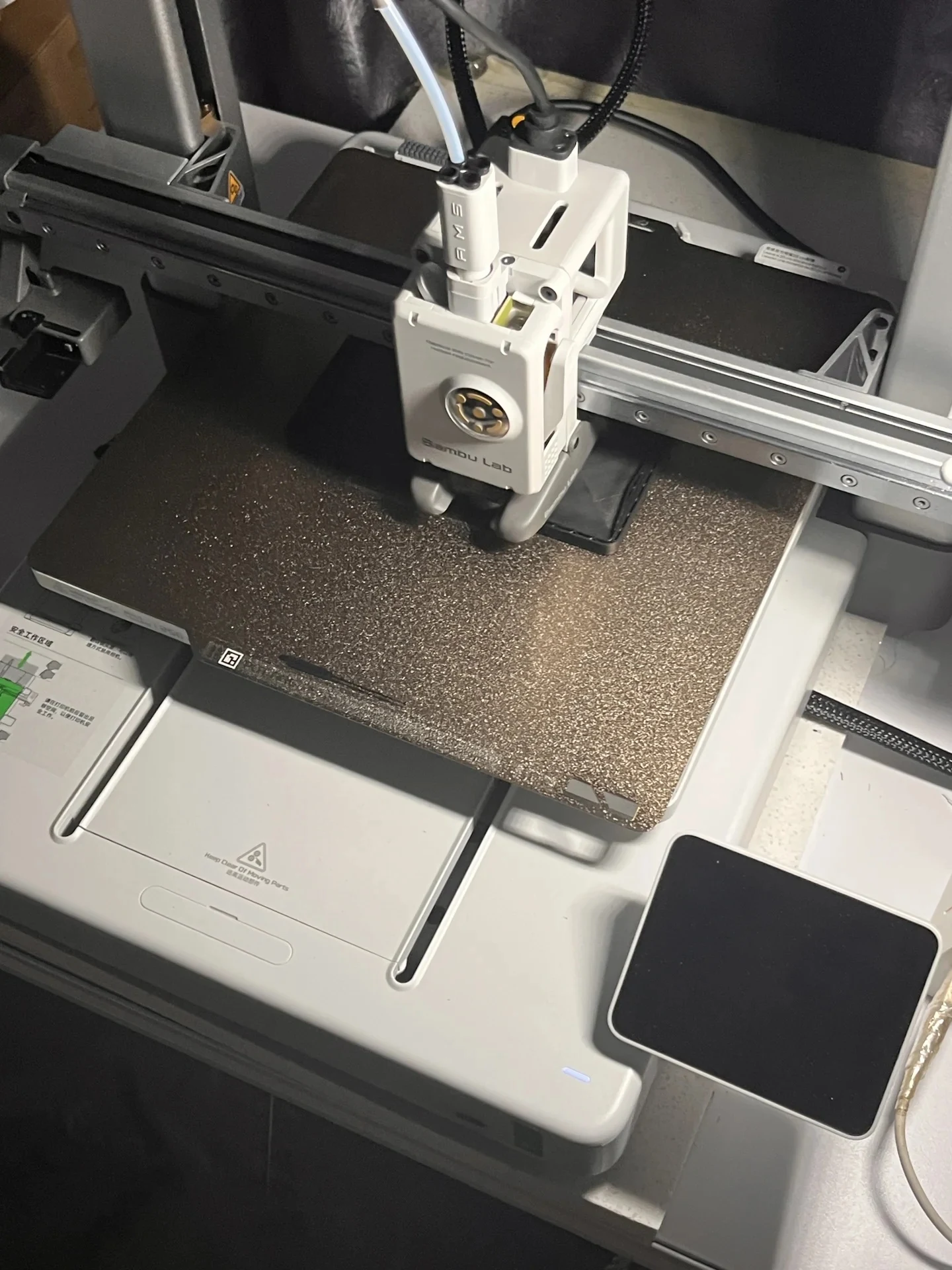
Top-down view of a Bambu Lab A1 3D printer with its toolhead actively printing a black plastic object on the textured build plate.
Photo: Yilia Zhang · Xiaohongshu Read the account

At a glance

What the reports show

Editorial summaries of the linked accounts. These experiences describe particular users and setups; they are not a controlled product test.

Easy first prints, with some limits

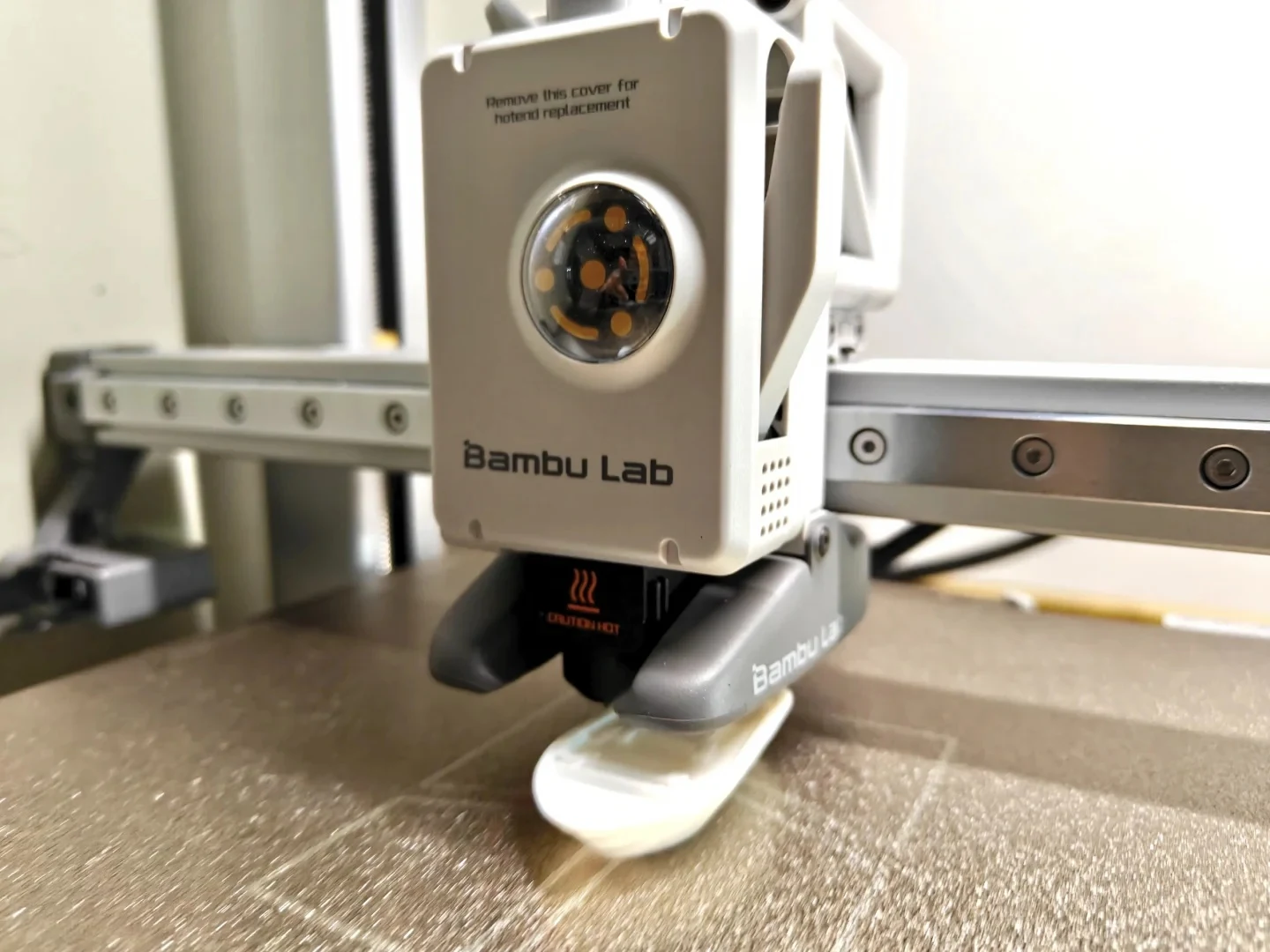
Two first-week accounts describe straightforward setup and encouraging early prints. One also reports visible layers on taller parts and an intermittently loud cooling fan. These are early impressions of particular prints, rather than a measured comparison of precision or noise.

Source reports: First-week precision and setup · First-week fan noise and Benchy print

Decide how much you need multicolor

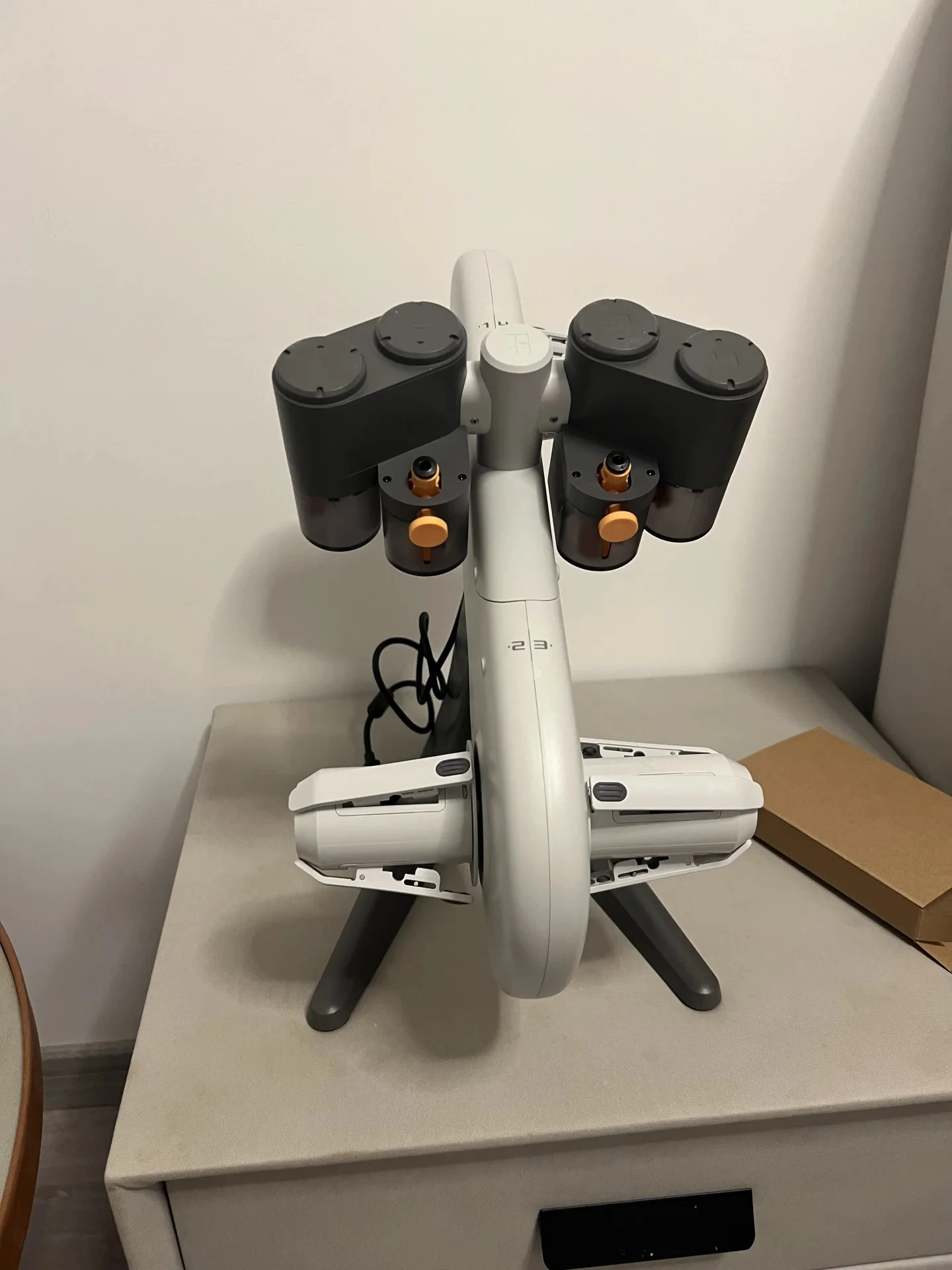
The two-month Combo owner values automatic color changes while accepting wasted filament. Another owner describes printing many objects in separate colors without needing automatic switching, alongside persistent bed-adhesion and removal problems. The usefulness of AMS depends on the projects and workflow.

Source reports: Two months of multicolor printing · Print removal and adding AMS

Six months adds a maintenance perspective

After six months, one owner reports using more than 50 rolls of PLA and PETG with few problems. They also describe moisture-related PETG stringing and a loose hotend retaining screw. That experience adds practical upkeep detail without establishing a general reliability rate.

Source reports: Six months of PLA and PETG

Before you buy

Models in your region

This guide covers the full-size A1, including owner setups with AMS lite. Bambu Lab's A1 Combo quick-start guide identifies the printer and AMS lite together; check the exact accessory bundle on the regional listing. A1 mini and P1S reports are separate products. The reports do not establish identical firmware, package contents or support for every purchase market.

The full accounts

Explore the owner reports

Start with the use period or situation closest to yours. Each article keeps the original account and its buying guide together.

Explore more in Creative Tools