
Reviews & Guides · Creative Tools
Bambu Lab A1 after 167 print hours: a two-point filament clog
Reviewed: Bambu Lab A1Regional reference: Bambu Lab A1 (US); Bambu Lab A1 Combo (English-language product documentation)
After 167 print hours, I hit a filament-change blockage on my Bambu Lab A1. Clearing hard filament from the nozzle and filament hub got it moving again.
After 167 hours of printing, I wanted to use up the last few grams on the upper spool before changing to new filament. The new filament loaded, but the extruder would not move at all.
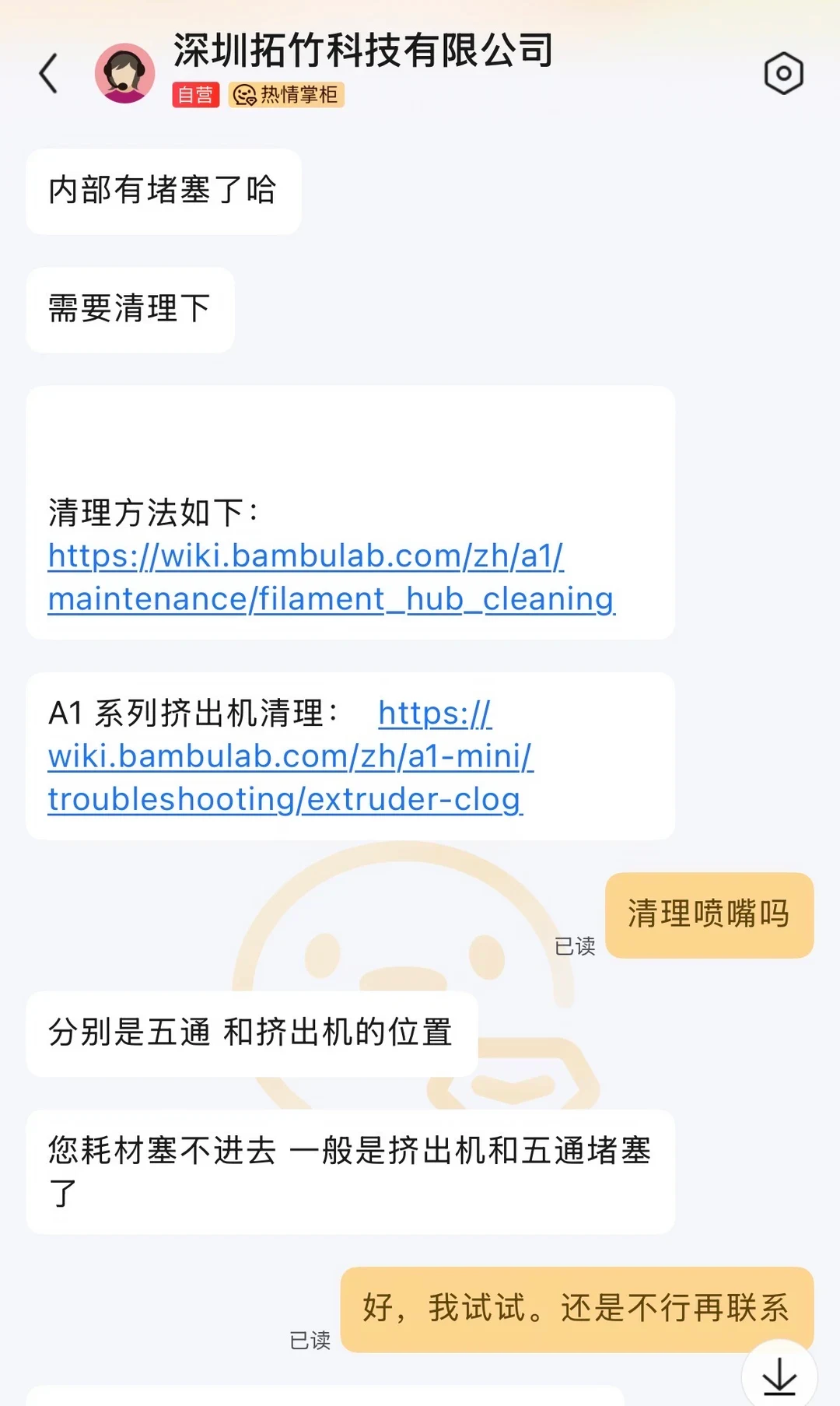
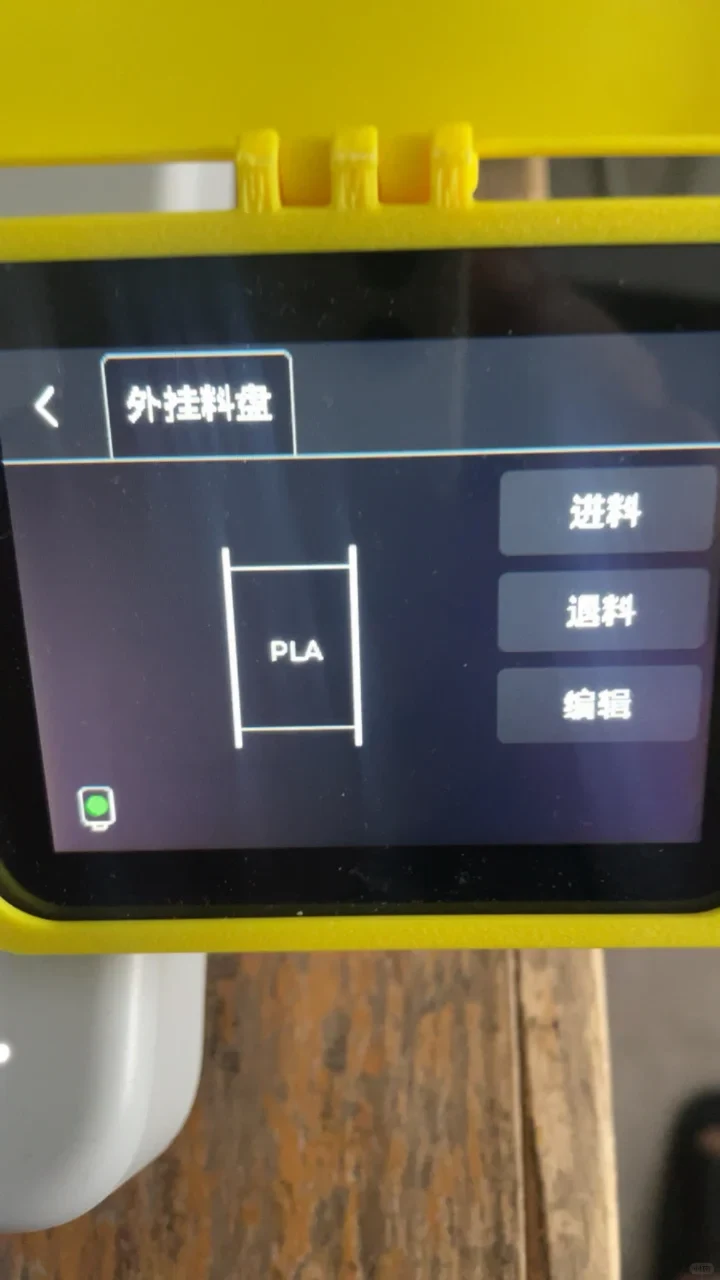
Clicking “Retry” several times did nothing, so I had to contact customer support. The agent said the green indicator was lit with no filament loaded (see image 3) and judged that there was a blockage inside. I followed the Bambu Wiki and started removing screws.
Sure enough.
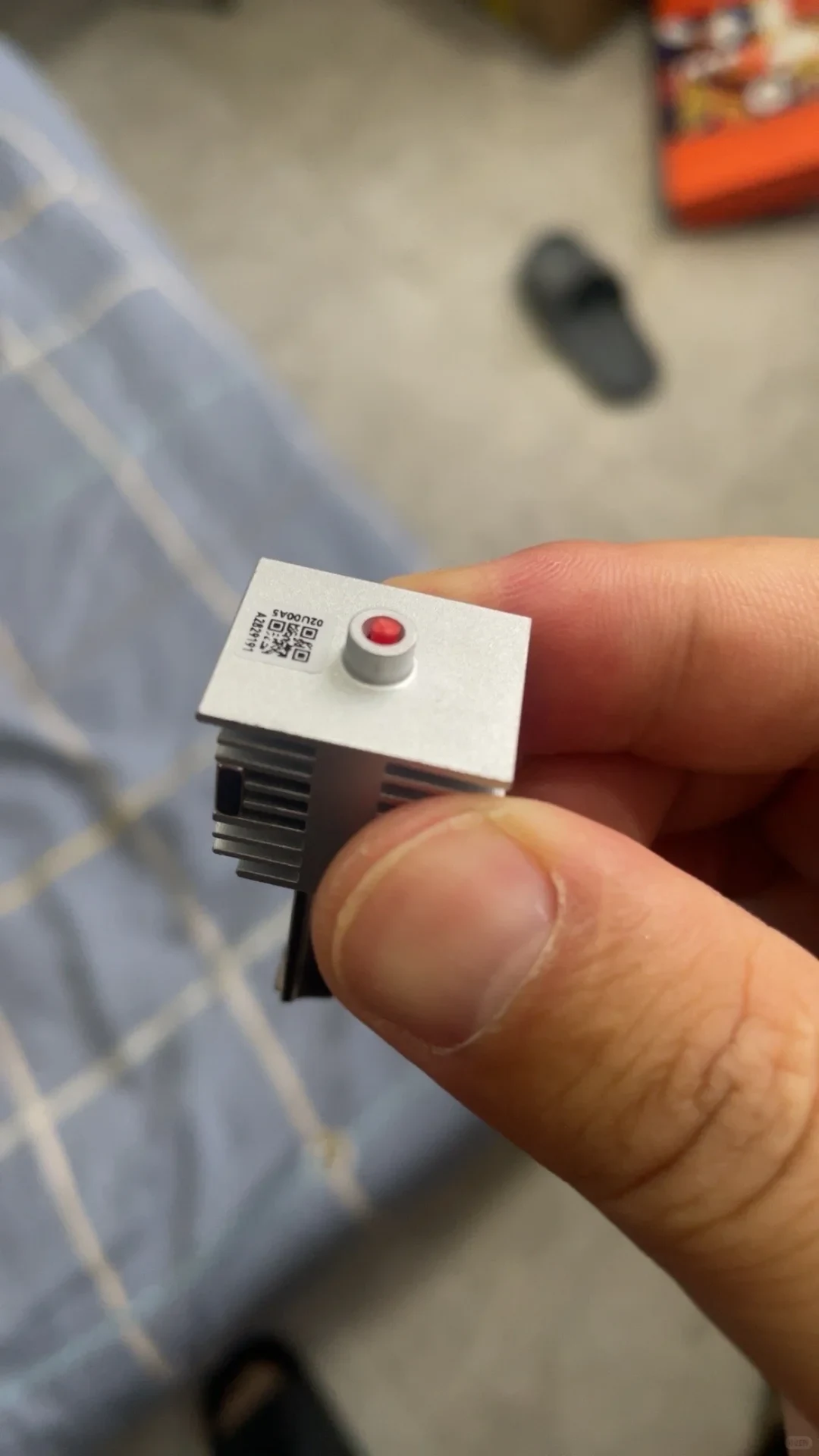
- First, I pulled 3 cm of hardened filament out of the nozzle.
- Then I took it apart further and cleared another 3 cm from the filament hub.
The whole time, I was in tears—I had already started thinking about replacing the nozzle.
But the moment it was cleared, it felt so good. It was exhilarating!
I also picked up a new nozzle-changing skill.
Lessons learned the hard way
Filament clogs can occur in two places: check both the nozzle and the filament hub.
Have tweezers and a bit of courage ready; even a beginner can become the repair person.
Don’t be afraid of a mishap—every one is experience gained.
Source: 邹为上策_ · Xiaohongshu · 2026-01-07 · 拓竹A1,第一次堵头实录+维修!. Search this Chinese title in Xiaohongshu to find the original post.
Before You Buy
Models in your region
The account identifies the printer as a Bambu Lab A1 but gives no regional SKU. The US store lists the full-size A1 and the A1 Combo; the latter bundles the A1 with AMS lite. The repair experience applies to the A1 printer, not to a tested AMS lite setup.
| Model in this review | Related regional model | What to know |
|---|---|---|
| Bambu Lab A1 | Bambu Lab A1 (US) | The US store lists the same full-size A1, and the source reports no regional SKU. The account covers a filament blockage and clearing work on the printer; it does not establish regional parts compatibility or service terms. |
| Bambu Lab A1 | Bambu Lab A1 Combo (English-language product documentation) | The A1 Combo guide identifies the A1 printer paired with AMS lite. The reported repair concerns the A1’s nozzle and filament hub, not the AMS lite; the guide lists a 256 × 256 × 256 mm build volume. |
- Model in this review
- Bambu Lab A1
- Related regional model
- Bambu Lab A1 (US)
- What to know
- The US store lists the same full-size A1, and the source reports no regional SKU. The account covers a filament blockage and clearing work on the printer; it does not establish regional parts compatibility or service terms.
- Model in this review
- Bambu Lab A1
- Related regional model
- Bambu Lab A1 Combo (English-language product documentation)
- What to know
- The A1 Combo guide identifies the A1 printer paired with AMS lite. The reported repair concerns the A1’s nozzle and filament hub, not the AMS lite; the guide lists a 256 × 256 × 256 mm build volume.
Check both points in the filament path
If a filament change completes but extrusion does not resume, this account points to two places worth checking: the nozzle and the filament hub. In this incident, the owner removed about 3 cm of hardened filament from each; that is a single repair outcome, not evidence that every failed feed has the same cause.
The support agent directed the owner to cleaning instructions for both the filament hub and extruder. The account says the owner followed the Bambu Wiki and disassembled the printer, but does not give a complete step-by-step procedure; consult the instructions for the specific printer before opening components.
What the A1 Combo adds—and what this repair does not test
The A1 Combo pairs the A1 printer with AMS lite, while the US store also offers the full-size A1 on its own. Because this blockage occurred in the A1’s nozzle and filament hub, the account does not show whether AMS lite changes the likelihood of this fault or how its components behave during a repair.
The A1 Combo quick-start guide specifies a 256 × 256 × 256 mm build volume. That is manufacturer documentation, not a measurement from this repair; the account provides no regional return-policy, replacement-part compatibility, or warranty information to guide a service decision.
Related Reading
Reviews & Guides · Creative Tools
Bambu Lab A1 Combo: a failed print scattered filament and lifted the shell
I left my Bambu Lab A1 Combo printing a statue base; by evening, filament was tangled around the head and the shell had been pushed off.
Reviews & Guides · Creative Tools
Bambu Lab A1 Combo: a heatbed fault and two unsuccessful part swaps
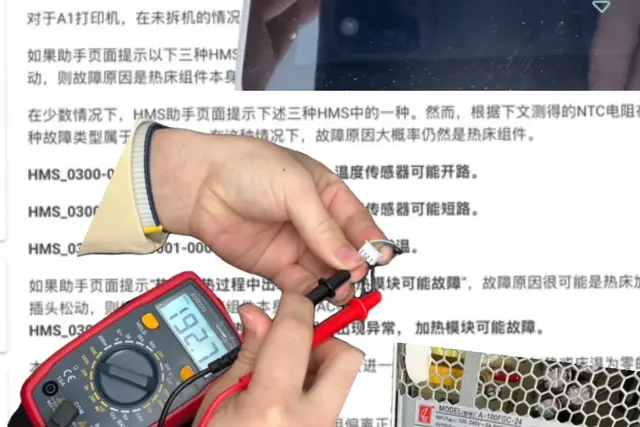
My A1 Combo showed a heatbed temperature error on its first print. Restarting helped briefly, but two replacement parts and over 15 hours of repair work did not fix it.
Reviews & Guides · Creative Tools
Bambu Lab A1 Combo: a screen flaw, a stalled update and a first boat
I had a screen flaw and a stalled firmware update on my Bambu Lab A1 Combo, but after recalibrating it, I printed my first model: a little boat.