
The installer used the BE6500 Pro as the main router in a 1,500 m² office network with five BE6500 nodes; the post says corner speed tests exceeded 800 Mbps when up to 90 people were present.
Xiaomi · Wi-Fi router
Xiaomi Router BE6500 Pro
Real Owner Reviews
A Xiaomi BE6500 Pro and five BE6500 nodes covered a 1,500 m² office. Even with up to 90 people there, speed tests in the corners topped 800 Mbps.
Explore the reports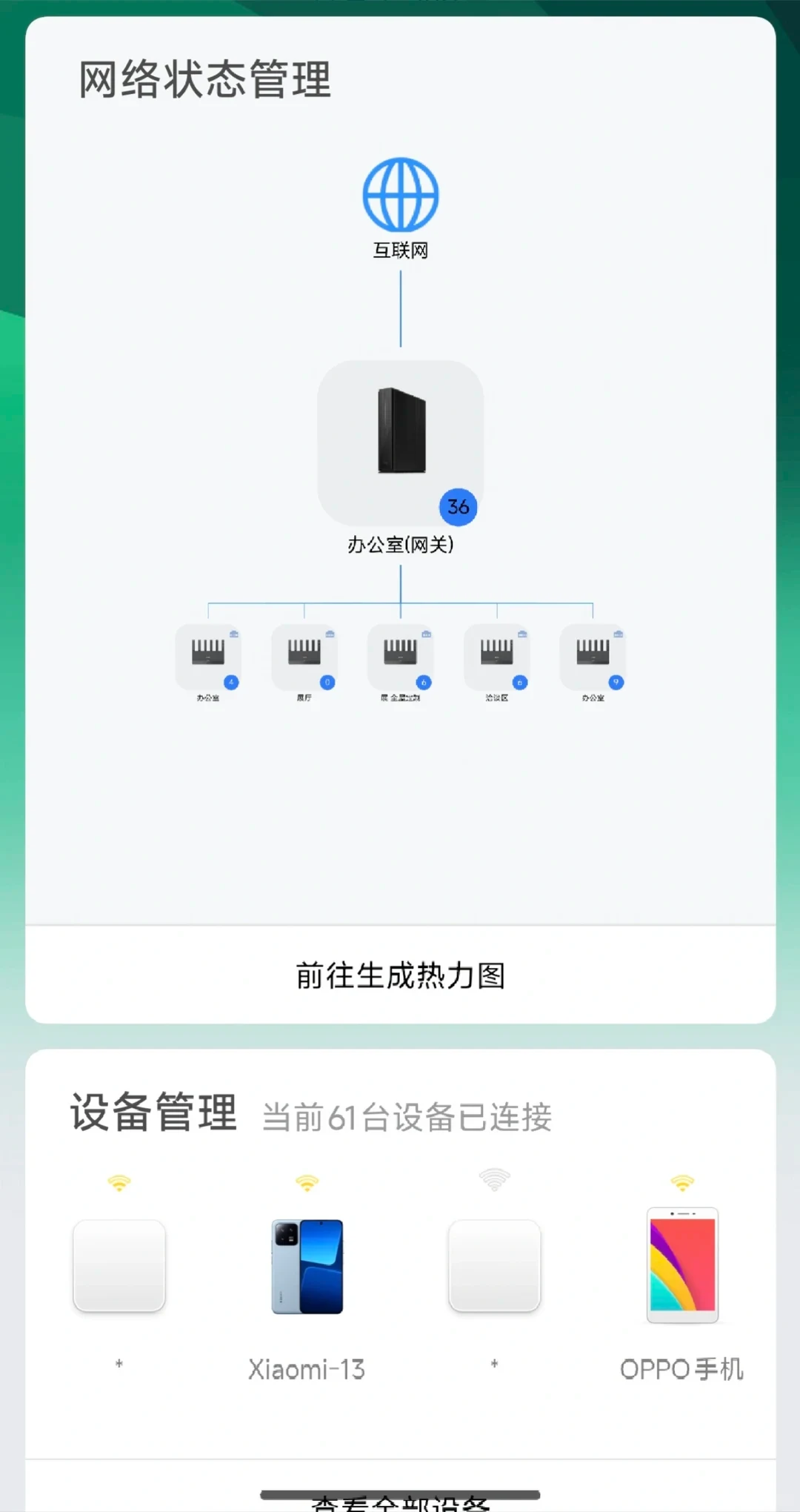
Before you buy
Models in your region
Each report distinguishes the product used by its author from related regional models. Follow the model references for local specifications, accessories and support.
The full accounts
Explore the source accounts
Start with the use period or situation closest to yours. Each article keeps the original account and its buying guide together.
The author used the BE6500 Pro in an access-point-like role with iKuai handling the main routing. They found the network very smooth, but Wi-Fi-only smart-home devices repeatedly went offline while Bluetooth-connected devices stayed connected.
Xiaomi Router BE6500 Pro: smooth Wi-Fi, but Wi-Fi smart devices went offline
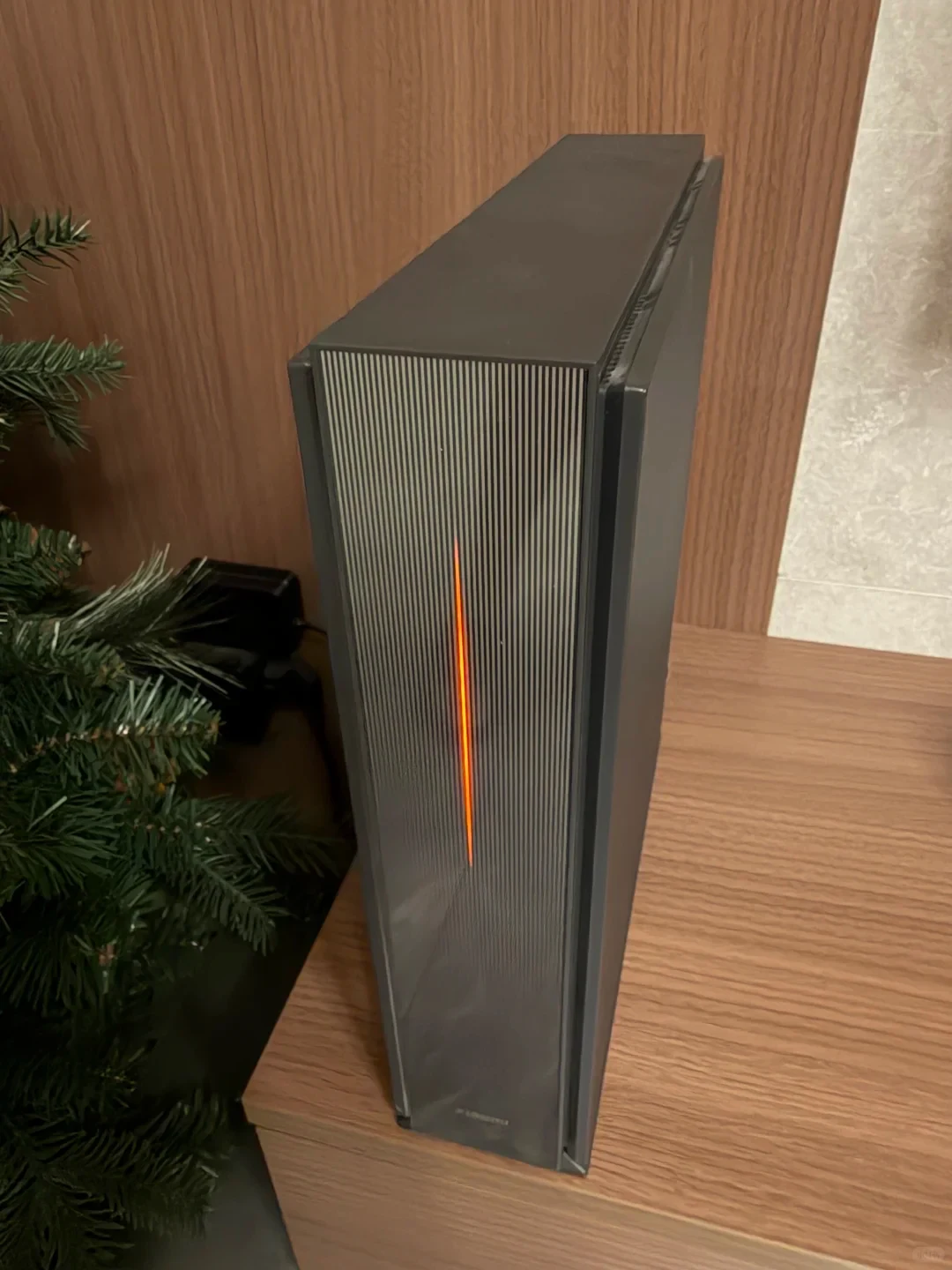
The owner says that after more than a year of use, the router lost its connection after one to two weeks of continuous operation. Restarting restored service but reset the router to factory settings and rolled the central gateway firmware back, requiring reconfiguration and another firmware upgrade.