
Reviews & Guides · Computing & Networking
Xiaomi Router BE6500 Pro after a year: recurring outages and reset settings
Reviewed: Xiaomi Router BE6500 ProRegional reference: Xiaomi Router BE3600 (UK)
I used my Xiaomi Router BE6500 Pro for over a year, but it repeatedly lost connection after one to two weeks and restarting erased its settings.
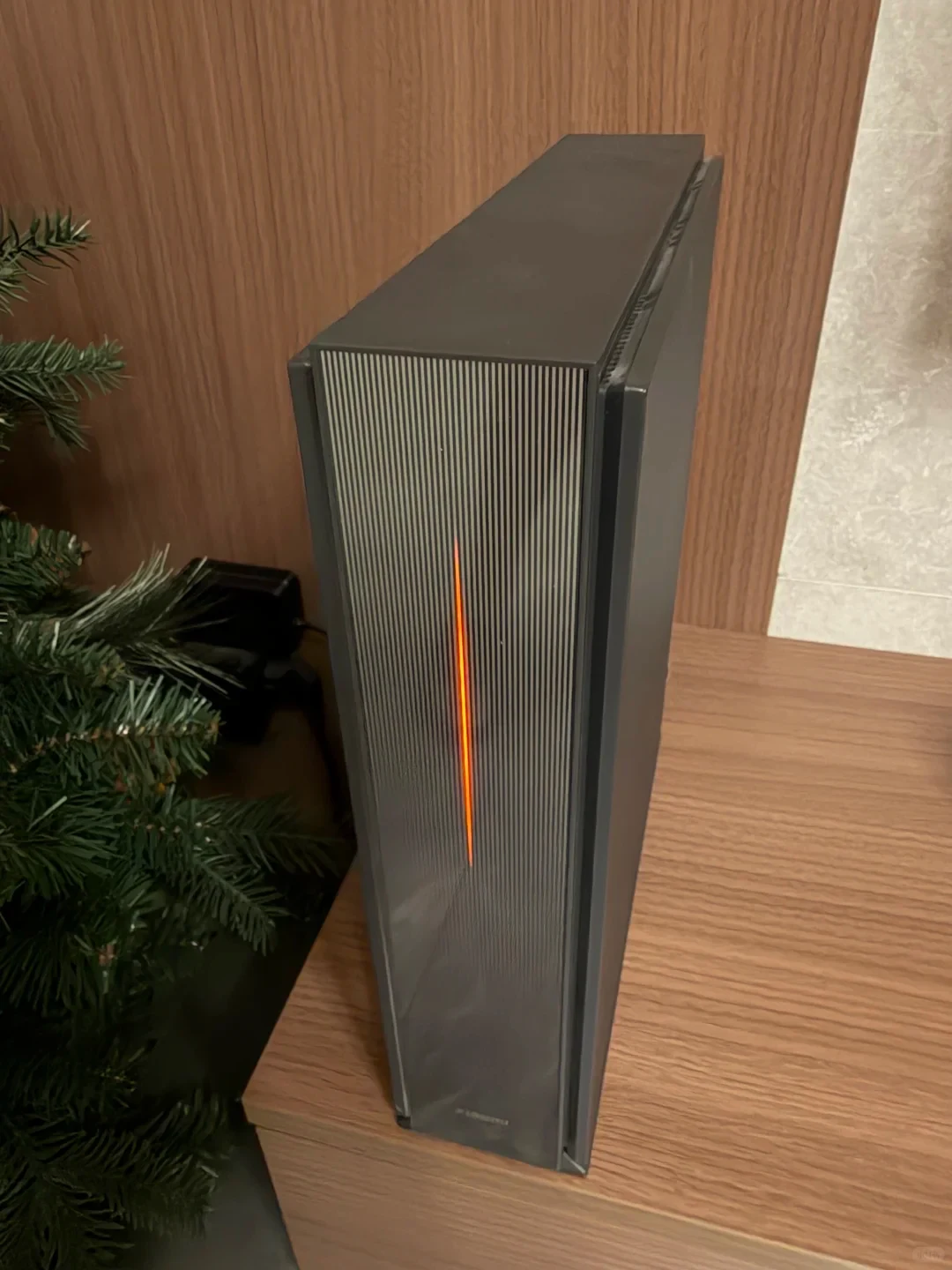
My Xiaomi Router BE6500 Pro has been very poor quality. After more than a year of use, I’ve had two serious problems:
- Recurring disconnections: After running continuously for one to two weeks, it loses its connection. I have to restart the router to restore service; the modem is fine.
- Restarting restores factory settings: Whenever I restart the router, it resets to factory settings. I then have to configure the router again, and the central gateway reverts to its factory firmware. I have to upgrade the firmware again before my smart-home devices reconnect.
These two problems are outrageous and seriously disrupt daily use. Xiaomi routers are far too unreliable!
Source: momo · Xiaohongshu · 2026-08-25 · 小米路由器BE6500 Pro质量太差. Search this Chinese title in Xiaohongshu to find the original post.
Before You Buy
Models in your region
The owner’s account concerns the Xiaomi Router BE6500 Pro, used for more than a year. The UK Xiaomi Router BE3600 is a different related router, not a verified regional equivalent; its listed specifications cannot establish the BE6500 Pro’s hardware, gateway functions, firmware compatibility, or cause of the reported failures.
| Model in this review | Related regional model | What to know |
|---|---|---|
| Xiaomi Router BE6500 Pro | Xiaomi Router BE3600 (UK) | The UK Xiaomi Router BE3600 is a different related dual-band Wi-Fi 7 model, not an established regional version of the BE6500 Pro. Its port and management specifications do not identify the BE6500 Pro’s hardware or confirm that the owner’s gateway and firmware experience applies. |
- Model in this review
- Xiaomi Router BE6500 Pro
- Related regional model
- Xiaomi Router BE3600 (UK)
- What to know
- The UK Xiaomi Router BE3600 is a different related dual-band Wi-Fi 7 model, not an established regional version of the BE6500 Pro. Its port and management specifications do not identify the BE6500 Pro’s hardware or confirm that the owner’s gateway and firmware experience applies.
What the reported restart involved
The owner’s BE6500 Pro account describes a repeated sequence: after one to two weeks of continuous operation, the connection dropped; restarting restored it but erased the router’s settings. The owner also says the restart rolled the central gateway back to factory firmware, so restoring smart-home connections required reconfiguration and another firmware upgrade. The account does not identify the exact firmware versions or independently establish the cause, so it cannot show whether another BE6500 Pro will behave the same way.
A restart and a factory reset have different consequences here: reconnecting the router alone was not enough in this account. The BE6500 Pro reportedly needed its network settings restored and its central gateway upgraded again before the smart-home devices came back. Keep those two recovery steps separate when describing a similar incident to support.
Record the failure before another restart
For a similar BE6500 Pro failure, record the router and central gateway firmware versions, the time since the last restart, which settings disappear, and which smart devices remain offline. That information can make a support report more specific. This owner supplies no firmware numbers or logs, so the account does not establish why the resets happened or whether replacing hardware would resolve them.
Related Reading

Reviews & Guides · Computing & Networking
TP-Link Deco X55 in a two-storey Australian home: Wi-Fi across 300 m²
I installed two TP-Link Deco X55 units in my 300 m², two-storey home; bedrooms that often lost Wi-Fi now had a signal throughout the house.
Reviews & Guides · Computing & Networking
TP-Link Deco X55: DNS pauses stopped for six days in access-point mode
I switched my Deco X55 to access-point mode and restored my older router to the front of the network. The DNS-like pauses stayed away for six days.
Reviews & Guides · Computing & Networking
TP-Link Deco X55 after nearly a year: six units, Teams and gaming
I’ve used six TP-Link Deco X55 units for nearly a year, including daily Teams calls and online gaming; I’ve had only one or two connectivity issues.