
Reviews & Guides · Computing & Networking
Anker PowerExpand Direct 7-in-2 A8371: heat during file transfers
Reviewed: Anker PowerExpand Direct 7-in-2 (A8371)Regional reference: Anker 547 USB-C Hub A8371 (United States); Anker 547 USB-C Hub A8371 (Germany)
I chose the Anker PowerExpand Direct 7-in-2 for its cable-free MacBook design, but it felt very hot during USB transfers and took about 30 minutes for 800 MB.
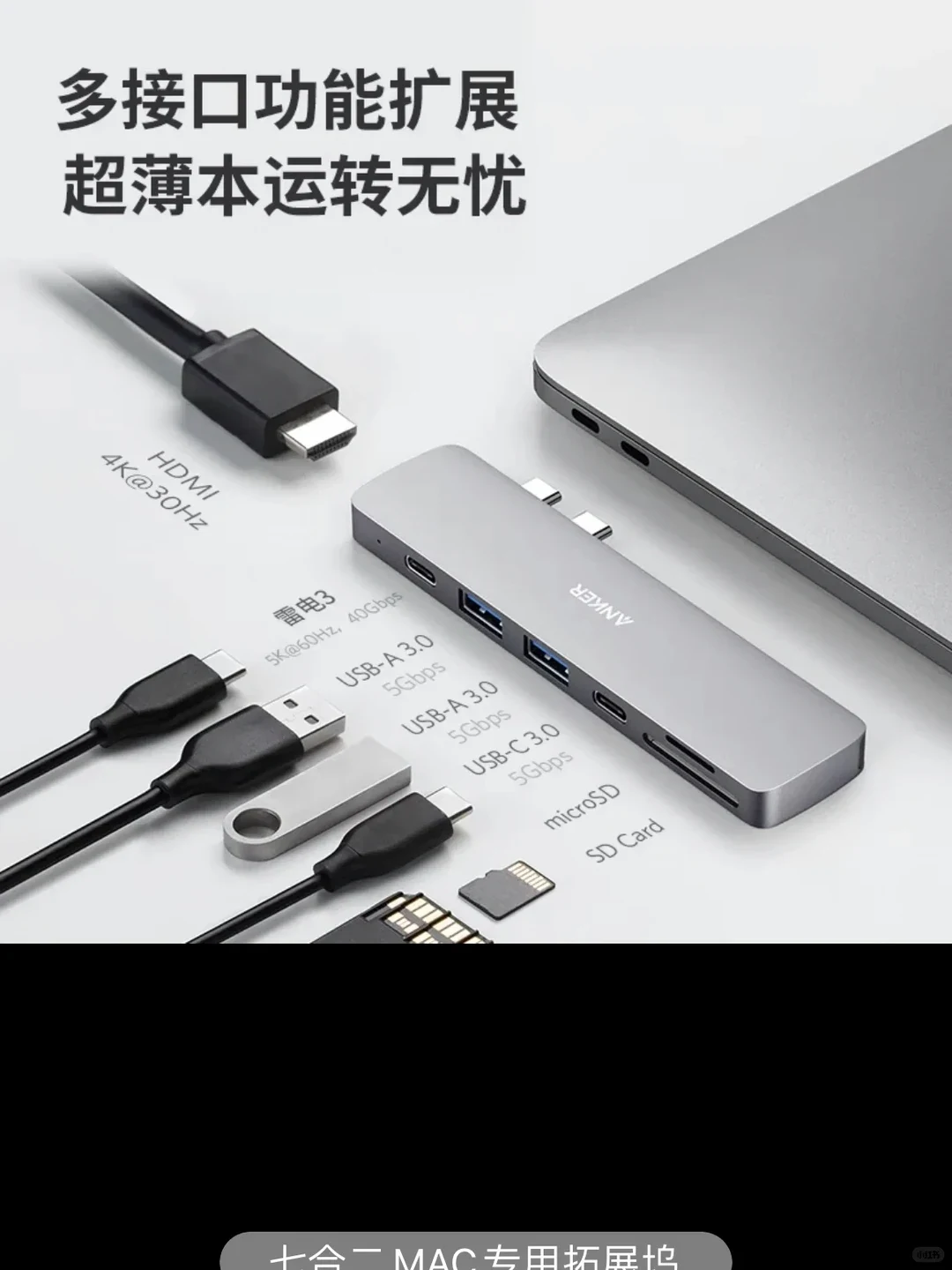
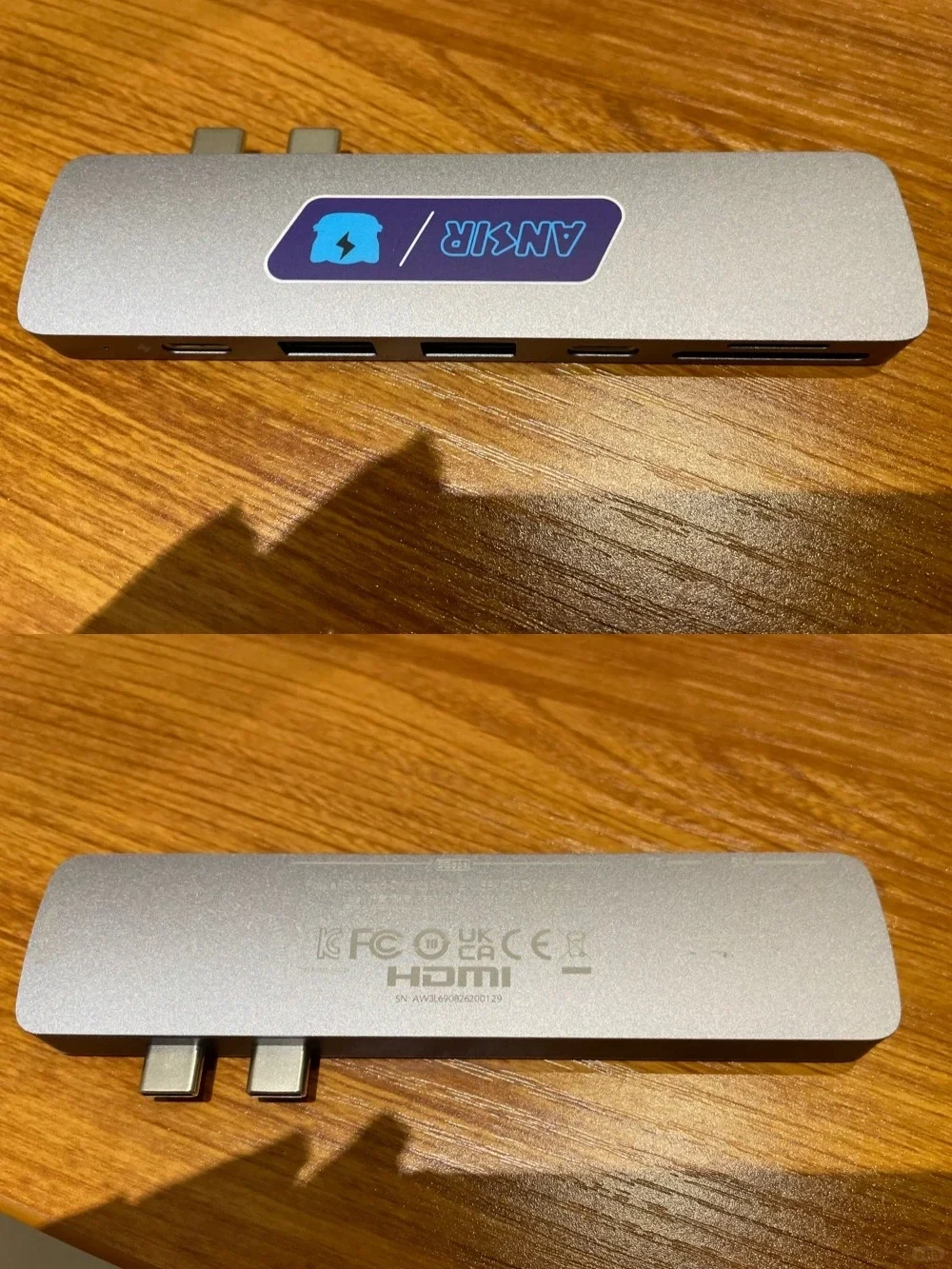
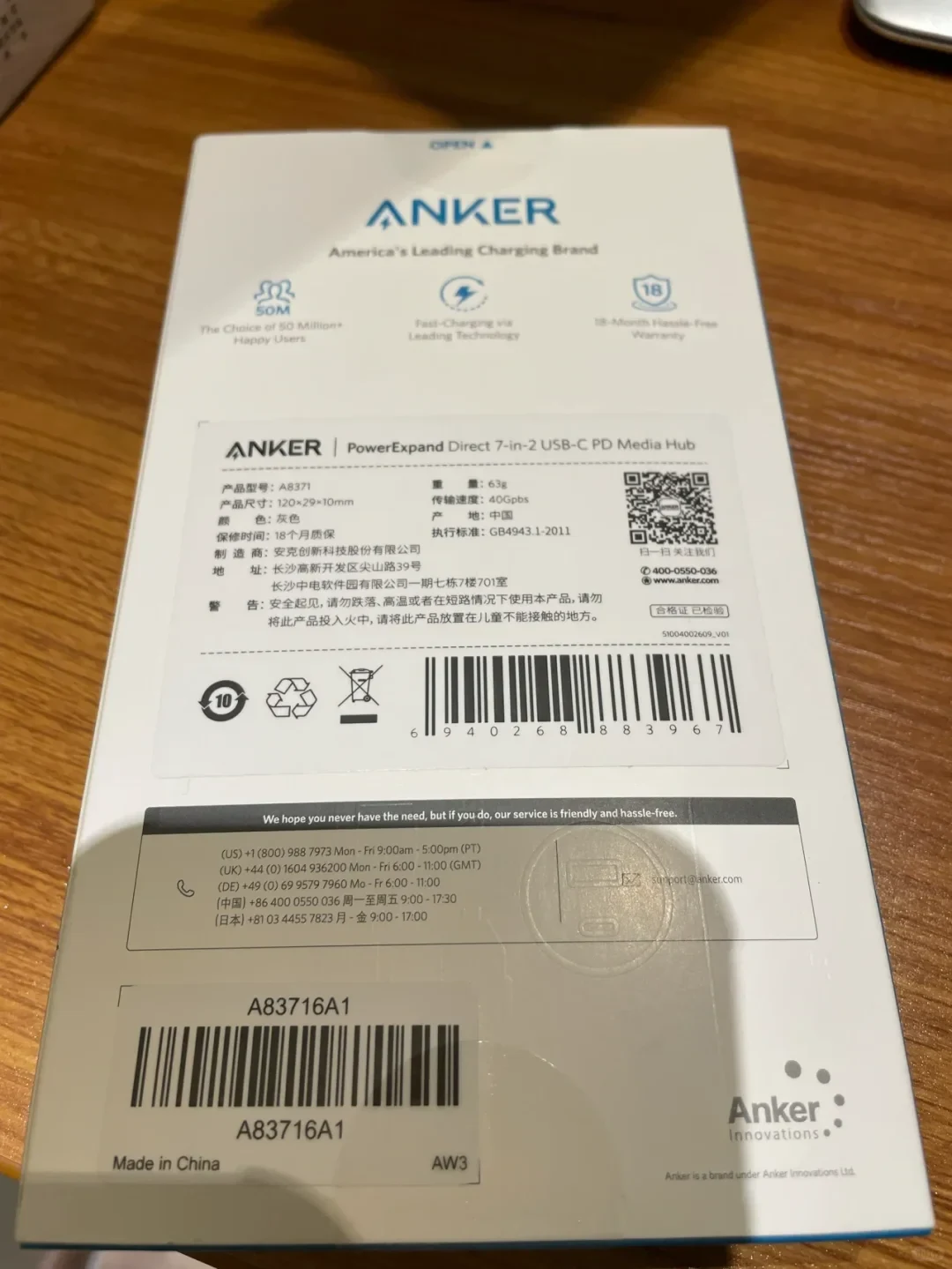
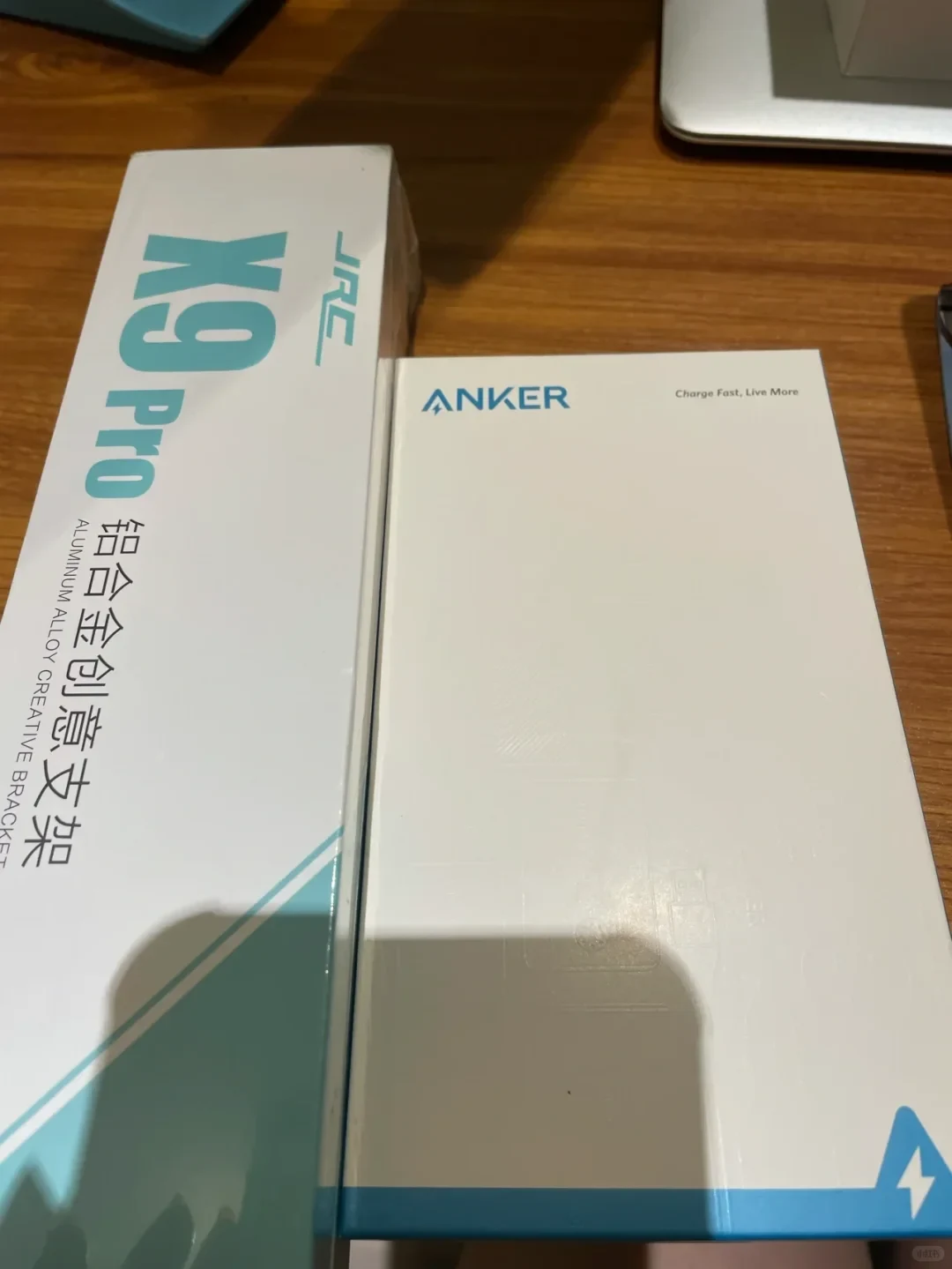
I wanted a cable-free hub for my MacBook Air, so I spent an evening looking through recommendations on Xiaohongshu. I ruled out UGREEN and Baseus, then chose Anker after weighing Belkin, Anker and HyperDrive on features, price and appearance.
How do I put it? When transferring data over USB, it got so hot that the only comparison I could make was my iPhone 12 while gaming—and the hub was slightly hotter. I was seriously unimpressed.
Even worse, it took half an hour to transfer 800 MB. The stated transfer rate is 5 Gbps. That seems like an enormous gap.
Source: 东半球飞行家💓 · Xiaohongshu · 2021-08-18 · Macbook扩展坞 安客anker真的好拉胯😅. Search this Chinese title in Xiaohongshu to find the original post.
Before You Buy
Models in your region
The owner’s box identifies the hub as the Anker PowerExpand Direct 7-in-2, model A8371. Anker’s US and German support pages identify the A8371 family as the Anker 547 USB-C Hub 7-in-2 for MacBook. The exact regional SKU relationship is not established, so the owner’s report applies to the A8371 they used, not necessarily every regional configuration.
| Model in this review | Related regional model | What to know |
|---|---|---|
| Anker PowerExpand Direct 7-in-2 (A8371) | Anker 547 USB-C Hub A8371 (United States) | Anker’s US support identifies the A8371 family as the Anker 547 USB-C Hub 7-in-2 for MacBook. The source box also shows SKU A83716A1, but the exact equivalence of regional SKU suffixes is unconfirmed. |
| Anker PowerExpand Direct 7-in-2 (A8371) | Anker 547 USB-C Hub A8371 (Germany) | German support covers the A8371 family and the same port arrangement, but does not specify a full regional SKU. The German page says the hub is designed for MacBooks with paired connectors and is incompatible with MacBook cases. |
- Model in this review
- Anker PowerExpand Direct 7-in-2 (A8371)
- Related regional model
- Anker 547 USB-C Hub A8371 (United States)
- What to know
- Anker’s US support identifies the A8371 family as the Anker 547 USB-C Hub 7-in-2 for MacBook. The source box also shows SKU A83716A1, but the exact equivalence of regional SKU suffixes is unconfirmed.
- Model in this review
- Anker PowerExpand Direct 7-in-2 (A8371)
- Related regional model
- Anker 547 USB-C Hub A8371 (Germany)
- What to know
- German support covers the A8371 family and the same port arrangement, but does not specify a full regional SKU. The German page says the hub is designed for MacBooks with paired connectors and is incompatible with MacBook cases.
What the 5 Gbps rating means
Anker’s port table lists 5 Gbps as the maximum interface rate for the hub’s ordinary USB-A and USB-C data ports. That rating is not a promise that a file copy will reach 5 Gbps. The 800 MB transfer took about 30 minutes, but the source does not identify the computer’s chip or storage, the drive, file mix or connection conditions, so the result cannot establish the hub’s actual throughput or explain the difference.
Heat during USB transfers
The owner described the hub as extremely hot during USB data transfers, comparing it with an iPhone 12 while gaming. That is a personal comparison, not a measured temperature or a diagnosis of overheating, throttling or a connection fault; the post provides no temperature reading or controlled test.
Check the port and fit for your MacBook
The A8371 family has more than one kind of port: Anker lists a multifunction Thunderbolt 3 port rated up to 40 Gbps, 100 W and 5K at 60 Hz, while ordinary USB data ports are listed at 5 Gbps. HDMI is listed at 4K/30 Hz, and the SD and microSD slots use UHS-I. These are interface specifications, not guaranteed file-copy speeds; check which port suits your device and task.
The German support page says the A8371 is designed for MacBooks whose USB-C ports are paired together and will not fit with a MacBook case. Confirm your laptop’s port layout and whether your case must stay on before choosing this cable-free design.
The US support page identifies the A8371 family as the Anker 547 USB-C Hub 7-in-2 for MacBook, while the packaging calls it PowerExpand Direct 7-in-2. Anker’s US product link now redirects to a general collection rather than an exact-SKU sales page, so current availability for the precise SKU is not established.
Related Reading

Reviews & Guides · Computing & Networking
TP-Link Deco X55 in a two-storey Australian home: Wi-Fi across 300 m²
I installed two TP-Link Deco X55 units in my 300 m², two-storey home; bedrooms that often lost Wi-Fi now had a signal throughout the house.
Reviews & Guides · Computing & Networking
TP-Link Deco X55: DNS pauses stopped for six days in access-point mode
I switched my Deco X55 to access-point mode and restored my older router to the front of the network. The DNS-like pauses stayed away for six days.
Reviews & Guides · Computing & Networking
TP-Link Deco X55 after nearly a year: six units, Teams and gaming
I’ve used six TP-Link Deco X55 units for nearly a year, including daily Teams calls and online gaming; I’ve had only one or two connectivity issues.