
Reviews & Guides · Computing & Networking
eero Pro 7: Four-node mesh owner review with ad blocking
I replaced my eero Max 7 with four eero Pro 7 units and found ad blocking worked across phone browsing and Samsung Tizen, though not every YouTube ad.
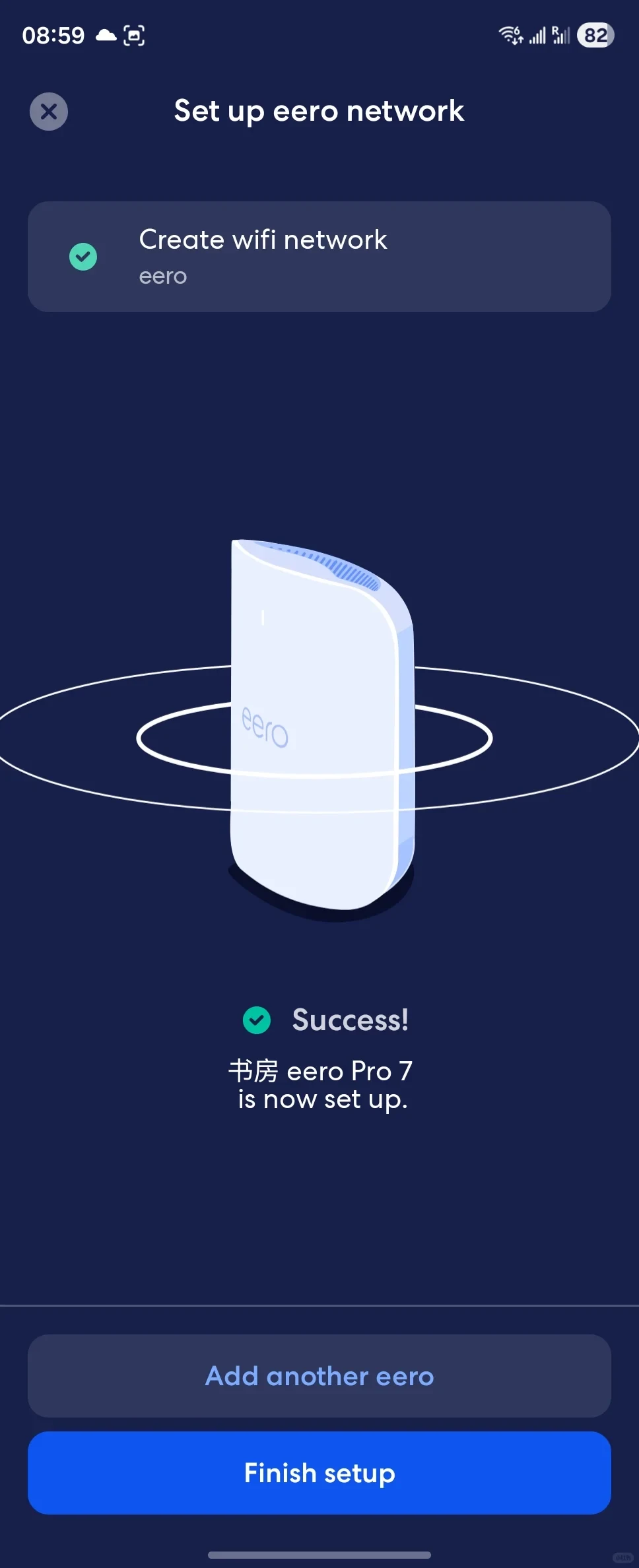
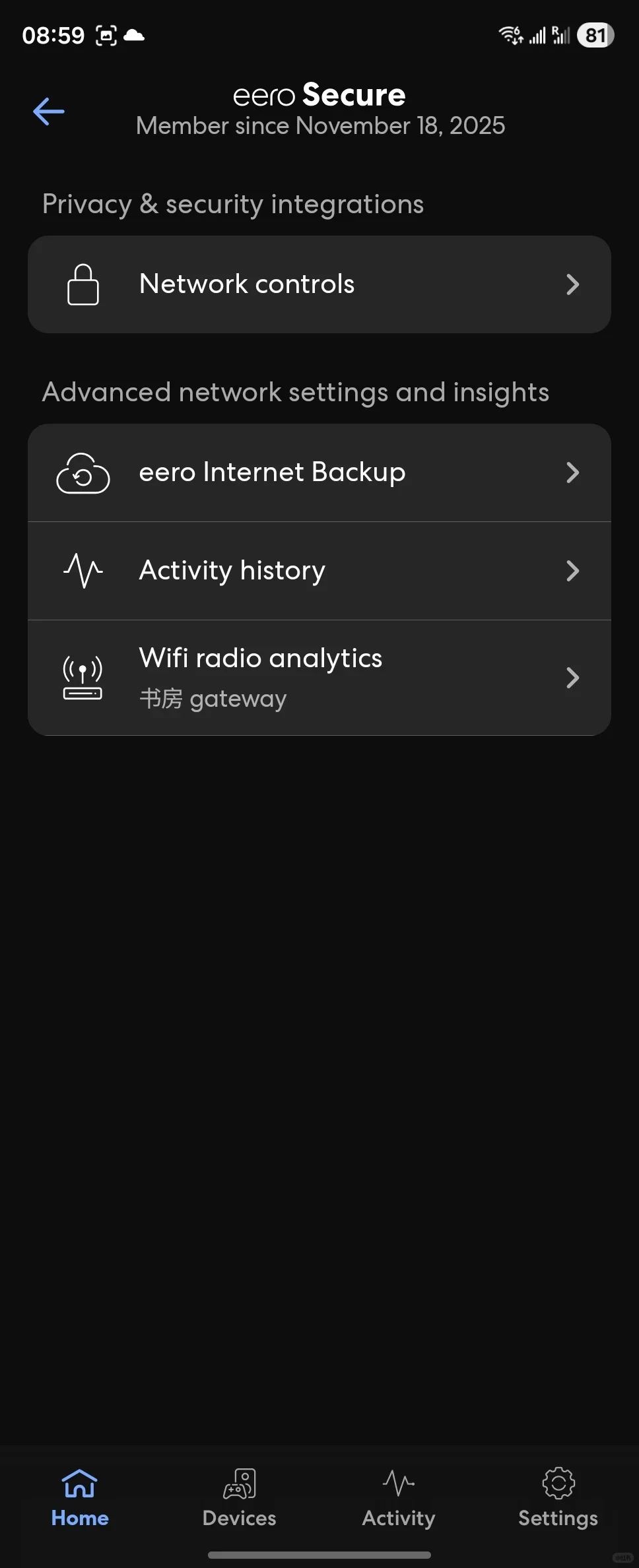
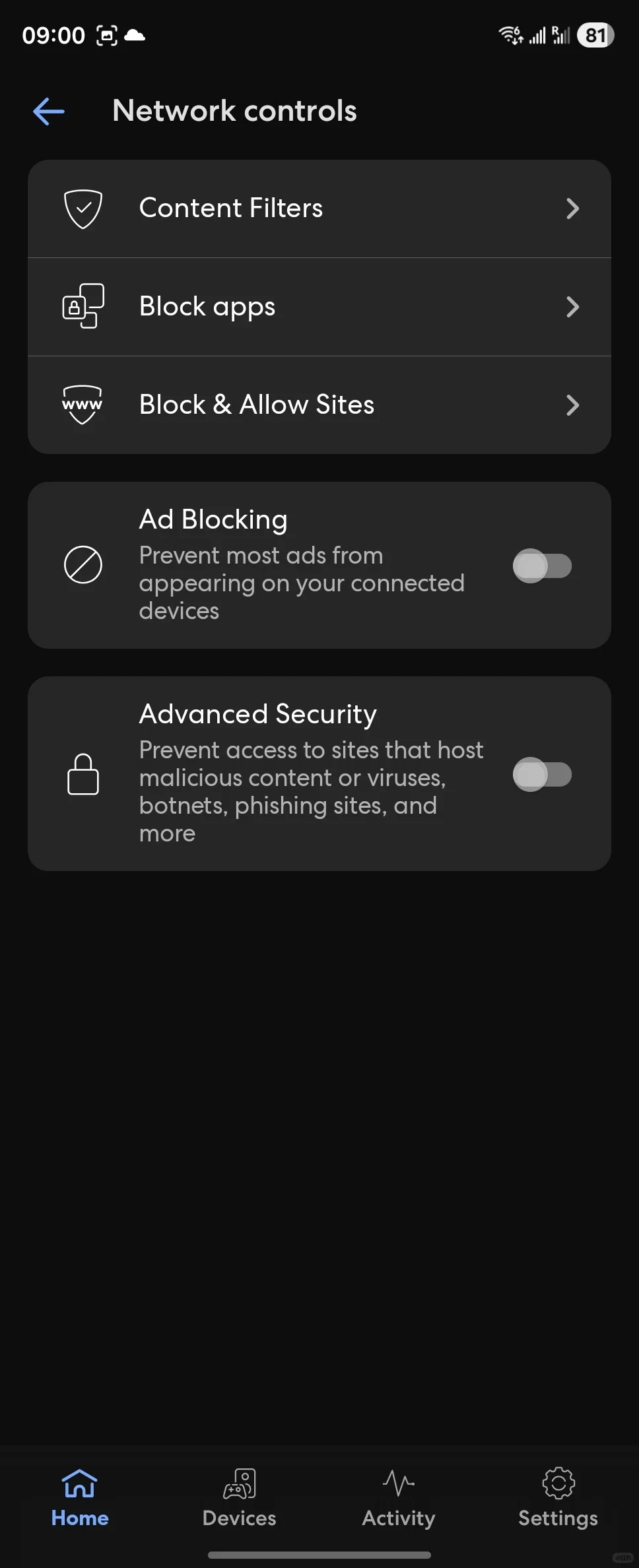
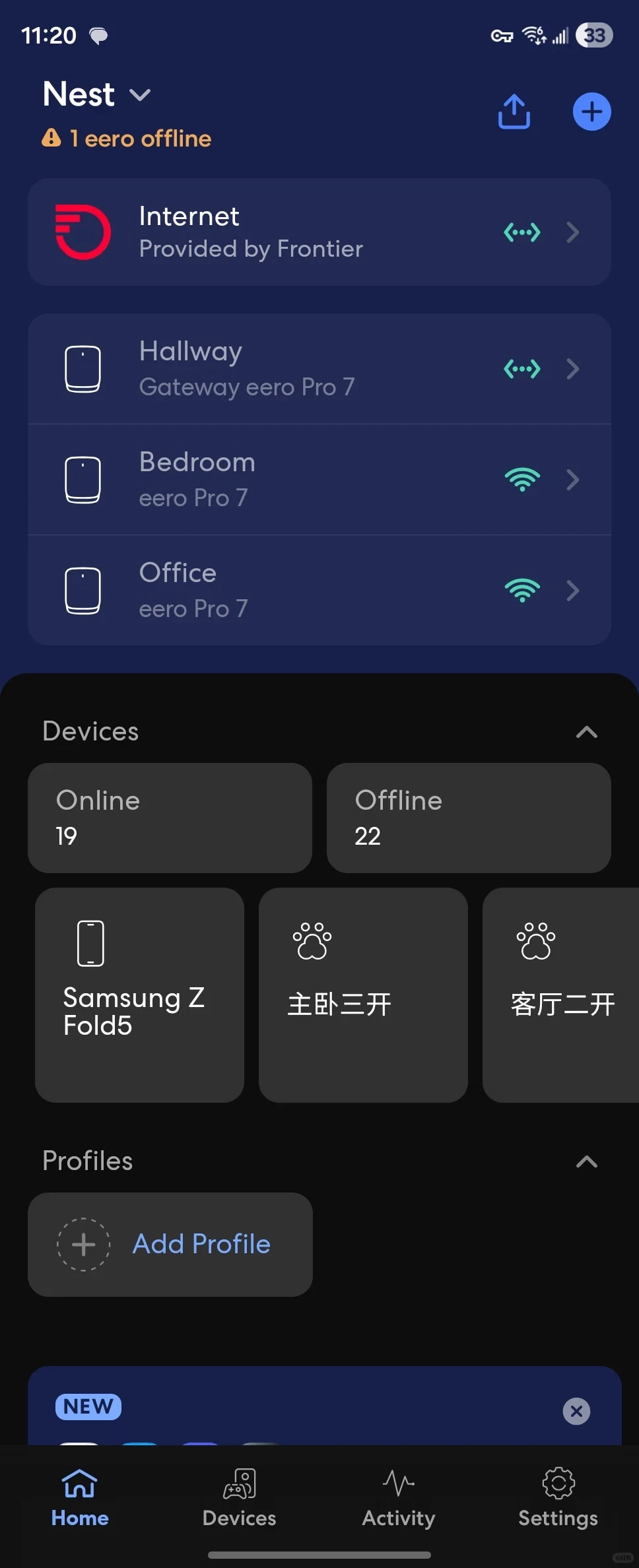
I recently sold my eero Max 7 and bought four eero Pro 7 units to build a mesh network. I suddenly discovered that features which previously required a Plus subscription could be used directly. I immediately tried the Ad Blocking feature. In my test, most ads on phone web pages were blocked, and videos opened instantly in the YouTube app without waiting for ads. All the TVs at home use Samsung’s Tizen system. YouTube built into them became ad-free when playback started, although an ad still appeared after playback ended. That achieved about 80 percent filtering. I had spent a long time trying to achieve this when I previously used an iPhone, so I was surprised that this router made it so simple.
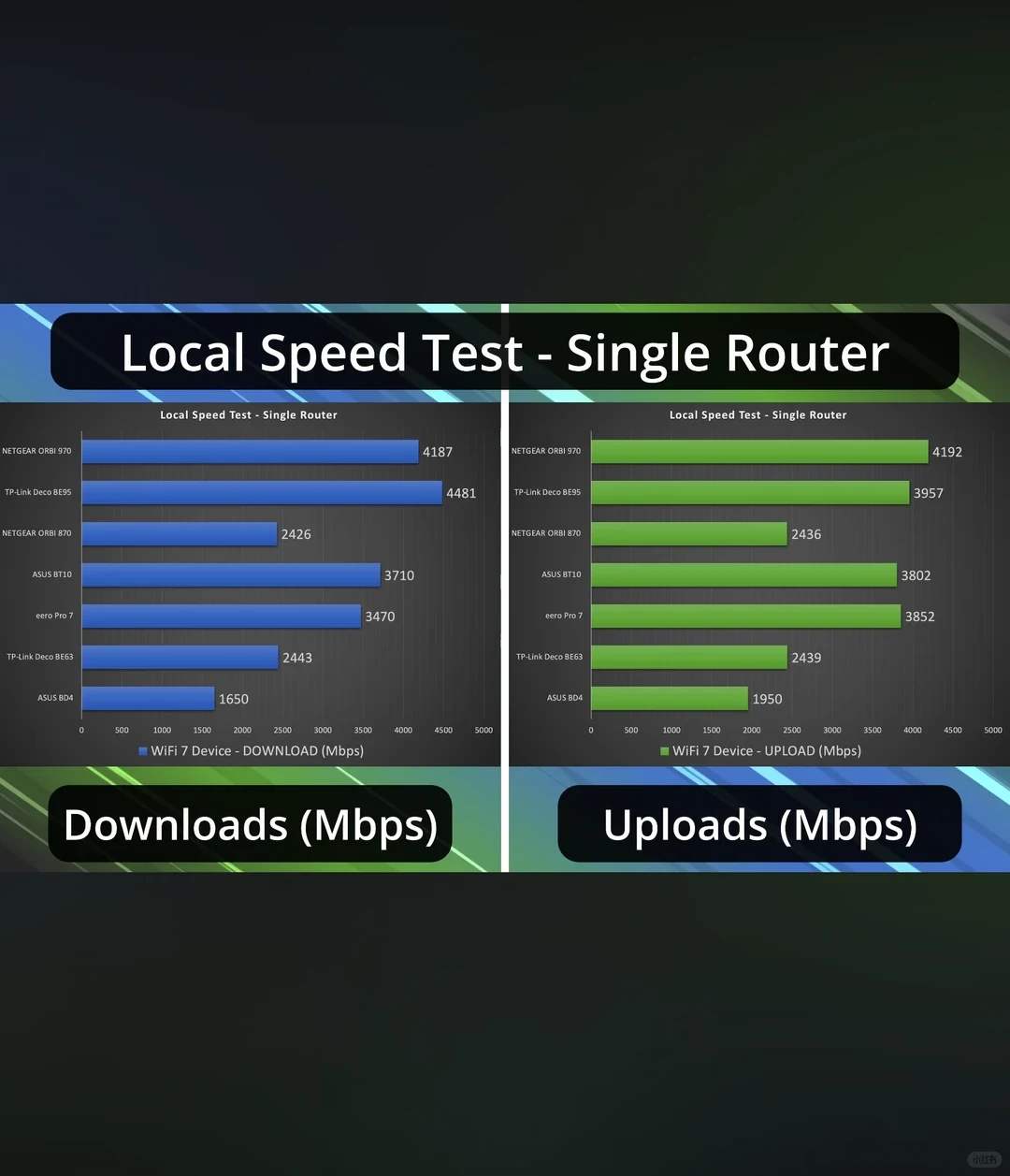
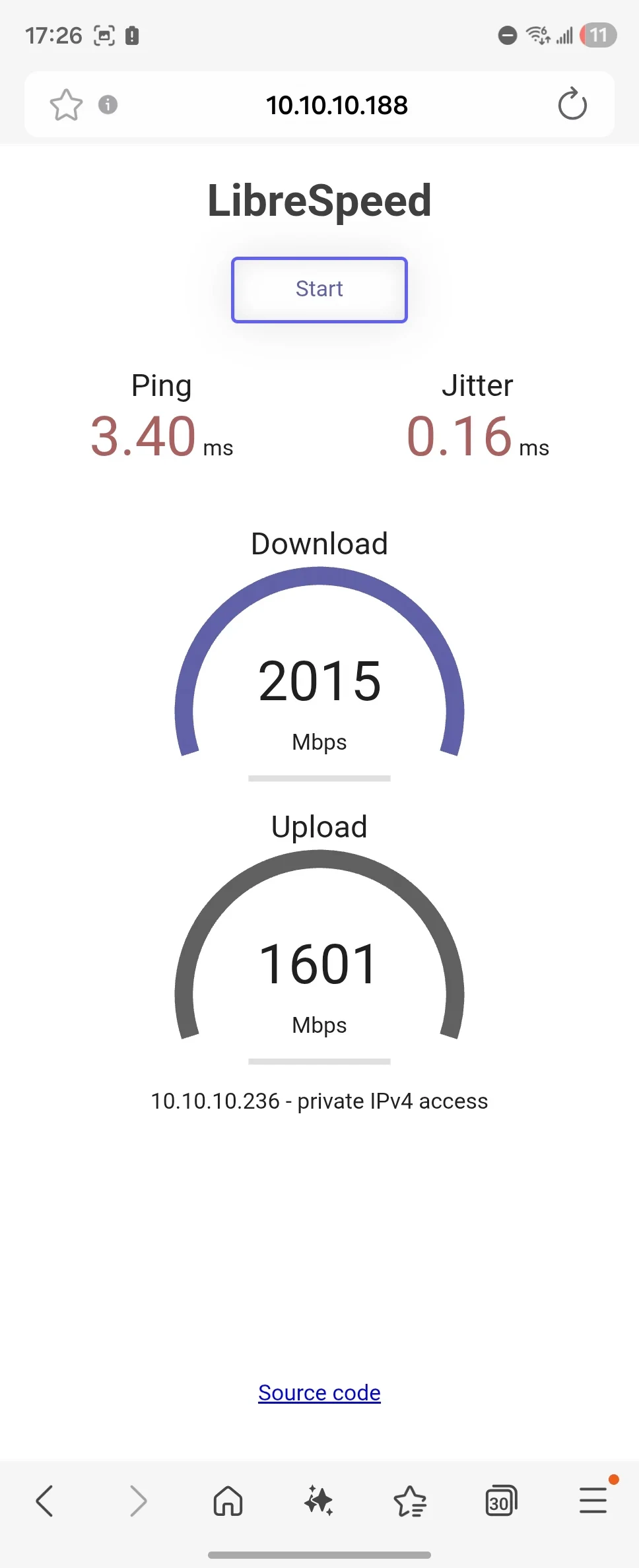
In addition, this eero Pro 7 series, including the Max series, seems to have a common issue: when a single unit is configured on its own, it only reaches a few hundred megabits. It delivers full speed only after the mesh has been set up once.
Source: Nicky · Xiaohongshu · 2025-12-14 · 自带去广告的路由器真的太爽了. Search this Chinese title in Xiaohongshu to find the original post.
Before You Buy
Models in your region
The owner used four eero Pro 7 units, while the official US and UK listings identify the same eero Pro 7 model with regional coverage figures and service conditions. The owner’s ad-blocking result is a personal experience, not proof that every advertisement will be removed or that the Plus service is permanently free in every market.
| Model in this review | Related regional model | What to know |
|---|---|---|
| eero Pro 7 | eero Pro 7 (US) | This is the same model used in the owner’s four-node setup. The US version is listed with tri-band Wi-Fi 7, two 5GbE ports, wireless speeds up to 3.9Gbps, and coverage up to 2,000 square feet per unit; these are advertised maxima, not guaranteed client speeds. |
| eero Pro 7 | eero Pro 7 (UK) | This is also the same eero Pro 7 model, with the UK listing specifying support for internet plans up to 5Gbps, two 5GbE ports, wireless speeds up to 3.9Gbps, and coverage up to 190 square metres per unit. Radio availability and client devices can limit throughput. |
- Model in this review
- eero Pro 7
- Related regional model
- eero Pro 7 (US)
- What to know
- This is the same model used in the owner’s four-node setup. The US version is listed with tri-band Wi-Fi 7, two 5GbE ports, wireless speeds up to 3.9Gbps, and coverage up to 2,000 square feet per unit; these are advertised maxima, not guaranteed client speeds.
- Model in this review
- eero Pro 7
- Related regional model
- eero Pro 7 (UK)
- What to know
- This is also the same eero Pro 7 model, with the UK listing specifying support for internet plans up to 5Gbps, two 5GbE ports, wireless speeds up to 3.9Gbps, and coverage up to 190 square metres per unit. Radio availability and client devices can limit throughput.
Ad blocking is useful, but not universal
Nicky’s most distinctive result was that phone web pages showed far fewer ads, while YouTube on Samsung Tizen started without an ad. The owner still saw an advertisement after playback ended and estimated roughly 80 percent filtering, so this was not complete YouTube removal. Official support describes eero Plus Ad Blocking as a DNS-level feature that does not remove every advertisement; guest networks and bridge mode also have limitations.
eero Plus Ad Blocking · Supported retail regions
The screenshot and owner account show that ad-blocking controls were available in this setup, but they do not establish permanent free eero Plus access. The supplied evidence does not confirm official mainland-China Plus availability or the owner’s account entitlement, so buyers should check the active service and local support conditions rather than assume the feature is permanently included.
Set up the mesh before judging speed
The owner reports that a single eero Pro 7 unit reached only a few hundred megabits until the mesh had been configured once, after which the system delivered full speed. This is one person’s setup experience rather than a general performance diagnosis; the account does not identify the client, connection plan, placement, wired backhaul or test method, so it cannot show why the initial result occurred or guarantee the same improvement elsewhere.
For a four-node installation, the practical takeaway is to complete the mesh configuration before comparing throughput. Official regional listings advertise up to 3.9Gbps of wireless speed, but those maxima are not promised speeds for every client or home. The US listing gives up to 2,000 square feet per unit, while the UK listing gives 190 square metres per unit.
Check the local model and service conditions
The US and UK listings identify the same eero Pro 7, and both specify two 5GbE ports plus compatibility with earlier eero generations. Their coverage figures use different regional units, and the UK listing additionally states support for internet plans up to 5Gbps. Actual radio availability, client hardware and the local service arrangement still affect what a buyer can use.
The owner’s ad-blocking experience is most relevant to buyers whose devices and network mode match the reported setup. Because eero Plus is a premium subscription and availability can vary by country, ISP bundle and bridge-mode use, buyers should verify local eligibility before treating Ad Blocking as a guaranteed feature of the router itself.
Related Reading
Reviews & Guides · Computing & Networking
NETGEAR Orbi RBR850: 800+ Mbps at home after replacing Nighthawk RAX120
I replaced my NETGEAR RAX120 with a three-node Orbi 850 system and saw over 800 Mbps throughout my home, including about 900 Mbps in the living room.
Reviews & Guides · Computing & Networking
TP-Link Archer BE550 Pro: Japan IPoE and MLO notes, with Archer BE550 buying context
I bought the Japanese TP-Link Archer BE550 Pro for 10Gbps fiber, but severe MLO latency and recurring IPv6 drops led me to use OpenWrt for routing.
Reviews & Guides · Computing & Networking
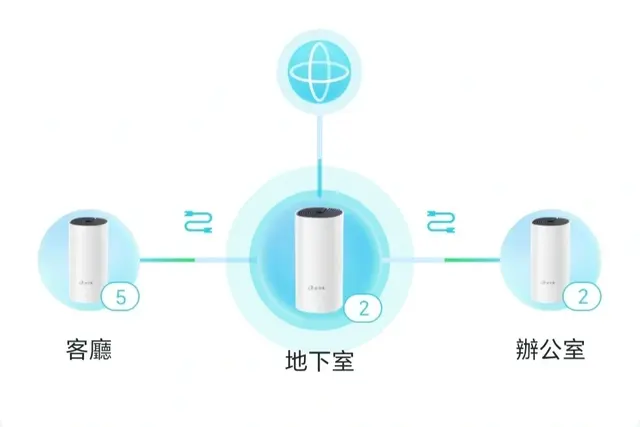
TP-Link Deco M4: a four-floor wired-backhaul setup
I used TP-Link Deco M4 units across four floors with Ethernet backhaul, then found my upstairs computer needed an extra switch to get a wired connection.