
Reviews & Guides · Computing & Networking
Lenovo Legion Go S: a month of SteamOS indie games, with Steam Deck OLED buying context
I used a second-hand Lenovo Legion Go S with SteamOS for a month: indie games ran smoothly, but its weight and warm airflow affected comfort.


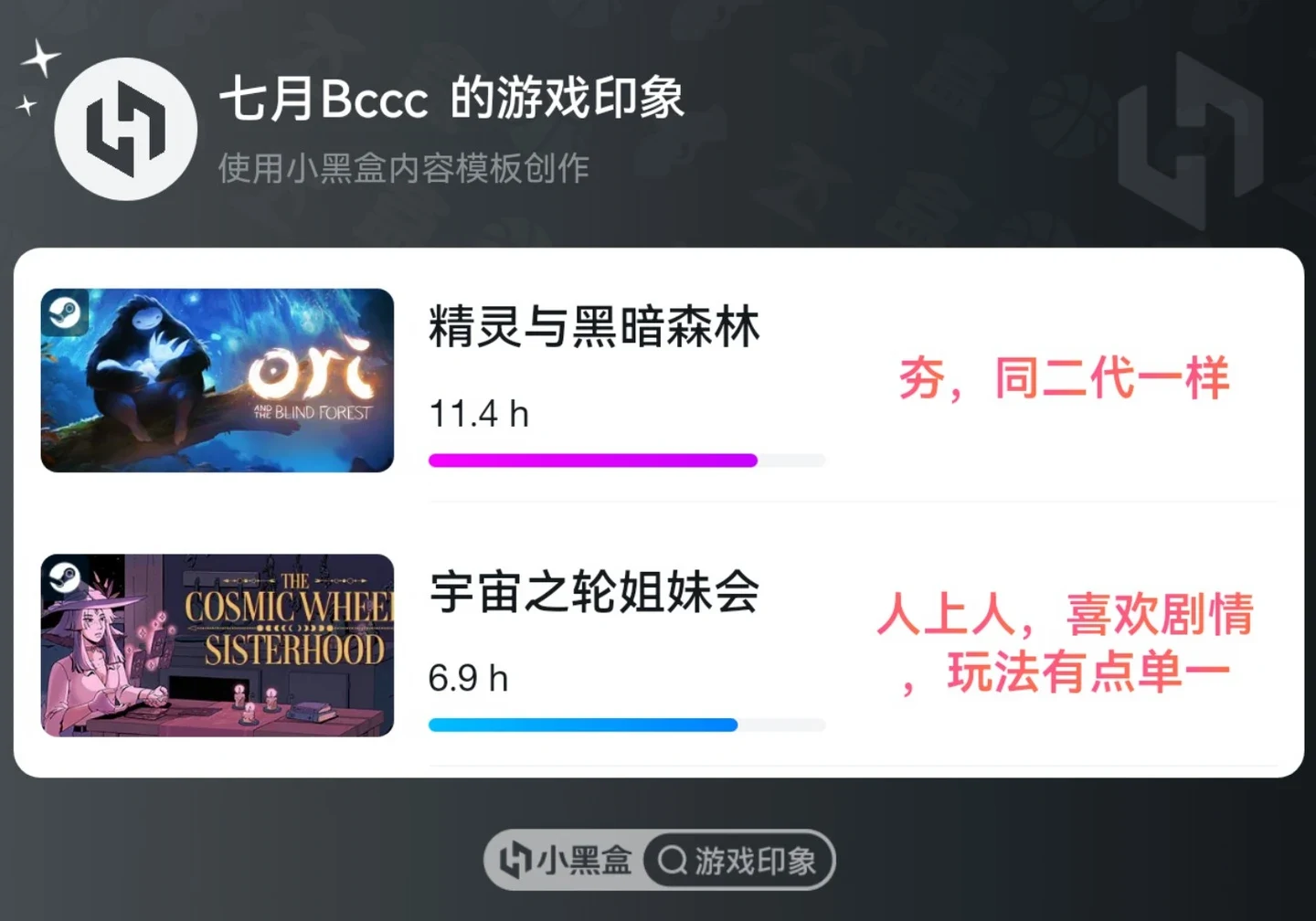
I bought my Legion Go S second-hand on Xianyu at the end of June. I had originally wanted a Steam Deck, but prices had risen too much, so I chose this instead. It arrived in very good condition, and the previous owner had already installed SteamOS. Everything worked normally except the touchpad. I quickly took the plunge, and the machine also looked very good.
Use experience: It has been extremely enjoyable, and the computer I used before now mostly sits unused. I mainly play smaller indie games, and it handles them completely well. When I take it outside, I use the lowest power setting and limit the frame rate to 60. Starting with a full battery, I can use it for three hours before it reaches 20%. At home, I use it plugged in at the highest power setting. It does not become especially hot during use, although the fan at the top sometimes blows warm air onto my legs, which is uncomfortable. SteamOS is well adapted, and sleep-and-resume play is smooth. The screen is large—larger than my phone’s—and the colours look beautiful in games, making them very enjoyable to play. At present, the only real drawback is that it is too heavy: holding it with both hands feels tiring, so I either play lying down or find something to support it.
Summary: For just over RMB 3,000, I could not have gone wrong—or been disappointed. It is incredibly enjoyable! Being able to take it out and play anywhere is incredibly enjoyable. Being able to play in bed is incredibly enjoyable. After a full day at work, I genuinely do not have the energy to sit in front of a computer and play games.
Source: momo · Xiaohongshu · 2026-08-08 · 联想 Legion GoS购入一月使用感及游戏评价. Search this Chinese title in Xiaohongshu to find the original post.
Before You Buy
Models in your region
The owner’s exact Legion Go S part number is not given, so the US model below is a regional reference rather than proof of the reviewed unit’s processor, memory, storage or battery configuration. Lenovo lists multiple Legion Go S configurations, while the Steam Deck OLED is a separate comparison product with its own display, battery and weight specifications.
| Model in this review | Related regional model | What to know |
|---|---|---|
| Lenovo Legion Go S | Lenovo Legion Go S Z1 Extreme 32GB (83N6000GUS) (US) | The owner used a Legion Go S with SteamOS, but the full part number is unknown. The US reference model is the Z1 Extreme version with 32GB RAM, a 1TB SSD, an 8-inch 120Hz display and a 55.5Wh battery, so those specifications should not be assigned to the owner’s unit. |
| Valve Steam Deck OLED | Steam Deck OLED (US / UK) | The owner considered a Steam Deck without naming its display variant. The OLED is a related regional reference rather than an identified device they used. The OLED model is lighter at approximately 640g and has a 50Wh battery, a 1280×800 display up to 90Hz and SteamOS 3; its compatibility labels also distinguish Verified, Playable, Unsupported and Unknown games. |
- Model in this review
- Lenovo Legion Go S
- Related regional model
- Lenovo Legion Go S Z1 Extreme 32GB (83N6000GUS) (US)
- What to know
- The owner used a Legion Go S with SteamOS, but the full part number is unknown. The US reference model is the Z1 Extreme version with 32GB RAM, a 1TB SSD, an 8-inch 120Hz display and a 55.5Wh battery, so those specifications should not be assigned to the owner’s unit.
- Model in this review
- Valve Steam Deck OLED
- Related regional model
- Steam Deck OLED (US / UK)
- What to know
- The owner considered a Steam Deck without naming its display variant. The OLED is a related regional reference rather than an identified device they used. The OLED model is lighter at approximately 640g and has a 50Wh battery, a 1280×800 display up to 90Hz and SteamOS 3; its compatibility labels also distinguish Verified, Playable, Unsupported and Unknown games.
The owner’s month focused on portable indie gaming
The owner mainly played smaller indie games and found that their Legion Go S handled them well enough to replace much of their computer gaming. That is a personal result from their game selection, not a general performance test; the post does not identify the exact games, frame rates beyond the 60fps limit, or Legion Go S part number.
Their outdoor routine was specific: lowest power mode, a 60fps limit and roughly three hours from full charge to 20%. Because this was one owner’s use pattern, the result cannot establish battery life for other games, power settings or regional configurations.
SteamOS helped with quick pick-up play
The owner reported that SteamOS was well adapted and that sleep-and-resume play felt smooth. This explains why the handheld suited short sessions outside and in bed, but the source does not state which SteamOS build or exact Legion Go S configuration was installed.
Lenovo’s Legion Go S family supports both Windows 11 Home and SteamOS, with Ryzen Z2 Go and Ryzen Z1 Extreme options and 16GB or 32GB memory configurations. Buyers therefore need the seller’s full part number before treating the owner’s software or performance experience as a match for a particular regional unit.
Large, colourful display versus handheld weight
The owner liked the large screen and its attractive in-game colours, describing it as larger than their phone’s display. They also found the device tiring to hold with both hands, so they used it lying down or with external support. Lenovo lists the Legion Go S family at approximately 730g, but the source unit was not weighed.
The Steam Deck OLED reference is approximately 640g, so it is the lighter comparison on UGREEN’s specifications. It also uses a 1280×800 display up to 90Hz, whereas Lenovo’s Legion Go S family uses an 8-inch 1920×1200 120Hz IPS display; resolution and refresh rate do not by themselves prove which screen will look better in the owner’s games.
Heat was manageable, but airflow affected comfort
At home, the owner used the highest power setting while plugged in. They did not find the device especially hot, but the top-mounted fan sometimes directed warm air onto their legs. That is a comfort observation from their setup rather than a measured thermal result.
The owner’s only stated hardware fault was a non-working touchpad on their second-hand unit; they reported that the other functions worked normally. Since the post does not identify whether the issue was repaired or whether it reflects a wider model problem, buyers should check the touchpad and other controls on used examples before purchase.
Steam Deck compatibility needs a game-by-game check
Valve separates Steam Deck games into Verified, Playable, Unsupported and Unknown categories. Playable titles may need manual adjustments, while Unknown means the game has not yet been checked; a compatibility badge count is therefore not a count of every game that can run. This matters when moving from the owner’s smaller indie-game focus to a broader library.
The Steam Deck OLED is listed with 50Wh battery capacity and advertised gameplay of three to 12 hours, while the owner’s Legion Go S result was about three hours to 20% under their low-power, 60fps-limited routine. These figures use different products and conditions, so they should not be read as a controlled battery comparison.
Related Reading
Reviews & Guides · Computing & Networking
eero 7: a 2Gbps fibre test before ordering eero Pro 7
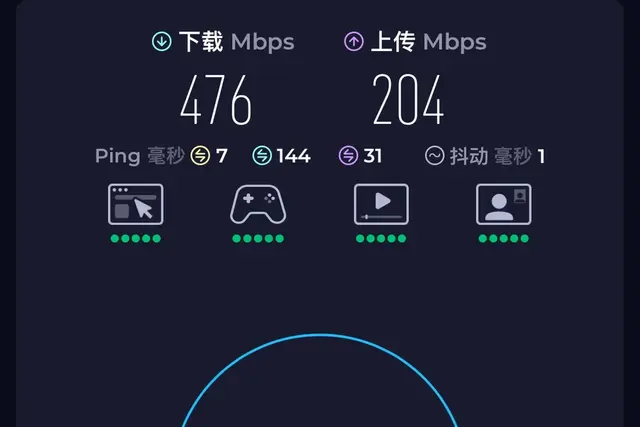
I tested eero 7 on a new 2Gbps fibre line and saw 1.2Gbps wired but 470Mbps Wi-Fi before returning it; I later ordered eero Pro 7.
Reviews & Guides · Computing & Networking
eero Pro 7: Four-node mesh owner review with ad blocking
I replaced my eero Max 7 with four eero Pro 7 units and found ad blocking worked across phone browsing and Samsung Tizen, though not every YouTube ad.
Reviews & Guides · Computing & Networking
NETGEAR Orbi RBR850: 800+ Mbps at home after replacing Nighthawk RAX120
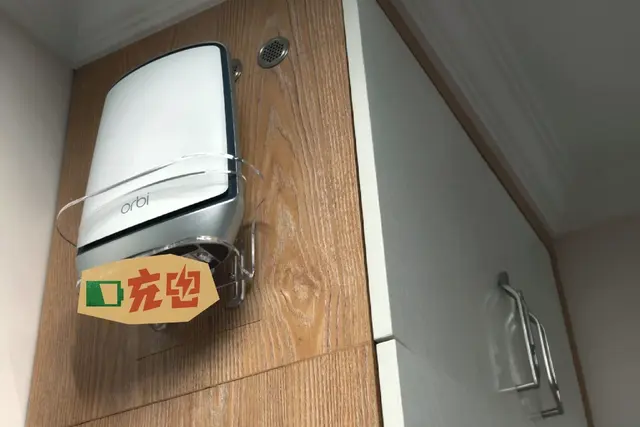
I replaced my NETGEAR RAX120 with a three-node Orbi 850 system and saw over 800 Mbps throughout my home, including about 900 Mbps in the living room.