
Reviews & Guides · Computing & Networking
Lenovo Legion Go S: demanding video editing and streaming on a handheld
I edited a 35-minute video with over 100GB of project files on my Lenovo Legion Go S. Basic editing worked, but animation work lagged.
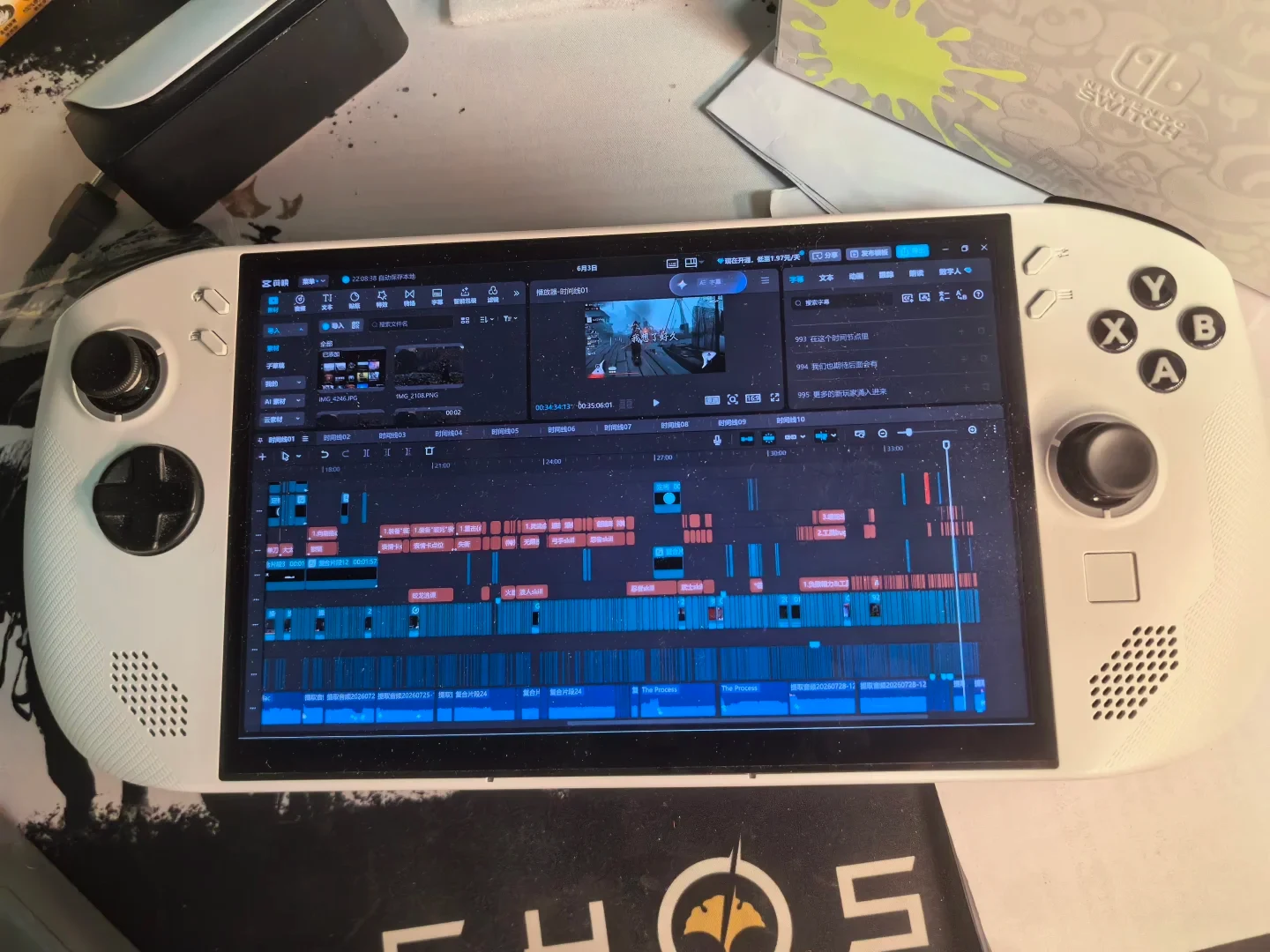
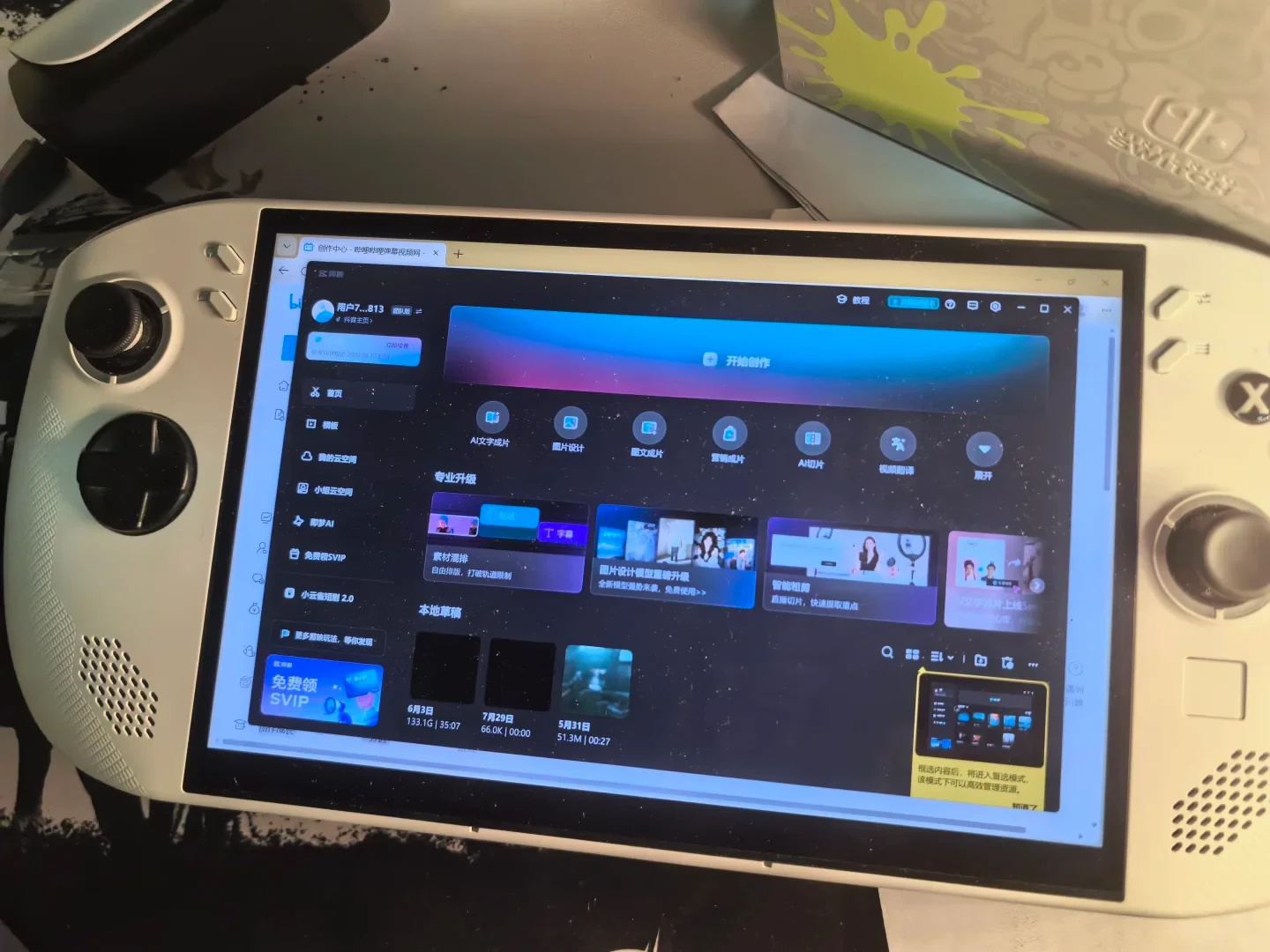
A 35-minute video with more than 100 GB of project files feels like I pushed the Legion Go S to its absolute limit. I edited it with an external monitor connected; partway through, the monitor stopped working, but the handheld kept running. I edited the second half on a television.
Experience: I did not have a PC at the time, so I temporarily edited on the handheld. The project was a game tutorial video that took two months to make and included many animations. The handheld became very laggy while I was creating those animations, but lighter editing—assembling a basic video, recording voice-over, recognizing subtitles, and adjusting keyframe curves—was completely fine. I also created spreadsheets in Excel, and that was very smooth. I included everything in the video; you can search for BV1sGGN6XEqn on Bilibili to see the result.
This machine is genuinely tough, and its build quality is genuinely good. A few times, I forgot to turn it off while it was covered by a blanket during a game. After dinner, I found that the entire screen had gone black, but the image cleared after I turned it on and ran the fan. I initially thought it had leaked, so I was relieved that it uses an LED display.
I usually connect this machine to a capture card for livestreaming. At a 30,000 kbps bitrate and 1080p60, with the display set to 120 Hz, I have done more than 100 streams without any problems. It is genuinely convenient.
For gaming, I mainly play small online games on Steam, while my PS5 Pro handles most of my gaming, so I have not felt much pressure from the handheld. Its 1080p60, 120 Hz display with full sRGB coverage looks much better to me than the screen on my PS5 streaming handheld.
However, if the price of the NS2 falls and its game library grows, I might sell this after I have a PC and switch to the NS2.
The money I spent has probably been worth it; I do not feel I lost out. Overall, I would give it an 8 out of 10.
Source: 随遇而安 · Xiaohongshu · 2026-07-31 · 感觉我是全网第一个用联想掌机高强度剪辑的. Search this Chinese title in Xiaohongshu to find the original post.
Before You Buy
Models in your region
The source identifies the device as a Lenovo Legion Go S, but does not provide its CPU, full part number or operating-system image. The US Legion Go S Z1 Extreme listing is therefore a regional reference rather than proof of the owner's exact configuration; Lenovo also sells the family with different processors, memory capacities and operating systems.
| Model in this review | Related regional model | What to know |
|---|---|---|
| Lenovo Legion Go S | Lenovo Legion Go S Z1 Extreme 32GB (83N6000GUS) (US) | The owner’s Legion Go S is compared with the US Legion Go S Z1 Extreme 32GB configuration, which Lenovo lists with a 1TB SSD, 8-inch 1920×1200 120Hz display, 100% sRGB coverage and two USB4 ports. The owner’s exact CPU, memory, storage and OS remain unconfirmed, so the listed Z1 Extreme performance cannot be assigned to the review unit. |
- Model in this review
- Lenovo Legion Go S
- Related regional model
- Lenovo Legion Go S Z1 Extreme 32GB (83N6000GUS) (US)
- What to know
- The owner’s Legion Go S is compared with the US Legion Go S Z1 Extreme 32GB configuration, which Lenovo lists with a 1TB SSD, 8-inch 1920×1200 120Hz display, 100% sRGB coverage and two USB4 ports. The owner’s exact CPU, memory, storage and OS remain unconfirmed, so the listed Z1 Extreme performance cannot be assigned to the review unit.
Video editing: usable for light work, strained by animation
The owner completed a 35-minute video with more than 100 GB of project files, but the demanding part was the animation work rather than ordinary assembly. They reported heavy lag while creating many animations, while basic editing, voice recording, subtitle recognition and keyframe-curve adjustments remained usable. That makes this experience most relevant to lighter editing workflows, not as proof of smooth performance in every complex project.
The photographs show a white handheld running Jianying with multiple video and audio tracks, matching the owner's described editing use. They document the application and editing scene, but they do not establish the exact hardware configuration, timeline complexity or measured export performance.
Streaming and external displays
The owner used the handheld with a capture card for more than 100 livestreams at a reported 30,000 kbps bitrate and 1080p60, with the display set to 120 Hz, and reported no problems. This is a long-running personal workflow rather than an independent measurement of streaming stability across software, capture cards or network conditions.
The US Legion Go S reference has two USB4 Type-C ports with DisplayPort, which supports the kind of external-display and capture setup that the owner describes. The source does not identify which port, adapter or capture card was used, so accessory compatibility and port allocation should be checked for a specific purchase.
Display and gaming fit
The owner preferred the handheld's 1080p60, 120 Hz screen with full sRGB coverage to the display on their PS5 streaming handheld, while mainly playing smaller Steam online games and using a PS5 Pro for heavier gaming. Lenovo's US Z1 Extreme configuration lists an 8-inch 1920×1200 IPS panel with 120 Hz refresh and 100% sRGB coverage. The native panel resolution is higher than the 1080p content setting mentioned by the owner; their exact configuration remains unconfirmed.
The Steam Deck OLED offers a different display and hardware reference: Valve lists a 1280×800 OLED panel up to 90 Hz, a 50 Wh battery and an approximate 640 g weight. Its Verified, Playable, Unsupported and Unknown labels also describe compatibility status rather than guaranteeing that every unlisted game will run, so it is a different choice for buyers prioritizing SteamOS compatibility guidance over the Legion Go S owner's higher-resolution, higher-refresh display experience.
Durability and the limits of the evidence
The owner reported several incidents in which the handheld was left running under a blanket and the screen appeared black afterward, then returned after the device was powered on and the fan ran. The owner calls the screen LED, while Lenovo specifies an IPS LCD panel for the Go S family. The anecdote does not establish what caused the darkening or demonstrate that running a covered device is safe.
The owner rated the device 8 out of 10 but may later sell it for an NS2 after obtaining a PC and if the NS2 becomes more affordable with a larger game library. The rating therefore reflects a useful stopgap for this owner's editing, streaming and light-gaming needs, not a settled recommendation for every buyer or a substitute for a full PC.
Related Reading
Reviews & Guides · Computing & Networking
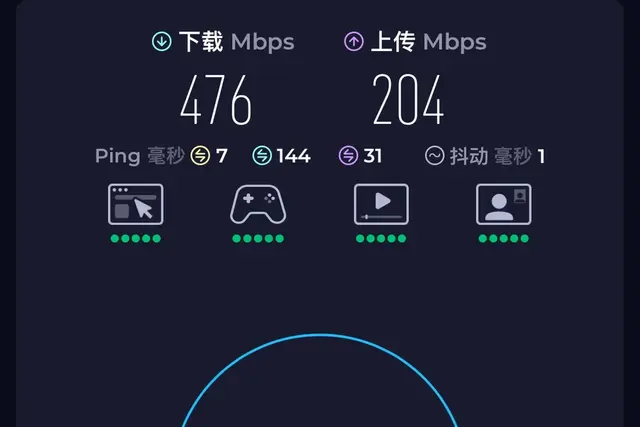
eero 7: a 2Gbps fibre test before ordering eero Pro 7
I tested eero 7 on a new 2Gbps fibre line and saw 1.2Gbps wired but 470Mbps Wi-Fi before returning it; I later ordered eero Pro 7.
Reviews & Guides · Computing & Networking
eero Pro 7: Four-node mesh owner review with ad blocking
I replaced my eero Max 7 with four eero Pro 7 units and found ad blocking worked across phone browsing and Samsung Tizen, though not every YouTube ad.
Reviews & Guides · Computing & Networking
NETGEAR Orbi RBR850: 800+ Mbps at home after replacing Nighthawk RAX120
I replaced my NETGEAR RAX120 with a three-node Orbi 850 system and saw over 800 Mbps throughout my home, including about 900 Mbps in the living room.