
Reviews & Guides · Computing & Networking
Lenovo Legion Go S: fan and sleep problems, with Steam Deck OLED buying context
I found Beast Mode quieter than Custom at the same frame rate, but my Legion Go S ran hot and needed careful handling when it was not fully asleep.
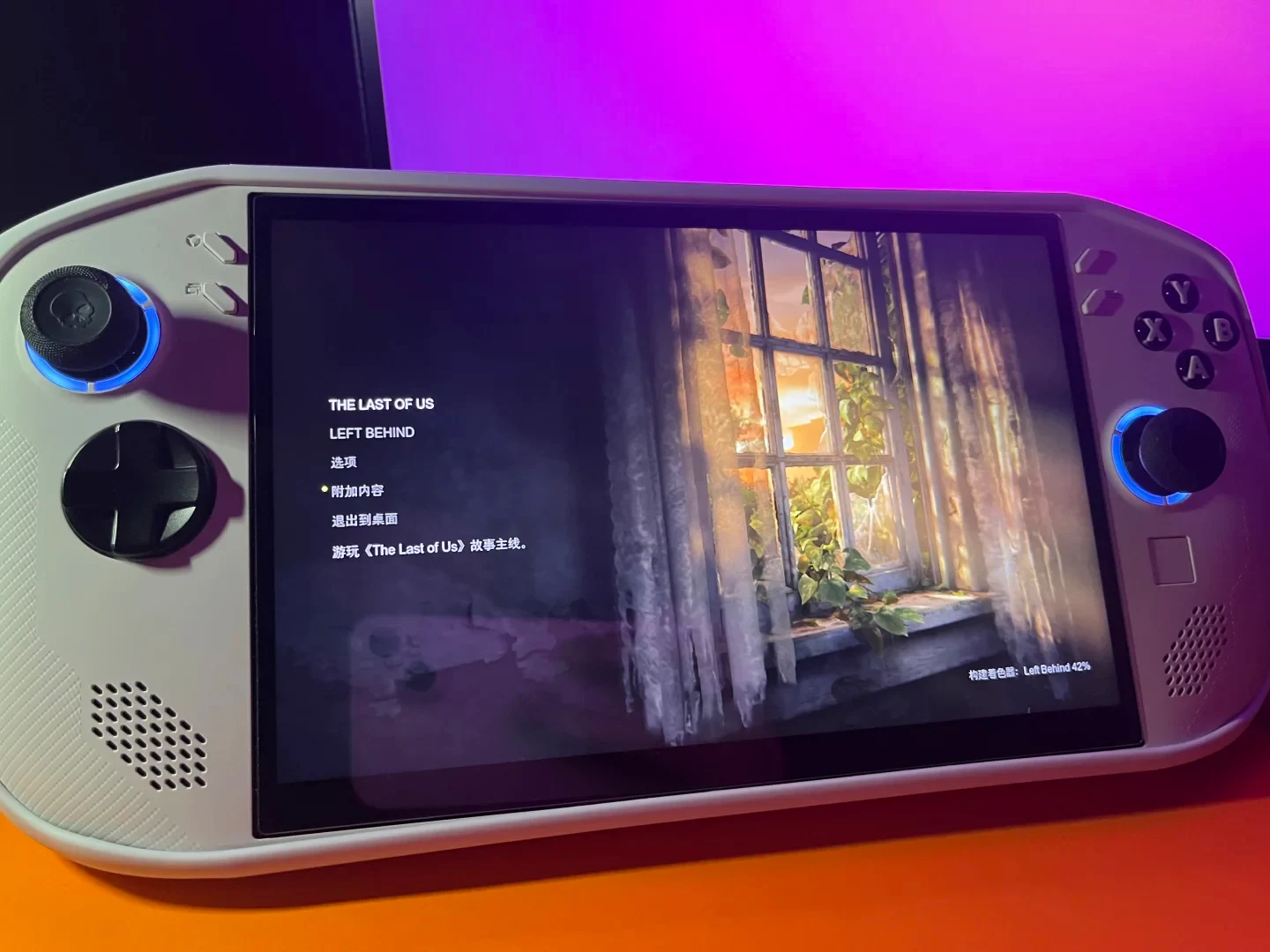
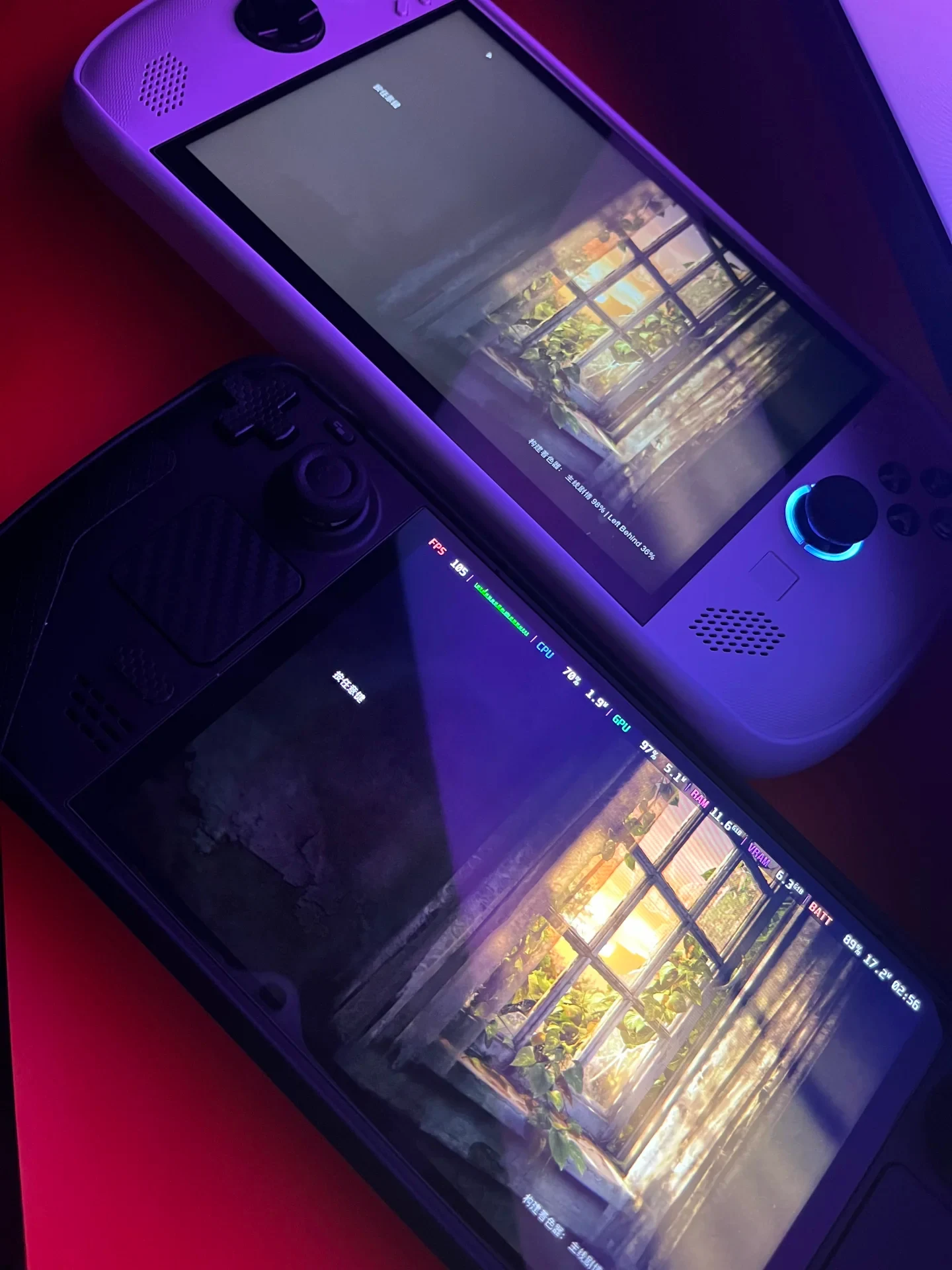
Experience notes, updated occasionally.
With the frame rate held steady, Beast Mode is much quieter than Custom Mode.
On Windows, AMD works better than Lossless Scaling. I use Lossless Scaling, and when a game crashes, it sometimes flashes and exits; I do not know why.
Command to uninstall the background winget widget: winget uninstall "windows web experience pack" --accept-source-agreements
It has all the common problems that Windows handhelds have...
The fan blows loudly as soon as I run even a small program, and sometimes it keeps blowing when nothing is open. The hottest areas are the screen and the area below the screen.
Never put it in your bag unless it is fully asleep; otherwise it can get hot enough to fail.
The large screen gives a good visual experience.
Good value as a new officially distributed domestic-market machine.
It supports the native operating system.
Source: 远山和明 · Xiaohongshu · 2026-07-06 · 联想掌机legion go s使用体验心得. Search this Chinese title in Xiaohongshu to find the original post.
Before You Buy
Models in your region
The owner describes a Windows Legion Go S, but the exact CPU, memory, part number and OS image are not given. Lenovo lists several Legion Go S configurations, while the US reference model below is a Z1 Extreme machine with SteamOS, so its specifications should not be treated as proof of the owner's exact configuration.
| Model in this review | Related regional model | What to know |
|---|---|---|
| Lenovo Legion Go S | Lenovo Legion Go S (US / UK) | This is the family used by the owner, but the source does not identify the CPU, memory tier or complete part number. Lenovo lists both Ryzen Z2 Go and Z1 Extreme versions, with Windows 11 Home or SteamOS, so the owner’s Windows experience cannot be assigned to every Legion Go S configuration. |
| Lenovo Legion Go S Z1 Extreme 32GB (US) | Lenovo Legion Go S Z1 Extreme 32GB (83N6000GUS) (US) | This US configuration is a regional reference for the same product family: it lists SteamOS, 32GB memory, a 1TB SSD, an 8-inch 1920×1200 120Hz display and a 55.5Wh battery. Its SteamOS setup differs from the owner’s reported Windows environment. |
| Steam Deck OLED | Steam Deck OLED (US / UK) | The Steam Deck OLED is a separate SteamOS handheld rather than the owner’s Legion Go S. It has a 1280×800 display up to 90Hz, a 50Wh battery and an approximate 640g weight; these specifications provide context, not a direct performance comparison. |
- Model in this review
- Lenovo Legion Go S
- Related regional model
- Lenovo Legion Go S (US / UK)
- What to know
- This is the family used by the owner, but the source does not identify the CPU, memory tier or complete part number. Lenovo lists both Ryzen Z2 Go and Z1 Extreme versions, with Windows 11 Home or SteamOS, so the owner’s Windows experience cannot be assigned to every Legion Go S configuration.
- Model in this review
- Lenovo Legion Go S Z1 Extreme 32GB (US)
- Related regional model
- Lenovo Legion Go S Z1 Extreme 32GB (83N6000GUS) (US)
- What to know
- This US configuration is a regional reference for the same product family: it lists SteamOS, 32GB memory, a 1TB SSD, an 8-inch 1920×1200 120Hz display and a 55.5Wh battery. Its SteamOS setup differs from the owner’s reported Windows environment.
- Model in this review
- Steam Deck OLED
- Related regional model
- Steam Deck OLED (US / UK)
- What to know
- The Steam Deck OLED is a separate SteamOS handheld rather than the owner’s Legion Go S. It has a 1280×800 display up to 90Hz, a 50Wh battery and an approximate 640g weight; these specifications provide context, not a direct performance comparison.
The owner's fan and heat observations
The owner reports that Beast Mode is quieter than Custom Mode while maintaining the same frame rate, but also says the fan becomes loud after running a small program and can continue when nothing is open. The reported hottest areas are the screen and the section below it; this is an individual use observation, not a measured temperature result.
The owner's strongest handling warning concerns sleep state: the Legion Go S should not be placed in a bag unless it is fully asleep, because the owner says it can become hot enough to fail otherwise. The source does not establish how often this happened, the temperature reached, or whether permanent damage occurred, so buyers should treat it as a practical caution rather than a quantified failure rate.
Windows software needs more attention
The owner preferred AMD software to the tool called Lossless Scaling in Windows use, but reports that games could flash and exit when using Lossless Scaling and does not know the cause. Because the source does not identify that tool's exact version or the affected games, the report cannot show whether the problem is specific to the Legion Go S, Windows, a driver or the individual software setup.
The owner also supplied a command for removing the Windows Web Experience Pack through winget: winget uninstall "windows web experience pack" --accept-source-agreements. This is the owner's stated cleanup step, not a Lenovo recommendation, and removing a Windows component may change related system features; the source does not document the resulting behavior.
Check the exact Legion Go S configuration
Lenovo's Legion Go S family includes Ryzen Z2 Go and Z1 Extreme options, 16GB or 32GB memory, Windows 11 Home or SteamOS, an 8-inch 1920×1200 120Hz IPS display, two USB4 ports and an approximately 730g weight. Since the owner provides no full part number, CPU or memory capacity, those specifications cannot be attached to the reviewed unit without confirmation.
The US Legion Go S reference model is specifically the Z1 Extreme 32GB version with SteamOS, a 1TB SSD, a 55.5Wh battery and two USB4 Type-C ports with DisplayPort. It is useful for checking a US listing, but its SteamOS software and identified hardware mean it does not validate the owner's Windows fan or crash experience.
How the Steam Deck OLED differs
The Steam Deck OLED uses SteamOS 3 and has a 1280×800 display running up to 90Hz, a 50Wh battery, an advertised 3–12 hours of gameplay and an approximate 640g weight. These are family specifications; the post does not provide the owner's game settings or battery results, so they should not be read as a battery-life comparison with the Legion Go S.
Valve divides Deck compatibility into Verified, Playable, Unsupported and Unknown. Playable games may require manual adjustments, while Unknown means the game has not yet been checked; therefore a compatibility badge count is not a count of every game that can run.
Screen and operating-system trade-offs
The owner liked the Legion Go S's large screen and visual experience, but the source does not provide a measured brightness, color result or display size beyond the product family's official 8-inch specification. Buyers comparing screens should therefore use the listed regional specifications rather than treating the owner's visual impression as a measurement.
The owner describes native operating-system support and reports Windows use, while Lenovo's US reference configuration runs SteamOS and the family datasheet lists both Windows 11 Home and SteamOS. Confirming the OS on the exact sales listing matters because the owner's Windows software and sleep observations may not apply to a SteamOS configuration.
Related Reading
Reviews & Guides · Computing & Networking
eero 7: a 2Gbps fibre test before ordering eero Pro 7
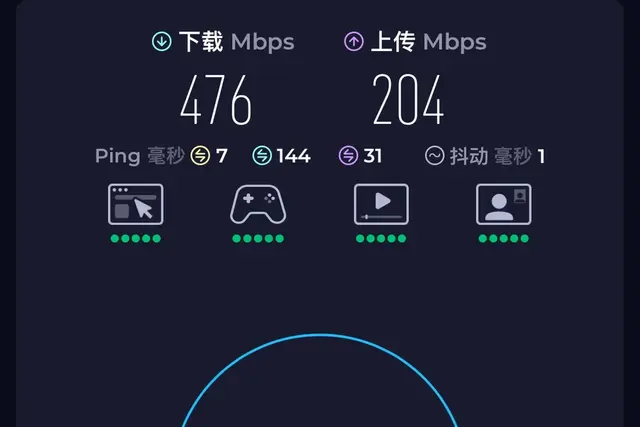
I tested eero 7 on a new 2Gbps fibre line and saw 1.2Gbps wired but 470Mbps Wi-Fi before returning it; I later ordered eero Pro 7.

Reviews & Guides · Computing & Networking
eero Pro 7: Four-node mesh owner review with ad blocking
I replaced my eero Max 7 with four eero Pro 7 units and found ad blocking worked across phone browsing and Samsung Tizen, though not every YouTube ad.
Reviews & Guides · Computing & Networking
NETGEAR Orbi RBR850: 800+ Mbps at home after replacing Nighthawk RAX120
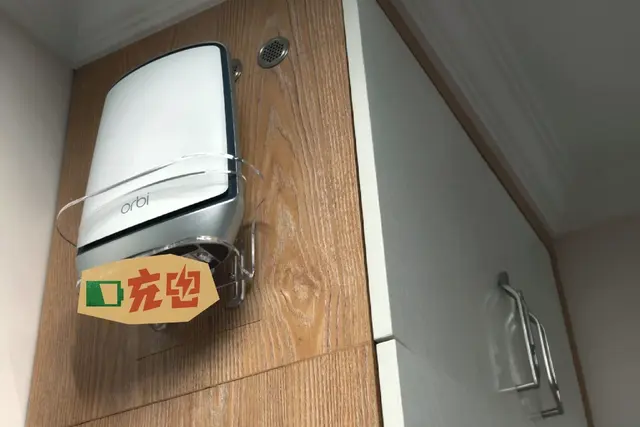
I replaced my NETGEAR RAX120 with a three-node Orbi 850 system and saw over 800 Mbps throughout my home, including about 900 Mbps in the living room.