
Reviews & Guides · Computing & Networking
Lenovo Legion Go S Z1 Extreme vs Steam Deck OLED: a month with both
I used my Legion Go S Z1 Extreme for demanding games and kept my Steam Deck OLED for lighter titles, where its low-power mode lasted up to eight hours.
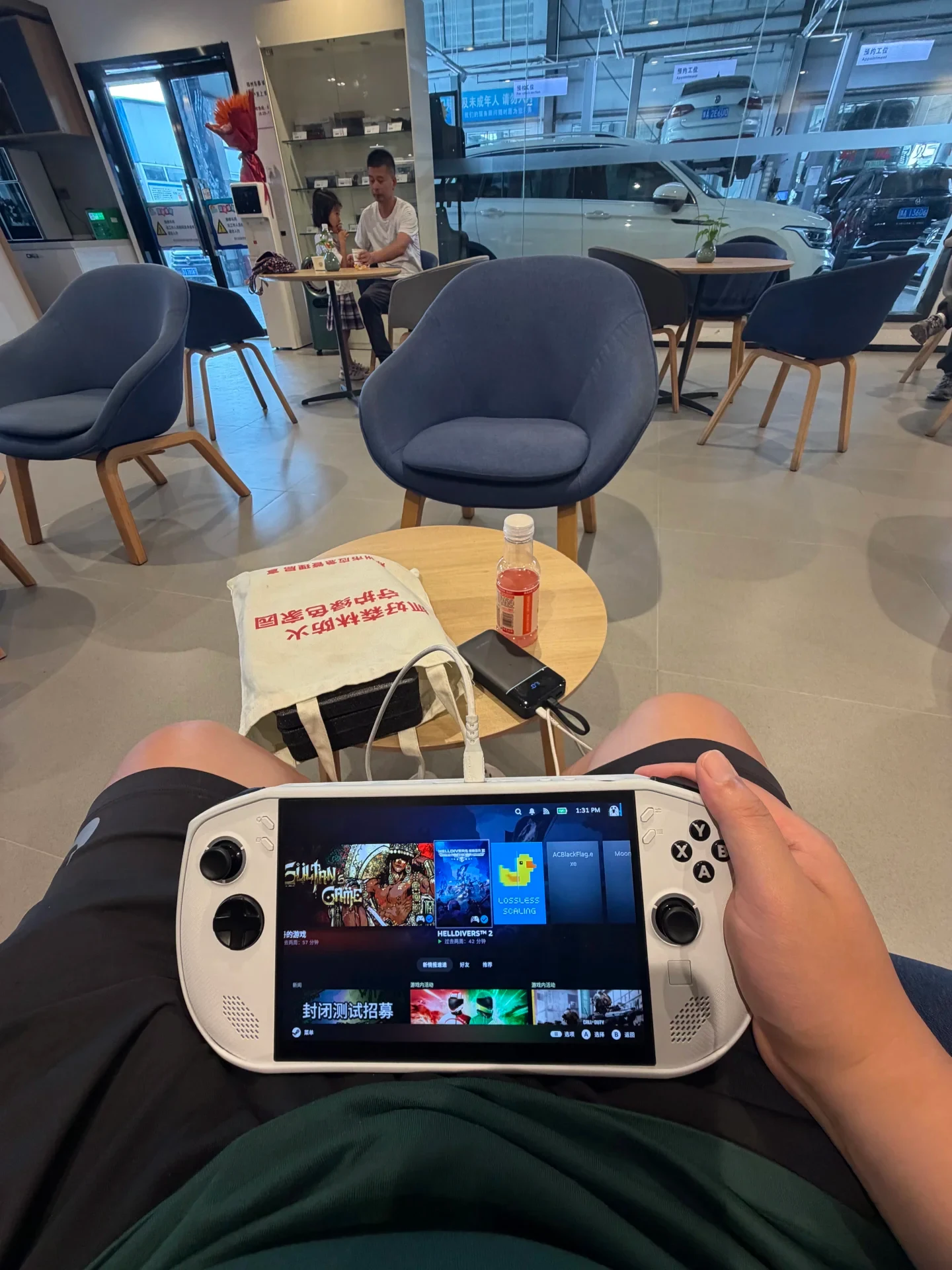
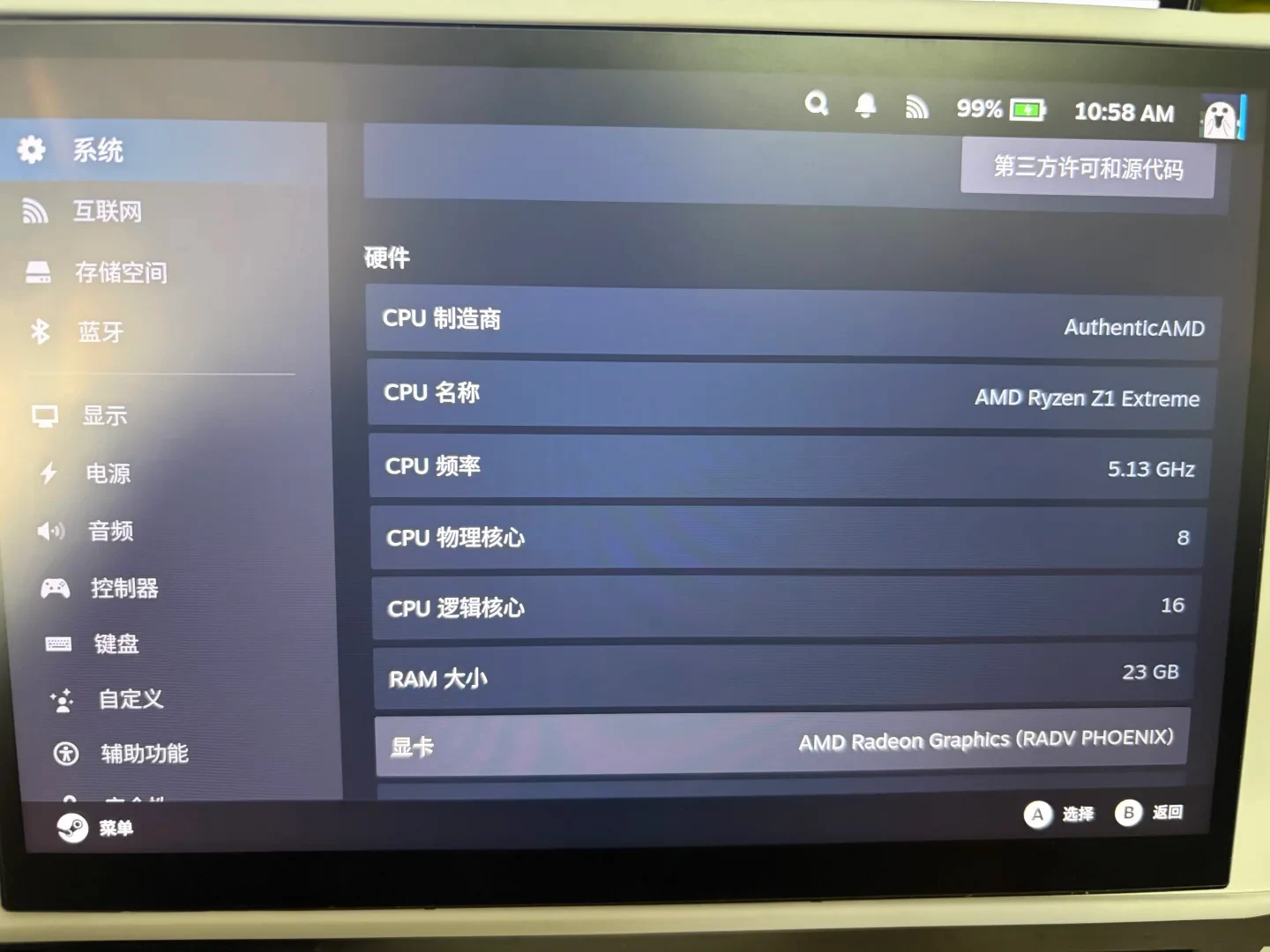
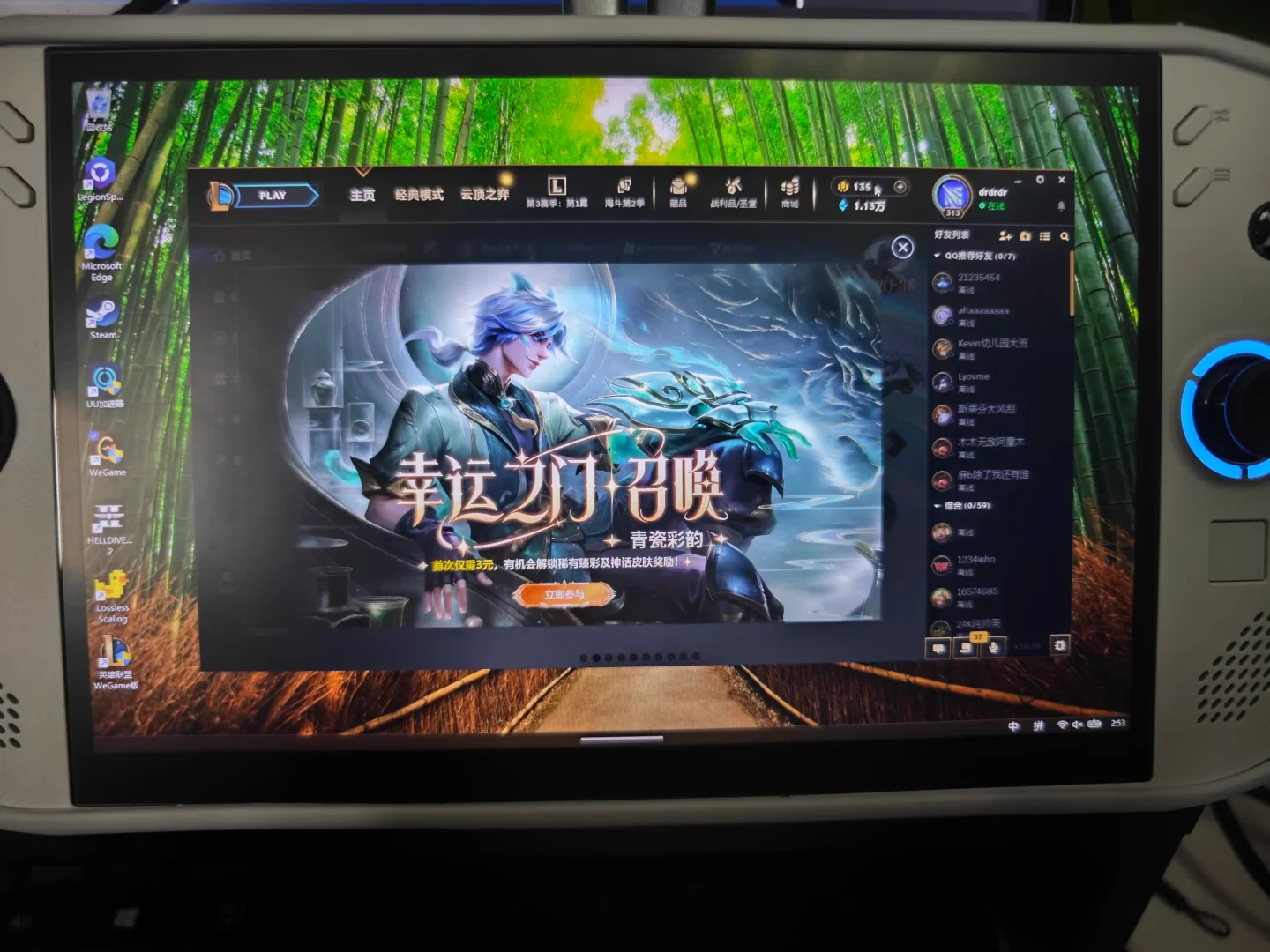
I first bought the Steam Deck LCD at the beginning of 2023 and later upgraded to the OLED version. I mainly played smaller games away from home, while some older AAA games were made playable by lowering the settings. At home, I streamed games. It got me excited about gaming again: I finished many games that had previously made me sleepy as soon as I sat down at the computer, including Red Dead Redemption 2, Cyberpunk 2077 and Batman. Then, two months ago, I started playing Forza Horizon 6. The Steam Deck’s limited performance, together with Lossless Scaling, was still not enough, so I bought the Legion Go S Z1 Extreme version. I also considered the better-value Ally, but Lenovo’s included 32GB of memory and 8-inch LCD appealed to me. After finding what I considered a good price, I bought it immediately.
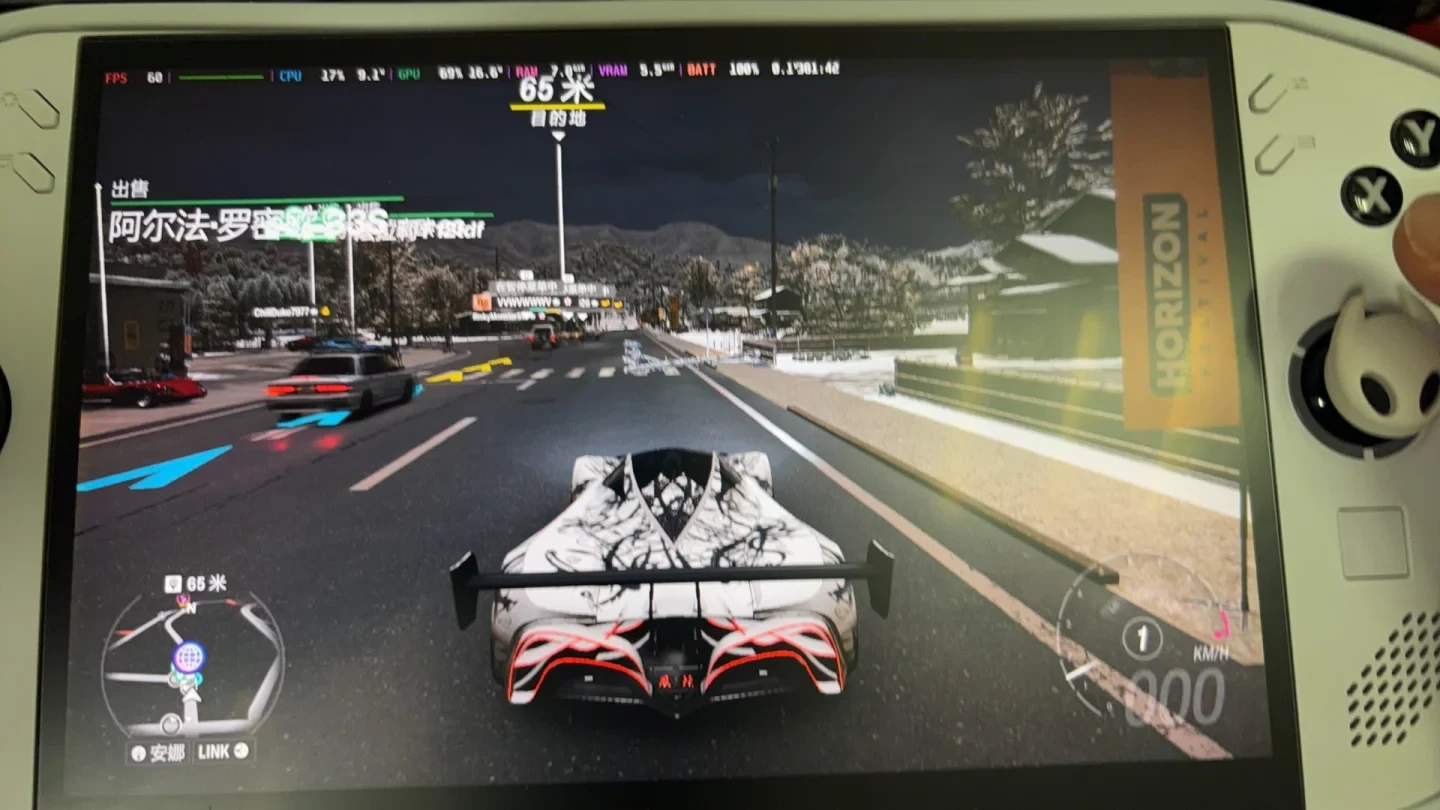
I have now enjoyed it for a full month! At 25W, Forza Horizon 6 runs steadily at 60 frames per second at 1080p with medium settings. That is much better than the Steam Deck OLED at 15W, which, even with its power limit pushed to 15W and Lossless Scaling, would still sometimes drop frames at 800p. I have been turning on my computer much less often to stream games. I use the Legion Go for demanding games and keep the Steam Deck OLED mainly for smaller ones. At 5W, Sultan’s Game can hold 45 frames per second, and the battery can last up to eight hours. I have to say that the Steam Deck OLED is genuinely excellent at low-power use.
Source: Cyper · Xiaohongshu · 2026-08-23 · legion go sZ1E版和sdo使用体验. Search this Chinese title in Xiaohongshu to find the original post.
Before You Buy
Models in your region
The owner identifies the handheld as a Legion Go S with Ryzen Z1 Extreme and compares it with a Steam Deck OLED. Lenovo’s US 32GB configuration matches the reported Legion Go S family and lists an 8-inch 1920×1200 120Hz display, but the source does not provide a full part number or confirm the owner’s exact operating-system image.
| Model in this review | Related regional model | What to know |
|---|---|---|
| Lenovo Legion Go S Z1 Extreme | Lenovo Legion Go S Z1 Extreme 32GB (83N6000GUS) (US) | This is the performance-focused handheld used by the owner. The US reference configuration has Ryzen Z1 Extreme, 32GB memory, a 1TB SSD, an 8-inch 1920×1200 120Hz IPS display and a 55.5Wh battery; the owner’s exact part number is not confirmed. |
| Valve Steam Deck OLED | Steam Deck OLED (US / UK) | This is the owner’s OLED Steam Deck, used mainly for lighter games. Valve lists a 1280×800 display up to 90Hz, a 50Wh battery and an advertised 3–12 hours of gameplay; the owner’s eight-hour result is an individual 5W observation. |
- Model in this review
- Lenovo Legion Go S Z1 Extreme
- Related regional model
- Lenovo Legion Go S Z1 Extreme 32GB (83N6000GUS) (US)
- What to know
- This is the performance-focused handheld used by the owner. The US reference configuration has Ryzen Z1 Extreme, 32GB memory, a 1TB SSD, an 8-inch 1920×1200 120Hz IPS display and a 55.5Wh battery; the owner’s exact part number is not confirmed.
- Model in this review
- Valve Steam Deck OLED
- Related regional model
- Steam Deck OLED (US / UK)
- What to know
- This is the owner’s OLED Steam Deck, used mainly for lighter games. Valve lists a 1280×800 display up to 90Hz, a 50Wh battery and an advertised 3–12 hours of gameplay; the owner’s eight-hour result is an individual 5W observation.
The owner’s split between demanding and lighter games
The owner moved demanding games to the Legion Go S after finding the Steam Deck OLED insufficient for Forza Horizon 6 with the reported settings. In the owner’s month-long experience, the Legion Go S ran the game at 25W, 1080p and medium quality at a steady 60 frames per second, while the Steam Deck OLED still sometimes dropped frames at 800p with its power limit pushed to 15W and the scaling tool enabled. This is a single game and configuration, not a general performance result for every title.
For buyers choosing between these products, the practical difference is how they divide their library: the owner uses the Legion Go for demanding games and the Steam Deck OLED for smaller games. The US Legion Go S reference model also provides Ryzen Z1 Extreme and 32GB memory, while Valve’s Steam Deck OLED specification identifies a lower-resolution 1280×800 display and SteamOS. The source does not identify the exact Steam Deck OLED storage configuration.
Low-power play favors the Steam Deck OLED in this account
The owner reports that the Steam Deck OLED reached 45 frames per second in Sultan’s Game at 5W and lasted up to eight hours, leading them to praise its low-power performance. That battery figure belongs to this game, power limit and individual session; it should not be treated as a general runtime for every title.
Valve’s published Steam Deck OLED figures provide a 50Wh battery and an advertised 3–12 hours of gameplay, so the owner’s eight-hour result falls within the family’s stated range. The official specification does not identify the owner’s exact game settings or explain how the session was measured, which limits direct runtime comparisons with the Legion Go S.
Check the software and configuration before transferring the experience
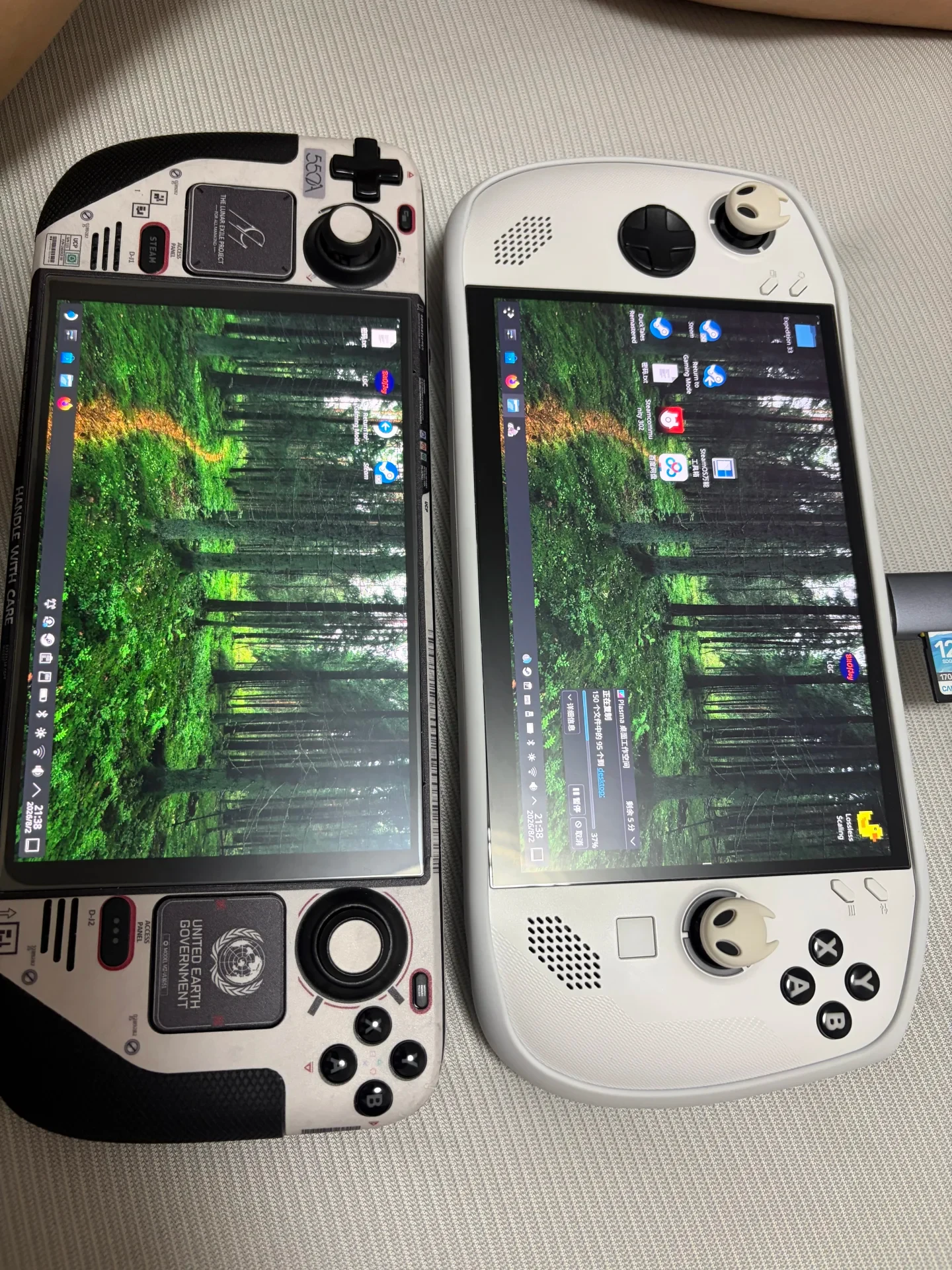
The owner calls the tool “little yellow duck,” and the side-by-side desktop photograph includes a shortcut labeled Lossless Scaling. Its Steam page distinguishes the Windows application from a community-driven Linux LSFG port. The post does not specify the installed port or version, so frame-generation behavior should not be assumed identical across the two operating systems.
Lenovo’s Legion Go S family includes different processors, memory capacities and operating-system options, including Ryzen Z2 Go or Z1 Extreme, 16GB or 32GB memory, and Windows 11 Home or SteamOS. Because the source does not provide a complete part number or confirm its OS image, buyers should verify those details locally before assuming the owner’s Z1 Extreme results apply to another Legion Go S configuration.
Compatibility labels are not performance guarantees
Steam’s Deck compatibility system separates games into Verified, Playable, Unsupported and Unknown. Playable games may require manual adjustments, while Unknown means the title has not yet been checked; a compatibility badge count is therefore not a count of every game that can run. This helps explain why buyers should check individual titles rather than infer suitability from the platform label alone.
Related Reading
Reviews & Guides · Computing & Networking
eero 7: a 2Gbps fibre test before ordering eero Pro 7
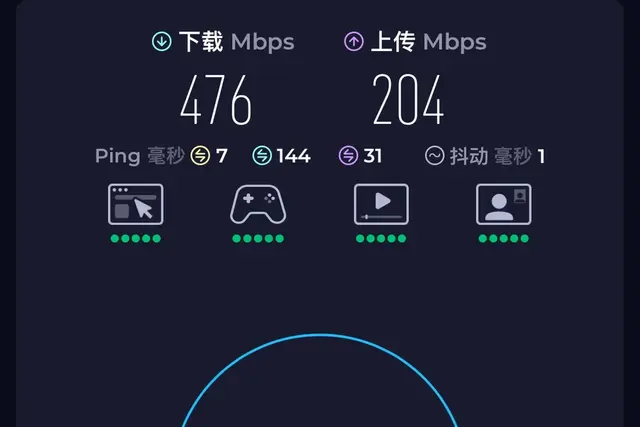
I tested eero 7 on a new 2Gbps fibre line and saw 1.2Gbps wired but 470Mbps Wi-Fi before returning it; I later ordered eero Pro 7.
Reviews & Guides · Computing & Networking
eero Pro 7: Four-node mesh owner review with ad blocking
I replaced my eero Max 7 with four eero Pro 7 units and found ad blocking worked across phone browsing and Samsung Tizen, though not every YouTube ad.
Reviews & Guides · Computing & Networking
NETGEAR Orbi RBR850: 800+ Mbps at home after replacing Nighthawk RAX120
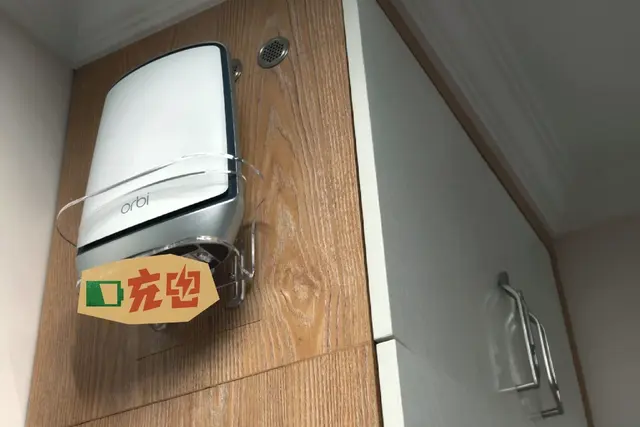
I replaced my NETGEAR RAX120 with a three-node Orbi 850 system and saw over 800 Mbps throughout my home, including about 900 Mbps in the living room.