
Reviews & Guides · Computing & Networking
TP-Link Deco BE95: heat, a persistent yellow light and lost connectivity
My TP-Link Deco BE95 ran hot, then lost connectivity after one or two months. I came home to an offline hub and a yellow light that stayed on after restarting.
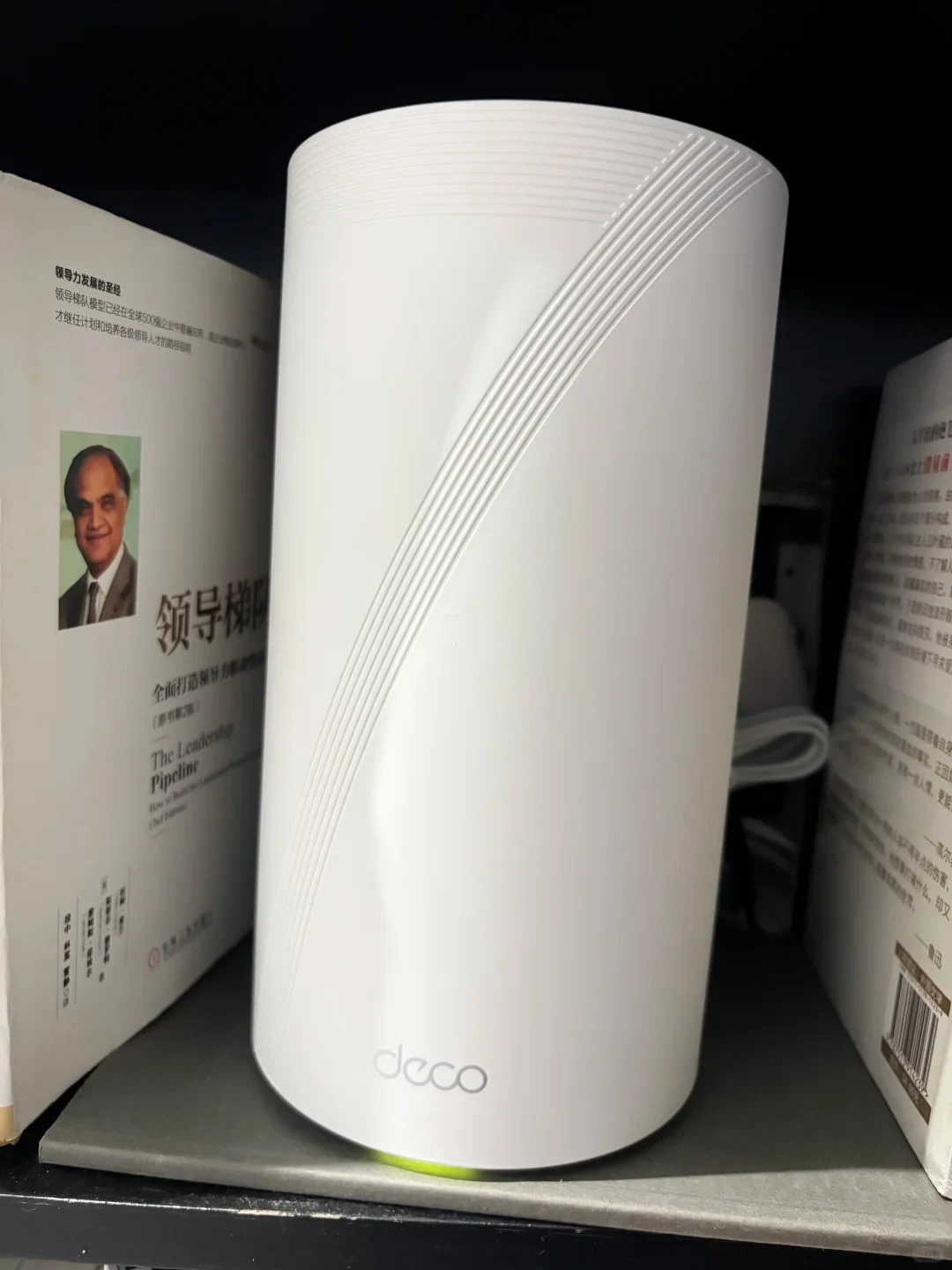
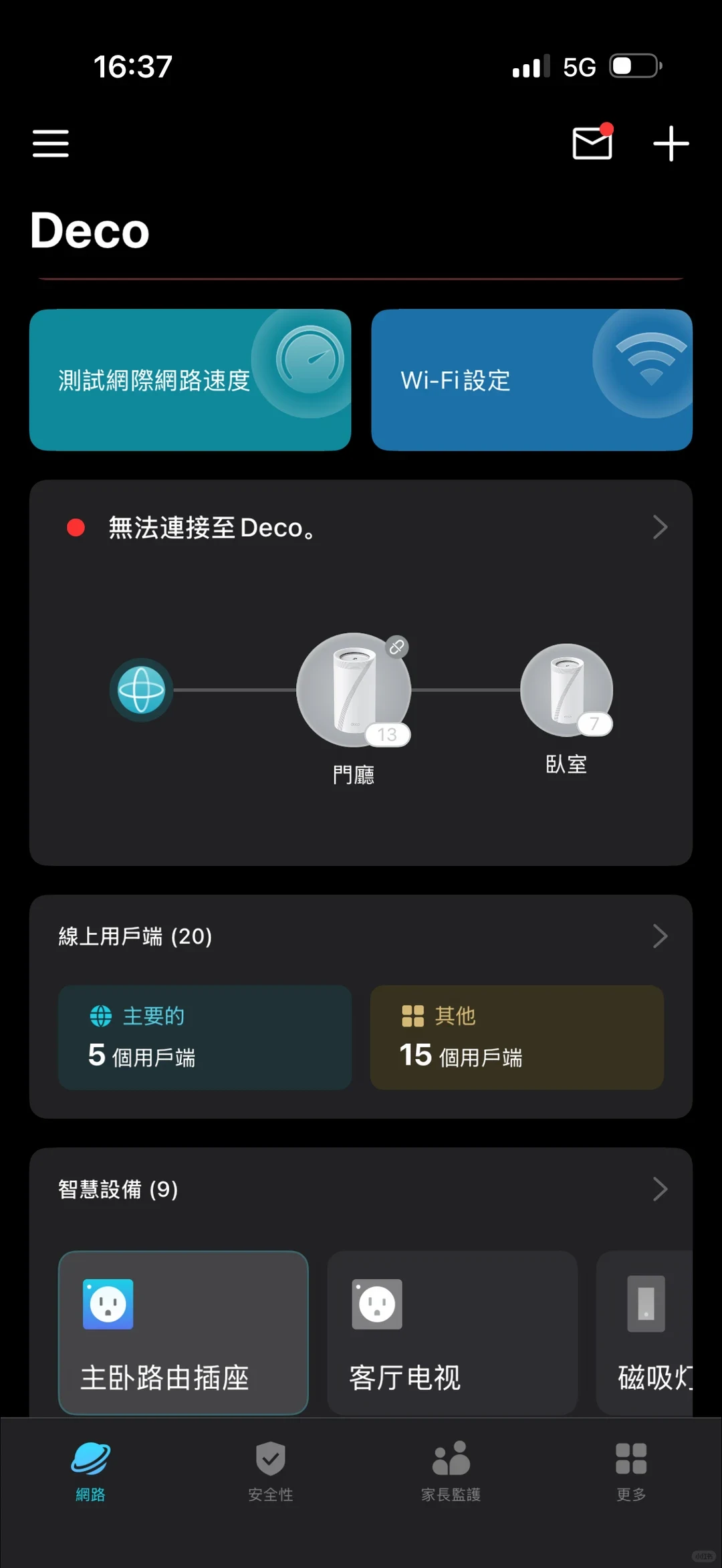
The Deco BE95 router I bought during an Amazon promotion was arguably top-tier Wi-Fi 7. It ran hot—and then, after one or two months, suddenly failed. While I was out, the home's central hub went offline. When I came back and restarted it, the yellow light stayed on... I couldn't connect.
Source: DJ_Antoine · Xiaohongshu · 2026-03-08 · 这么贵的路由器突然就坏了. Search this Chinese title in Xiaohongshu to find the original post.
Before You Buy
Models in your region
The owner explicitly identifies the product as the TP-Link Deco BE95. The US and UK official pages identify regional versions of the same model, but exact hardware revision and purchase-region firmware still matter. This account describes one unit and does not establish that every BE95 fails in the same way.
| Model in this review | Related regional model | What to know |
|---|---|---|
| TP-Link Deco BE95 | TP-Link Deco BE95 (US) | The US version is a quad-band BE33000 Wi-Fi 7 mesh system with two 10 Gbps WAN/LAN connections, two 2.5 Gbps ports per unit and USB 3.0. Its aggregate wireless rating is not the speed of one client or an internet connection. |
| TP-Link Deco BE95 | TP-Link Deco BE95 (UK) | The UK version has two 10 Gbps connections, including an Ethernet/fibre combination, and two 2.5 Gbps ports. Hardware revision, firmware region, compatible clients, cabling and service plan remain relevant to setup. |
- Model in this review
- TP-Link Deco BE95
- Related regional model
- TP-Link Deco BE95 (US)
- What to know
- The US version is a quad-band BE33000 Wi-Fi 7 mesh system with two 10 Gbps WAN/LAN connections, two 2.5 Gbps ports per unit and USB 3.0. Its aggregate wireless rating is not the speed of one client or an internet connection.
- Model in this review
- TP-Link Deco BE95
- Related regional model
- TP-Link Deco BE95 (UK)
- What to know
- The UK version has two 10 Gbps connections, including an Ethernet/fibre combination, and two 2.5 Gbps ports. Hardware revision, firmware region, compatible clients, cabling and service plan remain relevant to setup.
What the reported failure establishes
The owner's evidence is a single-unit account: the router reportedly ran hot, then showed a persistent yellow light and could no longer connect after an approximate one- to two-month period. TP-Link's support information does not identify the failed component or confirm a service diagnosis from these symptoms alone.
That distinction matters when judging reliability. The report is useful evidence of one owner's experience and of the practical impact of losing the home's network hub, but it provides no failure rate and does not prove a fleet-wide BE95 defect.
What regional buyers are actually getting
The official US BE95 listing describes a quad-band BE33000 Wi-Fi 7 mesh system with two 10 Gbps WAN/LAN connections, one using an RJ45/SFP+ combination, two 2.5 Gbps ports on each unit and USB 3.0. The BE33000 aggregate label should not be read as the speed of one client or an internet connection.
The UK listing also describes a quad-band Wi-Fi 7 BE95 with two 10 Gbps connections, including an Ethernet/fibre combo, plus two 2.5 Gbps ports. Actual speed depends on compatible client hardware, cabling and the service plan, so the owner's experience does not verify any particular throughput.
Firmware and wired-backhaul checks
Before attempting a firmware update, verify that the firmware is from the device's purchase region and matches its hardware version. TP-Link warns that wrong firmware can damage the device and void its warranty, making the regional version and hardware label important before a manual update.
For a wired Deco mesh setup, configure the nodes in the Deco app first. In Router mode, connect satellites downstream from the main Deco directly or through a switch; in Access Point mode, satellites can connect to the upstream router. Cable presence alone does not prove a 10 Gbps link, so check the ports and negotiated rate.
Related Reading
Reviews & Guides · Computing & Networking
TP-Link Deco BE95: unboxing and a local Wi-Fi 7 speed test
I unboxed an imported TP-Link Deco BE95 and measured its 23 cm height. At six metres, my local test reached 2.9 Gbps down and 2.6 Gbps up.
Reviews & Guides · Computing & Networking
TP-Link Archer BE550 Pro: Japan IPoE and MLO notes, with Archer BE550 buying context
I bought the Japanese TP-Link Archer BE550 Pro for 10Gbps fiber, but severe MLO latency and recurring IPv6 drops led me to use OpenWrt for routing.
Reviews & Guides · Computing & Networking
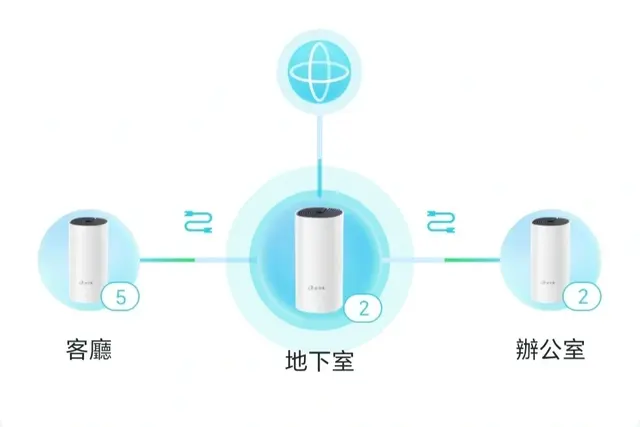
TP-Link Deco M4: a four-floor wired-backhaul setup
I used TP-Link Deco M4 units across four floors with Ethernet backhaul, then found my upstairs computer needed an extra switch to get a wired connection.