
Reviews & Guides · Computing & Networking
Xiaomi BE6500: smart-device dropouts persisted after replacement
Reviewed: Xiaomi Router BE6500, Xiaomi Router AX3000TRegional reference: Xiaomi Router BE3600 (UK); Xiaomi Router AX3000T (UK)
I replaced my Xiaomi BE6500 after smart devices kept disconnecting, but the new unit behaved the same. My AX3000T stayed stable as the main router.
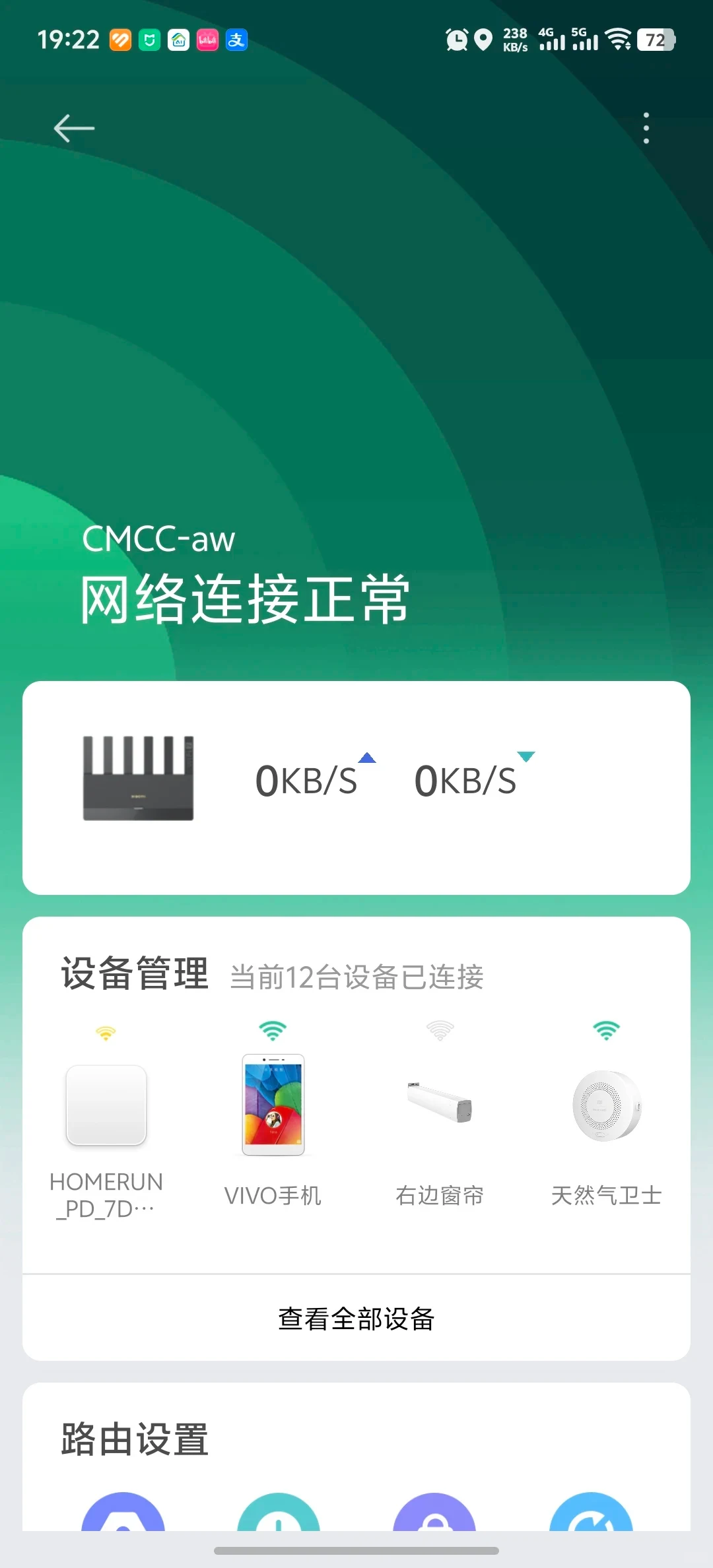
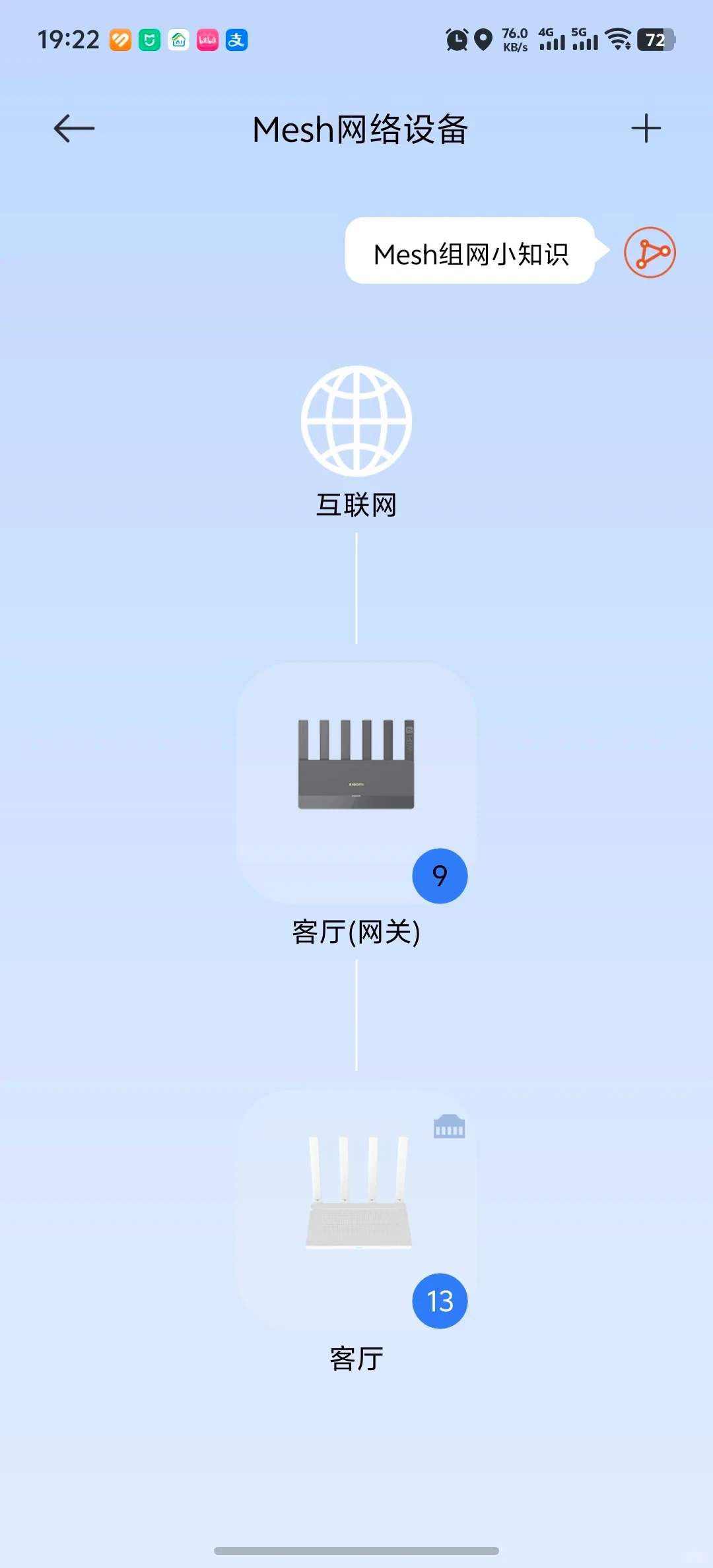
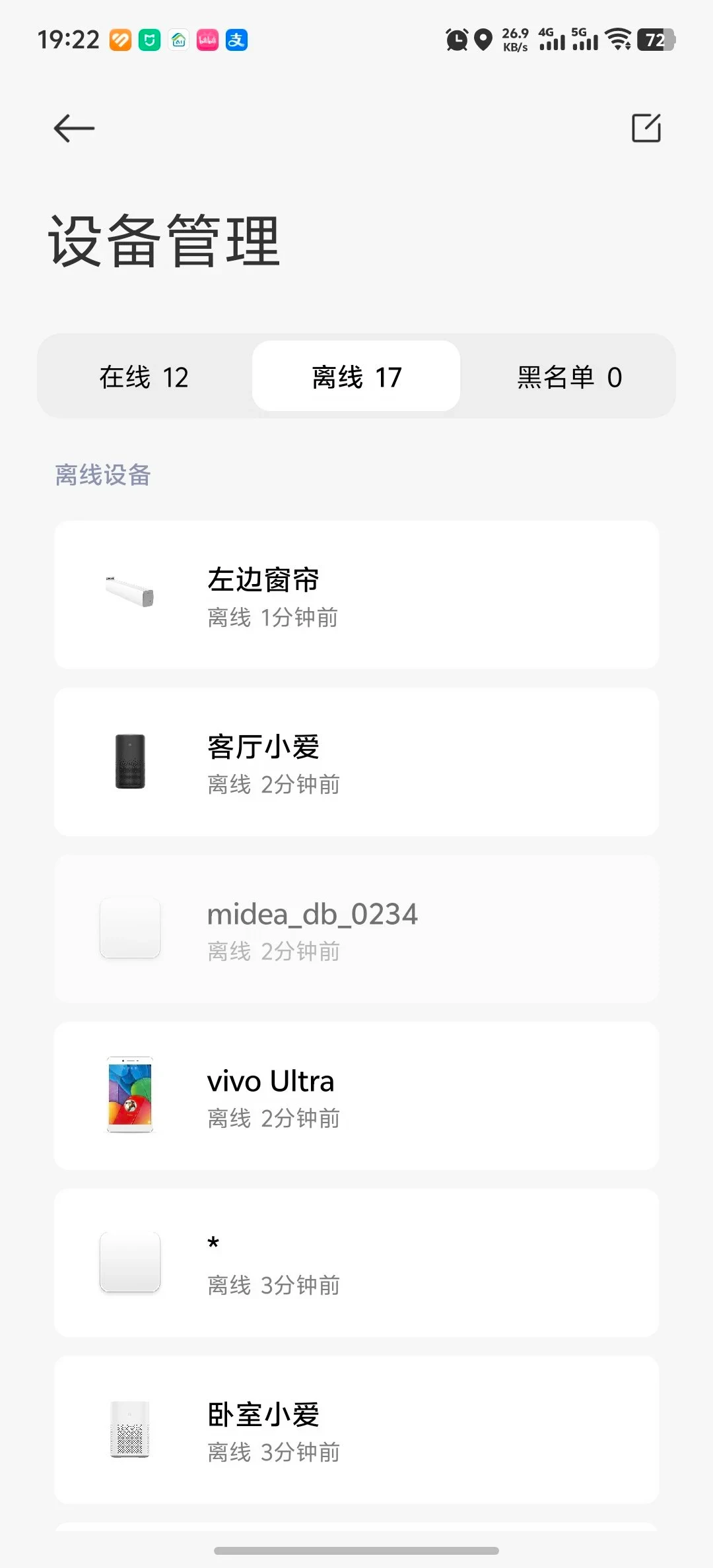
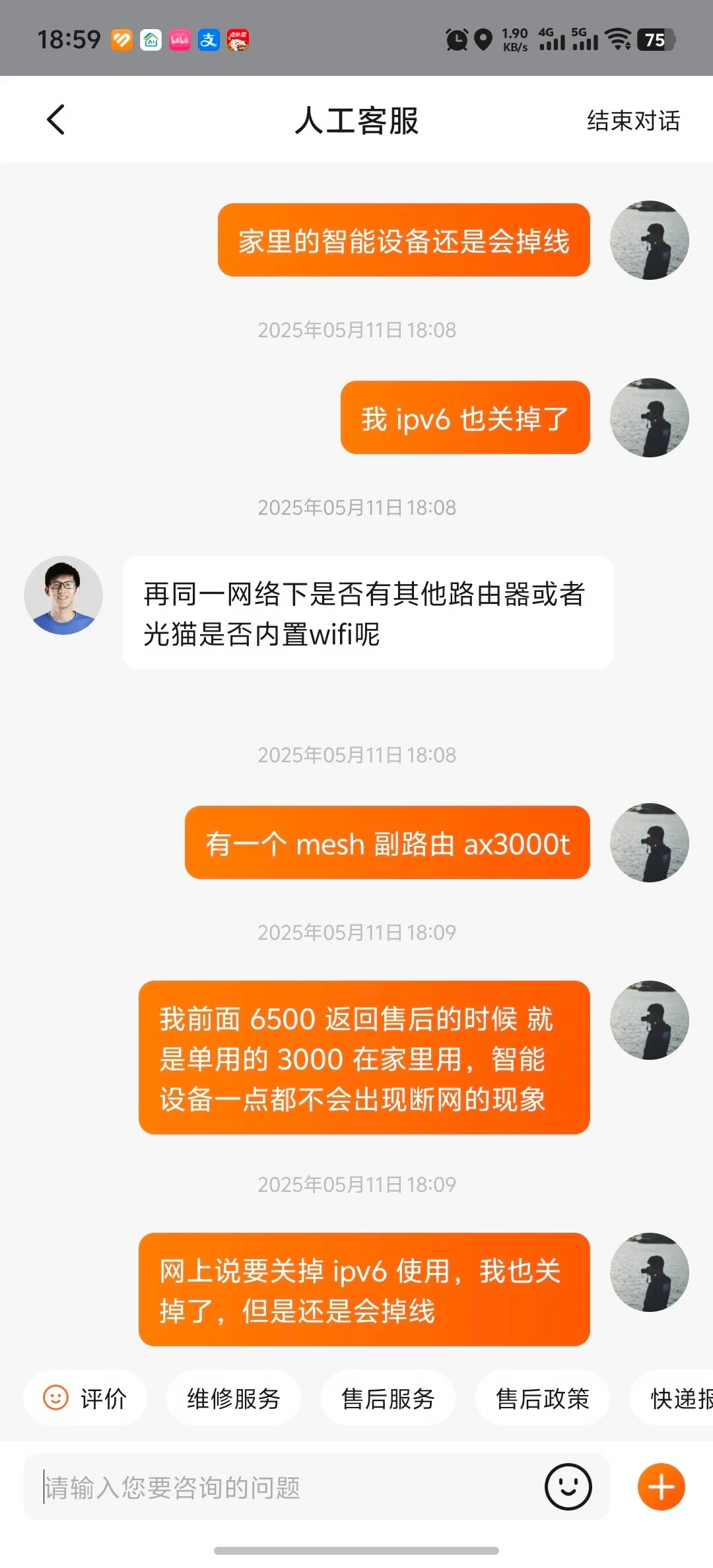
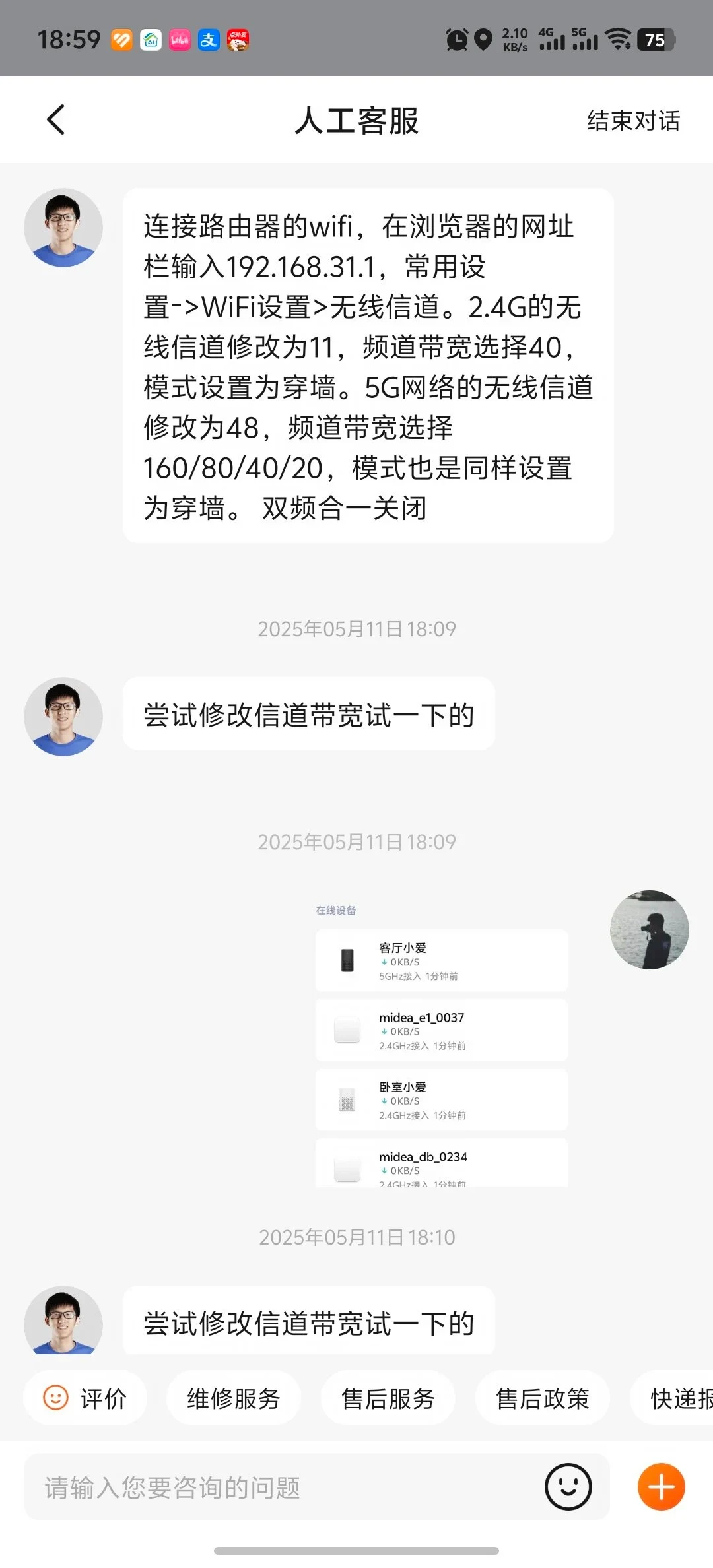
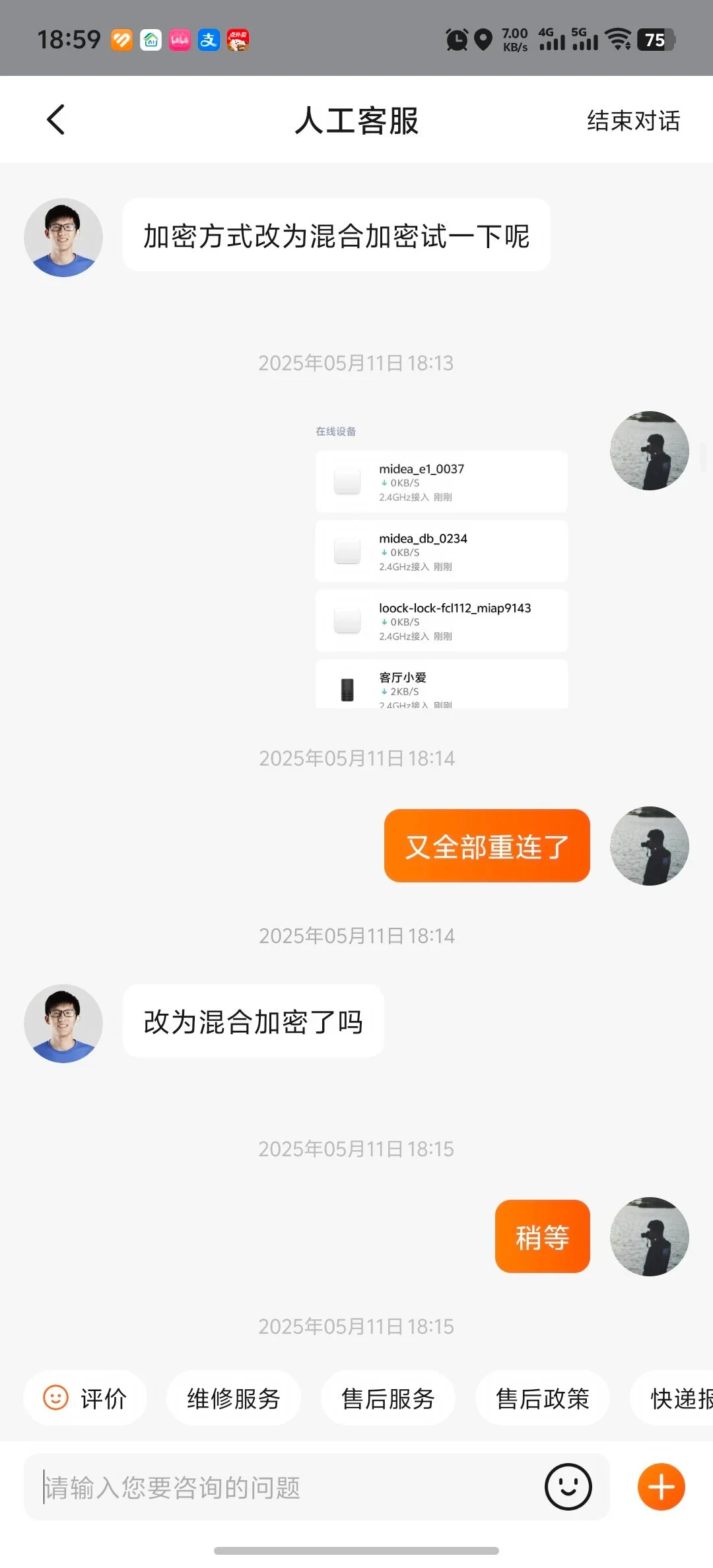
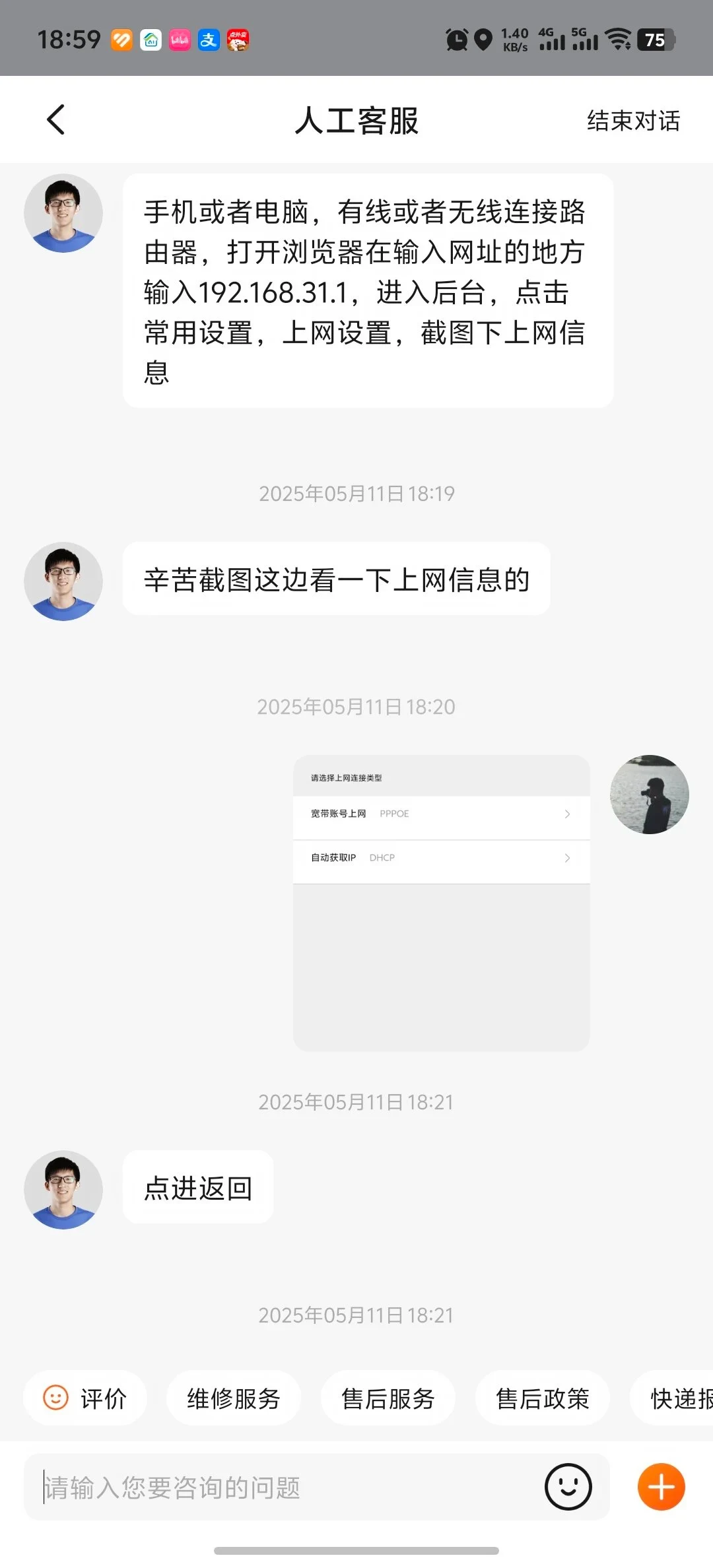
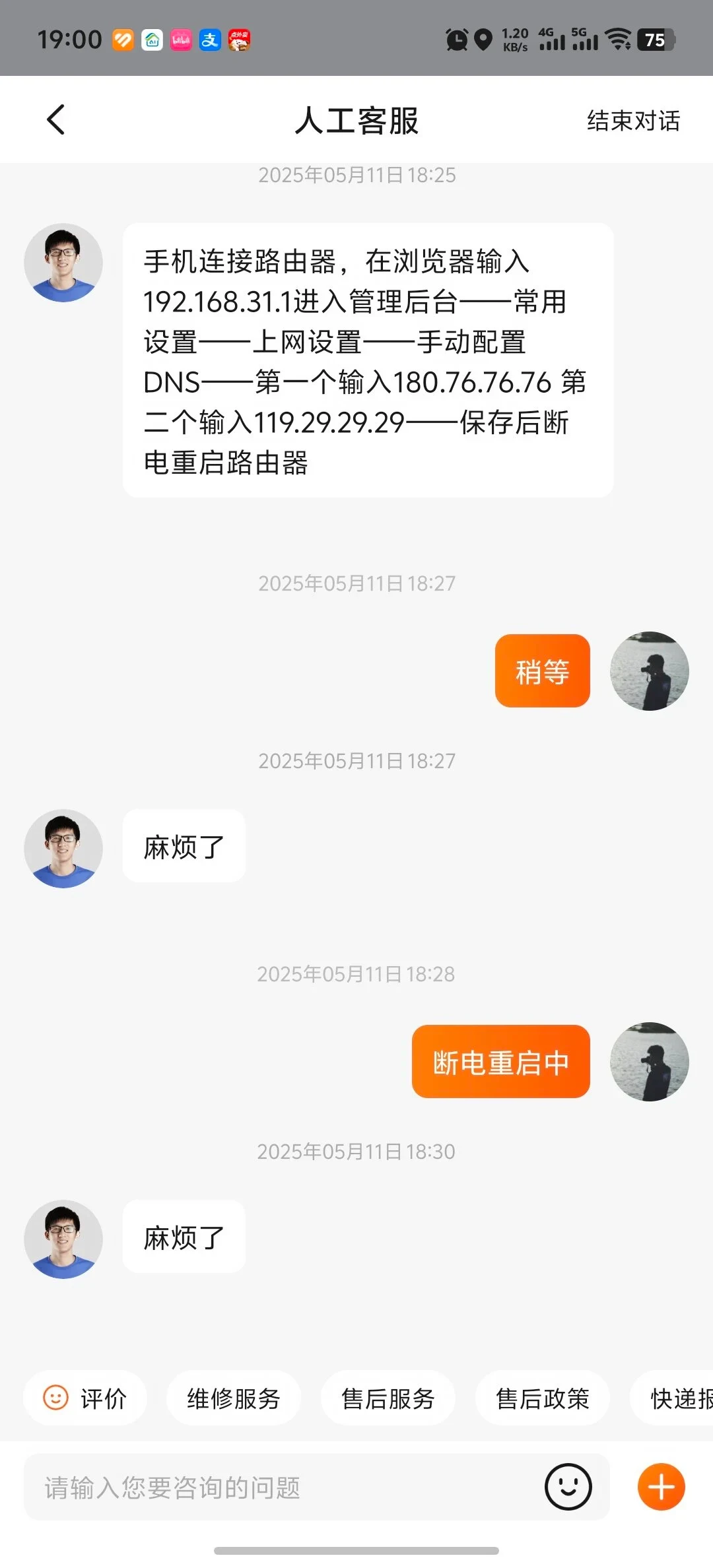
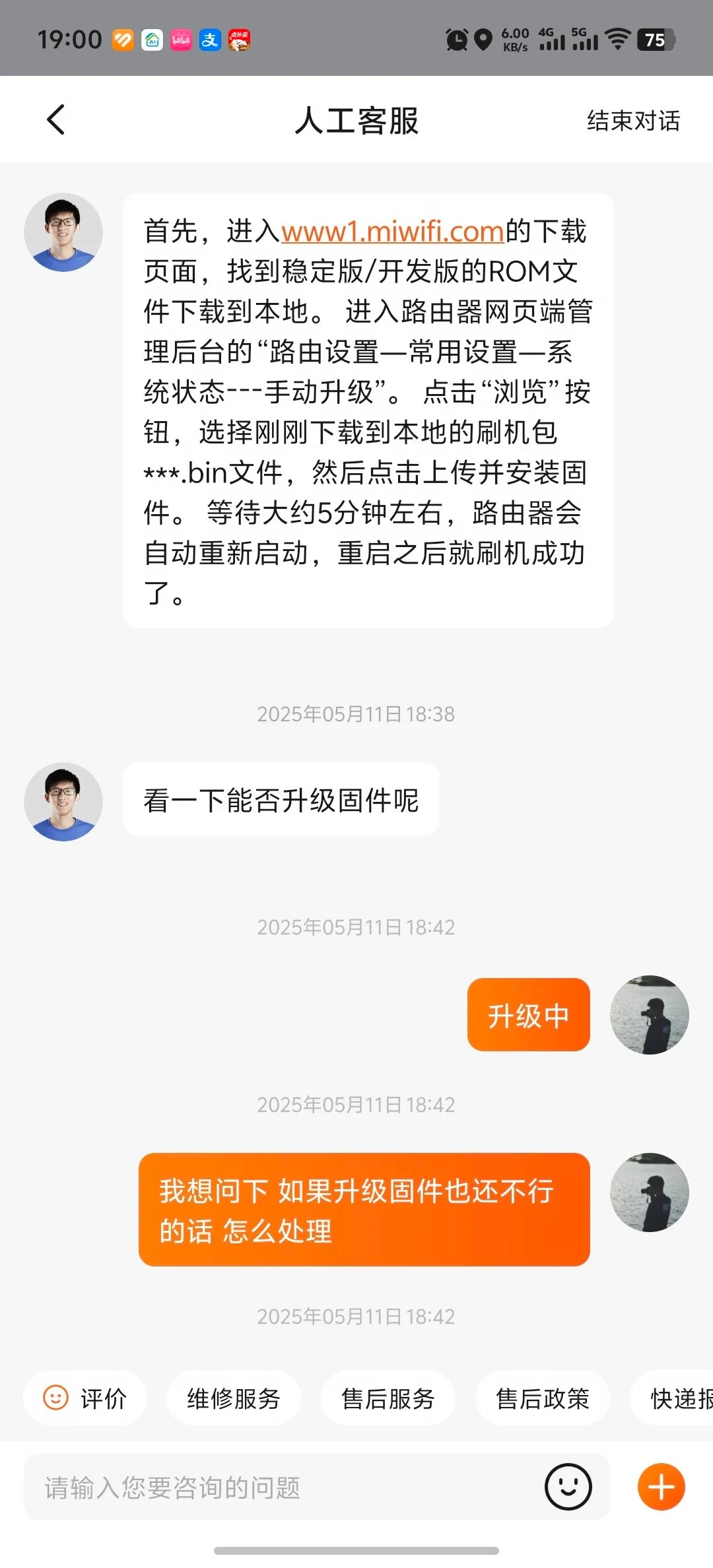



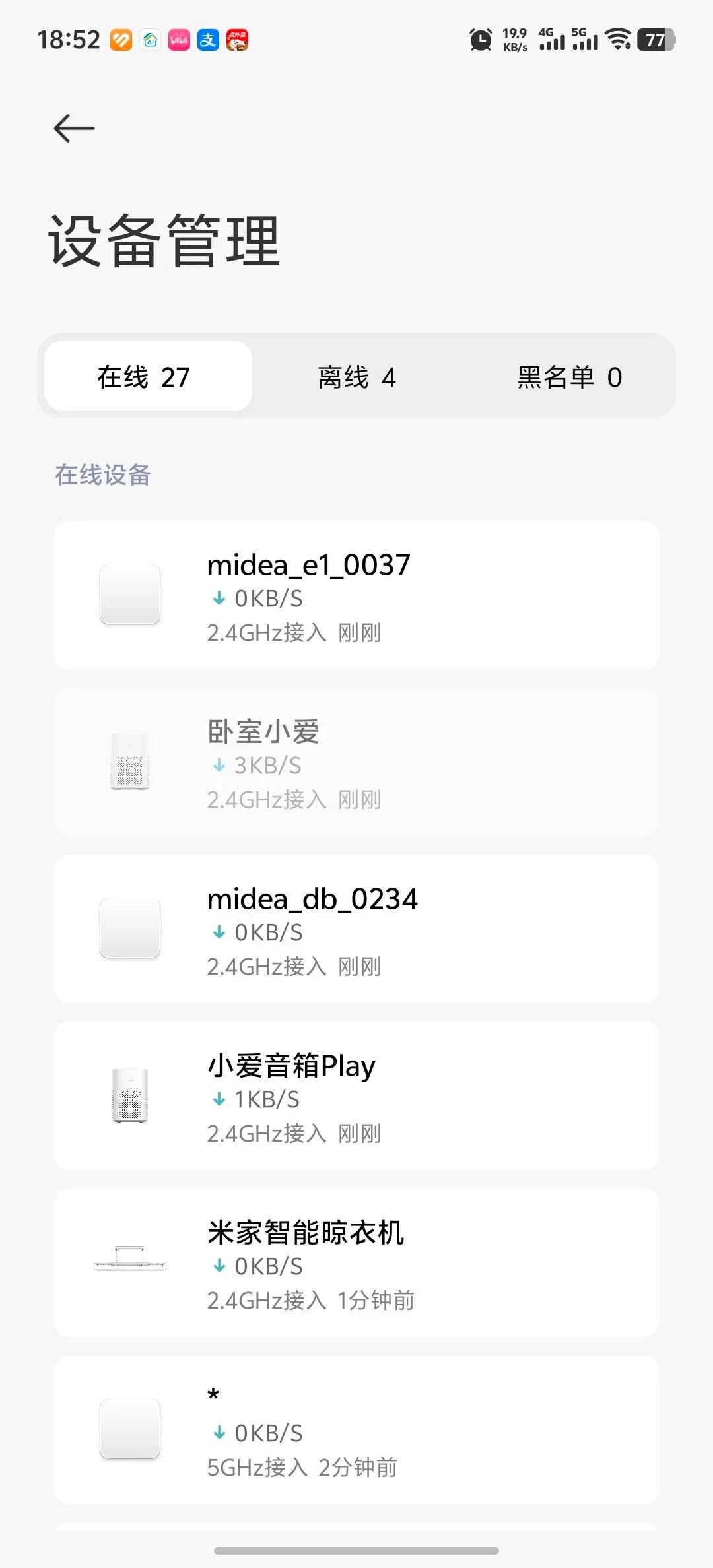
During a May Day holiday trip, I found that my Xiaomi BE6500 was having internet connection problems at home. Most of my household devices are connected through the Mi Home ecosystem, and I wanted to use the camera to check on my cat. The camera went offline or the network slowed down, and the router’s management page often would not open. I later found that devices kept disconnecting and reconnecting, while wired devices remained connected normally.
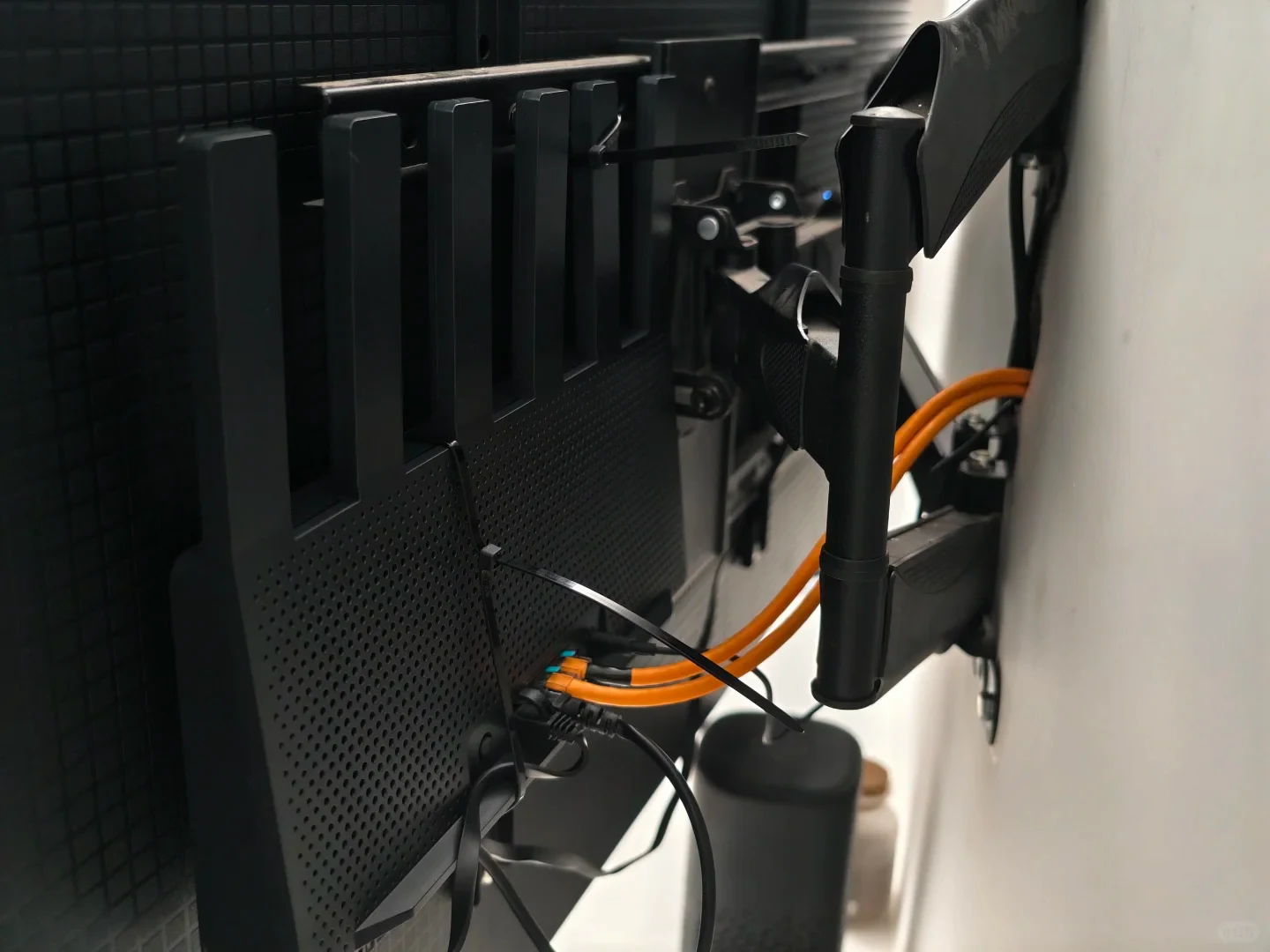
Here’s how my home network is set up: I use wired Mesh, with a Xiaomi AX3000T as the secondary router. I chose the BE6500 as the main router because the signal in the main bedroom wasn’t good. I added a wired Mesh router in the study to cover that room too, so the BE6500 sits behind the TV and connects over Cat6A cable to a 2.5GbE switch in the wiring cabinet. That was how I aimed to get a 2.5GbE home network throughout the house. While the BE6500 was away for service, I put the AX3000T behind the TV and used it as the main router. During that time, my smart devices and Xiao Ai speaker stayed connected.
After I got home, I sent the router to customer service. Xiaomi’s service was good: within the first year, they replaced it instead of repairing it, and a new router arrived soon afterward. But after I set it up and tested it, the dropouts were still happening. I used two ways to spot them: the Xiaomi app’s list of online and offline devices, and, most clearly, the yellow light on my Xiao Ai speaker when it disconnected. I contacted Mi Home customer service again. They guided me through changing DNS, the Wi-Fi channel, the encryption mode, and the router firmware, but none of it helped. The Xiao Ai speaker kept turning yellow while we were talking. In the end, customer service suggested changing the positions of the main and secondary routers. I was worn out from troubleshooting, and the BE6500 is difficult to reach behind the TV. The AX3000T also doesn’t have 2.5GbE on all its ports, so even if swapping the routers fixed the problem, I wouldn’t have the whole-home 2.5GbE network I wanted. What would be the point of having the BE6500 then?
I searched online beforehand and found quite a few reports of similar problems. Some people suggested turning off IPv6, but that didn’t help either. Customer service suggested taking the router to a local service center for inspection. I can only find time to take it in and see what they find. I wanted to return it, but customer service said the return period had passed. This has been so frustrating. Is the BE6500 Wi-Fi 7 router one to avoid?
I’ll take it to a service center tomorrow and see what they find. I’d also like to ask what kind of home network setup you use.
Source: 爱玩的阿伟。 · Xiaohongshu · 2025-05-11 · 小米 BE6500 路由器🤷♂️累觉不爱. Search this Chinese title in Xiaohongshu to find the original post.
Before You Buy
Models in your region
The account concerns a China-market Xiaomi Router BE6500 and a Xiaomi Router AX3000T used as its wired-Mesh secondary router and, temporarily, as the main router. The UK AX3000T is the same named product family, but the source unit’s regional SKU is unconfirmed; the UK BE3600 is a related Wi-Fi 7 model, not an established regional equivalent of the BE6500. The owner’s dropout experience applies to the units and setup described, not automatically to either UK model.
| Model in this review | Related regional model | What to know |
|---|---|---|
| Xiaomi Router BE6500 | Xiaomi Router BE3600 (UK) | The UK Xiaomi Router BE3600 is a different, related dual-band Wi-Fi 7 model, not a verified regional version of the China-market BE6500. Its port configuration does not establish a full 2.5GbE equivalent to the owner’s network. |
| Xiaomi Router AX3000T | Xiaomi Router AX3000T (UK) | The UK AX3000T shares the source router’s product-family name, but the source unit’s regional SKU is unconfirmed. The UK model is dual-band Wi-Fi 6 with four gigabit WAN/LAN ports; its specifications and firmware compatibility should not be assumed for the source unit. |
- Model in this review
- Xiaomi Router BE6500
- Related regional model
- Xiaomi Router BE3600 (UK)
- What to know
- The UK Xiaomi Router BE3600 is a different, related dual-band Wi-Fi 7 model, not a verified regional version of the China-market BE6500. Its port configuration does not establish a full 2.5GbE equivalent to the owner’s network.
- Model in this review
- Xiaomi Router AX3000T
- Related regional model
- Xiaomi Router AX3000T (UK)
- What to know
- The UK AX3000T shares the source router’s product-family name, but the source unit’s regional SKU is unconfirmed. The UK model is dual-band Wi-Fi 6 with four gigabit WAN/LAN ports; its specifications and firmware compatibility should not be assumed for the source unit.
What the AX3000T comparison can tell you
The AX3000T staying connected as the temporary main router is a useful comparison from this household, but it does not identify why the BE6500’s Wi-Fi devices disconnected. The owner had not carried out customer service’s suggested router-position swap, so the account does not show whether changing positions would have fixed the problem. The UK AX3000T has four gigabit WAN/LAN ports; that is a practical limitation for this owner’s stated goal of a whole-home 2.5GbE wired network, not evidence that every regional AX3000T has the same configuration.
For a UK AX3000T Mesh setup, Xiaomi says compatible Xiaomi routers need the latest firmware and advises contacting customer service about specific model combinations. Client support for 802.11k/v and the surrounding environment can also affect roaming. This guidance does not confirm that the owner’s China-market combination has identical compatibility or that moving the routers would resolve the reported dropouts.
Placement and troubleshooting limits
A router’s placement matters to Mesh coverage: Xiaomi advises against enclosing the UK AX3000T in a metal box or obstructing it with furniture or a TV stand, and recommends an open, central position. The owner’s BE6500 was behind a TV, but the cause of its disconnections was never diagnosed; the placement advice is not proof that the TV location caused the fault or that relocating this BE6500 would cure it.
The owner tried changing DNS, Wi-Fi channels, encryption mode and firmware, and also tried turning IPv6 off; none resolved the reported dropouts. Those are the steps attempted in this specific case, not a verified troubleshooting recipe for other regions or models. The owner planned a service-center inspection, but no inspection result or confirmed fault diagnosis is included.
Why the main-router role mattered
The BE6500’s role mattered because the owner wanted a 2.5GbE wired network as well as Wi-Fi coverage. Using the AX3000T alone kept the smart devices connected during the service interval, but the owner says its ports did not meet that wired-network goal. That result is narrower than proving that an AX3000T-led mixed Mesh would solve the problem: the proposed main-and-secondary swap was not tested.
Before choosing a main router, map the Ethernet path to the devices that need faster-than-gigabit transfers and confirm each port in that path. The documented UK BE3600 has one 2.5GbE port and three gigabit ports, while the UK AX3000T has four gigabit ports. Those related specifications illustrate why a Wi-Fi speed label alone does not establish a suitable wired layout; they do not establish the source units’ firmware compatibility or the cause of this failure.
Related Reading

Reviews & Guides · Computing & Networking
TP-Link Deco X55 in a two-storey Australian home: Wi-Fi across 300 m²
I installed two TP-Link Deco X55 units in my 300 m², two-storey home; bedrooms that often lost Wi-Fi now had a signal throughout the house.
Reviews & Guides · Computing & Networking
TP-Link Deco X55: DNS pauses stopped for six days in access-point mode
I switched my Deco X55 to access-point mode and restored my older router to the front of the network. The DNS-like pauses stayed away for six days.
Reviews & Guides · Computing & Networking
TP-Link Deco X55 after nearly a year: six units, Teams and gaming
I’ve used six TP-Link Deco X55 units for nearly a year, including daily Teams calls and online gaming; I’ve had only one or two connectivity issues.