
Reviews & Guides · Computing & Networking
ZTE BE5100: TV casting after switching two routers to bridge mode
Reviewed: ZTE Xuntian BE5100Regional reference: ZTE Xuntian BE5100 (China); ZTE AX3000 Pro (UK and Europe)
I restarted my ONT and bridged the ZTE BE5100 and my older router. Afterward I could cast to the TV from either Wi-Fi network.
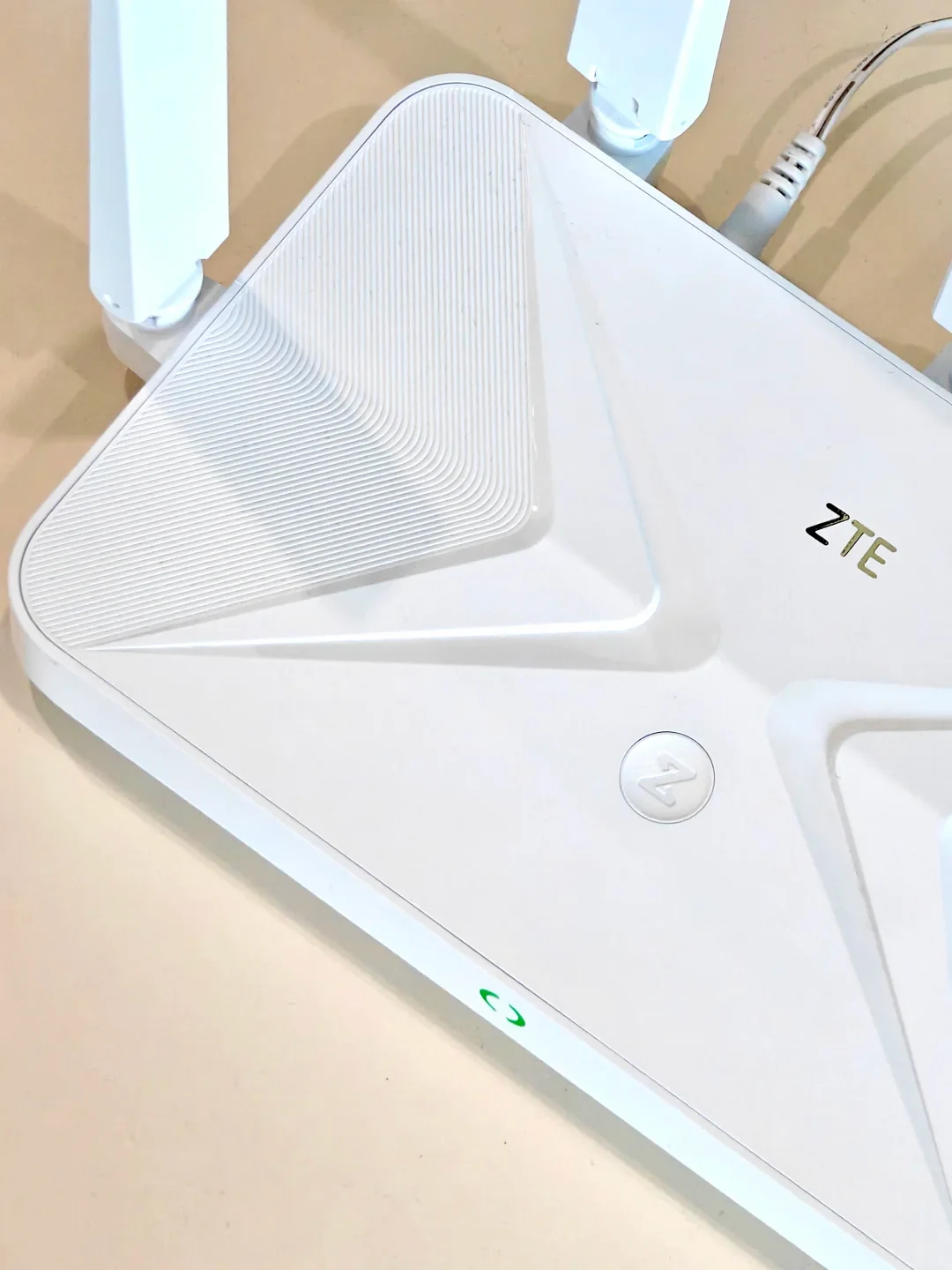

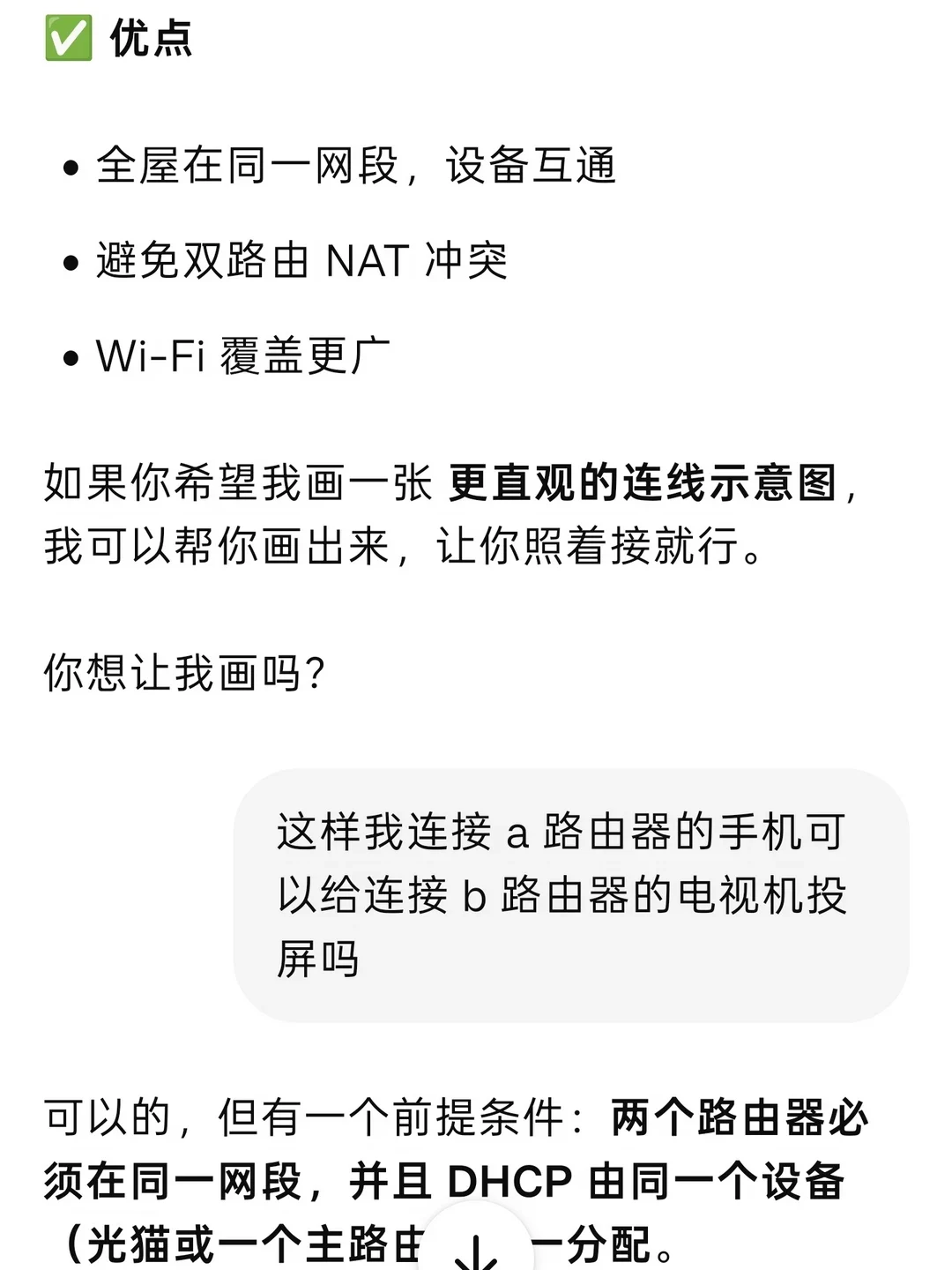
I recently bought a ZTE BE5100 router. Its specifications are better than my old router's, but the results were poor. I tried separating the bands, turning off MLO and using bridge mode several times. I searched Xiaohongshu for answers without finding a fix, so I asked an AI assistant. After its reply, I suddenly understood what might be happening, and I’m writing it down.
→ The setup
My internet service is under 1 Gbps.
The ONT has no Wi-Fi and is kept in a cabinet.
The wall jack in the living room connects to the new router.
The wall jack in bedroom A connects to the old router.
The wall jack in bedroom B connects to my desktop computer.
→ What triggered the problem
After repeatedly switching the new router between bridge mode and automatic IP (DHCP) and restarting it, it lost internet access. The desktop showed that it was connected to the network but had no internet.
→ What I thought caused it
Routers are usually set to DHCP by default, which assigns IP addresses automatically. The ONT was also using DHCP by default, so I thought my home might have had three local networks assigning IP addresses and causing confusion that prevented internet access.
→ What I did
My aim was to have just one device assigning IP addresses so the whole home would be on one local network.
- Restart the ONT: I thought this would make it assign IP addresses again. After restarting it, my desktop could access the internet.
- Set both routers, the new one and the old one, to bridge mode. That way, only the ONT would assign IP addresses in my home.
- Turn off band steering and MLO. I think these two features are unstable, so I’d rather leave them off.
→ The result
The new router has been very stable, and the signal seems better too. The 5 GHz connection can reach full speed, while 2.4 GHz stays around 100 Mbps. I can also cast to the TV from any Wi-Fi network in my home.
The old router is still useful, and its signal is full strength in the bedroom.
Note: If you have greater networking needs, you may want your own Wi-Fi router to handle DHCP and dial-up, with the ONT in bridge mode. I don’t need that at the moment, so I’m not going to tinker with it—I’m mainly worried I won’t understand how to set it up.
Finally, many thanks to G!
Source: 斯哈斯哈 · Xiaohongshu · 2025-08-17 · 终于知道新买的路由为啥经常断网了. Search this Chinese title in Xiaohongshu to find the original post.
Before You Buy
Models in your region
The source account names the router as a ZTE BE5100, which ZTE lists in China as the Xuntian BE5100; the account does not establish a Pro+ suffix, operator SKU or hardware revision. ZTE’s UK-and-Europe AX3000 Pro is a separate router, not a verified regional equivalent. The reported setup and results apply to the author’s BE5100 and home network.
| Model in this review | Related regional model | What to know |
|---|---|---|
| ZTE Xuntian BE5100 | ZTE Xuntian BE5100 (China) | This is the China-market model family matching the author’s stated BE5100 name. The account does not identify a suffix, operator SKU or hardware revision, so its results cannot be assigned to a more specific configuration. |
| ZTE Xuntian BE5100 | ZTE AX3000 Pro (UK and Europe) | A separate ZTE router listed for the UK and several European countries, not a confirmed regional version of the BE5100. The BE5100 account does not establish the AX3000 Pro’s setup or performance. |
- Model in this review
- ZTE Xuntian BE5100
- Related regional model
- ZTE Xuntian BE5100 (China)
- What to know
- This is the China-market model family matching the author’s stated BE5100 name. The account does not identify a suffix, operator SKU or hardware revision, so its results cannot be assigned to a more specific configuration.
- Model in this review
- ZTE Xuntian BE5100
- Related regional model
- ZTE AX3000 Pro (UK and Europe)
- What to know
- A separate ZTE router listed for the UK and several European countries, not a confirmed regional version of the BE5100. The BE5100 account does not establish the AX3000 Pro’s setup or performance.
Check which device assigns addresses before changing modes
The author’s layout connected the new living-room router, an older bedroom router and a desktop in another room through separate wall jacks, with the ONT providing the internet connection. After restarting the ONT and setting both routers to bridge mode, the author reported being able to cast to the TV from either Wi-Fi network. This is one home’s reported outcome, not a confirmed explanation of the earlier disconnection.
Write down how the wall jacks lead back to the ONT and which device currently assigns local addresses. If you switch a downstream router to bridge or access-point mode, check internet access from the desktop and casting from the phone separately. The source screenshots reproduce AI suggestions; the public-IP wording in the diagram is not a reading from the author’s ONT.
Wi-Fi results and feature trade-offs
In this home, the author said the BE5100 became very stable, with 5 GHz reaching full speed and 2.4 GHz staying around 100 Mbps. The account gives no test method, service-plan speed or measurement details, so these figures describe the author’s reported experience rather than a verified performance rating for other units or networks.
The author also turned off band steering and MLO, believing those features were unstable, but did not isolate their effects. The account therefore supports noting that these settings were disabled in this setup—not a general recommendation to disable them. The author said a more demanding setup might instead use a personal router for DHCP and dialing while putting the ONT in bridge mode, but did not try that configuration.
Check casting again before changing Wi-Fi settings
Once casting works from both Wi-Fi networks, write down the working configuration before trying another change. If you want to retest band steering or MLO, change one setting at a time so you can tell whether the behavior changes. This account does not isolate the effect of either setting.
Check the mode descriptions for your exact router before changing the setup. In this home, the downstream routers were bridged and the ONT kept assigning addresses. Putting the ONT itself in bridge mode would change which device handles the connection.
Related Reading

Reviews & Guides · Computing & Networking
TP-Link Deco X55 in a two-storey Australian home: Wi-Fi across 300 m²
I installed two TP-Link Deco X55 units in my 300 m², two-storey home; bedrooms that often lost Wi-Fi now had a signal throughout the house.
Reviews & Guides · Computing & Networking
TP-Link Deco X55: DNS pauses stopped for six days in access-point mode
I switched my Deco X55 to access-point mode and restored my older router to the front of the network. The DNS-like pauses stayed away for six days.
Reviews & Guides · Computing & Networking
TP-Link Deco X55 after nearly a year: six units, Teams and gaming
I’ve used six TP-Link Deco X55 units for nearly a year, including daily Teams calls and online gaming; I’ve had only one or two connectivity issues.