
Reviews & Guides · Computing & Networking
ZTE Wen Tian BE7200 MAX: setting up a two-router fiber mesh
Reviewed: ZTE Wen Tian BE7200 MAXRegional reference: ZTE AX3000 Pro (UK and Europe)
I set up two ZTE Wen Tian BE7200 MAX routers as a fiber mesh after firmware 2B2 added support, using SFP+ ports and fiber modules.
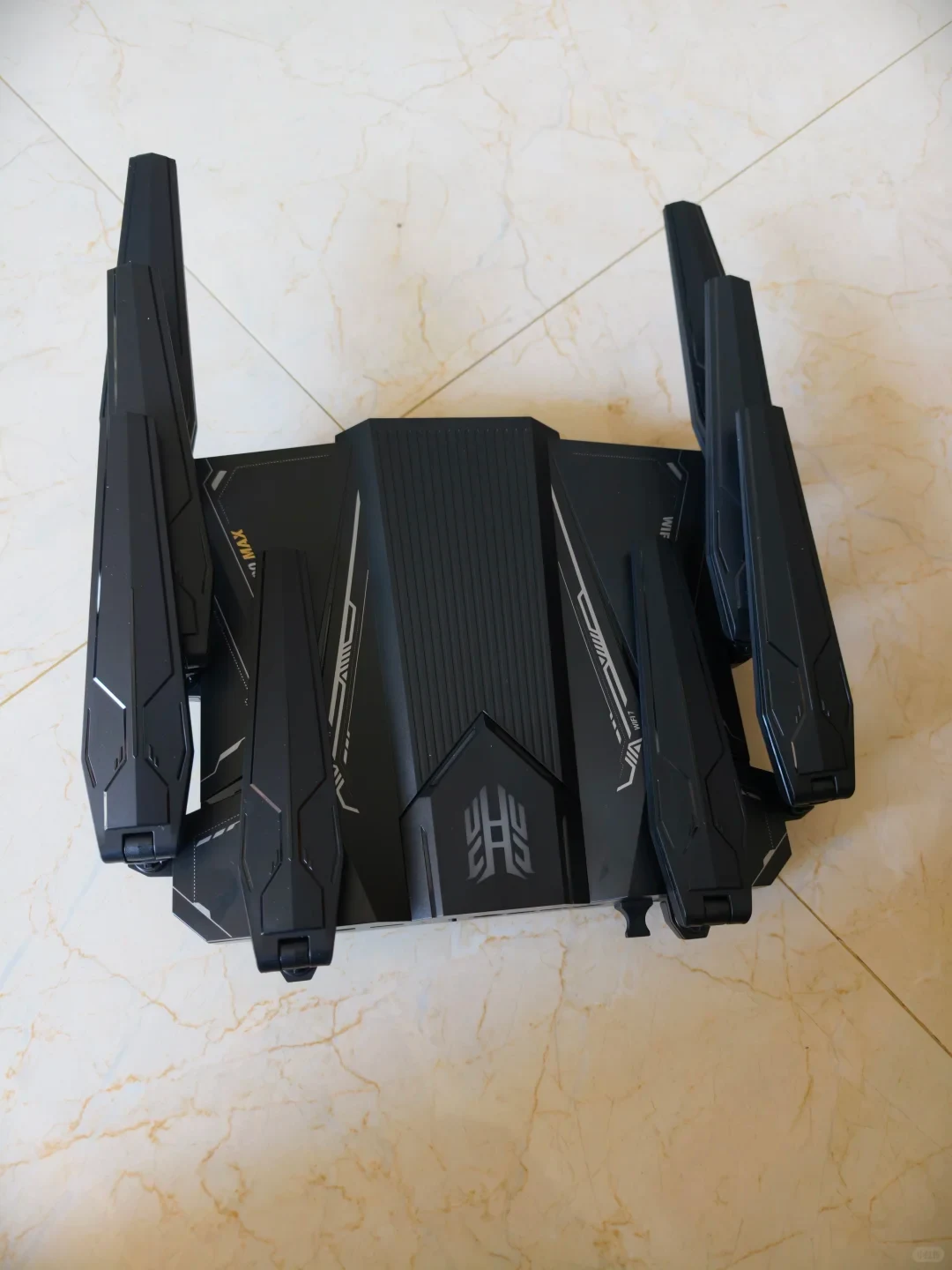
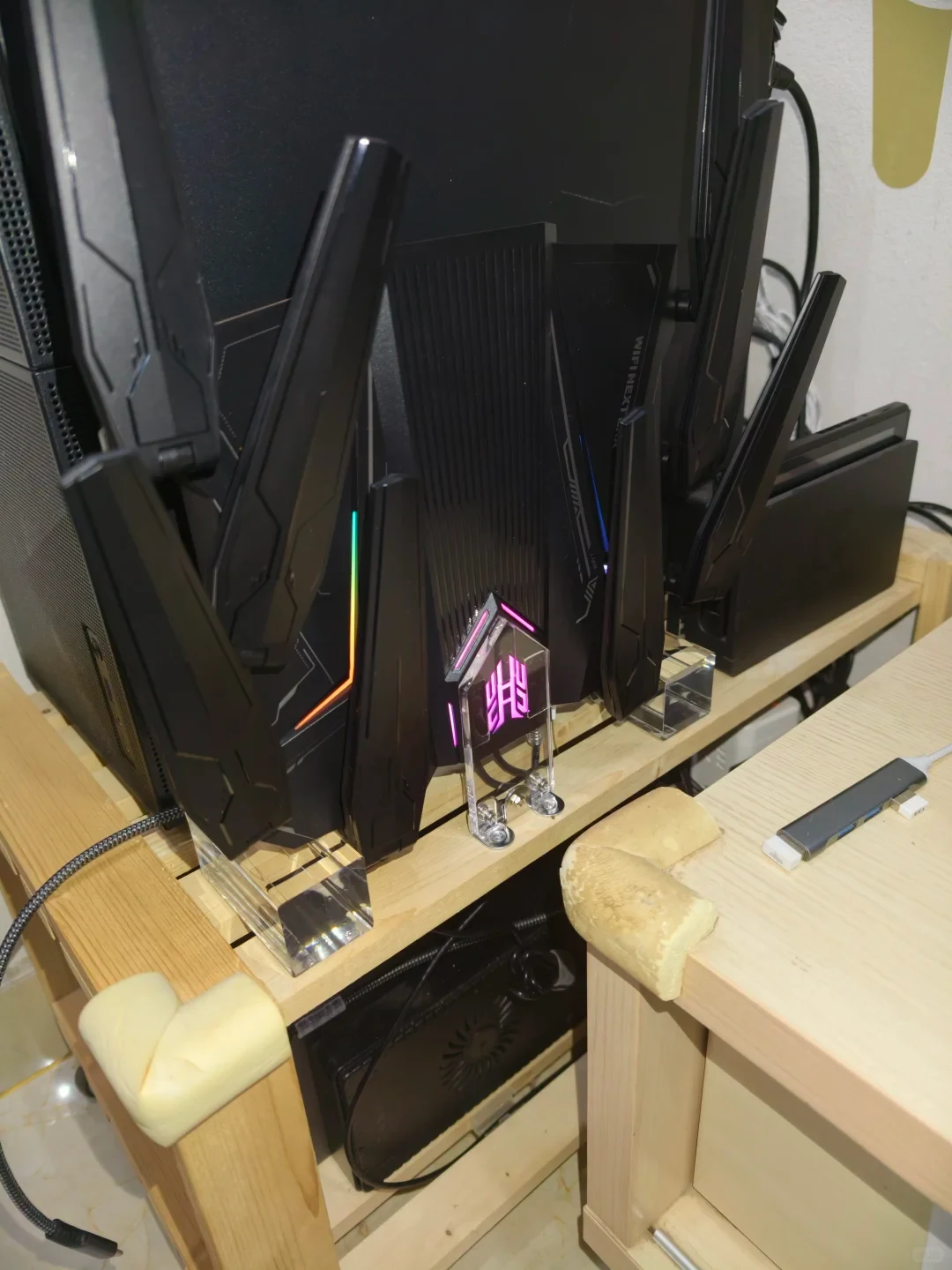
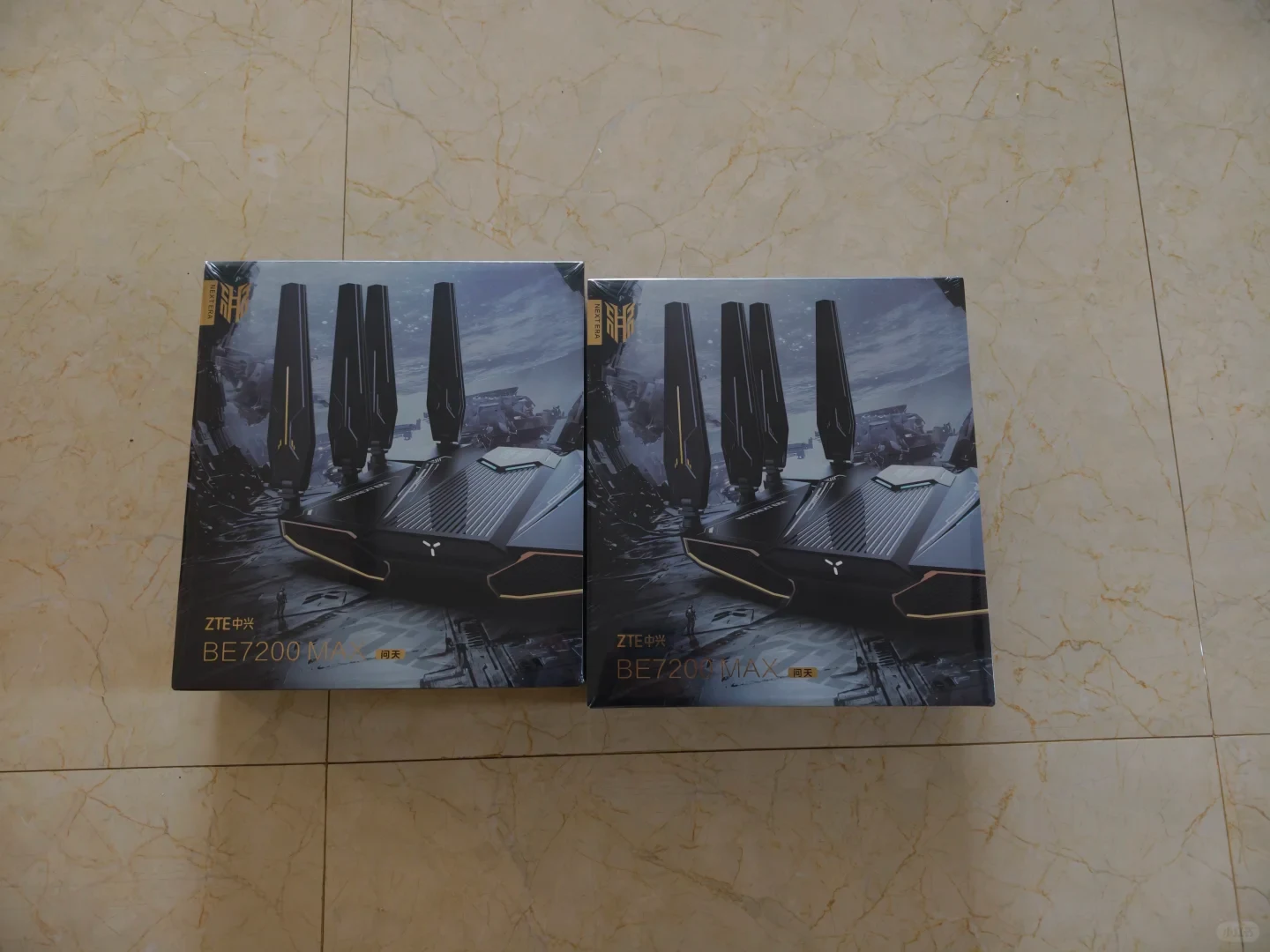
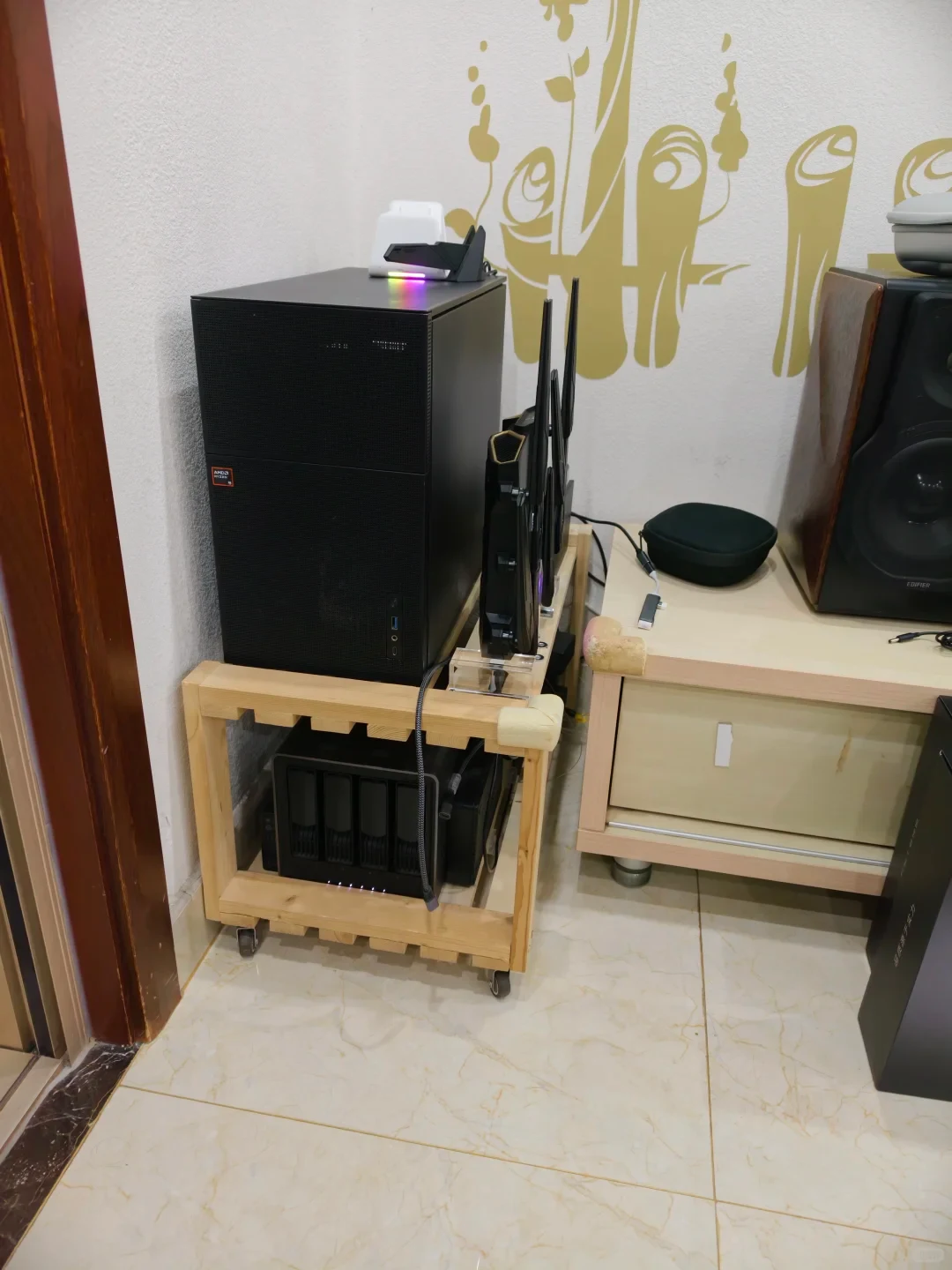
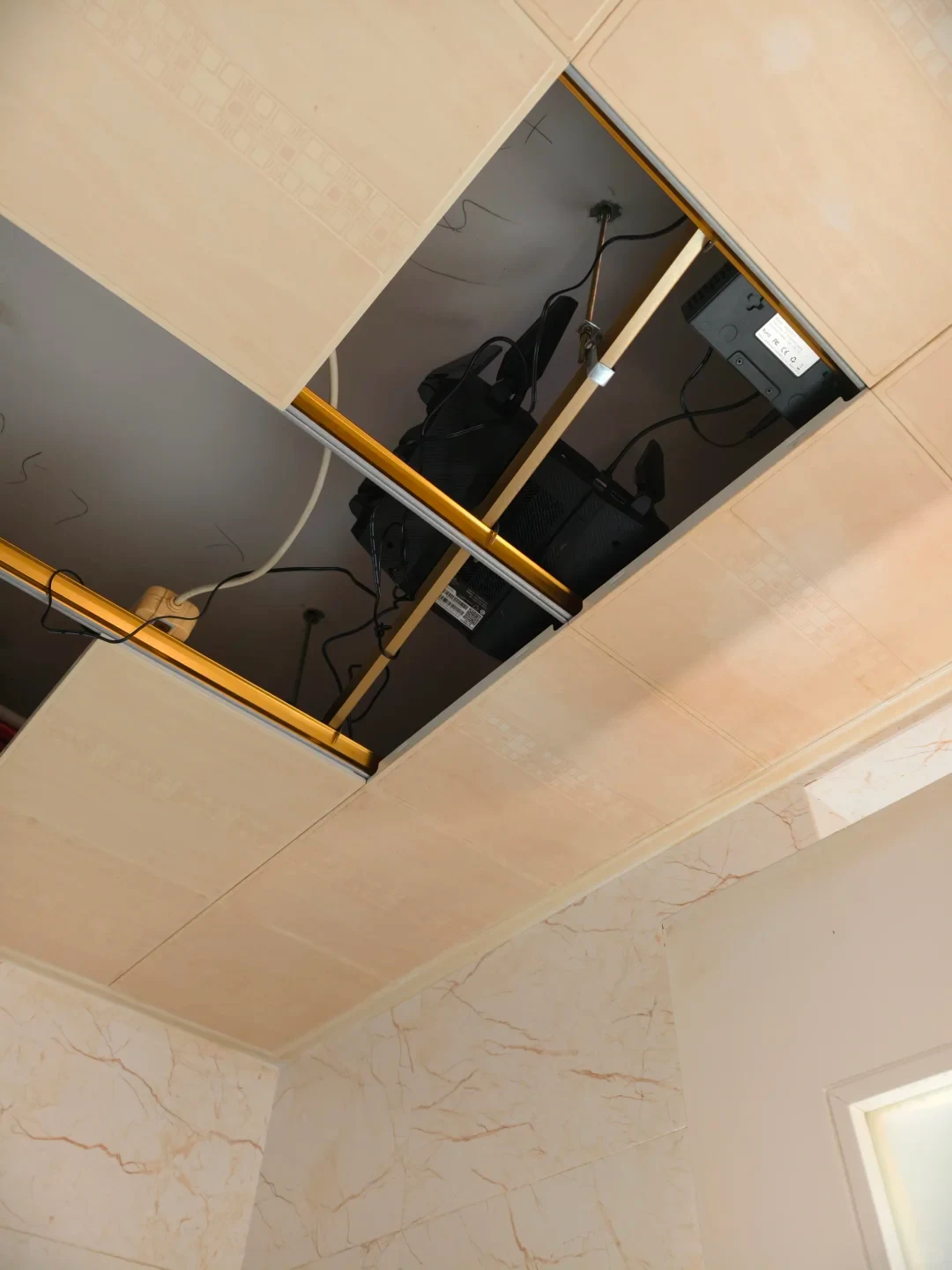
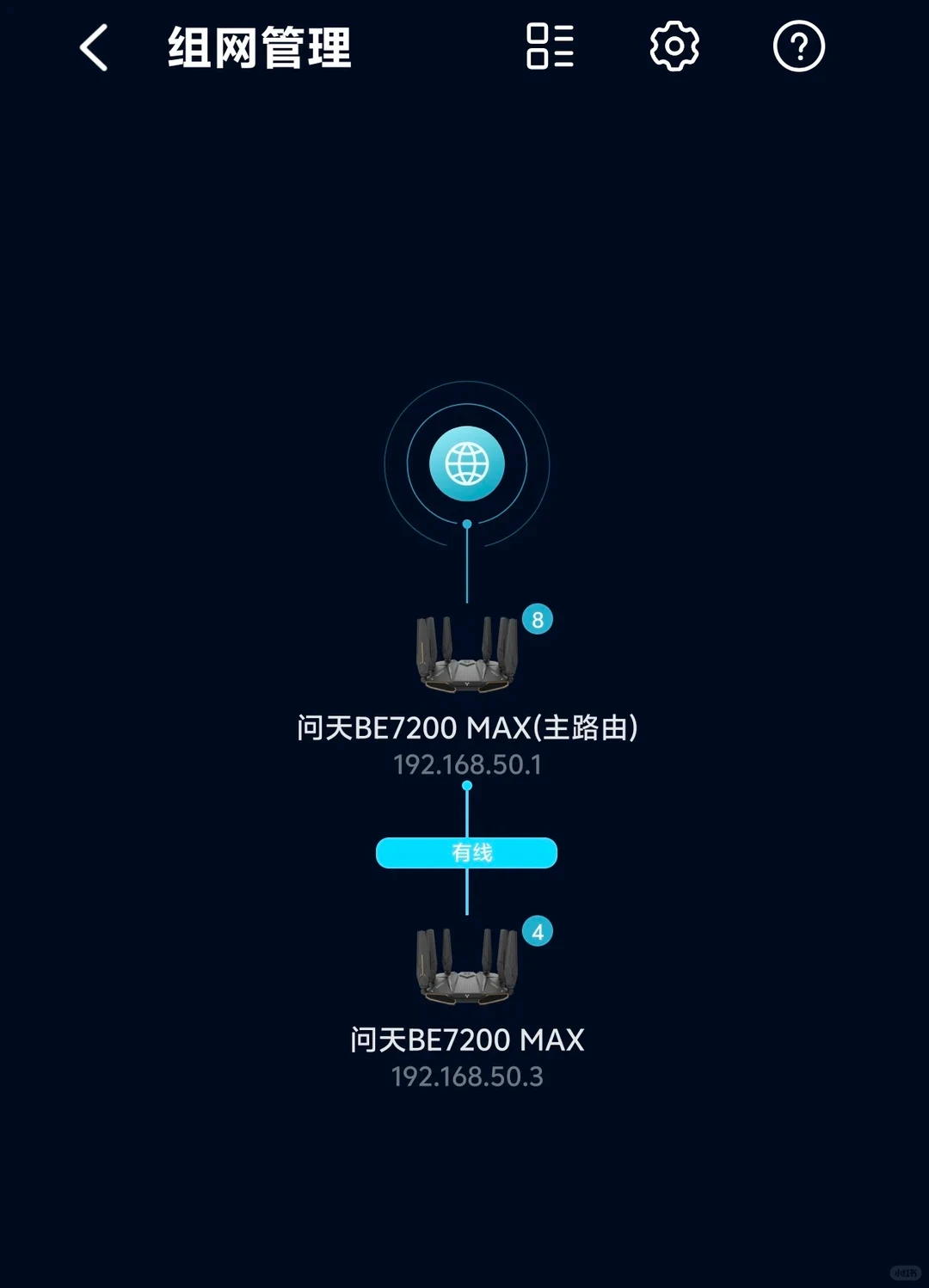
My home has gigabit broadband, and because I use a NAS, I wanted 2.5G coverage throughout the house. The home was renovated without Ethernet cabling, so I used invisible fiber instead. When ZTE launched the Wen Tian, I was drawn to its built-in SFP+ port and reasonable price.
I bought two BE7200 MAX routers. The firmware initially did not support fiber mesh, but ZTE took the issue seriously. Imagine one person working with six technical experts—that is quite an experience!
After updating the firmware to 2B2, and with help from technical support and plenty of my own tinkering, I finally got the fiber mesh working. I hope mesh setup becomes smarter in the future.
Fiber mesh setup: It is simple. First, use Ethernet to set up the mesh. Leave the main router unchanged, then set the satellite router’s WAN port to SFP+. Power it off, move it to the desired location, and connect the two routers with fiber, including the optical modules. If you have not bought the modules, I suggest getting the recommended models; if you already have some, try them.
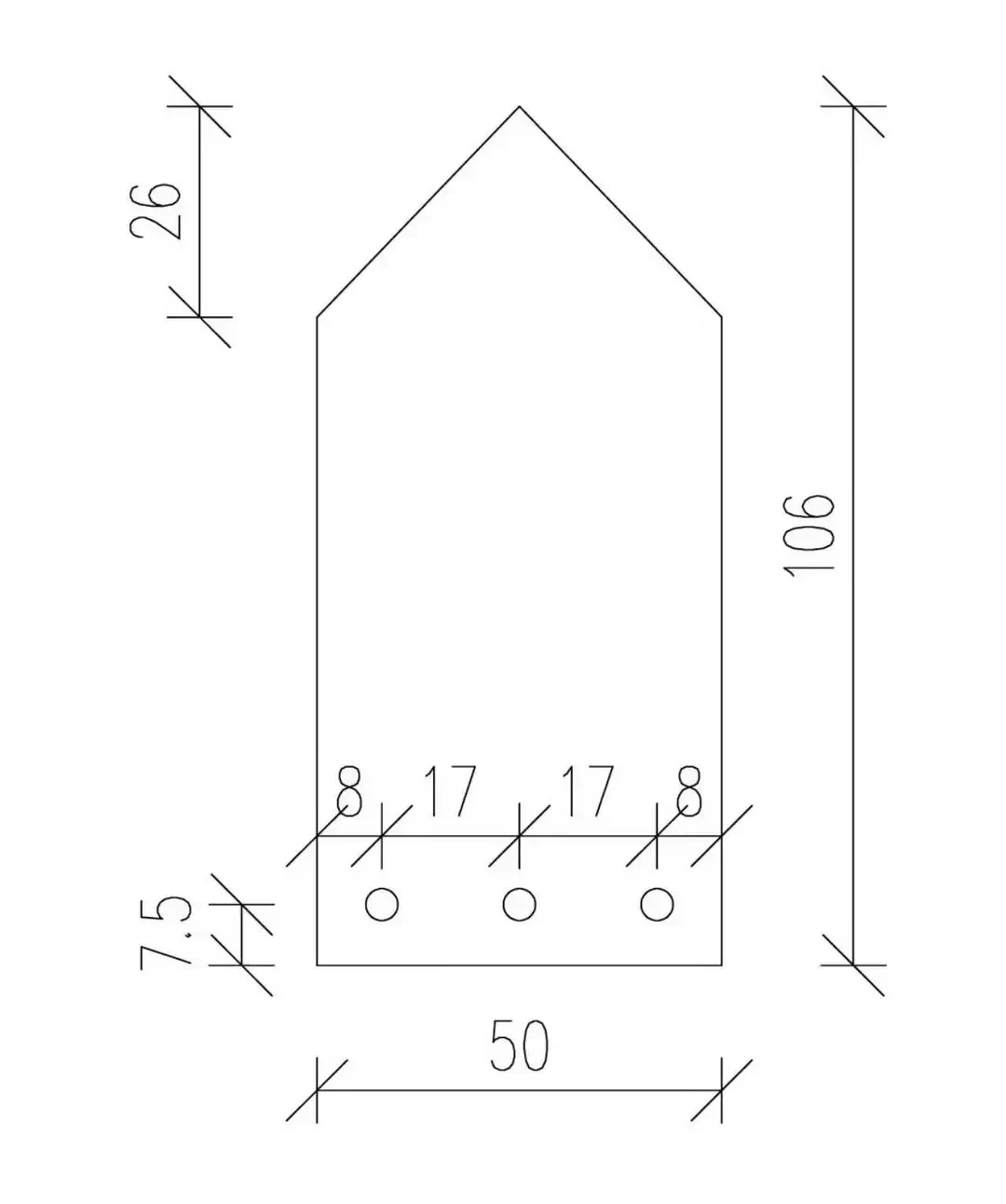
There was little room for the routers, so I had an acrylic plate made to stand one vertically. It looks great! @ZTE Xiaozhi
Source: 小黑 · Xiaohongshu · 2025-12-31 · 中兴7200max,隐形光纤mesh组网神器. Search this Chinese title in Xiaohongshu to find the original post.
Before You Buy
Models in your region
Two BE7200 MAX routers can provide a fiber backhaul where the home has no Ethernet cabling, as in this setup. The ZTE AX3000 Pro sold in the UK and Europe is a separate wireless router; these SFP+ setup instructions apply to the BE7200 MAX.
| Model in this review | Related regional model | What to know |
|---|---|---|
| ZTE Wen Tian BE7200 MAX | ZTE AX3000 Pro (UK and Europe) | This is the model used in the source account: two units formed a fiber mesh after firmware 2B2, using SFP+ ports and optical modules. The UK and Europe ZTE AX3000 Pro is a separate product, not a regional equivalent; its specifications and compatibility are not established by this experience. |
- Model in this review
- ZTE Wen Tian BE7200 MAX
- Related regional model
- ZTE AX3000 Pro (UK and Europe)
- What to know
- This is the model used in the source account: two units formed a fiber mesh after firmware 2B2, using SFP+ ports and optical modules. The UK and Europe ZTE AX3000 Pro is a separate product, not a regional equivalent; its specifications and compatibility are not established by this experience.
Set up the BE7200 MAX fiber mesh in stages
The owner’s sequence for two BE7200 MAX units was to establish the mesh over Ethernet first, leave the main router unchanged, set the satellite’s WAN port to SFP+, then power it off and connect the relocated router to the main unit with fiber and optical modules. This is the reported setup, not a guarantee that every firmware or module combination will work.
Fiber mesh was not supported on the firmware the owner initially had; the setup became possible after updating to version 2B2, with technical support and hands-on troubleshooting. Check the firmware and module requirements for the exact units before relying on this procedure.
Match the router to the home network
The BE7200 MAX suited this owner’s plan to use fiber where renovation had left no Ethernet cabling, while seeking whole-home 2.5G coverage for a NAS. The account confirms the fiber mesh was established, but does not report measured throughput; it cannot establish that the NAS or clients actually achieved 2.5G speeds.
The UK and Europe ZTE AX3000 Pro is only a same-brand wireless-router reference here, not an overseas BE7200 MAX. The supplied official evidence does not establish SFP+ ports, firmware 2B2, or optical-mesh compatibility for the AX3000 Pro, so do not use the BE7200 MAX setup as evidence that those features are available on it.
Plan router placement and mounting
A compact installation may call for a custom stand: the owner had an acrylic plate made to place a router vertically where space was limited. The accompanying drawing gives dimensions of 50, 106 and 26 but shows no units, so those figures are not enough to size a mount without confirming the measurement unit and the router’s fit.
Related Reading

Reviews & Guides · Computing & Networking
TP-Link Deco X55 in a two-storey Australian home: Wi-Fi across 300 m²
I installed two TP-Link Deco X55 units in my 300 m², two-storey home; bedrooms that often lost Wi-Fi now had a signal throughout the house.
Reviews & Guides · Computing & Networking
TP-Link Deco X55: DNS pauses stopped for six days in access-point mode
I switched my Deco X55 to access-point mode and restored my older router to the front of the network. The DNS-like pauses stayed away for six days.
Reviews & Guides · Computing & Networking
TP-Link Deco X55 after nearly a year: six units, Teams and gaming
I’ve used six TP-Link Deco X55 units for nearly a year, including daily Teams calls and online gaming; I’ve had only one or two connectivity issues.