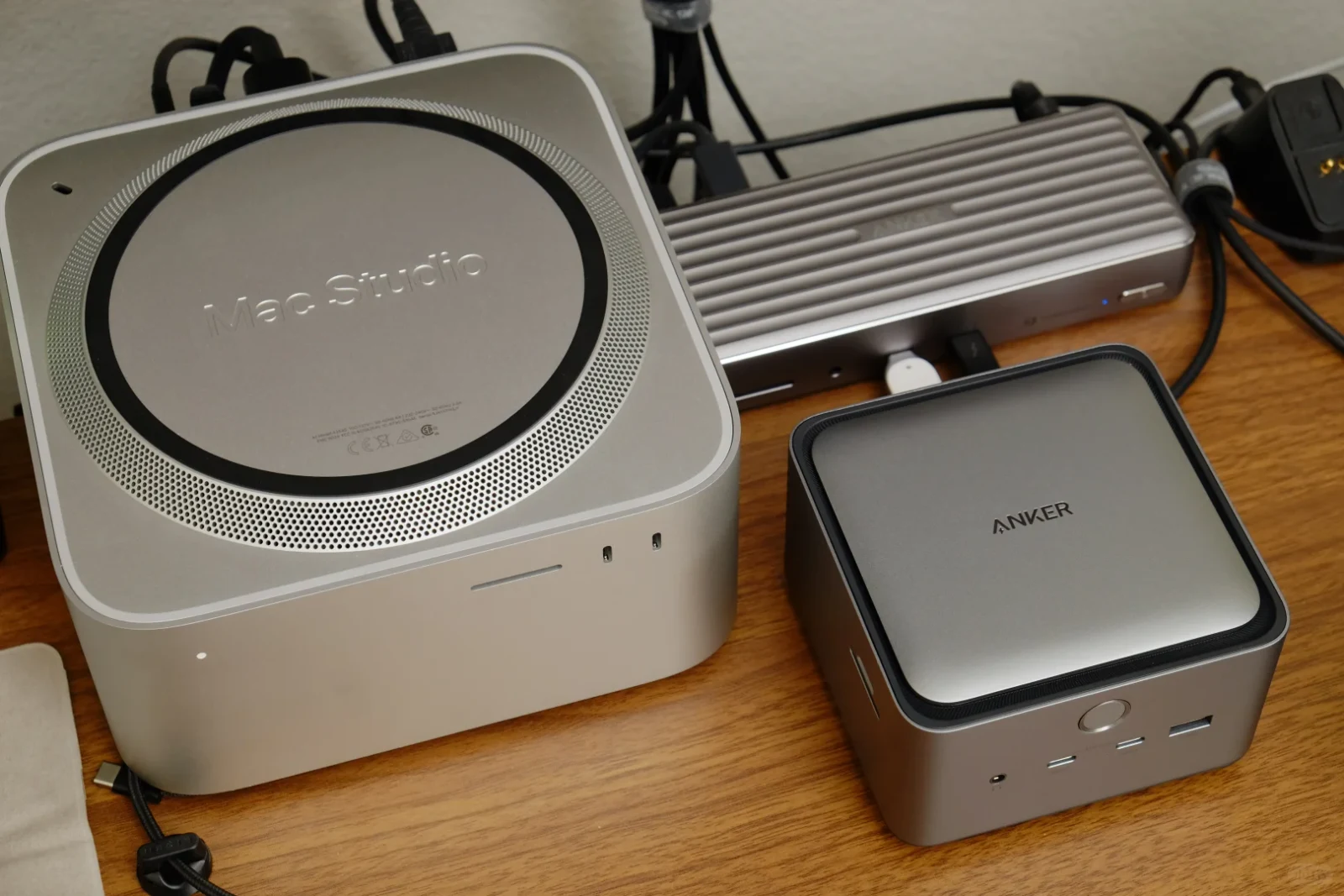
Built-in power keeps the desk clear
The power supply sits inside the dock. One owner preferred the tidier cable setup and found the dock quiet on their desk. [1]

Anker · Thunderbolt 5 docking station
| Regional reference | Markets | Model in the reports |
|---|---|---|
| Anker Prime TB5 Docking Station (A83B5) | United States | Anker Prime TB5 Docking Station (A83B5) |
| Anker Prime TB5 Docking Station (A83B5) | Spain |
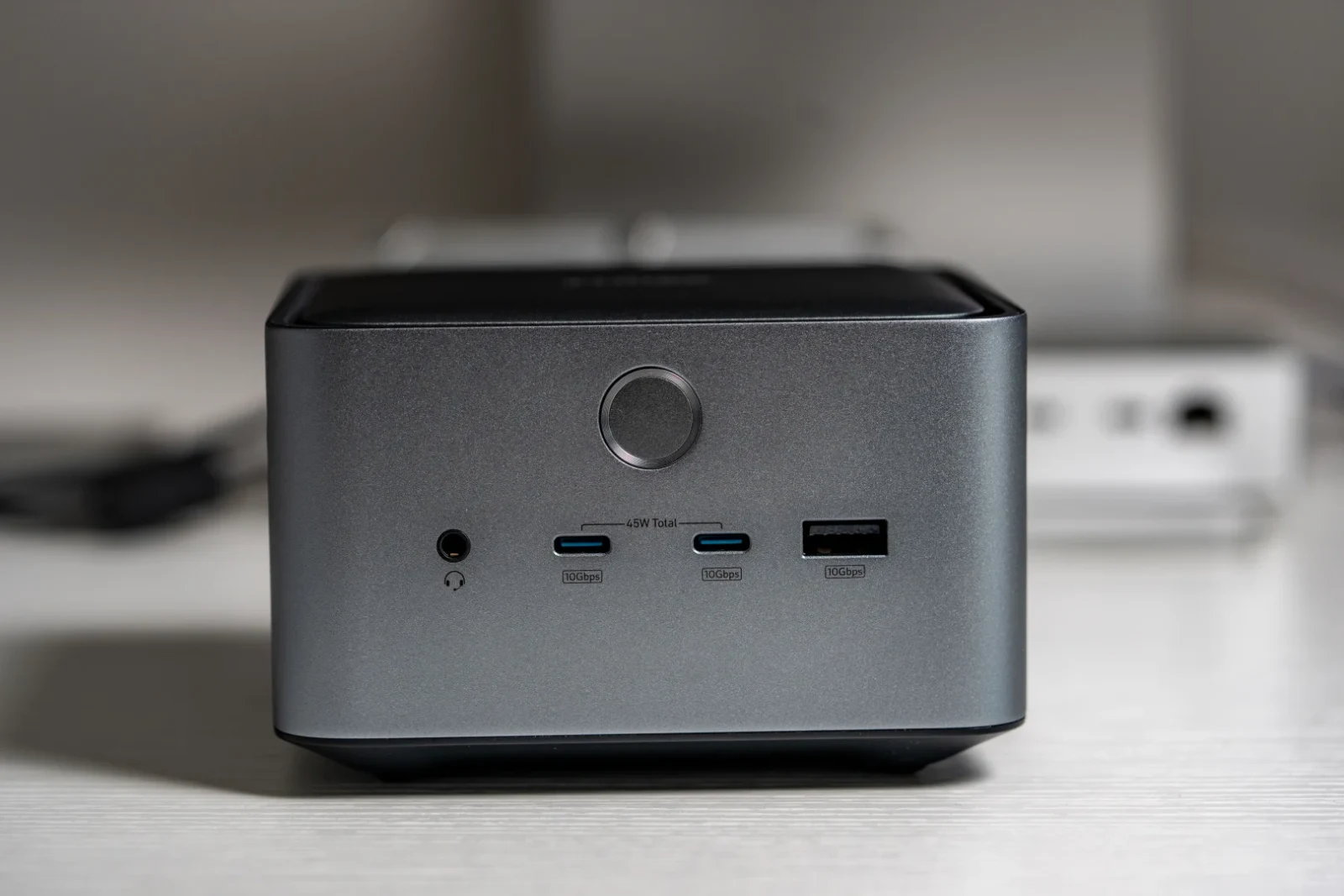
My 4K monitor hit 95 Hz through the Anker Prime TB5 dock’s DisplayPort on an M2 Max. With the same two screens on an M4 Pro, it reached 144 Hz. Adapted from an owner review
The power supply sits inside the dock. One owner preferred the tidier cable setup and found the dock quiet on their desk. [1]
One MacBook owner used a single host cable for two 4K displays, a phone, a keyboard receiver and laptop charging. Unplugging for meetings took one step. [2]
One owner reported 4K at 120 Hz through the dock with a Mac Studio and with an M3 Pro Thunderbolt 4 host. External storage remained connected in the test. [3]
One Thunderbolt 5 workstation owner measured roughly 5,400 MB/s in CrystalDiskMark with two 4K displays active and their external NVMe RAID attached. [4]
The dock switches between these two video outputs. Plan to use a downstream Thunderbolt port for an additional display and check your computer’s display support. [1]
There is no internal M.2 bay. The owner connected external storage and used the dock for typical office peripherals. [1]
With two LG displays, one owner went from 95 Hz over DisplayPort on an M2 Max to 144 Hz with variable refresh on an M4 Pro. Another M4 Pro owner used a direct cable for one of two high-refresh ASUS displays. [5][6]
An M3 MacBook owner needed an external Ethernet adapter. A Windows 11 owner measured higher throughput after installing a Realtek driver for their setup. [7][8]
In one forum thread, a user reported a high-pitched fan sound in a quiet room while another said they had never heard the fan. [11]
Two owners reported reconnecting display cables after plugging in the dock. One of them also observed heat and Ethernet packet loss and returned the dock. [9][12]
An M4 Pro owner reported six crashes after updating to macOS 27. Disconnecting the dock and restarting the Mac helped at the time. The cause was unresolved. [10]
Desk setup · HDMI and DisplayPort
2.5 GbE network · Heat and display reconnects
M3 MacBook Pro · Wired network workaround
M4 Pro MacBook Pro · Two high-refresh ASUS displays
M4 Pro · macOS 27 update and dock reset
Mac Studio and M3 Pro · 4K at 120 Hz
Office MacBook · Two 4K displays
Thunderbolt 5 workstation · Two 4K screens and NVMe RAID
M2 Max to M4 Pro · 4K and vertical LG displays
Windows 11 · Before and after driver change