
Reviews & Guides · Computing & Networking
Anker Prime TB5 Docking Station A83B5: I prefer its tidy, low-fuss setup
Reviewed: Anker Prime TB5 Docking Station (A83B5)Regional reference: Anker Prime TB5 Docking Station A83B5 (United States)
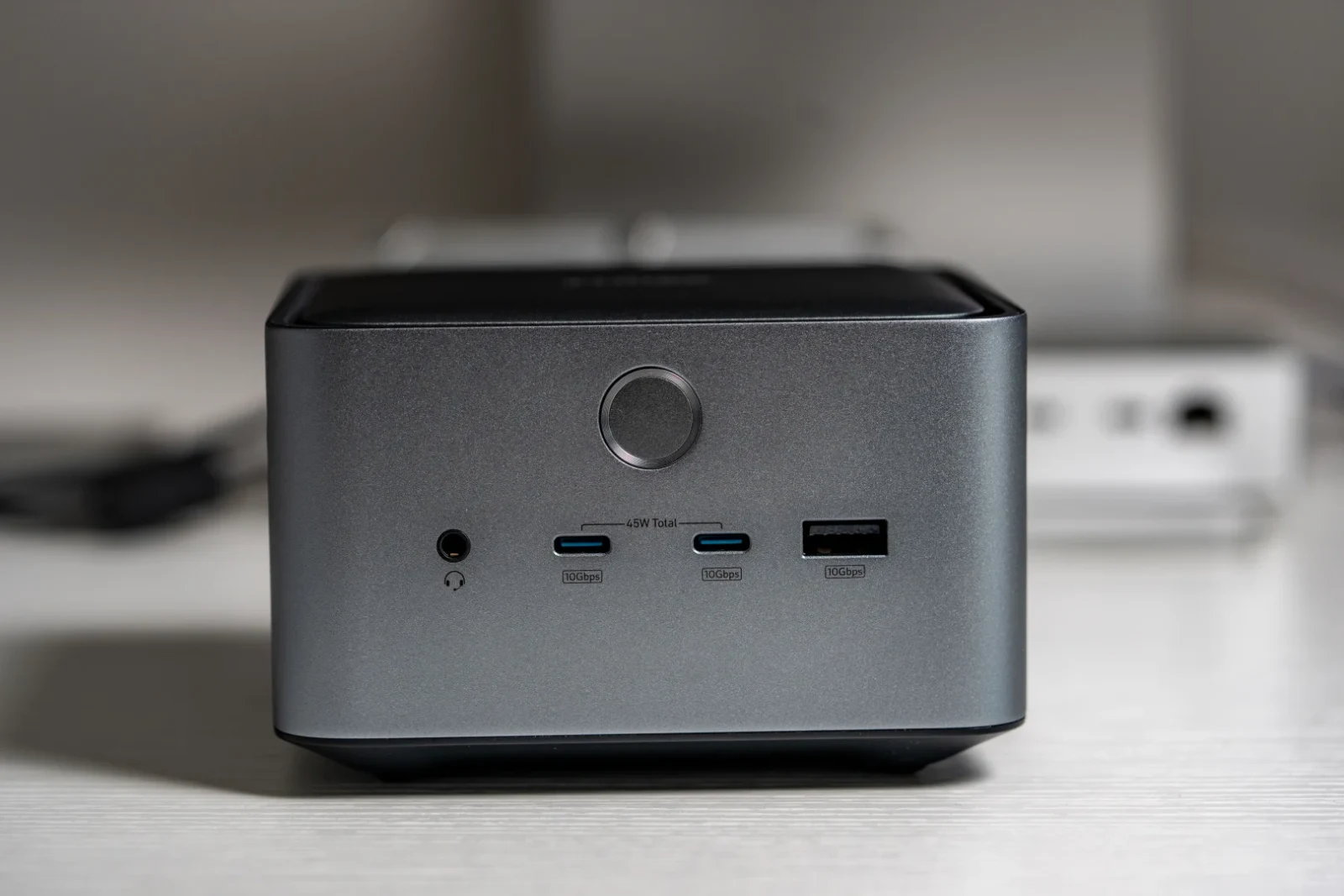
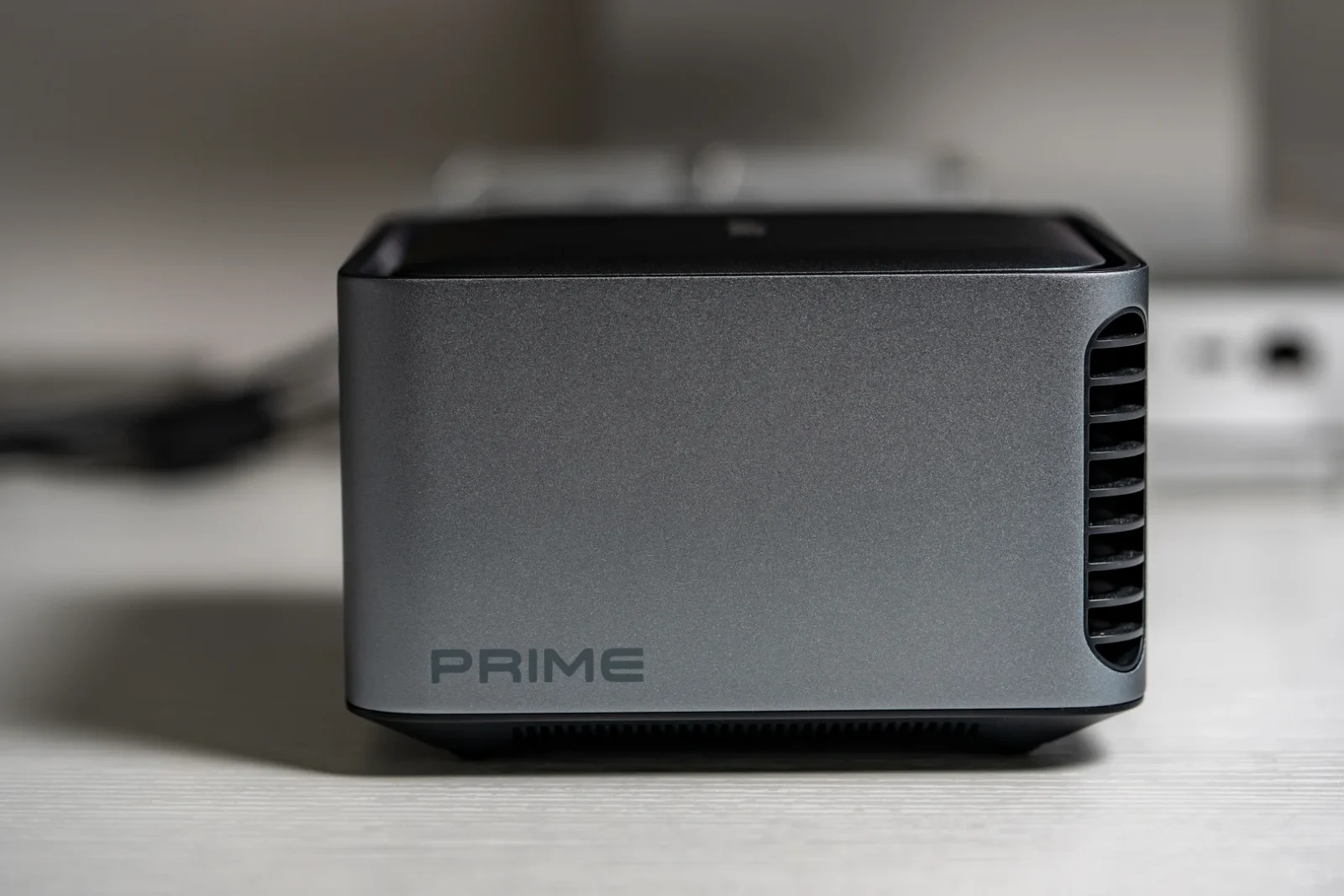
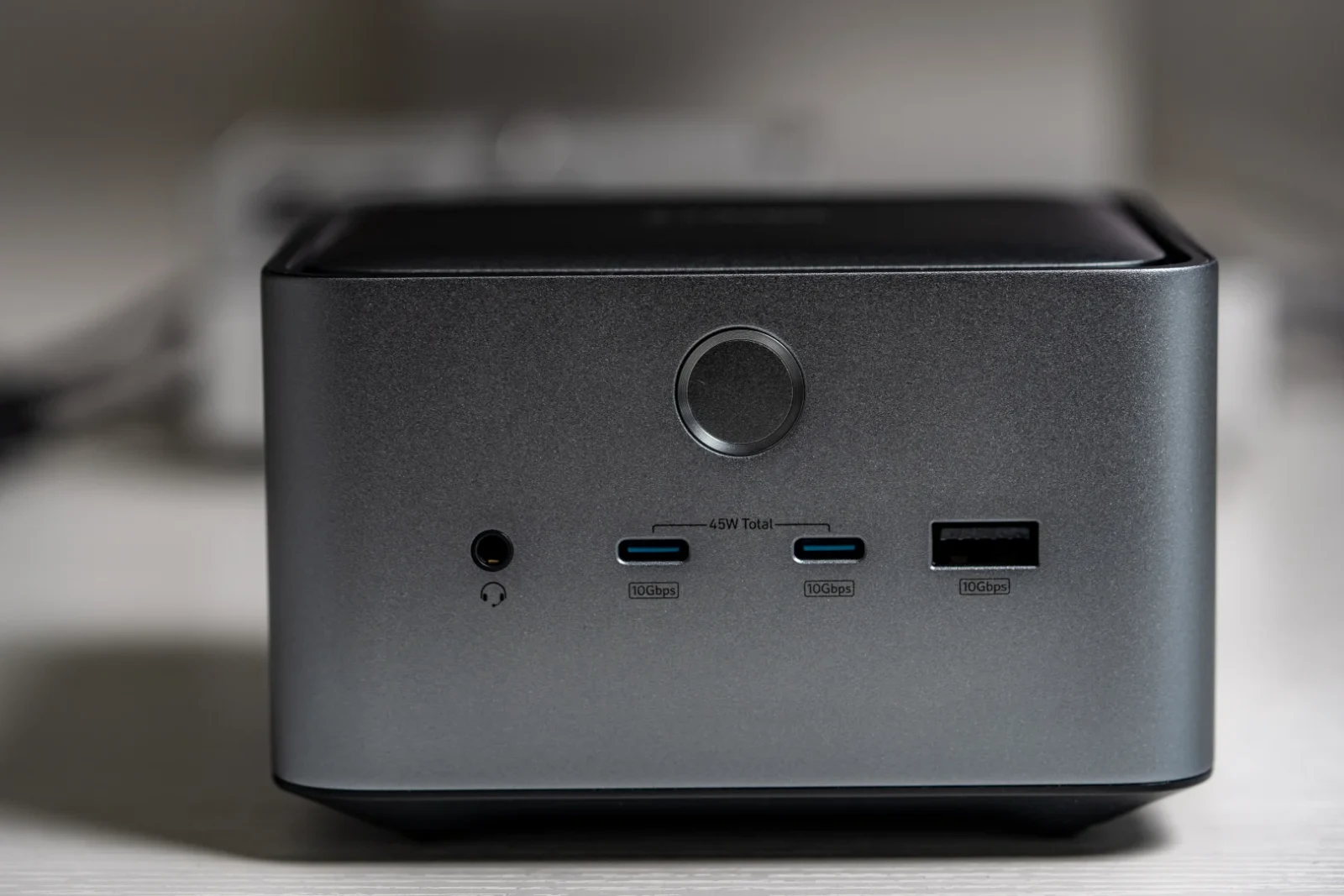
I like the Anker Prime TB5 Docking Station A83B5’s built-in power supply for a tidier desk, but it lacks M.2 expansion and cannot output HDMI and DP at once.
2. Anker Thunderbolt 5: The specs aren’t spectacular, but it really is hassle-free
This Anker dock is the kind of product where you look at the specs and think they’re nothing special, but once you use it, you find it quite comfortable.
Its biggest advantage is the built-in GaN power supply. You don’t need to put a huge power brick on your desk, so the whole setup looks much tidier. It’s also stable and quiet, and suitable for staying plugged in over the long term.
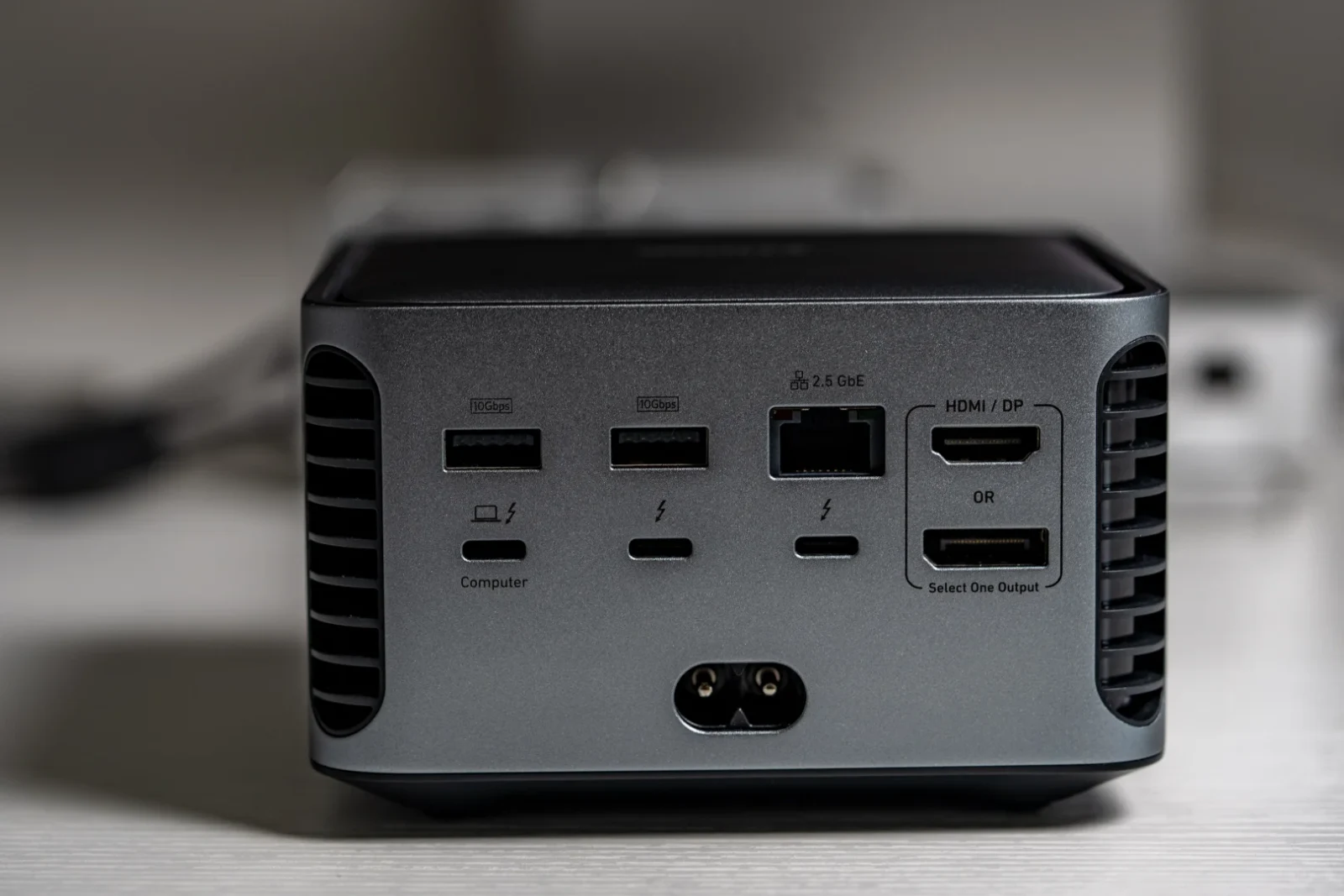
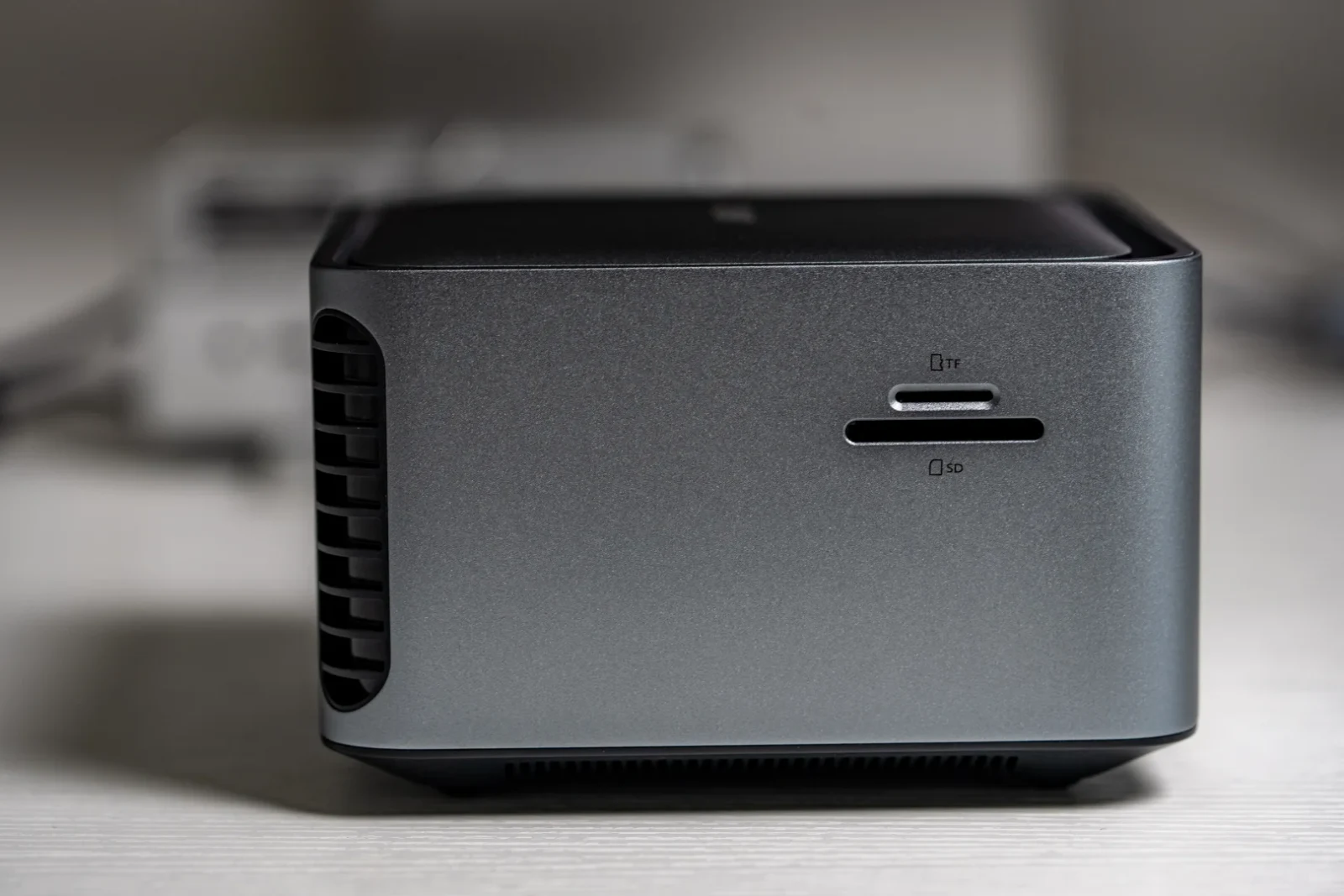
But the drawbacks are straightforward: there’s no M.2 SSD expansion, and HDMI and DisplayPort can’t output to two screens at the same time. For professional creators, that can feel like too little.
If you just need to work, connect a monitor, storage drives, a keyboard and mouse, and a network cable, though, I’d actually recommend the Anker. With a dock, it’s not about having the most ports; it’s about plugging it in without it becoming a hassle.
Source: 数码判客 · Xiaohongshu · 2026-08-14 · 三款雷电5扩展坞,智商税OR生产力神器(中). Search this Chinese title in Xiaohongshu to find the original post.
Before You Buy
Models in your region
The author’s dock is identified as the Anker Prime TB5 Docking Station A83B5. Anker’s US listing confirms the same model; its display selector switches between HDMI and DisplayPort, but that does not mean the dock is limited to one monitor in every setup, since downstream Thunderbolt 5 ports can also connect displays subject to host limits.
| Model in this review | Related regional model | What to know |
|---|---|---|
| Anker Prime TB5 Docking Station (A83B5) | Anker Prime TB5 Docking Station A83B5 (United States) | The US listing confirms this is the same A83B5 model, including its built-in power supply. Its HDMI and DisplayPort outputs cannot be used together; additional displays may connect through downstream Thunderbolt 5, subject to the host computer’s limits. |
- Model in this review
- Anker Prime TB5 Docking Station (A83B5)
- Related regional model
- Anker Prime TB5 Docking Station A83B5 (United States)
- What to know
- The US listing confirms this is the same A83B5 model, including its built-in power supply. Its HDMI and DisplayPort outputs cannot be used together; additional displays may connect through downstream Thunderbolt 5, subject to the host computer’s limits.
A tidier desk, with an important display distinction
The owner values the built-in power supply because it removes a large external brick from the desk, and reports that the dock is stable and quiet in their use. Anker’s US specifications confirm the built-in supply, but list active fan cooling, so the quiet impression should not be read as meaning the dock is fanless or silent.
The owner says HDMI and DisplayPort cannot drive two screens simultaneously. Anker’s US listing clarifies the scope: the dock switches between HDMI 2.1 and DisplayPort 2.1 on those outputs, while displays may also use the downstream Thunderbolt 5 ports, subject to the connected computer’s display limits. The output selector alone therefore does not establish a universal one-monitor maximum.
Match the expansion to your workload
The main reservation is the lack of an M.2 SSD expansion slot, which Anker’s US specification also does not list. If you need an internal M.2 drive bay in the dock, this model does not meet that requirement; the owner instead recommends it for office use with a monitor, storage, keyboard and mouse, and wired networking.
Before buying, check host compatibility as well as port count: Anker lists macOS 15 or later and Thunderbolt 5 or Thunderbolt 4 hosts, while excluding Thunderbolt 3, ChromeOS and Linux. The owner does not identify their computer or describe a measured workload, so their stability and quietness impressions cannot establish performance or compatibility for every setup.
Related Reading

Reviews & Guides · Computing & Networking
TP-Link Deco X55 in a two-storey Australian home: Wi-Fi across 300 m²
I installed two TP-Link Deco X55 units in my 300 m², two-storey home; bedrooms that often lost Wi-Fi now had a signal throughout the house.
Reviews & Guides · Computing & Networking
TP-Link Deco X55: DNS pauses stopped for six days in access-point mode
I switched my Deco X55 to access-point mode and restored my older router to the front of the network. The DNS-like pauses stayed away for six days.
Reviews & Guides · Computing & Networking
TP-Link Deco X55 after nearly a year: six units, Teams and gaming
I’ve used six TP-Link Deco X55 units for nearly a year, including daily Teams calls and online gaming; I’ve had only one or two connectivity issues.