
Reviews & Guides · Computing & Networking
Anker Prime TB5 Docking Station: 4K at 120Hz on two Macs
Reviewed: Anker Prime TB5 Docking Station (A83B5)Regional reference: Anker Prime TB5 Docking Station (A83B5) (US)
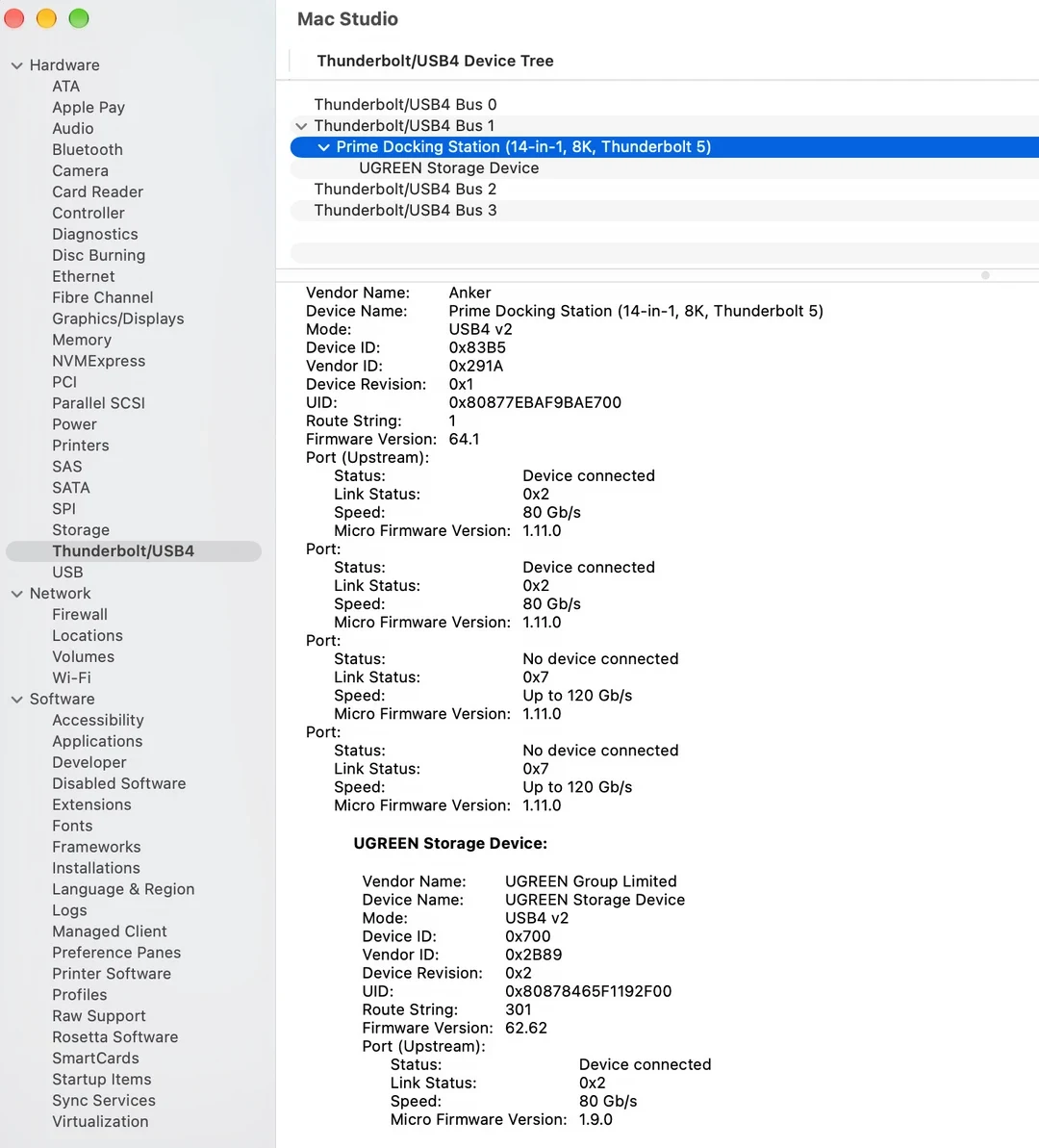
I got 4K at 120Hz through the Anker Prime TB5 dock on my Mac Studio and Thunderbolt 4 M3 Pro, even with an external drive connected.
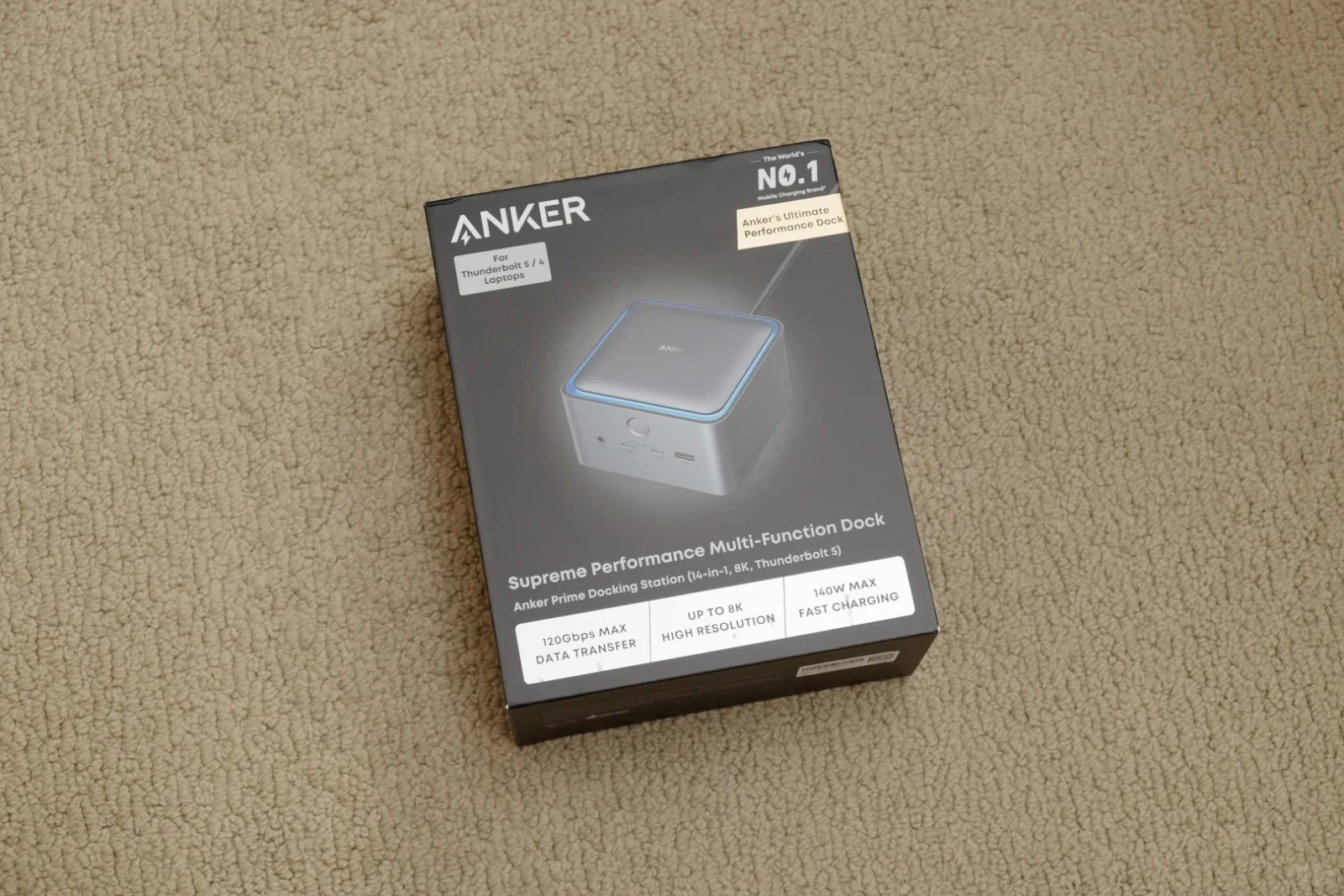
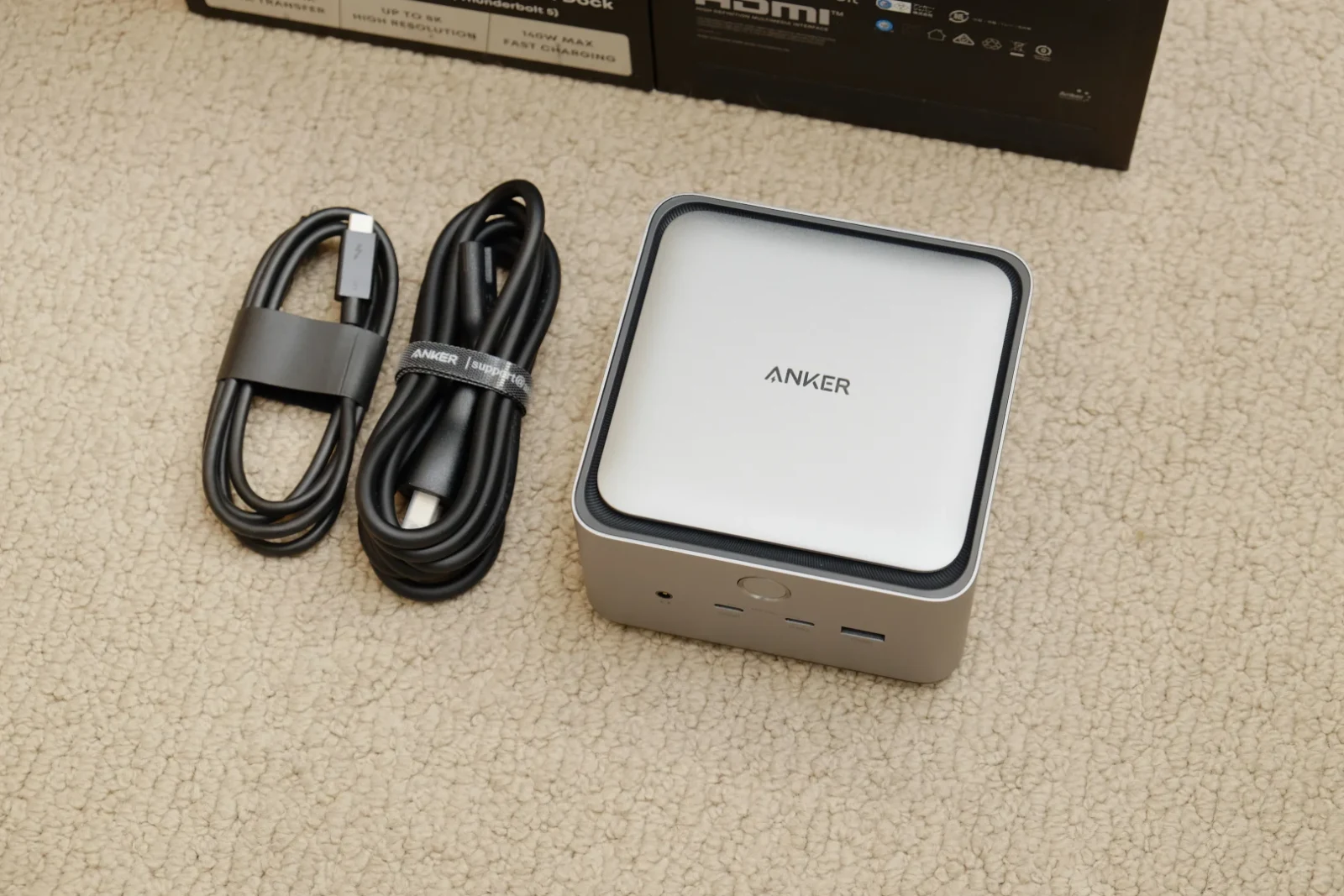
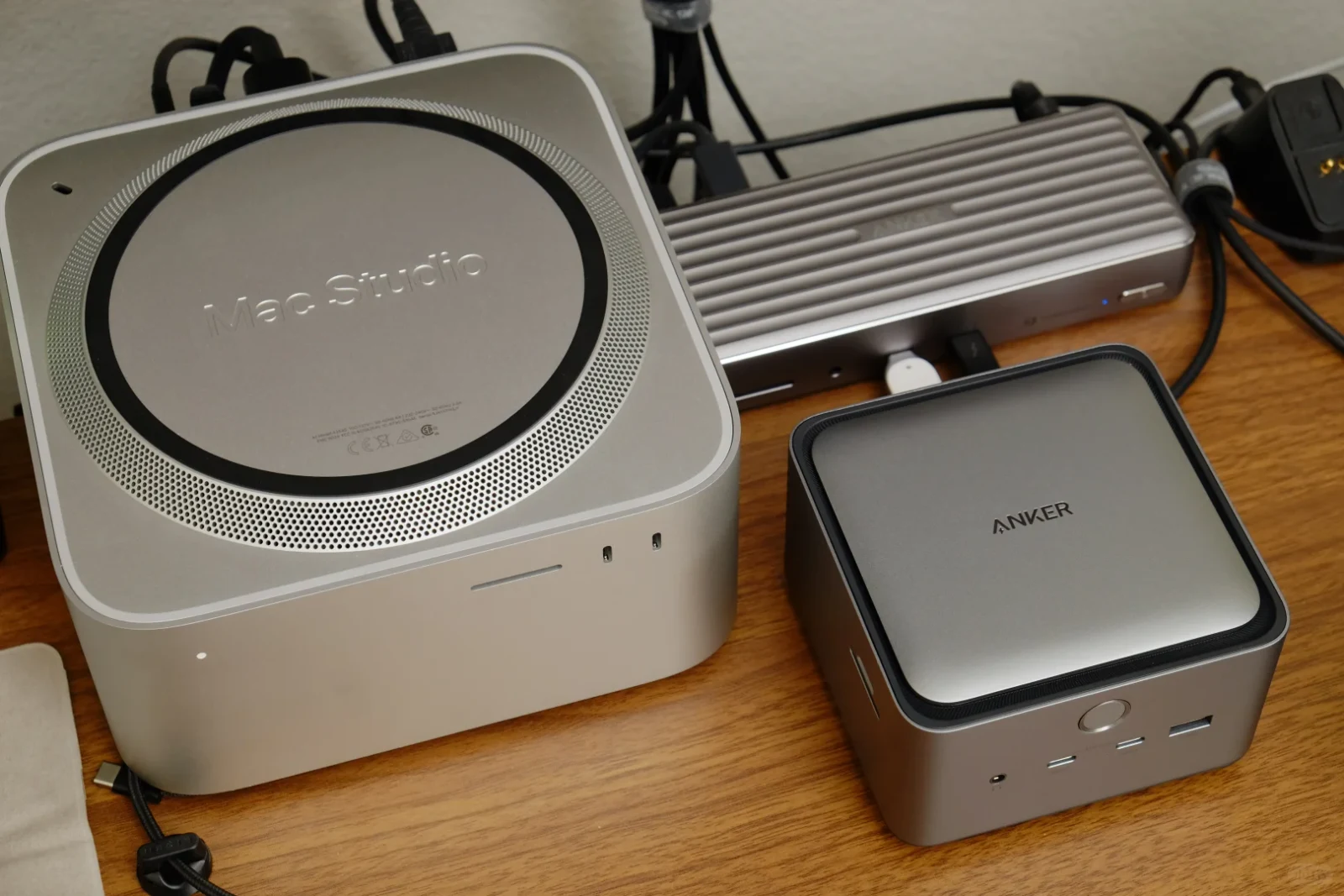
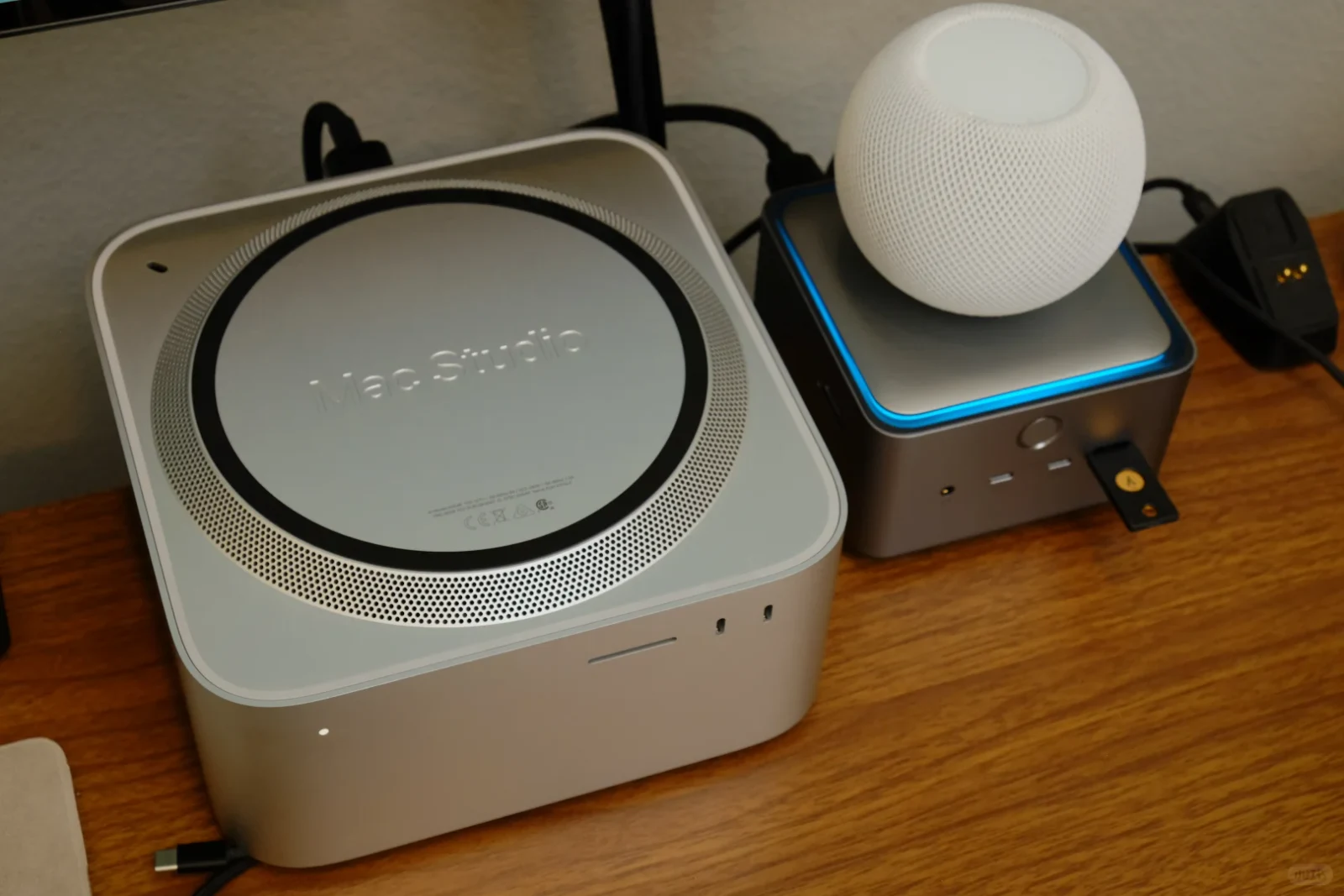
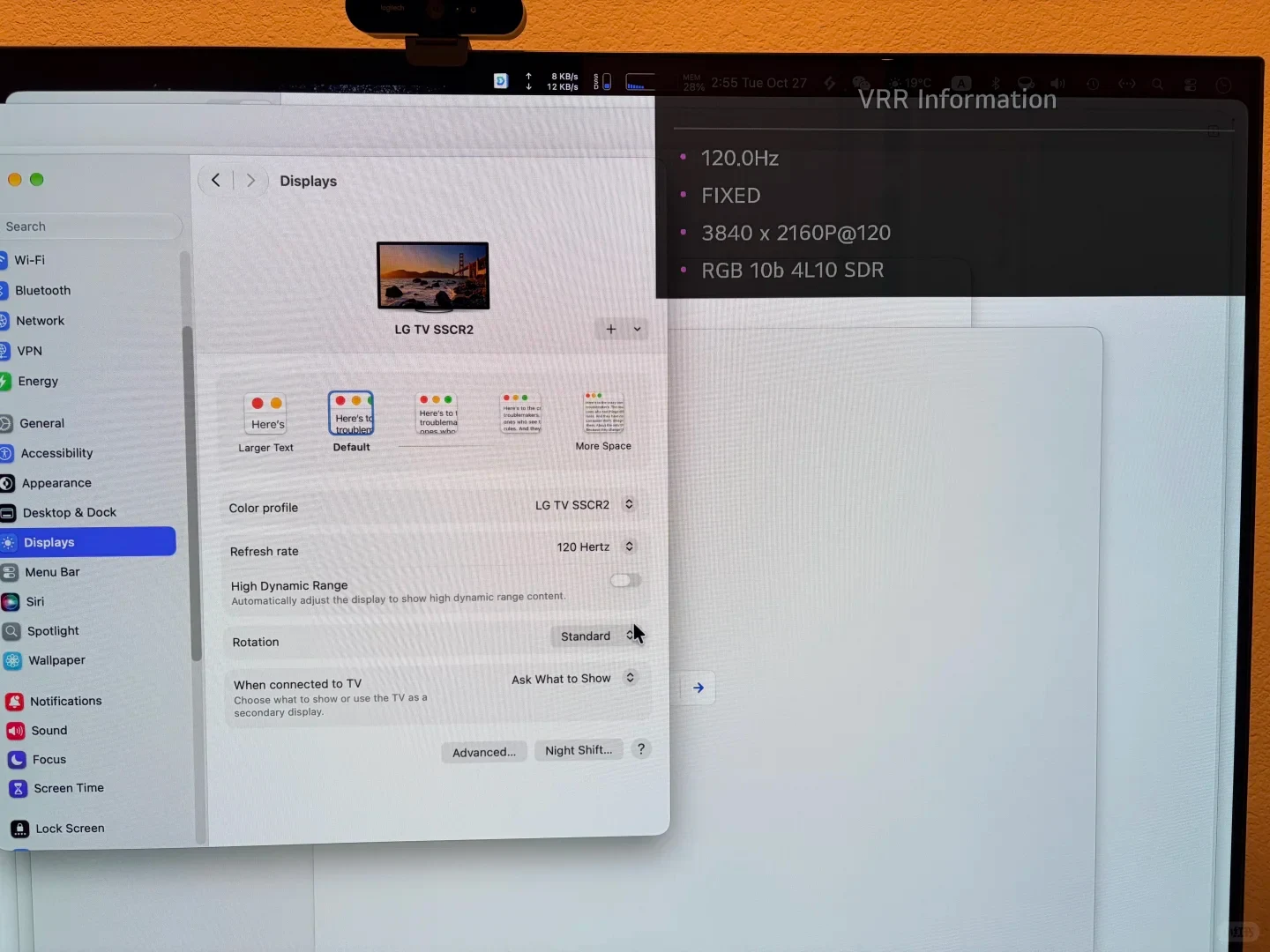
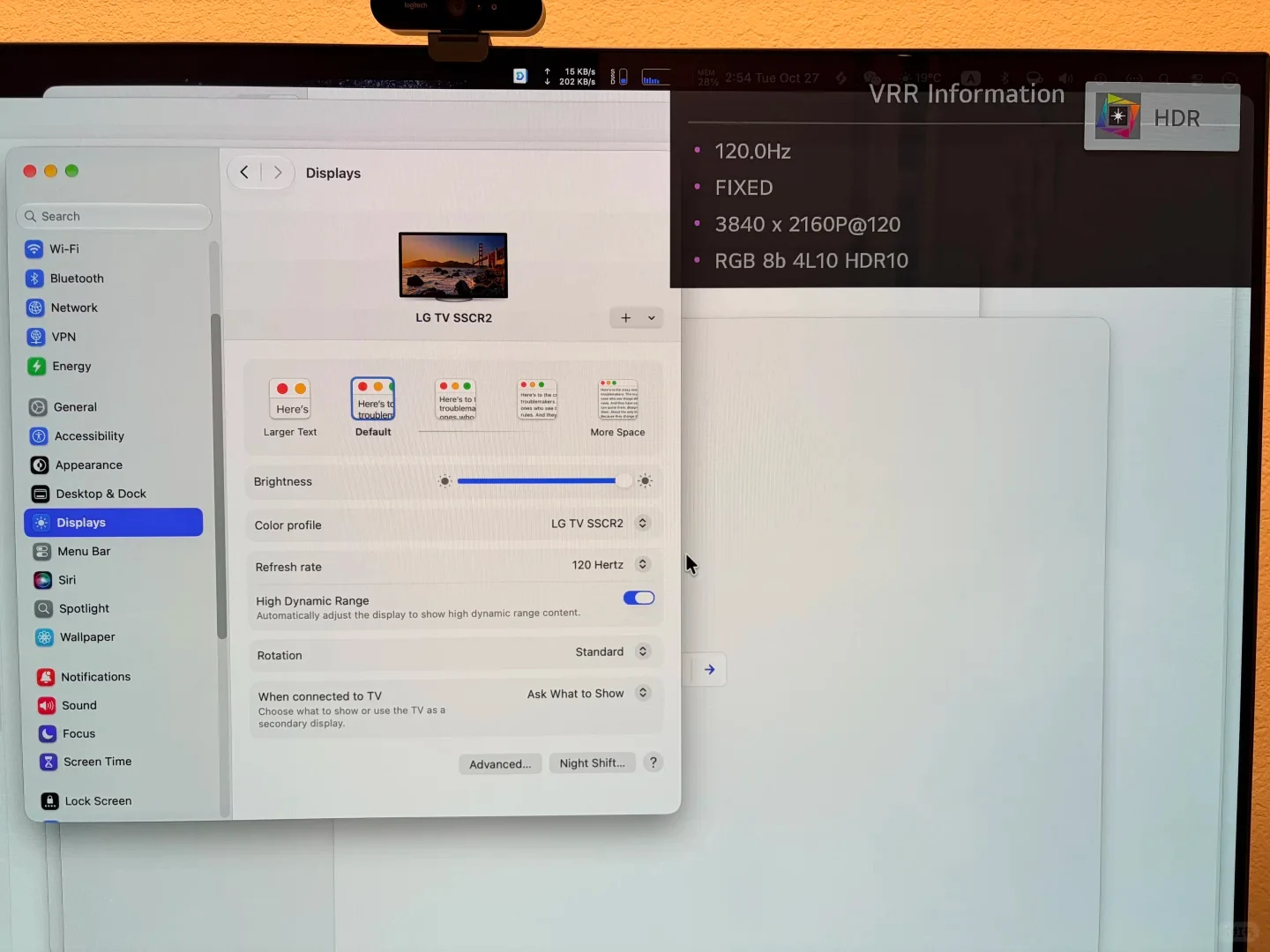
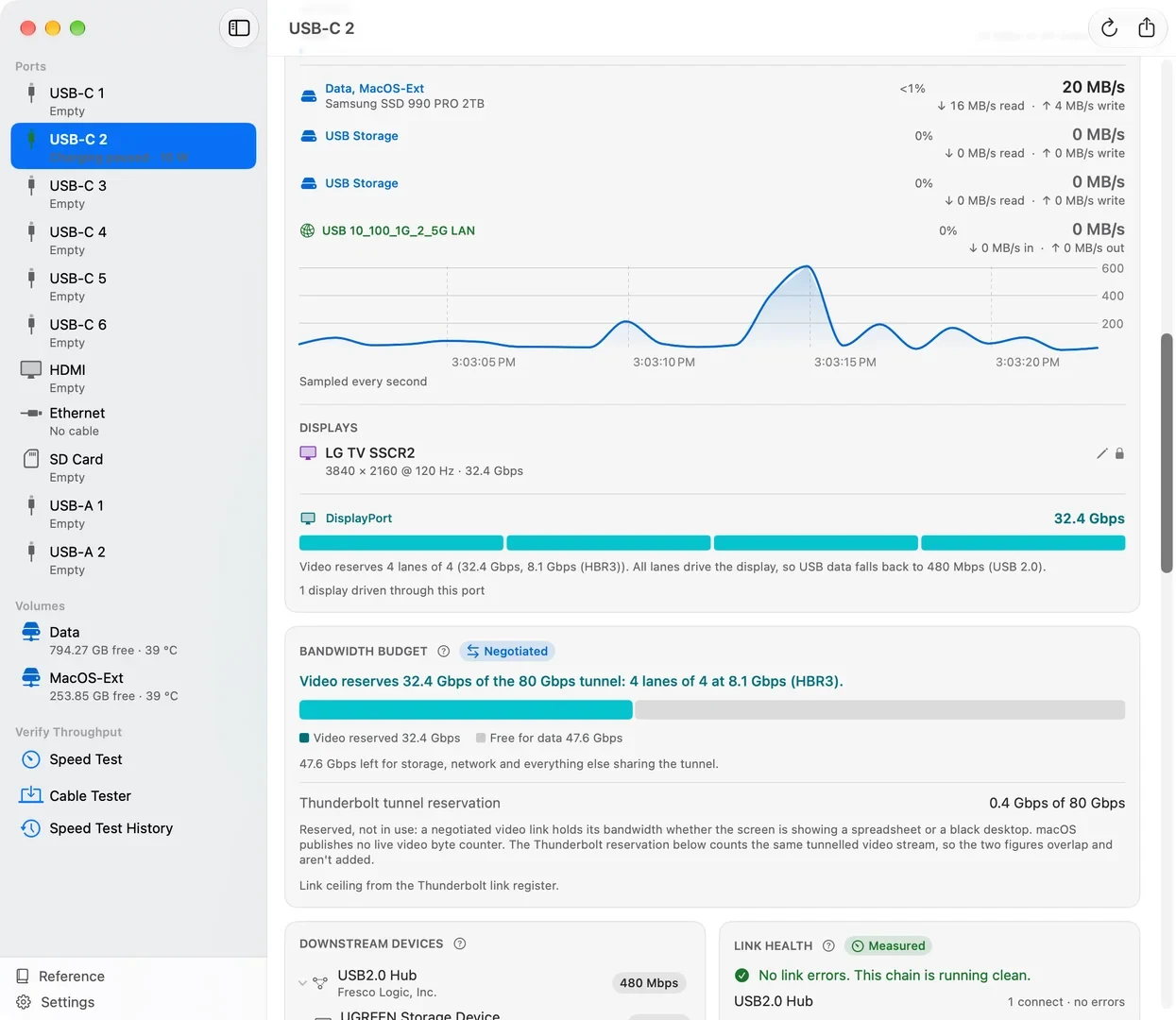
Before buying, I read in the manual that connecting through the HDMI port on the back of a Mac would only output 4K at 60Hz. I thought I’d accept that if it didn’t work, since the dock’s own output would be fine. To my surprise, it connected to my Mac Studio and output 4K at 120Hz perfectly. That caught me off guard.
To see whether there was plenty of bandwidth, I also connected an external drive to the dock. It still worked without a problem. Finally, I tried it with an M3 Pro that only has Thunderbolt 4, and 4K at 120Hz still worked perfectly without affecting the external drive. I don’t understand why Anker understates the output capability for backward compatibility.
Source: momo · Xiaohongshu · 2026-10-28 · Anker 雷电 5 dock 逆向虚标 4k@120?. Search this Chinese title in Xiaohongshu to find the original post.
Before You Buy
Models in your region
The source account identifies the dock as the Anker Prime TB5 Docking Station (A83B5), and Anker’s US product page identifies A83B5 as that model. The owner’s results cover a Mac Studio and a Thunderbolt 4 M3 Pro; they do not establish that every host, display or connection supports the same display mode.
| Model in this review | Related regional model | What to know |
|---|---|---|
| Anker Prime TB5 Docking Station (A83B5) | Anker Prime TB5 Docking Station (A83B5) (US) | Anker’s US listing identifies A83B5 as the same model used in the account. It specifies two downstream Thunderbolt 5 ports and a choice of HDMI 2.1 or DisplayPort 2.1; the owner’s 4K-at-120Hz result is specific to the tested Mac hosts and setup. |
- Model in this review
- Anker Prime TB5 Docking Station (A83B5)
- Related regional model
- Anker Prime TB5 Docking Station (A83B5) (US)
- What to know
- Anker’s US listing identifies A83B5 as the same model used in the account. It specifies two downstream Thunderbolt 5 ports and a choice of HDMI 2.1 or DisplayPort 2.1; the owner’s 4K-at-120Hz result is specific to the tested Mac hosts and setup.
Display output depends on the host and connection
The A83B5 offers two downstream Thunderbolt 5 ports and one selectable HDMI 2.1 or DisplayPort 2.1 output. Anker’s troubleshooting guidance says available display modes depend on the host, display and connection, so the owner’s 4K-at-120Hz result on a Mac Studio and Thunderbolt 4 M3 Pro is useful evidence for those setups, not a guarantee for every combination.
Check the display connection before buying
The owner initially expected a 4K-at-60Hz limit based on a manual statement about a Mac’s rear HDMI port, then reported 4K at 120Hz through the dock. The account does not identify the exact display connection used for each result, so it cannot establish that the Mac’s rear HDMI port itself exceeded the stated limit. Confirm the host’s capabilities and whether you plan to use Thunderbolt, HDMI or DisplayPort.
An external drive stayed connected in this test
The author also connected an external drive while testing the display, and reported that 4K at 120Hz continued to work on both Macs without affecting the drive. This is a promising result for that setup, but the account does not provide the drive model, transfer workload or a measured bandwidth test; it cannot establish performance under other storage workloads.
Related Reading

Reviews & Guides · Computing & Networking
TP-Link Deco X55 in a two-storey Australian home: Wi-Fi across 300 m²
I installed two TP-Link Deco X55 units in my 300 m², two-storey home; bedrooms that often lost Wi-Fi now had a signal throughout the house.
Reviews & Guides · Computing & Networking
TP-Link Deco X55: DNS pauses stopped for six days in access-point mode
I switched my Deco X55 to access-point mode and restored my older router to the front of the network. The DNS-like pauses stayed away for six days.
Reviews & Guides · Computing & Networking
TP-Link Deco X55 after nearly a year: six units, Teams and gaming
I’ve used six TP-Link Deco X55 units for nearly a year, including daily Teams calls and online gaming; I’ve had only one or two connectivity issues.