Straightforward setup in several homes
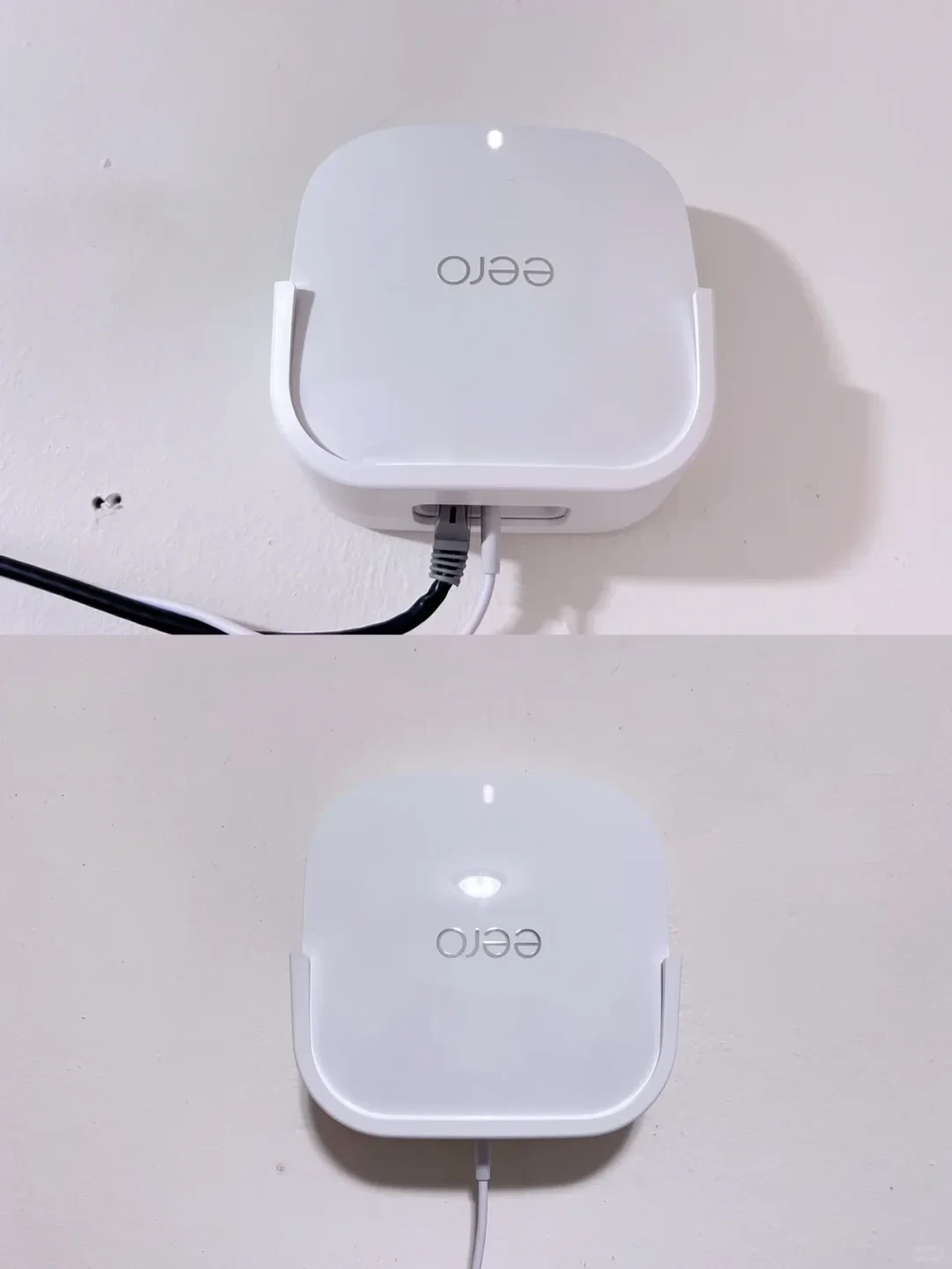
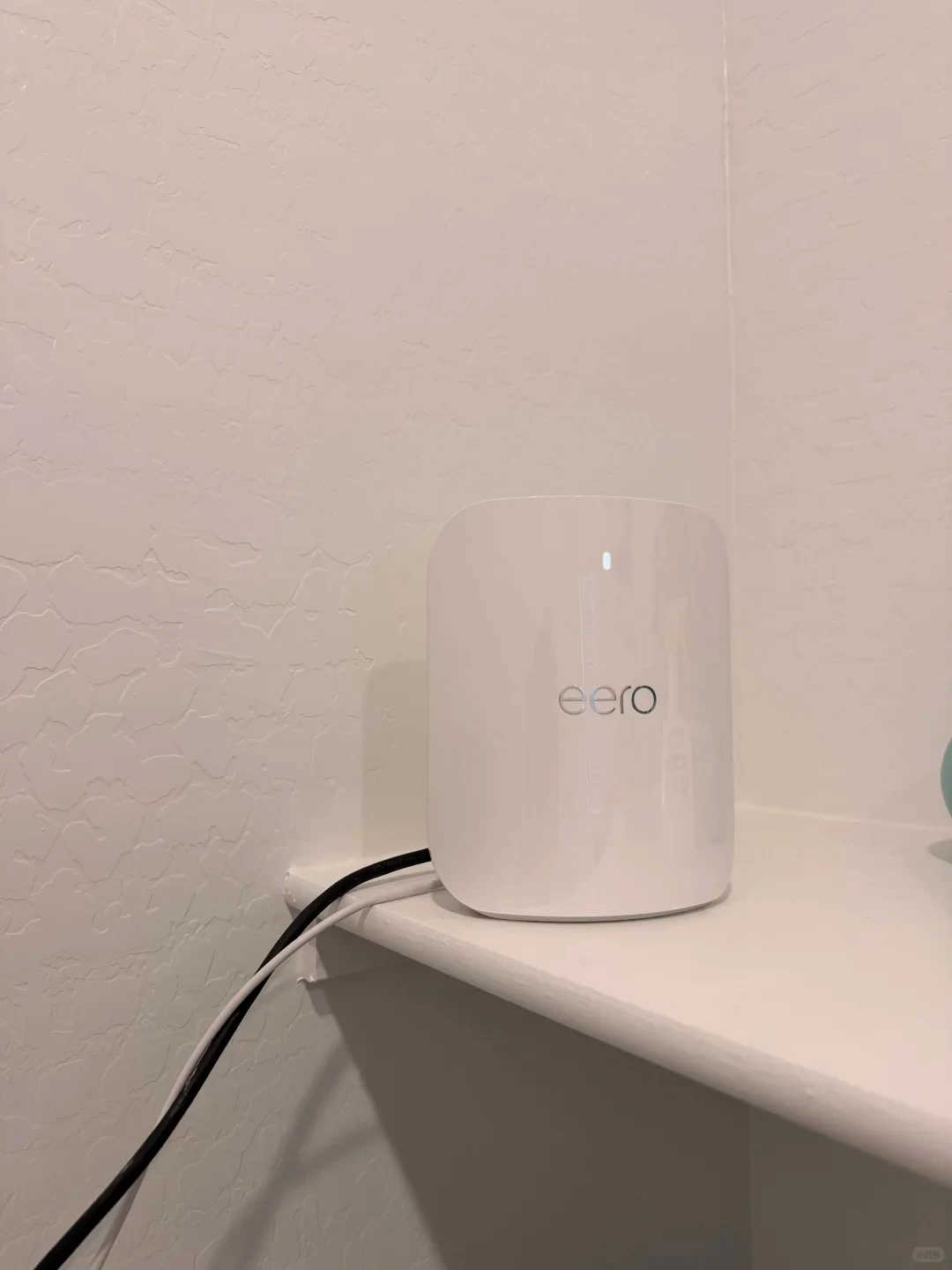
Owners described easy two- and three-node installs. A mixed setup also used a Pro 6E alongside Pro 7 nodes. [1][2][3]

eero · Mesh Wi-Fi router
| Regional reference | Markets | Model in the reports |
|---|---|---|
| eero Pro 6E S010001 | US, Canada | eero Pro 6E |
| eero Pro 6E | UK | |
| eero Pro 6E regional availability | Australia, New Zealand, Japan |
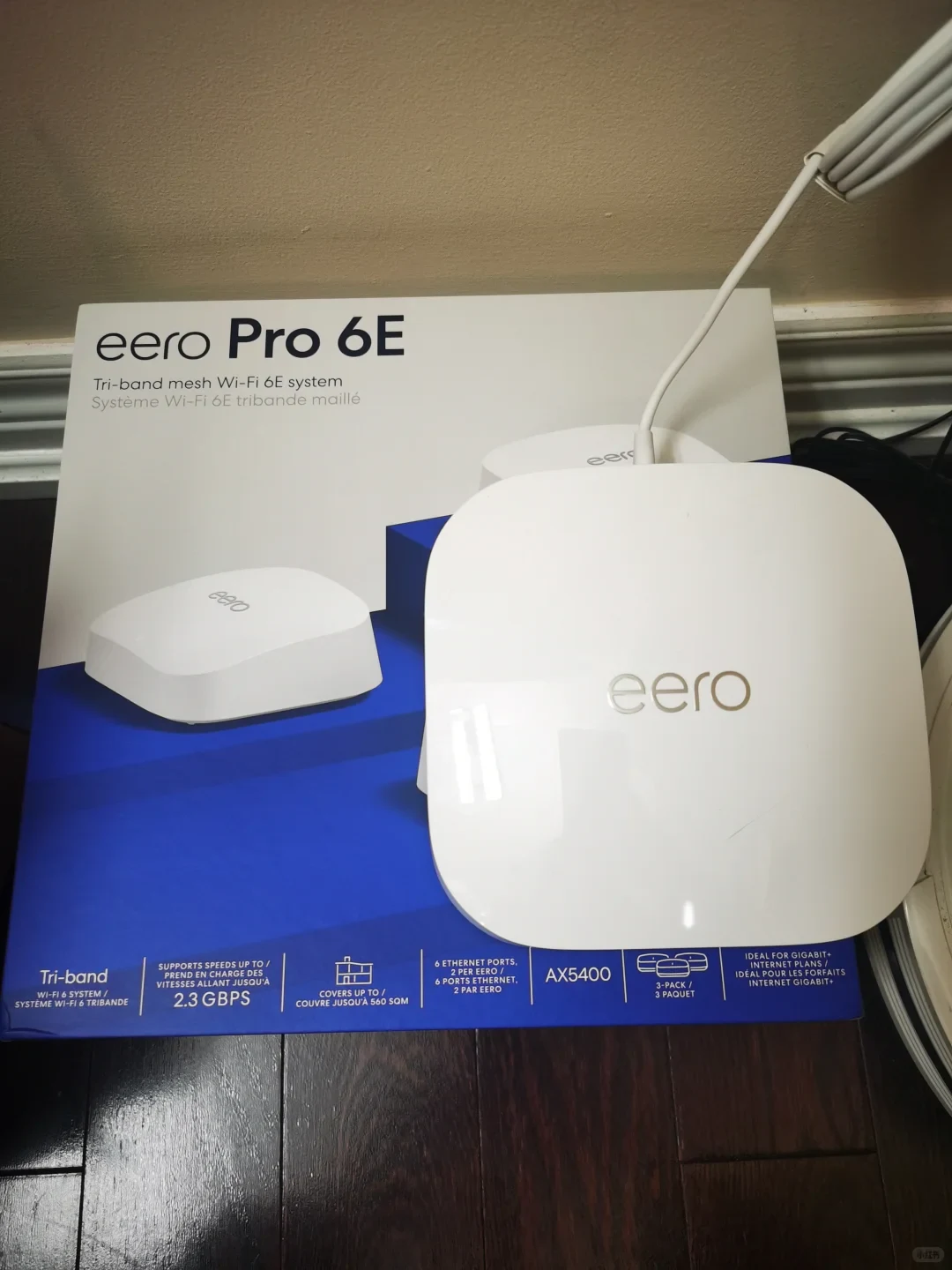
My eero Pro 6E started at 500–600 Mbps over Wi-Fi. Six months later one corner got just 6–20 Mbps, yet a PC wired to the nearby node reached 650 Mbps. Adapted from an owner review
Owners described easy two- and three-node installs. A mixed setup also used a Pro 6E alongside Pro 7 nodes. [1][2][3]
One owner reported a rise from about 200 to 360 Mbps after replacing Google Wifi. Another saw faster iPhone results a few days after installing a Pro 6E three-pack. [4][2]
An independent test with a 2.5 GbE switch and client adapter exceeded 1 Gbps over local Wi-Fi. The client, network path and test location shaped the result. [11][5]
The other port is 1 GbE. One owner found two sockets per unit limiting. A separate owner suspected a port problem after cable and switch tests. [1][6]
One owner reported about 650 Mbps on a wired client near a satellite but just 6–20 Mbps on Wi-Fi in a corner. Another saw slower Wi-Fi with a third node, and an Xfinity owner measured higher download latency on wireless satellites. [7][8][12]
A single-node owner returned to Pro 6 after repeated smart-home device drops. The underlying cause remained unresolved. [9]
One bridge-mode setup showed low app readings alongside faster router and wired laptop tests. A PS5 player found gaming felt smoother even as download test speeds fell. [5][10]
One week · Three wireless nodes · PS5
Bridge mode · 2 Gbps fiber · App and wired tests
Replaced first-generation Google Wifi · Shed on powerline
One node · 2.4 GHz devices · Returned to Pro 6
Six months · Basement and upstairs · Wi-Fi vs Ethernet
Fios · Two vs three nodes · Wired backhaul
Three units across two properties · Wired dropouts
First few days · Three nodes · Xfinity 1200
Two nodes · Long home · Gigabit Fios
Three nodes · Mixed Pro 7 and Pro 6E