
Reviews & Guides · Computing & Networking
eero Pro 6E two-pack: setup and port trade-offs in a long home
Reviewed: eero Pro 6ERegional reference: eero Pro 6E (United States); eero Pro 6E (United Kingdom)
I tried a two-unit eero Pro 6E system in my long, walled New York home; setup was easy, but each unit’s two Ethernet ports felt limiting.

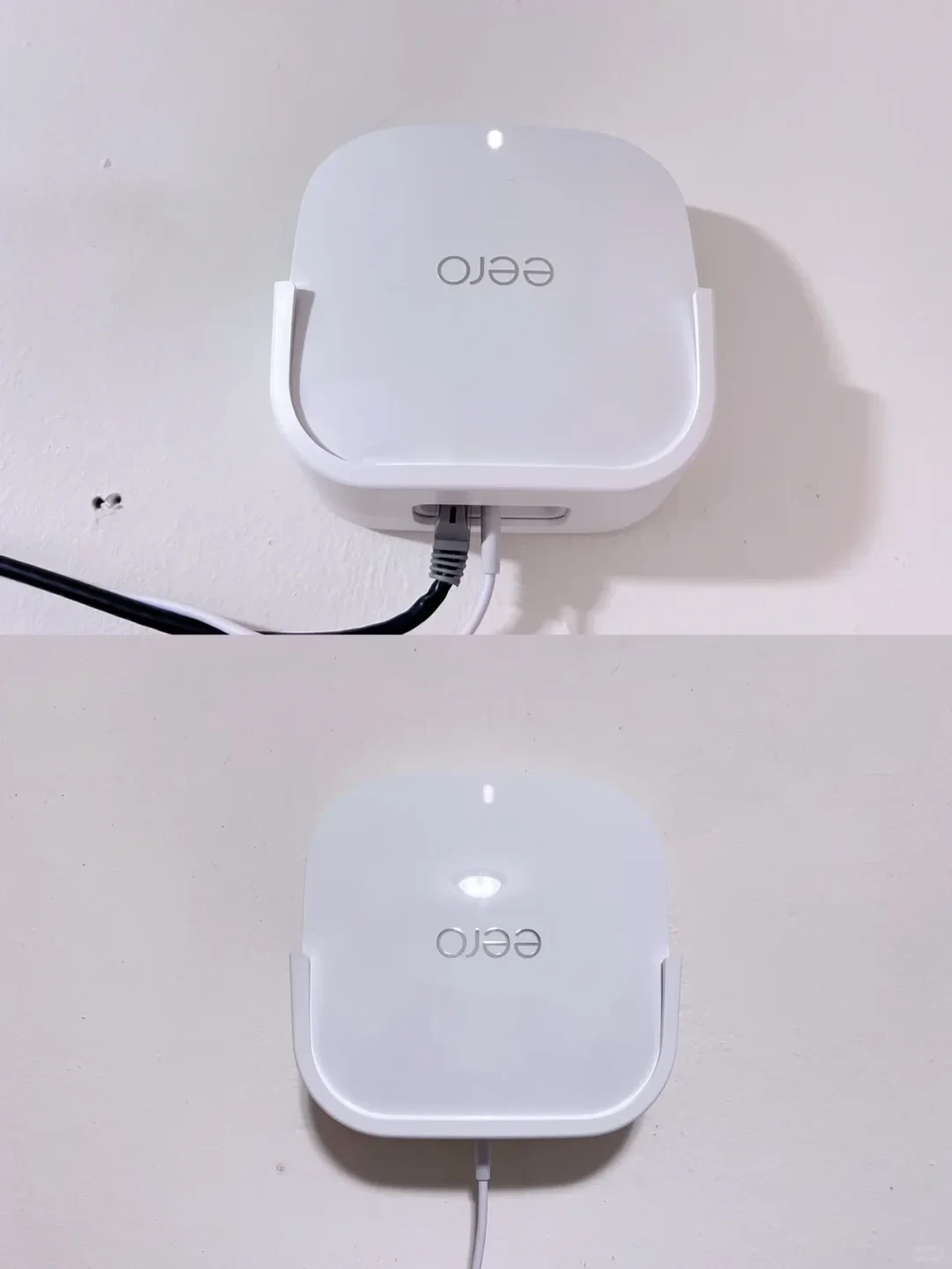
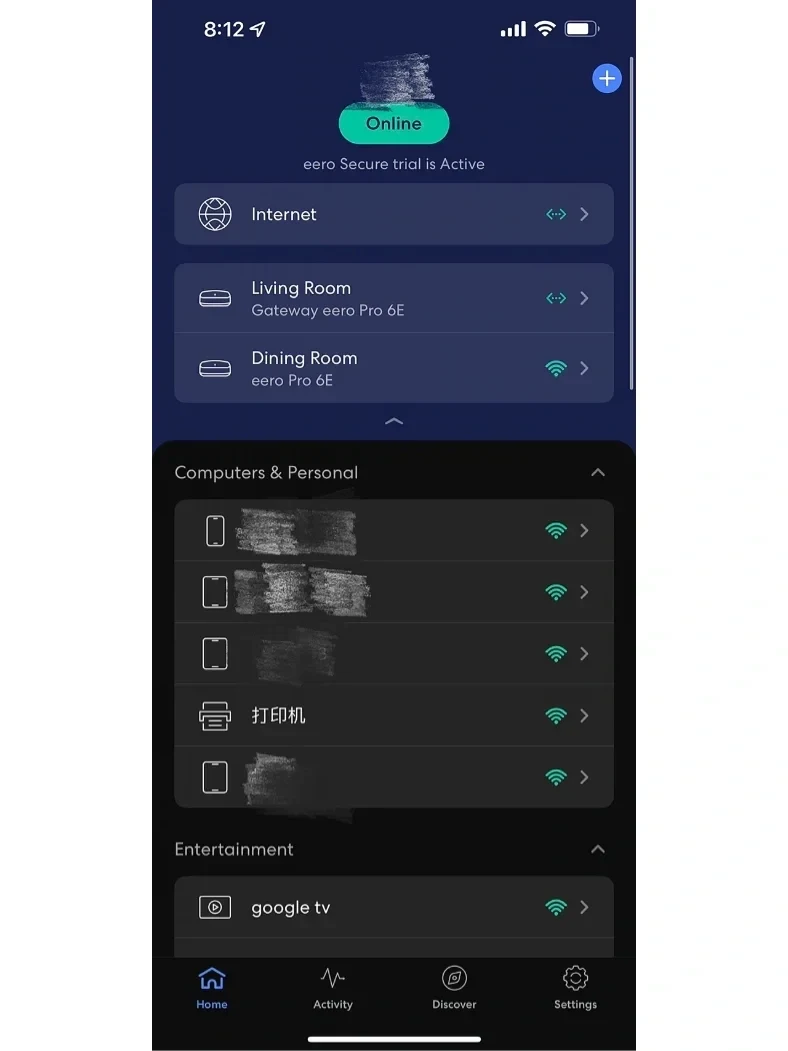
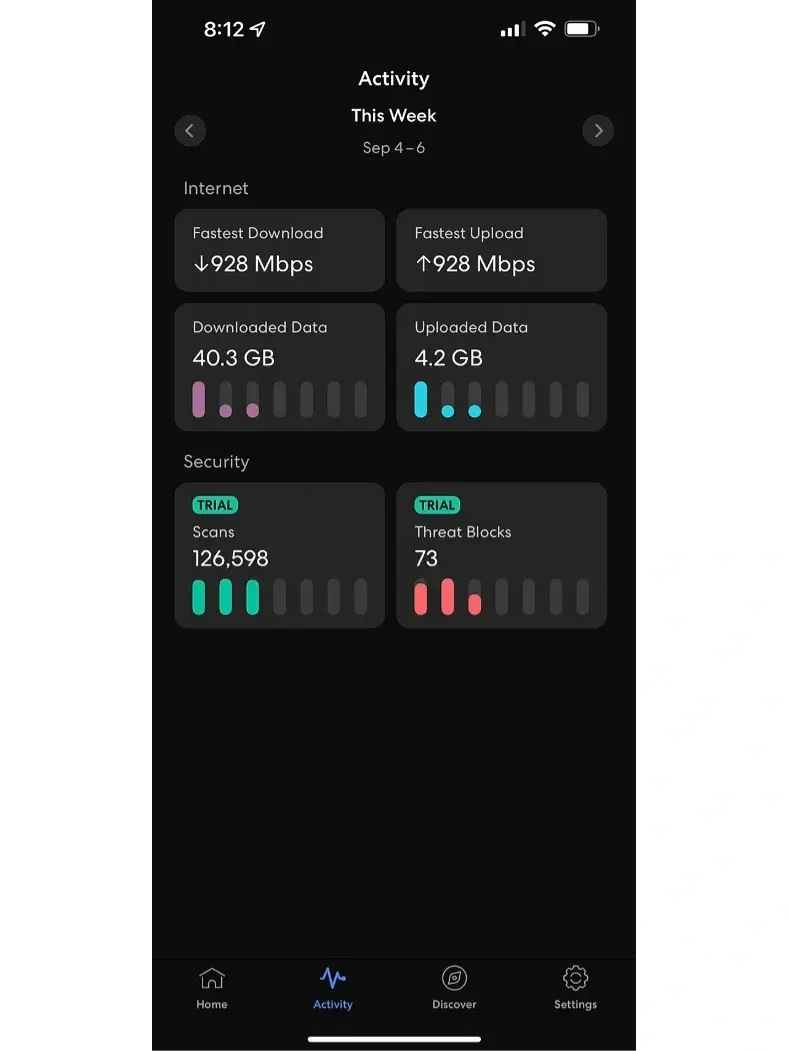
My home internet is gigabit Fios.
My home is long and narrow, with many walls. The internet connection comes in at one end, and the Wi-Fi is weak at the other, so I bought this system to try.
A non-expert review!
Product: Amazon eero Pro 6E, two-pack.
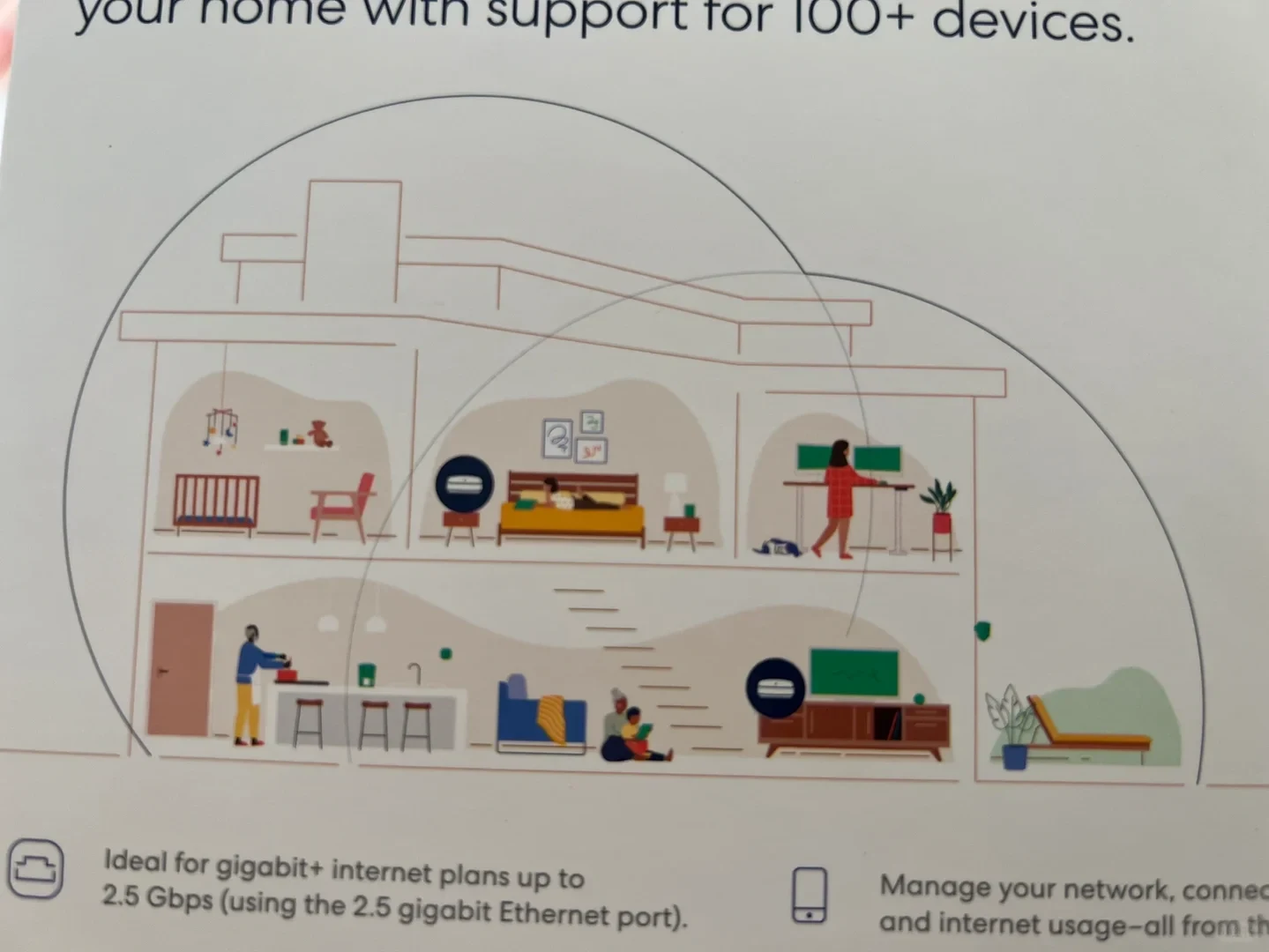
It’s a Wi-Fi router. The box says it covers up to 2,000 square feet.
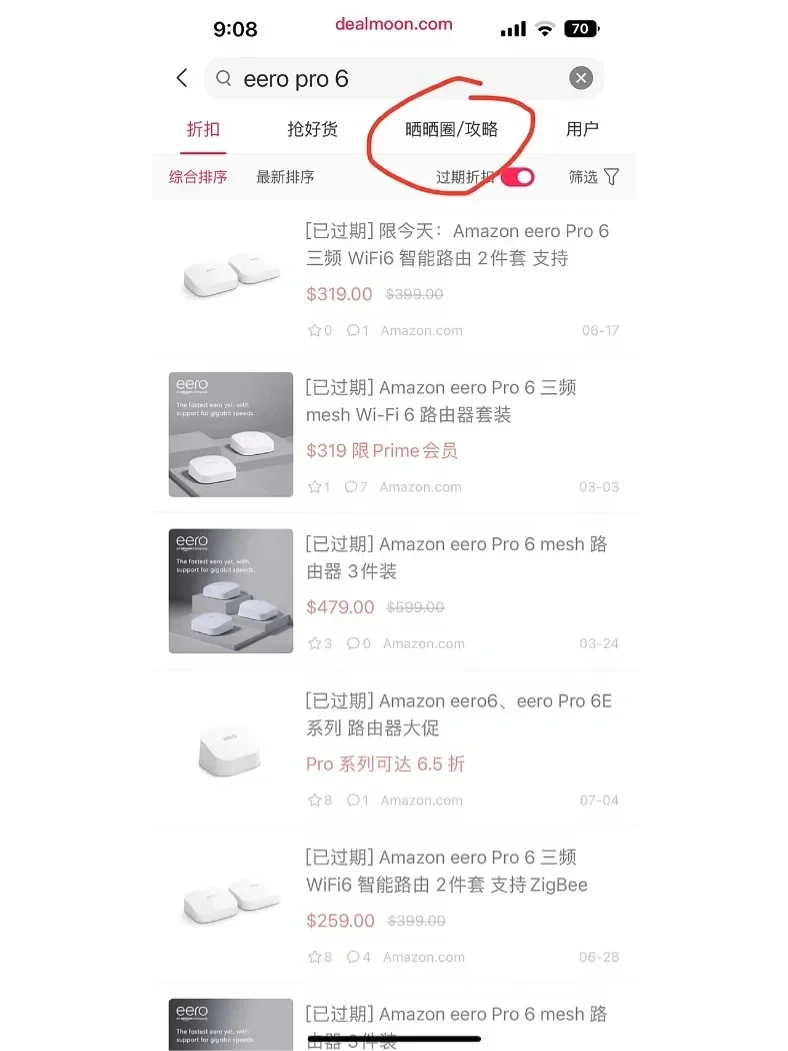
I paid $299 after finding a good deal on Dealmoon.
First, the pros
Since it’s an Amazon product, it’s convenient if you use Alexa at home. I could link it through Alexa without setting up my devices again.
It supports mesh, so the network stays consistent throughout the home.
Setup is easy—even a woman can do it.
It’s only 27 W, so it uses relatively little power.
It doesn’t get very hot, because it has a low-end chip—and because it’s small.
Now for the cons
There’s no room for expansion. It has only one USB port, and that’s used for power.
Each unit has only two Ethernet ports.
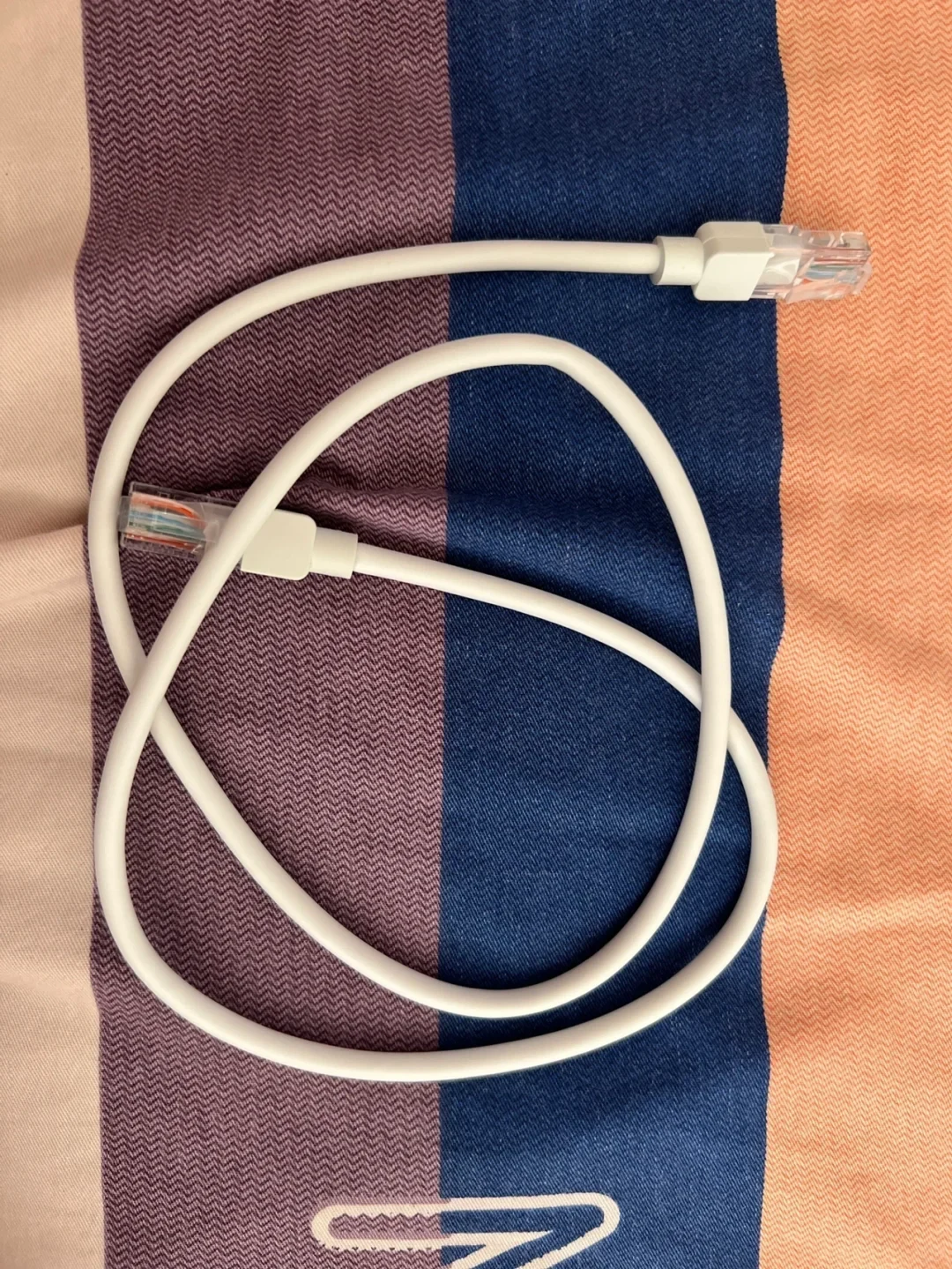
The included Ethernet cable is stingy: it’s only 1 meter long.
It doesn’t support Apple HomeKit.
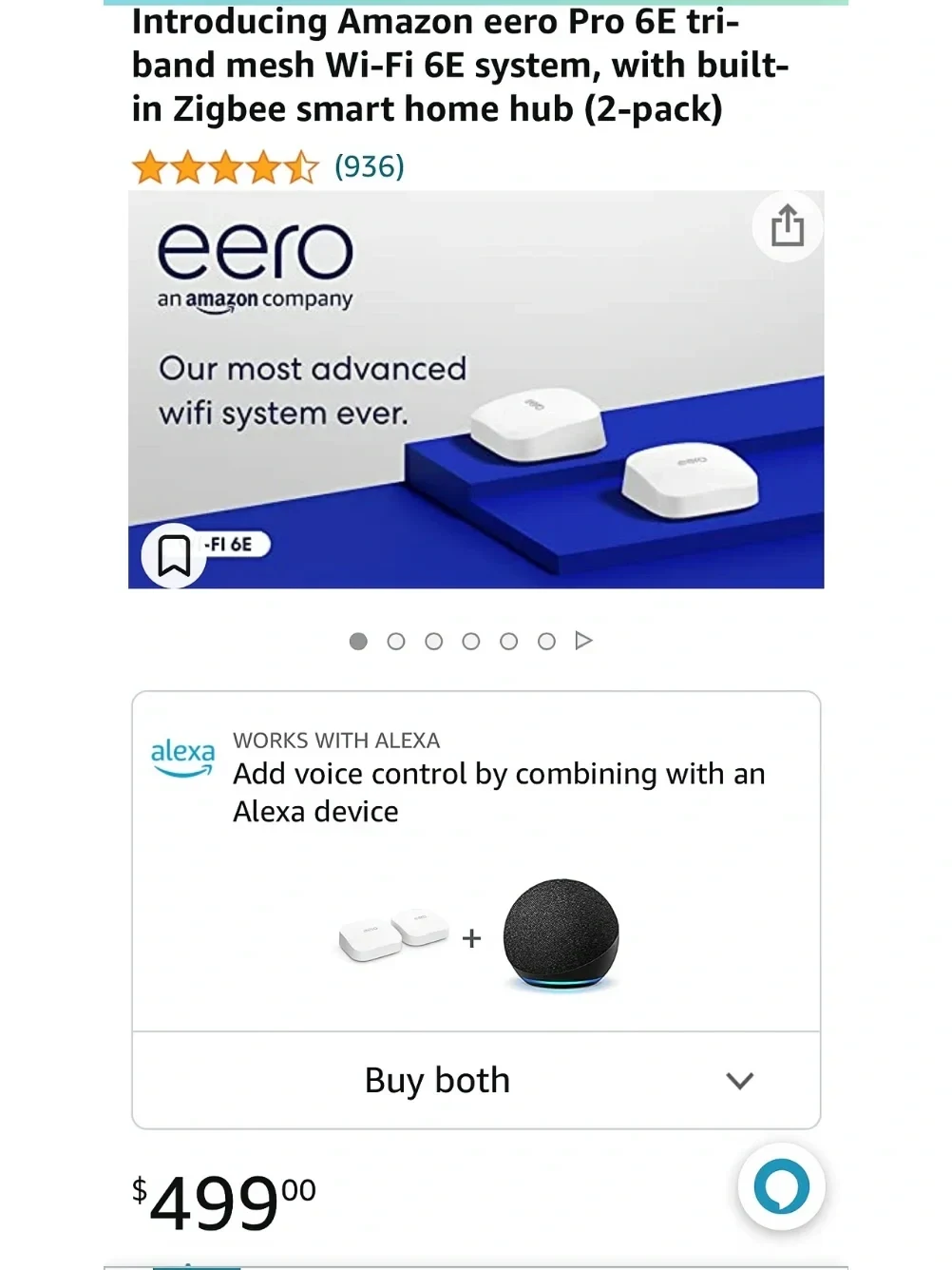
At the original price of $499, or the discounted price of $399, I wouldn’t recommend it at that price. If you can get it for a little over $200, it’s fine.
Even though I wouldn’t recommend it at the original price, it can still be a good buy on sale. I found my discount on Dealmoon; I usually search there for things I want, just in case I find a good deal. You can search there too!
Source: 爱柒❤ · Xiaohongshu · 2022-09-16 · 评测| Amazon eero pro6E路由器非专业评测. Search this Chinese title in Xiaohongshu to find the original post.
Before You Buy
Models in your region
The source account concerns a two-unit eero Pro 6E system used in a New York home. eero identifies the US Pro 6E as a tri-band mesh system with 6 GHz support for compatible devices; its UK listing also names the Pro 6E and 6 GHz support. The account does not specify a hardware SKU, so it documents the author’s US setup, not a test of the UK version.
| Model in this review | Related regional model | What to know |
|---|---|---|
| eero Pro 6E two-pack (US; source account) | eero Pro 6E (United States) | The official US Pro 6E listing confirms a tri-band mesh system with 6 GHz access for compatible devices. The author’s setup and port impressions apply to her two-unit system; the account does not identify its hardware SKU. |
| eero Pro 6E (UK) | eero Pro 6E (United Kingdom) | The UK listing identifies the regional Pro 6E and 6 GHz support for compatible devices. The source experience was not conducted on a UK unit; eero lists hardware model S010001 separately, but the account does not establish whether that was the author’s unit. |
- Model in this review
- eero Pro 6E two-pack (US; source account)
- Related regional model
- eero Pro 6E (United States)
- What to know
- The official US Pro 6E listing confirms a tri-band mesh system with 6 GHz access for compatible devices. The author’s setup and port impressions apply to her two-unit system; the account does not identify its hardware SKU.
- Model in this review
- eero Pro 6E (UK)
- Related regional model
- eero Pro 6E (United Kingdom)
- What to know
- The UK listing identifies the regional Pro 6E and 6 GHz support for compatible devices. The source experience was not conducted on a UK unit; eero lists hardware model S010001 separately, but the account does not establish whether that was the author’s unit.
Mesh coverage for a long home
A mesh system is relevant when one router at the internet connection leaves distant rooms with weak Wi-Fi. The author bought two eero Pro 6E units for a long, walled New York home and says the mesh setup keeps the home network consistent; she does not provide measured client speeds or a before-and-after coverage test, so the account cannot establish throughput or coverage in other homes.
The US eero Pro 6E supports tri-band Wi-Fi across 2.4, 5 and 6 GHz, with 6 GHz access for compatible devices and backward compatibility with other eero generations. The 6 GHz benefit therefore depends on having compatible client devices; it should not be read as a measured speed result from this home.
Check Ethernet needs before choosing a two-pack
Each eero Pro 6E has two Ethernet ports, one rated at 2.5 GbE and one at 1 GbE. That is useful context for the author’s complaint that each unit had only two ports, but the port ratings do not establish wireless throughput. If a setup needs more wired connections at a unit, plan for the limited port count rather than assuming the two-node system provides additional ports.
The Pro 6E uses a 27 W external power adapter. That figure is the power supply rating. Everyday electricity use takes a separate measurement.
Setup and smart-home compatibility
The author found setup straightforward and valued linking her home devices through Alexa without setting them up again. That is her experience with her existing Alexa setup, not evidence that every device or configuration transfers automatically. The supplied official evidence confirms mesh and Wi-Fi features, but does not specify Alexa or Apple HomeKit compatibility, so verify support for the services and devices you use before buying.
Related Reading

Reviews & Guides · Computing & Networking
TP-Link Deco X55 in a two-storey Australian home: Wi-Fi across 300 m²
I installed two TP-Link Deco X55 units in my 300 m², two-storey home; bedrooms that often lost Wi-Fi now had a signal throughout the house.

Reviews & Guides · Computing & Networking
TP-Link Deco X55: DNS pauses stopped for six days in access-point mode
I switched my Deco X55 to access-point mode and restored my older router to the front of the network. The DNS-like pauses stayed away for six days.
Reviews & Guides · Computing & Networking
TP-Link Deco X55 after nearly a year: six units, Teams and gaming
I’ve used six TP-Link Deco X55 units for nearly a year, including daily Teams calls and online gaming; I’ve had only one or two connectivity issues.