
Reviews & Guides · Computing & Networking
eero Pro 6E vs Deco XE75: lower PS5 lag, lower speed tests
Reviewed: TP-Link Deco XE75, eero Pro 6ERegional reference: eero Pro 6E (US); TP-Link Deco XE75 (US)
I used the Deco XE75 for about six months, then switched to eero Pro 6E for a week: speed tests fell, but PS5 gaming felt less laggy.
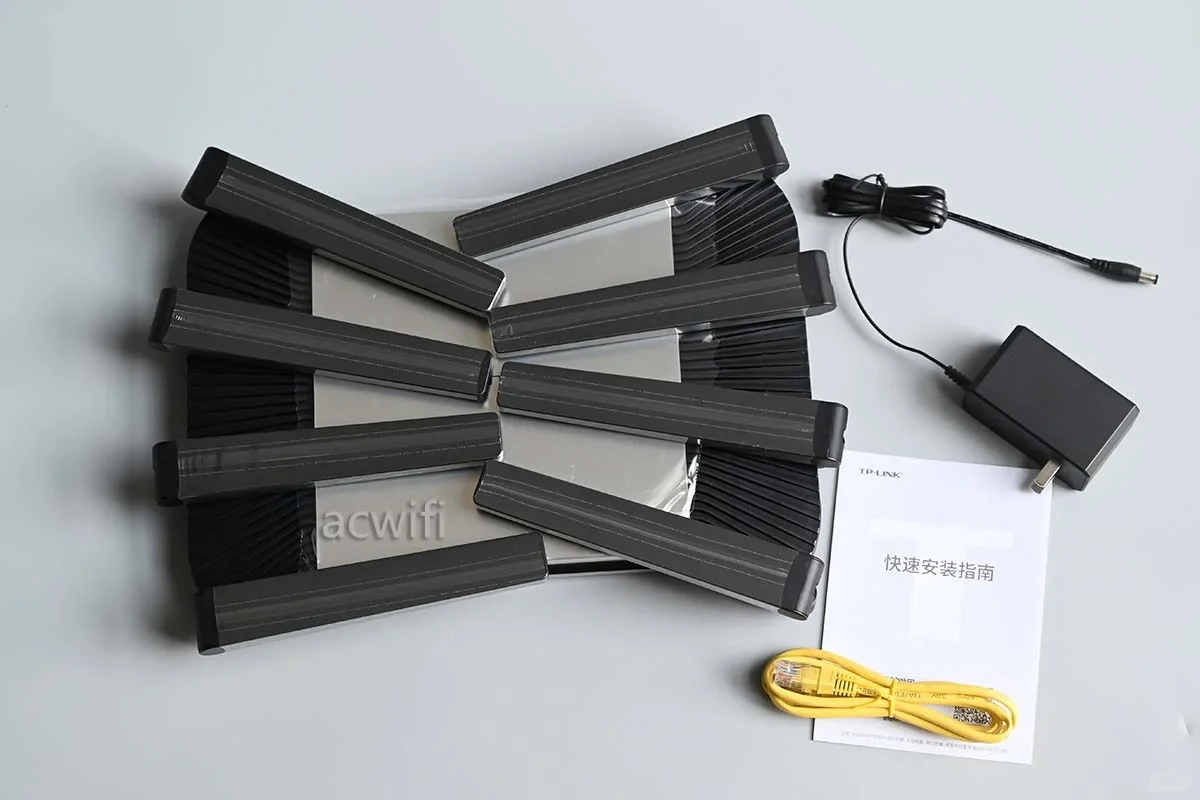
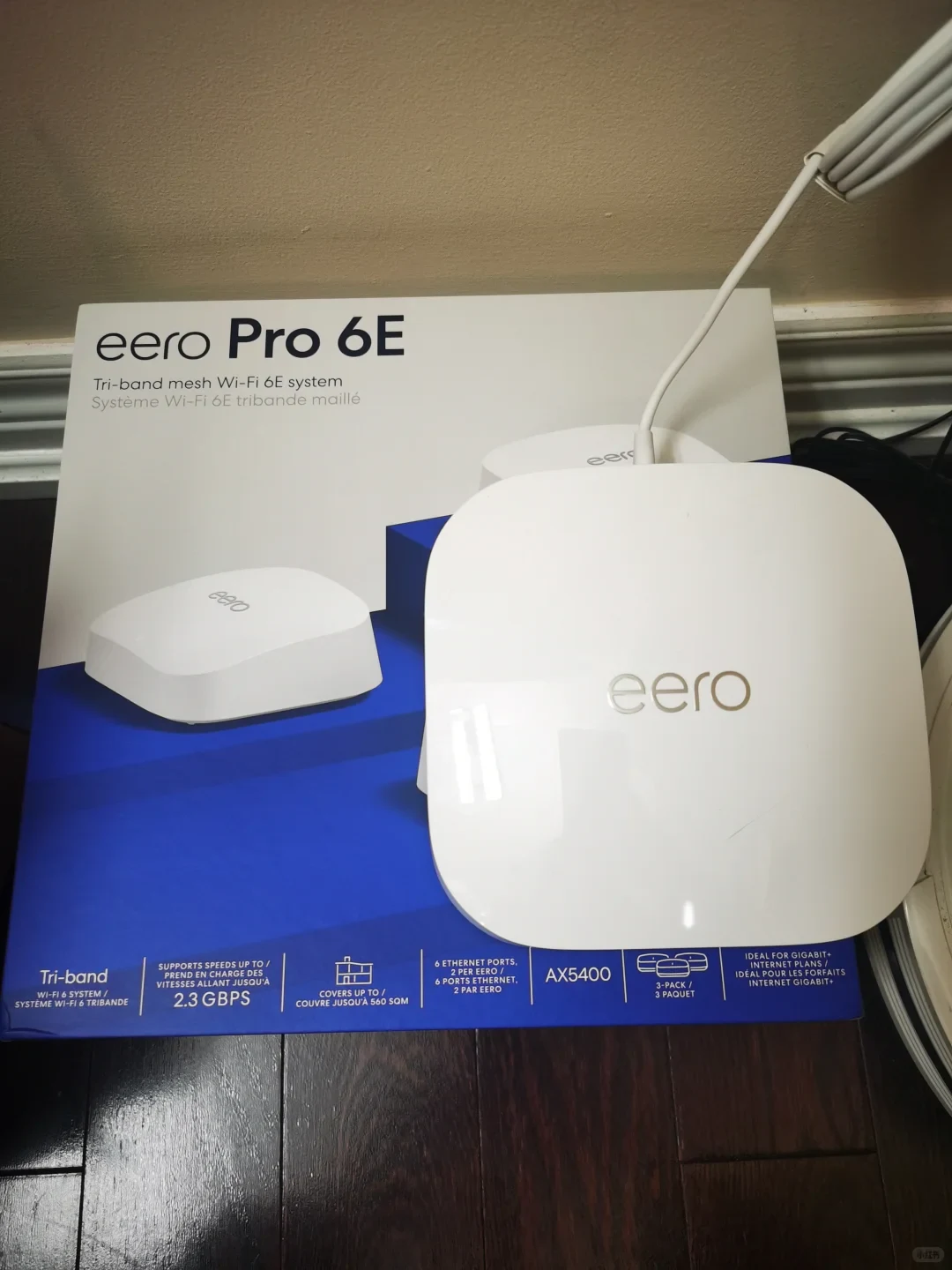
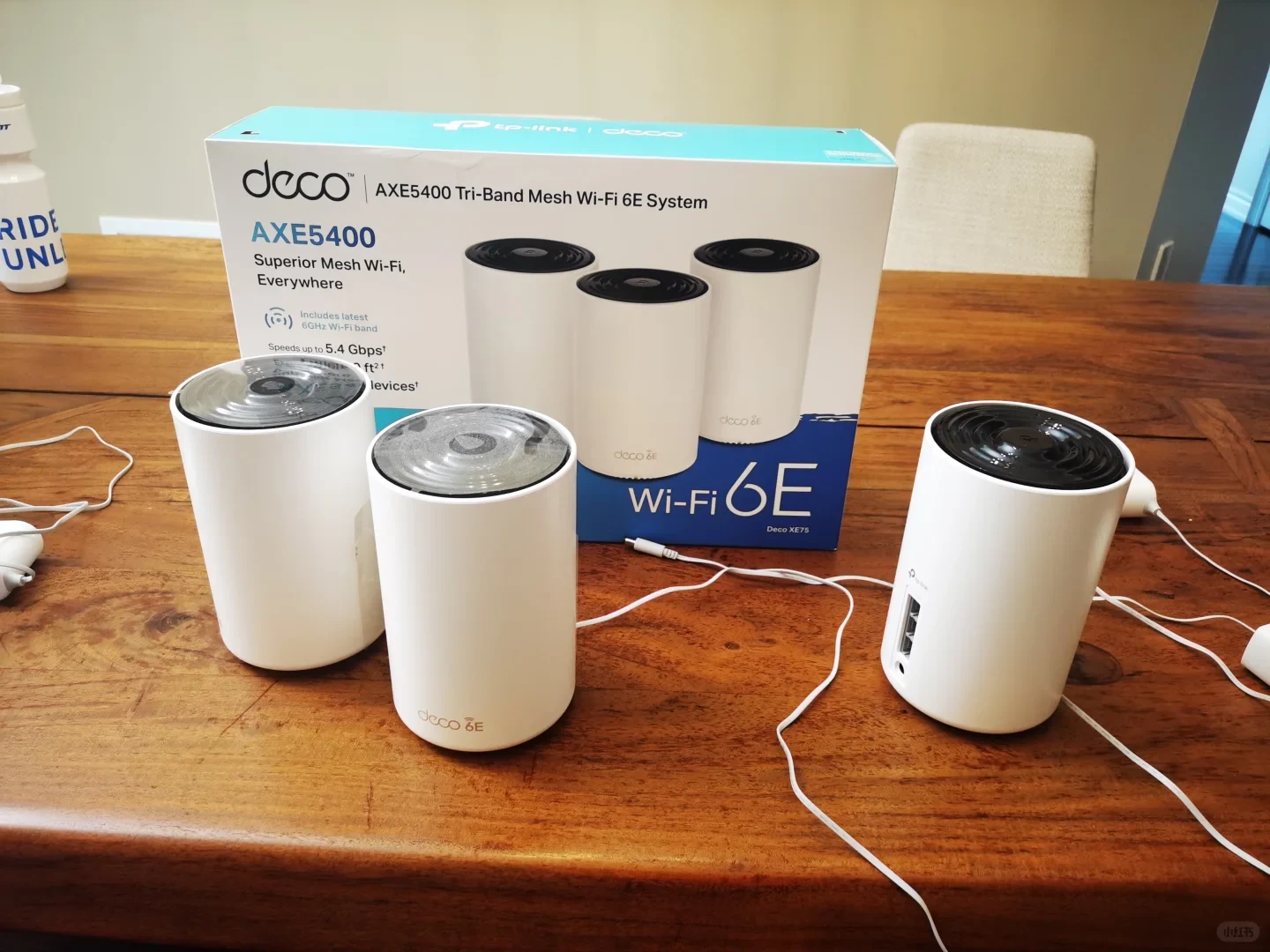
I used the Deco XE75 6E for about six months in a 2,500-square-foot home. One node was in the basement, where the broadband enters; the other two were on the first and second floors, all connected wirelessly. The internet service itself is 1 Gbps. At first it felt great, but over time it started to feel quite laggy. I switched to eero and have used it for a week. Speed tests show lower bandwidth than with Deco, but PS5 games feel noticeably less laggy and have lower latency. I feel eero may handle concurrent traffic better, though a week may not be enough for an accurate judgment. I’m already planning to return the Deco. eero often goes on sale for 60% of its usual retail price; a lower price would make it a good buy.
Source: suede · Xiaohongshu · 2025-10-13 · 家庭mesh组网eero可能更优. Search this Chinese title in Xiaohongshu to find the original post.
Before You Buy
Models in your region
The source account compares three-node TP-Link Deco XE75 and eero Pro 6E systems in one home; the box photos identify those models, including the XE75 rather than XE75 Pro. The official US product pages confirm the same named models, but the source’s country, hardware revisions, firmware, and service eligibility are not established, so regional specifications below are reference points rather than proof of the exact units used.
| Model in this review | Related regional model | What to know |
|---|---|---|
| eero Pro 6E | eero Pro 6E (US) | The US eero Pro 6E is the same named Wi-Fi 6E model. Each unit has one auto-sensing 2.5GbE port and one 1GbE port; the author’s one-week PS5 impression does not verify a general latency or concurrency advantage. |
| TP-Link Deco XE75 | TP-Link Deco XE75 (US) | The US Deco XE75 is the same named model, not the XE75 Pro. Each unit has three auto-sensing 1GbE ports and supports optional Ethernet backhaul; the author’s six-month experience used three wireless nodes. |
- Model in this review
- eero Pro 6E
- Related regional model
- eero Pro 6E (US)
- What to know
- The US eero Pro 6E is the same named Wi-Fi 6E model. Each unit has one auto-sensing 2.5GbE port and one 1GbE port; the author’s one-week PS5 impression does not verify a general latency or concurrency advantage.
- Model in this review
- TP-Link Deco XE75
- Related regional model
- TP-Link Deco XE75 (US)
- What to know
- The US Deco XE75 is the same named model, not the XE75 Pro. Each unit has three auto-sensing 1GbE ports and supports optional Ethernet backhaul; the author’s six-month experience used three wireless nodes.
What the one-week gaming comparison can tell you
The eero Pro 6E felt less laggy for this author’s PS5 gaming, even though its speed-test bandwidth was lower than the Deco XE75’s. The comparison followed about six months with three wireless Deco nodes and only one week with eero in the same reported home, so it is an individual impression—not a controlled latency test or evidence that eero handles concurrent traffic better in general. Game, client connection, settings, and test band were not specified, which limits how directly another setup can reproduce the result.
The Deco XE75’s higher speed-test results and the eero’s more responsive-feeling PS5 play point to different outcomes, not a single overall winner. The author had not yet completed the planned Deco return, and the account does not describe simultaneous device-load testing.
Ports and Wi-Fi capabilities by regional model
The US eero Pro 6E is a tri-band Wi-Fi 6E system on 2.4, 5, and 6 GHz, with 160 MHz support in the 5 and 6 GHz bands. Each unit has one auto-sensing 2.5GbE port and one 1GbE port. Its advertised 2.3 Gbps combines wired and wireless client traffic; it is not a measured speed for one PS5 or a result from the author’s home.
The US TP-Link Deco XE75 is also tri-band Wi-Fi 6E on 2.4, 5, and 6 GHz, but each unit has three auto-sensing 1GbE WAN/LAN ports. It supports optional Ethernet backhaul as well as router and access-point modes; the source account used wireless links between all three nodes. Actual throughput and 160 MHz or 6 GHz availability depend on clients, the environment, and local regulations.
Choose by your connection and layout
Count Ethernet ports after reserving the gateway’s internet connection. Each US eero Pro 6E has one 2.5GbE and one 1GbE port; if the 2.5GbE port serves the modem, the remaining direct Ethernet connection is 1GbE. Each Deco XE75 has three 1GbE ports, leaving two on the gateway after its internet connection. Both systems support wired or wireless links between nodes, although this account used wireless backhaul.
Neither the manufacturer specifications nor this one-home comparison confirms that either mesh system will reduce gaming lag under every kind of network load. If gaming responsiveness matters most, compare latency and play feel with your own console, game, node placement, and household traffic rather than treating a speed-test score or the advertised combined Wi-Fi rate as a direct gaming result.
Related Reading

Reviews & Guides · Computing & Networking
TP-Link Deco X55 in a two-storey Australian home: Wi-Fi across 300 m²
I installed two TP-Link Deco X55 units in my 300 m², two-storey home; bedrooms that often lost Wi-Fi now had a signal throughout the house.

Reviews & Guides · Computing & Networking
TP-Link Deco X55: DNS pauses stopped for six days in access-point mode
I switched my Deco X55 to access-point mode and restored my older router to the front of the network. The DNS-like pauses stayed away for six days.
Reviews & Guides · Computing & Networking
TP-Link Deco X55 after nearly a year: six units, Teams and gaming
I’ve used six TP-Link Deco X55 units for nearly a year, including daily Teams calls and online gaming; I’ve had only one or two connectivity issues.