
Reviews & Guides · Computing & Networking
eero Pro 6E: faster Wi-Fi, with a paid-plan trade-off
Reviewed: eero Pro 6E, Google Wifi (1st generation)Regional reference: eero Pro 6E (United States); eero Pro 6E (United Kingdom)
I saw speeds rise from about 200 to 360 Mbps after switching to eero Pro 6E, with few dropouts; bandwidth reporting required a paid plan.
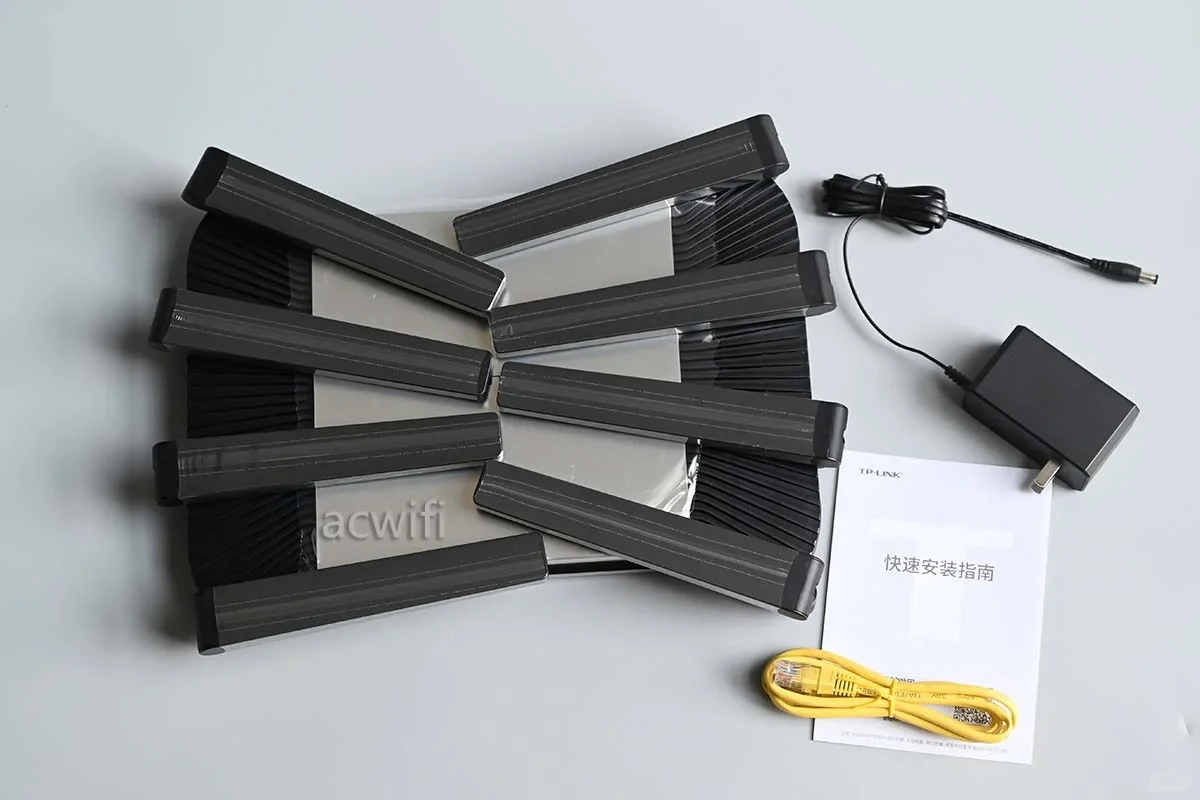
My four first-generation Google Wifi nodes used Ethernet backhaul, but slowdowns and dropouts were bothering me. I replaced the main units with an eero Pro 6E package.
Setup was easy. Before the switch my Wi-Fi had topped out around 200 Mbps. Afterward I saw up to about 360 Mbps, very few dropouts and good coverage in my home.
I used a less expensive dual-band eero 6 in my shed because its powerline connection has limited bandwidth. I left that link in place and had only tried the replacement in the same setup.
I preferred the eero app overall. I was less happy to find that the bandwidth reporting I had used for free in my old setup was tied to a paid plan.
Source: KleinUnbottler · Reddit · 2022-07-30 · good experience with eero Pro 6E so far.. Original post
Before You Buy
Models in your region
The account identifies the system as eero Pro 6E but does not give a complete unit model number or purchase market. The US listing uses the same product name; the UK listing also identifies eero Pro 6E and 6 GHz support, while eero separately lists hardware model S010001. The reported home-network results belong to the author's setup, not a controlled comparison of regional versions.
| Model in this review | Related regional model | What to know |
|---|---|---|
| eero Pro 6E | eero Pro 6E (United States) | The US listing identifies the same model named in the account: a tri-band mesh unit with 6 GHz access for compatible devices and backward compatibility with other eero generations. The author’s speed and coverage results are specific to their home setup. |
| eero Pro 6E | eero Pro 6E (United Kingdom) | The UK listing uses the same product name and identifies 6 GHz support for compatible devices. It lists hardware model S010001 separately; the account does not provide a unit number, so that specific hardware identification cannot be confirmed for the reviewed package. |
- Model in this review
- eero Pro 6E
- Related regional model
- eero Pro 6E (United States)
- What to know
- The US listing identifies the same model named in the account: a tri-band mesh unit with 6 GHz access for compatible devices and backward compatibility with other eero generations. The author’s speed and coverage results are specific to their home setup.
- Model in this review
- eero Pro 6E
- Related regional model
- eero Pro 6E (United Kingdom)
- What to know
- The UK listing uses the same product name and identifies 6 GHz support for compatible devices. It lists hardware model S010001 separately; the account does not provide a unit number, so that specific hardware identification cannot be confirmed for the reviewed package.
What the speed change tells you
The eero Pro 6E can provide tri-band Wi-Fi across 2.4, 5 and 6 GHz, with 6 GHz access for compatible devices. In this home, the change from a reported maximum of about 200 Mbps to as much as 360 Mbps came alongside fewer dropouts and good coverage; it is one owner's result, not a promise of the same speeds in another layout or connection.
The account does not specify the internet plan, client devices, test method or exact mesh-package configuration. Those details are unknown, so the figures cannot isolate how much of the increase came from the eero system or predict a buyer's throughput. The owner did keep the shed's powerline link in place and had only tried the replacement in that same setup.
Check the Ethernet ports against your setup
The US eero Pro 6E has two Ethernet ports: one rated at 2.5 GbE and one at 1 GbE. These are wired-port ratings, not a guarantee of wireless throughput; the owner's reported Wi-Fi speed increase does not establish performance over either port.
Plan for the bandwidth-reporting subscription
Check whether the bandwidth reporting you rely on requires a paid plan before choosing the eero setup. The owner preferred the eero app but found that reporting they had used for free with the previous setup was tied to a paid plan; the account does not name the plan or specify its current terms, so confirm availability and cost for your market.
Related Reading

Reviews & Guides · Computing & Networking
TP-Link Deco X55 in a two-storey Australian home: Wi-Fi across 300 m²
I installed two TP-Link Deco X55 units in my 300 m², two-storey home; bedrooms that often lost Wi-Fi now had a signal throughout the house.

Reviews & Guides · Computing & Networking
TP-Link Deco X55: DNS pauses stopped for six days in access-point mode
I switched my Deco X55 to access-point mode and restored my older router to the front of the network. The DNS-like pauses stayed away for six days.
Reviews & Guides · Computing & Networking
TP-Link Deco X55 after nearly a year: six units, Teams and gaming
I’ve used six TP-Link Deco X55 units for nearly a year, including daily Teams calls and online gaming; I’ve had only one or two connectivity issues.