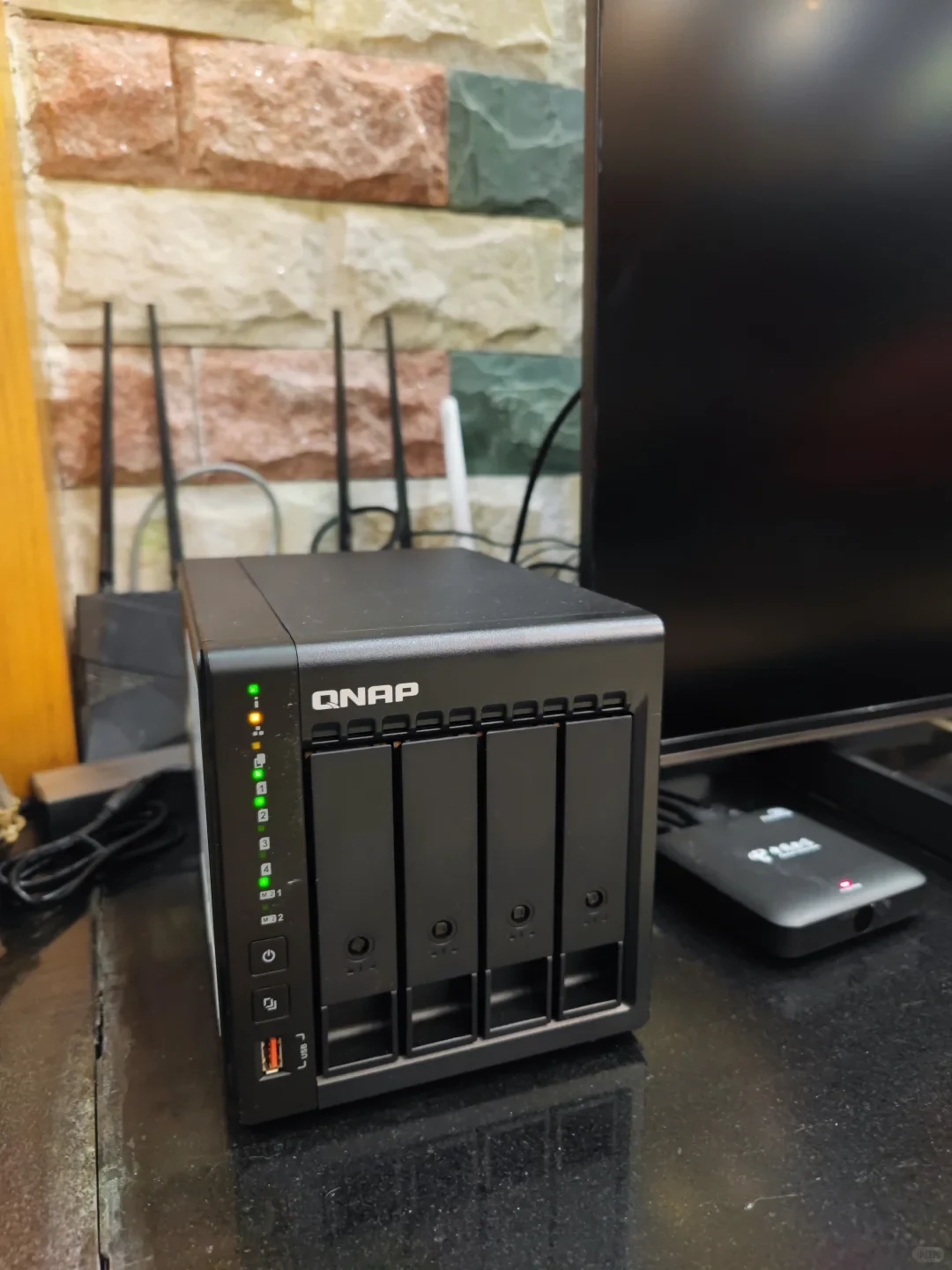
Room for a heavier VM workload
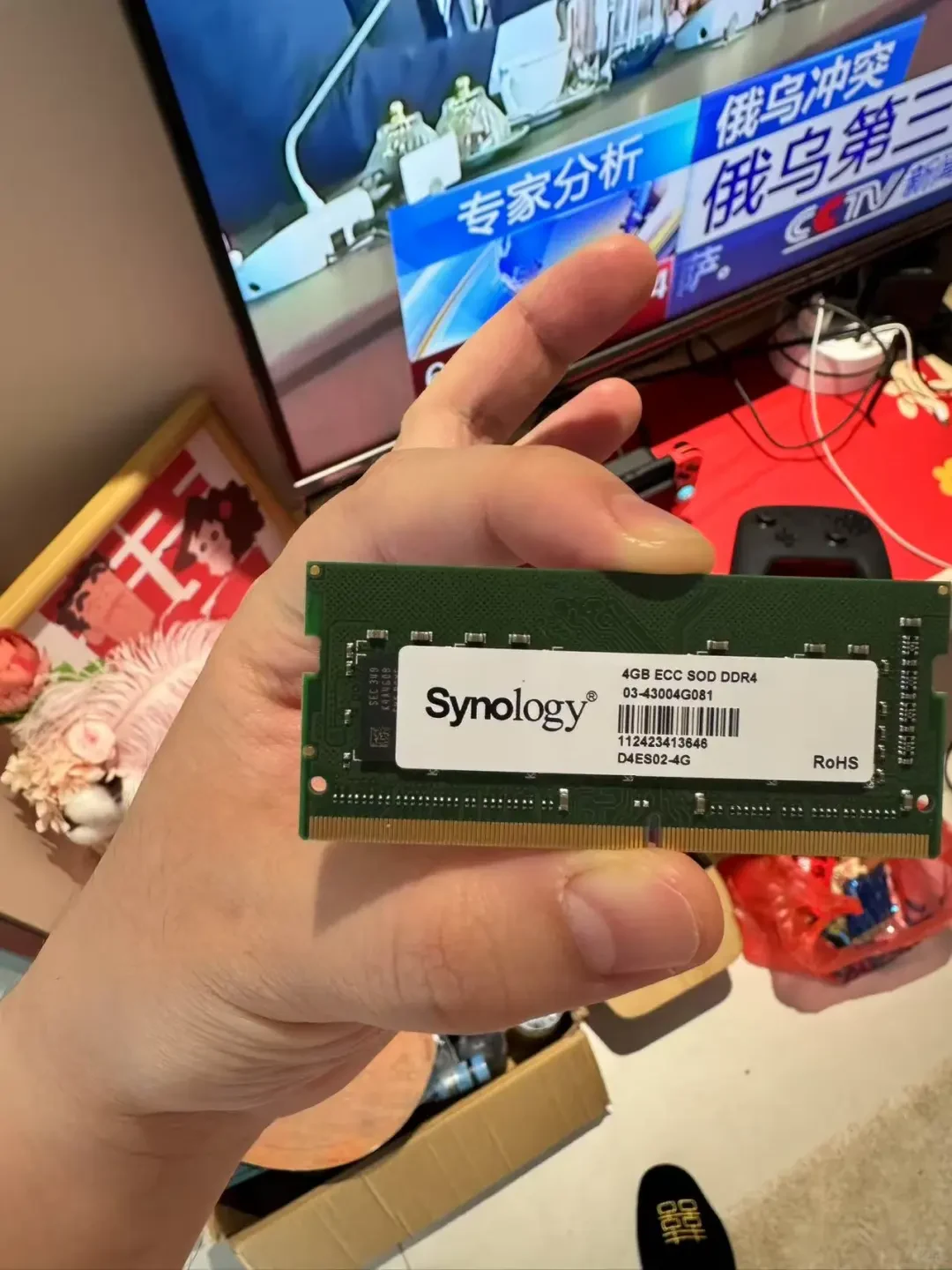
One owner found virtual machines and Browser Station more responsive after moving from 8GB to 32GB. That individual configuration exceeds QNAP’s published 16GB maximum. [1]

QNAP · NAS
| Regional reference | Markets | Model in the reports |
|---|---|---|
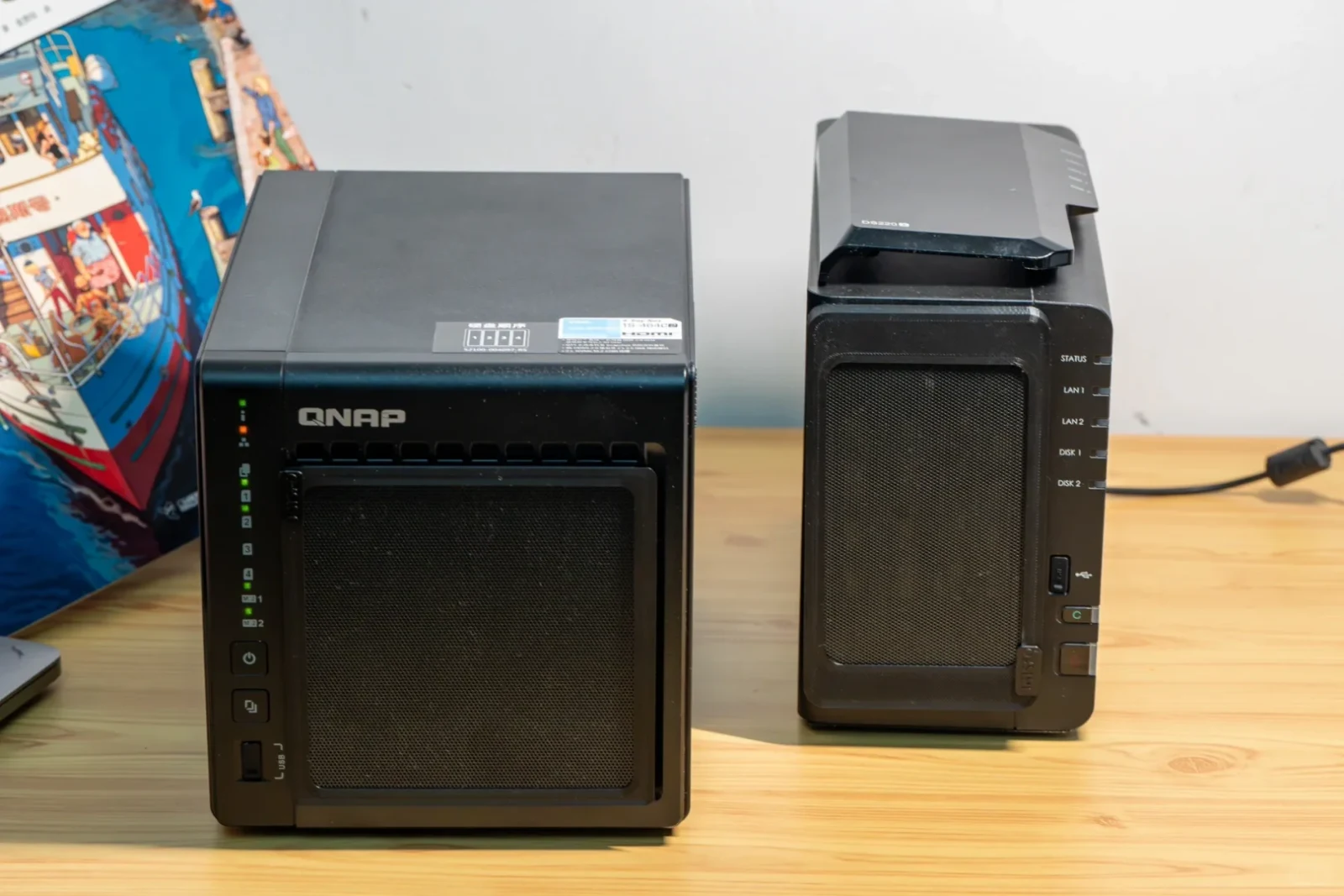
| QNAP TS-464C2-8G | Mainland China | TS-464C2 |
| QNAP TS-464C2-8G | Hong Kong | |
| Related QNAP TS-464-8G | US |
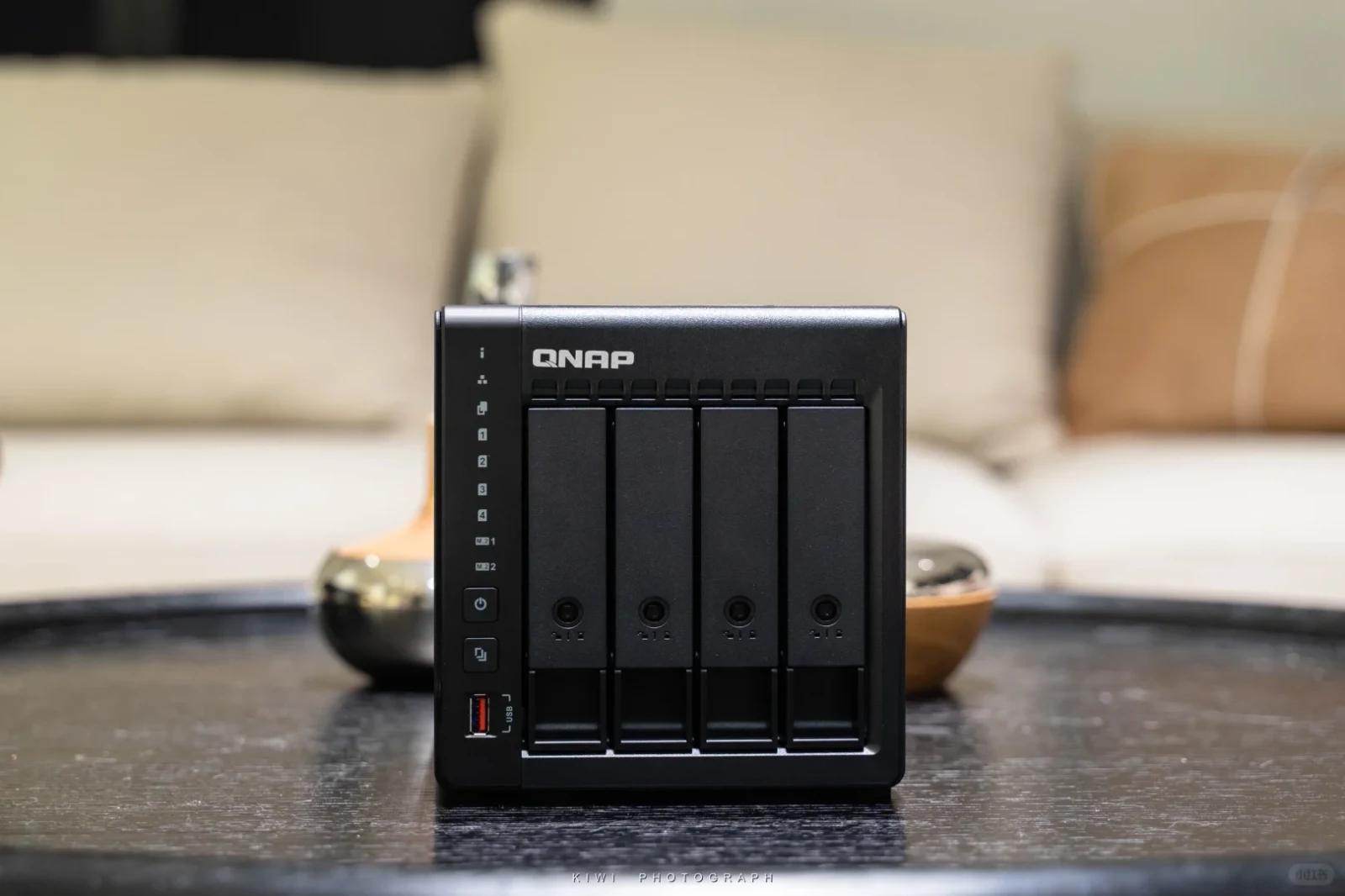
My TS-464C2 kept writing files and photos accessible across my computers, tablet and phone. Remote access took router firmware, IPv6 setup and help from QNAP support. Adapted from an owner review
One owner found virtual machines and Browser Station more responsive after moving from 8GB to 32GB. That individual configuration exceeds QNAP’s published 16GB maximum. [1]
Two households used the NAS for shared photos or documents. A writer moved between a desktop, laptop, tablet and phone after remote access was configured. [2][3]
A TS-451D replacement owner reported moving the system to SSD without data loss. Another setup used a system SSD and a separate cache SSD; neither is a controlled speed test. [4][2]
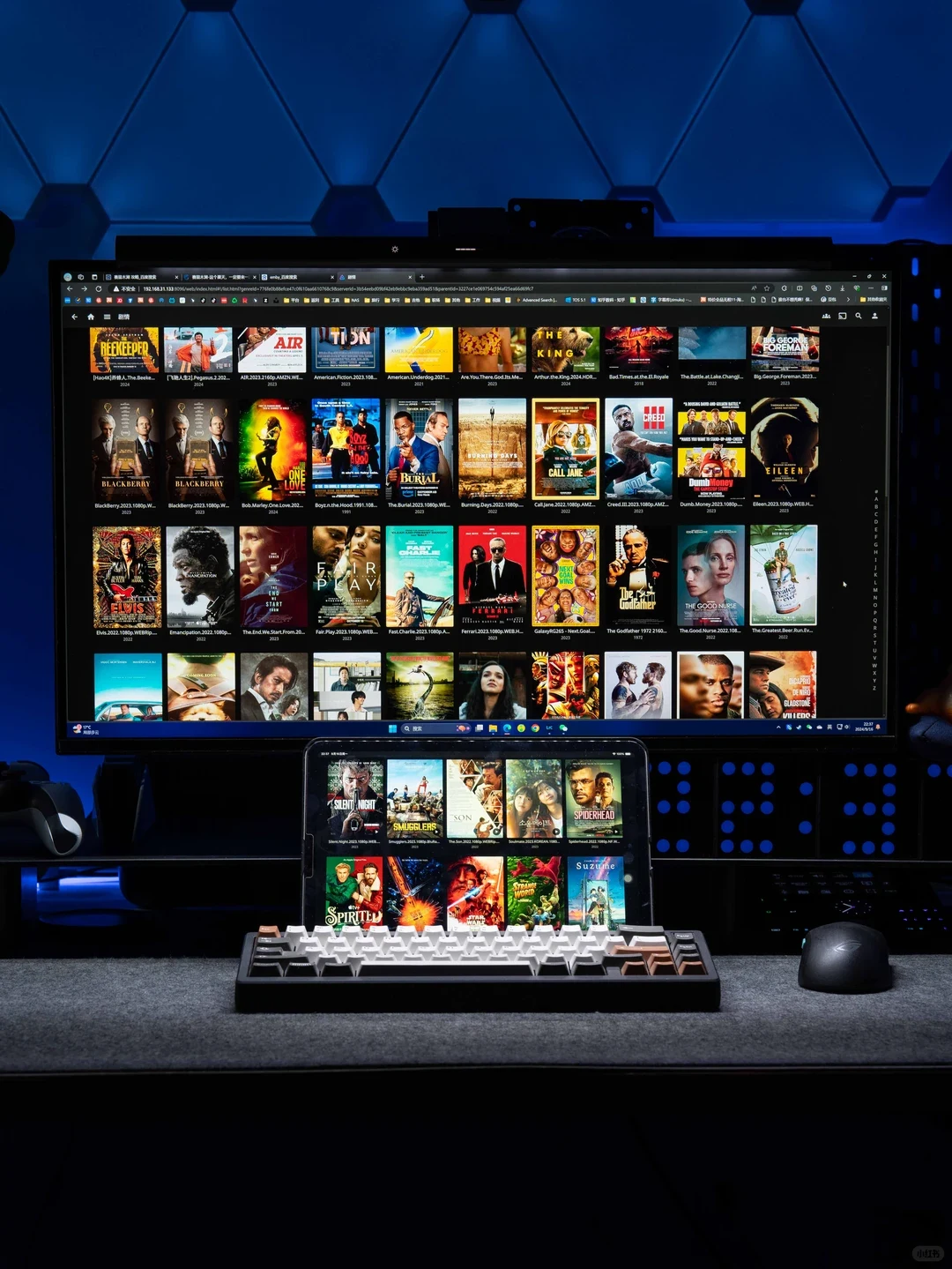
A home-media user found Jellyfin the smoothest app they had tried and reported smooth playback of high-frame-rate Blu-ray source files on the TS-464C2. [5]
One writer needed QNAP support to update router firmware, configure IPv6 and map the drive. Local installation alone had not completed the remote workflow. [3]
A forum owner could not boot with both memory slots filled, with no confirmed resolution. A separate TS-464C2 commenter reported two matching Transcend 8GB modules working under QTS 5.2. [7][8]
With QTS 5.2.7.3297 and Container Station 3.1.1.1451, one owner reported repeated container failures. Reinstalling and restoring settings had not resolved them; rebooting gave temporary recovery. [9]
The Jellyfin user liked its playback and free access but found its metadata scraping only average. Their Emby TV-series library also needed improvement. [5]
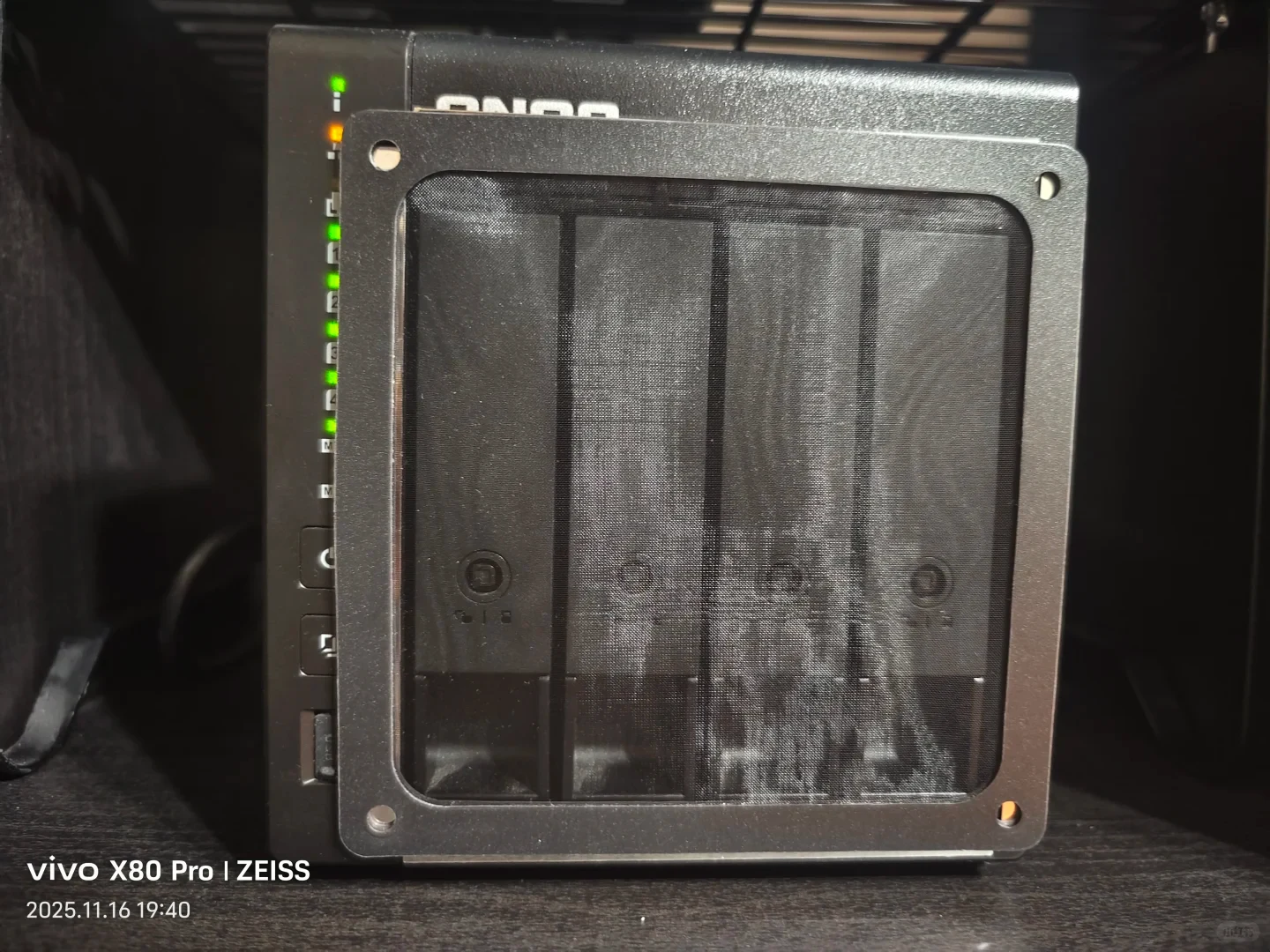
One owner added adhesive-backed strips and a removable magnetic front filter after dust accumulated. The modification has no measured airflow or temperature results. [6]
Upgraded from TS-451D · System migrated to SSD
8GB to 32GB · Three VMs and containers
Three years with NAS media apps · Jellyfin
DIY · Removable 14cm magnetic filter
System SSD and cache · Separate family accounts
Almost two months · Documents and photos · IPv6 setup