
Reviews & Guides · Computing & Networking
QNAP TS-464C2 after two months: document syncing and remote access
Reviewed: QNAP TS-464C2Regional reference: QNAP TS-464C2-8G (Mainland China); QNAP TS-464C2-8G (Hong Kong); QNAP TS-464-8G (United States)
I used my QNAP TS-464C2 for documents and photos across devices. Remote access took router firmware updates, IPv6 setup and QNAP support.
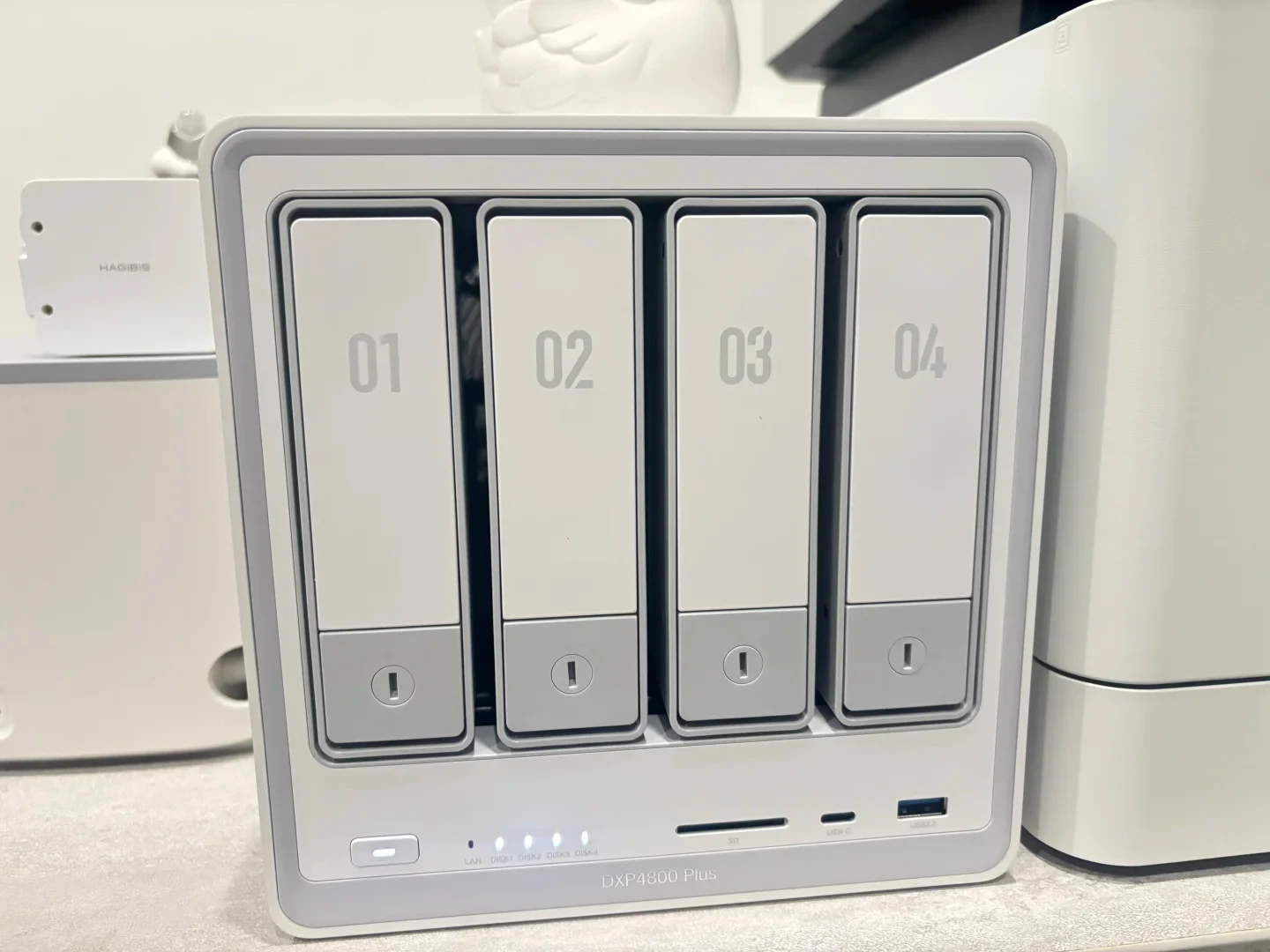

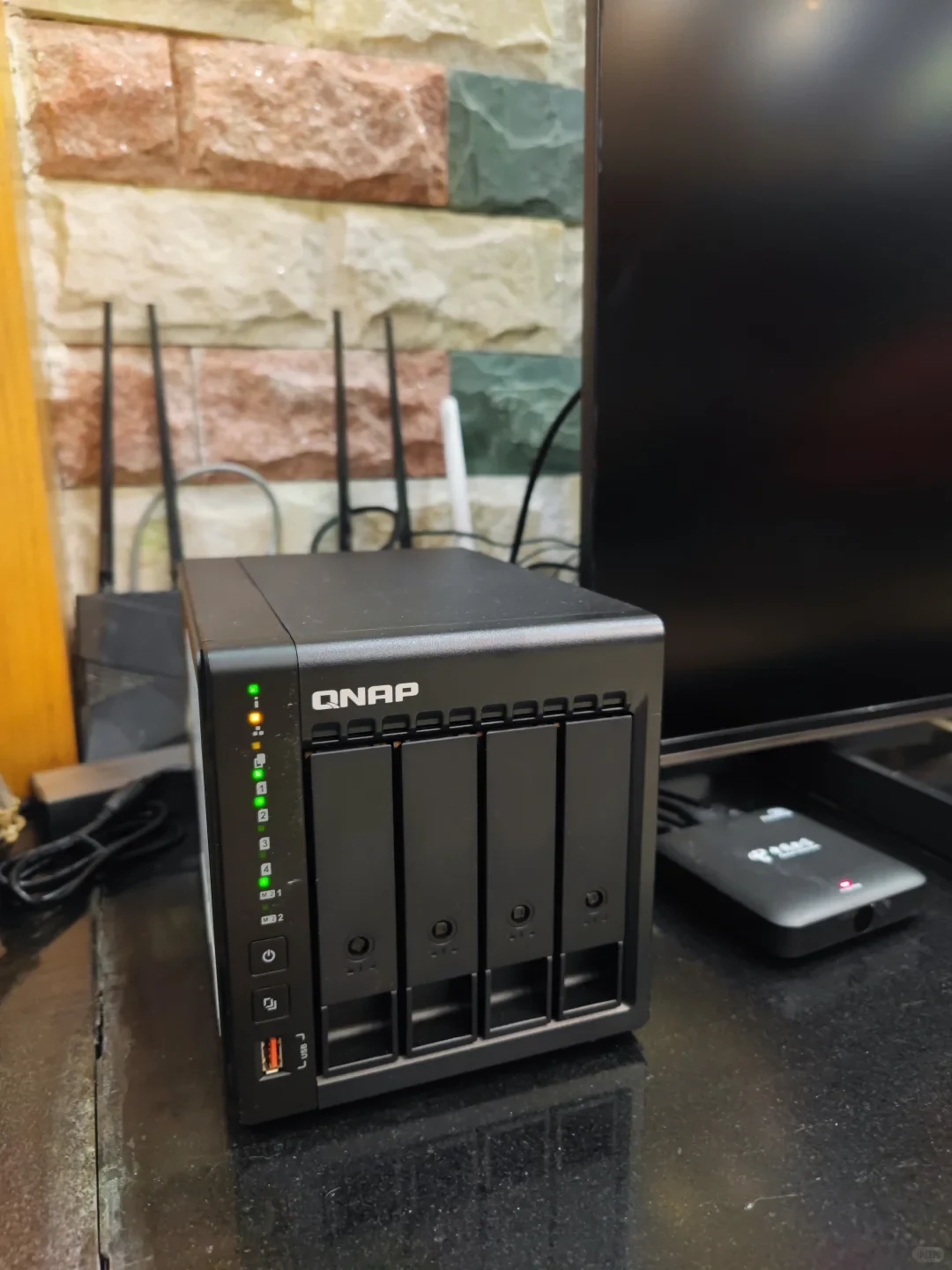
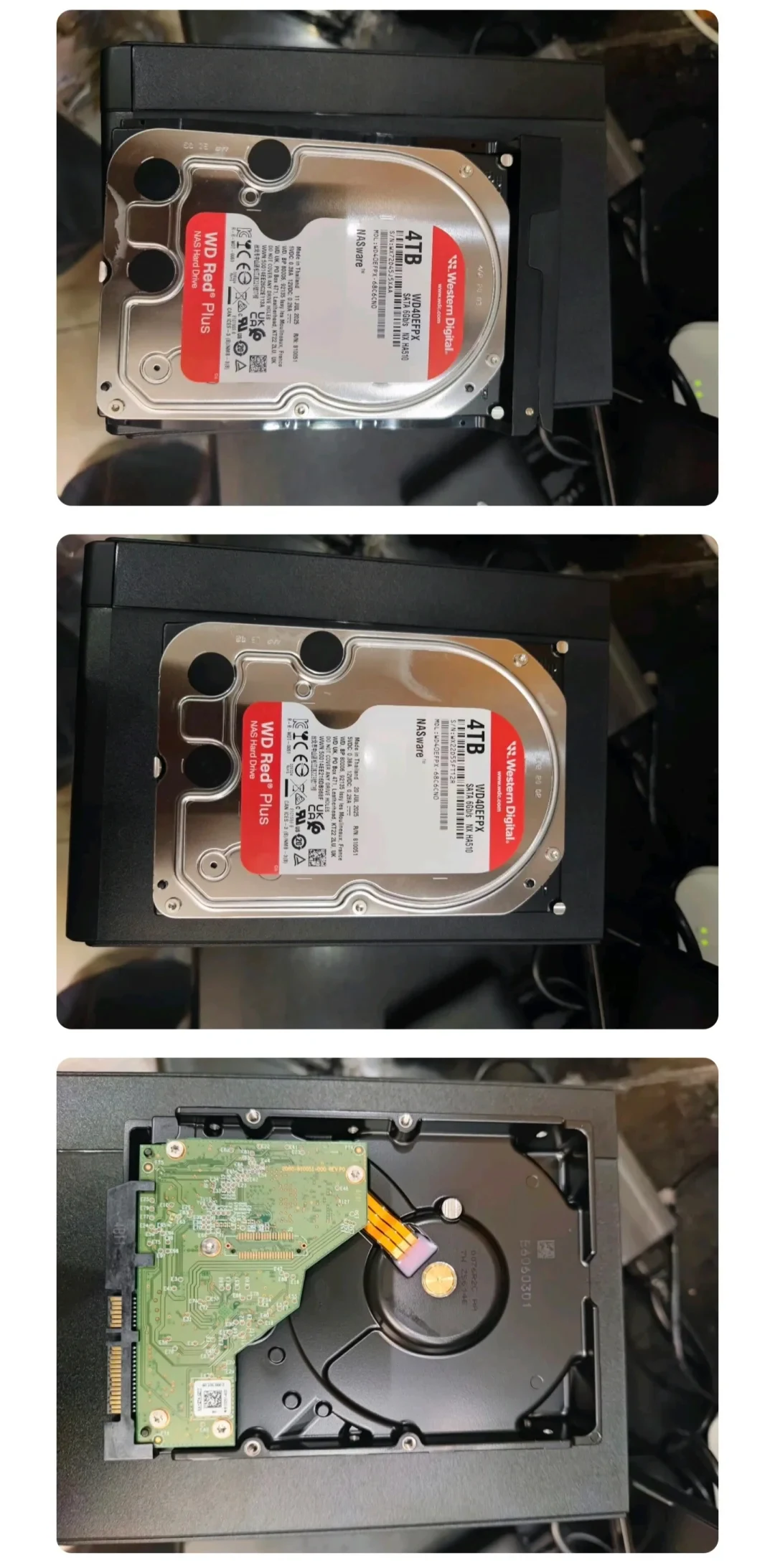
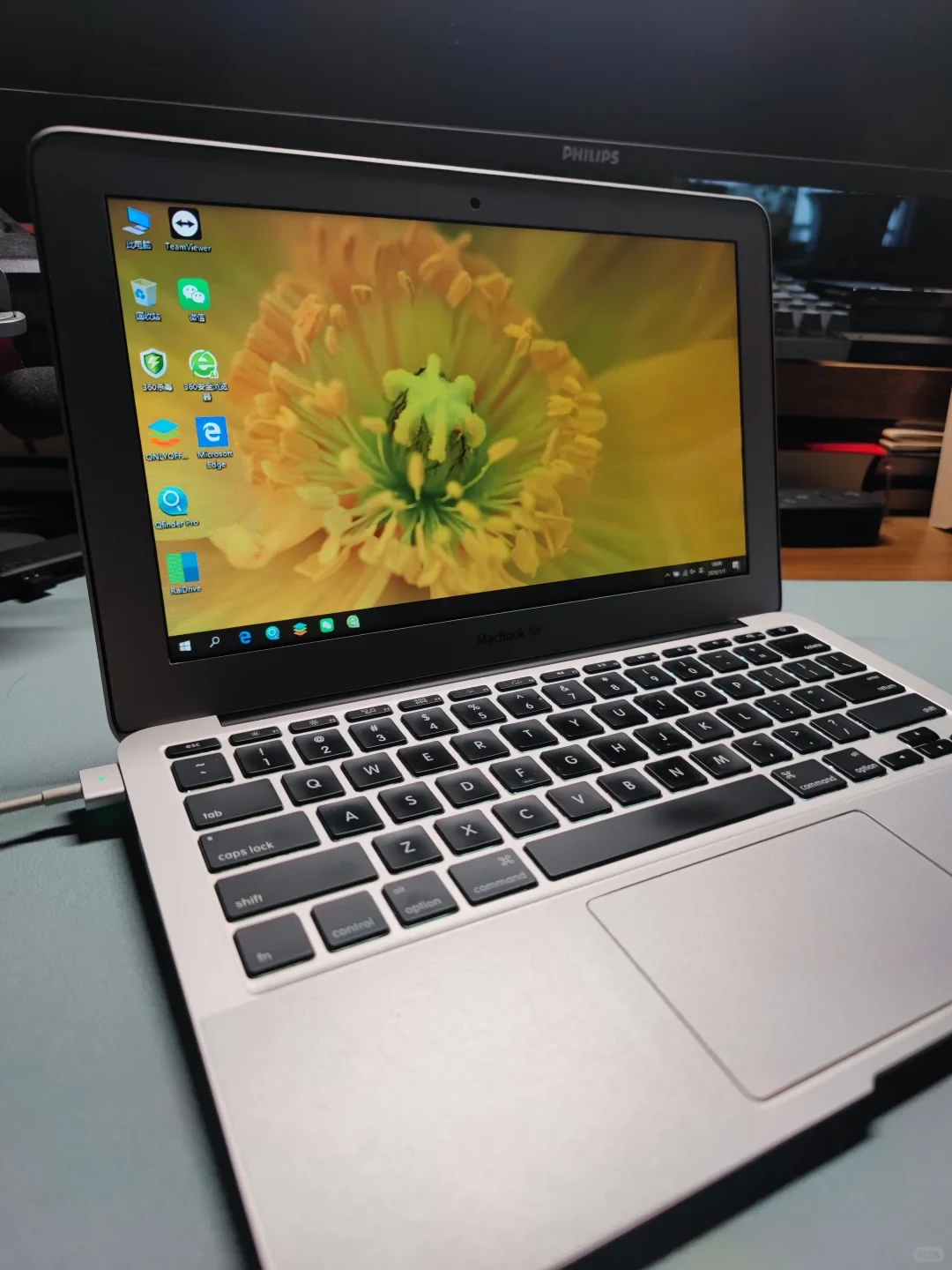
A genuine summary after using a NAS for two months: Is it worth buying? How should you choose? This guide explains it all.
I’ve been using a NAS for almost two months. Here’s my honest summary for anyone still deciding whether to get one.
Why I bought a NAS
A necessity for remote work
I often write from different places and switch between my desktop, laptop, tablet and phone. Moving files back and forth on a USB drive was a hassle; the NAS solved my document-syncing problem.
Photos available whenever I need them
I used to store photos from my camera and phone on a hard drive, where they felt shut away. Now I save them on the NAS and can open them wherever I am, as easily as browsing my phone’s photo library.
For the whole family
My family can all access shared photos, movies and documents. I finally took the plunge and bought the QNAP TS-464C2 during the Double 11 shopping festival.
What to consider before buying a NAS
Installation isn’t the same as knowing how to use it
When a seller says “set up in two hours,” they mean installing the drives, connecting to the network and installing the system. That part really isn’t difficult.
But the real challenge is setting up remote access. Most ordinary users can’t manage it on their own.
After-sales support matters
I was lucky: a QNAP technician remotely accessed my computer, helped me update the router firmware, set up IPv6 and map the drive, and got remote access working.
My advice: before choosing a brand, check whether its support team can help remotely. That matters more than the specifications!
- Should you buy a NAS?
Here’s my conclusion
If you often work in different places, have lots of photos or documents, and hate transferring files on a USB drive, a NAS is worth considering.
Don’t listen to people who call it a waste of money. You’ll see the appeal once you’ve used one!
Writing
I can write part of a document on my computer, then open it on my phone or tablet elsewhere and carry on. I can capture an idea whenever it comes, and the document is always the latest version.
Viewing photos
I open a folder on the NAS and the photos appear in a waterfall-style feed, like scrolling through a social-media feed.
In short
Don’t get stuck wondering whether to buy one. Choose a brand with reliable support and get started.
In two months, you’ll come back and thank yourself!
Source: 执挚读写-祁连有信 · Xiaohongshu · 2026-01-01 · NAS使用2个月真实总结. Search this Chinese title in Xiaohongshu to find the original post.
Before You Buy
Models in your region
The owner identifies the NAS as a QNAP TS-464C2 but does not give a full configuration or drive setup. The official mainland China and Hong Kong listings identify the TS-464C2-8G; the US TS-464-8G is a related product, not an officially identical regional name. The owner’s account concerns the TS-464C2, so it does not establish the US model’s remote-access experience.
| Model in this review | Related regional model | What to know |
|---|---|---|
| QNAP TS-464C2 | QNAP TS-464C2-8G (Mainland China) | The mainland China TS-464C2-8G is the listed configuration of the owner’s named model. It has four SATA bays, two M.2 PCIe Gen 3 x2 slots, two 2.5GbE ports and HDMI 2.0. The owner’s drive and memory configuration is not specified. |
| QNAP TS-464C2 | QNAP TS-464C2-8G (Hong Kong) | The Hong Kong TS-464C2-8G is a regional version of the TS-464C2, not the US TS-464. Its listed hardware includes four SATA bays, two M.2 PCIe Gen 3 x2 slots and HDMI 2.0. |
| QNAP TS-464C2 | QNAP TS-464-8G (United States) | The US TS-464-8G is related but is not an officially identical regional name for the TS-464C2. It has two M.2 PCIe Gen 3 x1 slots and HDMI 2.1, so do not assume the C2’s configuration or the owner’s experience applies unchanged. |
- Model in this review
- QNAP TS-464C2
- Related regional model
- QNAP TS-464C2-8G (Mainland China)
- What to know
- The mainland China TS-464C2-8G is the listed configuration of the owner’s named model. It has four SATA bays, two M.2 PCIe Gen 3 x2 slots, two 2.5GbE ports and HDMI 2.0. The owner’s drive and memory configuration is not specified.
- Model in this review
- QNAP TS-464C2
- Related regional model
- QNAP TS-464C2-8G (Hong Kong)
- What to know
- The Hong Kong TS-464C2-8G is a regional version of the TS-464C2, not the US TS-464. Its listed hardware includes four SATA bays, two M.2 PCIe Gen 3 x2 slots and HDMI 2.0.
- Model in this review
- QNAP TS-464C2
- Related regional model
- QNAP TS-464-8G (United States)
- What to know
- The US TS-464-8G is related but is not an officially identical regional name for the TS-464C2. It has two M.2 PCIe Gen 3 x1 slots and HDMI 2.1, so do not assume the C2’s configuration or the owner’s experience applies unchanged.
Check the exact model and configuration
The mainland China and Hong Kong TS-464C2-8G listings specify an Intel Celeron N5095, 8GB of DDR4 SODIMM memory and a published maximum of 16GB across two slots. They also list four SATA bays and two M.2 PCIe Gen 3 x2 slots. The owner does not report the installed memory or drives, so their account cannot confirm performance with a particular configuration.
The US TS-464-8G is a related four-bay NAS, not an officially identical regional version of the TS-464C2. Its listed M.2 slots use PCIe Gen 3 x1 and its HDMI output is 2.1, compared with Gen 3 x2 and HDMI 2.0 for the TS-464C2. Check the complete model name before applying specifications or buying compatible accessories.
QNAP lists 16GB as the maximum memory for the TS-464C2-8G and warns that unsupported memory may cause instability. The US TS-464-8G listing also warns that unsupported memory can cause errors or prevent booting. Confirm the supported memory for the exact model before upgrading.
Plan for remote-access setup and support
Remote access may take more work than installing drives and bringing the NAS onto a local network. In this owner’s setup, access was working after a QNAP technician remotely helped update the router firmware, configure IPv6 and map the drive. The account does not identify the router, network provider or exact cause of the setup difficulty, so it cannot establish which step another household will need.
Before choosing a NAS brand, ask whether its support team can assist remotely with router and access setup. The owner found that assistance important, but this single setup does not establish that remote support is available in every region or for every network; confirm local support terms before buying.
Consider whether shared access fits your routine
A NAS may suit a household that needs documents and photos available from several devices. Over almost two months, the owner used the TS-464C2 to move between a desktop, laptop, tablet and phone, and described opening photos from folders in a scrolling display. The account does not specify the apps, sync settings or network conditions, so those details may affect whether the same workflow suits you.
The owner also describes family access to shared photos, movies and documents, but does not detail user accounts or permissions. If several people will use the NAS, check how you want to organize access and confirm that the setup supports it; this account does not establish how its sharing was configured.
Related Reading

Reviews & Guides · Computing & Networking
TP-Link Deco X55 in a two-storey Australian home: Wi-Fi across 300 m²
I installed two TP-Link Deco X55 units in my 300 m², two-storey home; bedrooms that often lost Wi-Fi now had a signal throughout the house.

Reviews & Guides · Computing & Networking
TP-Link Deco X55: DNS pauses stopped for six days in access-point mode
I switched my Deco X55 to access-point mode and restored my older router to the front of the network. The DNS-like pauses stayed away for six days.
Reviews & Guides · Computing & Networking
TP-Link Deco X55 after nearly a year: six units, Teams and gaming
I’ve used six TP-Link Deco X55 units for nearly a year, including daily Teams calls and online gaming; I’ve had only one or two connectivity issues.