
Reviews & Guides · Computing & Networking
QNAP TS-464C2 setup: SSD system drive, remote access and family photo sharing
Reviewed: QNAP TS-464C2Regional reference: QNAP TS-464C2-8G (Mainland China); QNAP TS-464C2-8G (Hong Kong); QNAP TS-464-8G (United States)
I set up my QNAP TS-464C2 with SSDs, remote access and separate family accounts so relatives could view shared photos and videos without storing them on their phones.
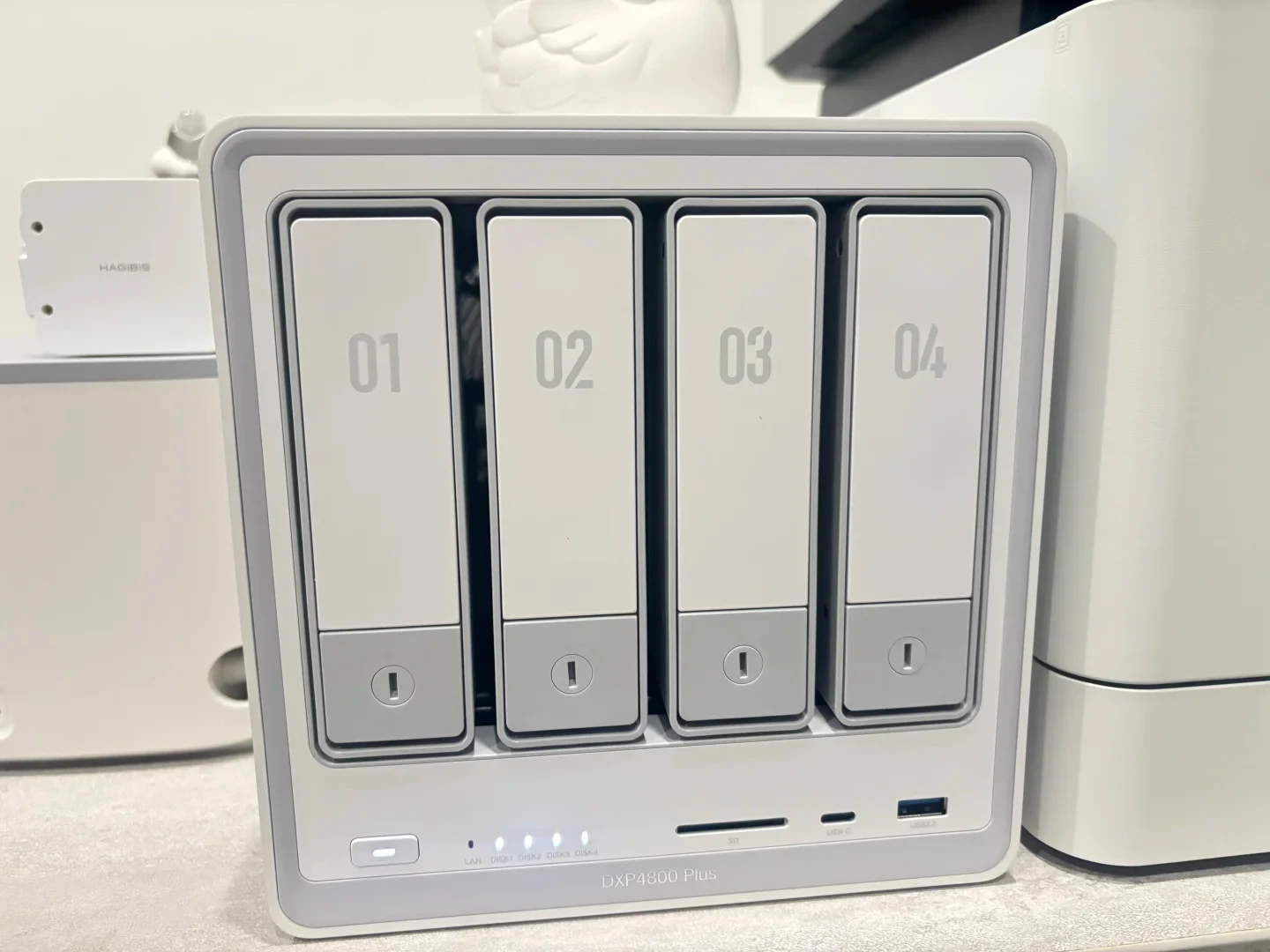
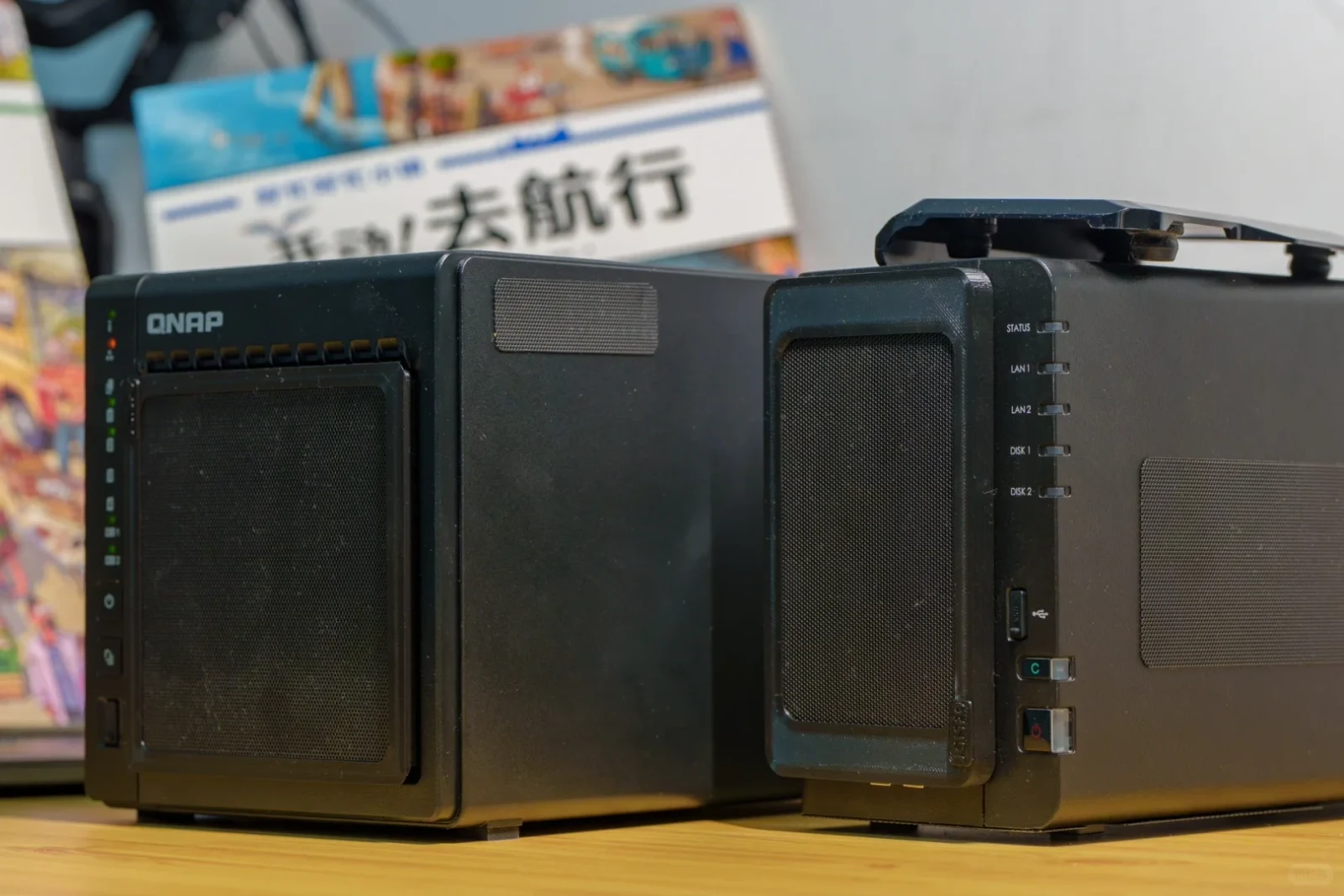
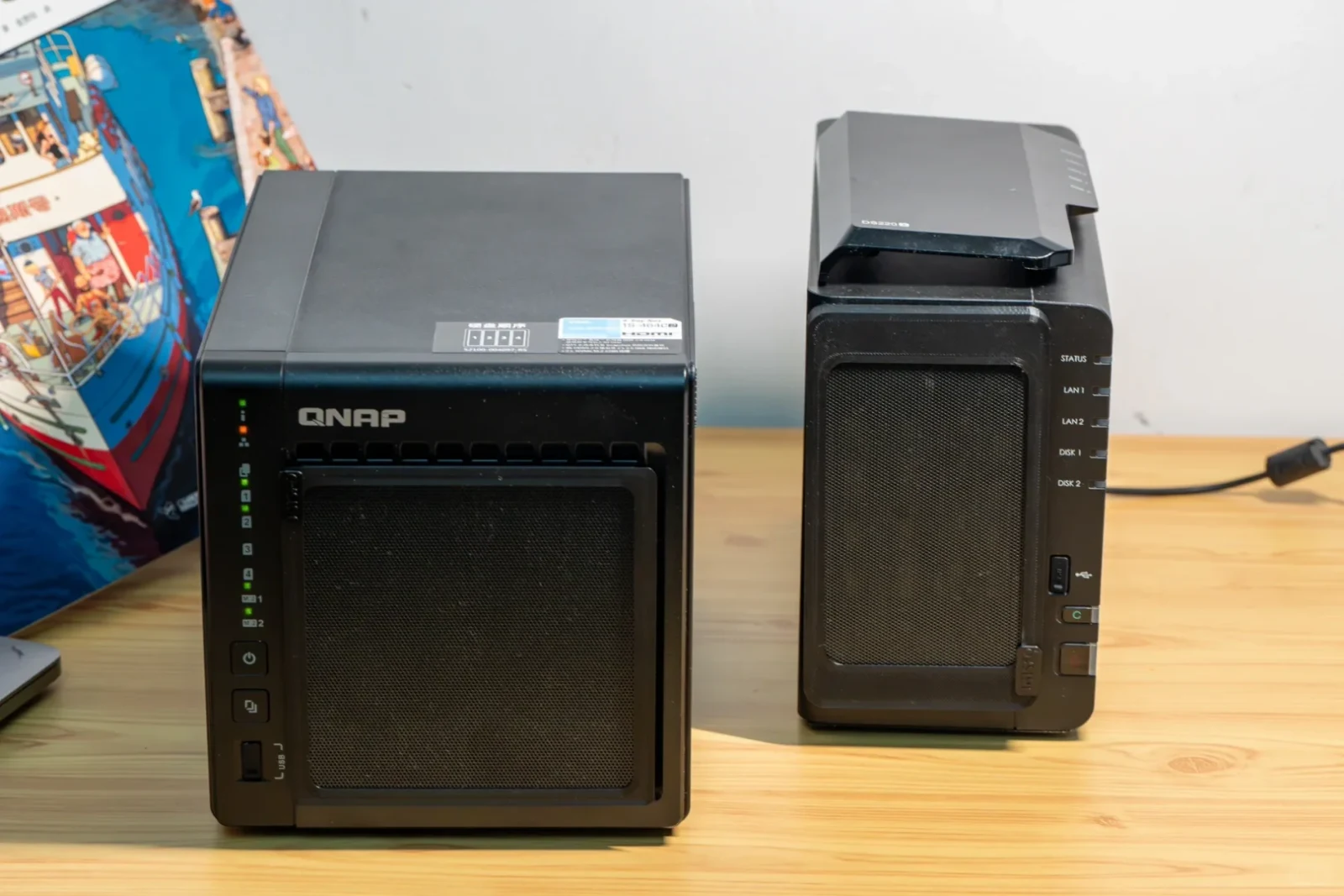
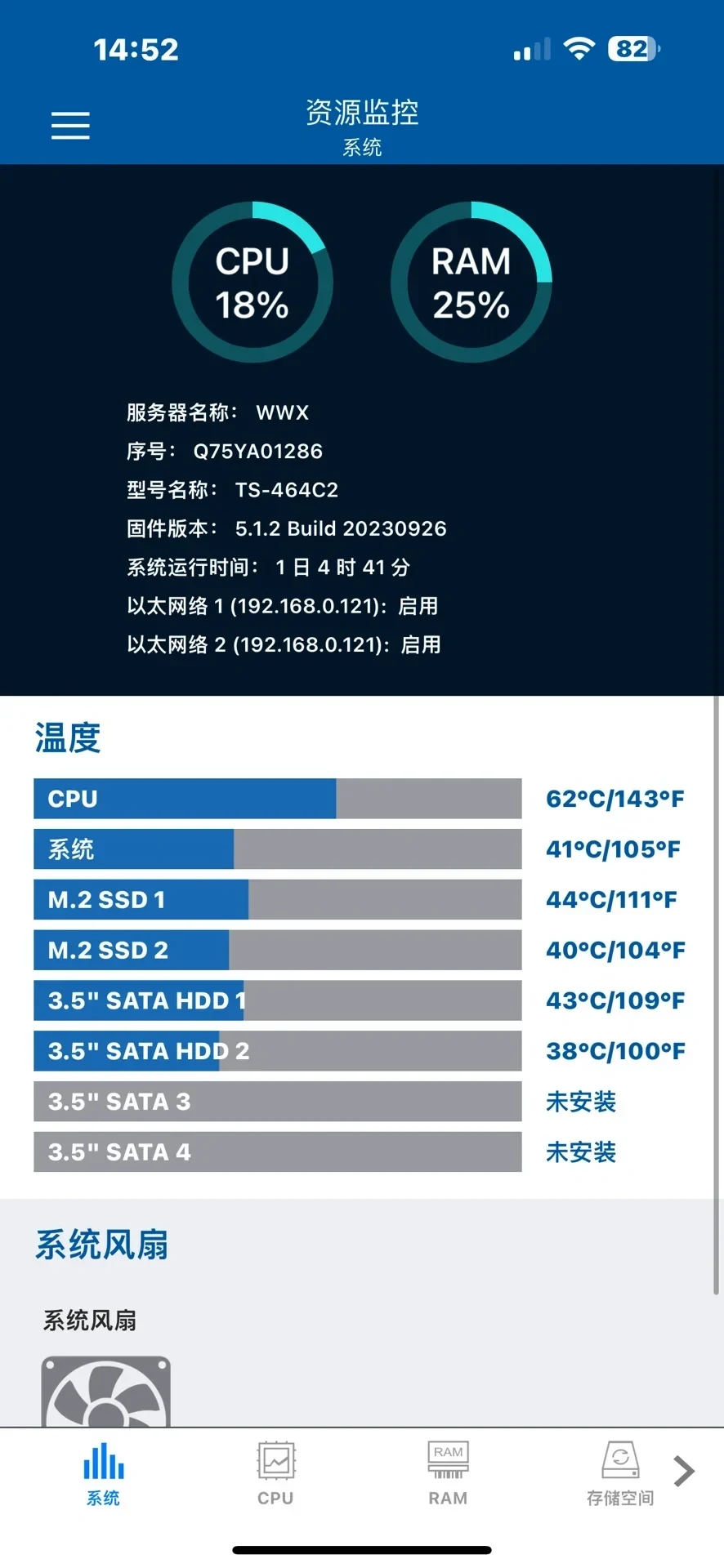
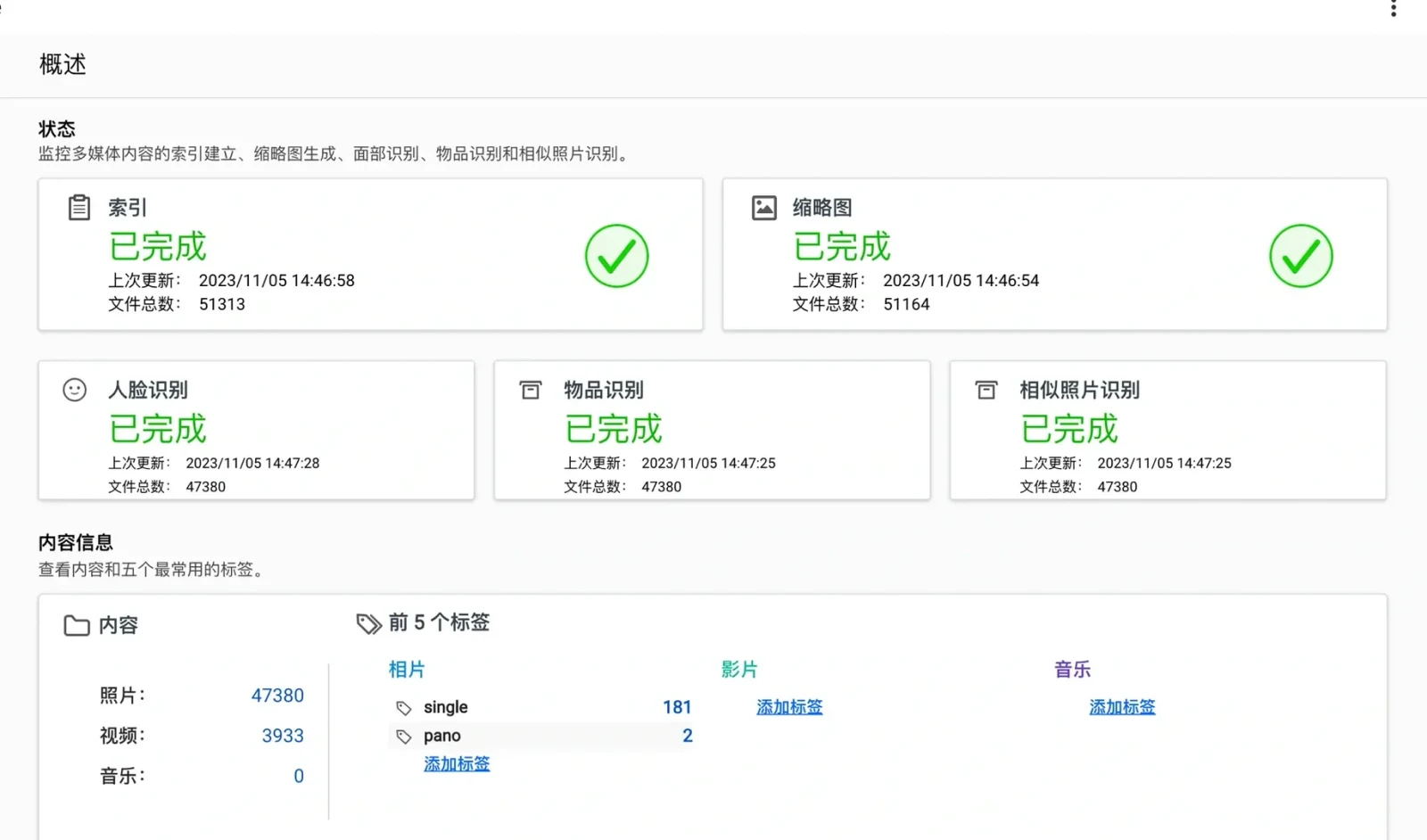
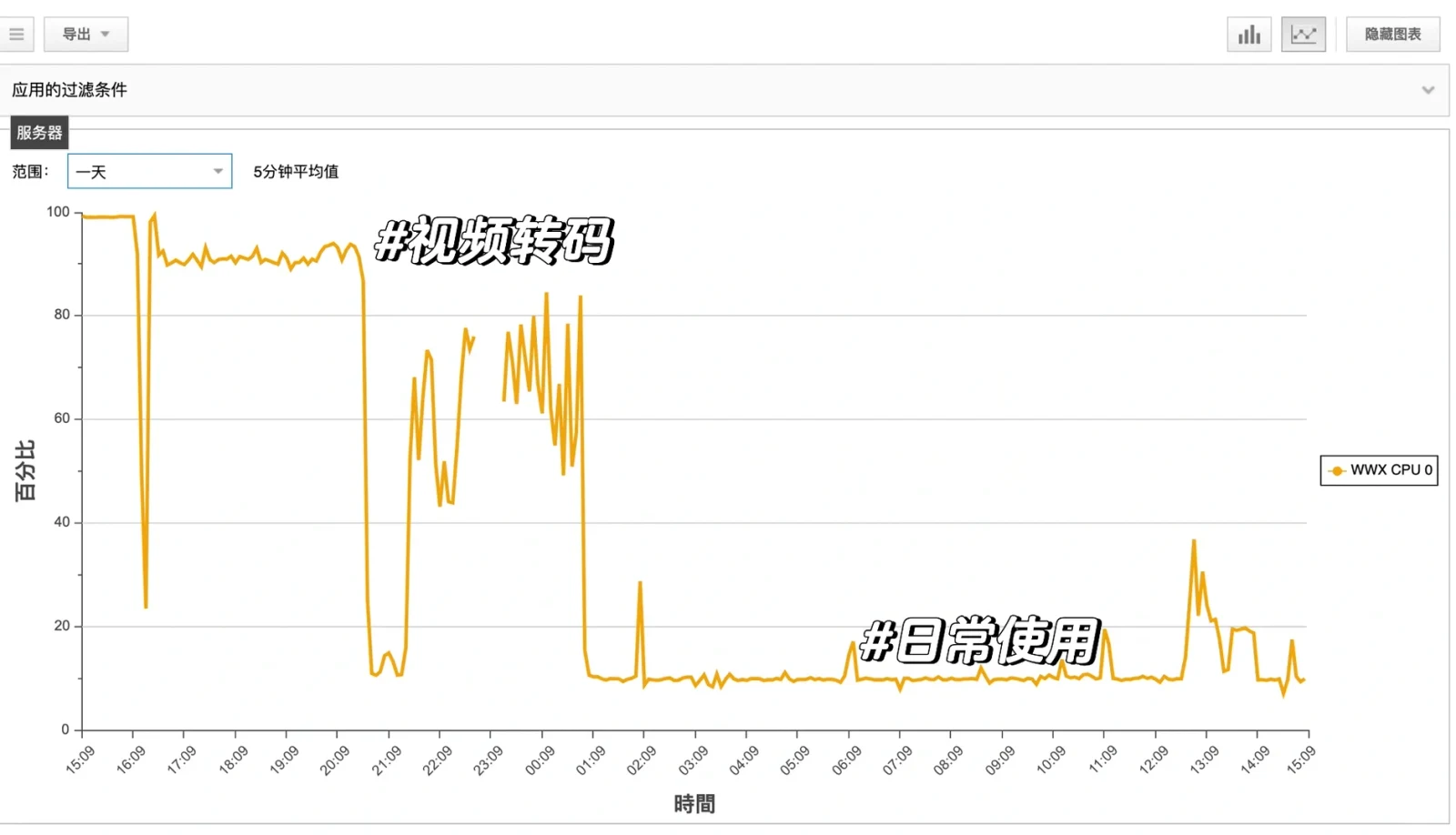
I received this QNAP on October 27 and gradually set it up: installing hard drives, syncing data from my existing Synology and Baidu Netdisk storage, configuring external access, opening the unit to install memory and SSDs, migrating the system, enabling file access across devices (including file transcoding), creating accounts with different permissions for different folders, aggregating the two network ports, turning on monitoring notifications, and installing a dust filter.
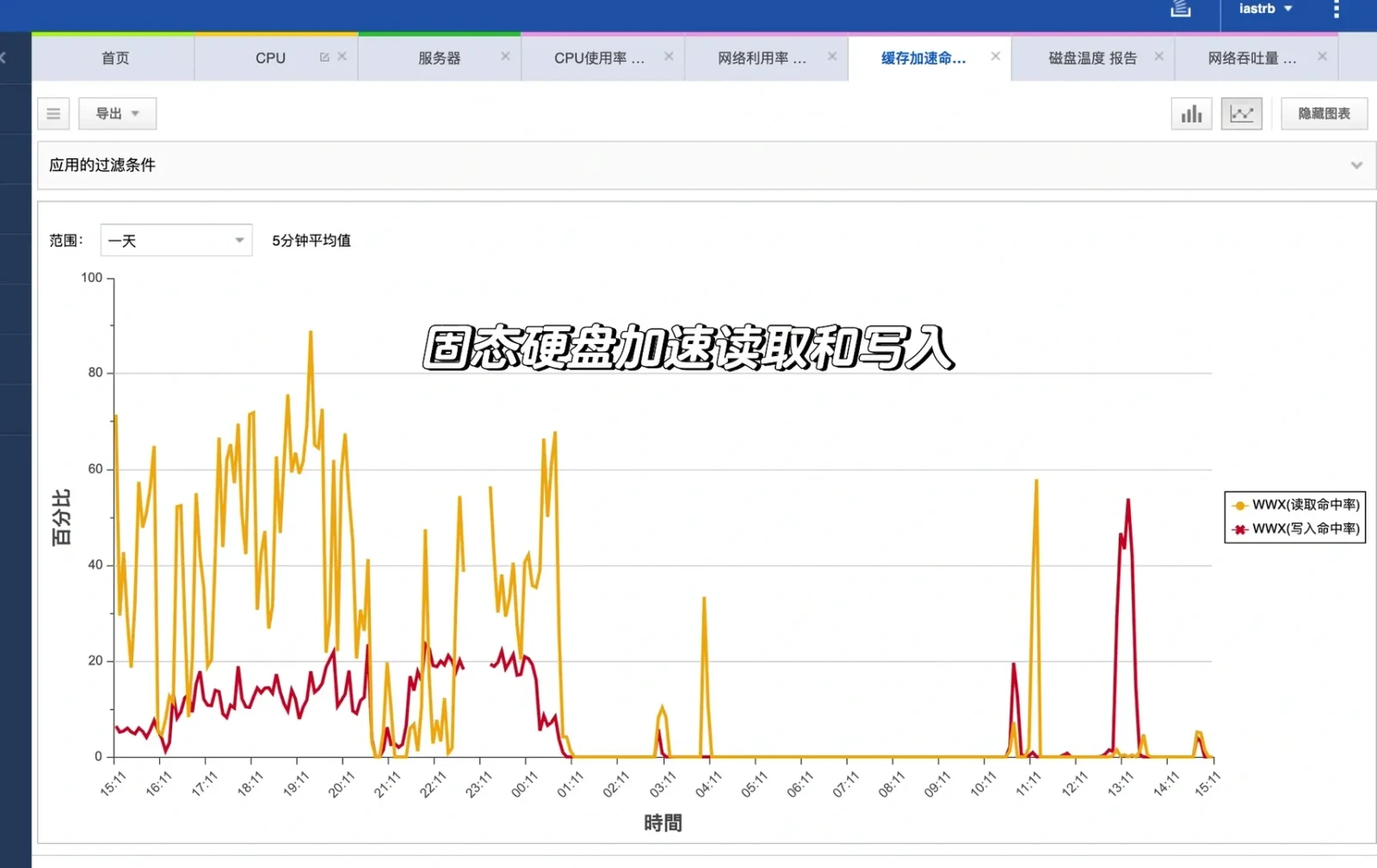
Using one SSD as the system drive lets the hard drives sleep; using another SSD as a cache drive can improve file read and write speeds.
I set up accounts for my partner and family so they can view their designated photos and videos in real time without storing so much on their phones.
Overall, I’m very satisfied.
Source: IAstrb · Xiaohongshu · 2023-11-05 · 我的个人数据仓库—“全装”威联通T464C2. Search this Chinese title in Xiaohongshu to find the original post.
Before You Buy
Models in your region
The author identifies the setup as a QNAP TS-464C2. QNAP’s China and Hong Kong listings identify the TS-464C2-8G; the US TS-464-8G is a related model, not an officially identical regional name. The account does not specify the exact purchased configuration, so its upgrade and storage results should not be assumed to apply to every listed version.
| Model in this review | Related regional model | What to know |
|---|---|---|
| QNAP TS-464C2 | QNAP TS-464C2-8G (Mainland China) | The China-market TS-464C2-8G is the same model family identified in the account. It has four SATA bays, two M.2 PCIe Gen 3 x2 slots and two memory slots; QNAP lists 16GB as the maximum memory. |
| QNAP TS-464C2 | QNAP TS-464C2-8G (Hong Kong) | The Hong Kong TS-464C2-8G is an official regional version of the TS-464C2, with four SATA bays, two M.2 PCIe Gen 3 x2 slots and a listed 16GB memory maximum. |
| QNAP TS-464C2 | QNAP TS-464-8G (United States) | The US TS-464-8G is a related four-bay NAS, not an officially identical regional name. Its two M.2 slots are PCIe Gen 3 x1 and its HDMI version is 2.1; confirm the exact model before applying TS-464C2-specific comparisons. |
- Model in this review
- QNAP TS-464C2
- Related regional model
- QNAP TS-464C2-8G (Mainland China)
- What to know
- The China-market TS-464C2-8G is the same model family identified in the account. It has four SATA bays, two M.2 PCIe Gen 3 x2 slots and two memory slots; QNAP lists 16GB as the maximum memory.
- Model in this review
- QNAP TS-464C2
- Related regional model
- QNAP TS-464C2-8G (Hong Kong)
- What to know
- The Hong Kong TS-464C2-8G is an official regional version of the TS-464C2, with four SATA bays, two M.2 PCIe Gen 3 x2 slots and a listed 16GB memory maximum.
- Model in this review
- QNAP TS-464C2
- Related regional model
- QNAP TS-464-8G (United States)
- What to know
- The US TS-464-8G is a related four-bay NAS, not an officially identical regional name. Its two M.2 slots are PCIe Gen 3 x1 and its HDMI version is 2.1; confirm the exact model before applying TS-464C2-specific comparisons.
Check the exact model and memory limit
The China and Hong Kong TS-464C2-8G specifications list 8GB of DDR4 memory and a 16GB maximum across two SODIMM slots. QNAP warns that unsupported memory can cause instability, so check the exact module and model requirements before upgrading; the account does not identify the installed memory configuration.
Do not treat the US TS-464-8G as the same regional model: its listed M.2 slots use PCIe Gen 3 x1 rather than the TS-464C2’s Gen 3 x2. That difference matters when matching hardware specifications or planning an SSD installation.
Plan SSDs and shared storage around your workload
The TS-464C2 provides four SATA bays and two M.2 2280 PCIe Gen 3 x2 slots, giving you separate locations for hard drives and M.2 SSDs. The author used one SSD for the system and another as a cache, and reported that this arrangement let the hard drives sleep and could improve file read and write speeds. Those are the author’s stated results and rationale, not a measured speed comparison; the account does not identify the SSDs or report a benchmark.
Separate accounts and folder permissions can help tailor access when sharing selected files with family. In this setup, the author created accounts so relatives could view designated photos and videos without keeping as much media on their phones; the post does not specify the remote-access method or test access from outside the home.
Related Reading

Reviews & Guides · Computing & Networking
TP-Link Deco X55 in a two-storey Australian home: Wi-Fi across 300 m²
I installed two TP-Link Deco X55 units in my 300 m², two-storey home; bedrooms that often lost Wi-Fi now had a signal throughout the house.

Reviews & Guides · Computing & Networking
TP-Link Deco X55: DNS pauses stopped for six days in access-point mode
I switched my Deco X55 to access-point mode and restored my older router to the front of the network. The DNS-like pauses stayed away for six days.
Reviews & Guides · Computing & Networking
TP-Link Deco X55 after nearly a year: six units, Teams and gaming
I’ve used six TP-Link Deco X55 units for nearly a year, including daily Teams calls and online gaming; I’ve had only one or two connectivity issues.