
Reviews & Guides · Computing & Networking
Belkin CONNECT USB-C 7-in-1 hub: hot to the touch, replugged after startup
Reviewed: Belkin CONNECT USB-C 7-in-1 Multiport Hub (AVC009)Regional reference: Belkin CONNECT USB-C 7-in-1 Multiport Hub Adapter AVC009 (US)
I found my Belkin 7-in-1 hub hot while using a mouse and external display, and had to reconnect it after startup; support advised external power.
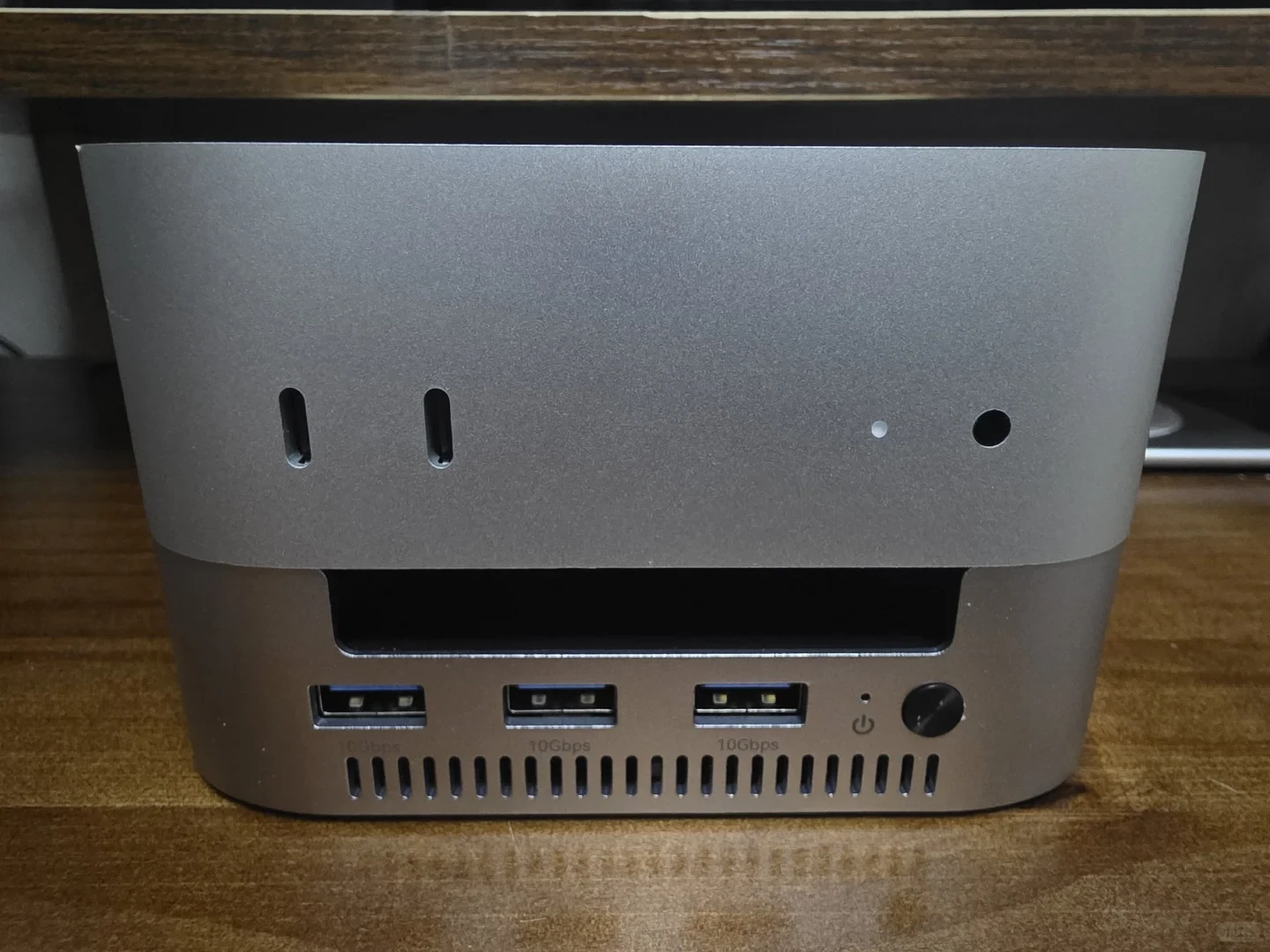
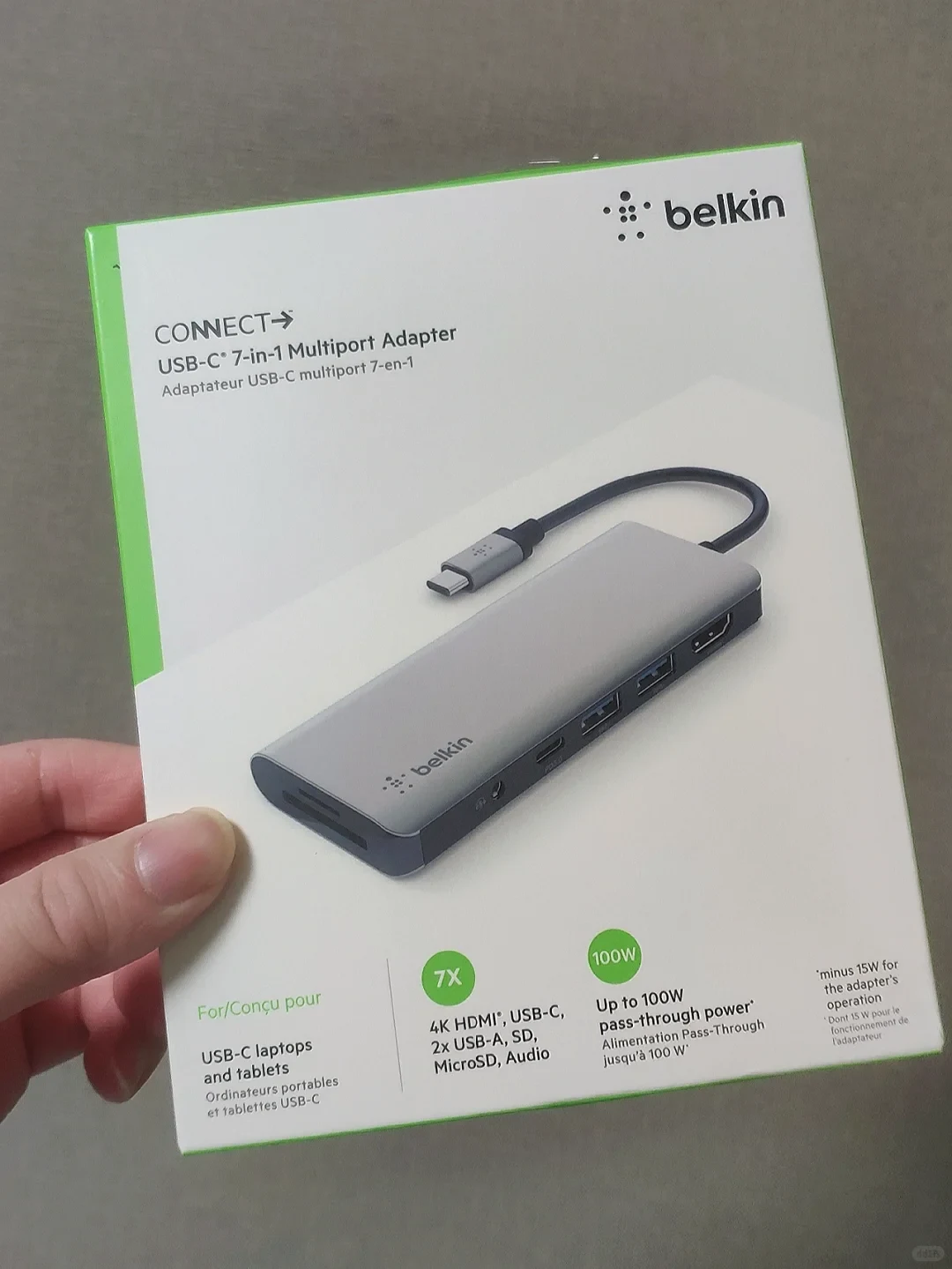
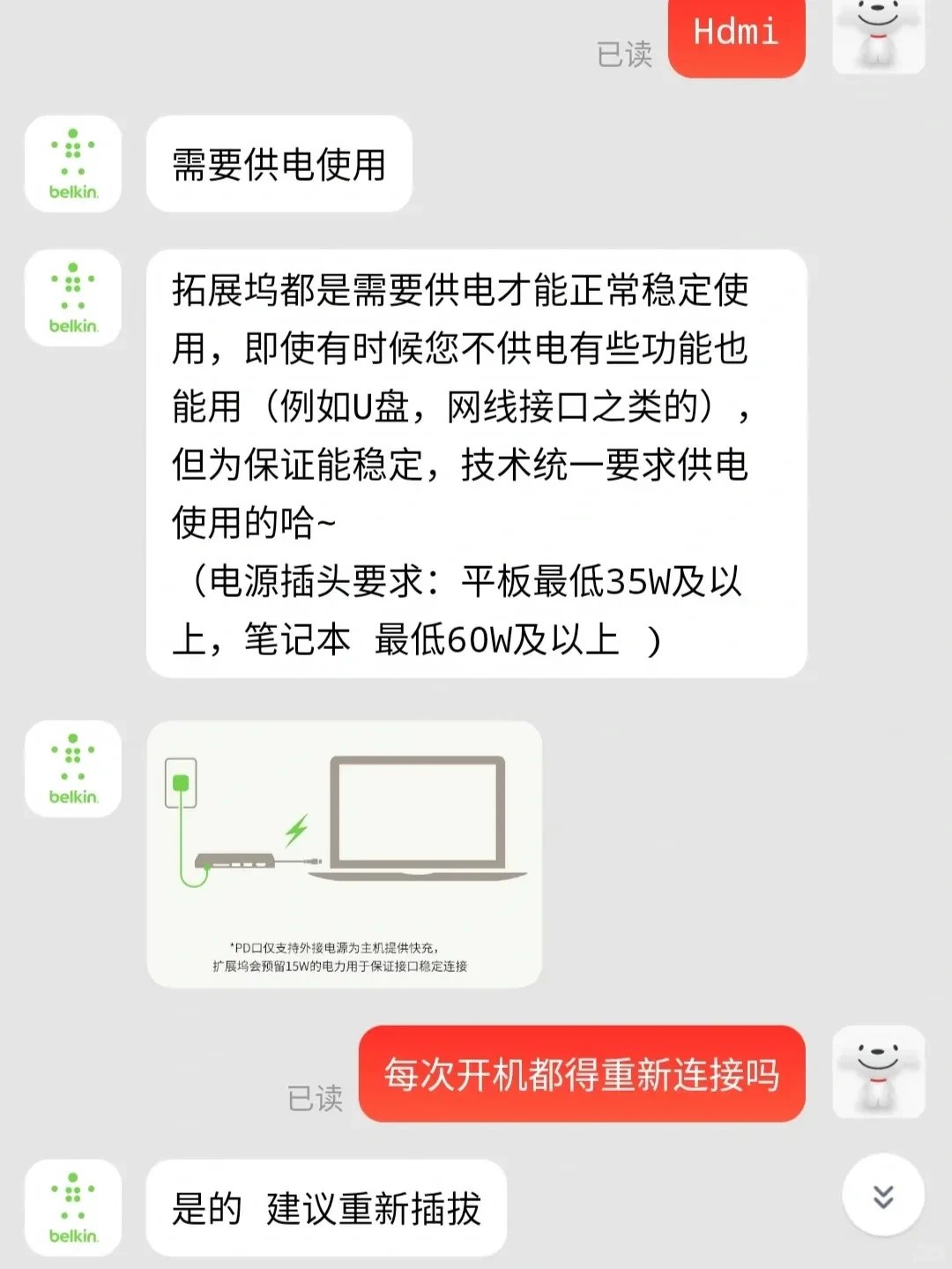
I bought a Belkin 7-in-1 hub. While using it with a mouse and an external display connected, it kept getting hot—hot enough to feel uncomfortable to touch. Customer support said the hub needed to be connected to power.
Support advised using a power supply of at least 60 W with a computer. My MacBook Air’s included charger is only 30 W, so that would mean buying a separate charger rated at 60 W or more.
When I connect an external display, I have to unplug and reconnect the hub each time I start the computer.
Source: 东北知士 · Xiaohongshu · 2022-02-24 · 关于拓展坞的一点温馨提示. Search this Chinese title in Xiaohongshu to find the original post.
Before You Buy
Models in your region
The owner’s seven-port Belkin hub matches the CONNECT USB-C 7-in-1 Multiport Hub (AVC009) family, but the exact regional suffix is not shown. The US AVC009 is a useful official reference for its ports and power design; the owner’s heat and startup-reconnection experience applies to that unit, not necessarily every regional configuration.
| Model in this review | Related regional model | What to know |
|---|---|---|
| Belkin CONNECT USB-C 7-in-1 hub (owner’s unit; exact suffix unknown) | Belkin CONNECT USB-C 7-in-1 Multiport Hub Adapter AVC009 (US) | The owner’s hub matches the US AVC009 family’s seven-port layout, but its exact suffix is unknown. The US version has HDMI, two USB-A ports, USB-C PD, audio, SD and microSD; its 100 W input reserves 15 W for the hub, so laptop power delivery is lower. |
- Model in this review
- Belkin CONNECT USB-C 7-in-1 hub (owner’s unit; exact suffix unknown)
- Related regional model
- Belkin CONNECT USB-C 7-in-1 Multiport Hub Adapter AVC009 (US)
- What to know
- The owner’s hub matches the US AVC009 family’s seven-port layout, but its exact suffix is unknown. The US version has HDMI, two USB-A ports, USB-C PD, audio, SD and microSD; its 100 W input reserves 15 W for the hub, so laptop power delivery is lower.
Power input and laptop charging
The US AVC009 accepts up to 100 W USB-C PD input and reserves 15 W for the hub, leaving less power for the connected laptop. That design detail matters when choosing a charger, but Belkin’s supplied US FAQ does not establish a universal 60 W minimum for every laptop. Treat the 60 W figure in the owner’s account as customer-support advice, not a confirmed requirement for every AVC009 configuration.
Belkin CONNECT USB-C 7-in-1 Multiport Hub Adapter AVC009 · US
The owner’s MacBook Air charger was reported as 30 W, and the owner understood support’s advice to mean buying a charger rated at least 60 W. The account does not say that a 60 W charger was tried, so it does not establish whether that change would improve charging or resolve the reported heat.
Heat and reconnecting after startup
The owner found the hub hot to the touch while a mouse and external display were connected. No temperature measurement or fault diagnosis is available, so this is an individual use observation rather than evidence of a general temperature or a confirmed cause. Belkin’s US support information does not diagnose this heat report.
Plan for a possible reconnect if your setup behaves like the owner’s: the account says the hub had to be unplugged and reconnected each time the computer started with an external display attached. The US FAQ does not confirm that this is expected behavior or identify a cause, so buyers should not assume every AVC009 needs this step.
Ports and host compatibility
The US AVC009 combines HDMI, two USB-A ports, USB-C PD, a 3.5 mm audio jack, SD and microSD readers. Belkin describes its HDMI output as supporting up to 4K at 30 Hz; the hub also uses a video-enabled USB-C host connection. Check that your computer’s USB-C port supports video before relying on the external-display connection.
The US support FAQ lists MacBook Air models from 2018–2020, including the M1 generation, among the tested devices and describes plug-and-play operation using drivers built into the operating system, without a separate driver installation. The owner’s specific MacBook Air generation is not stated, so that compatibility list cannot confirm the exact computer configuration in this account.
Related Reading

Reviews & Guides · Computing & Networking
TP-Link Deco X55 in a two-storey Australian home: Wi-Fi across 300 m²
I installed two TP-Link Deco X55 units in my 300 m², two-storey home; bedrooms that often lost Wi-Fi now had a signal throughout the house.

Reviews & Guides · Computing & Networking
TP-Link Deco X55: DNS pauses stopped for six days in access-point mode
I switched my Deco X55 to access-point mode and restored my older router to the front of the network. The DNS-like pauses stayed away for six days.
Reviews & Guides · Computing & Networking
TP-Link Deco X55 after nearly a year: six units, Teams and gaming
I’ve used six TP-Link Deco X55 units for nearly a year, including daily Teams calls and online gaming; I’ve had only one or two connectivity issues.