
Reviews & Guides · Computing & Networking
Belkin CONNECT USB-C 7-in-1 hub after two weeks: a 2K display and card reading
Reviewed: Belkin CONNECT USB-C 7-in-1 Multiport Hub (AVC009)Regional reference: Belkin CONNECT USB-C 7-in-1 Multiport Hub Adapter AVC009btSGY (United Kingdom)
I used my Belkin CONNECT USB-C 7-in-1 hub with a 2K monitor, memory cards and keyboard and mouse receivers; after two hours, it felt only mildly warm.
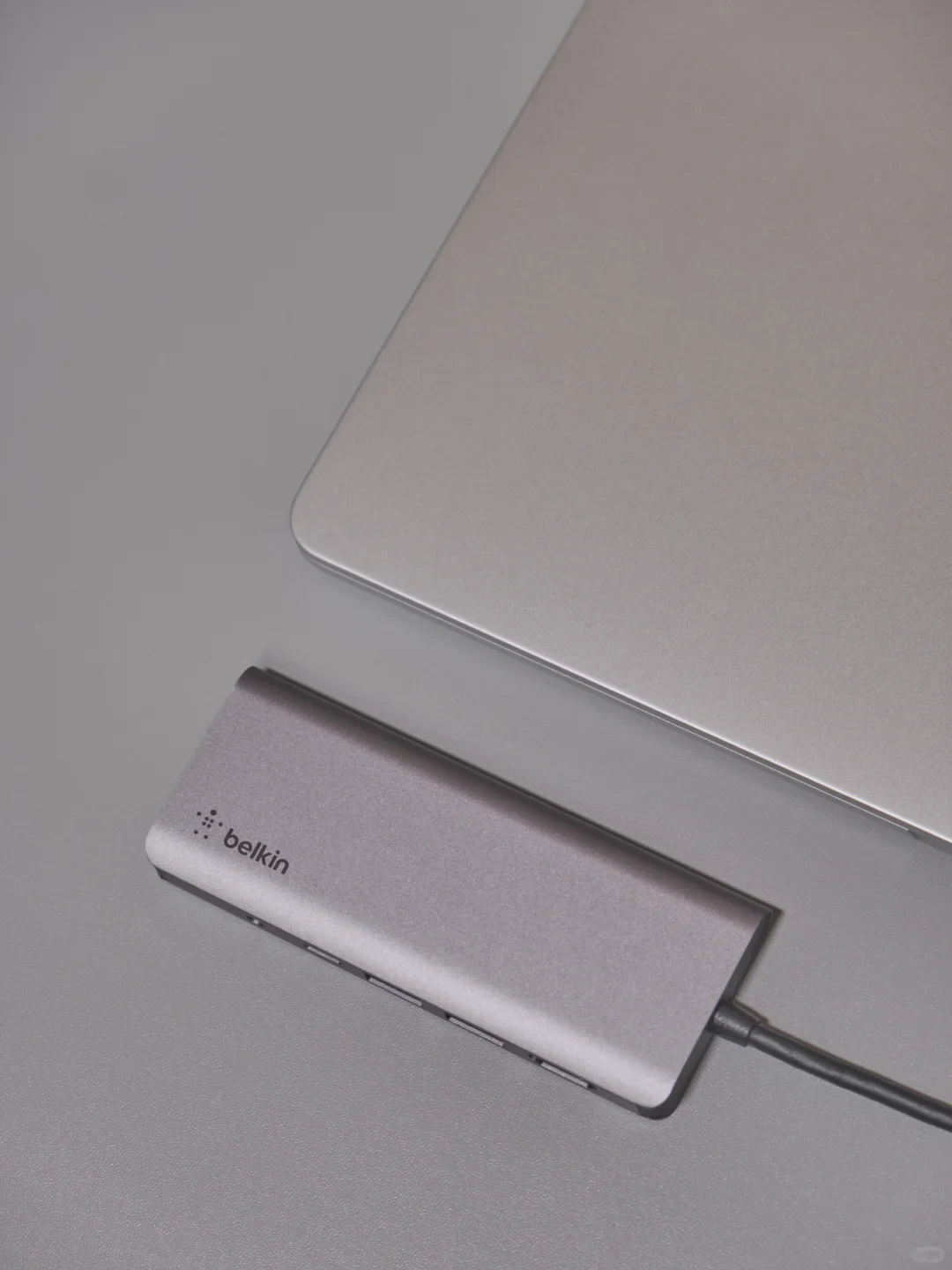
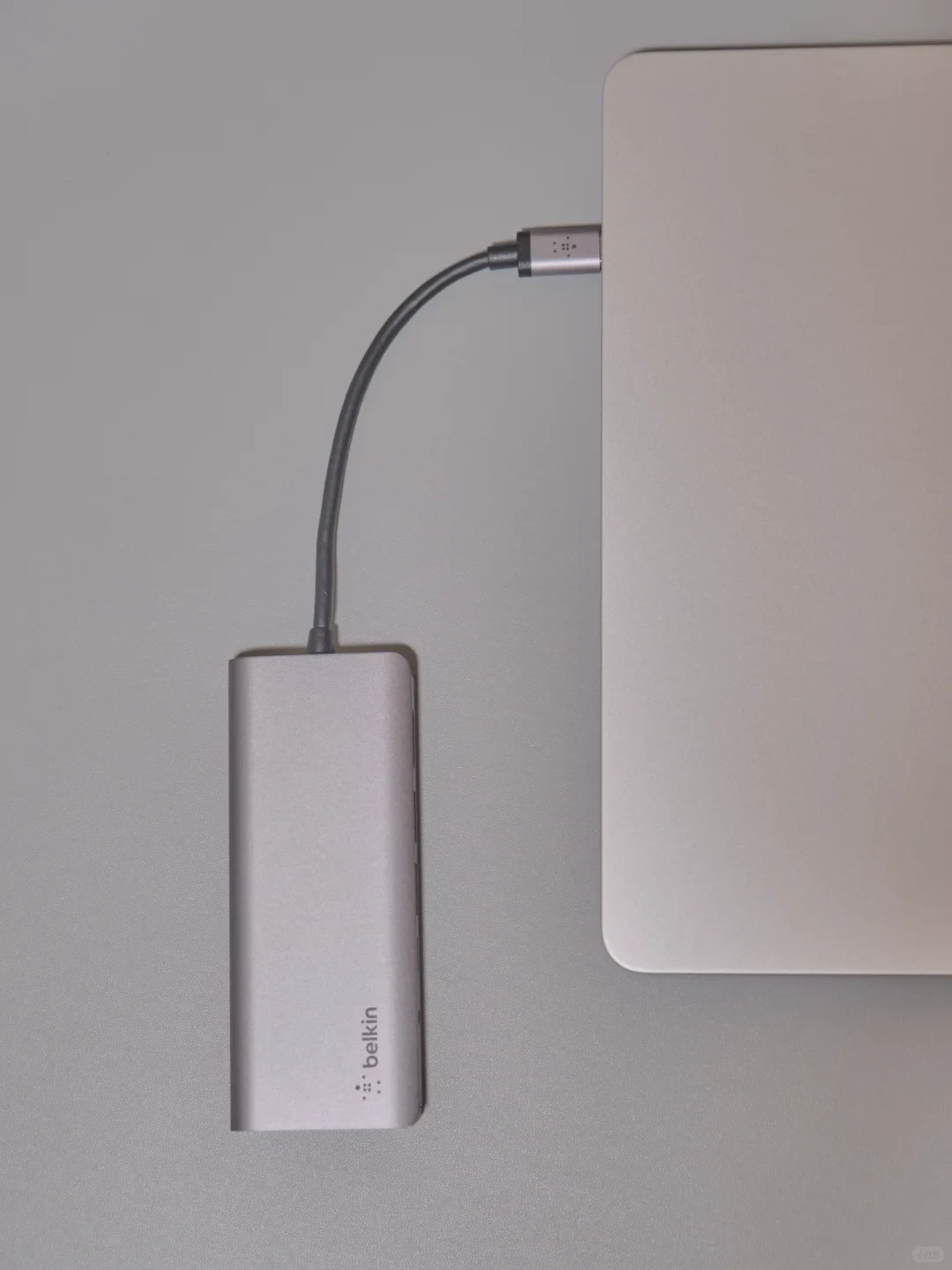
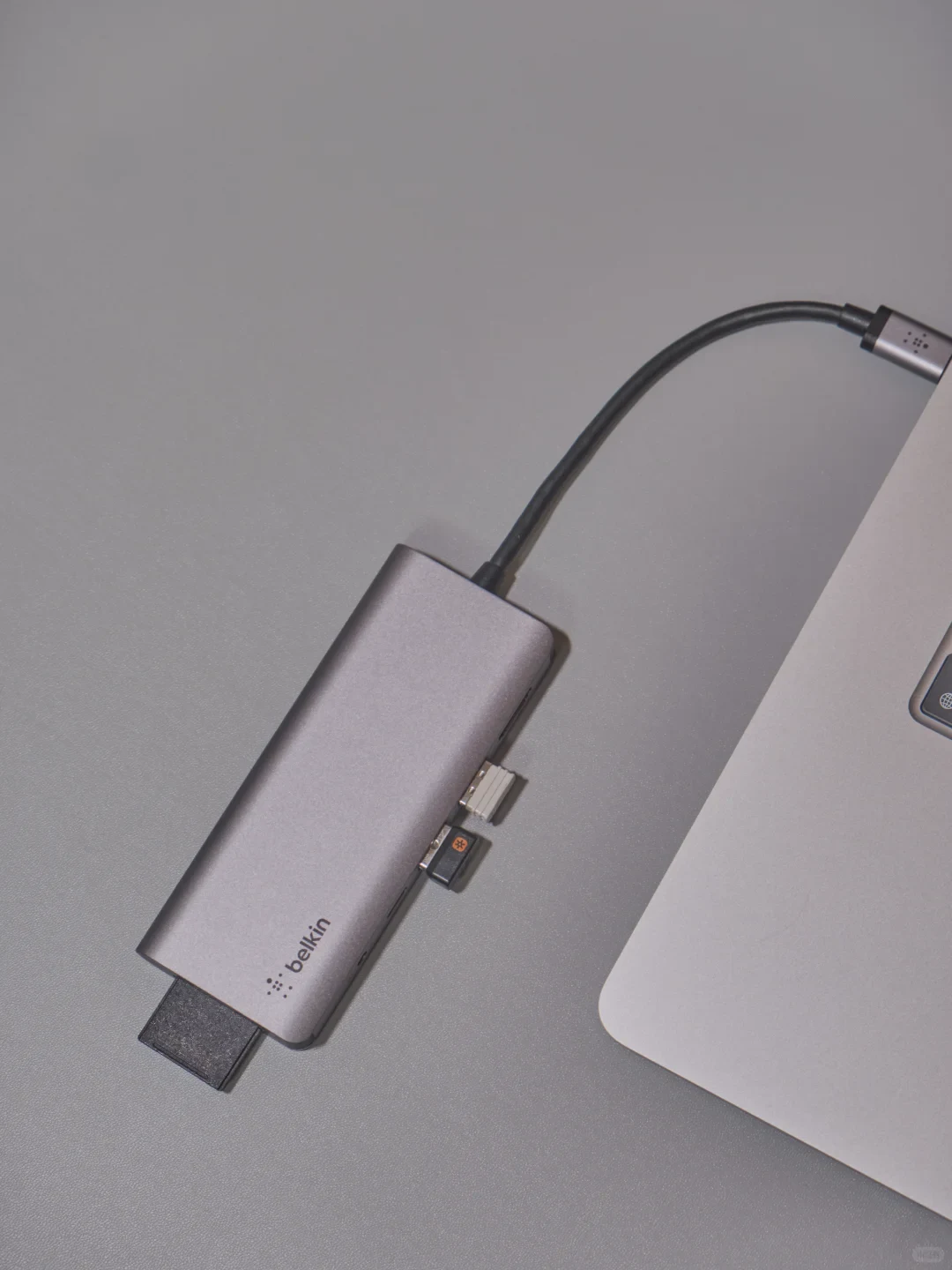
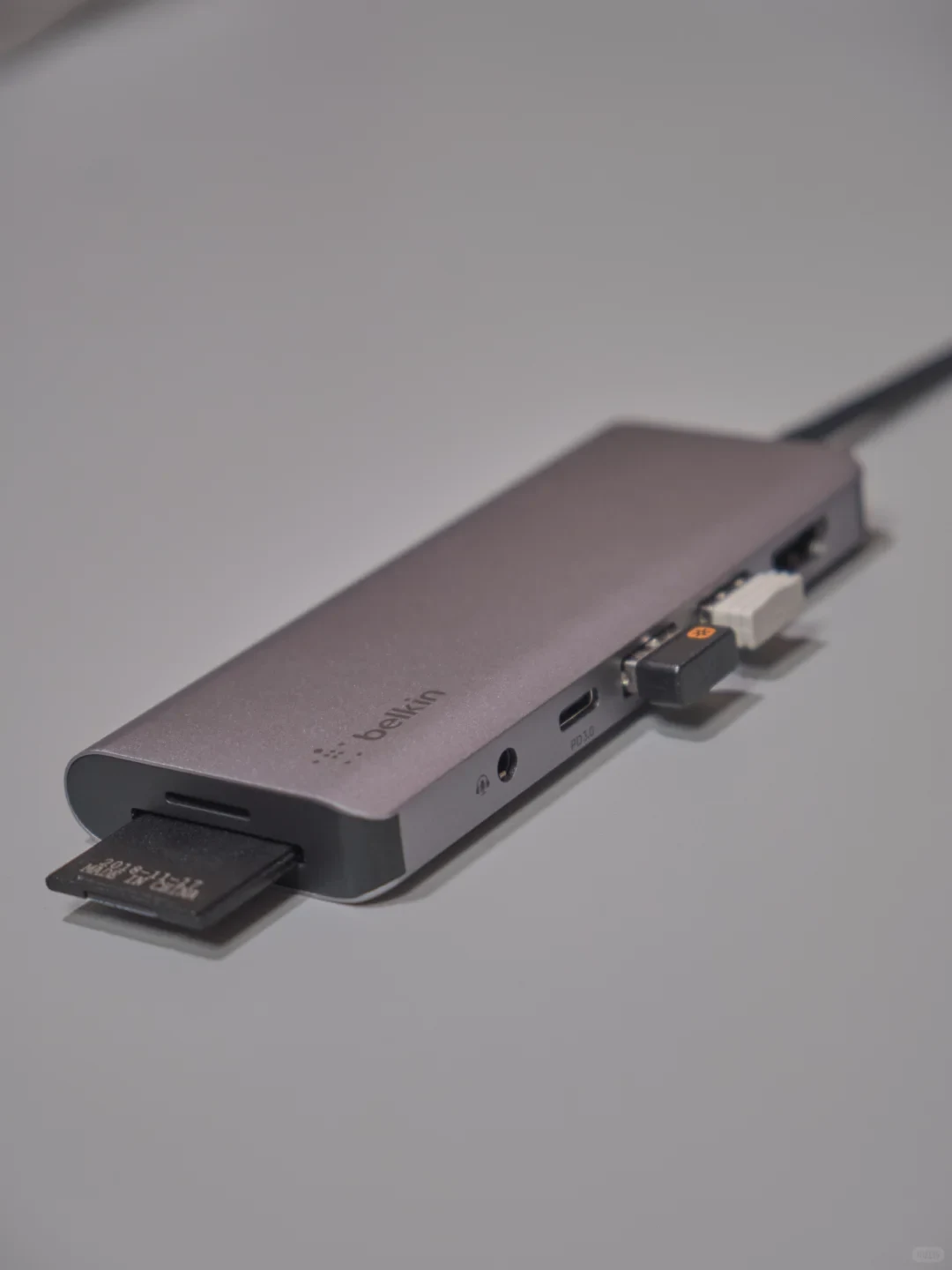
As someone who relies on a MacBook for work every day, I need a hub for everyday use. My old hub finally retired after five years of heavy use. After looking through a range of options, I bought this Belkin seven-in-one hub. Here are my impressions after two weeks.
Design
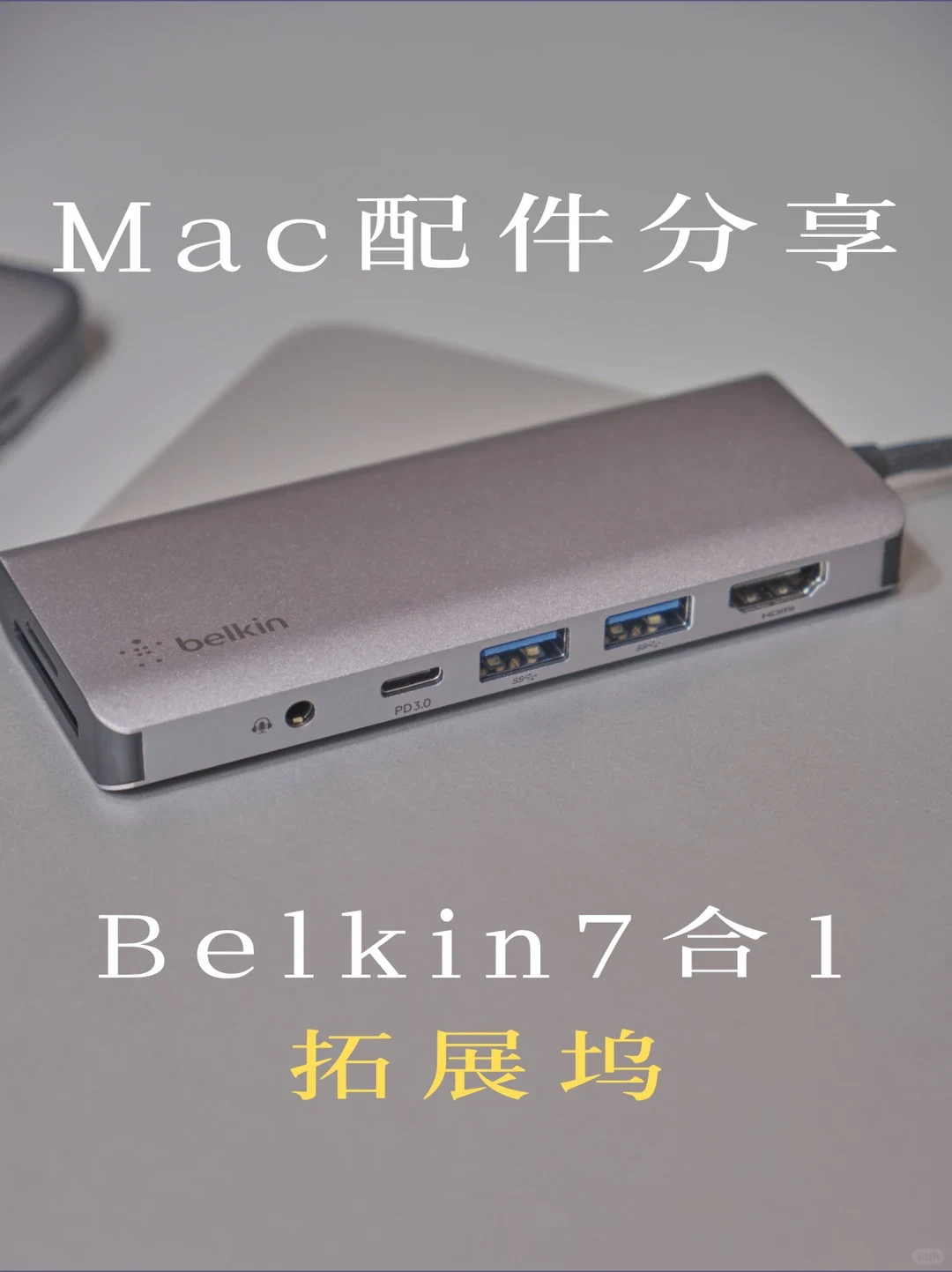
My first impression when I picked it up: Belkin really does live up to its reputation as an official Apple partner. The build quality is impressive. The aluminum shell has a sandblasted finish, and its color is close to my MacBook Air’s, so they look harmonious together. It is compact and very light; I barely notice it in my bag.
Ports and features
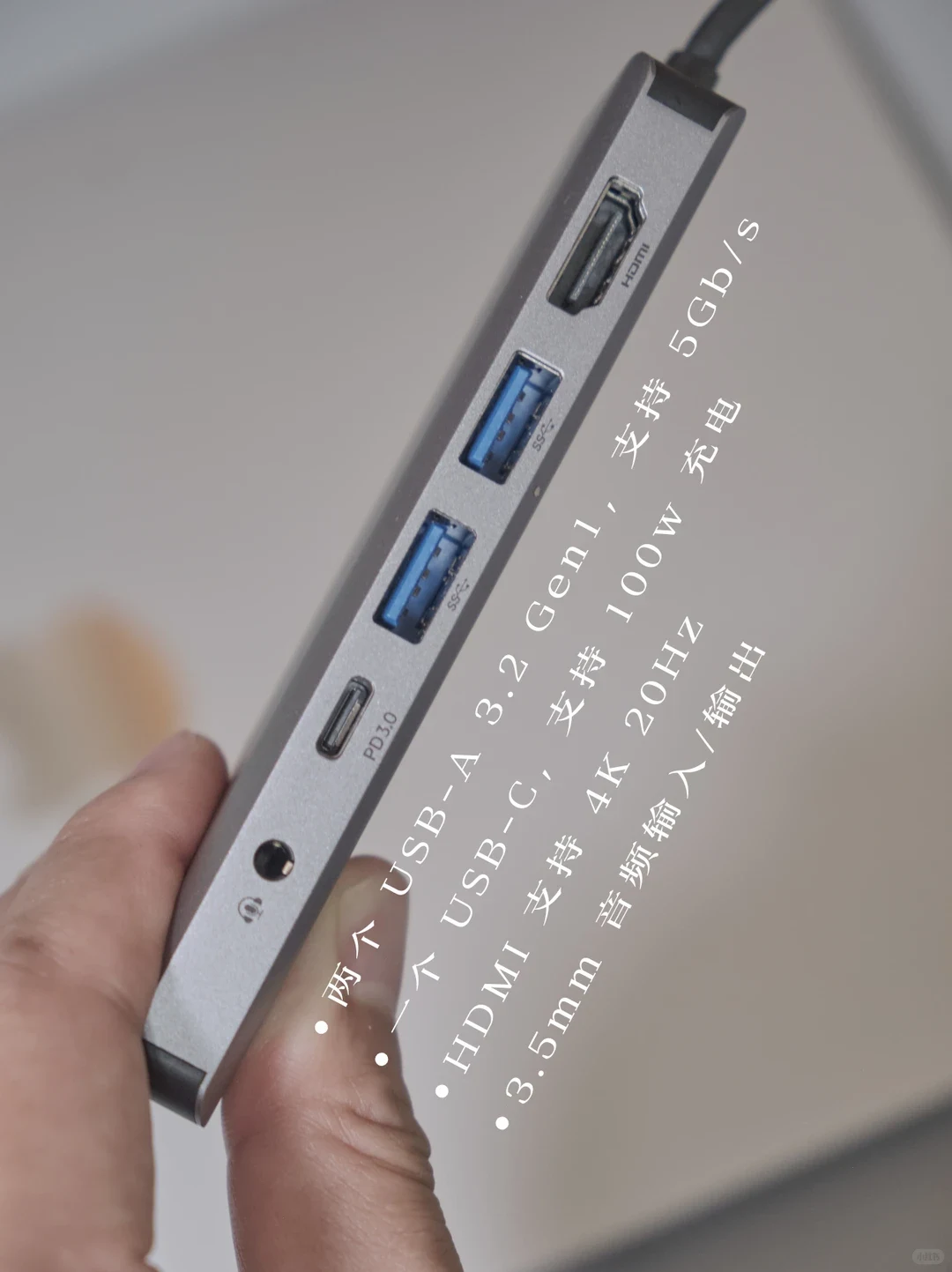
- Two USB-A 3.2 Gen 1 ports support transfer speeds of up to 5 Gbps. I only use them for my keyboard and mouse, so that feels like overkill for my needs.
- One USB-C port with PD 3.0 can charge my Mac in reverse and supports up to 100 W of charging power. I wouldn’t recommend charging your computer through a hub, though.
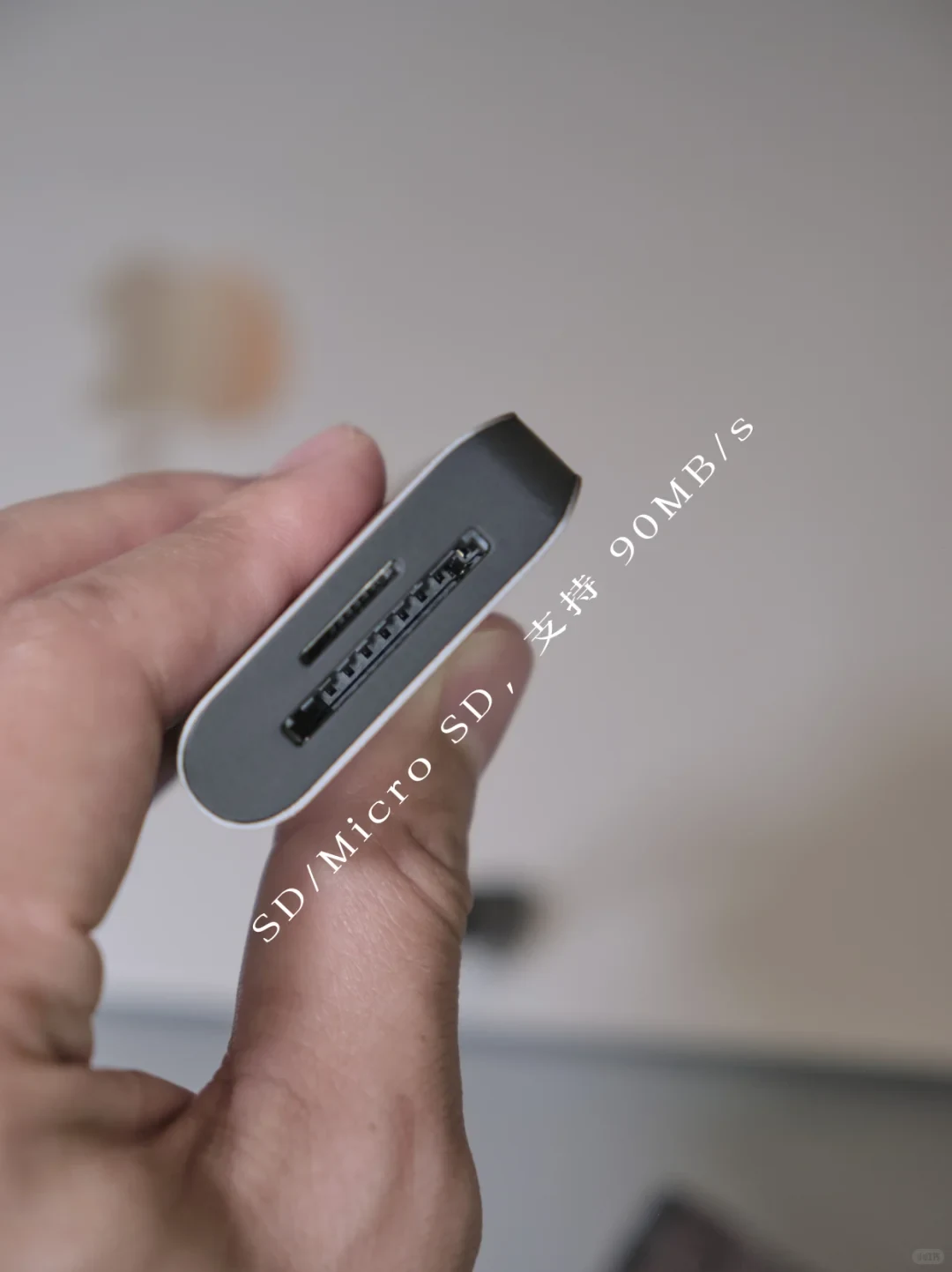
- One SD 3.0 slot and one microSD 3.0 slot support data transfer at up to 90 MB/s. They make transferring photos convenient for everyday use.
- One HDMI port supports video output at up to 4K and 30 Hz. It handles my 2K monitor without any trouble.
- One 3.5 mm audio jack is there for people who use wired headphones. I use Bluetooth headphones, so I barely use it, but it’s still better to have it than not.
My experience
Overall, it meets my everyday needs. Heat management is better than I expected: after two hours using a 2K monitor, reading cards, and connecting a keyboard and mouse, the hub felt only slightly warm. The ports have a nicely judged amount of resistance when plugging in or removing connectors, without feeling loose or cheap. So far, I haven’t had any disconnections or compatibility issues. I can also connect it directly to an iPhone or iPad.
Who should consider it?
• MacBook Air users who feel the pain of having too few ports.
• People who often take their computer out, such as business travelers, and want something lightweight and good-looking.
• People who need to connect a keyboard, mouse, display, or card reader.
• Anyone who cares about appearance and details: the aluminum body feels much more premium than plastic models.
As for durability, I expect an established brand to offer reasonably dependable after-sales support. I’ll keep sharing updates on how it holds up over longer-term use, so check back if you’re interested.
Source: Raine Song · Xiaohongshu · 2025-05-03 · EDC|我的 Mac 拓展好帮手. Search this Chinese title in Xiaohongshu to find the original post.
Before You Buy
Models in your region
The owner’s photos and description identify the hub as Belkin’s CONNECT USB-C 7-in-1 Multiport Hub family, AVC009. The exact regional suffix of the tested unit is not shown, so the UK AVC009btSGY listing below is a family reference, not proof that the owner used that precise regional SKU. The owner’s two-week observations apply to the unit they used.
| Model in this review | Related regional model | What to know |
|---|---|---|
| Belkin CONNECT USB-C 7-in-1 Multiport Hub (AVC009) | Belkin CONNECT USB-C 7-in-1 Multiport Hub Adapter AVC009btSGY (United Kingdom) | The UK AVC009btSGY is the official regional family reference for the owner’s AVC009 hub, whose exact suffix is unknown. Its port layout matches the described seven-in-one hub; the owner’s use experience is not confirmation of every regional SKU’s configuration. |
- Model in this review
- Belkin CONNECT USB-C 7-in-1 Multiport Hub (AVC009)
- Related regional model
- Belkin CONNECT USB-C 7-in-1 Multiport Hub Adapter AVC009btSGY (United Kingdom)
- What to know
- The UK AVC009btSGY is the official regional family reference for the owner’s AVC009 hub, whose exact suffix is unknown. Its port layout matches the described seven-in-one hub; the owner’s use experience is not confirmation of every regional SKU’s configuration.
What two weeks of use tell you
The owner used the AVC009 for two weeks, including a two-hour session with a 2K monitor, card reading, and keyboard and mouse receivers connected. They reported mild warmth and no disconnections during that period. This is a personal observation from a short use period, not a temperature measurement or evidence of long-term reliability.
The owner used the USB-A ports for keyboard and mouse receivers and the card slots to transfer photos, while the HDMI output connected to their 2K display. They did not report testing power delivery or the audio jack, so their account does not establish how those functions perform in use.
Check the display and charging details
Belkin lists up to 4K at 30 Hz for the UK AVC009btSGY. A 2K monitor worked in this setup, but its refresh rate was unspecified and no 4K output test was reported. The source photo annotation says 4K at 20 Hz, whereas its caption and Belkin’s FAQ say 4K at 30 Hz.
The owner describes USB-C Power Delivery up to 100 W but advises against charging a computer through the hub; they did not report trying that setup. Belkin’s official support information says the hub reserves 15 W, leaving up to 85 W for a host when supplied with 100 W input. Check the power requirements of your computer and the supplied power source rather than assuming the host receives 100 W.
The reported card-reading workload
The owner lists transfer speeds of up to 90 MB/s for the SD and microSD slots, but does not describe a measured transfer. Belkin’s official support information specifies shared 5 Gbps data bandwidth. These figures are not evidence that a particular card will transfer at 90 MB/s; actual results for the cards and files remain unreported.
The stated use points to a compact setup for a MacBook user who needs a display connection, card slots, and receivers for a keyboard and mouse. Their account does not establish long-term durability or the after-sales terms available in a reader’s market; check the local support and warranty conditions before buying.
Related Reading

Reviews & Guides · Computing & Networking
TP-Link Deco X55 in a two-storey Australian home: Wi-Fi across 300 m²
I installed two TP-Link Deco X55 units in my 300 m², two-storey home; bedrooms that often lost Wi-Fi now had a signal throughout the house.

Reviews & Guides · Computing & Networking
TP-Link Deco X55: DNS pauses stopped for six days in access-point mode
I switched my Deco X55 to access-point mode and restored my older router to the front of the network. The DNS-like pauses stayed away for six days.
Reviews & Guides · Computing & Networking
TP-Link Deco X55 after nearly a year: six units, Teams and gaming
I’ve used six TP-Link Deco X55 units for nearly a year, including daily Teams calls and online gaming; I’ve had only one or two connectivity issues.