
Reviews & Guides · Computing & Networking
A secondhand Belkin Thunderbolt 5 Dock sample: USB4 hosts and a 45°C case
Reviewed: Belkin Connect Thunderbolt 5 Dock (INC031)Regional reference: Belkin Connect Thunderbolt 5 Dock INC031ttSGY (United States)
I tried a secondhand Belkin Thunderbolt 5 Dock with Yoga Air and AMD USB4 hosts. Its front ports were handy, but my MateBook Pro S would not work with it.
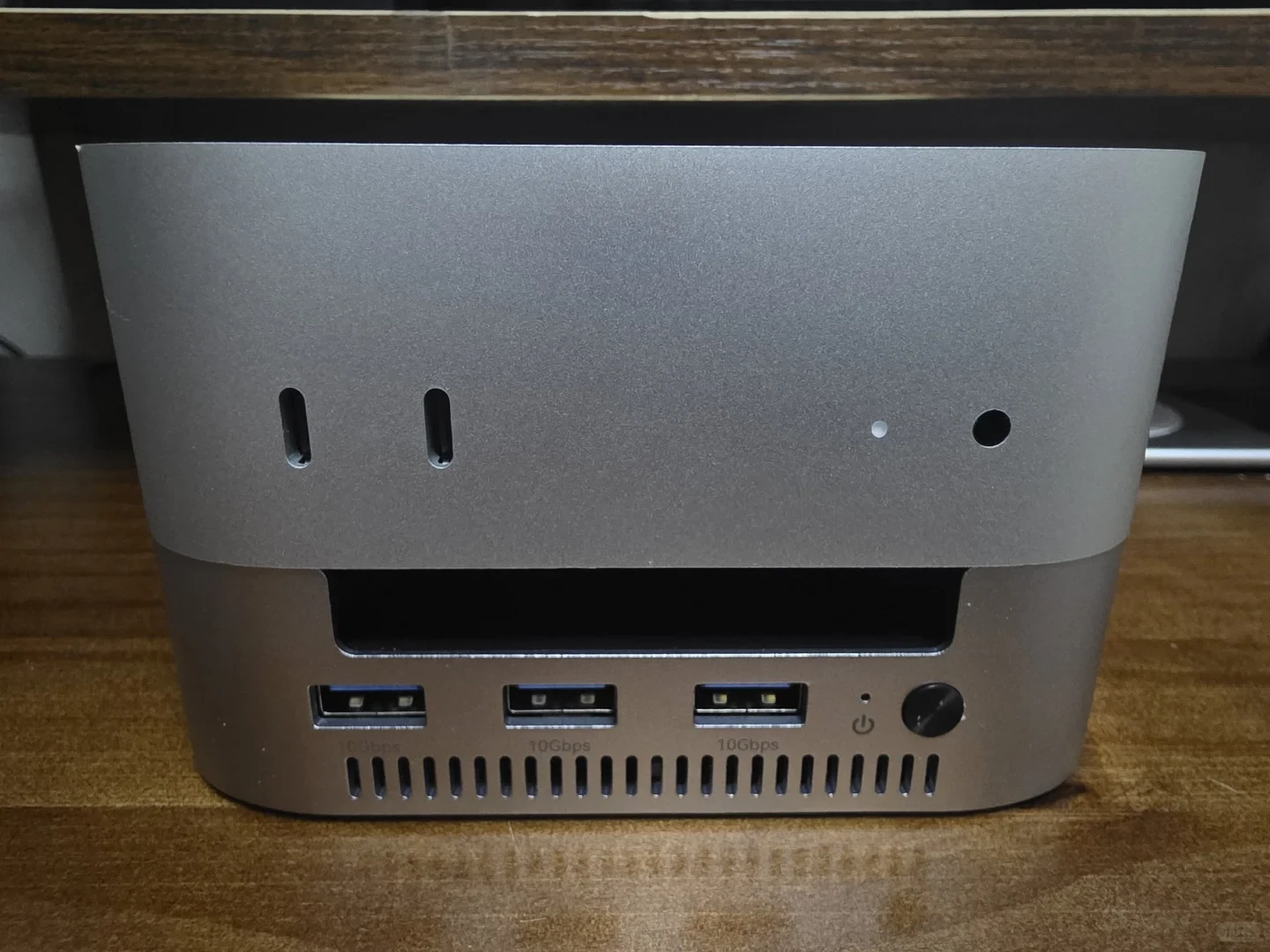
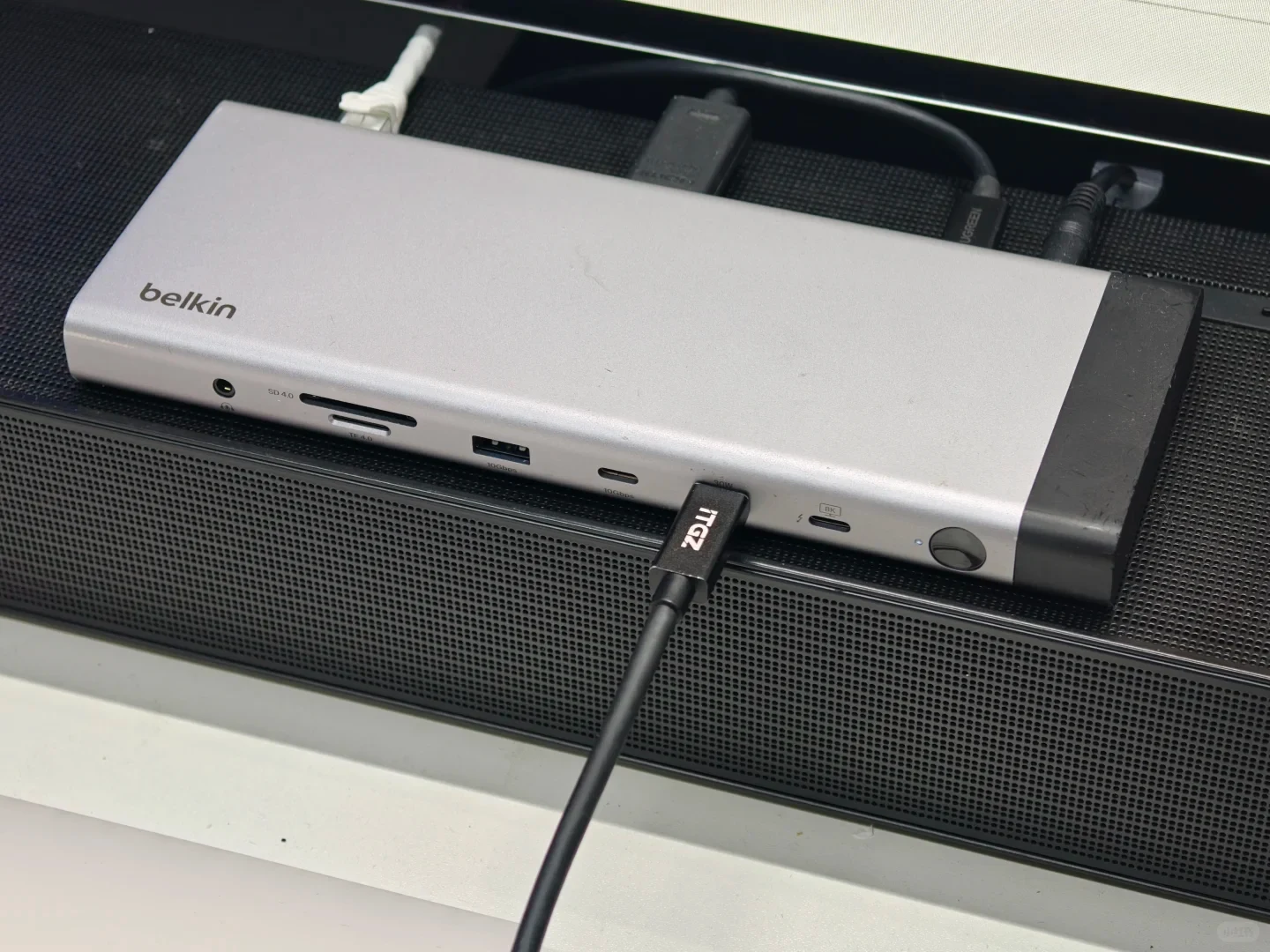
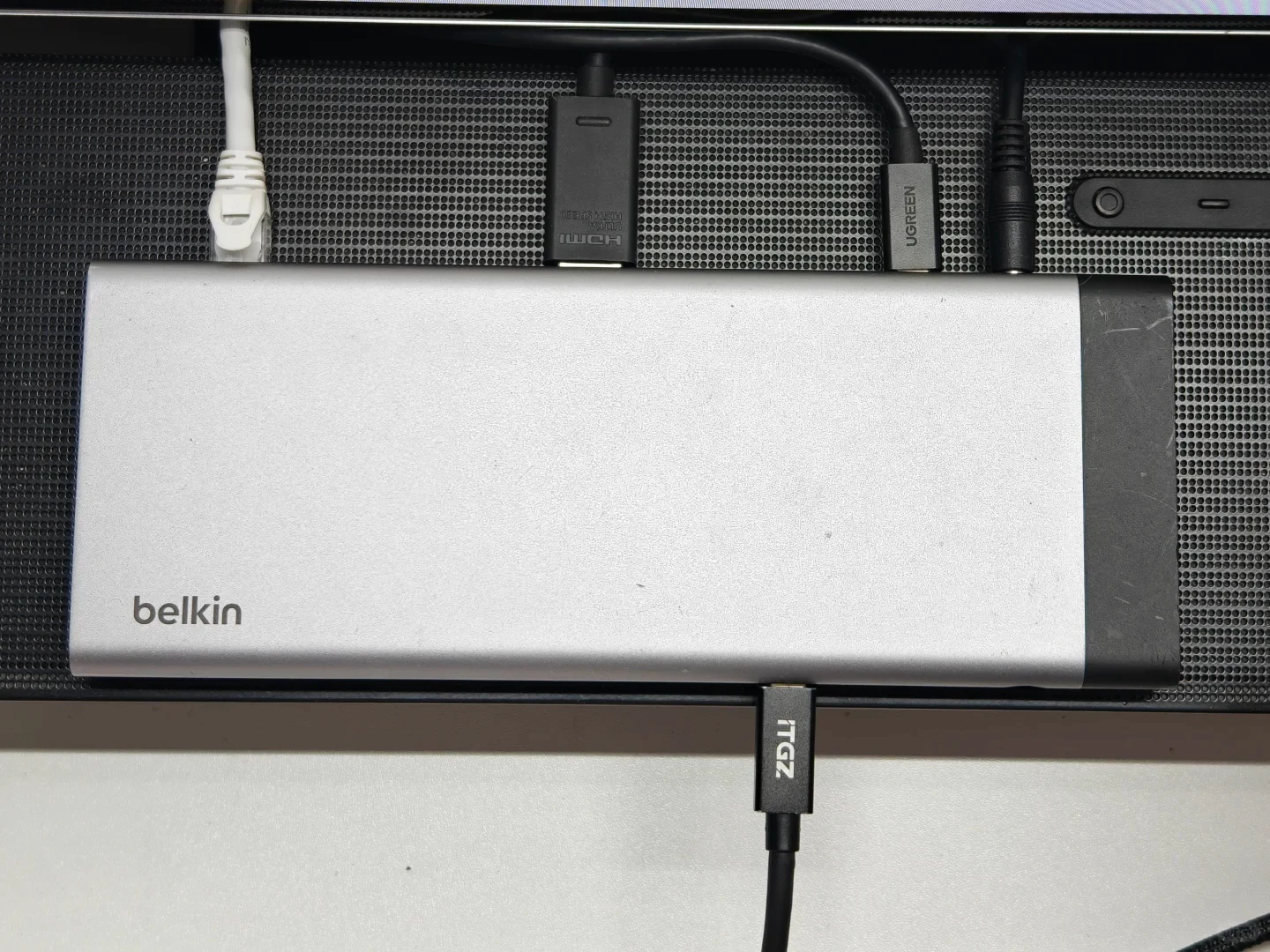
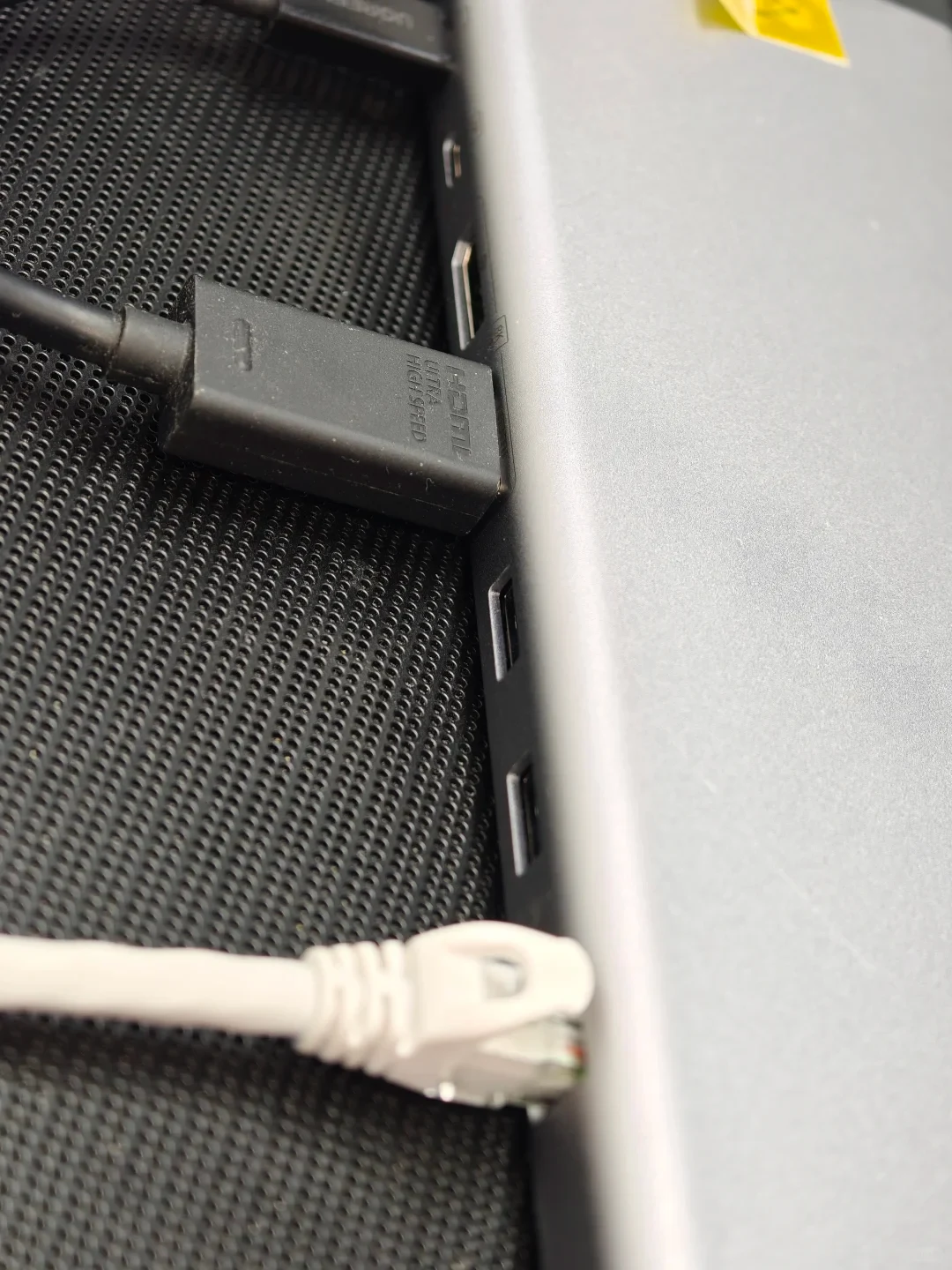
- What I needed: I needed a USB dock that could support HDMI 2.1 or later and DisplayPort 1.4 or later, so I could connect flash-storage devices, an LG G5 and several monitors to my Yoga Air 14 Ultra, which has only USB-C ports. It’s a niche requirement: docks are mainly aimed at Mac Pro users, but MacBooks, Mac minis and Mac Studios all have built-in HDMI, so few manufacturers are willing to invest in this kind of design.
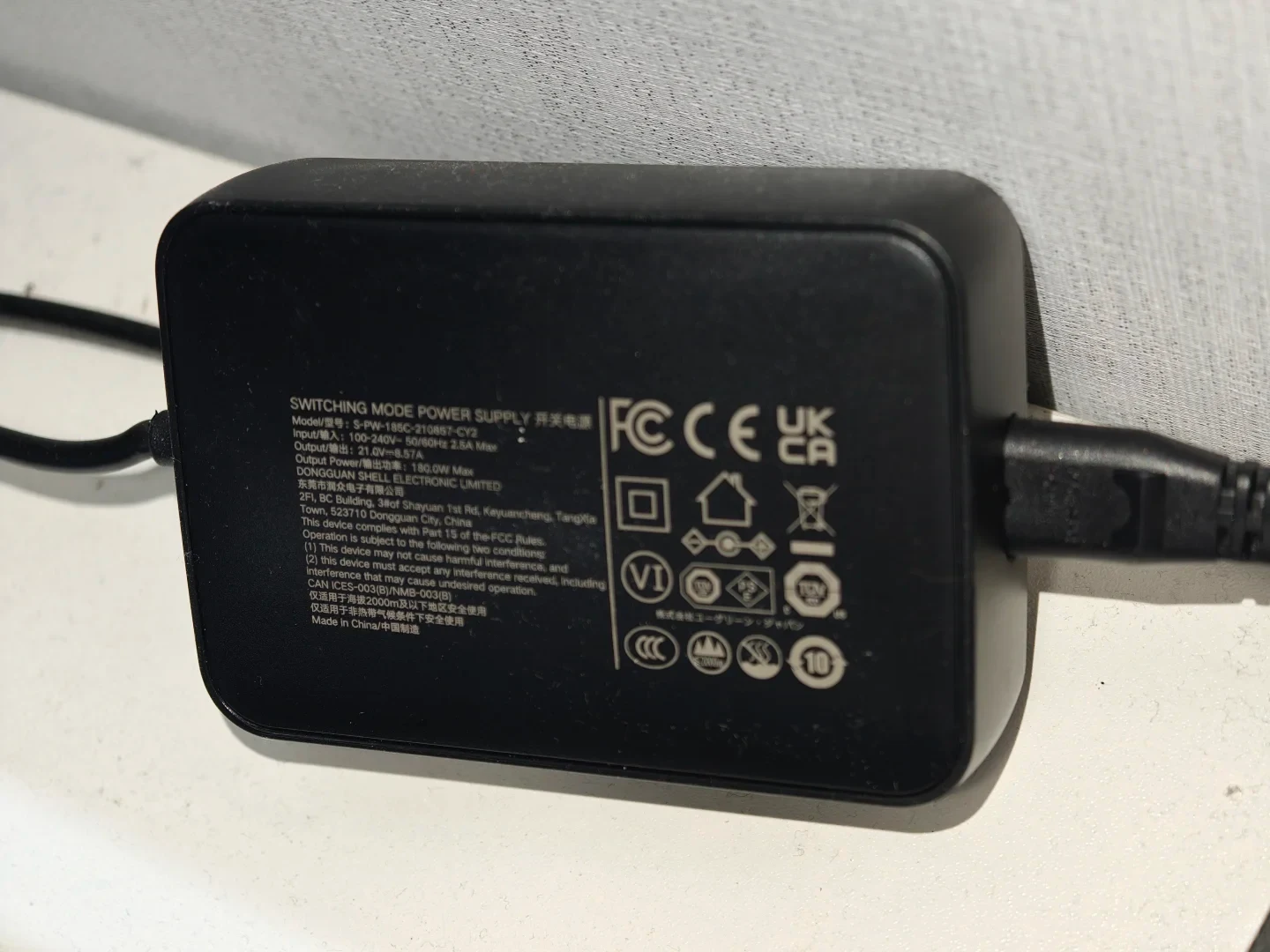
- How I chose it: After a lot of searching, I found that only a few Thunderbolt 5 docks—among them models from Belkin, Anker and UGREEN—met my requirements. They all cost over RMB 2,000, so I was still deciding when I spotted an unboxed sample without a power supply on a secondhand marketplace. I took a gamble and bought it for several hundred yuan, with no assurance it would work. After asking a power-supply specialist, I separately bought a UGREEN 11 V adapter; Belkin’s original adapter is 12 V. When I tried the dock, every function worked as expected, which was better than I’d hoped.
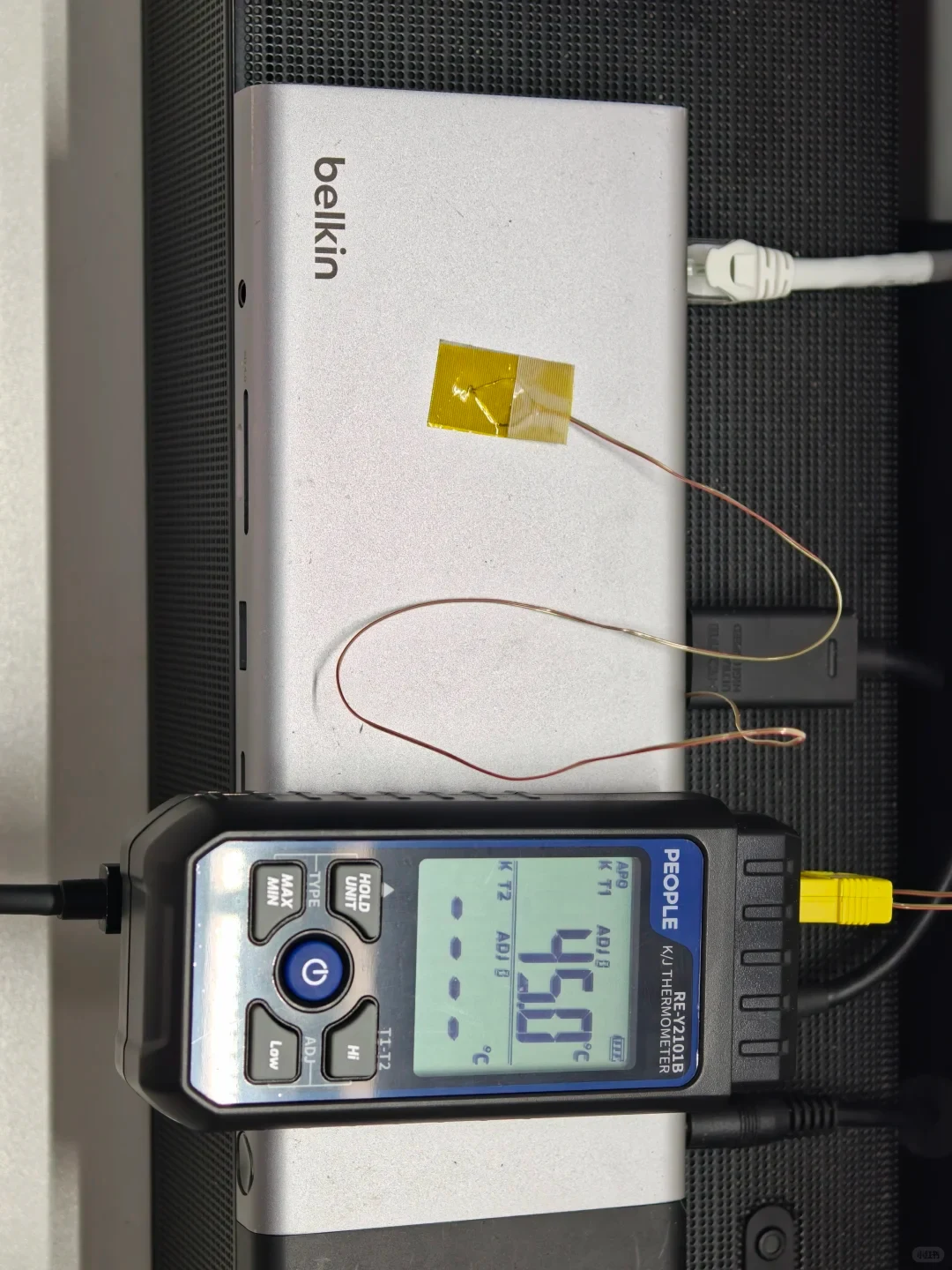
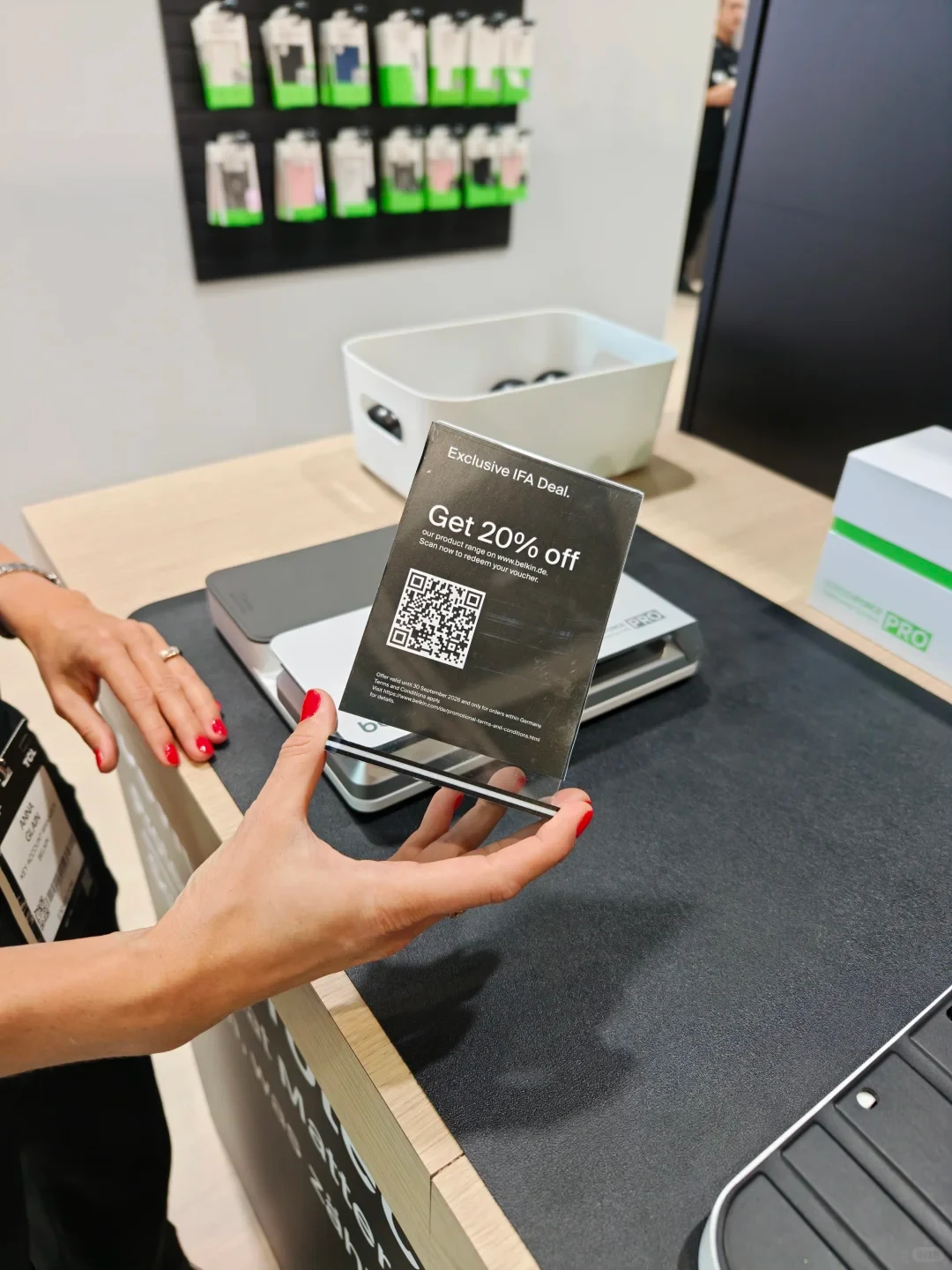
- Overall experience: The case gets quite warm; I saw a reading of about 45°C. To me, that suggested the cooling was working well, and I found its long-term stability very good. The front-and-rear port layout is also well thought out: the front has a 10 Gbps USB-A port, a data USB-C port and a downstream Thunderbolt port, so I don’t have to keep reaching around the back. At IFA, I also visited Belkin’s booth and spoke briefly with one of its product managers, who mentioned that more products are coming.
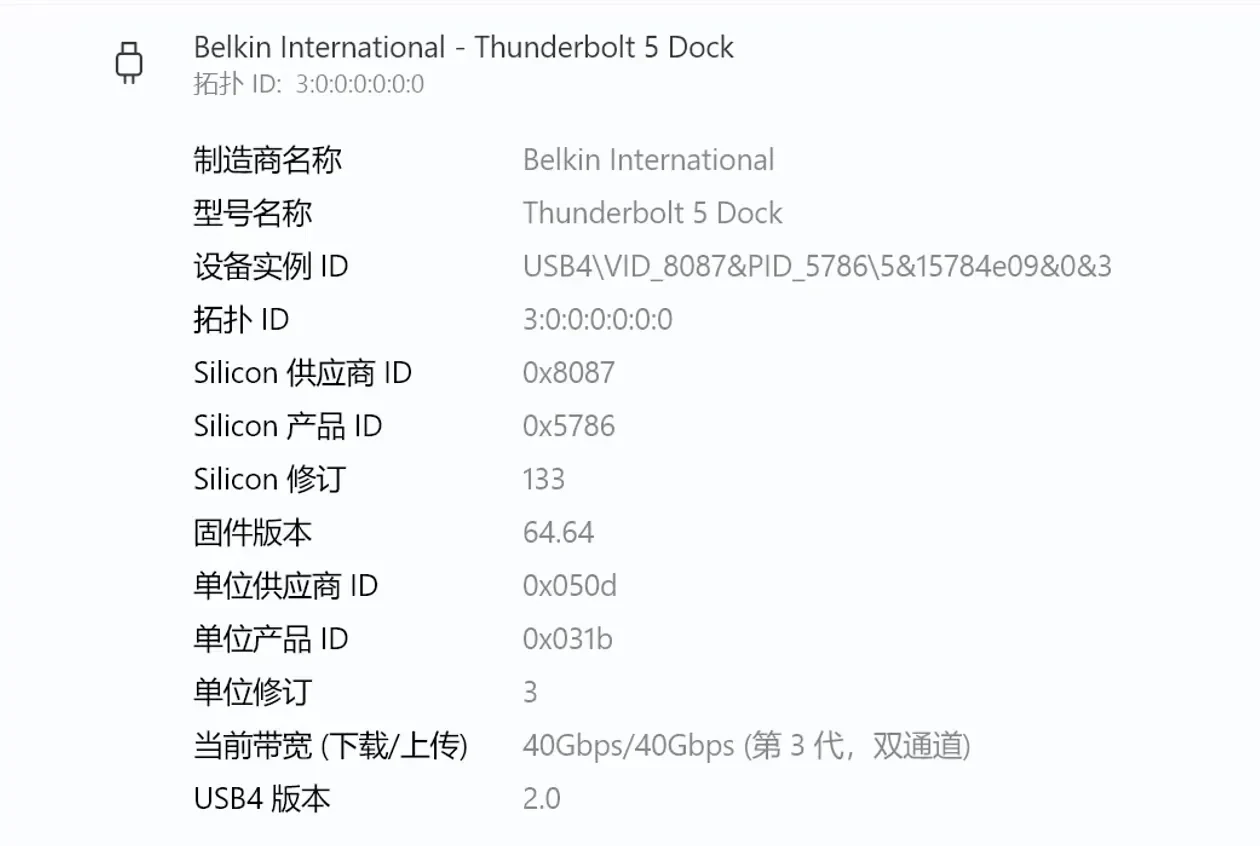
- Compatibility: Although this is a Thunderbolt 5 dock, it is backward-compatible with Thunderbolt 4, USB4 and even USB 3.x. On my Yoga Air, features including 100 W charging, Ethernet and USB 3 worked well. I also tried an AMD-based USB4 platform in the Xingyao 14, where everything worked normally. Even a MacBook Neo and an iPad recognized some dock functions. The only device I tried that did not work at all was my MateBook Pro S.
For displays, I was able to output to two 4K 120 Hz monitors in Thunderbolt 4-compatible mode. I could even connect a Studio Display XDR through the dock’s downstream port on the Xingyao 14 and enable 5K at 120 Hz. - I had planned to wait for the M6 Pro Mac mini and test Thunderbolt 5 transfer speeds before writing a full review. Given the situation now, I’ll save the money. This is a subjective account of using a niche product; please treat it as such.
Source: RawTech研究社 · Xiaohongshu · 2026-09-13 · 发个少见的Belkin雷电5扩展坞. Search this Chinese title in Xiaohongshu to find the original post.
Before You Buy
Models in your region
The owner identifies the dock as a Belkin Thunderbolt 5 Dock, and the photographed 14-port layout matches the INC031 family. The regional suffix and correspondence to the US retail revision are unconfirmed, so the US INC031ttSGY is a regional comparison, not a confirmed match for every detail of the owner’s sample.
| Model in this review | Related regional model | What to know |
|---|---|---|
| Belkin Connect Thunderbolt 5 Dock (INC031) | Belkin Connect Thunderbolt 5 Dock INC031ttSGY (United States) | The US INC031ttSGY is an official regional version in the INC031 family, but the owner’s regional suffix and its match to the US retail revision are unconfirmed. The US listing specifies HDMI 2.1, DisplayPort 2.1, two downstream Thunderbolt 5 ports, 2.5GbE and up to 140 W host charging; the owner’s reported 100 W charging is a firsthand result on specific hosts, not the listed maximum. Belkin says to use the included power adapter and cable, so the owner’s substitute adapter should not be treated as an endorsed setup. |
- Model in this review
- Belkin Connect Thunderbolt 5 Dock (INC031)
- Related regional model
- Belkin Connect Thunderbolt 5 Dock INC031ttSGY (United States)
- What to know
- The US INC031ttSGY is an official regional version in the INC031 family, but the owner’s regional suffix and its match to the US retail revision are unconfirmed. The US listing specifies HDMI 2.1, DisplayPort 2.1, two downstream Thunderbolt 5 ports, 2.5GbE and up to 140 W host charging; the owner’s reported 100 W charging is a firsthand result on specific hosts, not the listed maximum. Belkin says to use the included power adapter and cable, so the owner’s substitute adapter should not be treated as an endorsed setup.
Compatibility depends on the host
This sample worked with a Yoga Air and an AMD USB4 system, including charging, Ethernet and USB functions, while a MateBook Pro S failed to work. That is useful evidence about those particular devices, not a guarantee of compatibility with every USB4 or Thunderbolt host. The display results—two 4K 120 Hz monitors in Thunderbolt 4-compatible mode and 5K 120 Hz through a Studio Display XDR—also apply to the specific host and connections described, not to every setup.
The US INC031ttSGY listing specifies HDMI 2.1 and DisplayPort 2.1, but display limits depend on the host and cable. The owner did not test Thunderbolt 5 transfer speeds, so this account cannot tell buyers what throughput the dock delivers in a Thunderbolt 5 setup. The opening claim that all MacBooks have HDMI is also too broad: Apple lists built-in HDMI for selected MacBook Pro models, Mac mini and Mac Studio. Check Apple’s official port guide for the actual computer.
Check the power supply before buying
The owner reports buying a UGREEN 11 V adapter and describes Belkin’s original adapter as 12 V. Yet photo 6 shows a supply labeled 21.0 V, 8.57 A and 180 W; its role in the test is not established. These conflicting details do not justify copying the substitution. Belkin’s US setup instructions say to use the included adapter and cable. Confirm the correct supply for the specific unit, especially when buying an incomplete secondhand sample.
Belkin lists up to 140 W of host power delivery for the US INC031ttSGY. The owner reports 100 W charging on particular hosts, which does not establish the dock’s maximum output or what another computer will receive.
A useful layout, but limited heat evidence
The owner values the front USB-A, data USB-C and downstream Thunderbolt ports because frequently used connections are easier to reach. A photograph shows a probe against the case and a 45.0°C reading, but the ambient temperature, workload and measurement timing are unknown. That reading documents one observed case temperature; it does not establish typical operating heat or long-term stability.
For the US INC031ttSGY, Belkin lists 14 ports, including 2.5GbE and two downstream Thunderbolt 5 ports. Buyers comparing it with the sample should confirm the exact suffix, included accessories and host compatibility, since the source does not identify the sample’s full regional part number.
Related Reading

Reviews & Guides · Computing & Networking
TP-Link Deco X55 in a two-storey Australian home: Wi-Fi across 300 m²
I installed two TP-Link Deco X55 units in my 300 m², two-storey home; bedrooms that often lost Wi-Fi now had a signal throughout the house.

Reviews & Guides · Computing & Networking
TP-Link Deco X55: DNS pauses stopped for six days in access-point mode
I switched my Deco X55 to access-point mode and restored my older router to the front of the network. The DNS-like pauses stayed away for six days.
Reviews & Guides · Computing & Networking
TP-Link Deco X55 after nearly a year: six units, Teams and gaming
I’ve used six TP-Link Deco X55 units for nearly a year, including daily Teams calls and online gaming; I’ve had only one or two connectivity issues.