
Reviews & Guides · Computing & Networking
CalDigit TS4: multiple drive disconnects and mouse lag
Reviewed: CalDigit TS4Regional reference: CalDigit TS4 (0.8m) (US)
I chose the CalDigit TS4 for my many drives, but saw mouse lag during disk activity, drive disconnects and occasional unresponsive ports.
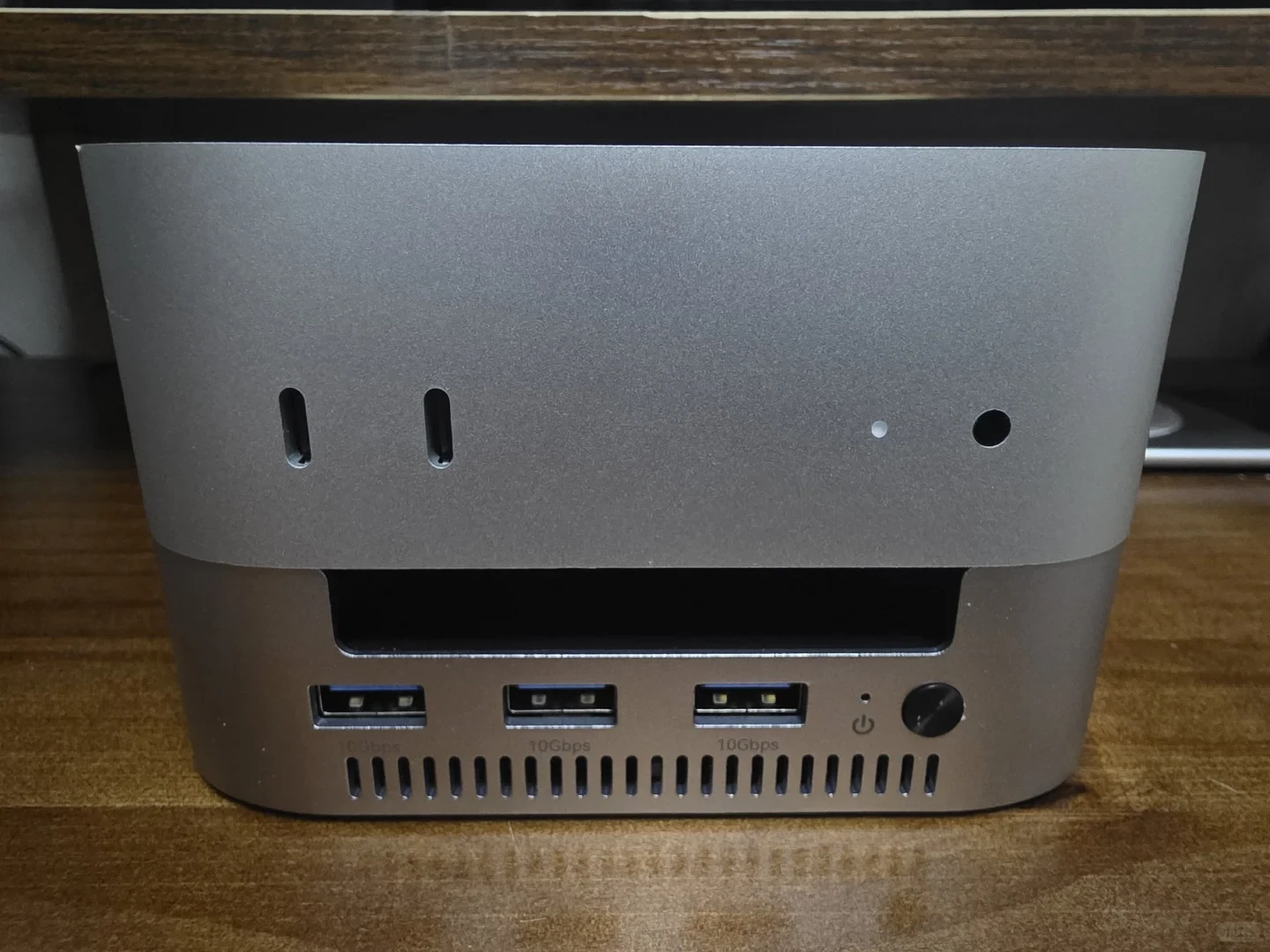

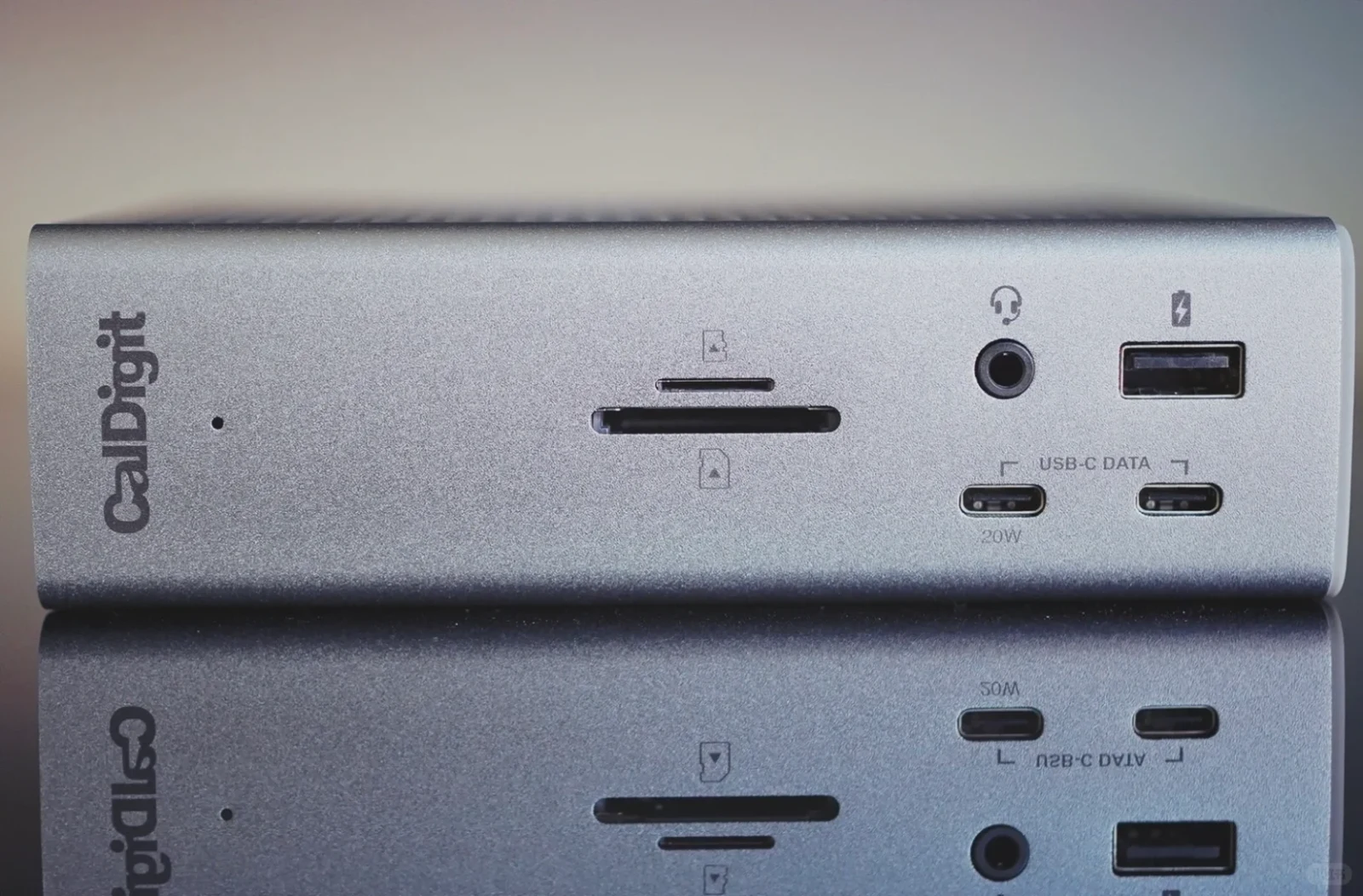
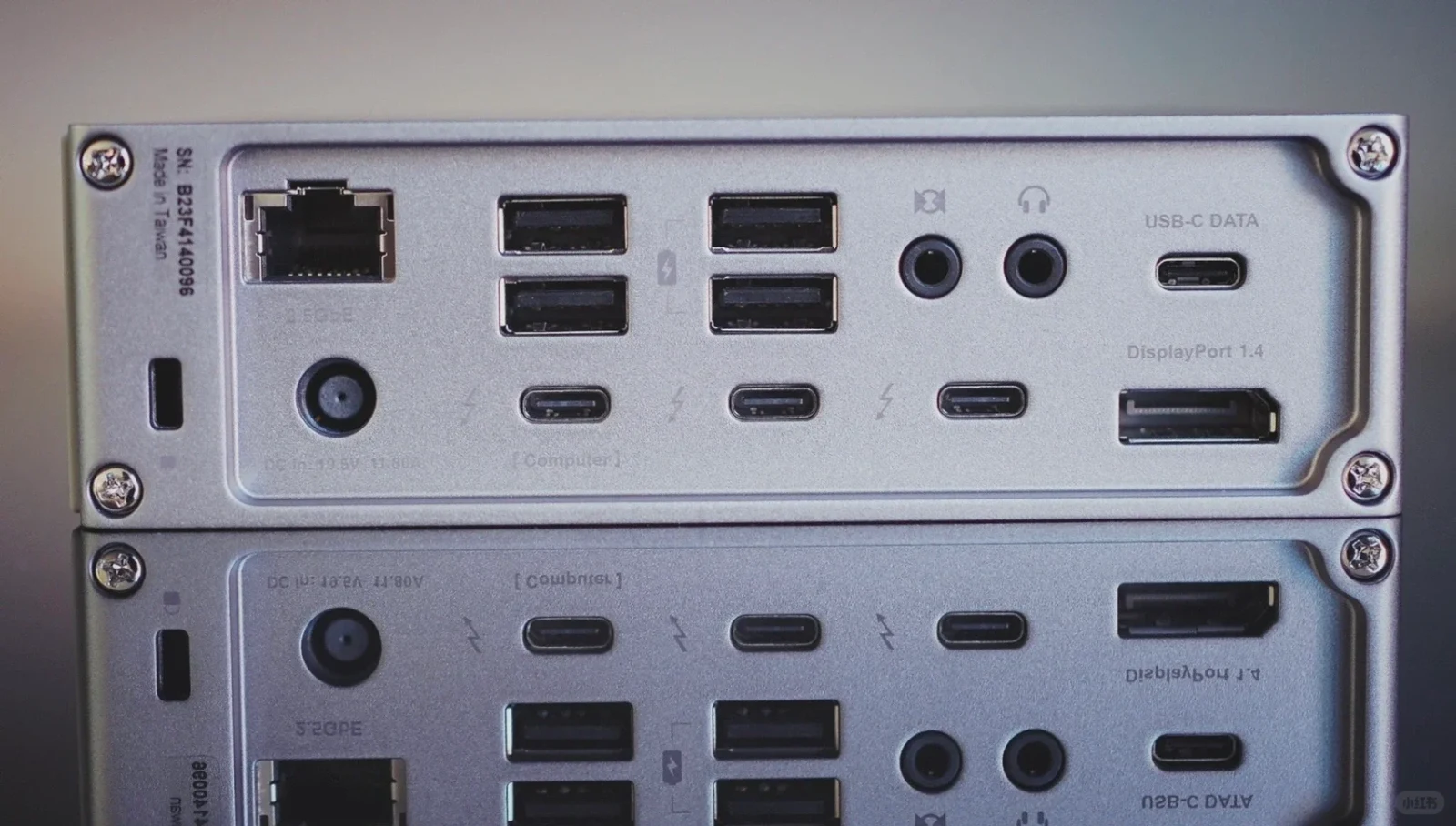
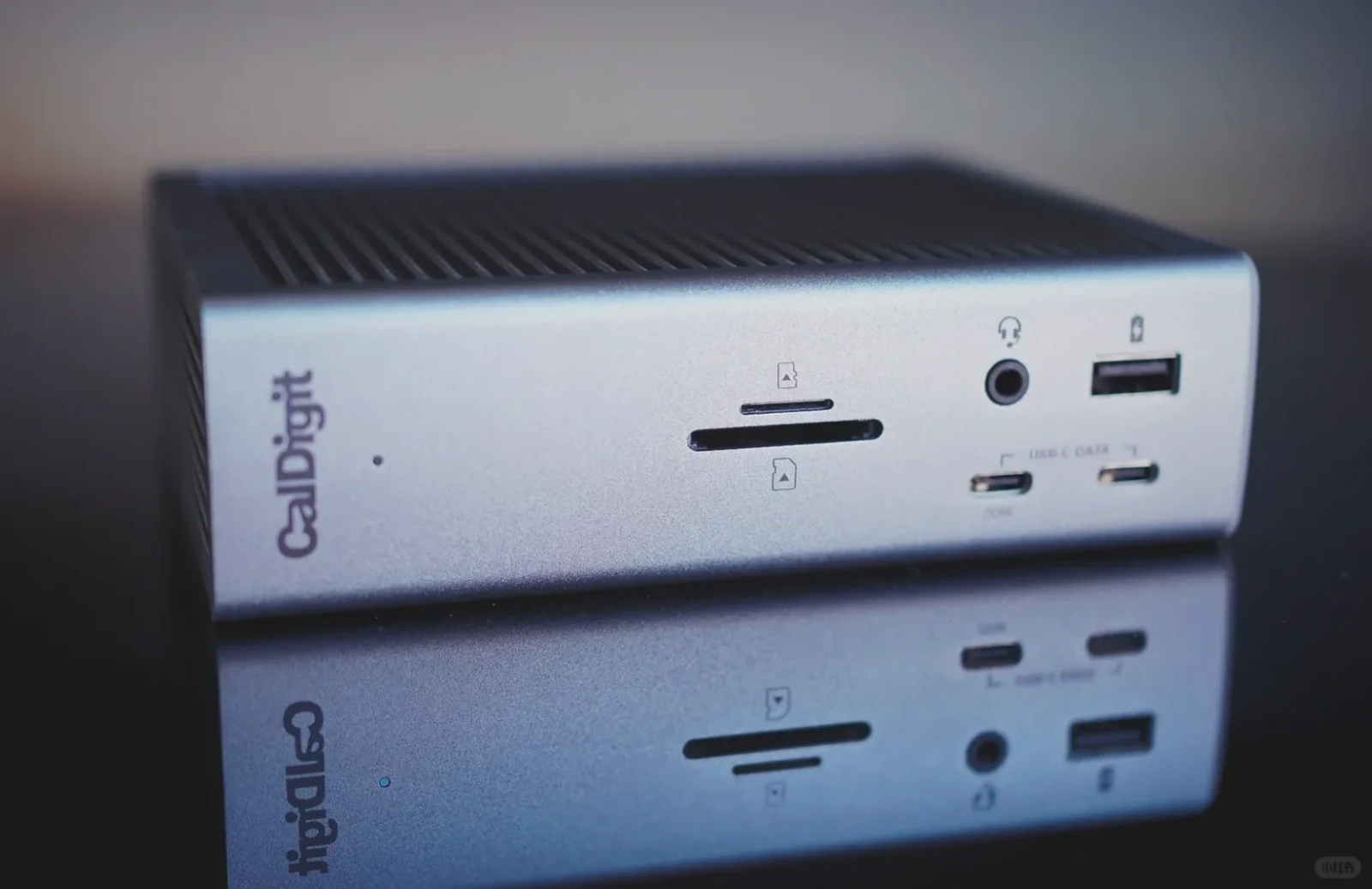
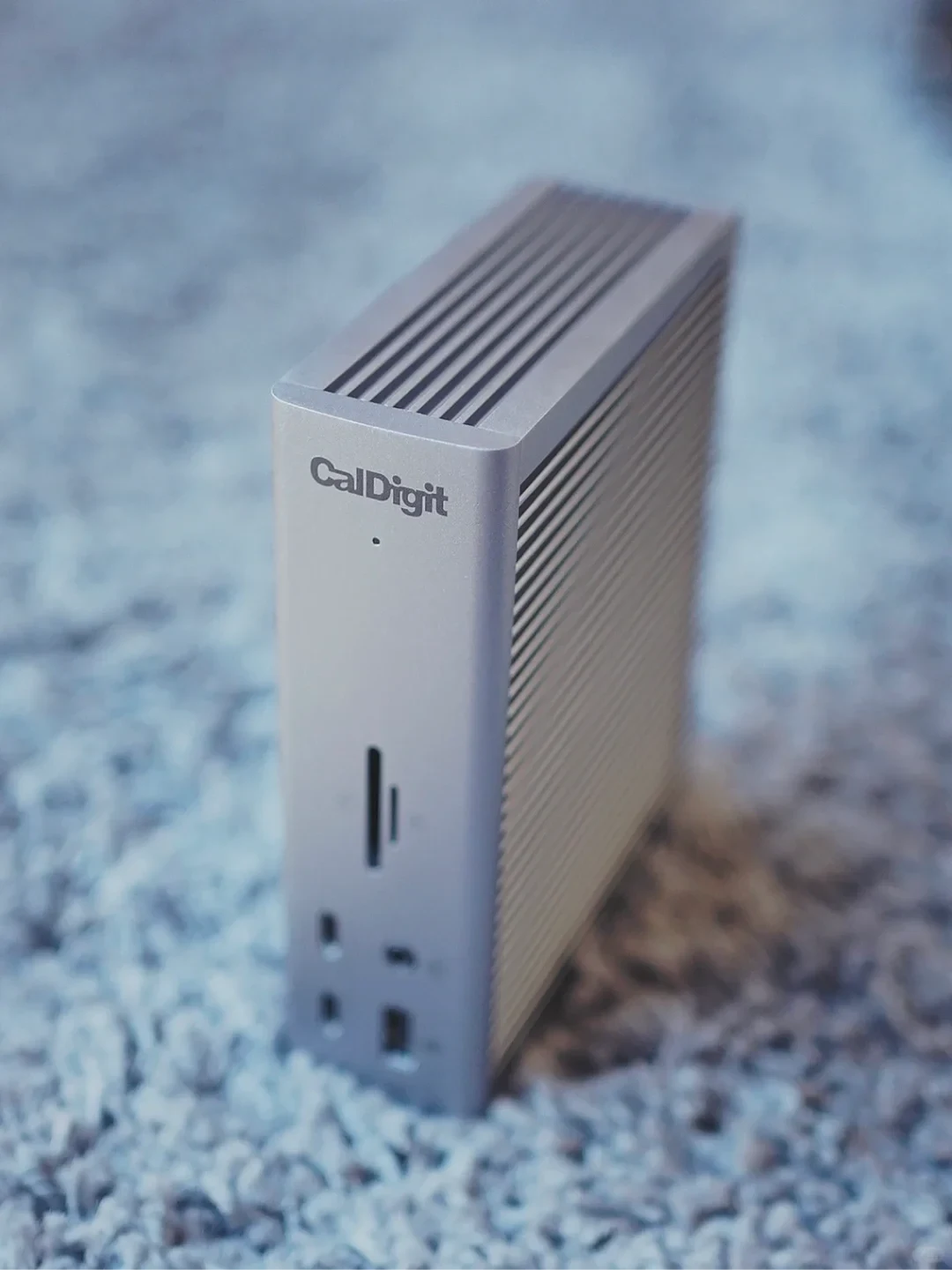
Because I had so many USB devices, such as portable hard drives, I had been using a USB 3.0 hub. Devices sometimes went unrecognized even when connected, and reading or writing to several drives at once could be slowed by bandwidth limits.
My Mac Pro had enough ports to make that setup workable. After I sold it, I also had to take out the two large-capacity 3.5-inch backup drives installed in it and use them externally.
I now use a MacBook Pro, and the Mac Studio I expected to arrive the following month did not have many ports either. A reliable dock felt essential, so after researching my options, the CalDigit TS4 seemed like one of the few good choices.
- CalDigit TS4 Thunderbolt 4 dock features:
⭐️ Compatible with both Thunderbolt 4 and USB4.
⭐️ DisplayPort upgraded to DP 1.4.
⭐️ Upgraded to 2.5Gb Ethernet.
⭐️ The number of USB-A ports is unchanged from the previous generation, but their speed is upgraded to 10Gb/s.
⭐️ Supports eight connection types, with 17 ports in total.
⭐️ Front-facing SD and microSD card slots support UHS-II.
⭐️ Includes a 0.8 m full-featured Thunderbolt 4 and USB4 cable supporting 100W power delivery.
⭐️ Supports 98W charging. Basically, all Apple laptops except the 16-inch MacBook Pro with M1 Max can connect all their devices and charge through one cable.
⭐️ The TS4 replaces the previous model’s rear S/PDIF optical audio output with a combination 3.5 mm headset jack on the front and two separate 3.5 mm audio jacks at the rear. The front headset jack takes priority: if headphones are plugged in at the front while a rear audio jack is in use, audio switches to the front.
☀️ A dock port marked with a battery logo supports charging when the computer is off. Problems I encountered during use:
If a hard drive was reading or writing, the mouse still sometimes stuttered. I suspected that one drive might not be getting enough power; I had heard of a similar issue with the previous generation.With so many drives connected, I encountered drive disconnects. If you need a large drive to be stable, it may be better to connect it directly to a port on the computer.
Sometimes a device did not respond when I plugged it into a port.
- Overall, the build quality is definitely solid, but there is no need to treat it like a miracle product. I still ran into quite a few small problems, but it really is the best dock available on the market.
- Of course, another downside is that it is expensive—but that is my problem.
- Who is it suitable for?
- It suits people who regularly carry a laptop around: at home, plug in one cable and connect the charging, display and all your devices at once.
- It suits people who regularly connect lots of peripherals and need a dock that is as high-quality as possible.
Source: 墨尔本摄影师Penn · Xiaohongshu · 2022-07-04 · 💻扩展坞天花板⁉️加州数位CalDigit TS4🛠. Search this Chinese title in Xiaohongshu to find the original post.
Before You Buy
Models in your region
The owner’s 2022 account concerns the CalDigit TS4, which the manufacturer’s US listing also identifies as the TS4. The official US listing specifies an 18-port configuration; the owner described 17 ports, so the article preserves that difference rather than treating the counts as identical.
| Model in this review | Related regional model | What to know |
|---|---|---|
| CalDigit TS4 | CalDigit TS4 (0.8m) (US) | The US-listed product is the same TS4 family the owner used. Its official specification lists 18 ports, compared with the owner’s 17-port count. The owner’s account does not establish the exact regional unit or power plug. |
- Model in this review
- CalDigit TS4
- Related regional model
- CalDigit TS4 (0.8m) (US)
- What to know
- The US-listed product is the same TS4 family the owner used. Its official specification lists 18 ports, compared with the owner’s 17-port count. The owner’s account does not establish the exact regional unit or power plug.
What the TS4’s port count tells you
The owner counted 17 ports, while the official US TS4 listing specifies 18. The dock’s identity is still supported, but the count in the account should not be used as a definitive port-by-port inventory; check the listing for the configuration sold in your market.
The official US listing specifies one host Thunderbolt 4 port, two downstream Thunderbolt 4 ports, eight USB ports rated at 10Gb/s, UHS-II SD and microSD slots, DisplayPort 1.4 and 2.5Gb Ethernet. Those are manufacturer-listed connections and speeds, not evidence that a particular group of external drives will remain connected under load.
Treat the reported drive and mouse issues as unresolved
The owner reports mouse stutter during drive activity, drive disconnects and occasional unresponsive ports. They suspected insufficient power to a drive, but did not confirm that cause; the account does not establish which drive, port or operating conditions triggered the problems. It therefore cannot tell buyers whether the same symptoms will occur with their own setup.
The official port power limits for the US TS4 vary by connection: 15W for downstream Thunderbolt 4, 20W for the front USB-C port and 7.5W for other USB ports. These specifications do not diagnose the disconnects or show that a specific drive exceeds a limit. For a large drive that needs a stable connection, the owner suggested connecting it directly to the computer.
One-cable convenience and audio routing
The owner recommends the TS4 for a laptop setup with many peripherals: one cable can connect the laptop to the dock, charging, display and attached devices. The official US listing gives up to 98W host charging, but the account does not identify the exact MacBook Pro configuration or establish charging performance for every laptop.
The manufacturer says the front audio jack takes priority over the rear audio connections, matching the routing behavior described by the owner. Selected USB ports support charging while the computer is off; that feature is not available on every dock port.
Backup workloads and missing test details
The account is from July 2022 and describes use with a MacBook Pro. The Mac Studio was expected to arrive the following month, so this account does not report a Mac Studio test. It also provides no measured data-transfer results or confirmed diagnosis of the disconnections.
Related Reading

Reviews & Guides · Computing & Networking
TP-Link Deco X55 in a two-storey Australian home: Wi-Fi across 300 m²
I installed two TP-Link Deco X55 units in my 300 m², two-storey home; bedrooms that often lost Wi-Fi now had a signal throughout the house.

Reviews & Guides · Computing & Networking
TP-Link Deco X55: DNS pauses stopped for six days in access-point mode
I switched my Deco X55 to access-point mode and restored my older router to the front of the network. The DNS-like pauses stayed away for six days.
Reviews & Guides · Computing & Networking
TP-Link Deco X55 after nearly a year: six units, Teams and gaming
I’ve used six TP-Link Deco X55 units for nearly a year, including daily Teams calls and online gaming; I’ve had only one or two connectivity issues.