
Reviews & Guides · Computing & Networking
GL.iNet Beryl 7 with a ZTE F50: a 7 W travel-router setup
Reviewed: GL.iNet Beryl 7 (GL-MT3600BE), ZTE F50Regional reference: GL.iNet Beryl 7 (GL-MT3600BE) (US); GL.iNet Beryl 7 (GL-MT3600BE) (International)
I paired my GL.iNet Beryl 7 with a ZTE F50, measured about 7 W for both, and used the router for Wi-Fi while the F50 received 5G.
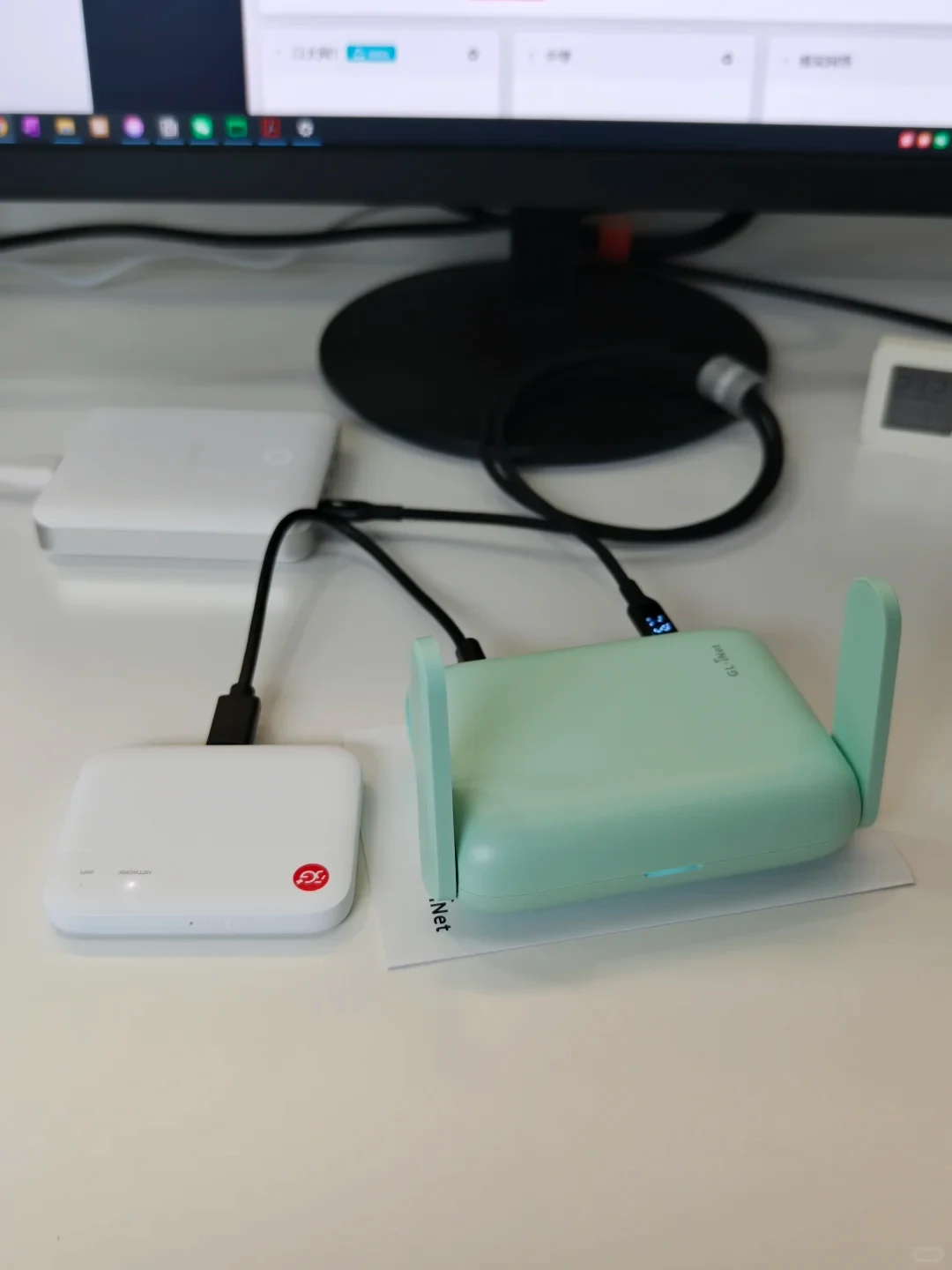
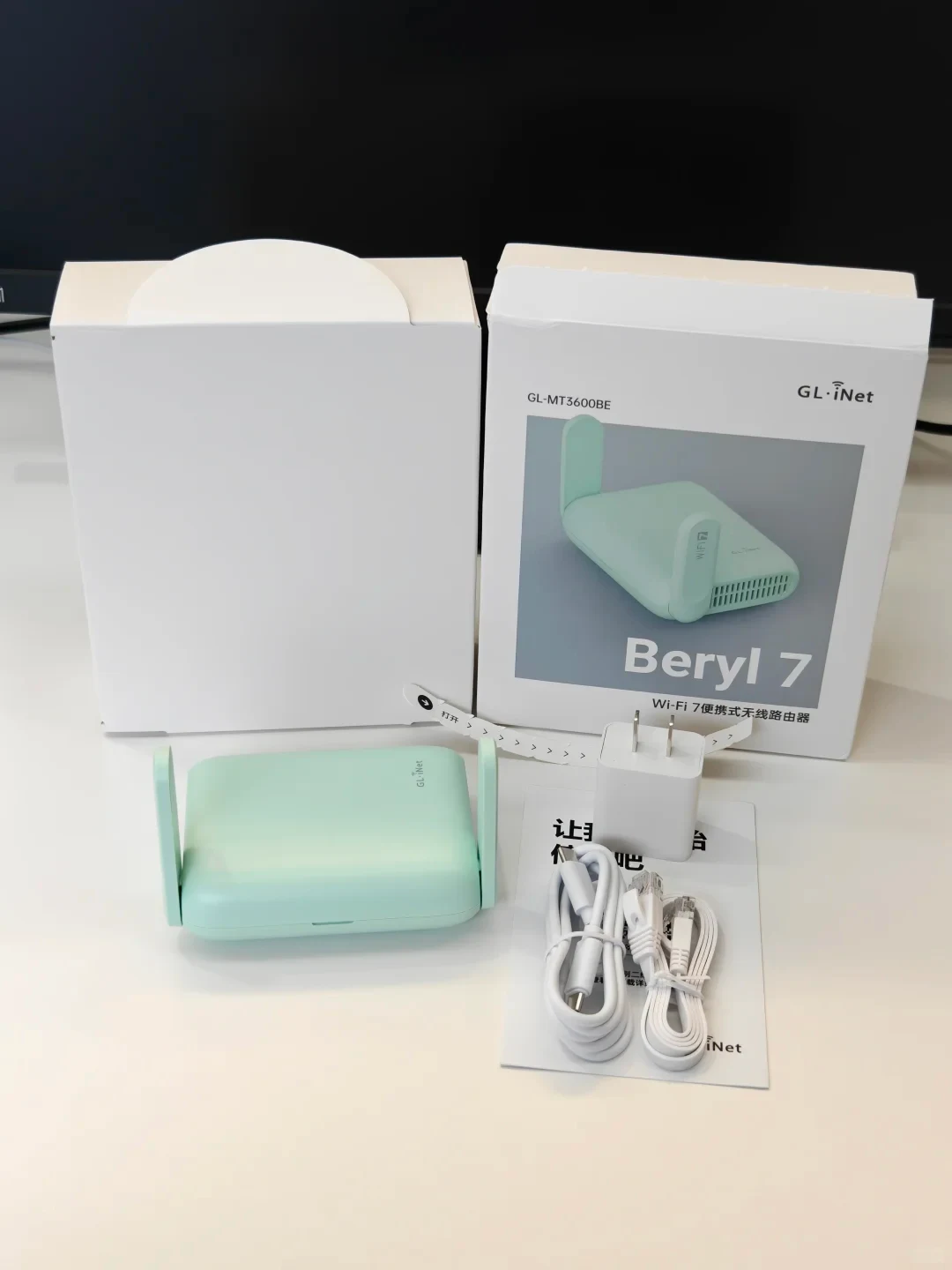
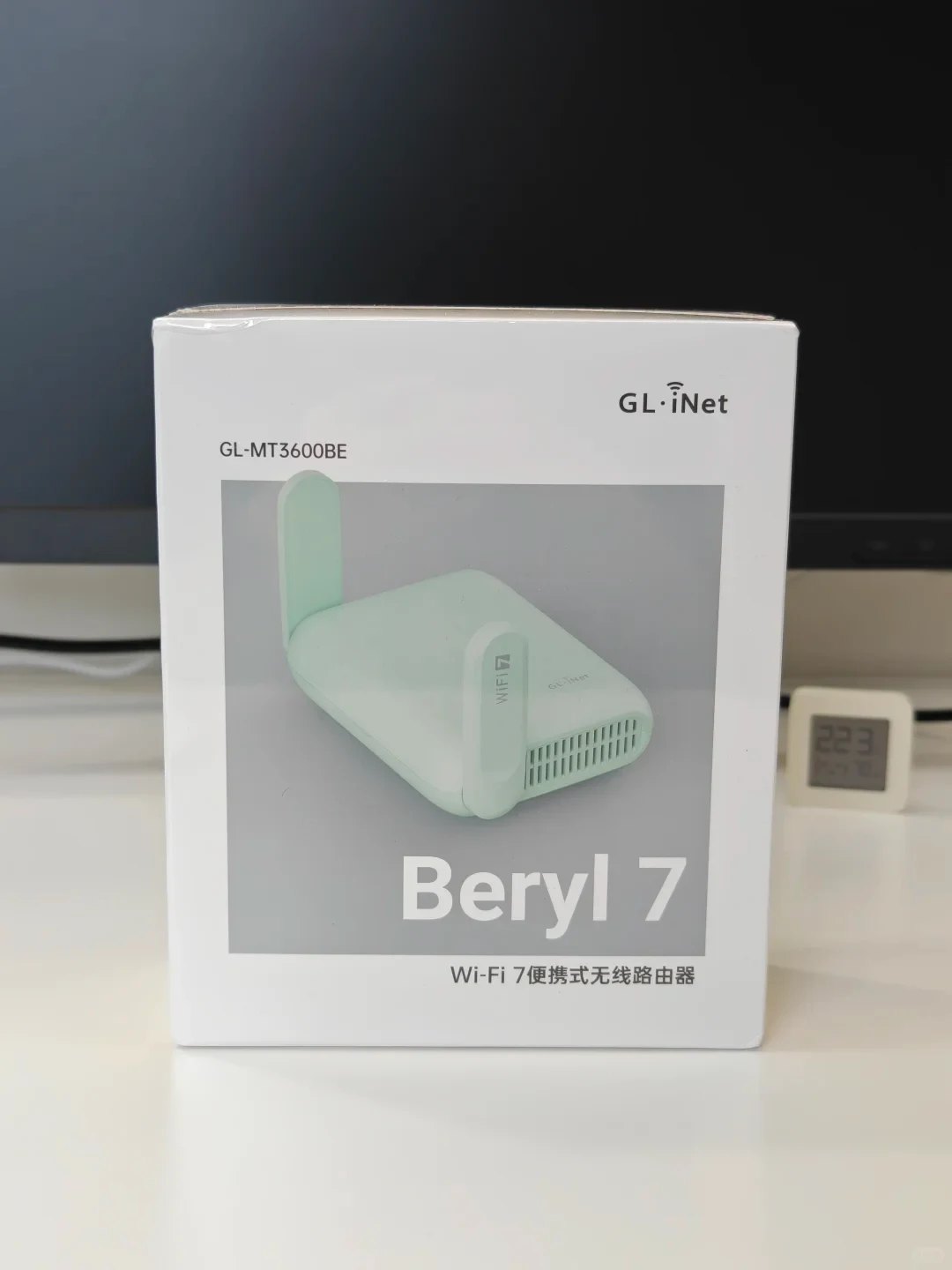
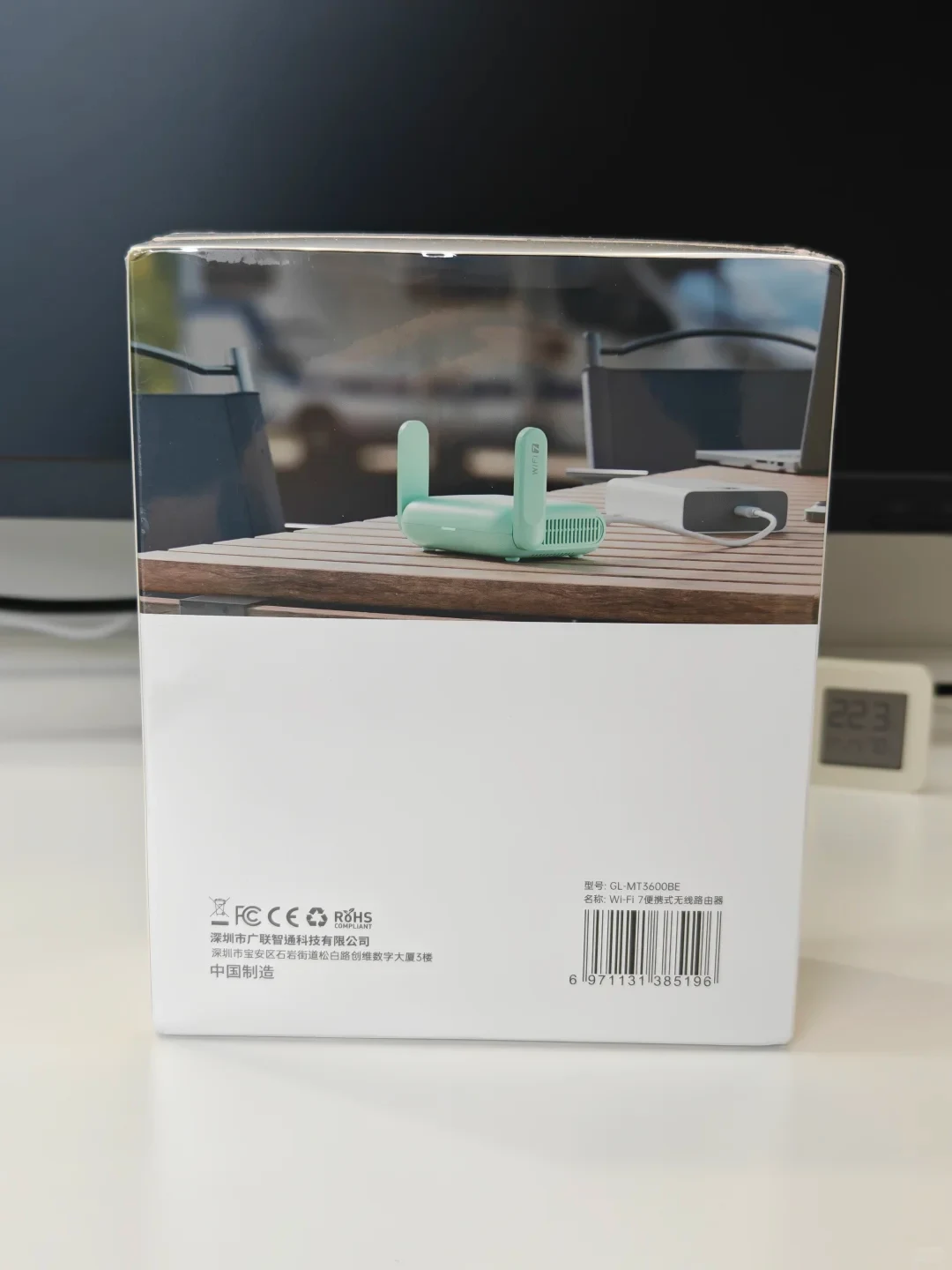
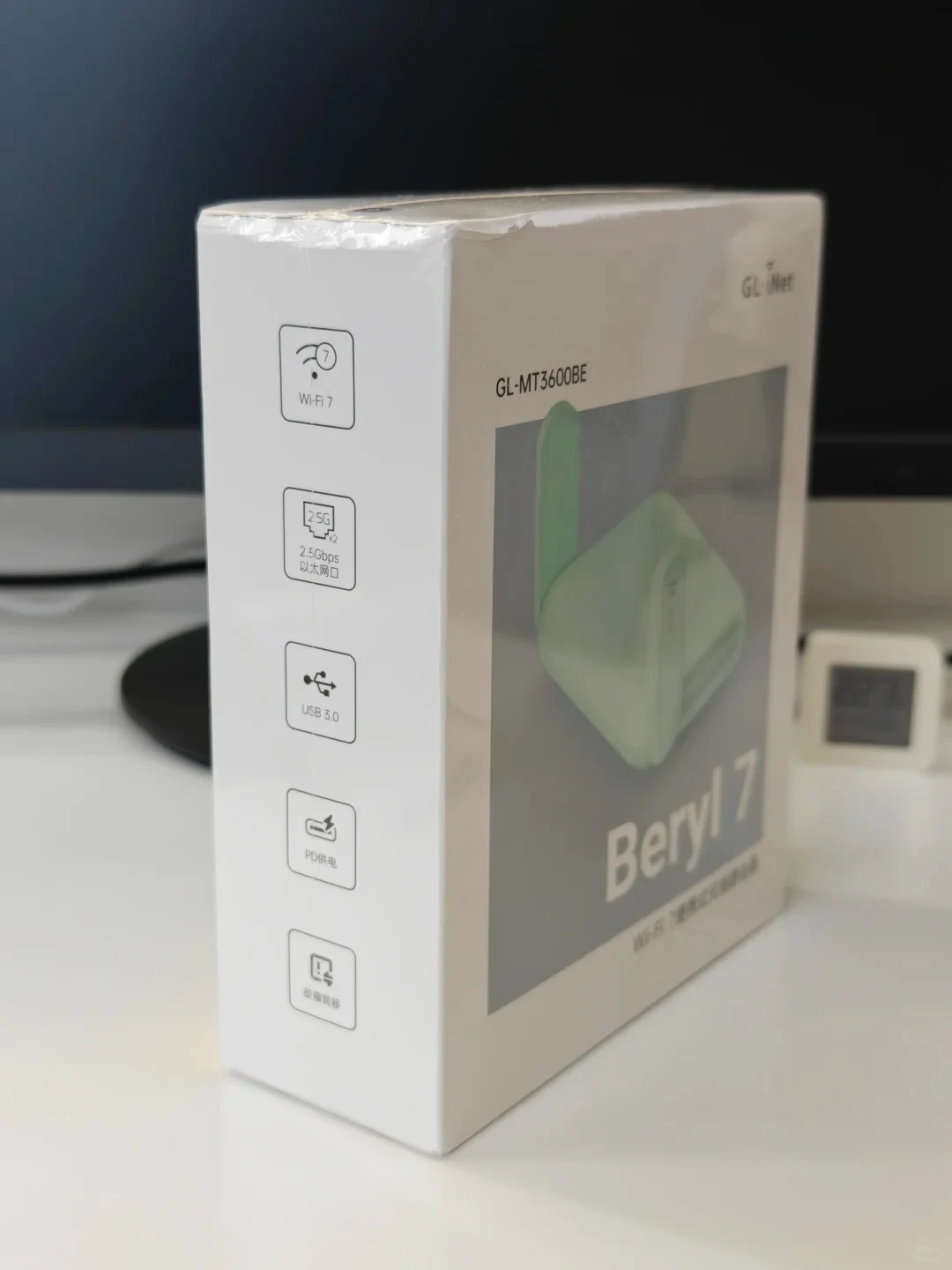
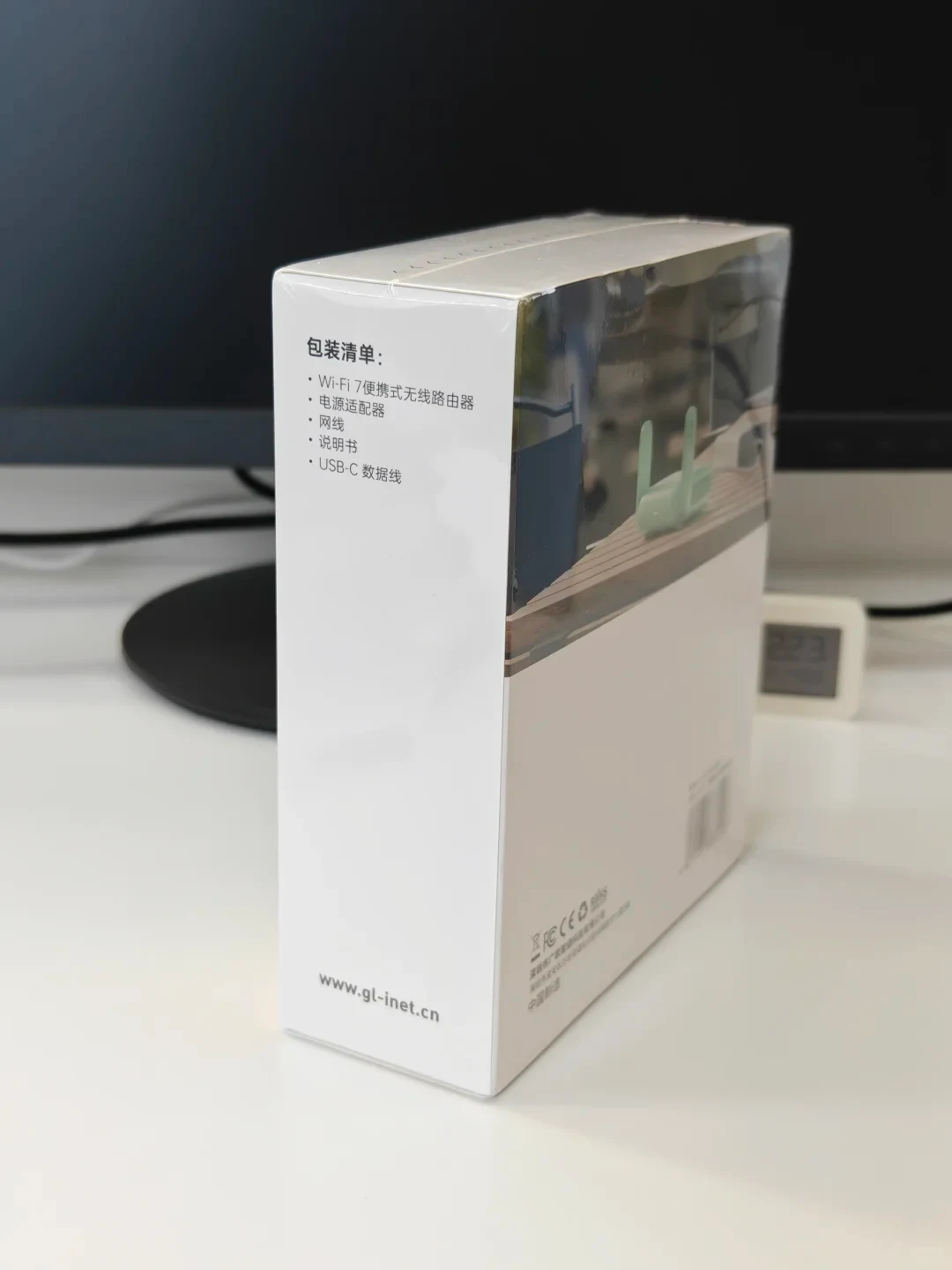
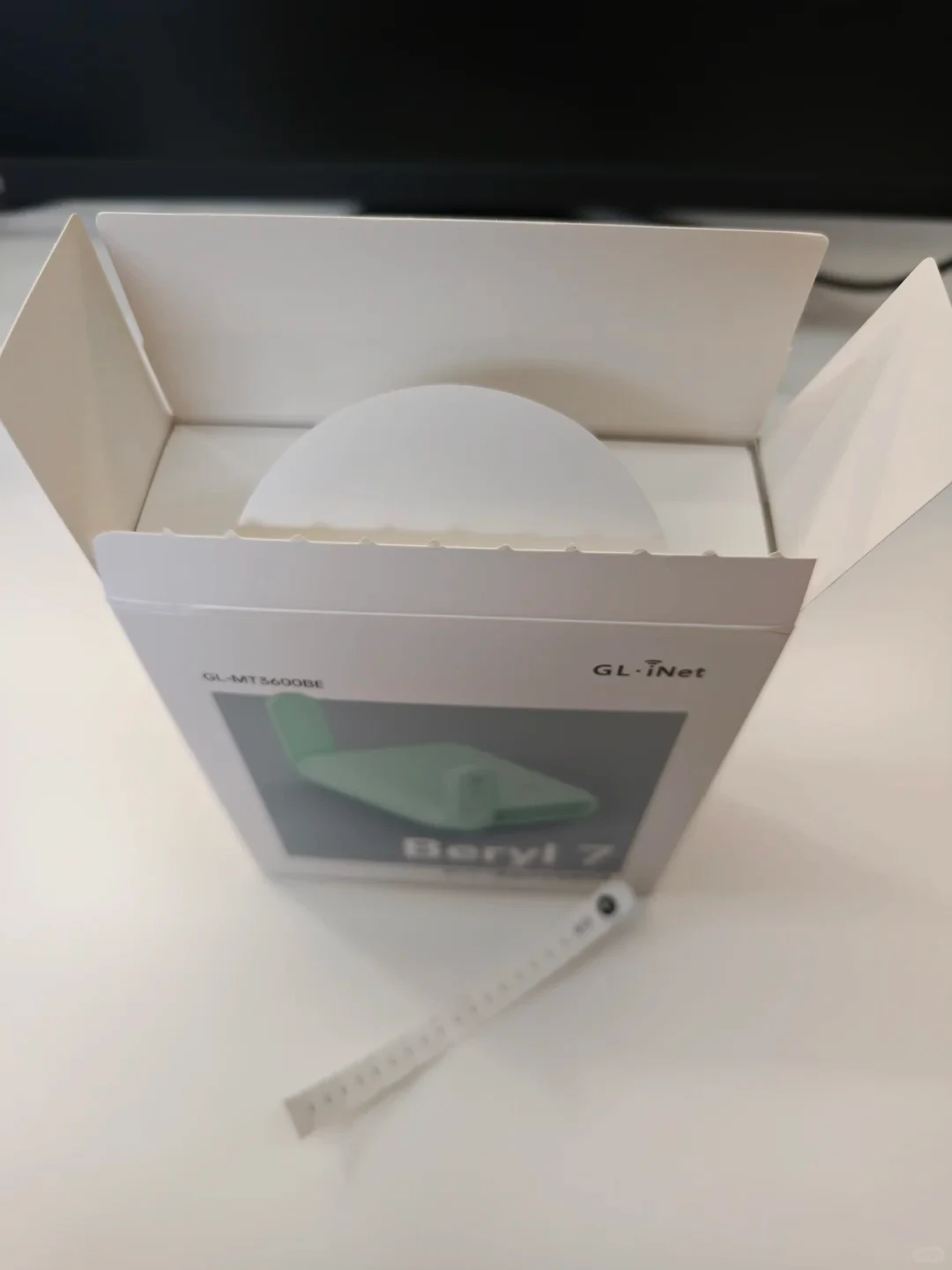
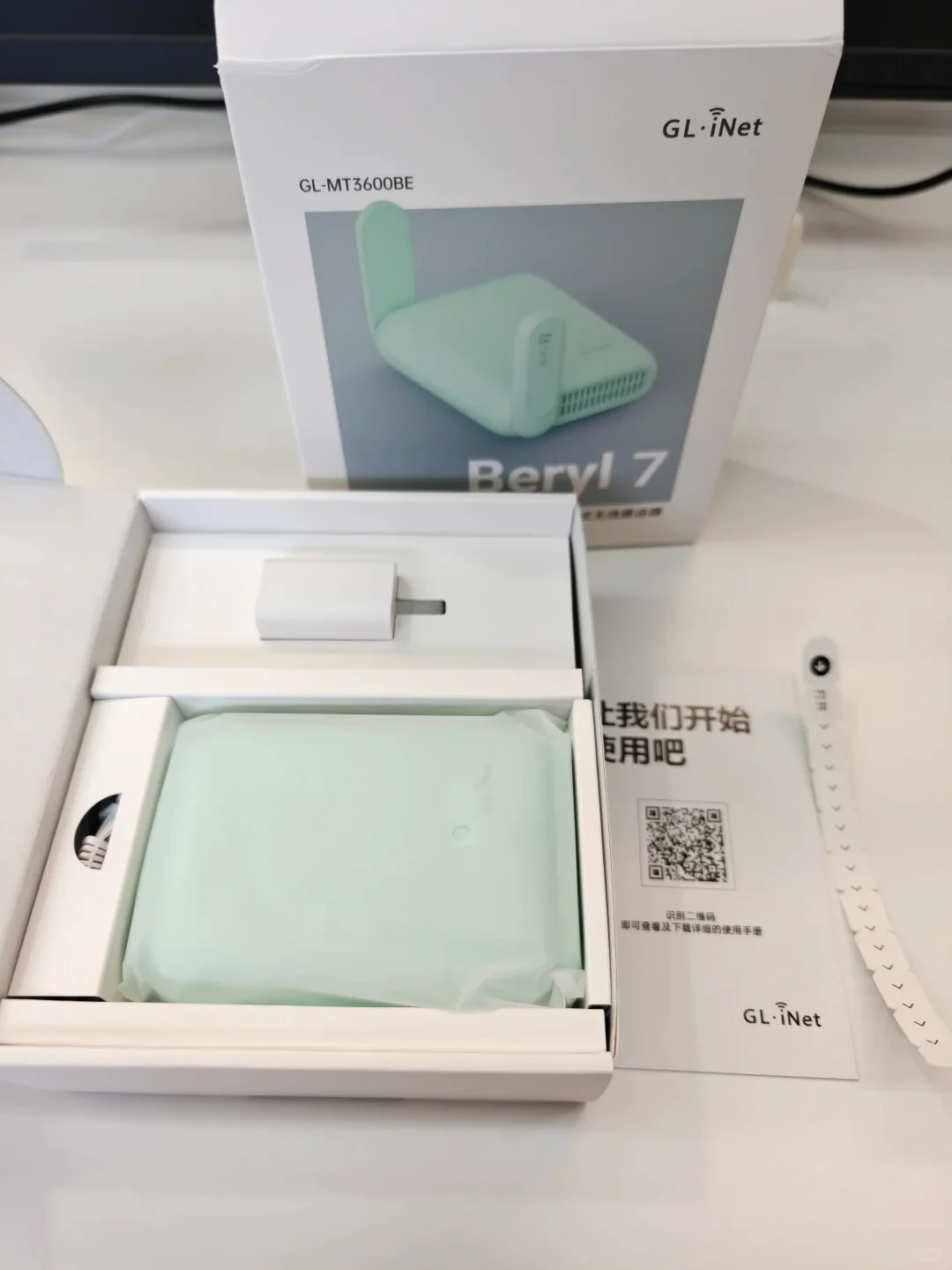
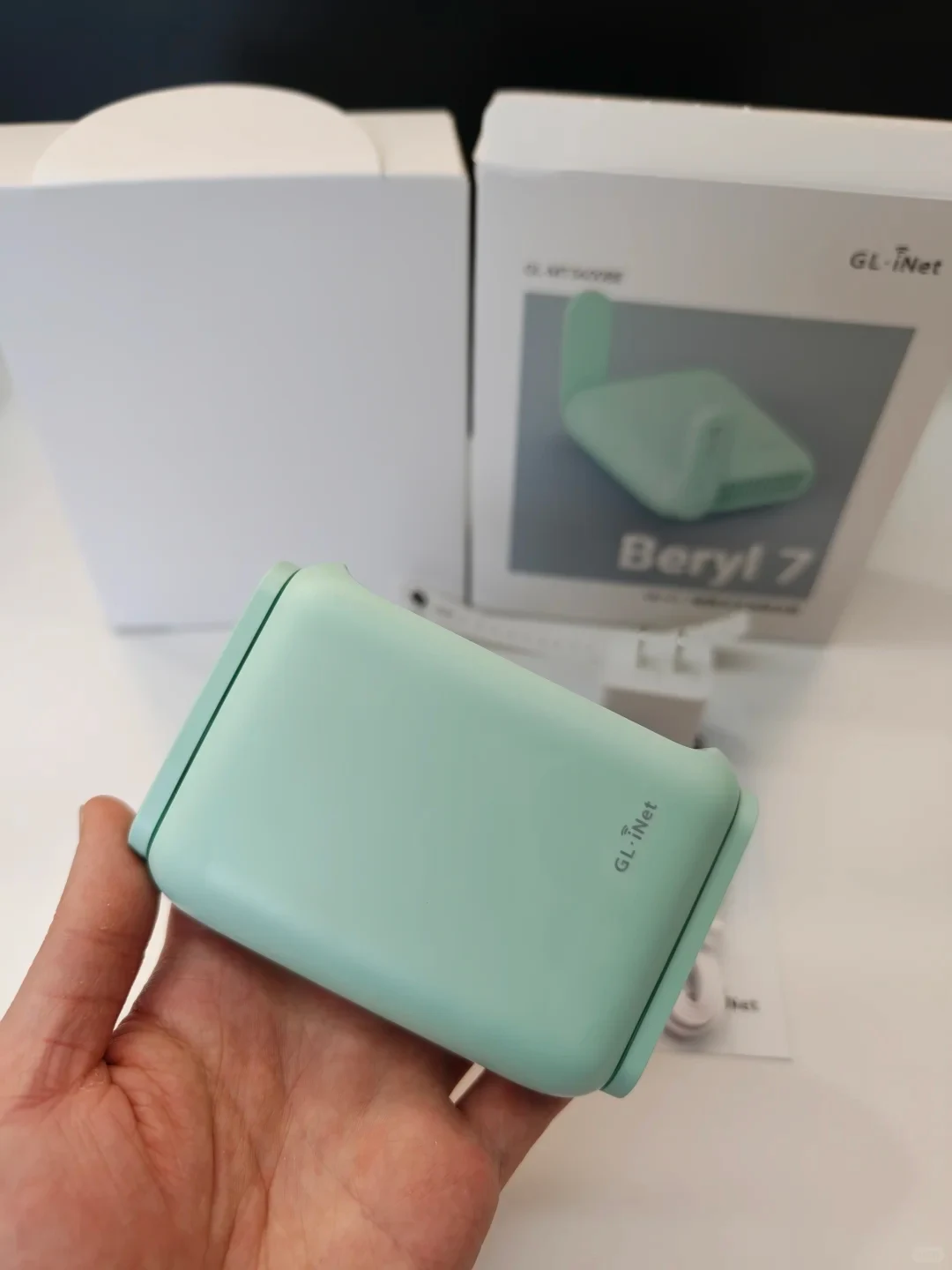
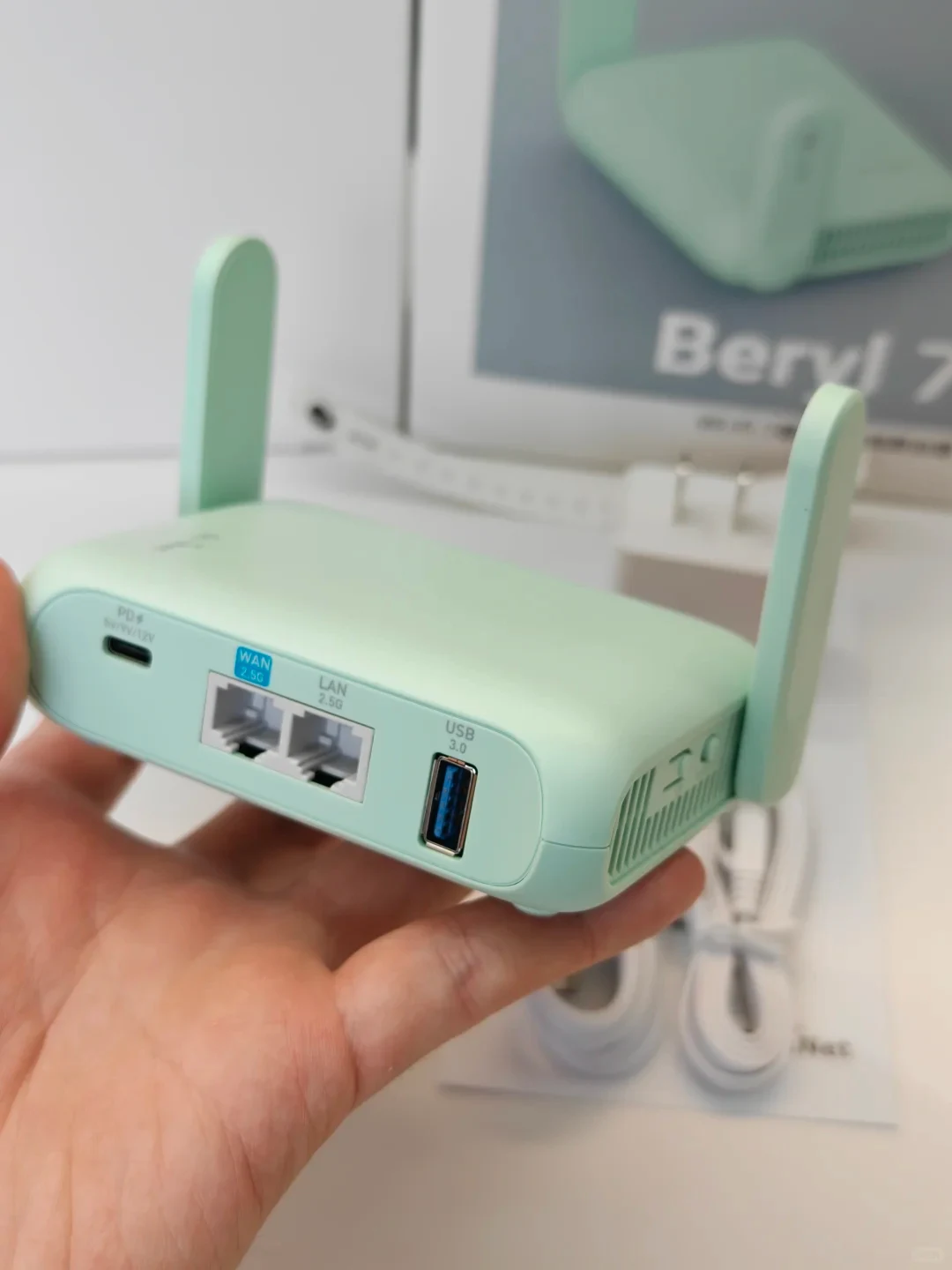
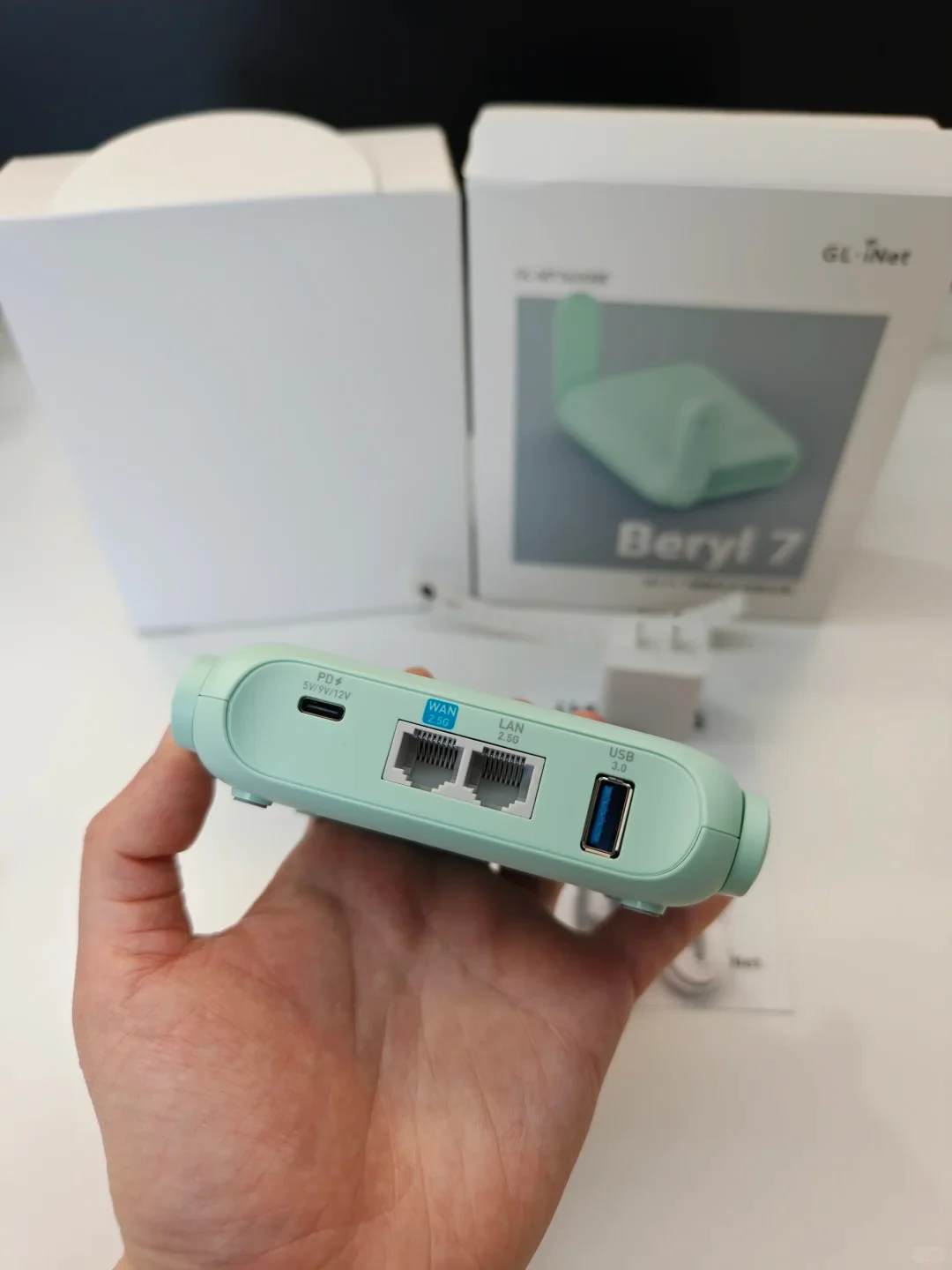
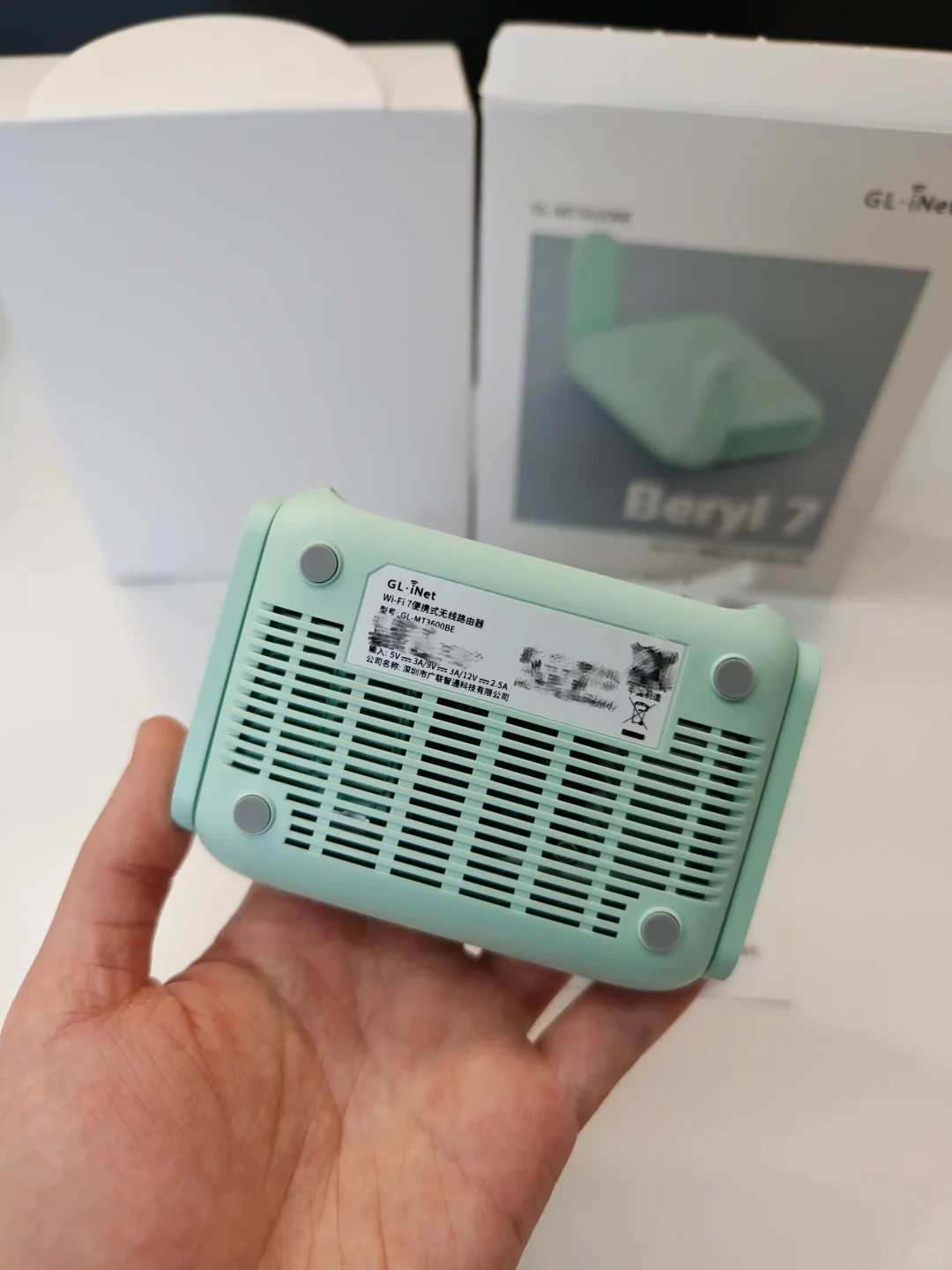
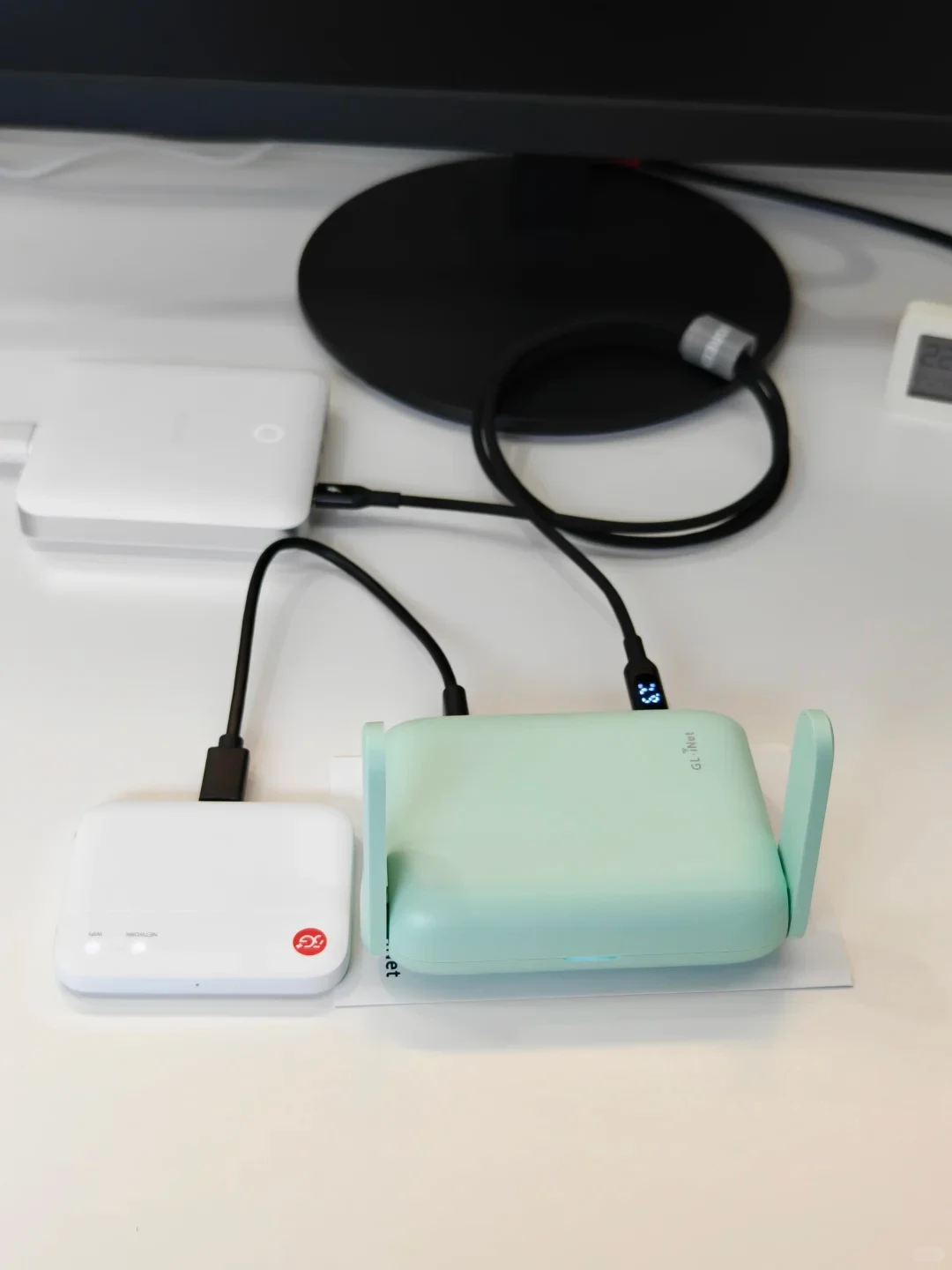
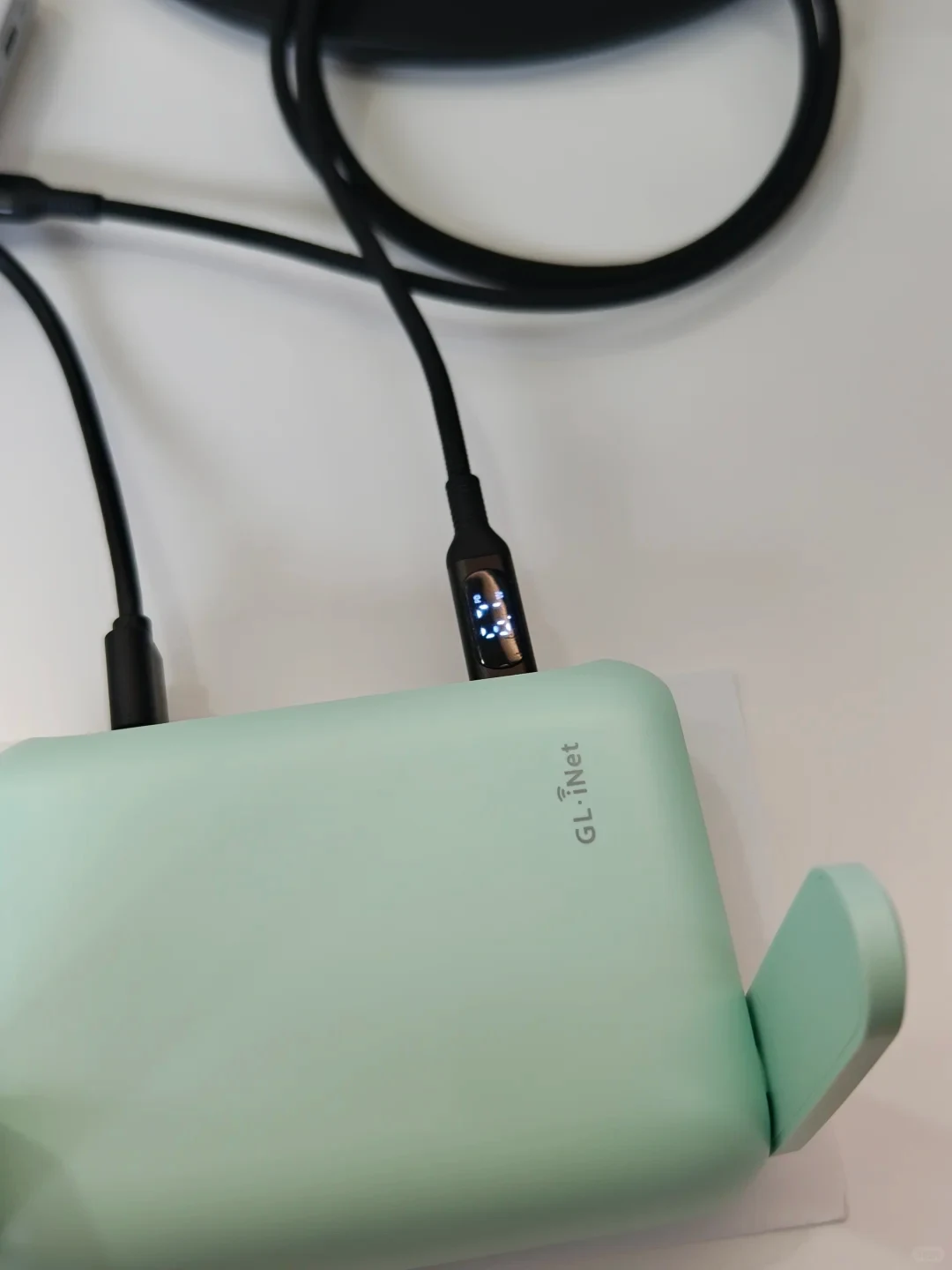
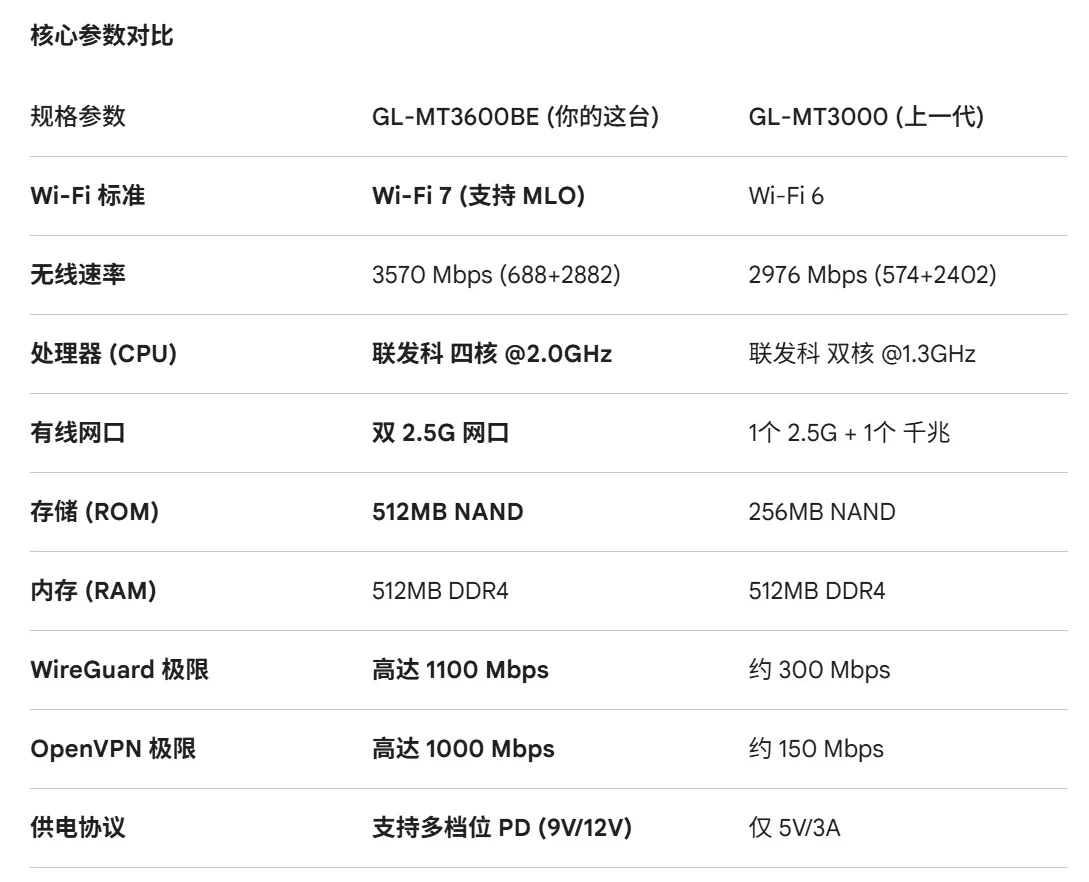
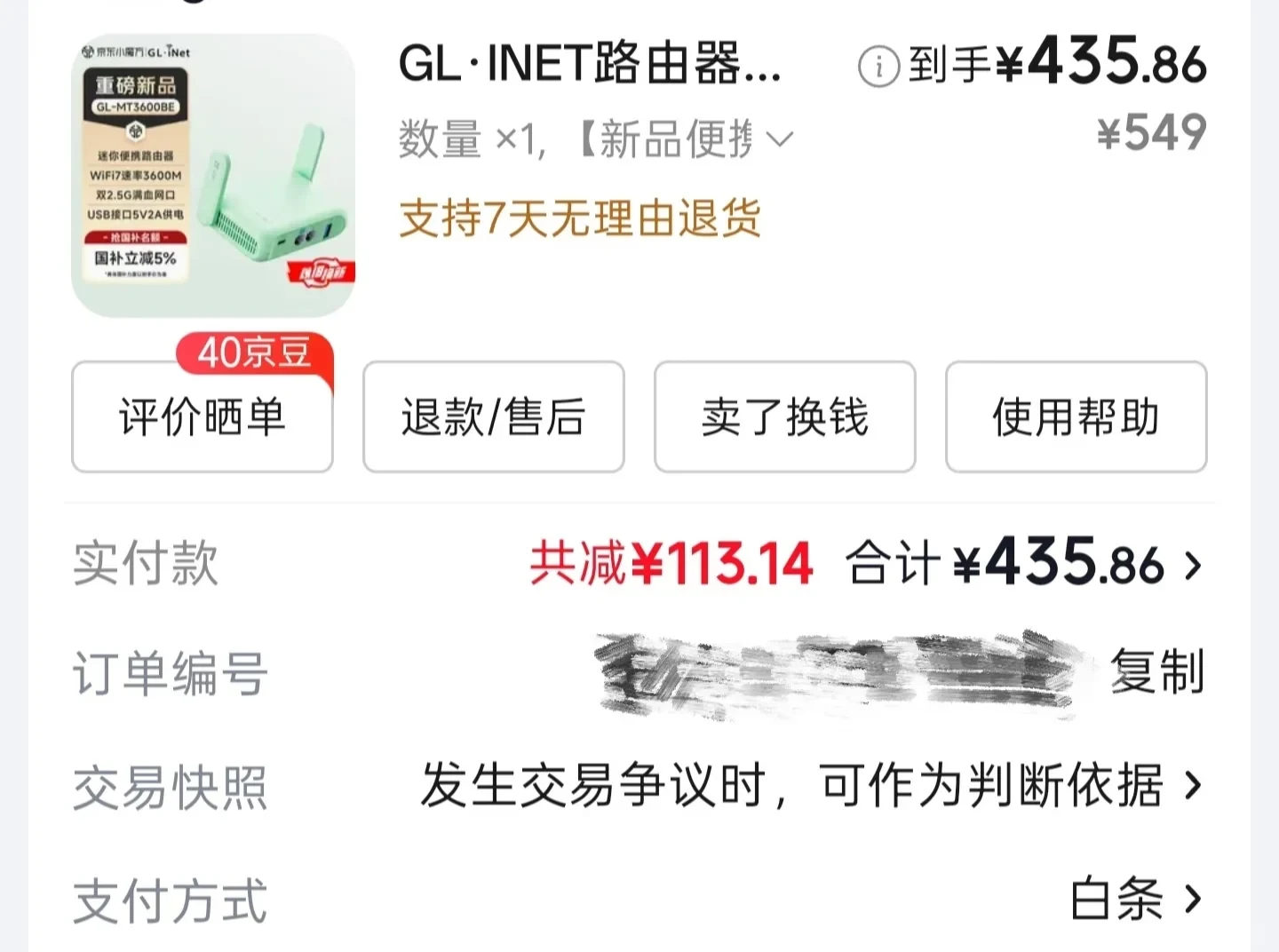
The router went on sale on December 1 last year. I left it in my cart for a long time, then ordered it during the March promotion, when a government subsidy was available. See P17 for the purchase price. I feel like no one could have bought it for less than I did.
My conclusion first: the F50 + MT3600BE combination may be the best portable-networking setup available right now.
The GL-MT3600BE (Beryl 7) replaces the GL-MT3000 (Beryl AX). They look to have the same exterior design and dimensions, differing only in color: the MT3000 is blue and the MT3600BE is green. But the hardware has had a major upgrade; see P17 for a detailed specification comparison.
- Performance: The chip has been upgraded from the dual-core 1.3 GHz MT7981B to the quad-core 2.0 GHz MT7987A. In the current CPU performance ranking from “Maodianfan,” the MT7987A is ranked 12th overall and third among MediaTek CPUs, behind only the MT7988A and MT7988DV.
- Capacity: Both memory and flash storage have doubled from 256 MB to 512 MB. Installing themes and plugins is easy.
- Network connections: Wi-Fi 7 and two 2.5G Ethernet ports. Wi-Fi 7’s MLO multi-link operation should be enough for years, and the two 2.5G ports can handle a NAS without a problem.
- USB port: As well as USB 3.0 data transfer, the USB-A port supplies 5 V/2 A, so it can power the F50 directly without modification.
- Power: The MT3000 supports only 5 V/3 A input, while the MT3600BE adds broader PD support, including 9 V and 12 V. When traveling, you can plug in a phone charger or power bank and use it. I measured total power consumption of about 7 W with the F50 connected (P15).
- Cooling: It has an aluminum heatsink with a nano-carbon coating and a turbo fan; you can set the temperature thresholds for the fan to start and stop. I had already modified the F50, adding a copper-graphene heatsink covered with graphene. With the F50 connected to the MT3600BE and its wireless function turned off, so it only received the 5G cellular signal, the F50 itself produced much less heat. That is one reason I think the F50 + MT3600BE combination is the best solution right now: it fully separates reception and transmission—the F50 receives the cellular signal, and the MT3600BE broadcasts Wi-Fi.
- Customization: The official firmware comes with OpenWrt and includes one-click LuCI installation. It’s very convenient; you can do what you like with it.
Of course, there is a drawback: the only limitation is the data allowance on the SIM card in the F50. My plan costs 29 yuan a month for 185 GB, and I exceeded it last month while using OpenClaw.
Source: OWLab · Xiaohongshu · 2026-04-05 · 开箱|GLiNET GL-MT3600BE软路由器. Search this Chinese title in Xiaohongshu to find the original post.
Before You Buy
Models in your region
The author used the GL.iNet Beryl 7 (GL-MT3600BE) with a ZTE F50 hotspot. GL.iNet identifies the Beryl 7 as GL-MT3600BE in the US, and its international documentation covers that same model; the hands-on results here apply to the author's particular F50-and-router setup.
| Model in this review | Related regional model | What to know |
|---|---|---|
| GL.iNet Beryl 7 (GL-MT3600BE) | GL.iNet Beryl 7 (GL-MT3600BE) (US) | The US model is the same GL-MT3600BE used by the author. GL.iNet lists two 2.5 GbE ports, USB-C PD power input, and USB 3.0 for tethering or storage; the author’s 7 W reading and F50 cooling result are specific to their setup. |
| GL.iNet Beryl 7 (GL-MT3600BE) | GL.iNet Beryl 7 (GL-MT3600BE) (International) | The international documentation covers the same model and lists USB tethering as an internet option, plus a power adapter with regional plug converters. The author’s power and temperature results are not manufacturer-guaranteed. |
- Model in this review
- GL.iNet Beryl 7 (GL-MT3600BE)
- Related regional model
- GL.iNet Beryl 7 (GL-MT3600BE) (US)
- What to know
- The US model is the same GL-MT3600BE used by the author. GL.iNet lists two 2.5 GbE ports, USB-C PD power input, and USB 3.0 for tethering or storage; the author’s 7 W reading and F50 cooling result are specific to their setup.
- Model in this review
- GL.iNet Beryl 7 (GL-MT3600BE)
- Related regional model
- GL.iNet Beryl 7 (GL-MT3600BE) (International)
- What to know
- The international documentation covers the same model and lists USB tethering as an internet option, plus a power adapter with regional plug converters. The author’s power and temperature results are not manufacturer-guaranteed.
Power the router and choose an internet connection
The Beryl 7 accepts USB-C PD power, and its USB 3.0 port can be used for tethering or storage. GL.iNet's international documentation also lists USB tethering as an internet connection option, so travelers can consider a tethered connection as well as a separate hotspot; the supplied evidence does not establish compatibility with every phone or tethering setup.
The author's USB-A power and roughly 7 W combined reading came from a Beryl 7 connected to a ZTE F50. That measurement is a result from this particular setup, not a guaranteed consumption figure for other adapters, networks, or devices.
Use the two Ethernet ports for wired devices
The US Beryl 7 has two 2.5 GbE ports, which gives a travel setup a wired connection option for equipment such as a NAS. GL.iNet lists 512 MB of RAM for both the Beryl AX and Beryl 7. Flash storage rises from 256 MB on the Beryl AX to 512 MB on the Beryl 7. The author describes the ports as suitable for a NAS, but does not report a measured transfer speed or a NAS test; actual performance will depend on the connected equipment and network.
Check the package and local power plug
The international Beryl 7 documentation lists a power adapter with regional plug converters. Check that the supplied plug arrangement suits your destination; the available evidence does not specify which converter is included in every market's package.
Budget for the hotspot's mobile data
A Beryl 7 and hotspot do not remove the hotspot's cellular-data limit. In this author's setup, the F50's SIM allowance was the stated constraint, and the author's own plan was exceeded during a month of OpenClaw use. Check the allowance and terms for the SIM plan you intend to use; the source's plan and usage are specific to that author.
Related Reading

Reviews & Guides · Computing & Networking
TP-Link Deco X55 in a two-storey Australian home: Wi-Fi across 300 m²
I installed two TP-Link Deco X55 units in my 300 m², two-storey home; bedrooms that often lost Wi-Fi now had a signal throughout the house.
Reviews & Guides · Computing & Networking
TP-Link Deco X55: DNS pauses stopped for six days in access-point mode
I switched my Deco X55 to access-point mode and restored my older router to the front of the network. The DNS-like pauses stayed away for six days.
Reviews & Guides · Computing & Networking
TP-Link Deco X55 after nearly a year: six units, Teams and gaming
I’ve used six TP-Link Deco X55 units for nearly a year, including daily Teams calls and online gaming; I’ve had only one or two connectivity issues.