
Reviews & Guides · Computing & Networking
GL.iNet Beryl 7 with an F50: stock USB tethering
Reviewed: GL.iNet GL-MT3600BERegional reference: GL.iNet Beryl 7 (GL-MT3600BE) (US)
I used my GL.iNet Beryl 7 with an F50 hotspot over USB. I saw no interference between 5 GHz Wi-Fi and USB 3.0, though tethering speed was limited in my setup.
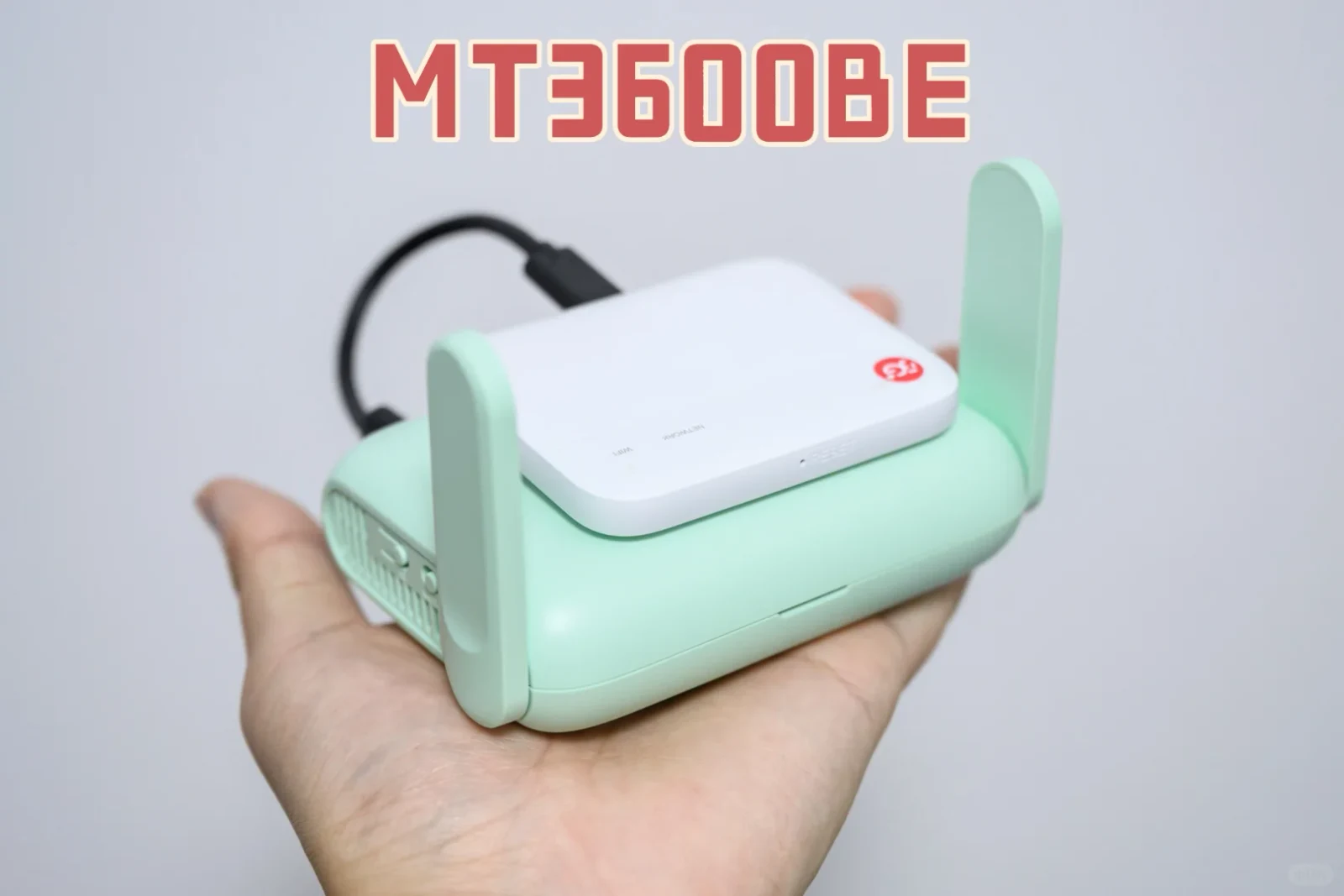
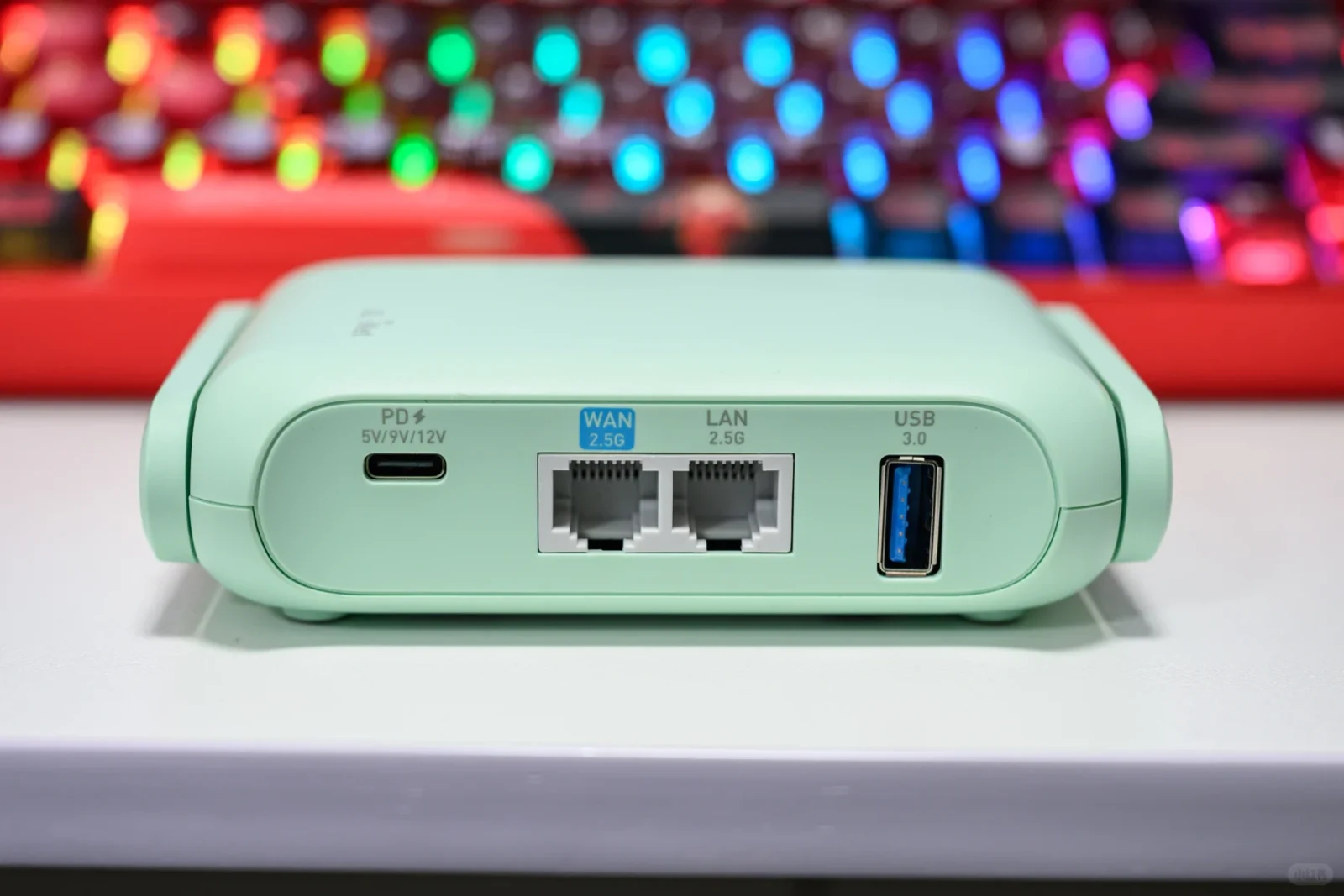
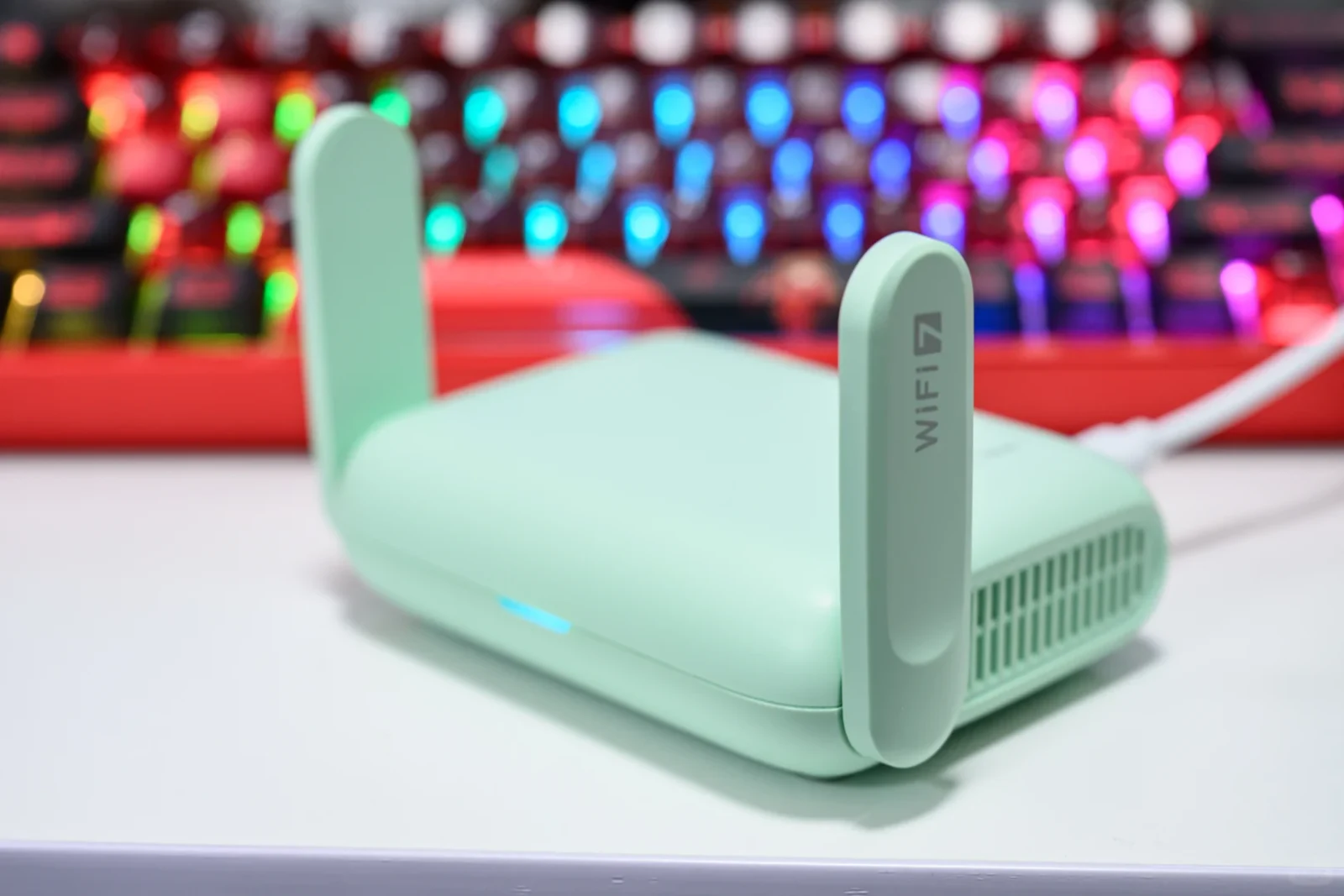
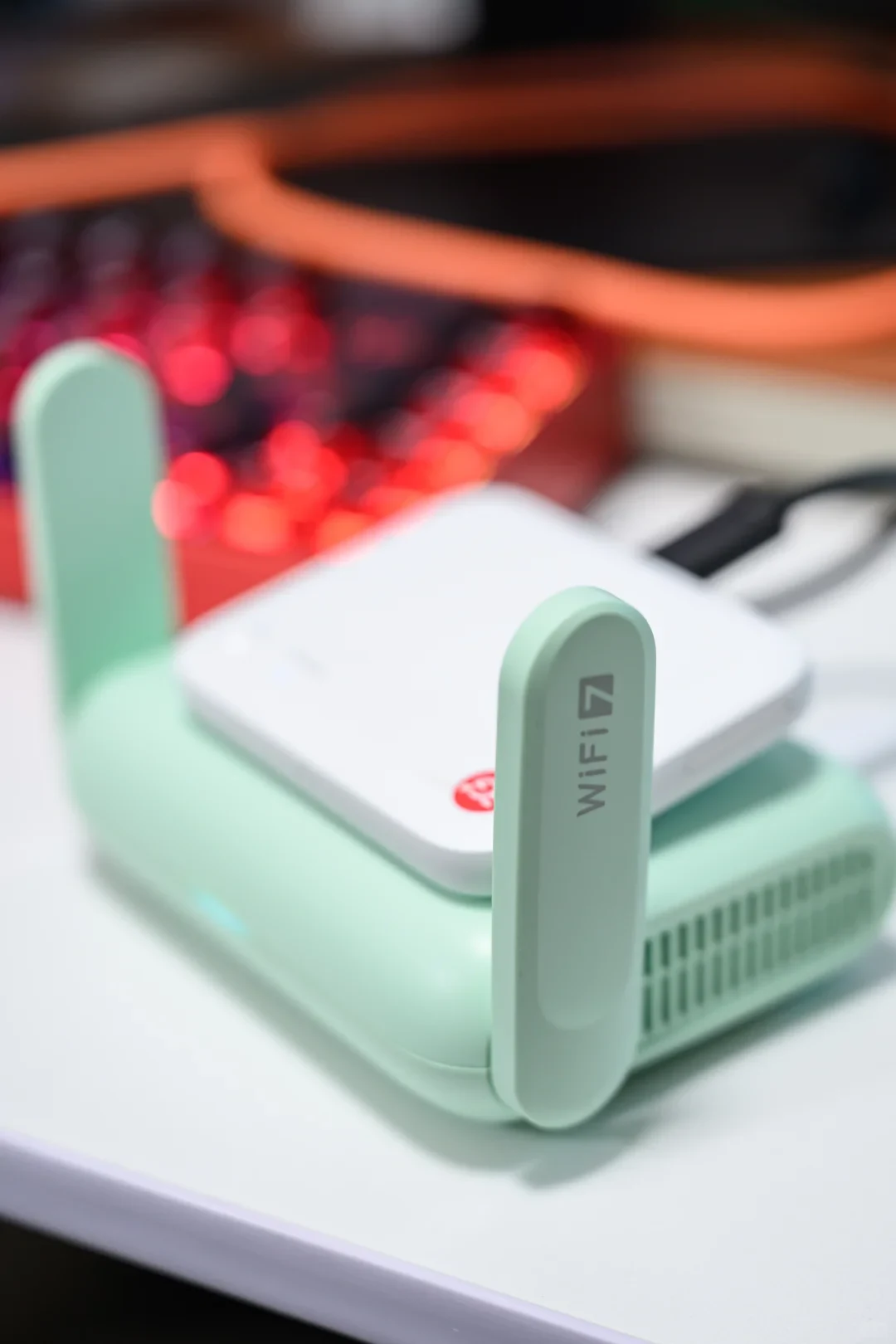
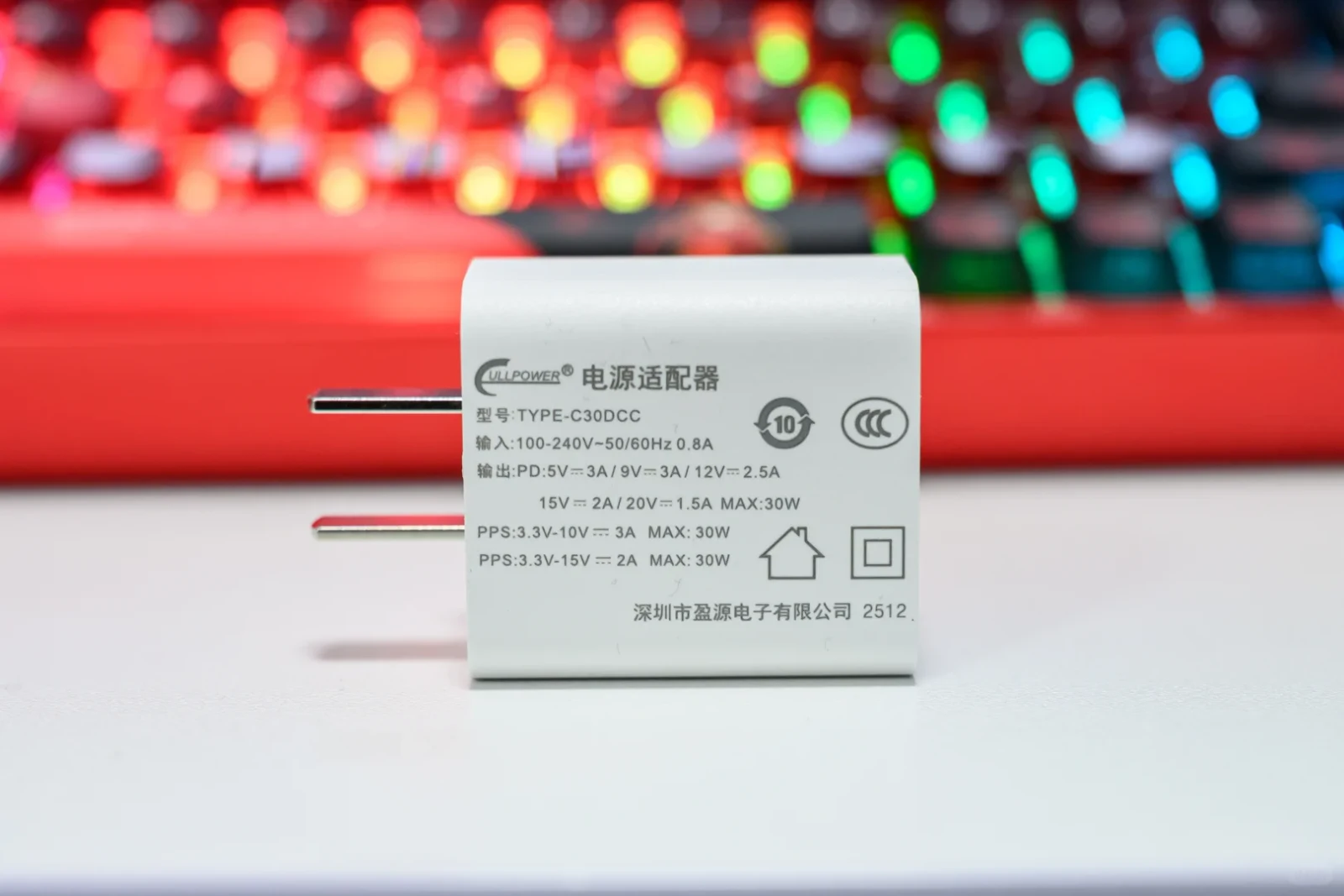
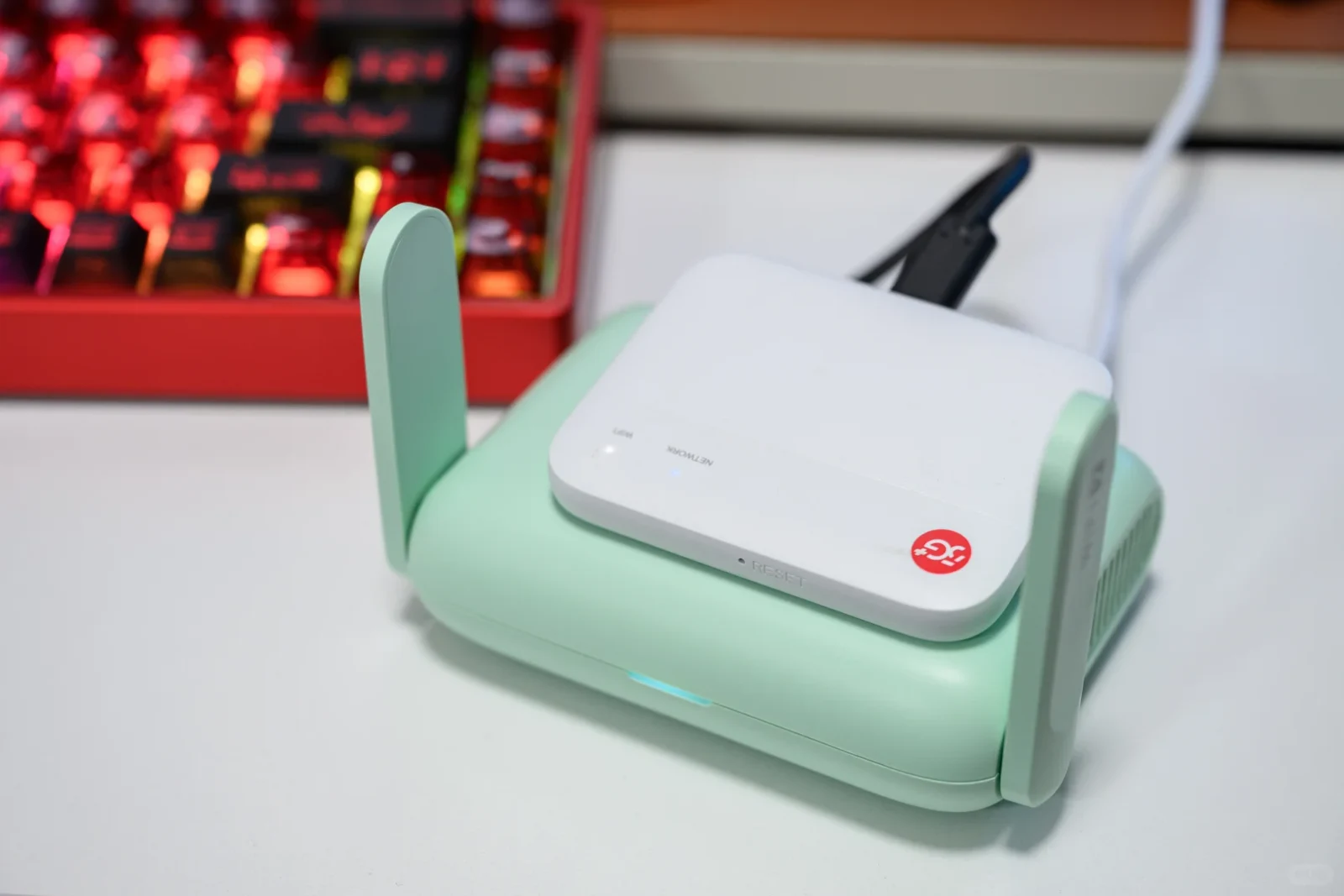
The GL.iNet MT3600BE has been in my hands for a while. This router has several optimizations for connecting to a 5G mobile Wi-Fi device. Its power adapter provides up to 30 W of input, and the input supports PD; the USB-A port supplies up to 10 W. It connects to the F50 easily as a CPE, and so far I haven’t noticed interference between the 5 GHz band and USB 3.0. Apart from the somewhat high price, I haven’t found much to complain about. One small drawback is that the factory firmware limits the USB-A port’s speed when it connects to a mobile Wi-Fi device, so the F50 connection tops out at 370+ in my setup. To get past that limit, you have to use an Ethernet adapter or flash OpenWrt.
Source: 帅气逼人泰 · Xiaohongshu · 2025-12-25 · 目前最强便携路由器MT3600BE. Search this Chinese title in Xiaohongshu to find the original post.
Before You Buy
Models in your region
The source account calls the router MT3600BE; GL.iNet identifies the US Beryl 7 as GL-MT3600BE, so the regional product is the same model. The owner’s tethering experience is specific to an F50 connection and the router’s factory firmware; the account does not establish the F50’s exact model or the conditions behind the 370+ speed figure.
| Model in this review | Related regional model | What to know |
|---|---|---|
| GL.iNet MT3600BE (GL-MT3600BE) | GL.iNet Beryl 7 (GL-MT3600BE) (US) | The US Beryl 7 is the same GL-MT3600BE model. It has USB-C PD power input, a USB 3.0 port for tethering or storage, and two 2.5 GbE ports; the owner’s reported 370+ ceiling applies to USB-A tethering with an F50 on factory firmware. |
- Model in this review
- GL.iNet MT3600BE (GL-MT3600BE)
- Related regional model
- GL.iNet Beryl 7 (GL-MT3600BE) (US)
- What to know
- The US Beryl 7 is the same GL-MT3600BE model. It has USB-C PD power input, a USB 3.0 port for tethering or storage, and two 2.5 GbE ports; the owner’s reported 370+ ceiling applies to USB-A tethering with an F50 on factory firmware.
USB tethering and the reported speed ceiling
The US Beryl 7 lists a USB 3.0 port for tethering or storage, and GL.iNet’s documentation describes USB tethering as an internet connection option. The owner instead reports connecting an F50 through the USB-A port and reaching only 370+ in that factory-firmware setup. The account does not specify the speed unit or test conditions, so that figure is not a general performance benchmark.
GL.iNet Beryl 7 (GL-MT3600BE) · International
The owner says Ethernet conversion or flashing OpenWrt would be needed to get past the USB-A limit; the account does not say either workaround was tried or that it resolved the speed ceiling. Buyers who need higher tethering throughput should verify compatibility and performance with their own mobile Wi-Fi device and firmware before relying on this setup.
Power and port options
The US model has USB-C PD power input, two 2.5 GbE ports, and a USB 3.0 port, according to GL.iNet. The owner describes a 30 W PD power adapter and up to 10 W of USB-A output in the tested setup; those personal-use details are not listed in the supplied US product-page excerpt, so confirm the adapter and output requirements for the unit being purchased.
GL.iNet’s documentation lists regional plug converters with the power adapter. Check the included plug and power arrangements for your market, since the available documentation does not confirm that every regional package has the same accessories.
Interference and what the experience establishes
The owner noticed no interference between 5 GHz Wi-Fi and USB 3.0 while connecting the F50, but this is an observation from that setup, not a guarantee across devices or locations. GL.iNet’s documentation does not guarantee the owner’s temperature, power, or tethering results.
Related Reading

Reviews & Guides · Computing & Networking
TP-Link Deco X55 in a two-storey Australian home: Wi-Fi across 300 m²
I installed two TP-Link Deco X55 units in my 300 m², two-storey home; bedrooms that often lost Wi-Fi now had a signal throughout the house.
Reviews & Guides · Computing & Networking
TP-Link Deco X55: DNS pauses stopped for six days in access-point mode
I switched my Deco X55 to access-point mode and restored my older router to the front of the network. The DNS-like pauses stayed away for six days.
Reviews & Guides · Computing & Networking
TP-Link Deco X55 after nearly a year: six units, Teams and gaming
I’ve used six TP-Link Deco X55 units for nearly a year, including daily Teams calls and online gaming; I’ve had only one or two connectivity issues.