
Reviews & Guides · Computing & Networking
Kensington SD5780T: a Mac photo workflow with one-cable docking
Reviewed: Kensington SD5780TRegional reference: Kensington SD5780T (K33040NA) (US)
I use the Kensington SD5780T to connect my Mac workflow for card imports, two backups, editing on an external display and archiving.

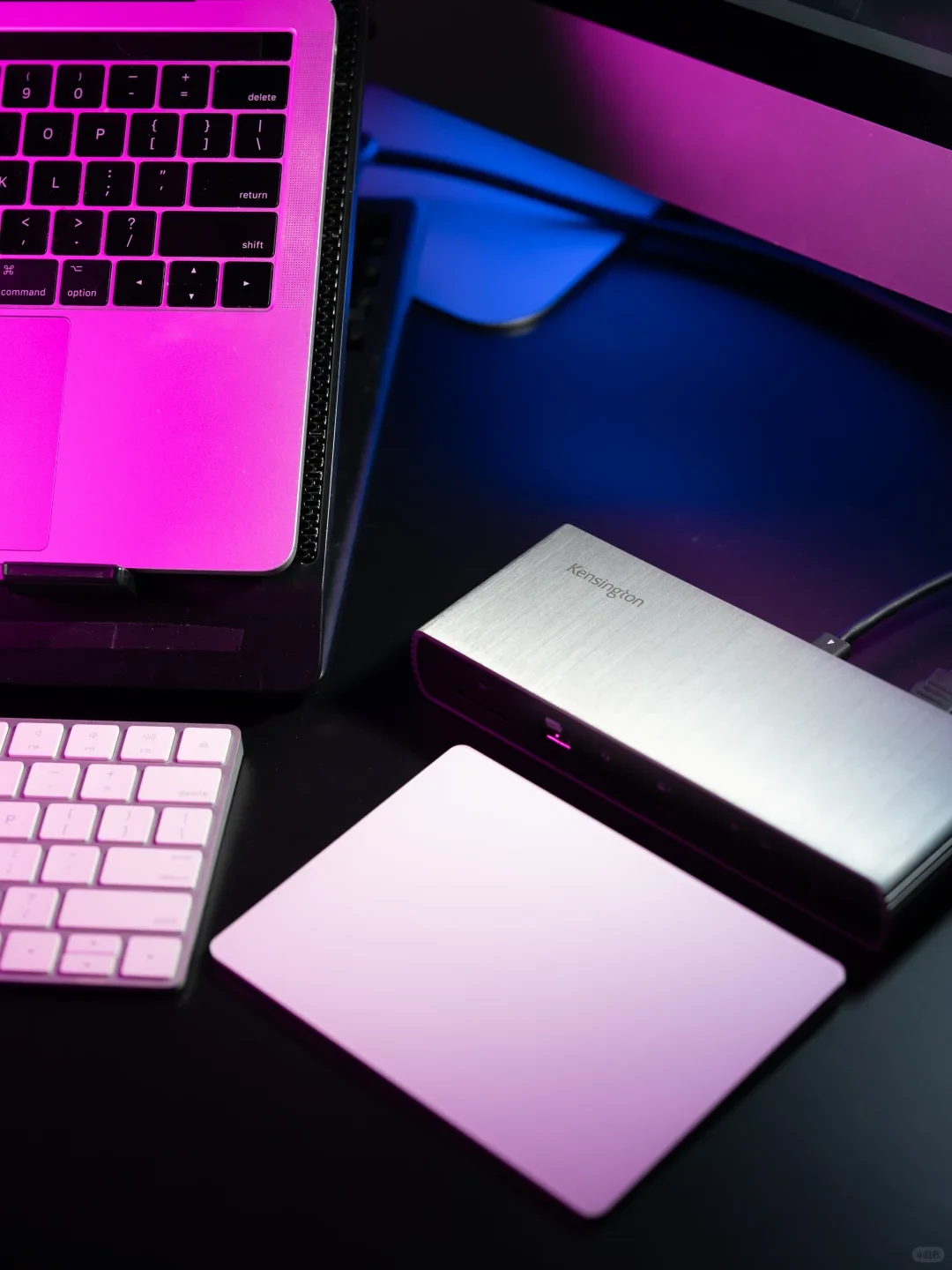
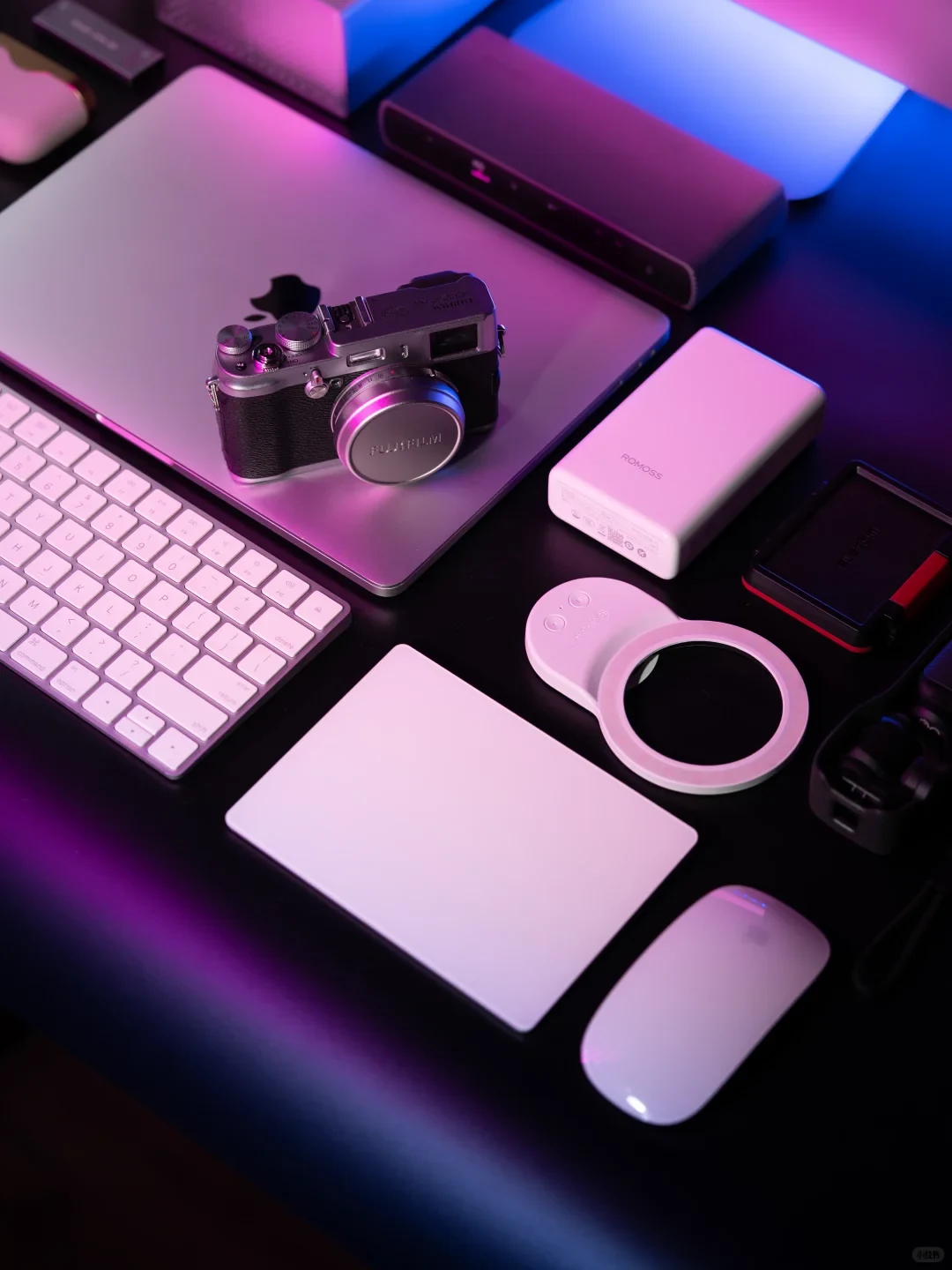
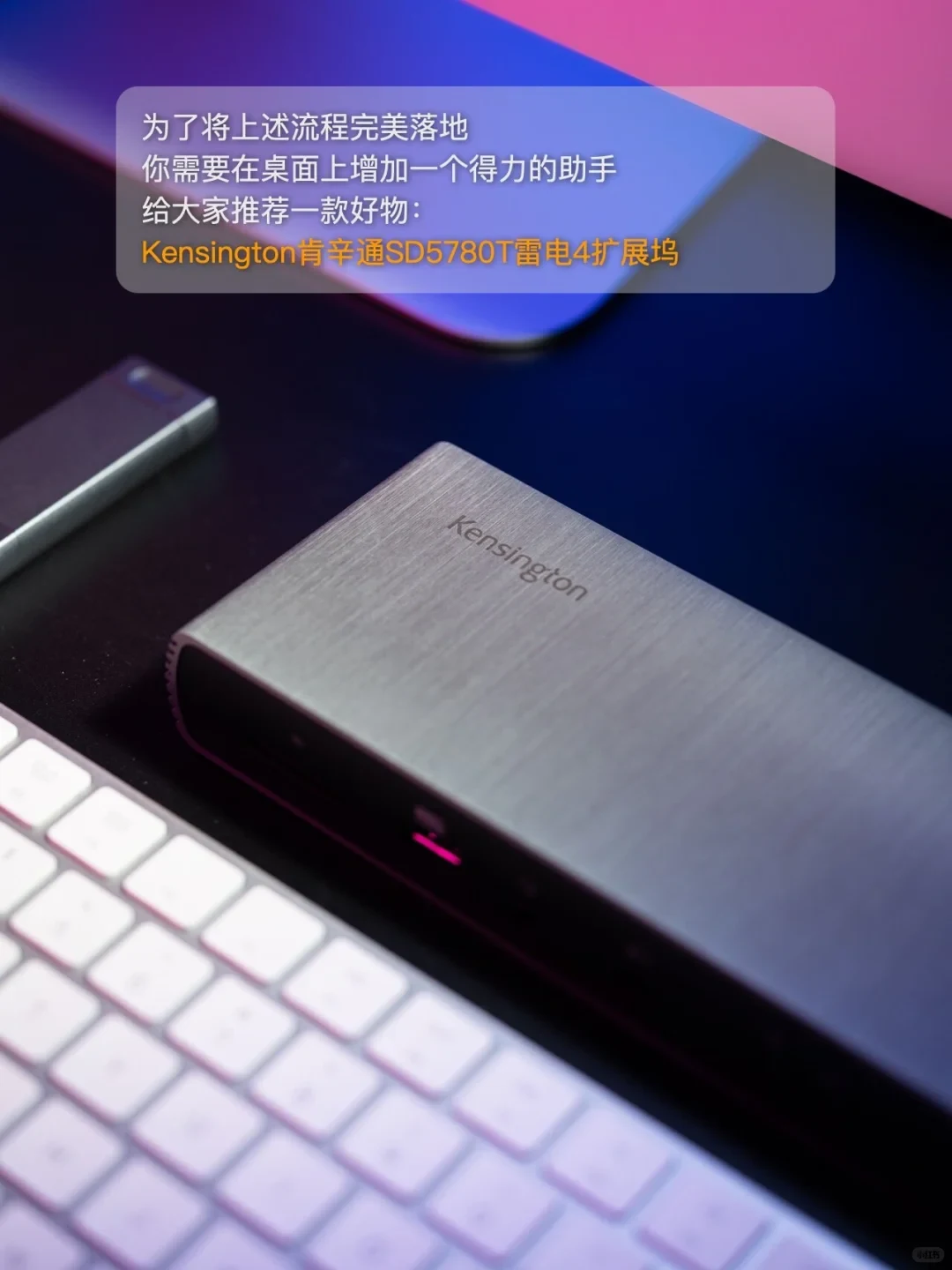
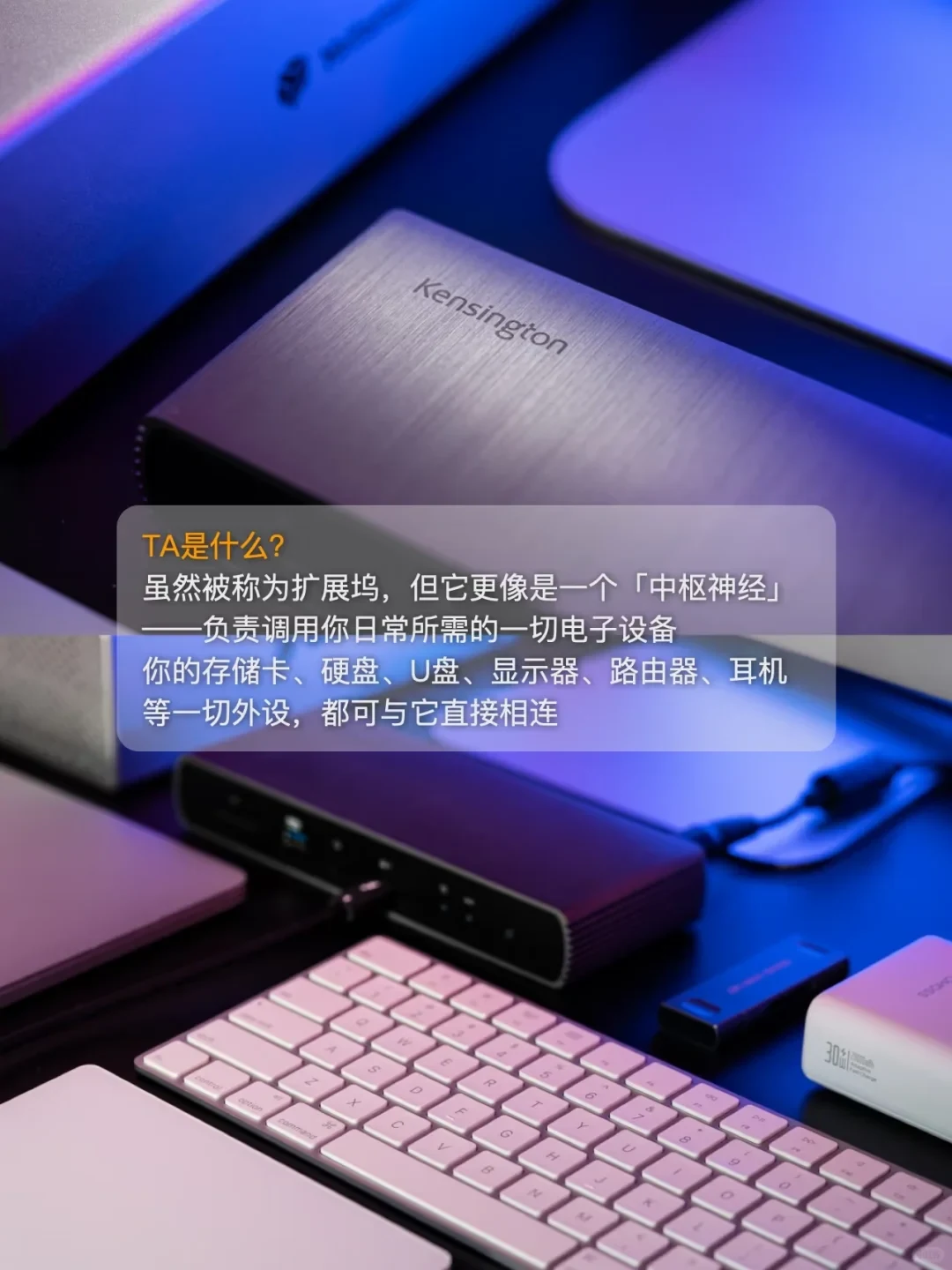
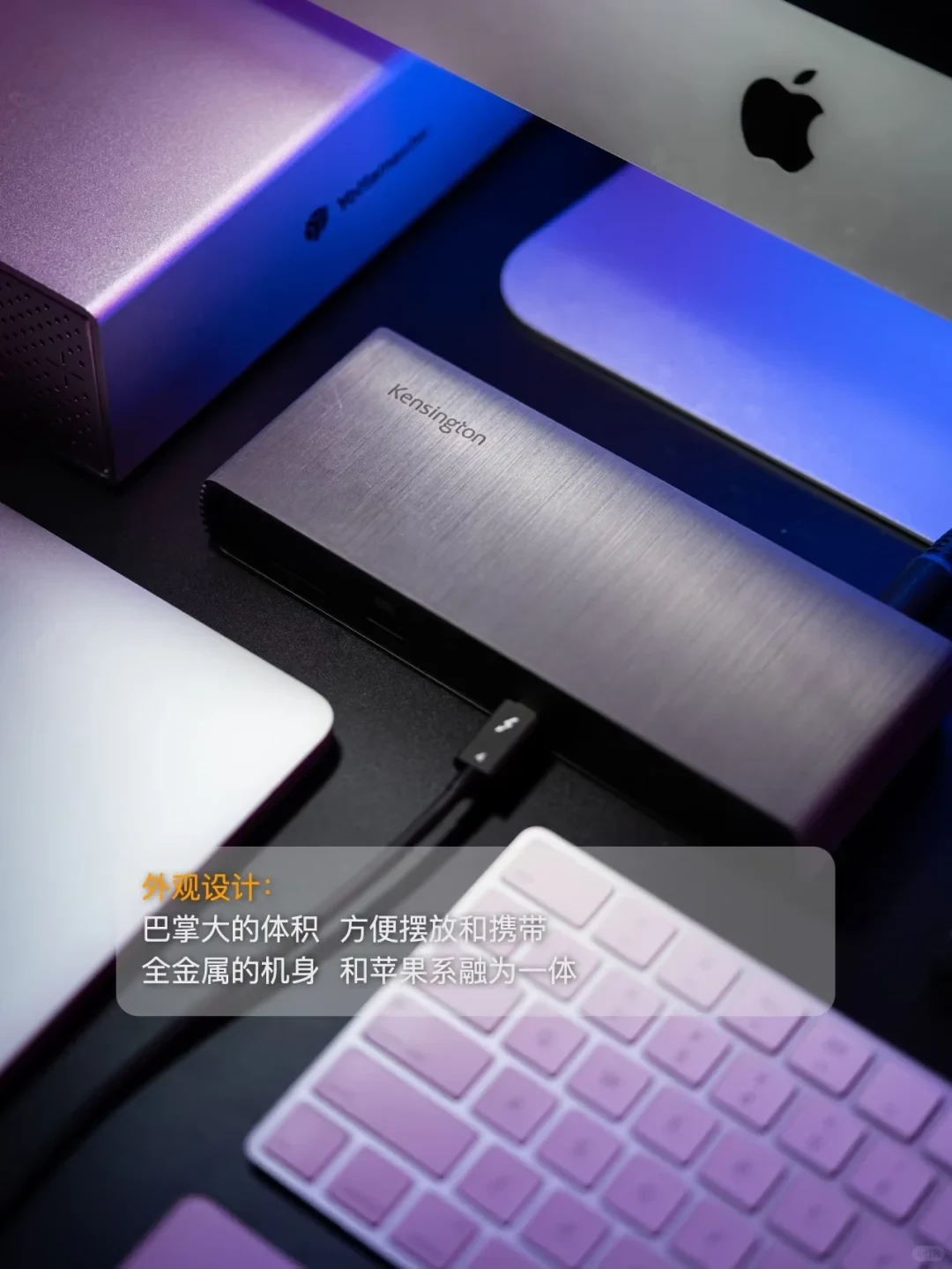
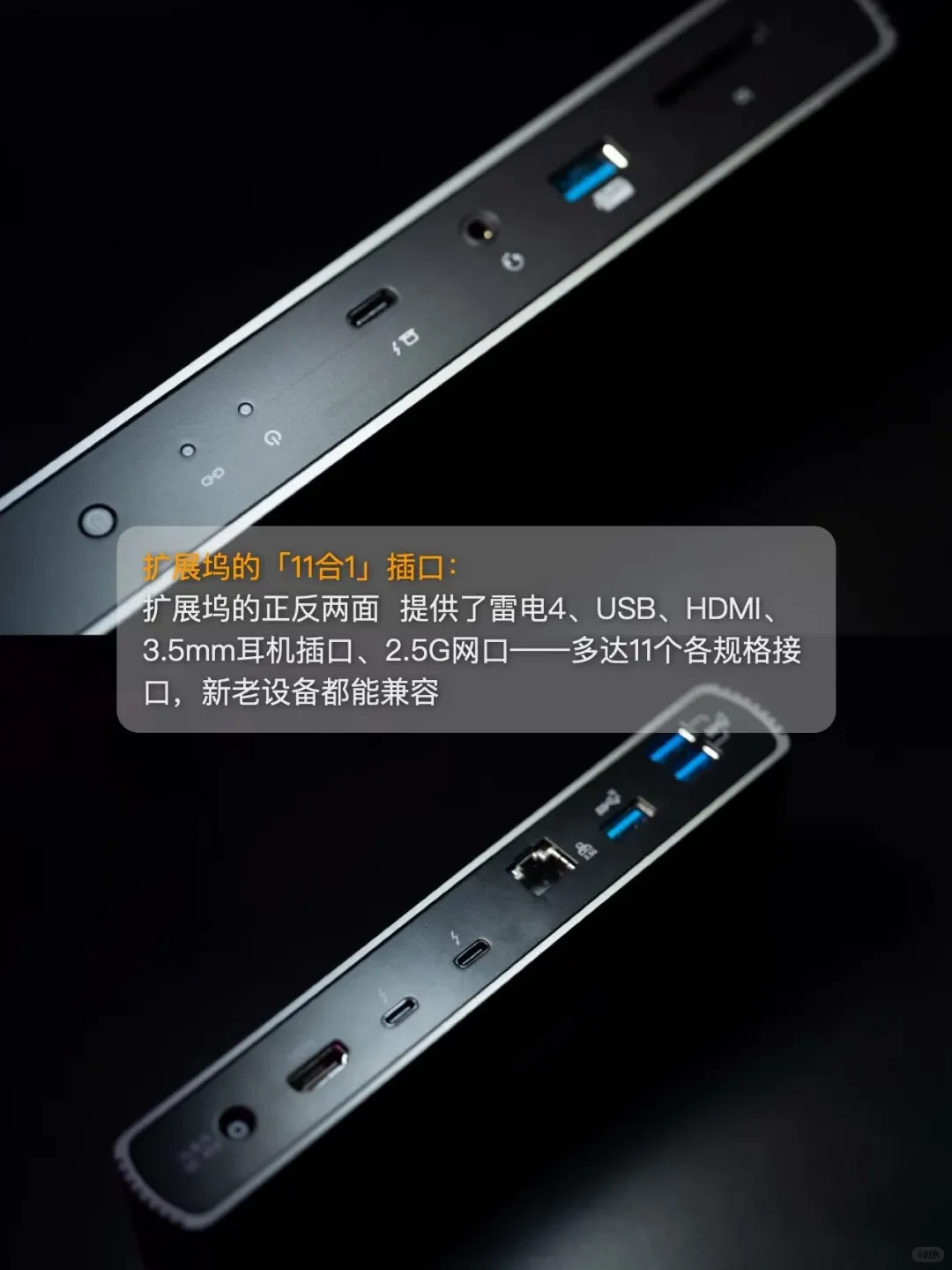
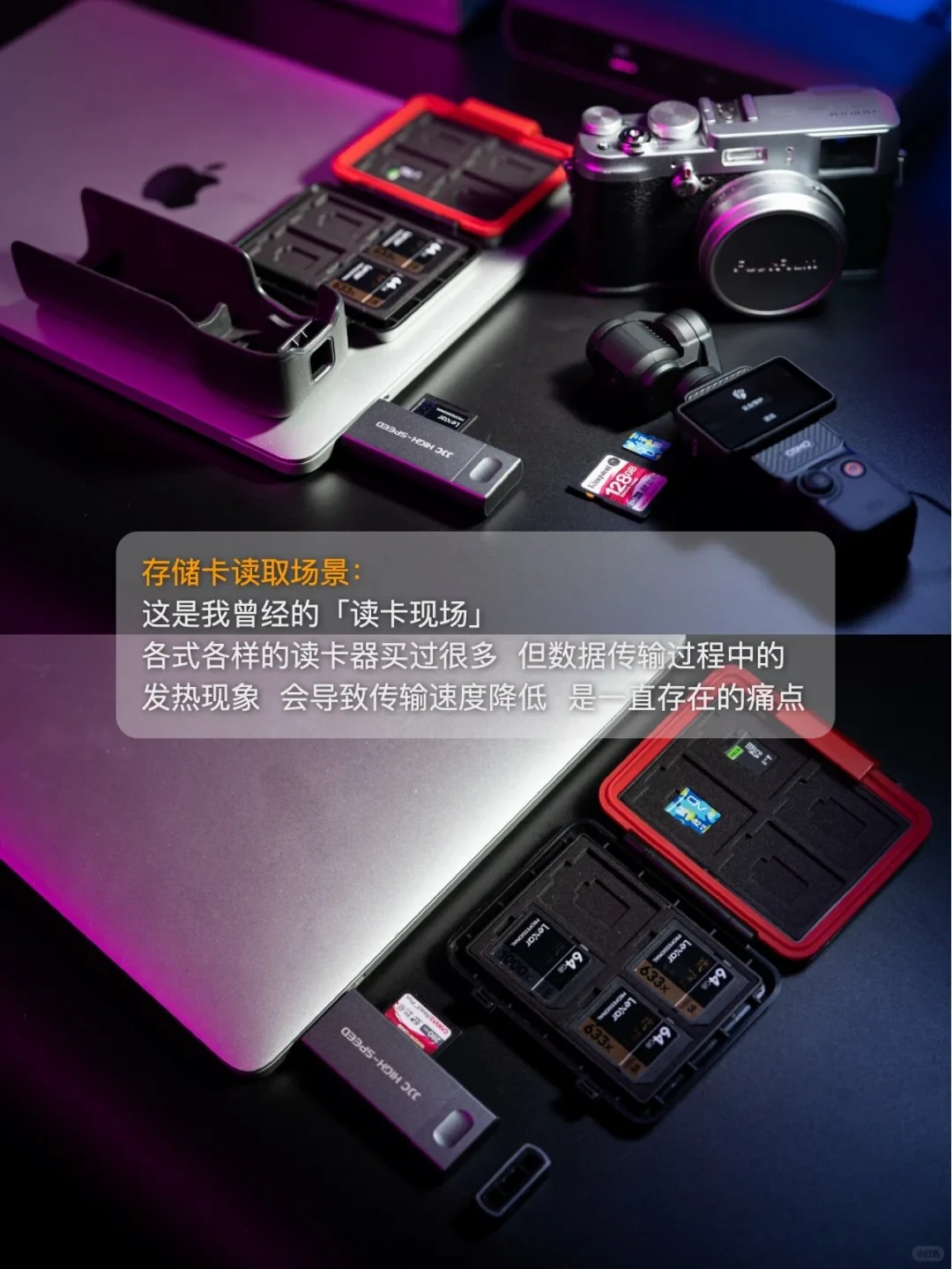
It has been a year since I started this account. Because I focus on photography, I generate a huge amount of photo and video material in everyday work—often hundreds of gigabytes to transfer, process and store. Over the past year, I have published more than 200 pieces of content and gradually worked out a workflow and equipment setup that suit me.
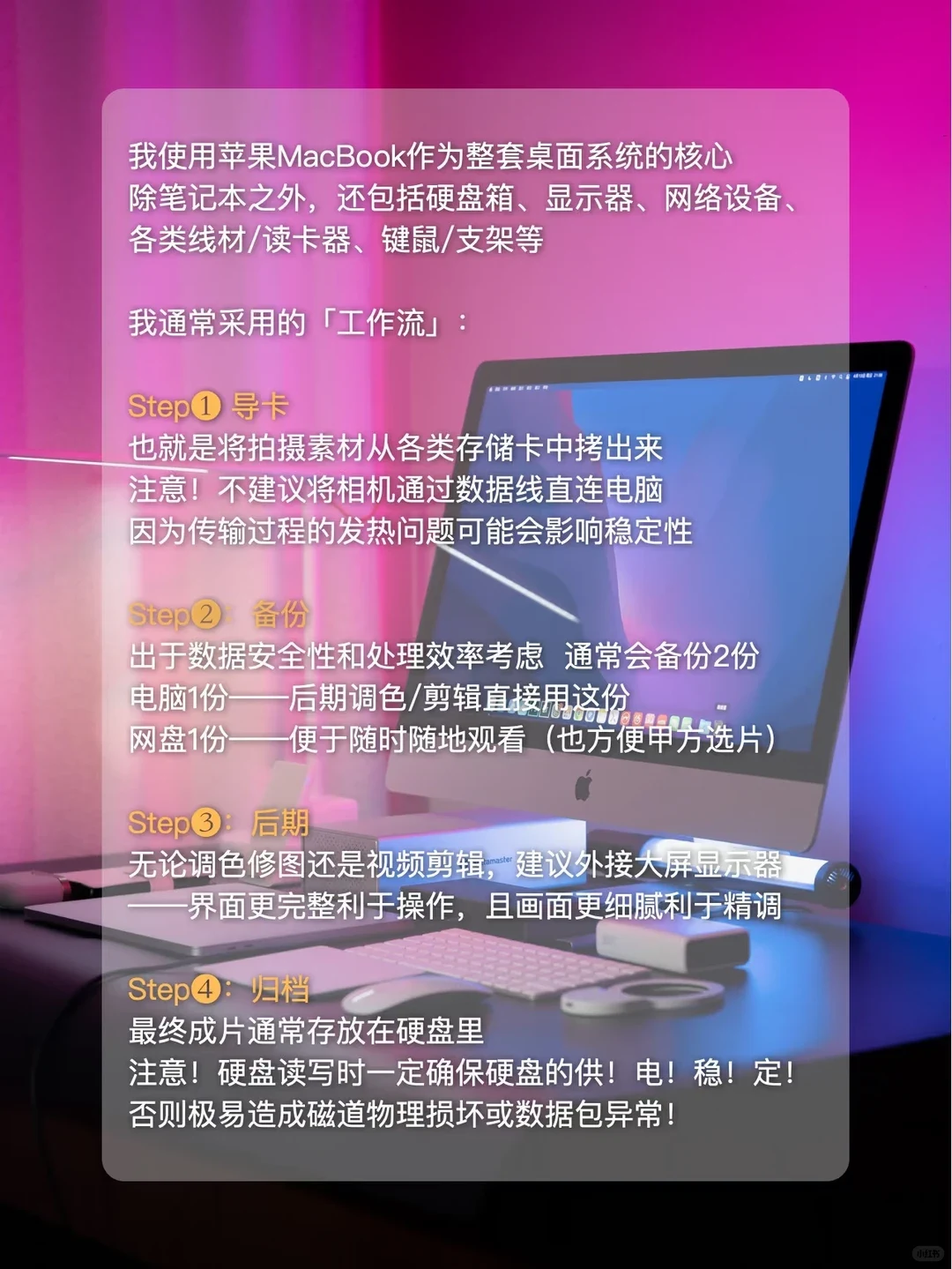
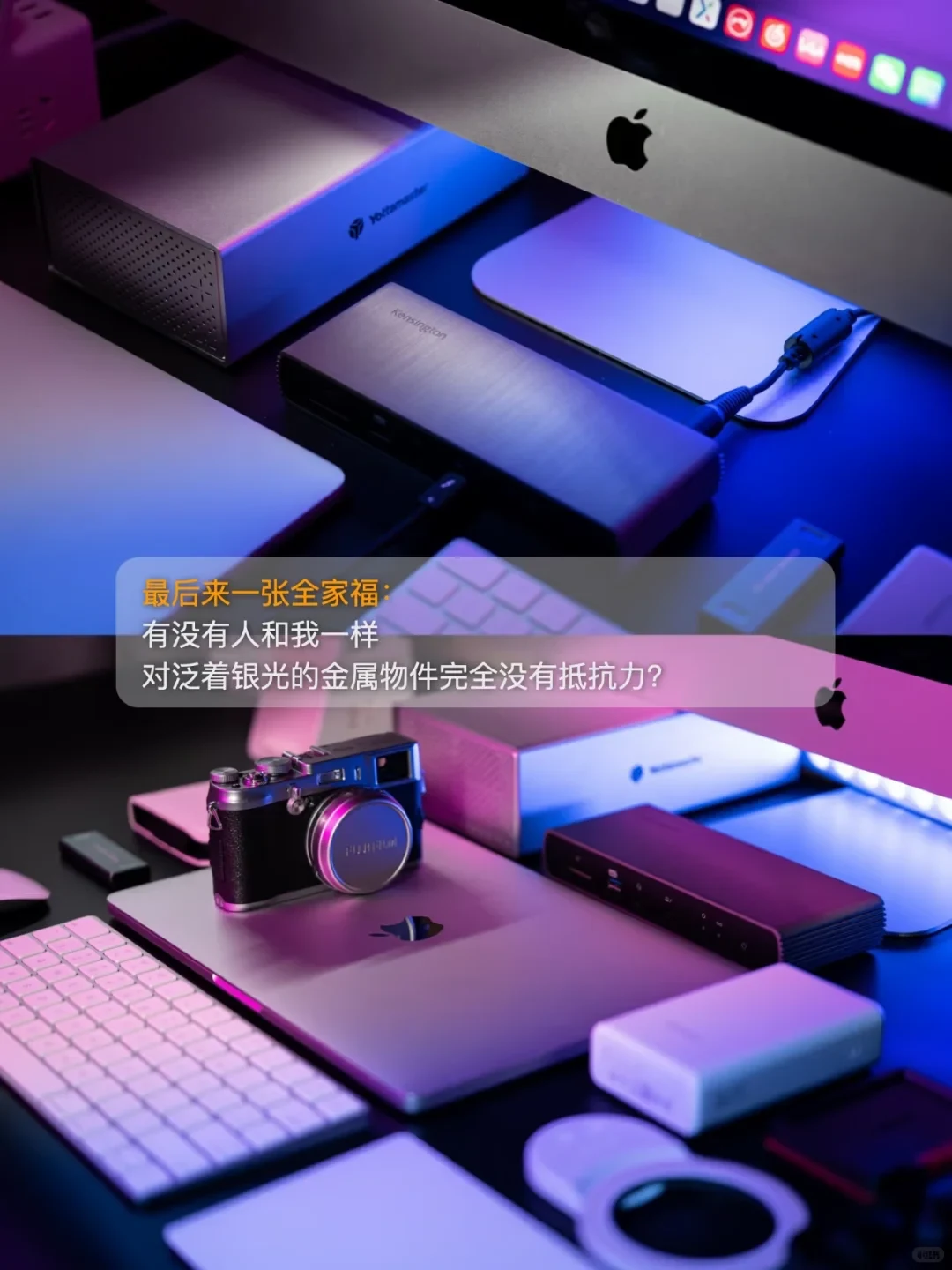
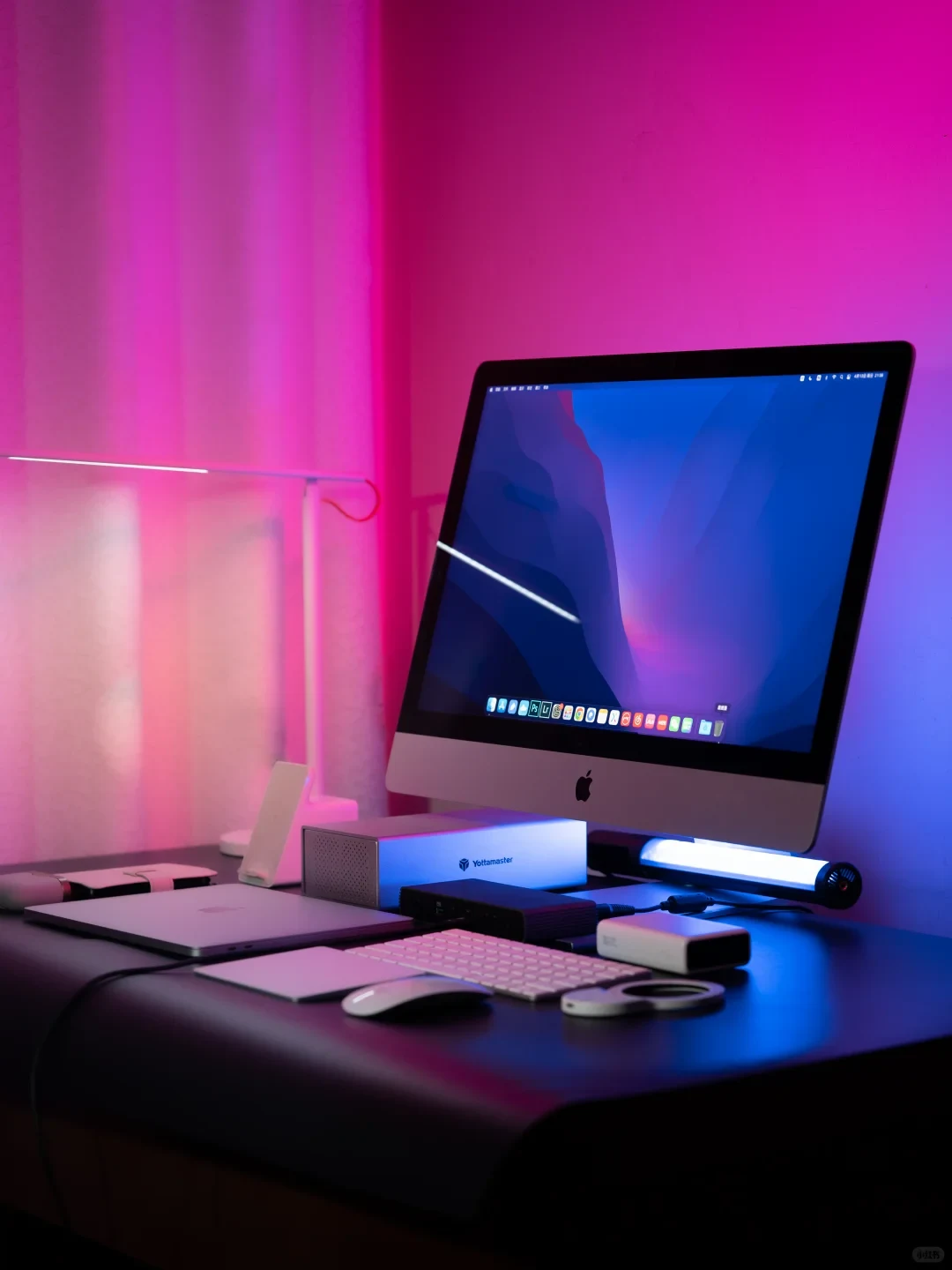
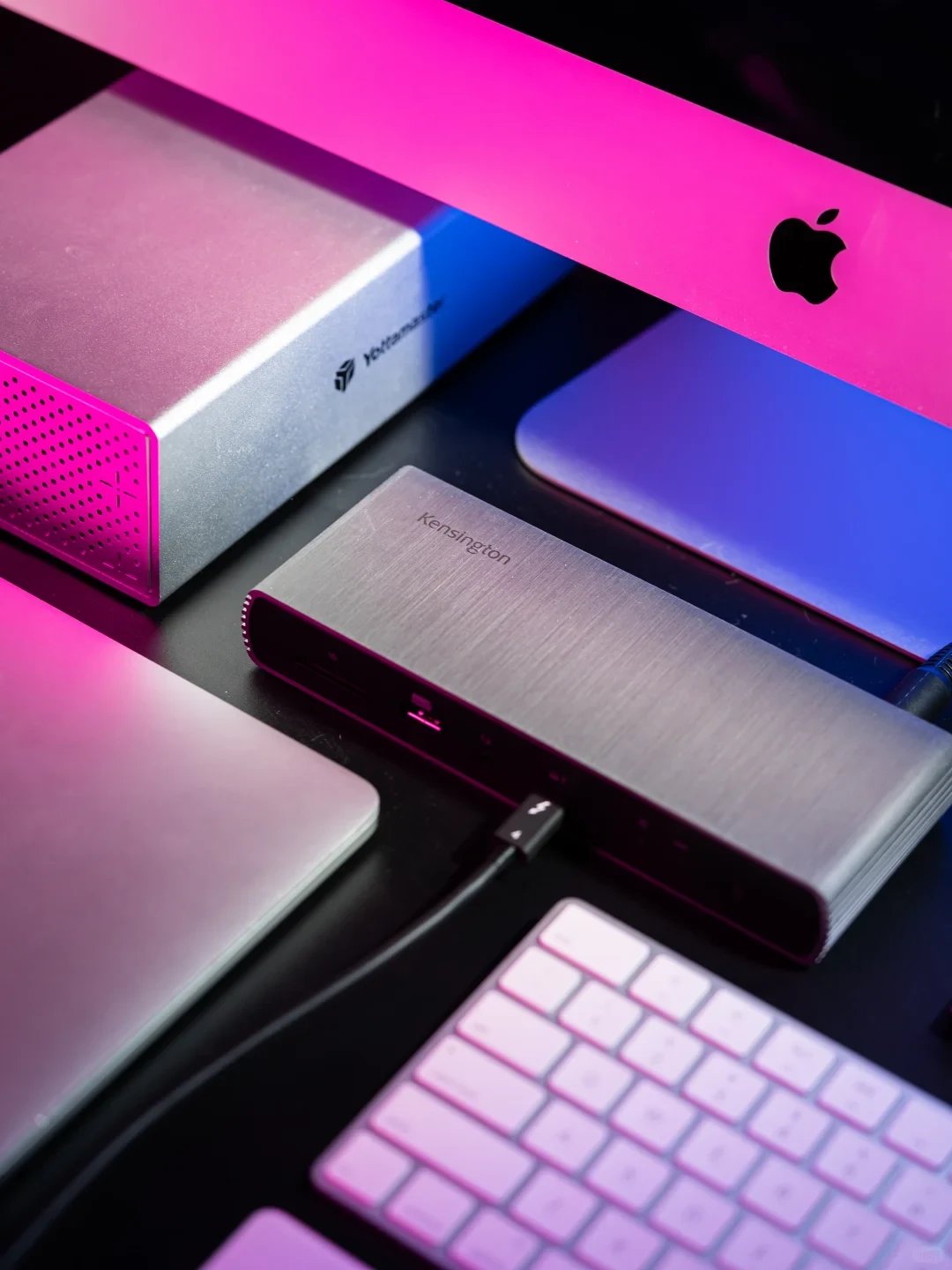
My Apple Mac is the core of my desktop setup, alongside a drive enclosure, monitor, network equipment, cables, card readers, keyboard, mouse and stands. My workflow is roughly as follows:
Step 1: Import cards
I copy camera footage from SD, CFA, TF and other memory cards.
Step 2: Back up
For data safety and more efficient processing, I usually make two backups.
Step 3: Post-production
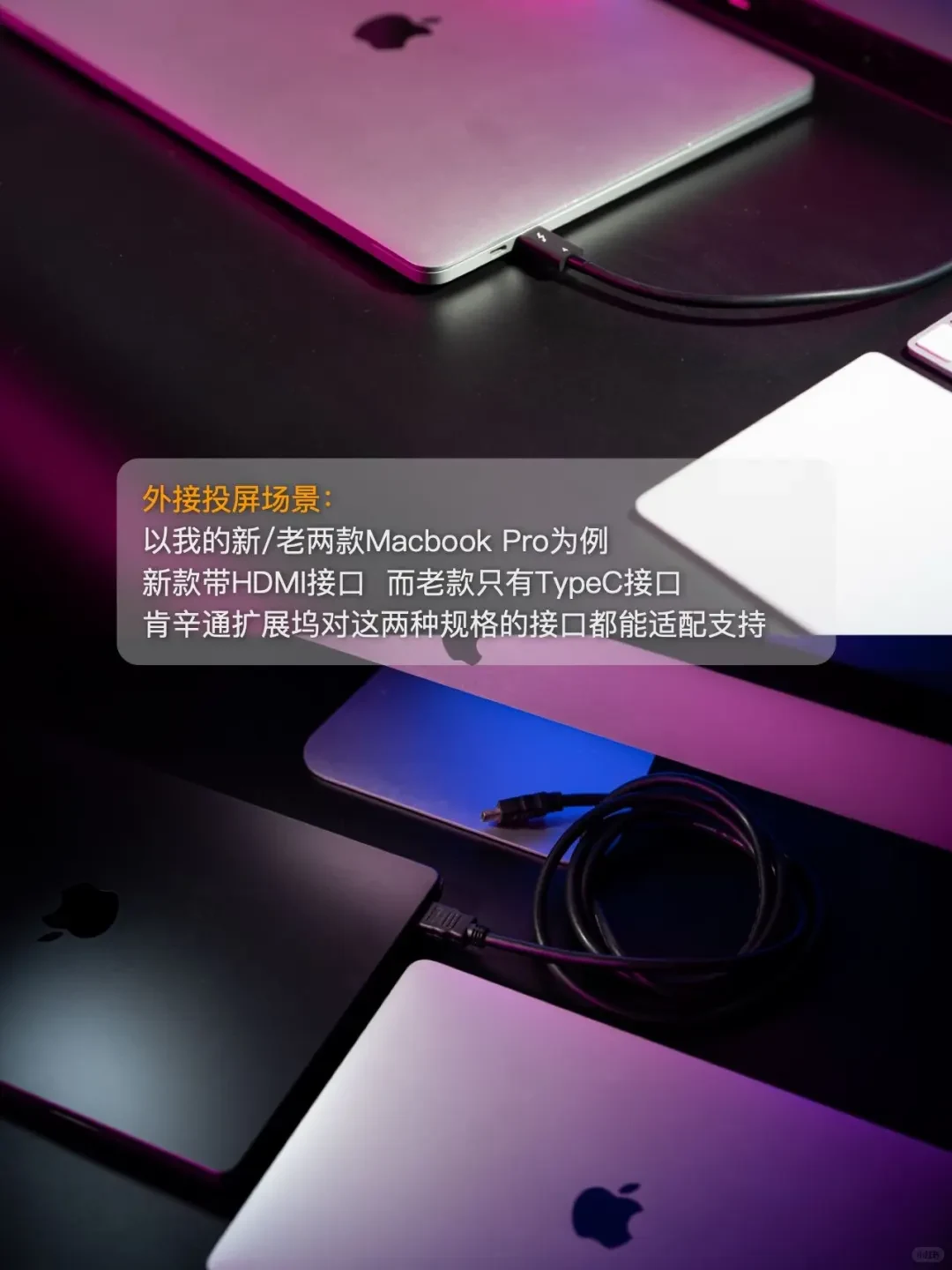
Whether I’m color-grading photos or editing video, I recommend connecting an external monitor. The fuller interface makes work easier, and the more detailed image helps with fine adjustments.
Step 4: Archive
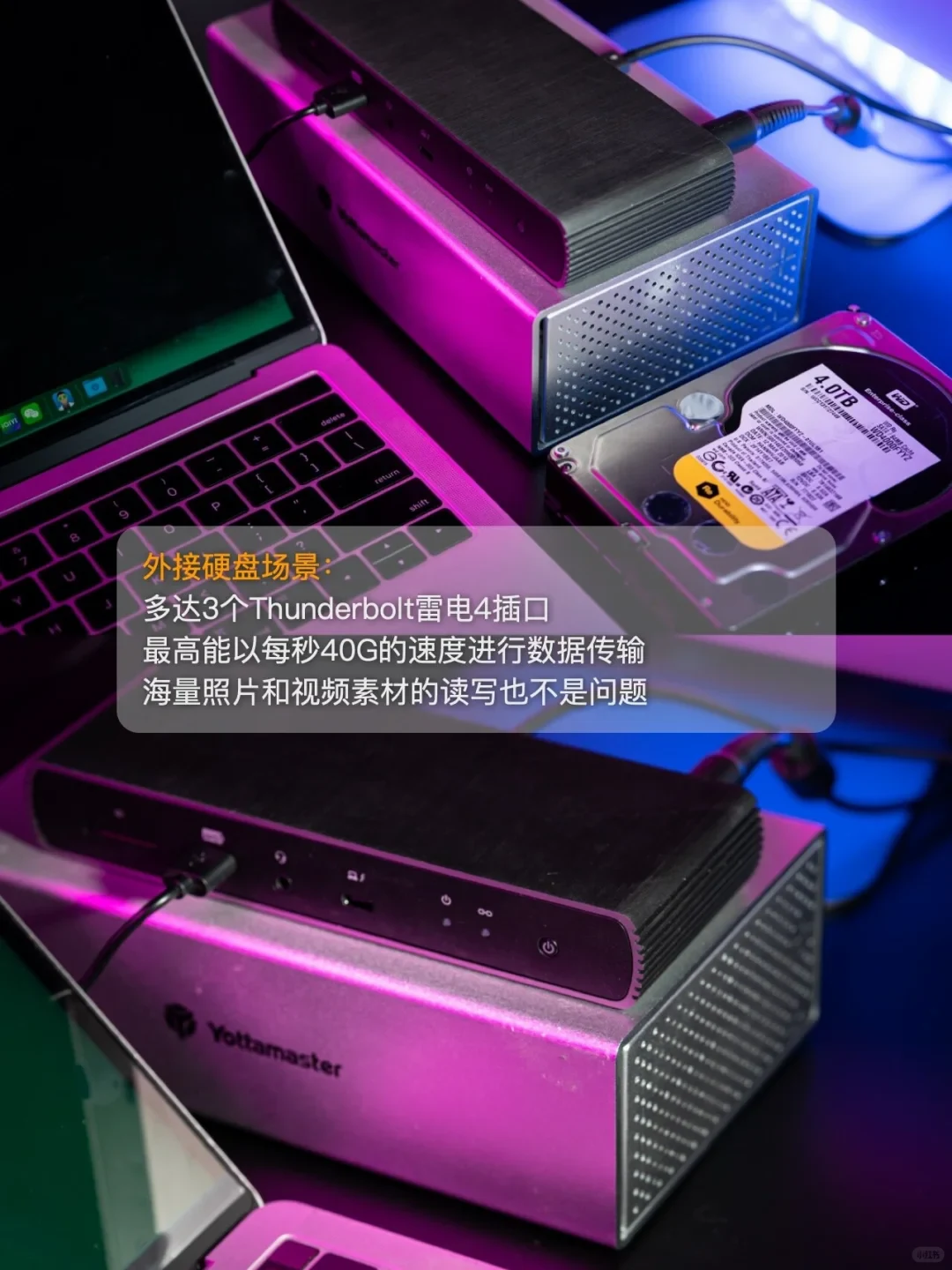
I usually store finished work on a hard drive. Important: Make sure the drive has stable power while reading or writing; otherwise, physical damage to the drive’s tracks or data errors can easily occur.
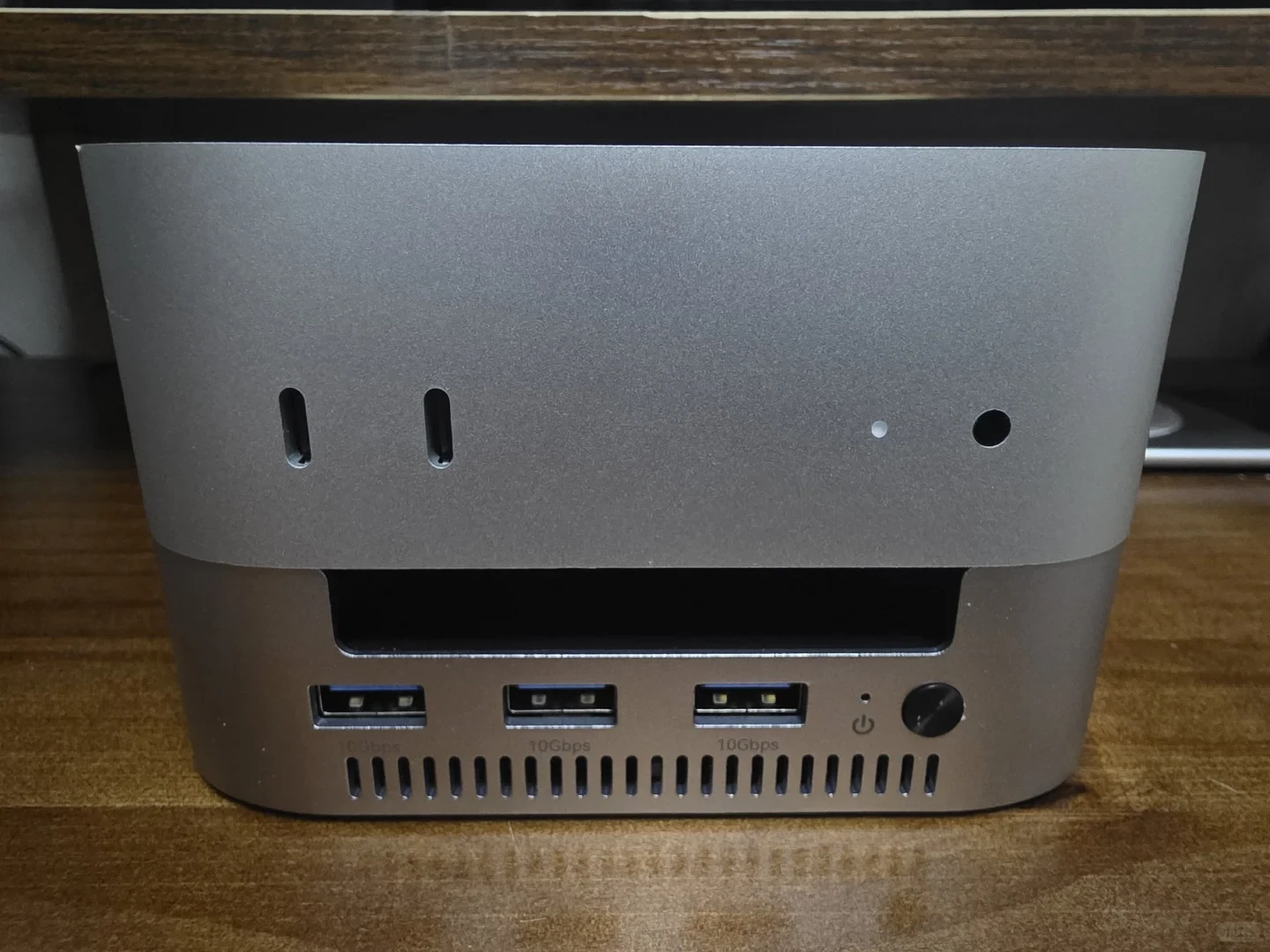
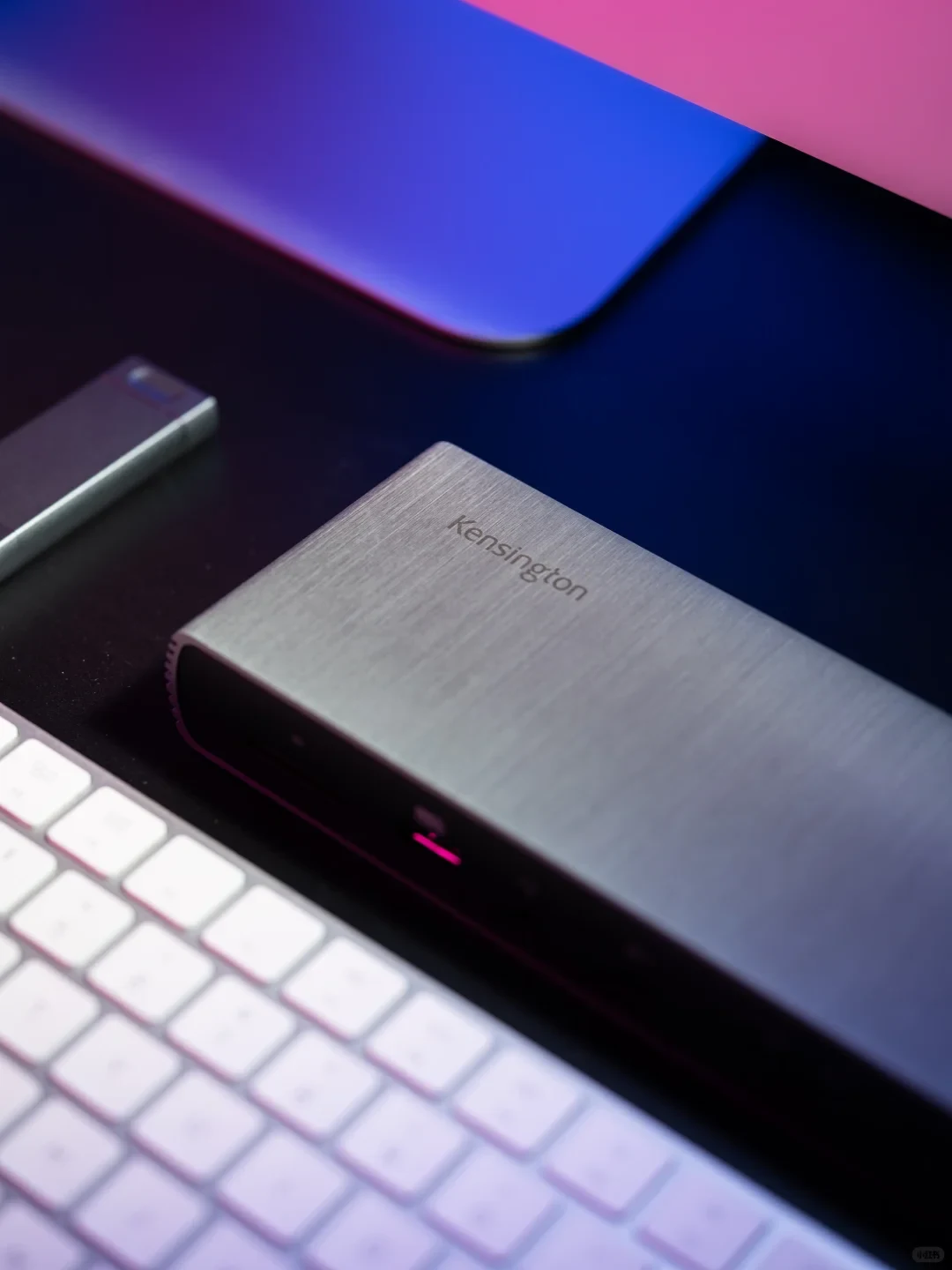
To make this workflow work smoothly, I’d like to recommend a useful product: the Kensington SD5780T Thunderbolt 4 docking station. Although it’s called a dock, I think of it more as a “central nervous system” that connects the devices I need every day. Memory cards, hard drives, USB drives, displays, routers, headphones and other peripherals can all connect to it.
Seven things you may want to know
- It offers Thunderbolt 4, USB, a 3.5 mm audio jack, HDMI 2.1 and a 2.5GbE network port, with 11 ports in total to accommodate newer and older devices.
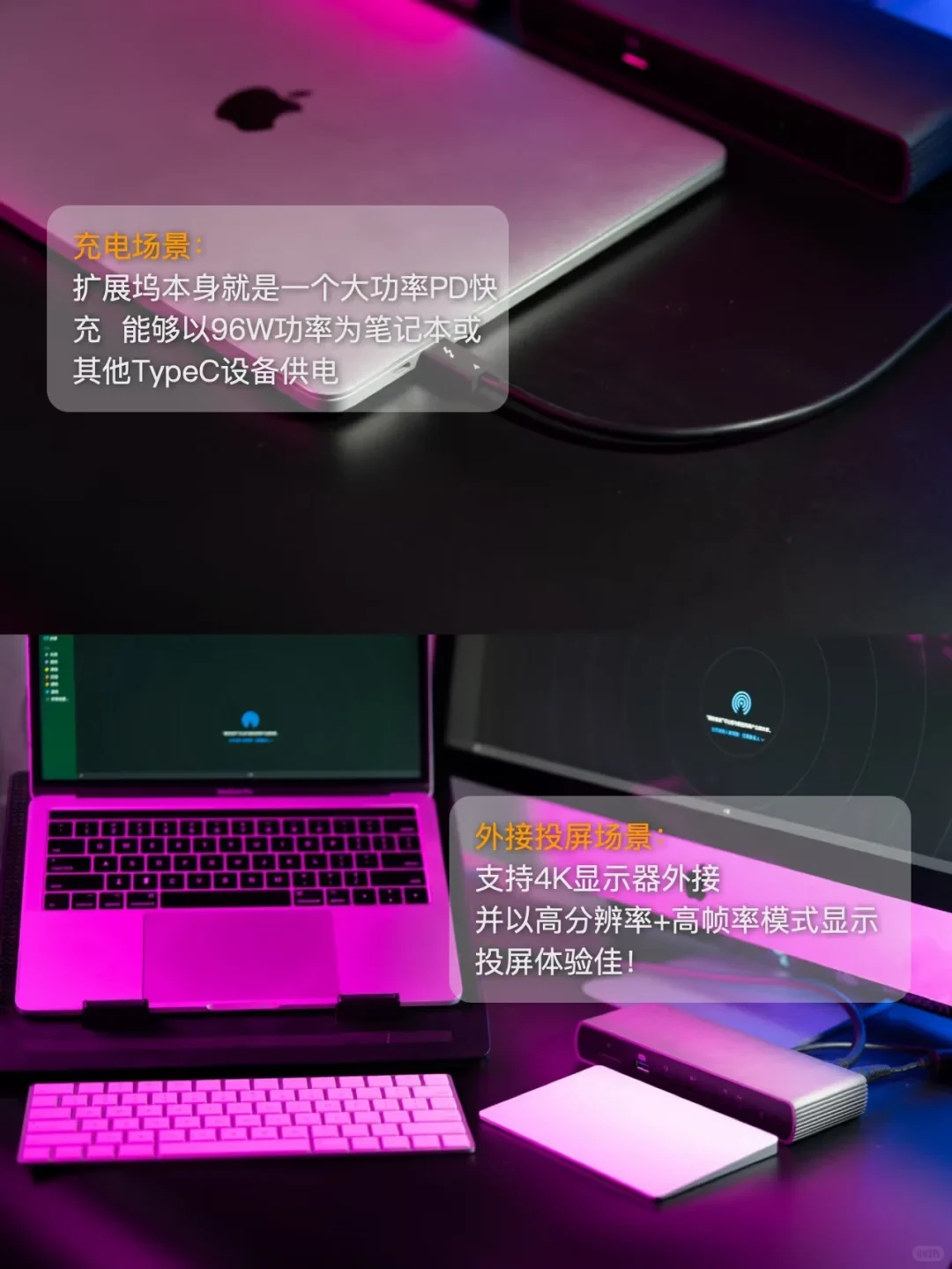
- With Thunderbolt 4, one cable can provide charging, display output and data transfer.
- The Thunderbolt 4 ports support data transfer speeds of up to 40 Gbps, and there are three of them.
- It supports an external 4K display, with high-resolution, high-frame-rate output for a good display experience.
- It provides high-power USB Power Delivery, so you can put the computer’s power adapter aside.
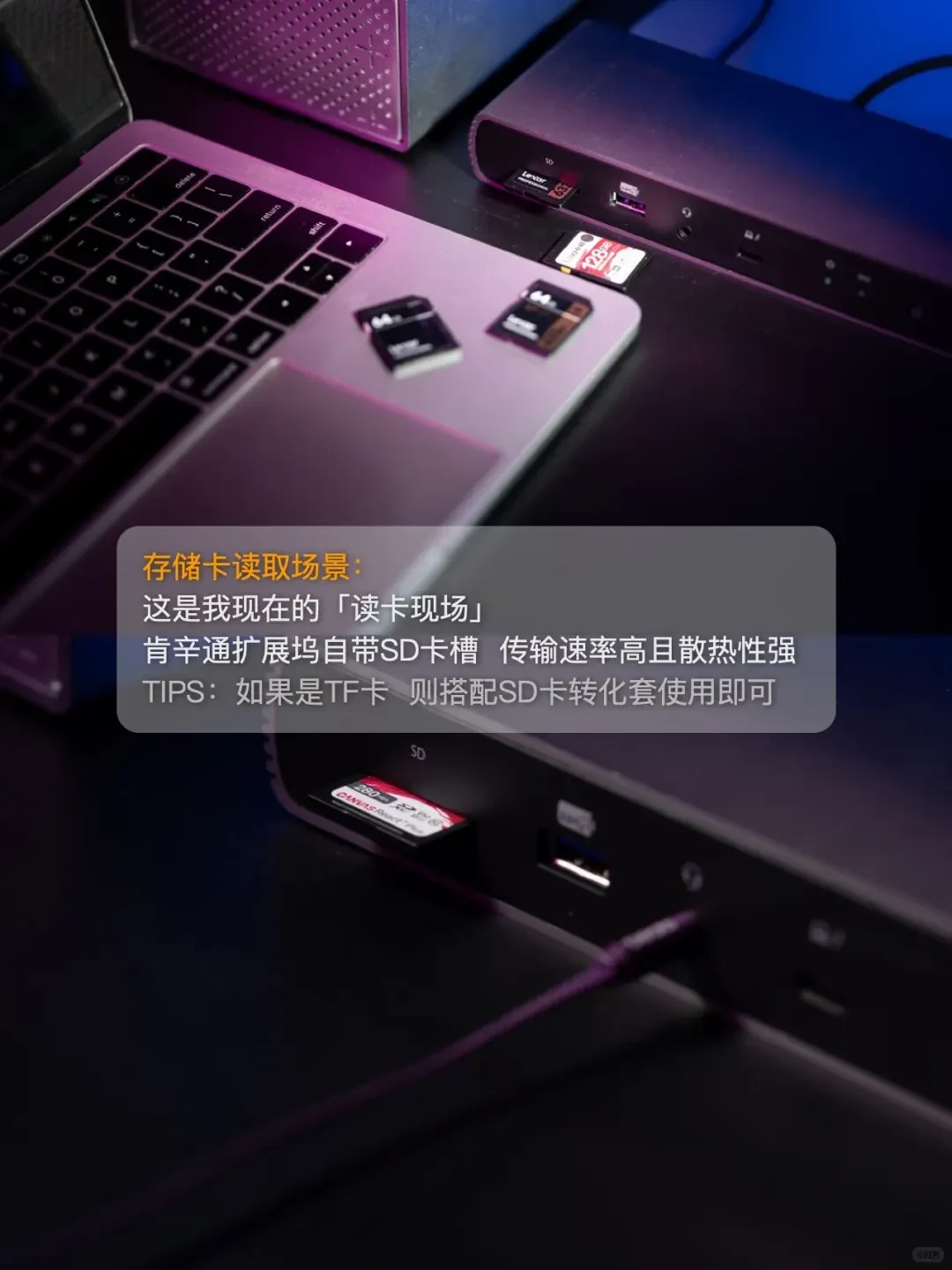
- It has a built-in SD card slot, so you can do without a separate card reader.
It covers every step in my workflow above. I believe it greatly improves a content creator’s work efficiency: making each step more efficient adds up to a more efficient workflow overall.
This is Luoqi’s place for sharing useful finds. I’ll help you discover more interesting things and keep to the spirit of “Less is More.”
Source: 洛奇の影像日志 · Xiaohongshu · 2025-04-17 · 摄影师桌面神器✅用上TA工作效率截然不同. Search this Chinese title in Xiaohongshu to find the original post.
Before You Buy
Models in your region
The source identifies the dock as a Kensington SD5780T but does not show its regional suffix. The US model below is the same product family; its listed port and display details apply to that US SKU, not necessarily every regional configuration.
| Model in this review | Related regional model | What to know |
|---|---|---|
| Kensington SD5780T | Kensington SD5780T (K33040NA) (US) | The US SD5780T (K33040NA) is the same product family. Kensington lists 96W host power delivery, two downstream Thunderbolt 4 ports, USB-A, 2.5GbE, audio and UHS-II SD; the source suffix is unknown, so confirm regional specifications before buying. |
- Model in this review
- Kensington SD5780T
- Related regional model
- Kensington SD5780T (K33040NA) (US)
- What to know
- The US SD5780T (K33040NA) is the same product family. Kensington lists 96W host power delivery, two downstream Thunderbolt 4 ports, USB-A, 2.5GbE, audio and UHS-II SD; the source suffix is unknown, so confirm regional specifications before buying.
A dock for a multi-step photo workflow
The photographer describes a Mac-centered process that moves files from camera cards through two backups and post-production to hard-drive archiving. The SD5780T is presented as a way to connect those devices at one desk, but the post does not measure transfer times or show that the dock speeds up the complete workflow.
The workflow includes SD, CFA and TF cards. The US SD5780T has a UHS-II SD slot; the source’s card-reading photo shows SD cards, and its caption recommends an SD adapter for TF cards. CFexpress still needs a suitable separate reader. The photographs give a useful view of the arrangement, but no timed transfer or temperature comparison.
Check display and power details for the exact setup
The owner recommends an external monitor for photo and video post-production and describes one cable for charging, display output and data. For the US K33040NA, Kensington specifies 96W host power delivery and HDMI output up to 4K at 60Hz; higher display modes depend on using the Thunderbolt connection and on the host computer. The post does not establish the Mac generation or chip, so it cannot establish which display modes or power behavior the setup achieved.
The owner warns that stable power matters when a hard drive is reading or writing. The US model’s 96W figure is power delivery to the host computer, not a measurement of power supplied to every connected drive; the post does not report a drive-failure test or verify that the dock prevents data loss.
Treat port counts and speed claims as specifications
The post advertises 11 ports and up to 40 Gbps for Thunderbolt 4, but gives no measured transfer results for copying a photography archive or using several peripherals at once. Kensington’s US listing identifies two downstream Thunderbolt 4 ports, USB-A, 2.5GbE, audio and UHS-II SD alongside the host connection. Check the exact regional SKU and host compatibility if those connections determine your setup.
Related Reading

Reviews & Guides · Computing & Networking
TP-Link Deco X55 in a two-storey Australian home: Wi-Fi across 300 m²
I installed two TP-Link Deco X55 units in my 300 m², two-storey home; bedrooms that often lost Wi-Fi now had a signal throughout the house.

Reviews & Guides · Computing & Networking
TP-Link Deco X55: DNS pauses stopped for six days in access-point mode
I switched my Deco X55 to access-point mode and restored my older router to the front of the network. The DNS-like pauses stayed away for six days.
Reviews & Guides · Computing & Networking
TP-Link Deco X55 after nearly a year: six units, Teams and gaming
I’ve used six TP-Link Deco X55 units for nearly a year, including daily Teams calls and online gaming; I’ve had only one or two connectivity issues.