
Reviews & Guides · Computing & Networking
OWC Express 1M2 external macOS setup: warm under a heavy workload
Reviewed: OWC Express 1M2Regional reference: OWC Express 1M2 (USB4 40Gbps) (US / Europe manufacturer family reference)
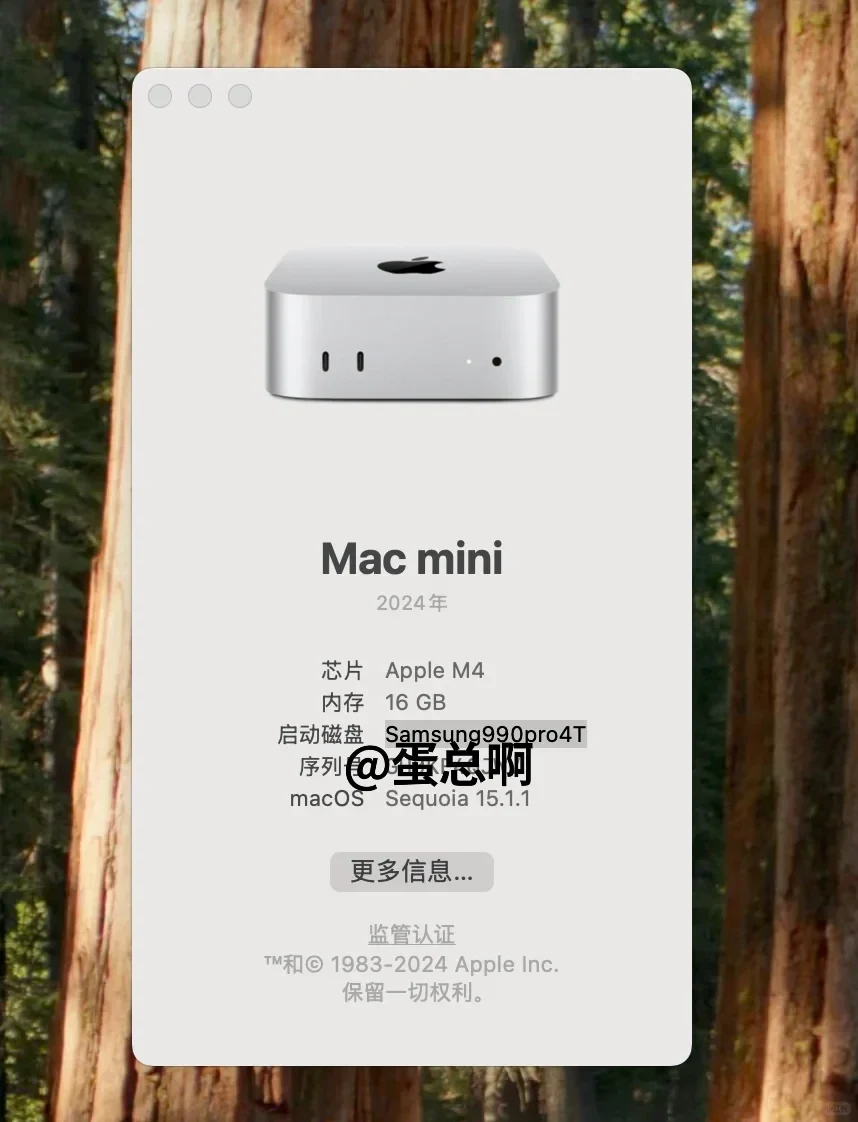
I installed macOS Sequoia 15.1.1 on a Samsung 990 PRO in my OWC Express 1M2; it became warm during a heavy Mac mini workload.
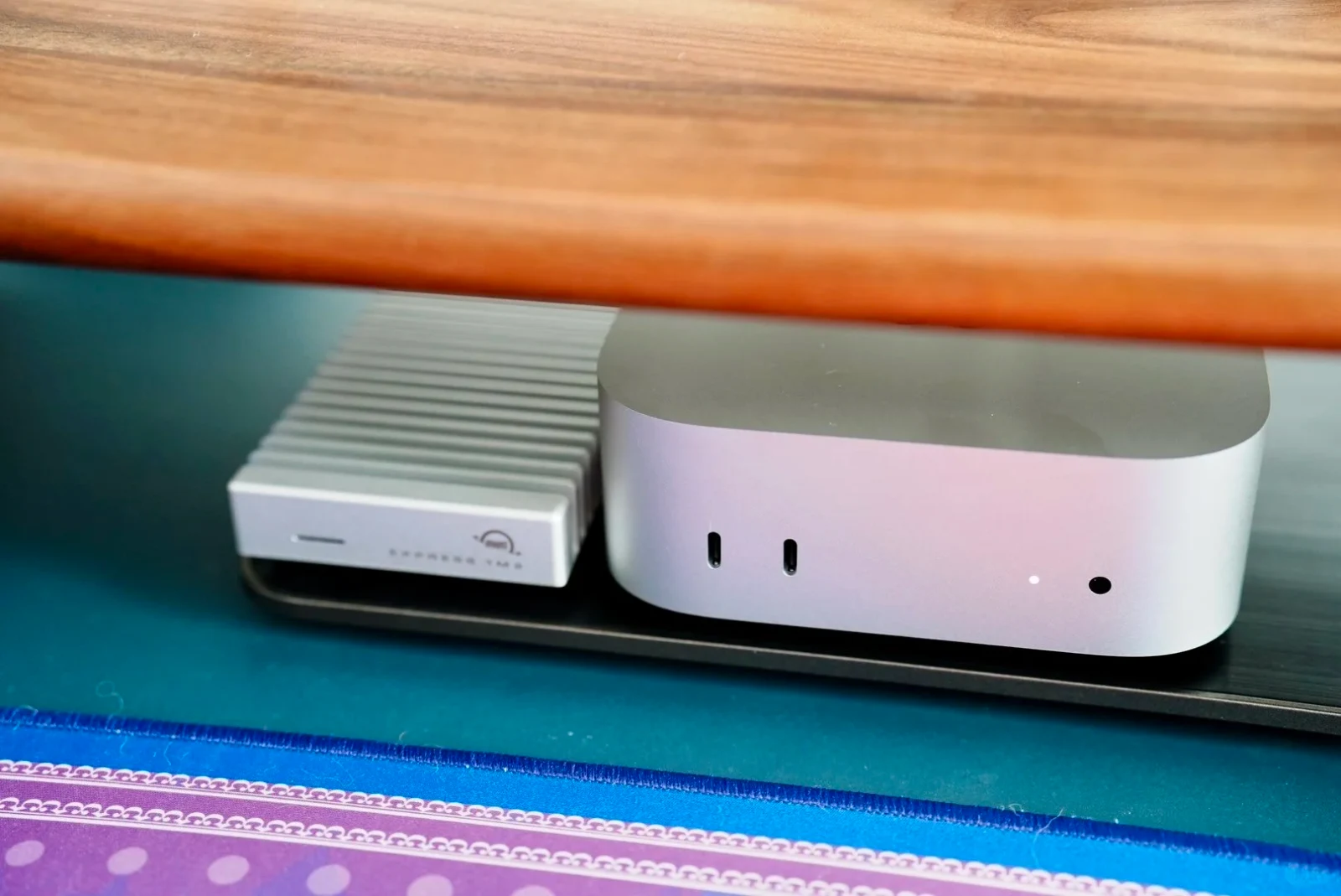
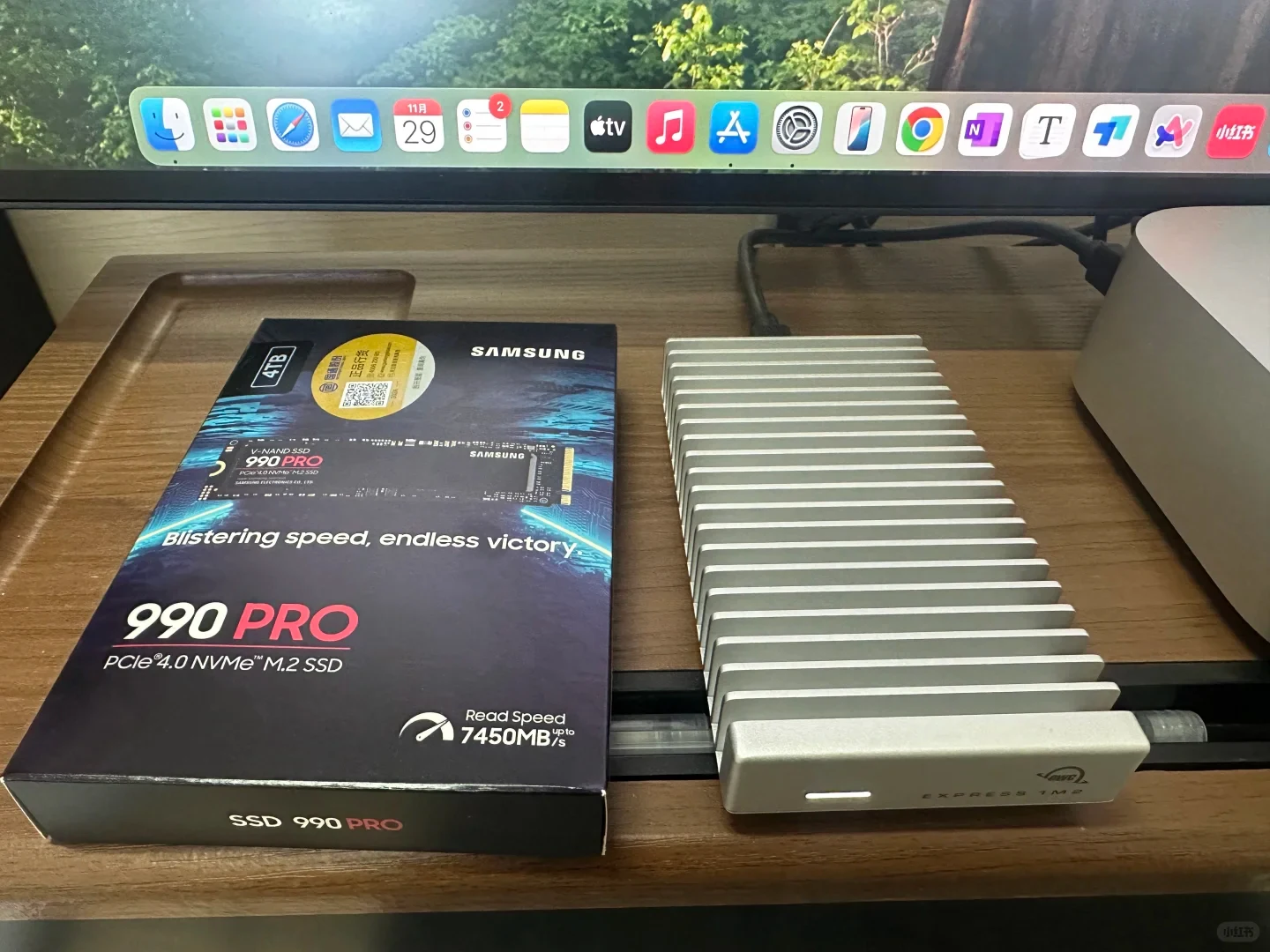
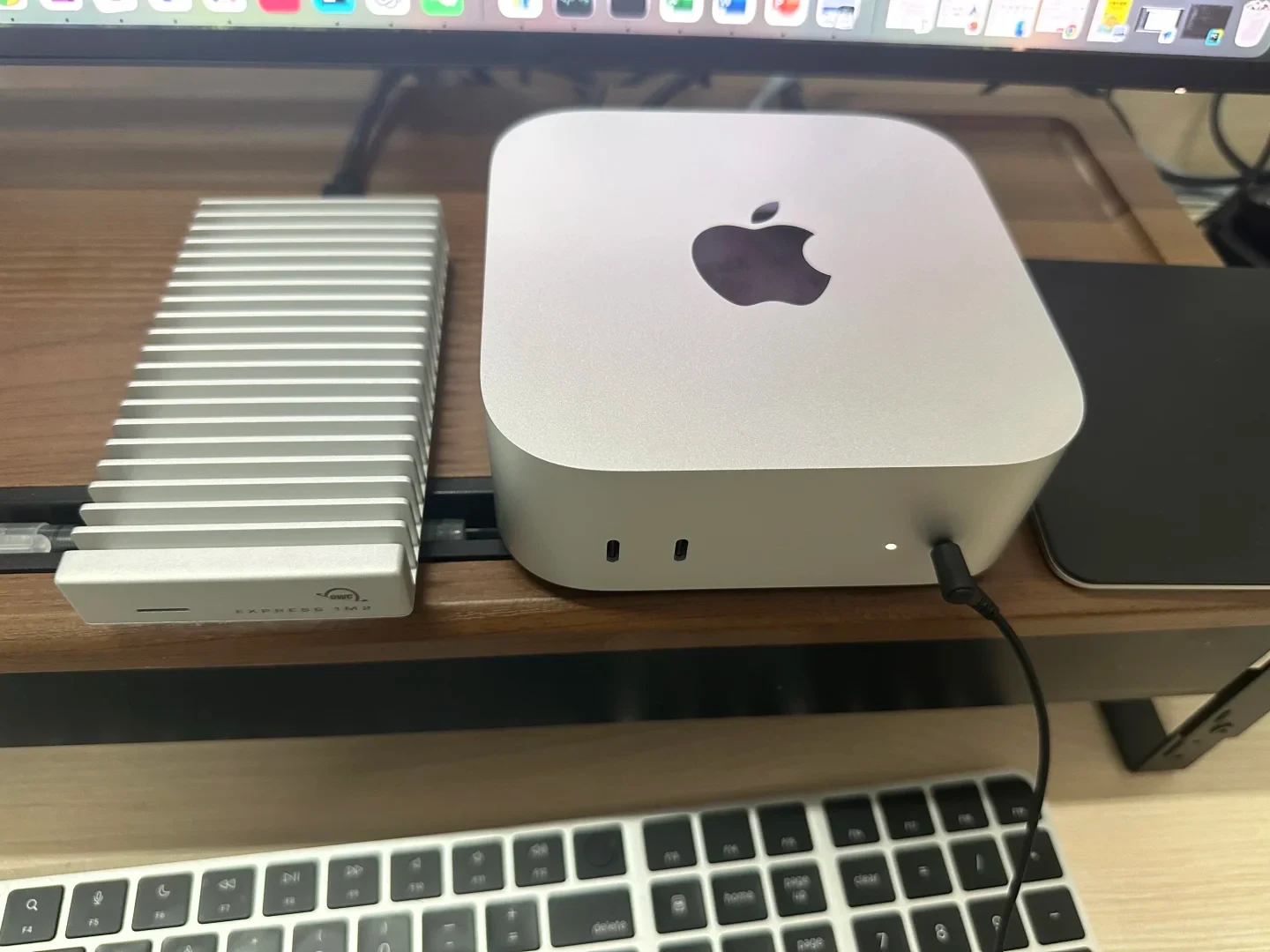
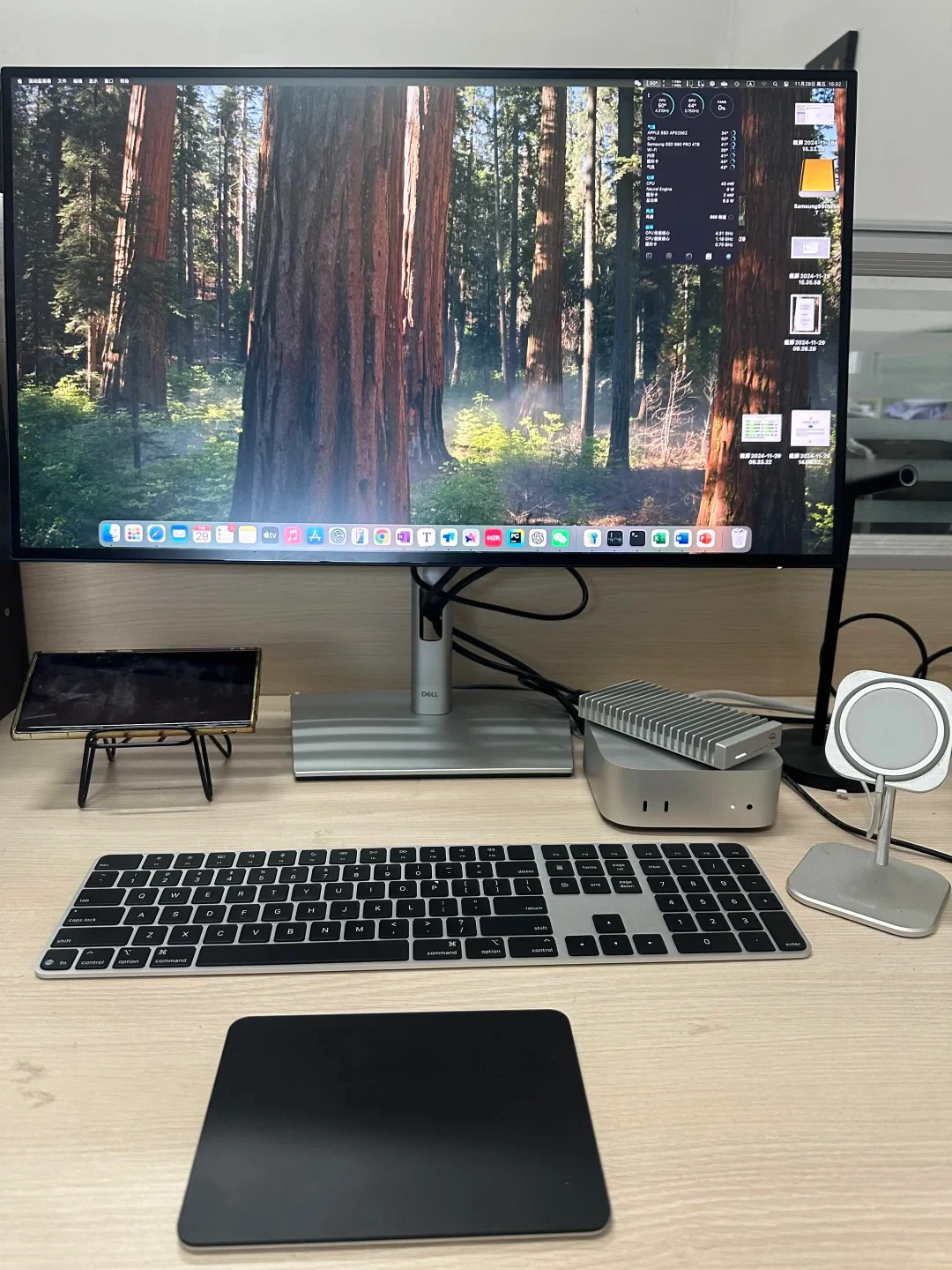
I bought the OWC 1M2 enclosure from Amazon Japan for its appearance and quiet operation. I was worried it might not keep temperatures under control, and I also bought a Samsung 990 PRO 4TB.
I found many installation guides online. There were two approaches:
- Boot into the internal system, download macOS from the App Store, then install it and choose the external drive.
- Boot from a USB drive, which seemed similar to reinstalling Windows. I leaned toward this cleaner method because it would not depend on the internal system.
I ultimately chose the first method.
Here’s the process
- I downloaded the system from the App Store. At the time, only version 15.1.1 was available to install. I had planned to install 15.1 first and then test the update process, so I’ll have to wait or use a USB drive to go back to that system.
- When the download finished, the installer opened. I accepted the prompts and agreement, chose the external disk, and waited for the restart.
- The Apple logo appeared with a progress bar. Then I set it up like a new computer; the initialization was straightforward.
- After startup, I opened Migration Assistant and transferred my internal data to the external drive.
Current questions
The enclosure becomes a hand warmer. With four YouTube videos playing, PyCharm open, and as many office apps as I could launch, it felt slightly hot. I may add cooling later.
I still need to test system updates.
I also need to test whether swap is being used. So far, there hasn’t been any; when I used the internal drive before, swap had reached only 100 MB.
Here’s what I’ve noticed with the external setup: Apple Pay is unavailable, and I had to configure the system settings for my apps again. Otherwise, everything has been fine.
Source: 蛋总啊 · Xiaohongshu · 2024-11-29 · macOS外置系统安装. Search this Chinese title in Xiaohongshu to find the original post.
Before You Buy
Models in your region
The owner’s account identifies an OWC Express 1M2, and OWC’s US/Europe family reference and US support manual describe the Express 1M2 USB4 40Gbps enclosure. The supplied evidence does not establish the exact regional SKU or certify the owner’s third-party Samsung SSD configuration.
| Model in this review | Related regional model | What to know |
|---|---|---|
| OWC Express 1M2 | OWC Express 1M2 (USB4 40Gbps) (US / Europe manufacturer family reference) | The owner’s enclosure matches OWC’s Express 1M2 USB4 40Gbps family reference, not the Express 1M2 80G. OWC describes support for 2230, 2242, and 2280 NVMe drives and passive cooling; the owner used a Samsung 990 PRO 4TB, but the exact regional SKU and that third-party drive configuration are not independently certified here. |
- Model in this review
- OWC Express 1M2
- Related regional model
- OWC Express 1M2 (USB4 40Gbps) (US / Europe manufacturer family reference)
- What to know
- The owner’s enclosure matches OWC’s Express 1M2 USB4 40Gbps family reference, not the Express 1M2 80G. OWC describes support for 2230, 2242, and 2280 NVMe drives and passive cooling; the owner used a Samsung 990 PRO 4TB, but the exact regional SKU and that third-party drive configuration are not independently certified here.
External macOS installation and what remains untested
The owner installed macOS Sequoia 15.1.1 on an external Samsung 990 PRO by downloading the installer from the App Store while booted into the internal system, then choosing the external disk and migrating data with Migration Assistant. This records one installation path used in November 2024, not current installation guidance. The owner had considered USB booting but did not use that method.
OWC Express 1M2 (USB4 40Gbps) · US manufacturer support
The owner had not yet tested system updates or determined whether the external setup used swap. That leaves update behavior and swap use unknown for this installation; the earlier internal-drive observation of 100 MB of swap does not establish what the external system does.
Warmth, speed figures, and setup trade-offs
During the workload of four YouTube videos, PyCharm, and multiple office apps, the enclosure felt slightly hot, and the owner considered adding cooling. This is a personal observation under that workload, not a temperature measurement or a general thermal verdict. OWC describes the Express 1M2 as having a finned aluminum enclosure with passive cooling.
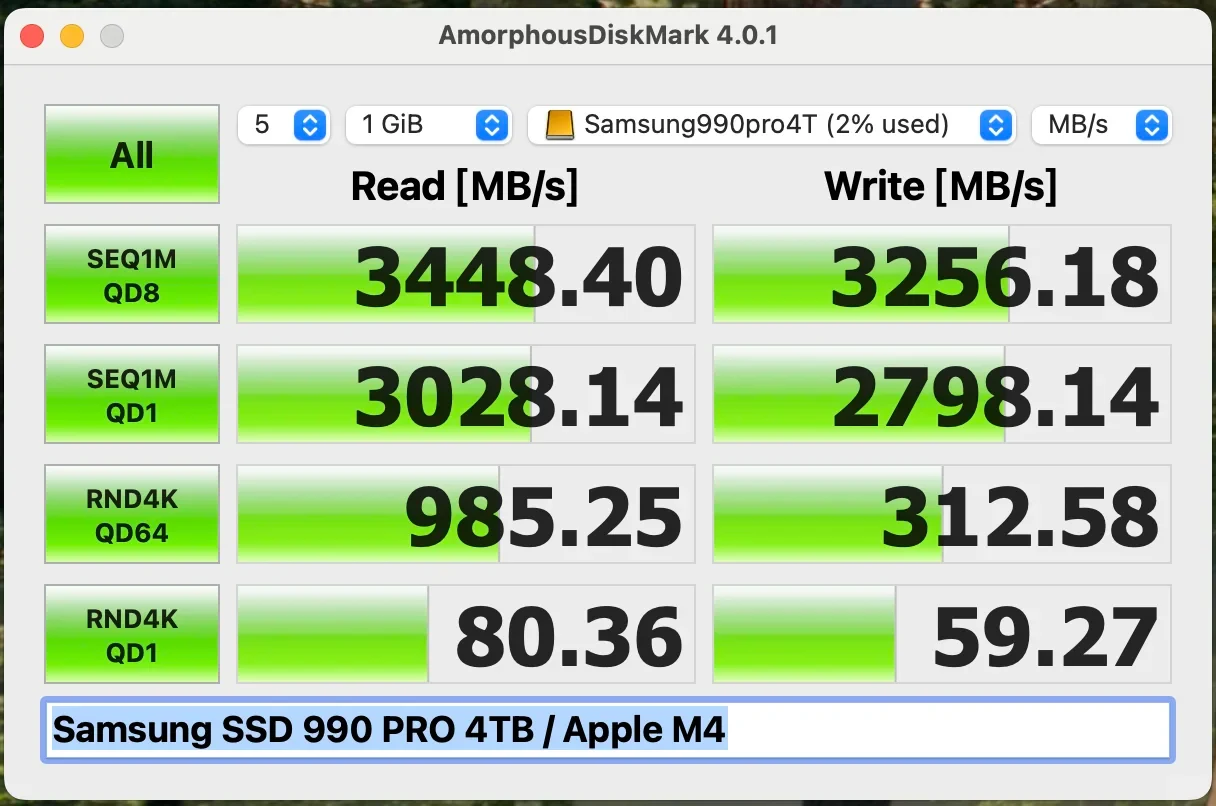
The supplied benchmark screenshot shows AmorphousDiskMark results for the Samsung 990 PRO 4TB in the assembled external setup on an Apple M4: 3,448.40 MB/s read and 3,256.18 MB/s write for SEQ1M QD8. These are results from that enclosure-and-drive setup, not a standalone SSD test or a guarantee of performance on another host or configuration.
The owner reported that Apple Pay was unavailable in this setup and that app system settings had to be configured again. The post does not identify the reason Apple Pay was unavailable, so this should not be treated as a universal rule for external macOS installations.
What to check when buying the enclosure
OWC’s Express 1M2 family reference specifies USB4 at 40Gbps and compatibility with 2230, 2242, and 2280 NVMe drives; the support manual says Thunderbolt 3 hosts are limited to USB 10Gbps. Check the host connection and the SSD’s form factor before buying. The supplied evidence does not independently certify the Samsung 990 PRO configuration or identify the exact regional SKU.
OWC describes passive cooling, but the brief warmth observation does not establish how the enclosure will behave with other drives, hosts, or workloads. The system-update and swap questions also remain unresolved, so those parts of the external-macOS experience cannot be used as confirmed buying expectations.
Related Reading

Reviews & Guides · Computing & Networking
TP-Link Deco X55 in a two-storey Australian home: Wi-Fi across 300 m²
I installed two TP-Link Deco X55 units in my 300 m², two-storey home; bedrooms that often lost Wi-Fi now had a signal throughout the house.

Reviews & Guides · Computing & Networking
TP-Link Deco X55: DNS pauses stopped for six days in access-point mode
I switched my Deco X55 to access-point mode and restored my older router to the front of the network. The DNS-like pauses stayed away for six days.
Reviews & Guides · Computing & Networking
TP-Link Deco X55 after nearly a year: six units, Teams and gaming
I’ve used six TP-Link Deco X55 units for nearly a year, including daily Teams calls and online gaming; I’ve had only one or two connectivity issues.