
Reviews & Guides · Computing & Networking
Plugable USB4-HUB3A: one hub for MacBook Air, Windows, iPhone and iPad
Reviewed: Plugable USB4-HUB3ARegional reference: Plugable USB4-HUB3A (US)
I bought a secondhand Plugable USB4-HUB3A to add ports to my MacBook Air and Windows laptop; mouse and display peripherals also worked with my iPhone and iPad.
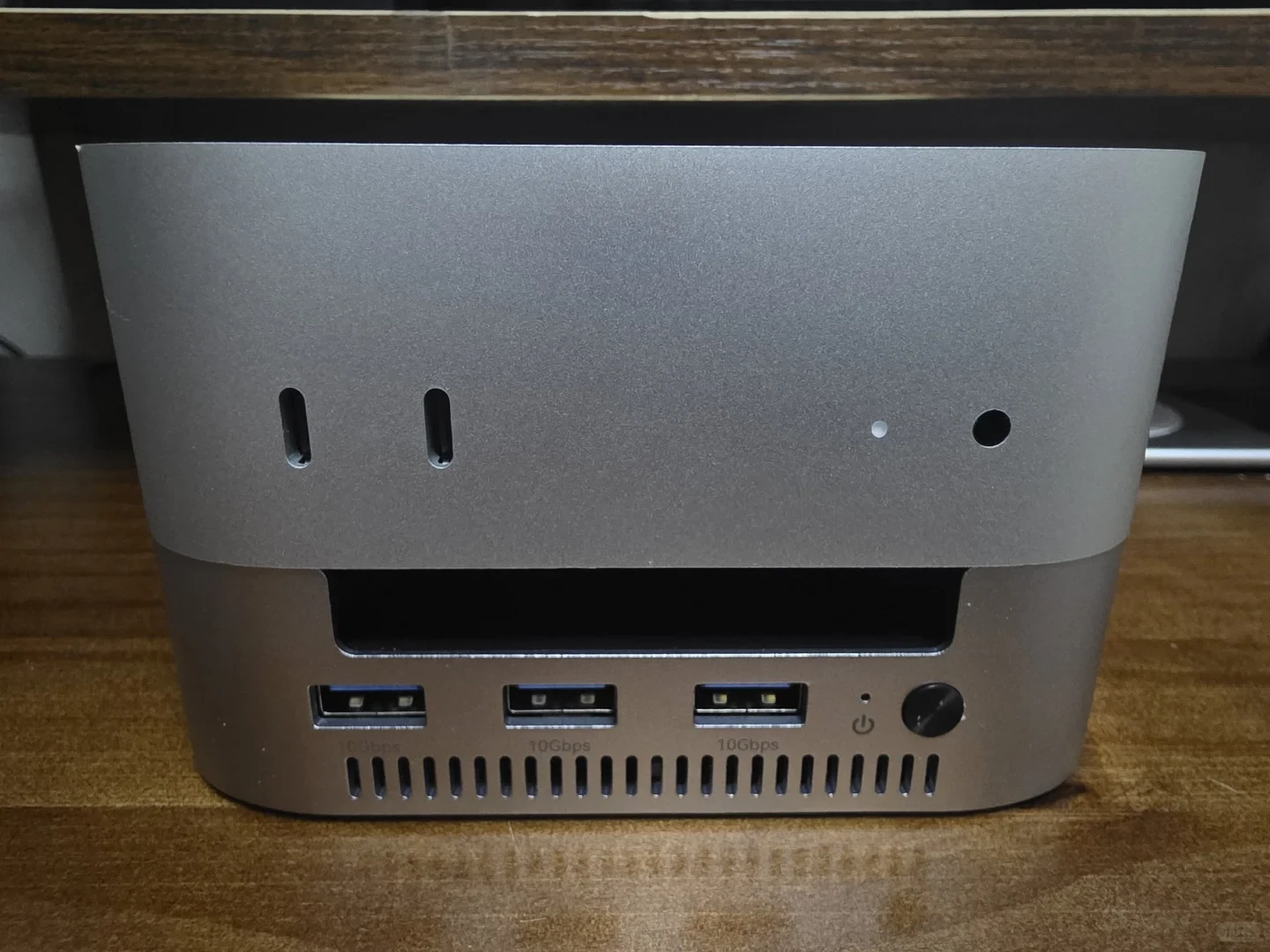
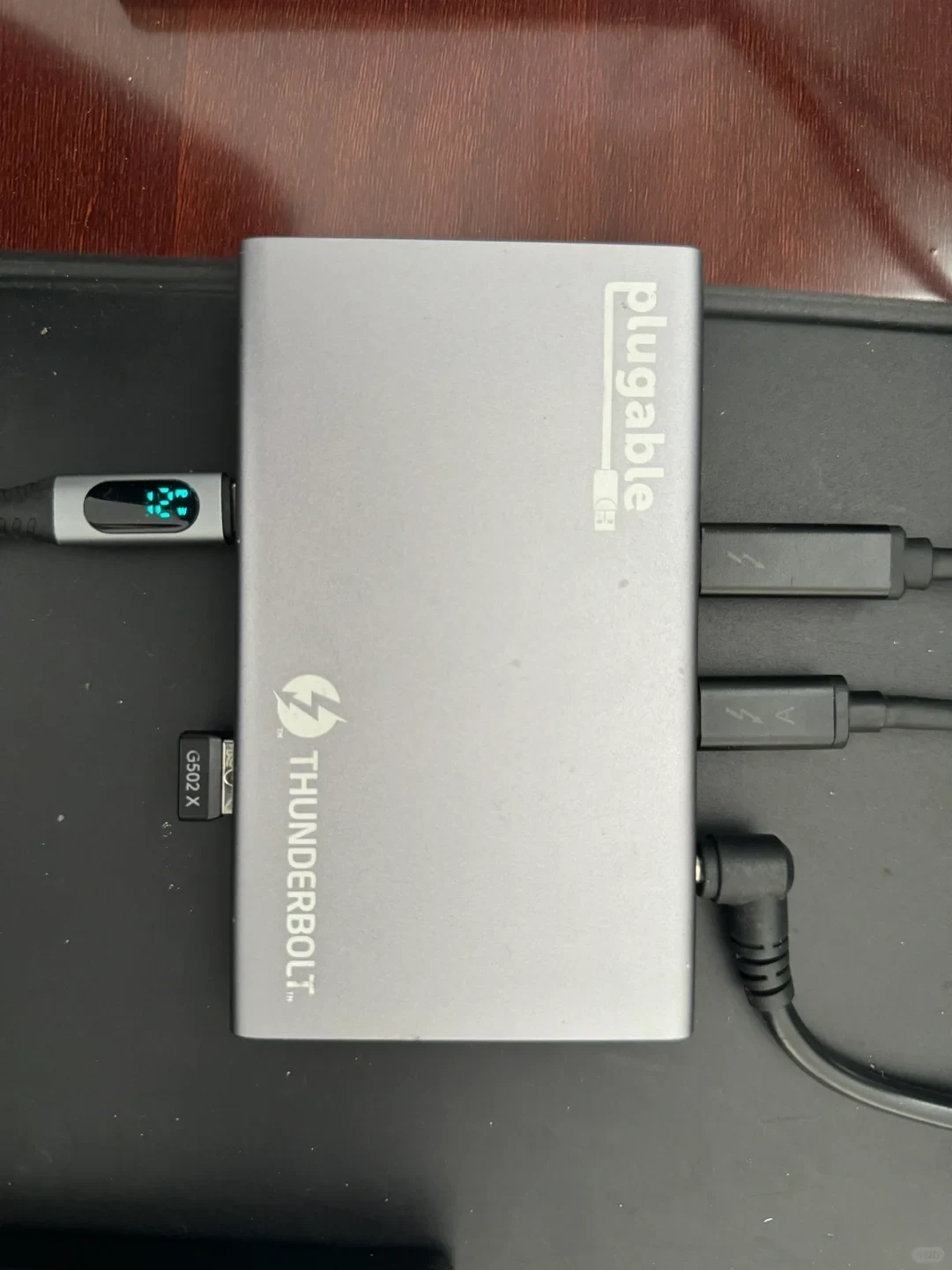
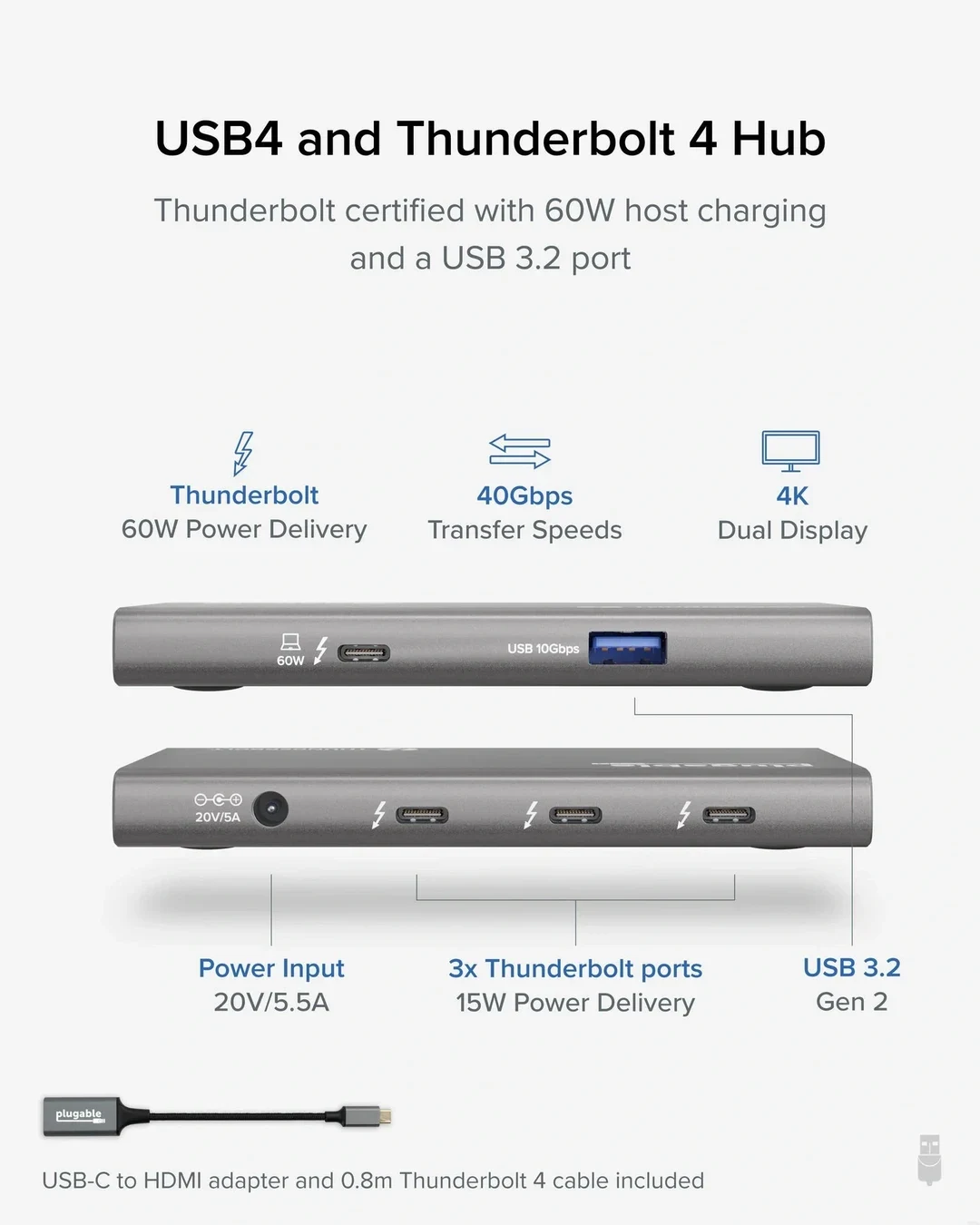
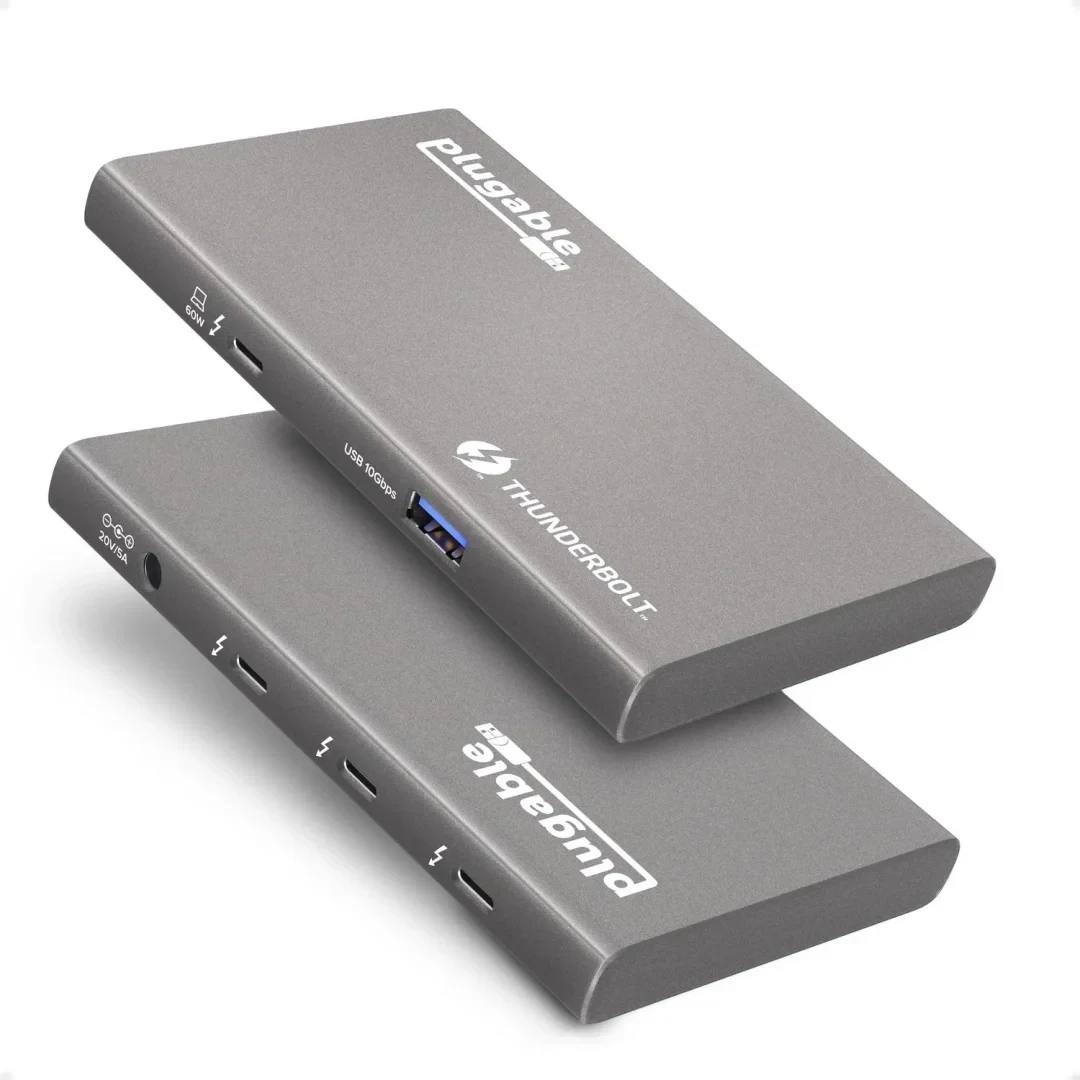
PLUGABLE 5-IN-1 THUNDERBOLT 4 AND USB4 HUB
It is roughly the size of a 6.1-inch iPhone.
It adds three Thunderbolt USB-C ports and supports 60W reverse charging.
It can connect to a USB-C display.
It solved the awkward problem of my MacBook Air having only two USB-C ports and my Windows laptop having just one.
I tested it with an iPhone 15 Pro Max and an iPad Pro, too, and they worked. It really is USB4, not just a Thunderbolt-only solution. Peripherals such as a mouse and display worked normally when connected.
Source: Ataraxia · Xiaohongshu · 2024-03-08 · 闲鱼550入手的雷电/usb4一拖三拓展坞. Search this Chinese title in Xiaohongshu to find the original post.
Before You Buy
Models in your region
The source hub is identifiable as Plugable USB4-HUB3A: the photographed USB-A-equipped chassis and the diagrams match that model’s layout. The exact regional plug and hardware revision are not shown. The owner’s phone and peripheral tests show that those devices worked in that setup, but do not establish USB4 negotiation, 40Gbps transfer speeds or sustained performance.
| Model in this review | Related regional model | What to know |
|---|---|---|
| Plugable USB4-HUB3A | Plugable USB4-HUB3A (US) | The photographed USB-A-equipped layout matches the official US USB4-HUB3A, which has three downstream USB-C ports and a 10Gbps USB-A port. The owner’s Mac, Windows, iPhone and iPad experience applies to their unit; its exact regional plug and revision are unknown. |
- Model in this review
- Plugable USB4-HUB3A
- Related regional model
- Plugable USB4-HUB3A (US)
- What to know
- The photographed USB-A-equipped layout matches the official US USB4-HUB3A, which has three downstream USB-C ports and a 10Gbps USB-A port. The owner’s Mac, Windows, iPhone and iPad experience applies to their unit; its exact regional plug and revision are unknown.
Ports and charging
The US USB4-HUB3A has three downstream Thunderbolt 4/USB4 USB-C ports, one 10Gbps USB-A port and a host connection. That extra USB-A port is a practical distinction from Plugable’s TBT4-HUB3C, which lacks USB-A; the source photos show the USB-A-equipped layout. The manufacturer specifies up to 60W host charging and up to 15W per device, with an external power adapter required. The owner’s mention of 60W reverse charging is not a measurement of their unit’s output.
The owner found the hub useful for adding connections to a MacBook Air with two USB-C ports and a Windows laptop with one. They also report that a USB-C display can be connected. That is a useful account of peripheral compatibility in their setup, not confirmation of a particular display resolution or charging rate.
What the phone and tablet tests establish
The owner connected an iPhone 15 Pro Max and iPad Pro and reports that a mouse and display worked through the hub. These results show that those peripherals functioned in that setup; they do not verify USB4 link negotiation, 40Gbps transfers or sustained performance. Actual charging, display output and performance depend on the host, so confirm the capabilities you need with your particular device.
Check the power adapter and regional version
The official US listing says the USB4-HUB3A needs an external power adapter and supports up to 60W host charging. Because the source does not show the used unit’s exact regional plug or revision, check that the adapter supplied with a particular purchase suits your local power outlet and that its condition is acceptable. The owner’s secondhand purchase price of 550 RMB describes that transaction, not current US pricing.
Related Reading

Reviews & Guides · Computing & Networking
TP-Link Deco X55 in a two-storey Australian home: Wi-Fi across 300 m²
I installed two TP-Link Deco X55 units in my 300 m², two-storey home; bedrooms that often lost Wi-Fi now had a signal throughout the house.

Reviews & Guides · Computing & Networking
TP-Link Deco X55: DNS pauses stopped for six days in access-point mode
I switched my Deco X55 to access-point mode and restored my older router to the front of the network. The DNS-like pauses stayed away for six days.
Reviews & Guides · Computing & Networking
TP-Link Deco X55 after nearly a year: six units, Teams and gaming
I’ve used six TP-Link Deco X55 units for nearly a year, including daily Teams calls and online gaming; I’ve had only one or two connectivity issues.