
Reviews & Guides · Computing & Networking
QNAP Qu605 setup: mirrored Proxmox boot and a DHCP snag
Reviewed: QNAP Qu605Regional reference: QNAP Qu605 (N150, 16GB configuration) (Hong Kong manufacturer family reference); QNAP TS-664 (US); QNAP Qu605 (N150 configuration) (QNAP manufacturer community statement)
I installed Proxmox on mirrored NVMe drives in my QNAP Qu605, then needed DHCP to finish fnOS setup. Here’s what worked—and what I planned next.
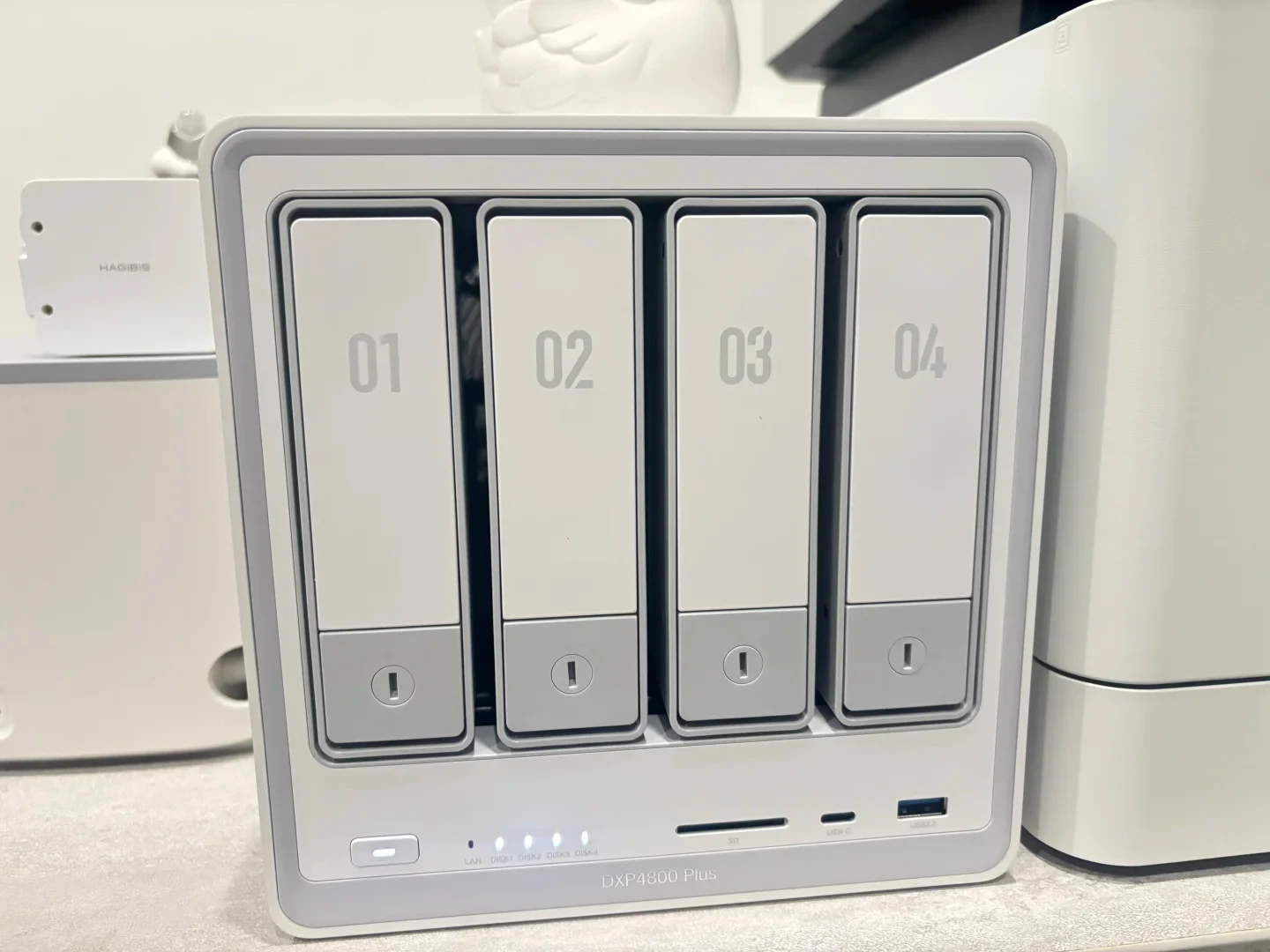
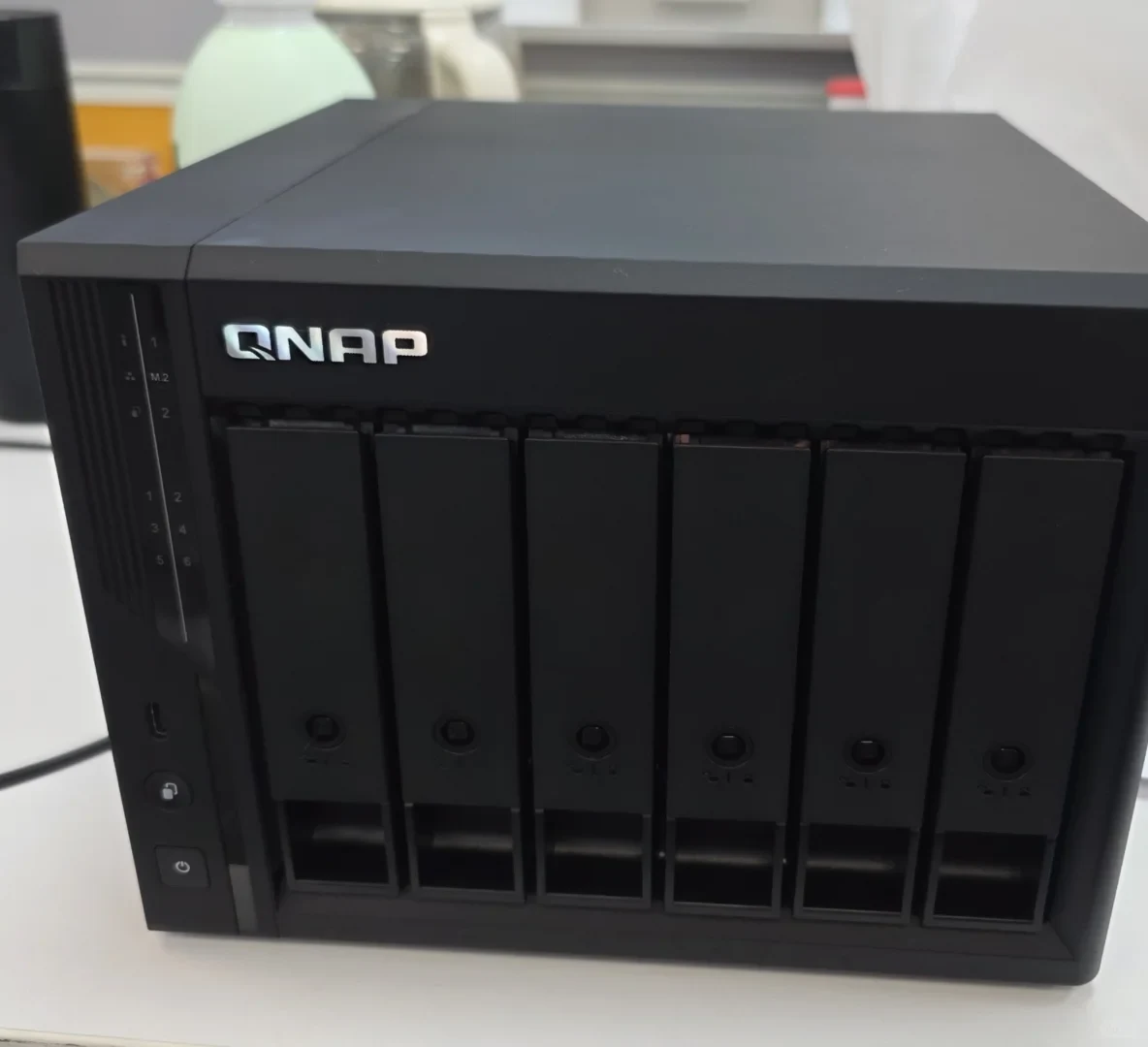
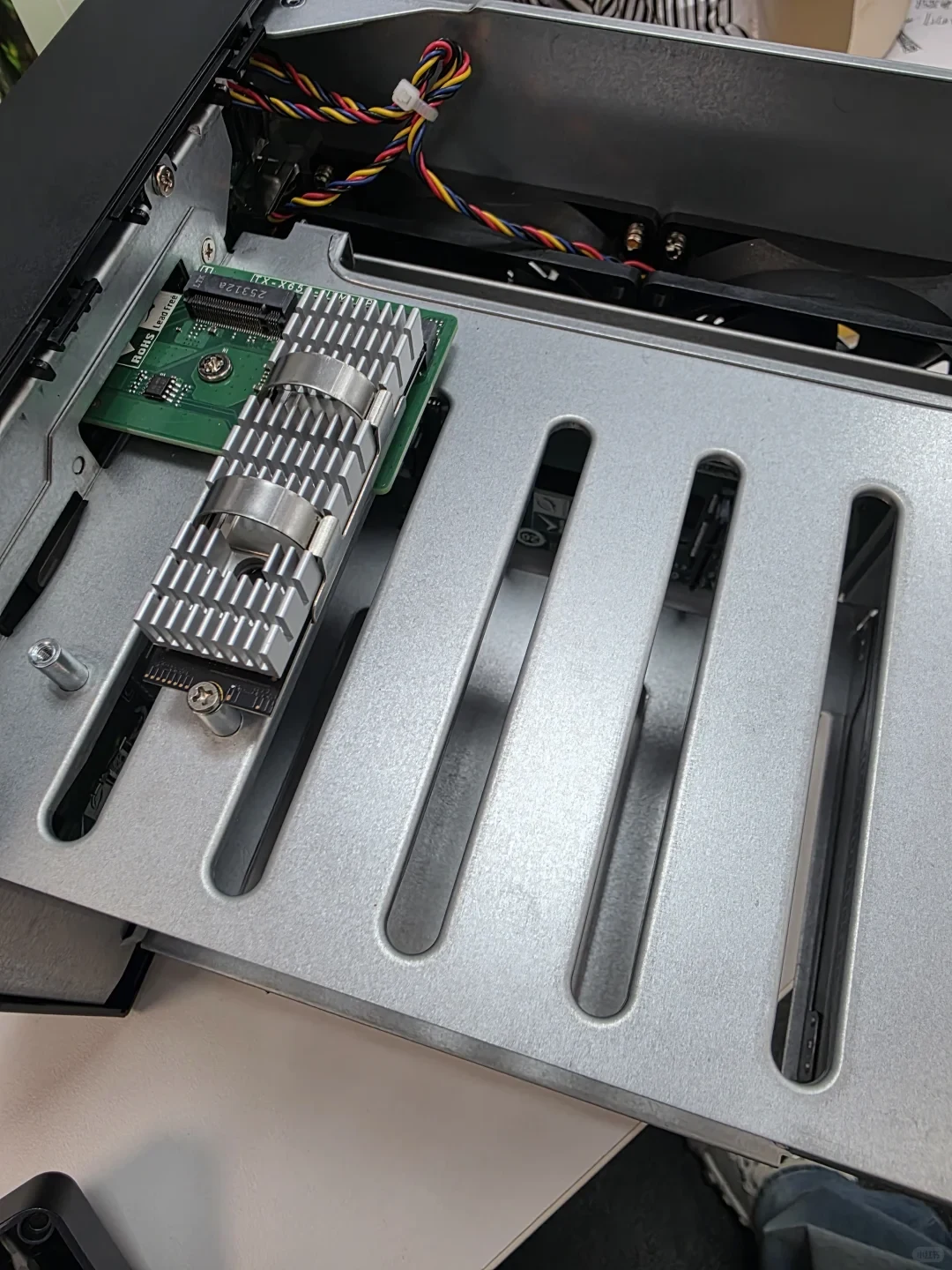
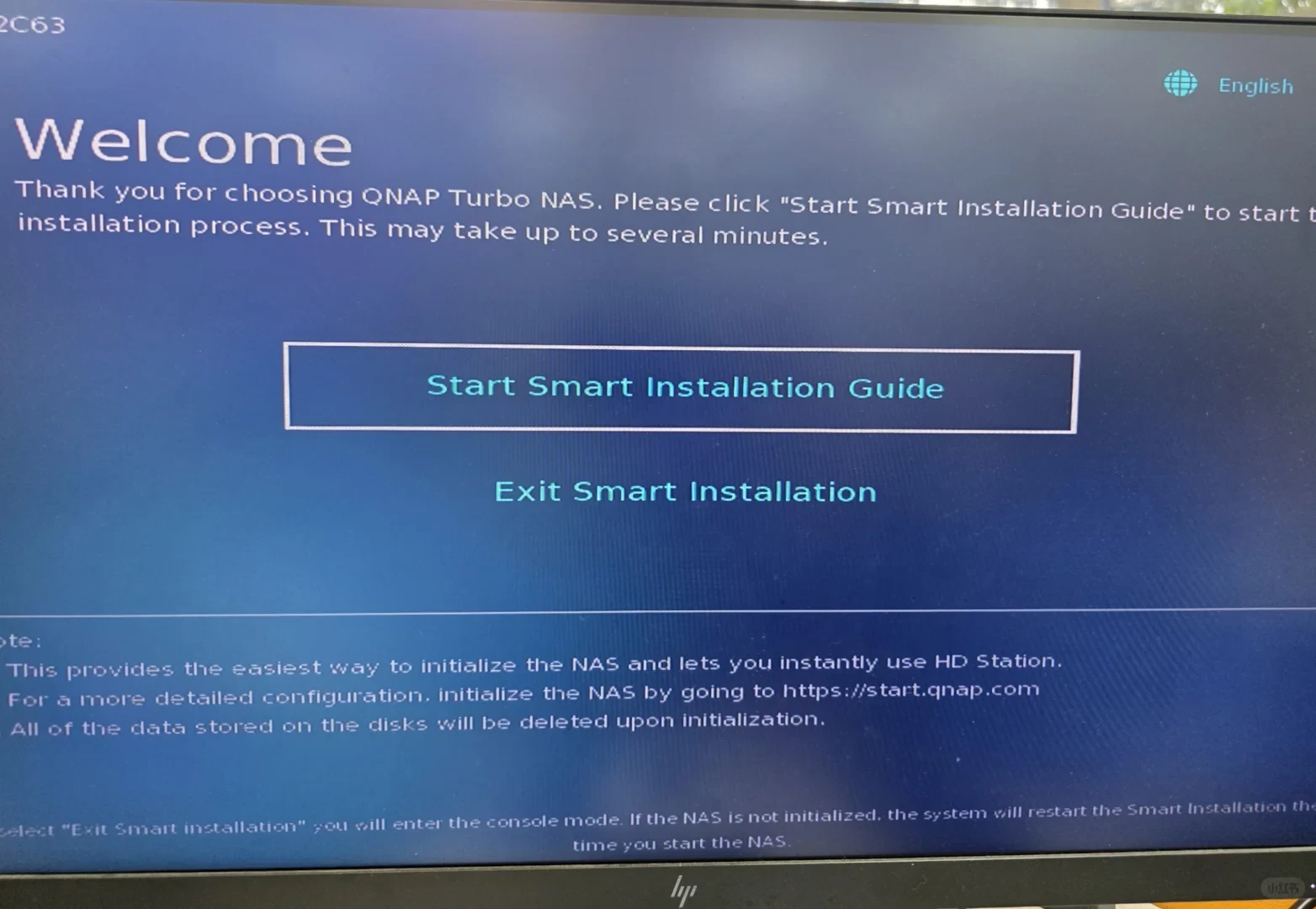

This time I’m taking a break from looking at soft routers and, while the 618 shopping festival is still on, sharing what I think is a very cost-effective NAS: the QNAP Qu605. Its hardware configuration is an N150 processor, 16GB of memory, dual 2.5GbE ports, two M.2 NVMe slots, and six drive bays.
I bought mine new through Xianyu, still sealed with the tamper-evident tape, for under 2,500 yuan. Compared with the UGREEN 4800 that’s been getting a lot of attention lately, when 16GB of memory alone is worth 1,000 yuan, this feels like a “what more could you ask for?” deal. I initially looked at the UGREEN too, but a friend bought the bare-bones 4800 for just over 1,000 yuan last year, and that put me off. Then I happened upon this six-bay QNAP and it seemed like a great find.
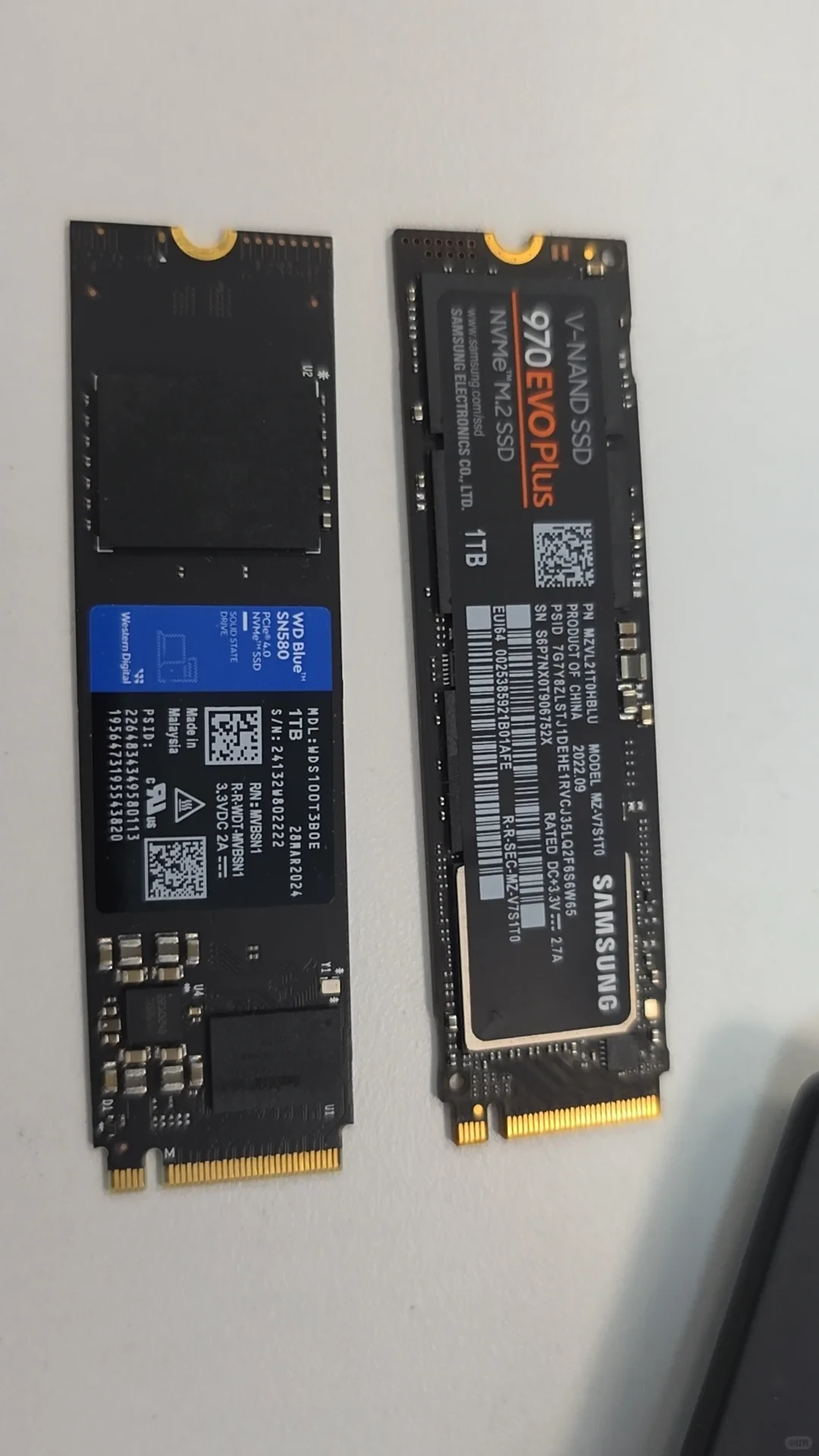
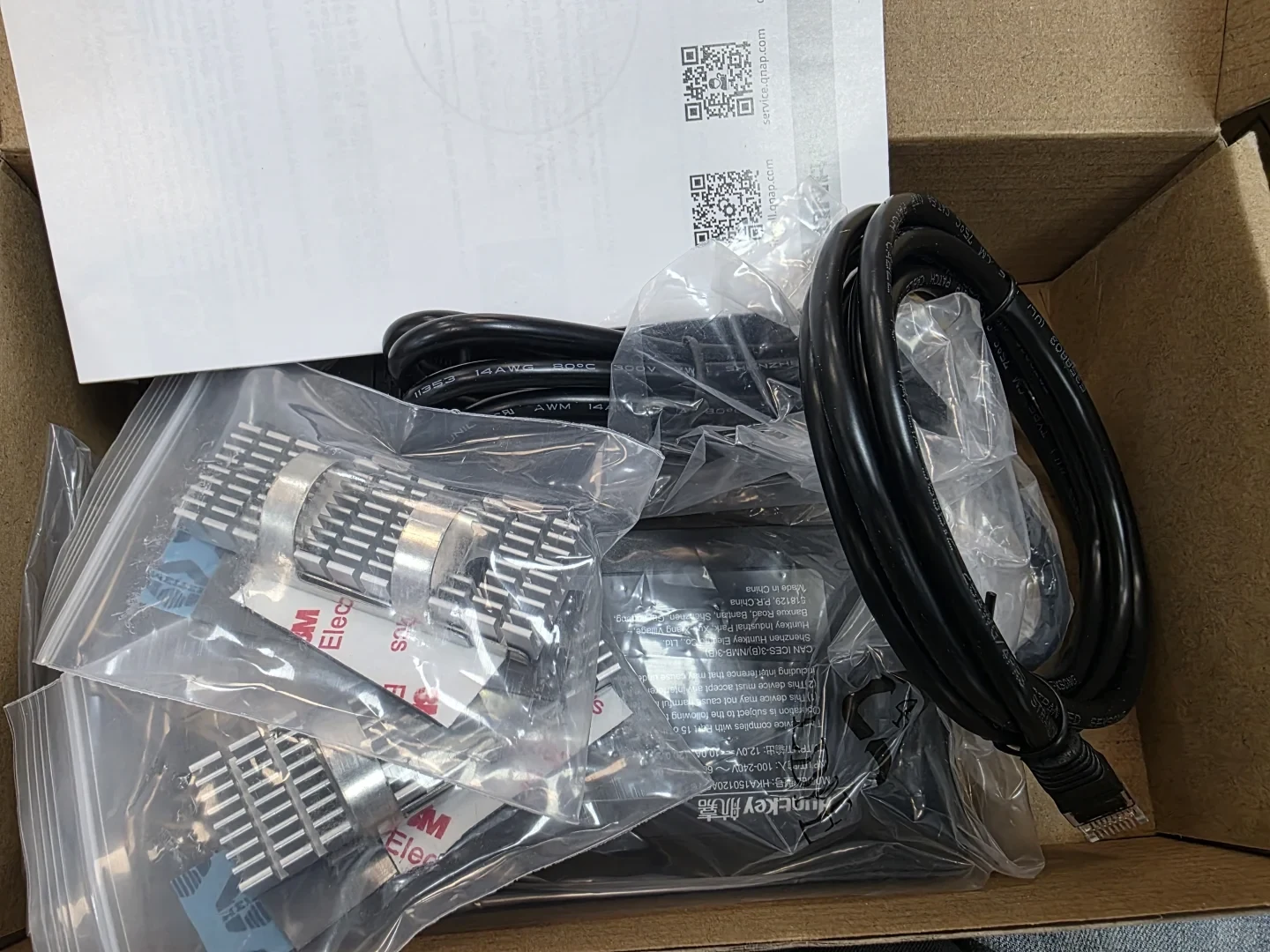
The exterior is plain. Unscrew the rear screws and slide off the case to see the two M.2 slots at the top, the motherboard on the left, and the drive backplane and fan at the rear. It comes with a large M.2 heatsink. I installed a scavenged WD Blue SN580 and Samsung 970 EVO Plus, both 1TB, and it powered on first time.
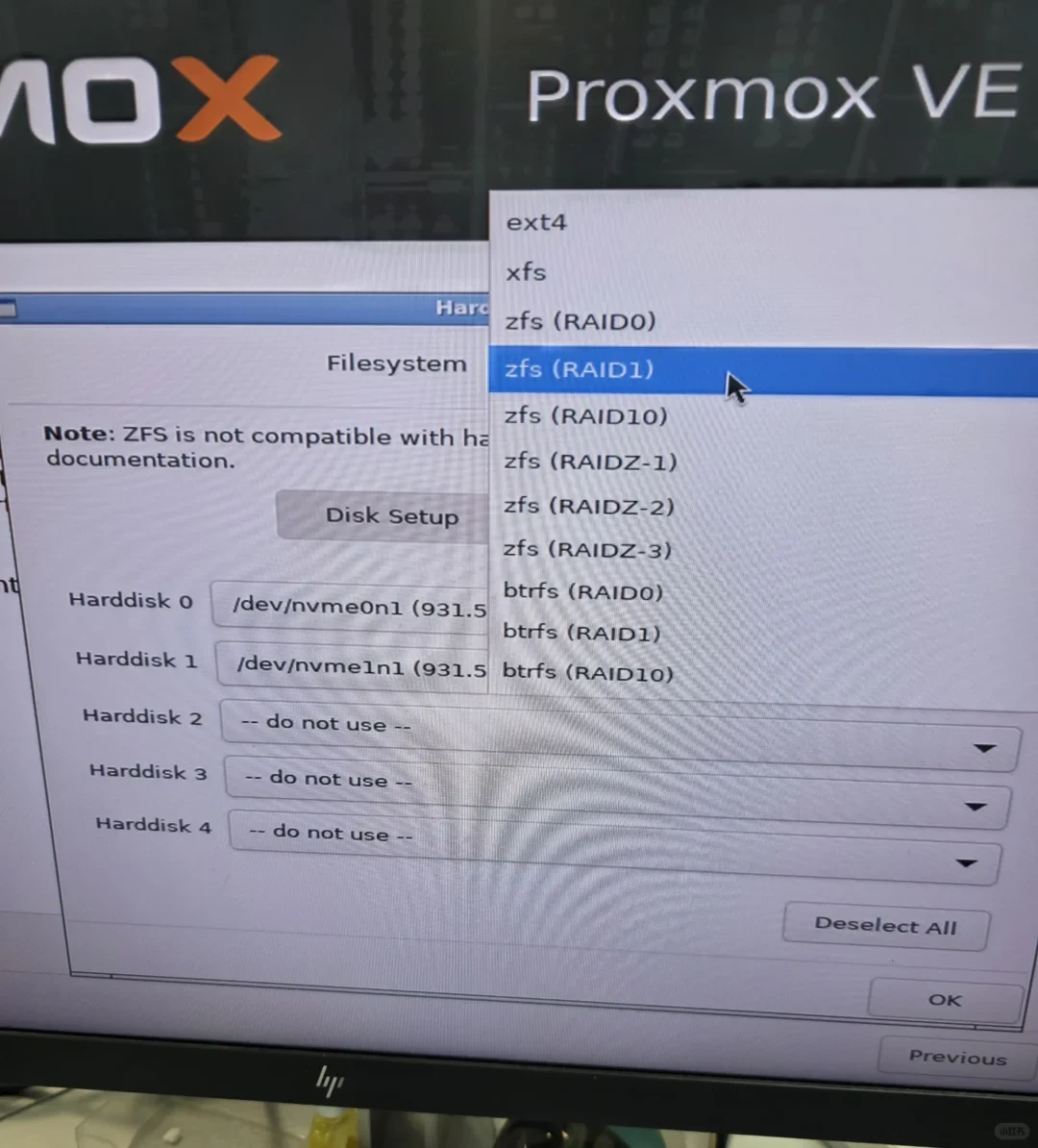
The reason I chose six bays is my plan: one dedicated surveillance drive, two HDDs in RAID1 for important-data backup, plus an SSD cache. Four bays would feel a bit cramped. As for why I’m not using RAID5: I’ve tested hardware RAID5 a few times, and the performance left me wary. On the NAS software side, many people say QNAP’s system is somewhat technical, so I chose fnOS. But fnOS doesn’t support system redundancy, so I’m using Proxmox underneath and creating a ZFS RAID1 on the two M.2 drives. The remaining resources can be used to create virtual disks for the NAS and run other applications. Installing Proxmox on the QNAP is also very simple: go into the BIOS, disable the original small boot drive or change the boot order, then boot from a USB installer. To restore the original setup, just change the boot order again; it won’t affect the original system.
After creating the fnOS virtual machine, I passed the SATA controller straight through to it. I used one network port for the Proxmox bridge and passed the other through to the virtual machine as the NAS’s network port. One more thing: in my setup, fnOS seemed not to accept a static IP address at the final IP-configuration step; it needed DHCP to finish initialization. I spent ages on it, and recovery mode was a hassle, so I gave up. I took a guess, and sure enough, it worked once connected to the network.
Source: 二聪_Beacon · Xiaohongshu · 2026-06-13 · IT大厂工程师家庭网络折腾之旅⑤威联通NAS. Search this Chinese title in Xiaohongshu to find the original post.
Before You Buy
Models in your region
The owner identifies the NAS as a Qu605 with an N150 processor and 16GB of memory. QNAP’s Hong Kong product reference covers that configuration, while the US TS-664 is a related six-bay model, not a regional rebadge. The owner’s Proxmox and fnOS experience applies to the Qu605 setup described, not automatically to the TS-664.
| Model in this review | Related regional model | What to know |
|---|---|---|
| QNAP Qu605 | QNAP Qu605 (N150, 16GB configuration) (Hong Kong manufacturer family reference) | The owner’s N150/16GB configuration matches QNAP’s Hong Kong Qu605 family reference: six SATA bays, two M.2 Gen 3 x1 slots, dual 2.5GbE, and 8GB eMMC. The full unit SKU is not shown, so the reference confirms the configuration rather than an exact retail part number. |
| QNAP TS-664 | QNAP TS-664 (US) | This US six-bay alternative has dual 2.5GbE and two M.2 slots, but uses an N5095, DDR4 memory, and 4GB flash; QNAP lists 16GB as its memory maximum. It is a related model, not an equivalent Qu605, so the owner’s custom setup is not evidence that Proxmox and fnOS work identically on it. |
| QNAP Qu605 | QNAP Qu605 (N150 configuration) (QNAP manufacturer community statement) | QNAP community guidance says the company does not encourage or support custom firmware. The owner’s Proxmox and fnOS installation is a third-party setup, not a manufacturer-supported workflow. |
- Model in this review
- QNAP Qu605
- Related regional model
- QNAP Qu605 (N150, 16GB configuration) (Hong Kong manufacturer family reference)
- What to know
- The owner’s N150/16GB configuration matches QNAP’s Hong Kong Qu605 family reference: six SATA bays, two M.2 Gen 3 x1 slots, dual 2.5GbE, and 8GB eMMC. The full unit SKU is not shown, so the reference confirms the configuration rather than an exact retail part number.
- Model in this review
- QNAP TS-664
- Related regional model
- QNAP TS-664 (US)
- What to know
- This US six-bay alternative has dual 2.5GbE and two M.2 slots, but uses an N5095, DDR4 memory, and 4GB flash; QNAP lists 16GB as its memory maximum. It is a related model, not an equivalent Qu605, so the owner’s custom setup is not evidence that Proxmox and fnOS work identically on it.
- Model in this review
- QNAP Qu605
- Related regional model
- QNAP Qu605 (N150 configuration) (QNAP manufacturer community statement)
- What to know
- QNAP community guidance says the company does not encourage or support custom firmware. The owner’s Proxmox and fnOS installation is a third-party setup, not a manufacturer-supported workflow.
The Qu605 setup combines mirrored boot drives with a separate NAS plan
The owner selected ZFS RAID1 across two M.2 drives for the Proxmox installation, then ran fnOS in a virtual machine with the SATA controller passed through. This describes the boot arrangement and virtualization setup; it does not establish that NAS files or virtual-machine data were also mirrored or backed up.
The plan for one surveillance HDD, two HDDs in RAID1, and an SSD cache was a reason for choosing six bays, not a reported completed or tested storage layout. Buyers should treat those drive roles as a proposed configuration rather than verified performance or backup results.
The US TS-664 is related, but the Qu605 experience does not transfer automatically
Both models offer six bays, dual 2.5GbE, and two M.2 slots, but the US TS-664 uses an Intel N5095, DDR4 memory, and 4GB flash; QNAP lists a 16GB memory maximum. The Qu605 reference instead identifies an N150/16GB configuration with DDR5 and 8GB eMMC. These differences make the TS-664 a comparison option, not proof that it will behave like the Qu605 under Proxmox and fnOS.
Treat custom firmware as an unsupported setup
The owner says changing the boot order can restore the original QNAP startup path, but that account does not verify a safe rollback after new data has been written. QNAP says it does not encourage or support custom firmware, so buyers should not assume the Proxmox/fnOS configuration is manufacturer-supported or that changing boot order guarantees recoverability.
The DHCP requirement was specific to this fnOS installation
In the installation, fnOS needed a DHCP connection to complete its final initialization step; the attempt to set a static address at that stage did not work. This is a report about that setup, not evidence that fnOS universally lacks static-IP support. If you plan a similar installation, allow DHCP during initial setup; the account does not establish what later network configuration is available.
Related Reading

Reviews & Guides · Computing & Networking
TP-Link Deco X55 in a two-storey Australian home: Wi-Fi across 300 m²
I installed two TP-Link Deco X55 units in my 300 m², two-storey home; bedrooms that often lost Wi-Fi now had a signal throughout the house.

Reviews & Guides · Computing & Networking
TP-Link Deco X55: DNS pauses stopped for six days in access-point mode
I switched my Deco X55 to access-point mode and restored my older router to the front of the network. The DNS-like pauses stayed away for six days.
Reviews & Guides · Computing & Networking
TP-Link Deco X55 after nearly a year: six units, Teams and gaming
I’ve used six TP-Link Deco X55 units for nearly a year, including daily Teams calls and online gaming; I’ve had only one or two connectivity issues.