
Reviews & Guides · Computing & Networking
Razer Thunderbolt 5 Dock Mercury: I liked the look, not the trade-offs
Reviewed: Razer Thunderbolt 5 Dock MercuryRegional reference: Razer Thunderbolt 5 Dock Mercury RC21-02290200-R3EK (France / EU retailer); Razer Thunderbolt 5 Dock Chroma (US)
I liked the Razer Thunderbolt 5 Dock Mercury’s aluminum Mercury finish, but its heavy power adapter and Gigabit Ethernet made me hesitate.
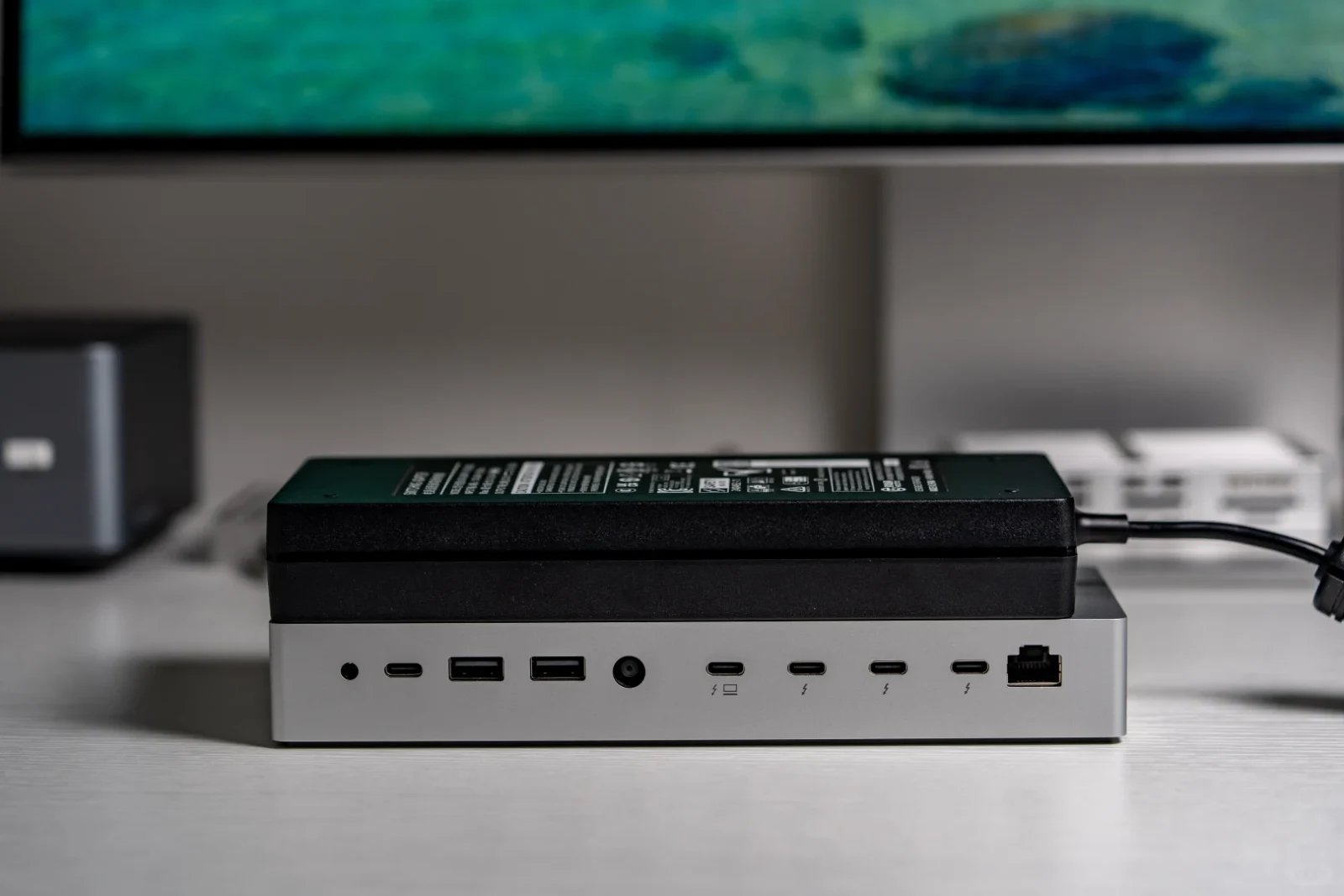
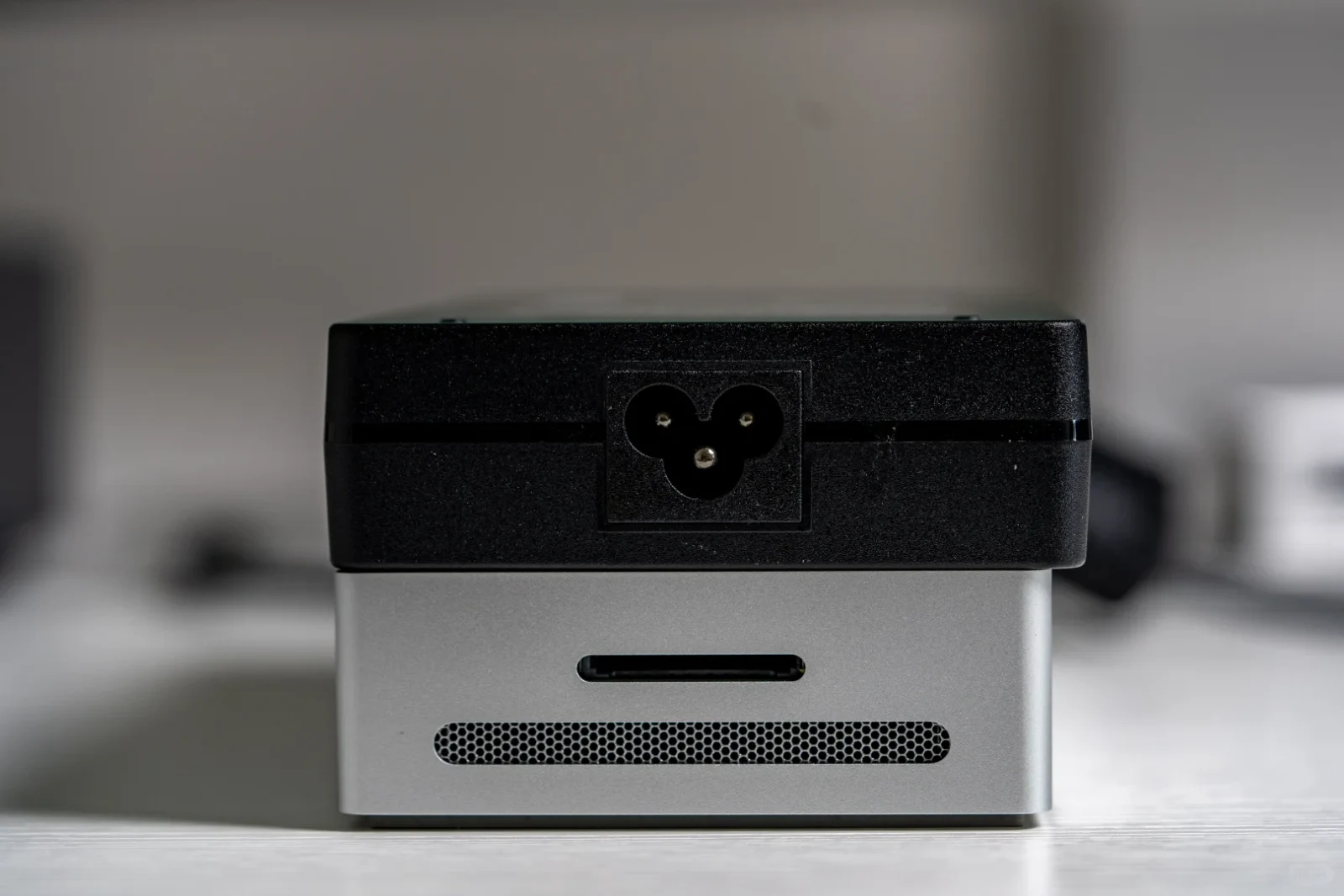
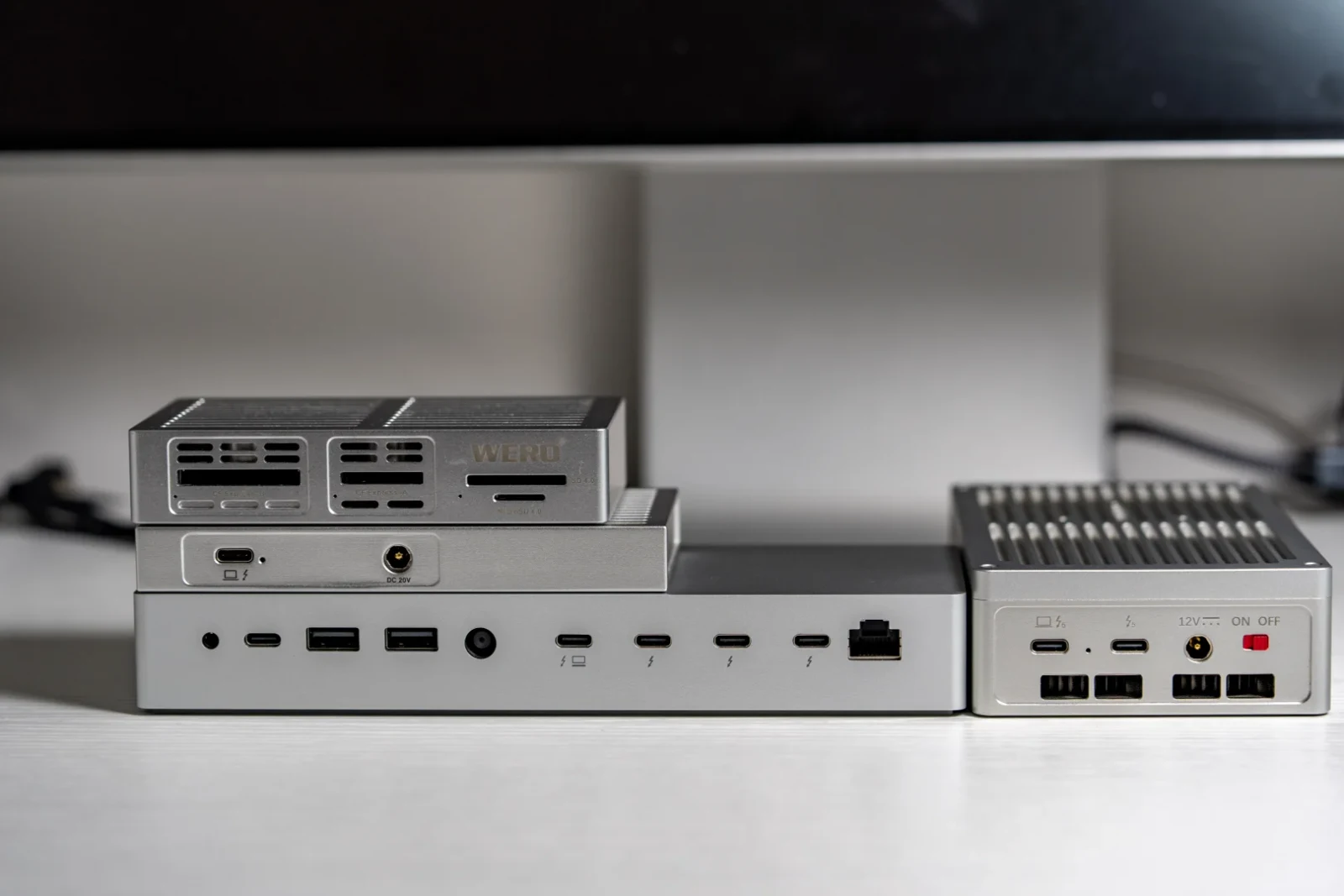
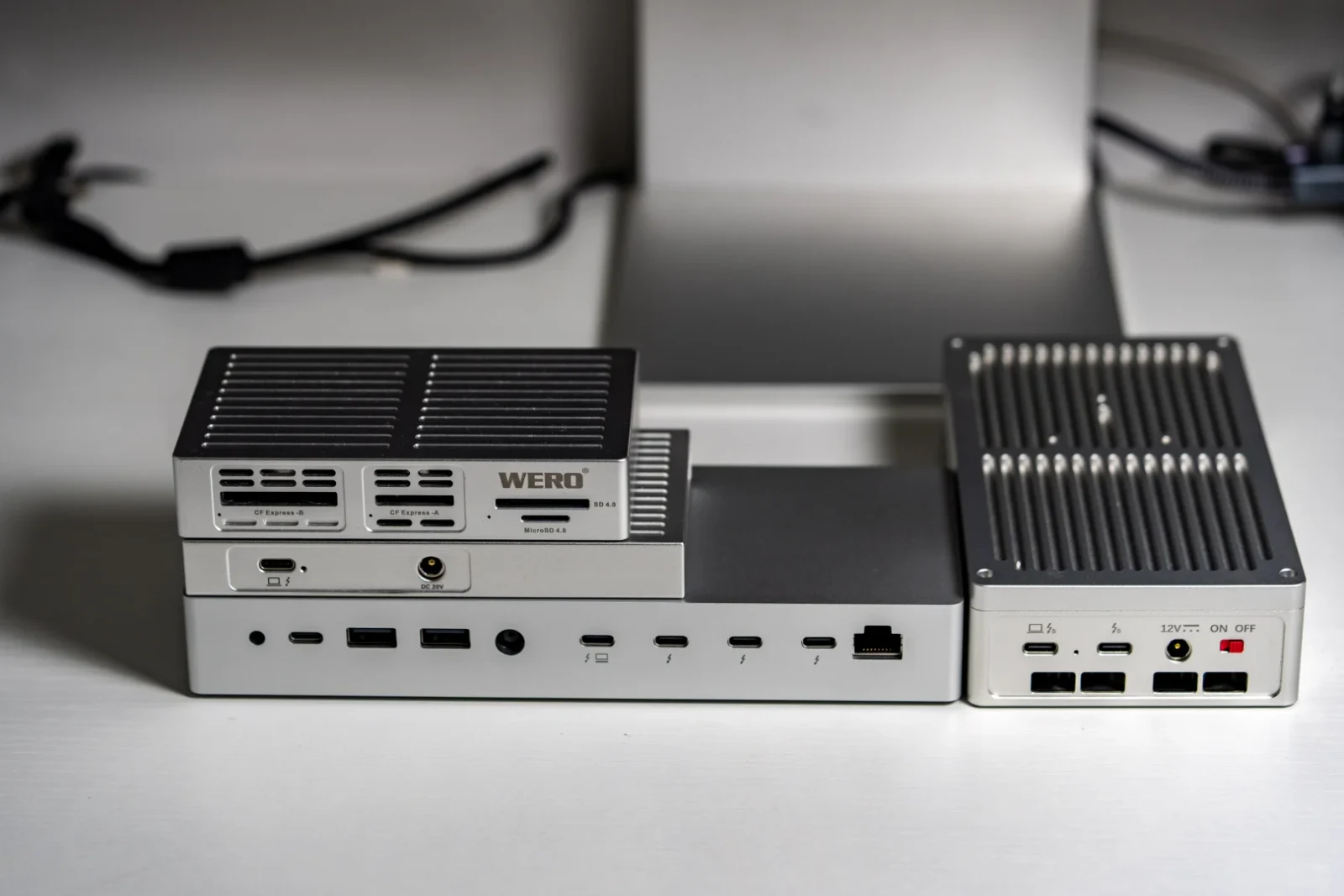
3. Razer Mercury: The best-looking one, but also the one I found hardest to decide on.
First, the good points
It really does look good.
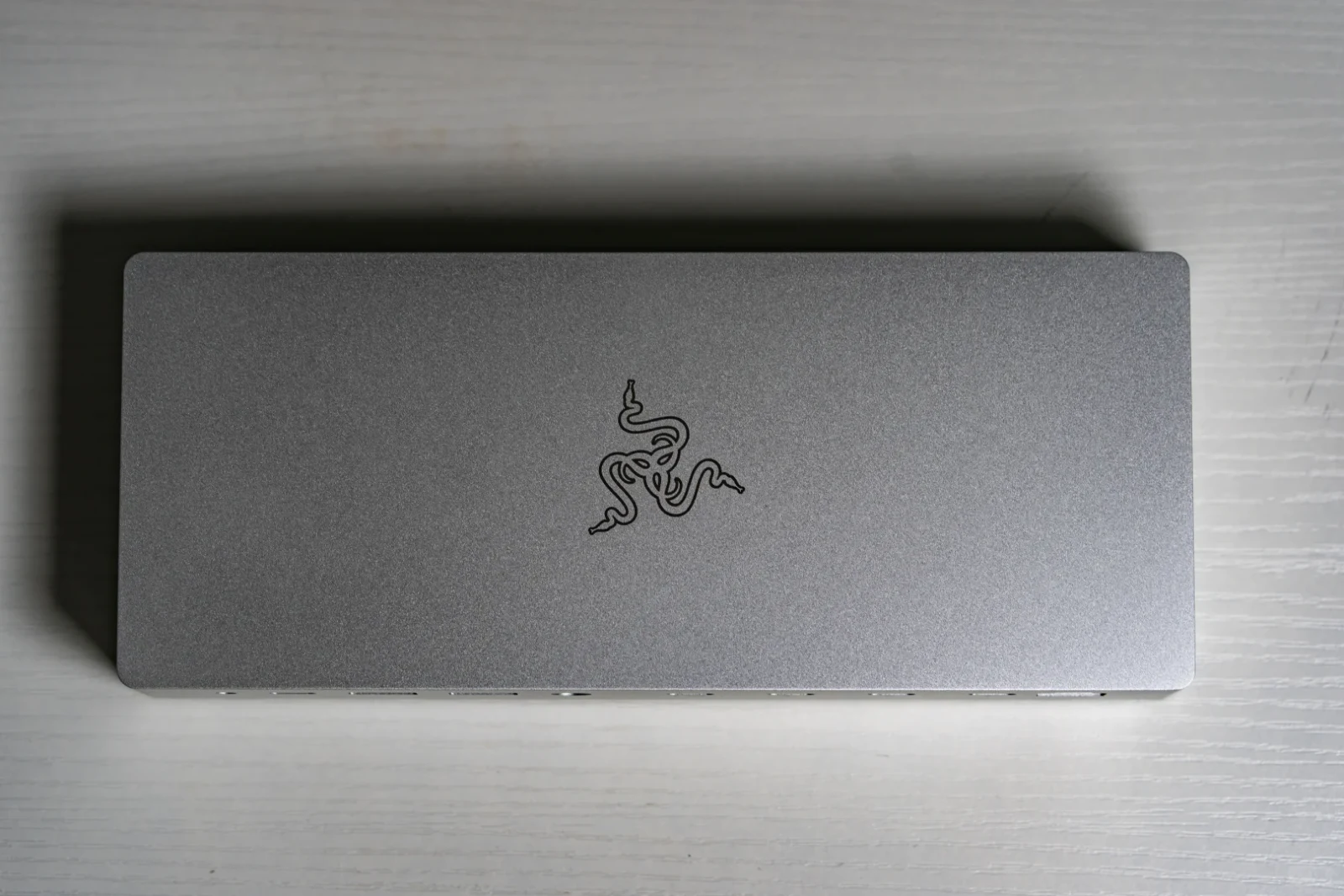
The all-aluminum body and Mercury finish look great on a desk. If you care about a coordinated desktop setup, it’s hard to resist.
But here’s the problem
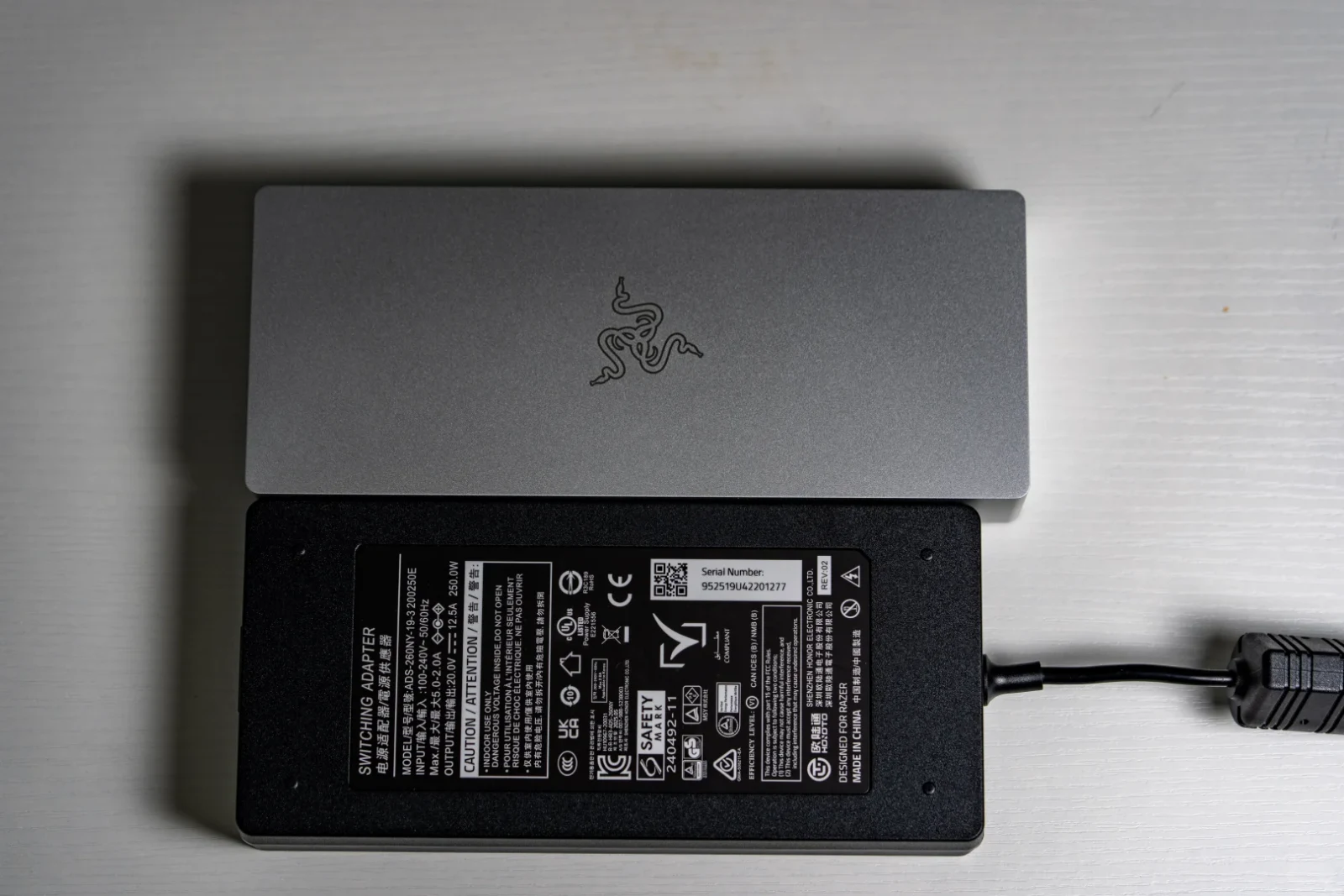
The power adapter is actually heavier than the dock itself.
You could call it portable...
...but it doesn’t seem eager to leave the desk.
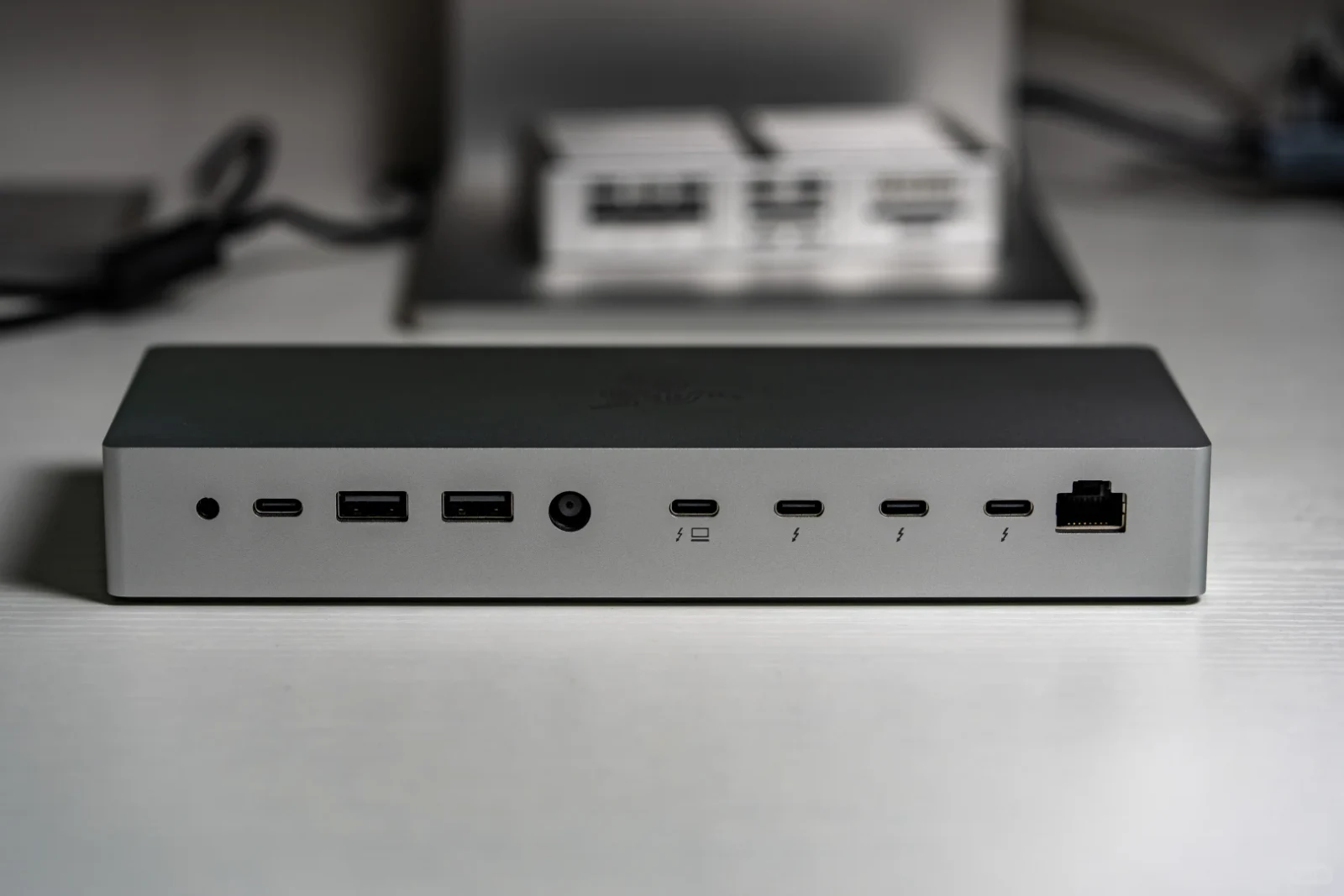
What bothered me more was the Ethernet port.
2.5G, 5G and even 10G networking are becoming more common,
yet this dock gives you Gigabit Ethernet.
That feels a little...
Flagship looks, but somewhat conservative ports.
So I think it suits
People with room in their budget who care about their desk setup and put appearance first.
If you’re looking only for practicality, I’d take a moment to think it over.
So how should you choose among Thunderbolt docks costing over 2,000 yuan?
For intensive video editing, photography, NAS use or handling footage from multiple cameras
👉 Maihelun (迈和伦) 7020
For everyday office work, long-term use and fewer hassles
👉 Anker
For a coordinated desk setup, a focus on appearance and a more generous budget
👉 Razer Mercury
But I want to leave you with one thing
What really makes a Thunderbolt 5 dock expensive isn’t the number of ports.
It’s
Reliability: no disconnecting drives, glitches or constant fiddling.
You spend 2,000 yuan on a tool for getting work done,
but end up constantly figuring out why a drive disconnects or a display goes black...
Then no matter how impressive the specifications,
it’s just money wasted.
Source: 数码判客 · Xiaohongshu · 2026-08-14 · 三款雷电5扩展坞,智商税OR生产力神器(下). Search this Chinese title in Xiaohongshu to find the original post.
Before You Buy
Models in your region
The owner describes a Razer Thunderbolt 5 Dock in the Mercury finish, but the exact unit code is not shown. The EU retailer listing identifies a Mercury Thunderbolt 5 Dock, while the US official listing covers the dock family and does not establish the owner’s exact variant. The table distinguishes those evidence scopes.
| Model in this review | Related regional model | What to know |
|---|---|---|
| Razer Thunderbolt 5 Dock Mercury | Razer Thunderbolt 5 Dock Mercury RC21-02290200-R3EK (France / EU retailer) | The EU retailer lists a Mercury Thunderbolt 5 Dock, model RC21-02290200-R3EK, with 11 ports and Gigabit Ethernet; its configuration matches the owner’s description, but the owner’s exact suffix is unconfirmed. |
| Razer Thunderbolt 5 Dock Mercury | Razer Thunderbolt 5 Dock Chroma (US) | The US official Thunderbolt 5 Dock family also lists Gigabit Ethernet and a 250W power port, but the evidence does not identify the owner’s exact unit or confirm that this US listing is the same Mercury variant. |
- Model in this review
- Razer Thunderbolt 5 Dock Mercury
- Related regional model
- Razer Thunderbolt 5 Dock Mercury RC21-02290200-R3EK (France / EU retailer)
- What to know
- The EU retailer lists a Mercury Thunderbolt 5 Dock, model RC21-02290200-R3EK, with 11 ports and Gigabit Ethernet; its configuration matches the owner’s description, but the owner’s exact suffix is unconfirmed.
- Model in this review
- Razer Thunderbolt 5 Dock Mercury
- Related regional model
- Razer Thunderbolt 5 Dock Chroma (US)
- What to know
- The US official Thunderbolt 5 Dock family also lists Gigabit Ethernet and a 250W power port, but the evidence does not identify the owner’s exact unit or confirm that this US listing is the same Mercury variant.
A polished desk dock with a portability trade-off
The main praise is visual: the all-aluminum Mercury-finish dock looked especially appealing on a desk. The power adapter, by contrast, felt heavier than the dock, which led the owner to doubt its appeal as a portable setup. That comparison is subjective; no measured weights are provided.
The pictured adapter’s label rates it at 250W, matching the power input listed for the related US Thunderbolt 5 Dock Chroma. That US model offers up to 140W to a compatible laptop. The external brick still belongs in the setup even when the dock replaces the laptop’s separate charger.
Gigabit Ethernet may limit faster wired networks
The owner objects to the dock’s Gigabit Ethernet because faster 2.5GbE, 5GbE and 10GbE networking is becoming more common. Both supplied regional references list Gigabit Ethernet, so buyers who need a faster wired link should look for a different dock or verify the Ethernet speed of the exact model they are considering.
This is a port-specification concern, not a reported speed test: the source account gives no measured network throughput or specific NAS connection result. The owner’s recommendations of Maihelun 7020 for intensive editing, photography, NAS and multi-camera footage, Anker for everyday office work, and Razer Mercury for appearance are advice from the post, not comparative test findings.
Check reliability as well as the port list
The owner argues that a dock’s value depends on reliable operation, not just how many ports it has, and warns about the frustration of disconnected drives or a display going black. The post does not document those faults happening with this Razer dock; they are concerns about what can make a dock disruptive to work.
The EU retailer identifies the Mercury version as model RC21-02290200-R3EK and lists 11 ports; the US official page describes the Thunderbolt 5 Dock family, not a confirmed matching Mercury unit. Because the reviewed unit’s exact code is unknown, buyers should check that the regional listing matches the specific configuration and support terms they need.
Related Reading

Reviews & Guides · Computing & Networking
TP-Link Deco X55 in a two-storey Australian home: Wi-Fi across 300 m²
I installed two TP-Link Deco X55 units in my 300 m², two-storey home; bedrooms that often lost Wi-Fi now had a signal throughout the house.

Reviews & Guides · Computing & Networking
TP-Link Deco X55: DNS pauses stopped for six days in access-point mode
I switched my Deco X55 to access-point mode and restored my older router to the front of the network. The DNS-like pauses stayed away for six days.
Reviews & Guides · Computing & Networking
TP-Link Deco X55 after nearly a year: six units, Teams and gaming
I’ve used six TP-Link Deco X55 units for nearly a year, including daily Teams calls and online gaming; I’ve had only one or two connectivity issues.