
Reviews & Guides · Computing & Networking
Synology DiskStation DS1621+ after a year without cleaning: dust on the fans and drive intakes
Reviewed: Synology DiskStation DS1621+Regional reference: Synology DiskStation DS1621+ (United States / English hardware guide)
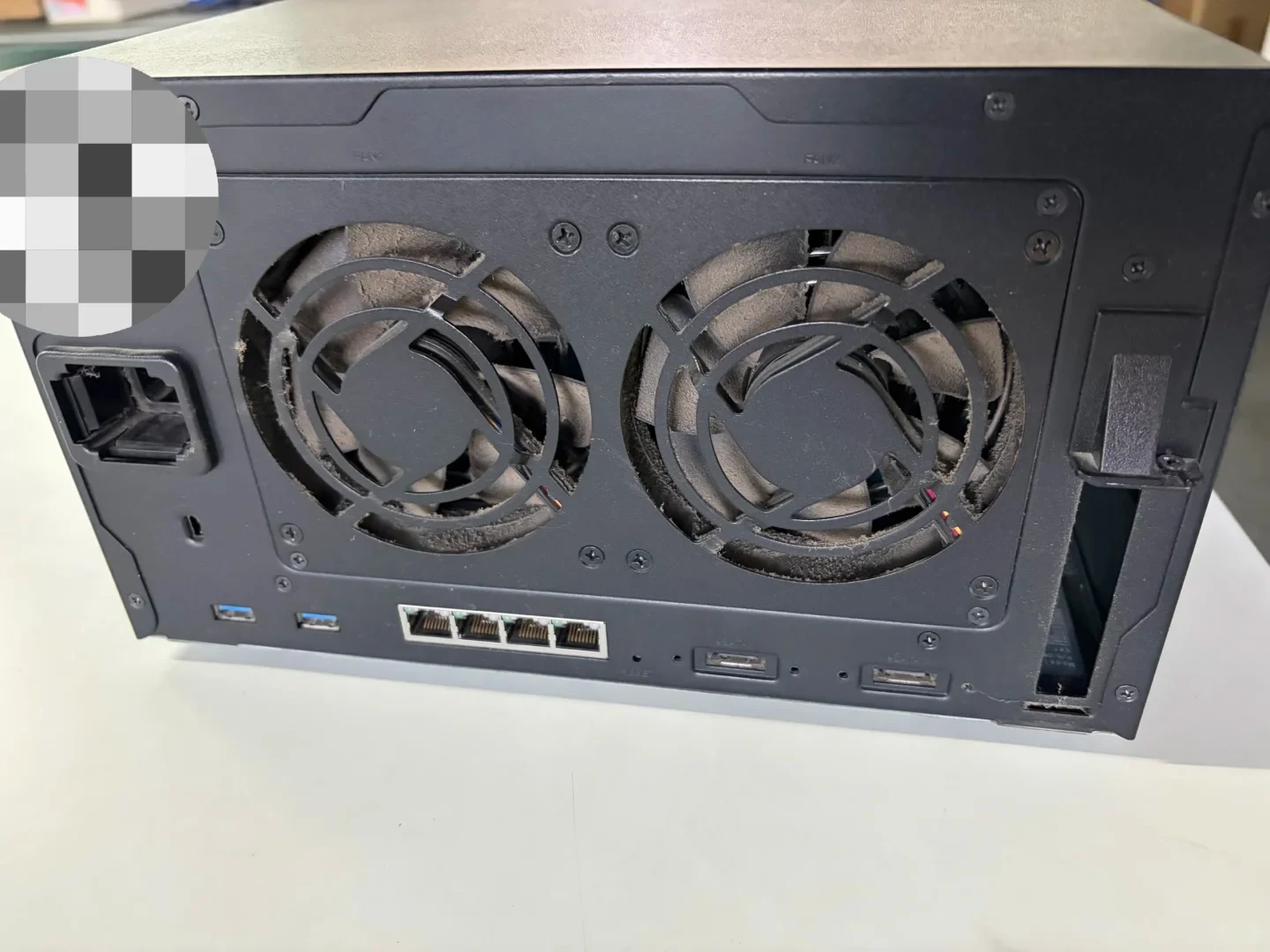
I opened my Synology DiskStation DS1621+ after more than a year without cleaning and found heavy dust on the fans and drive-bay intakes.
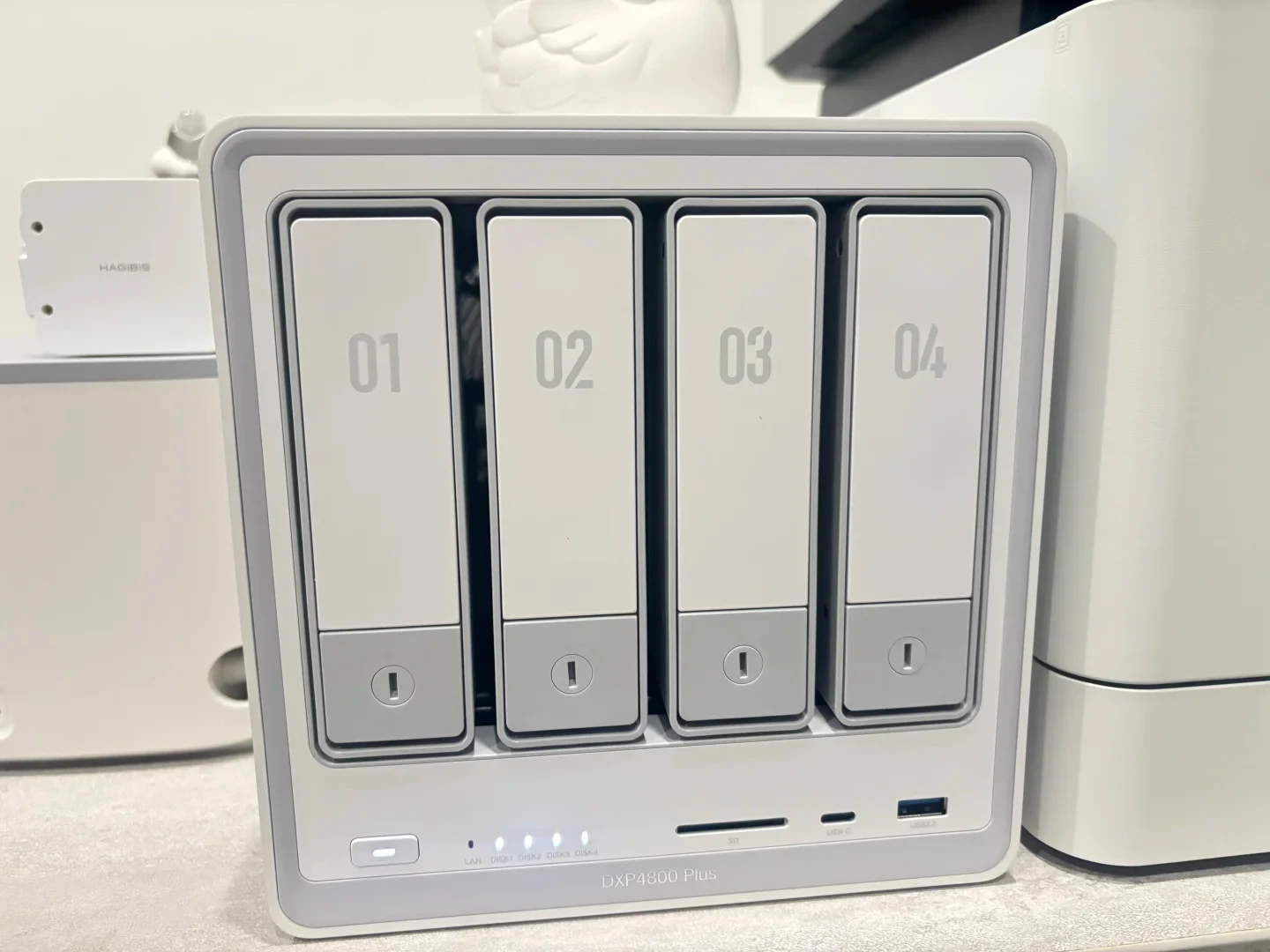
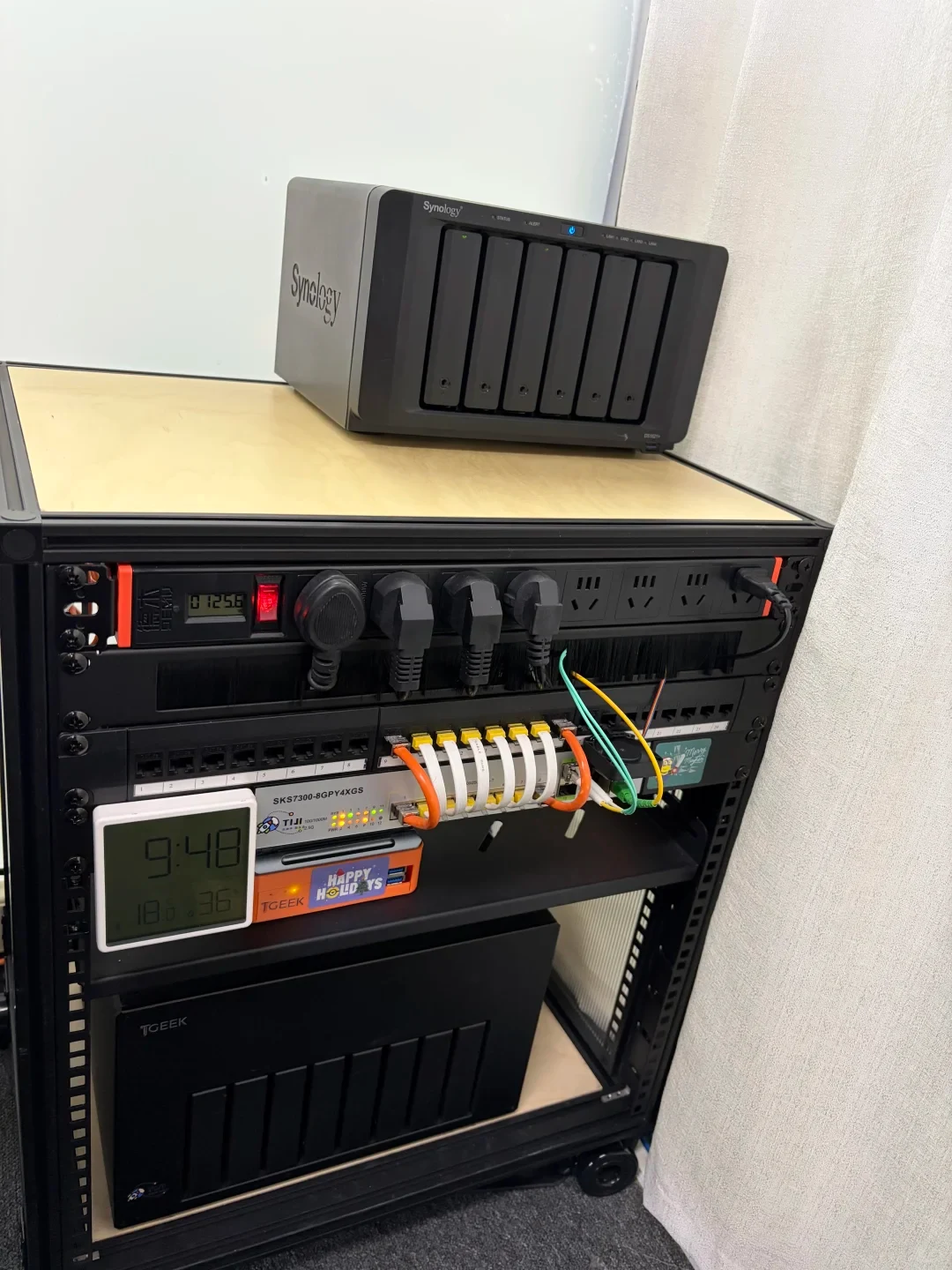
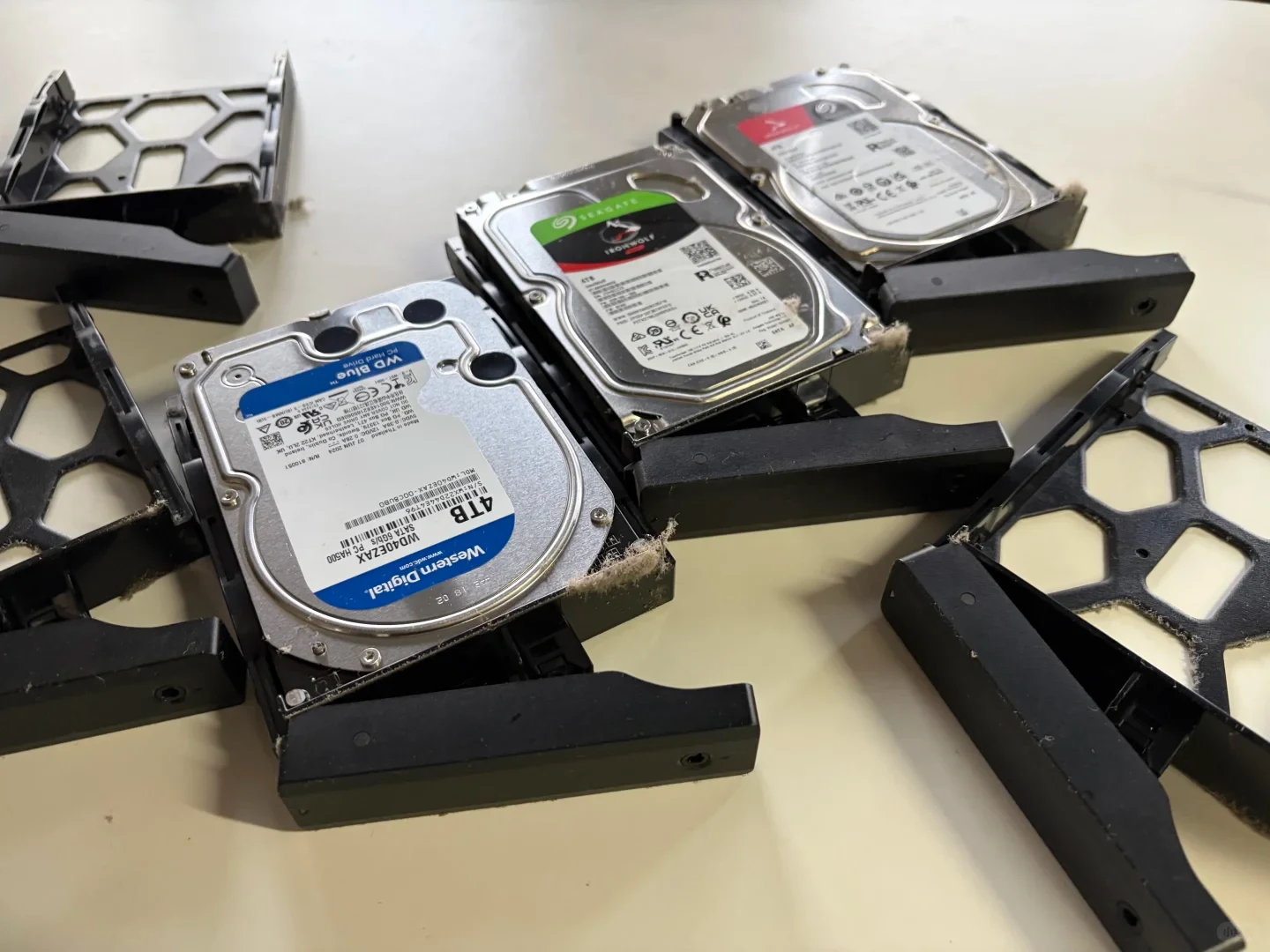
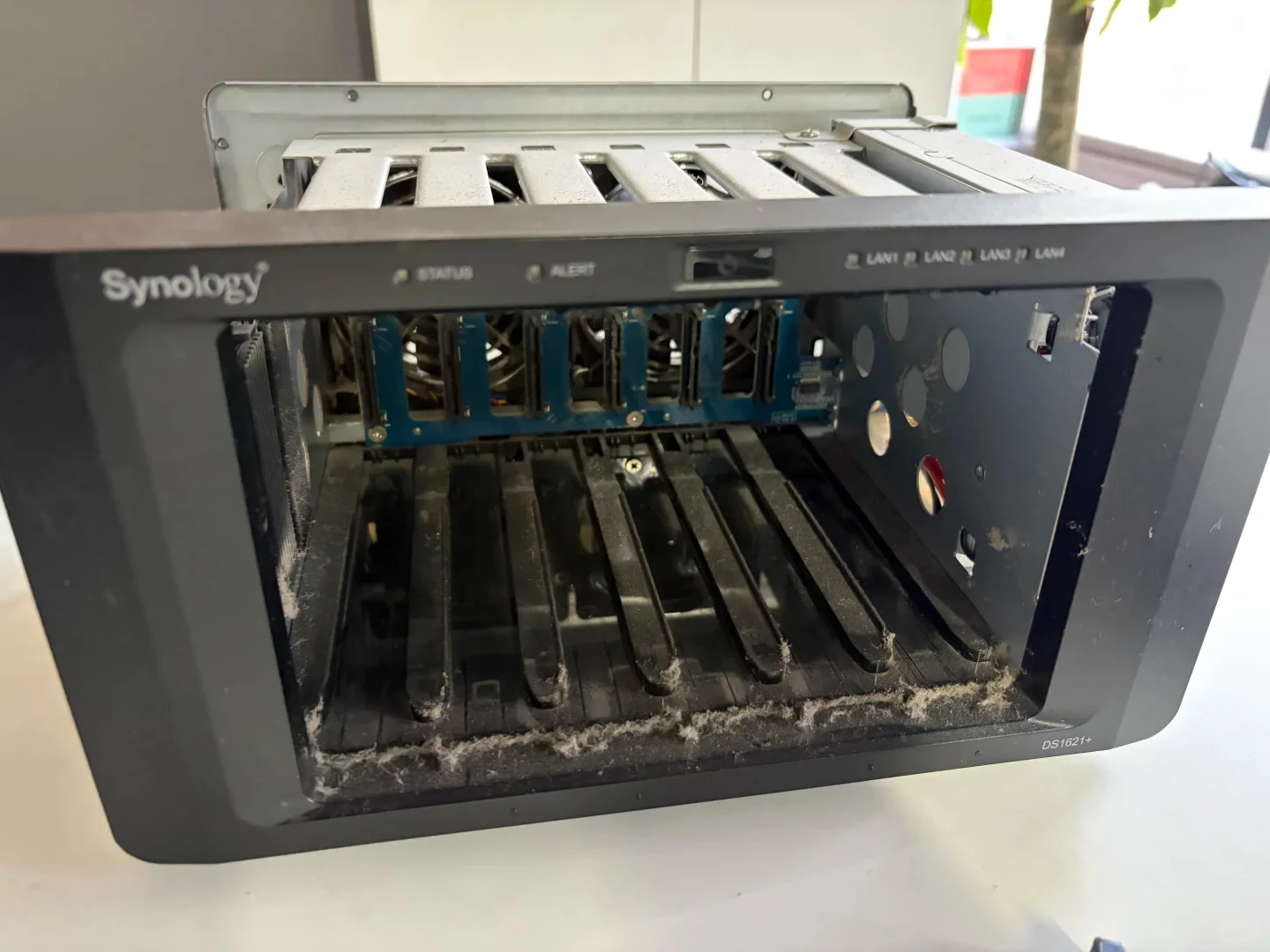
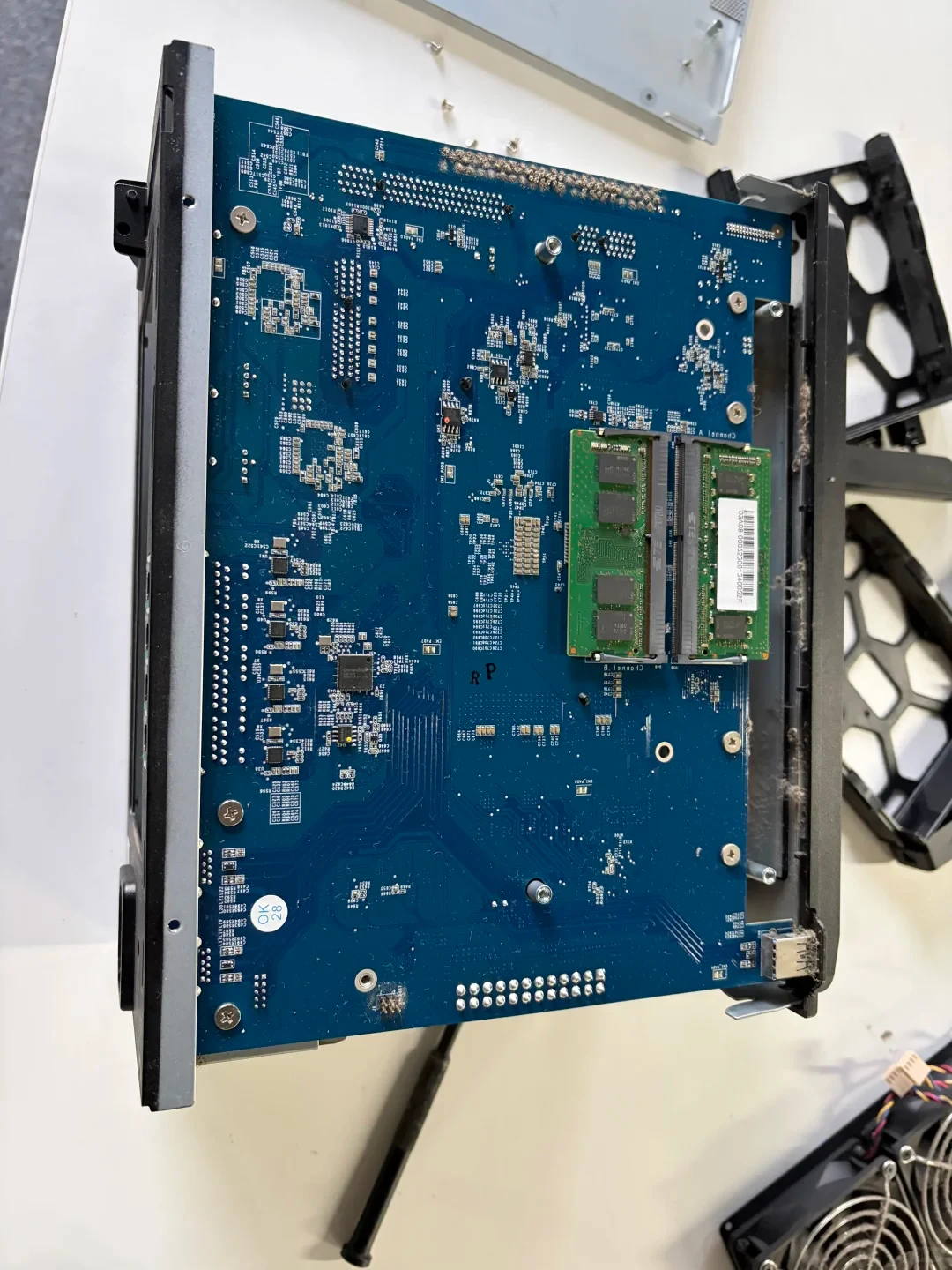
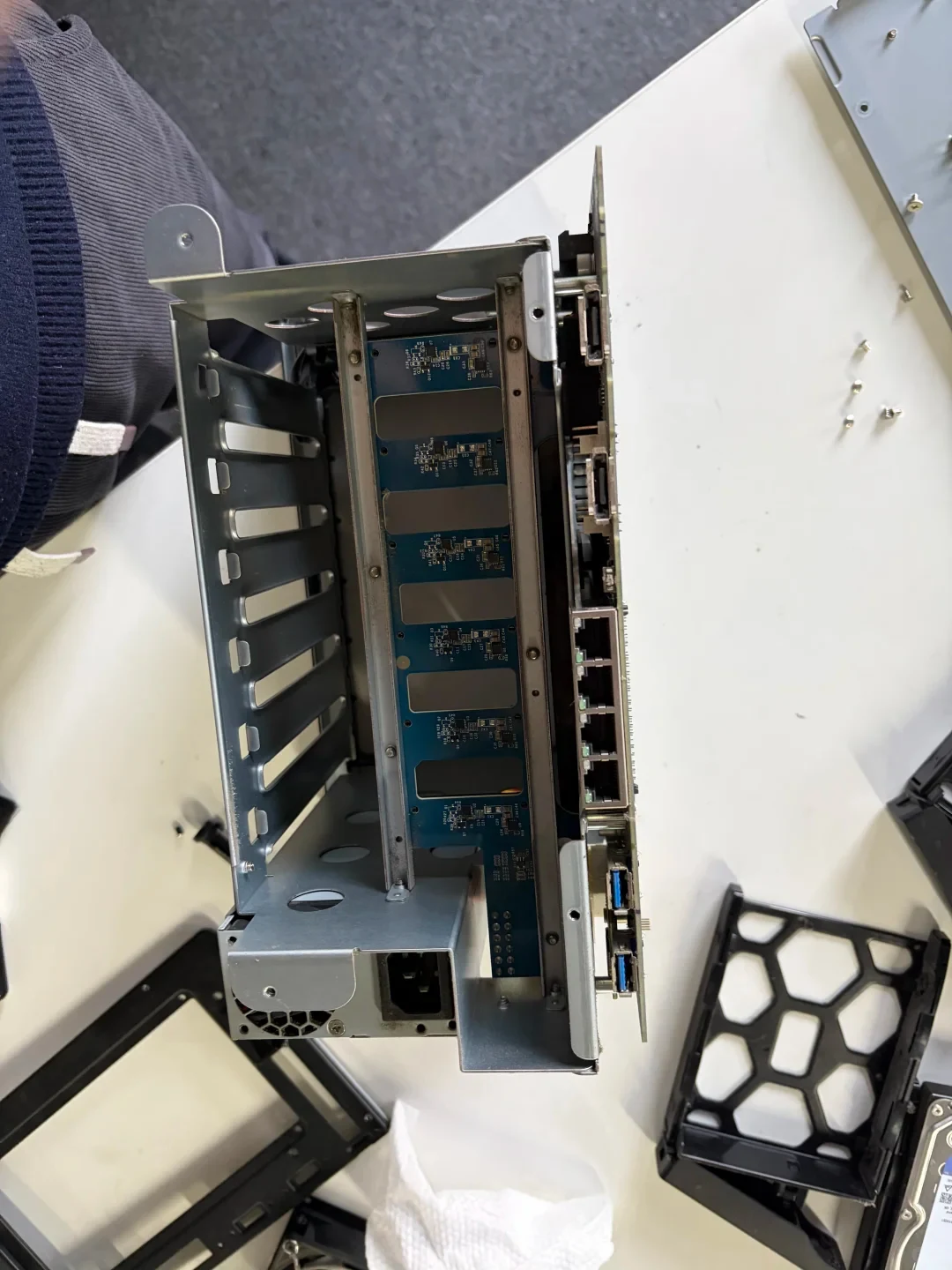
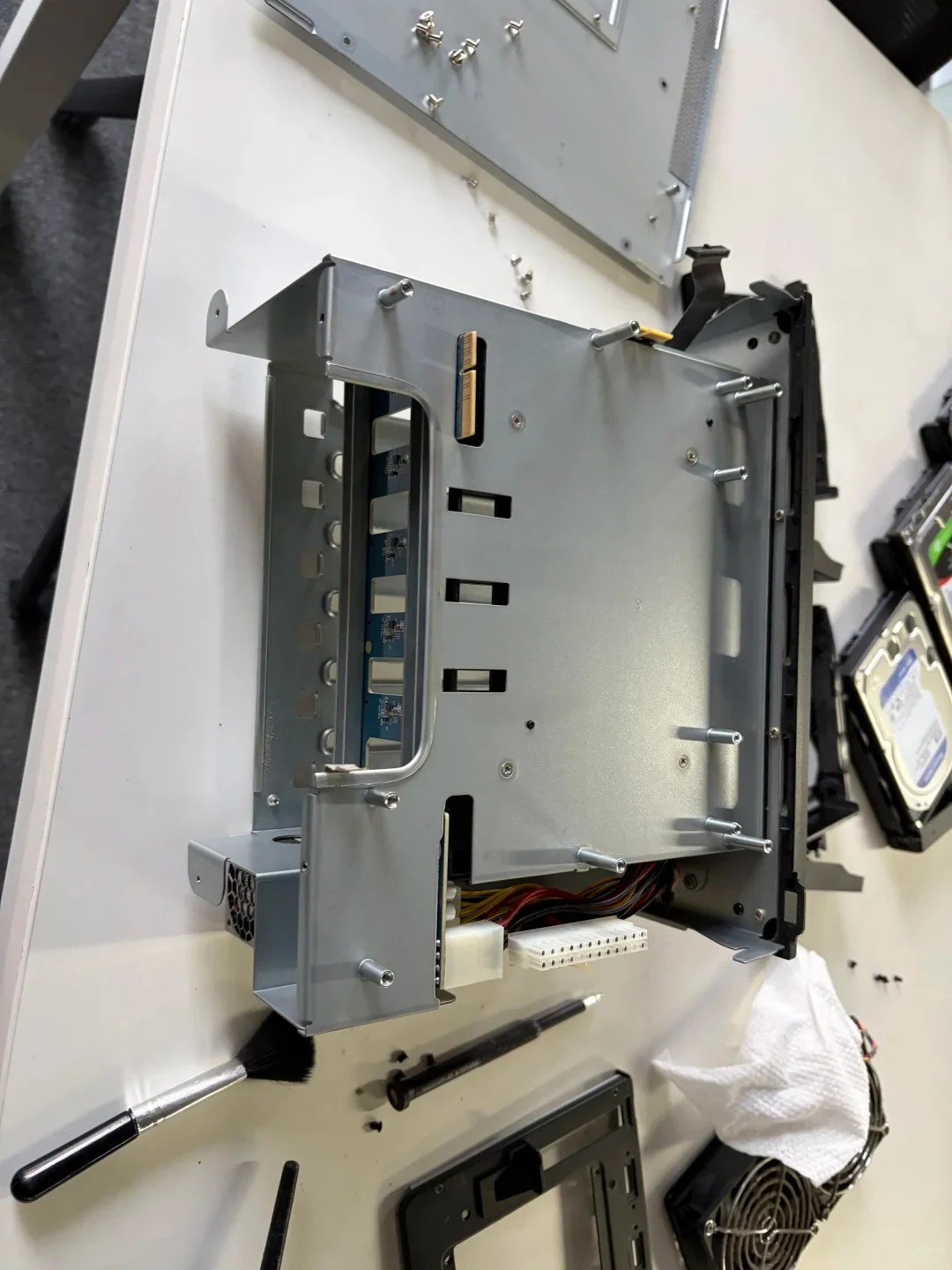
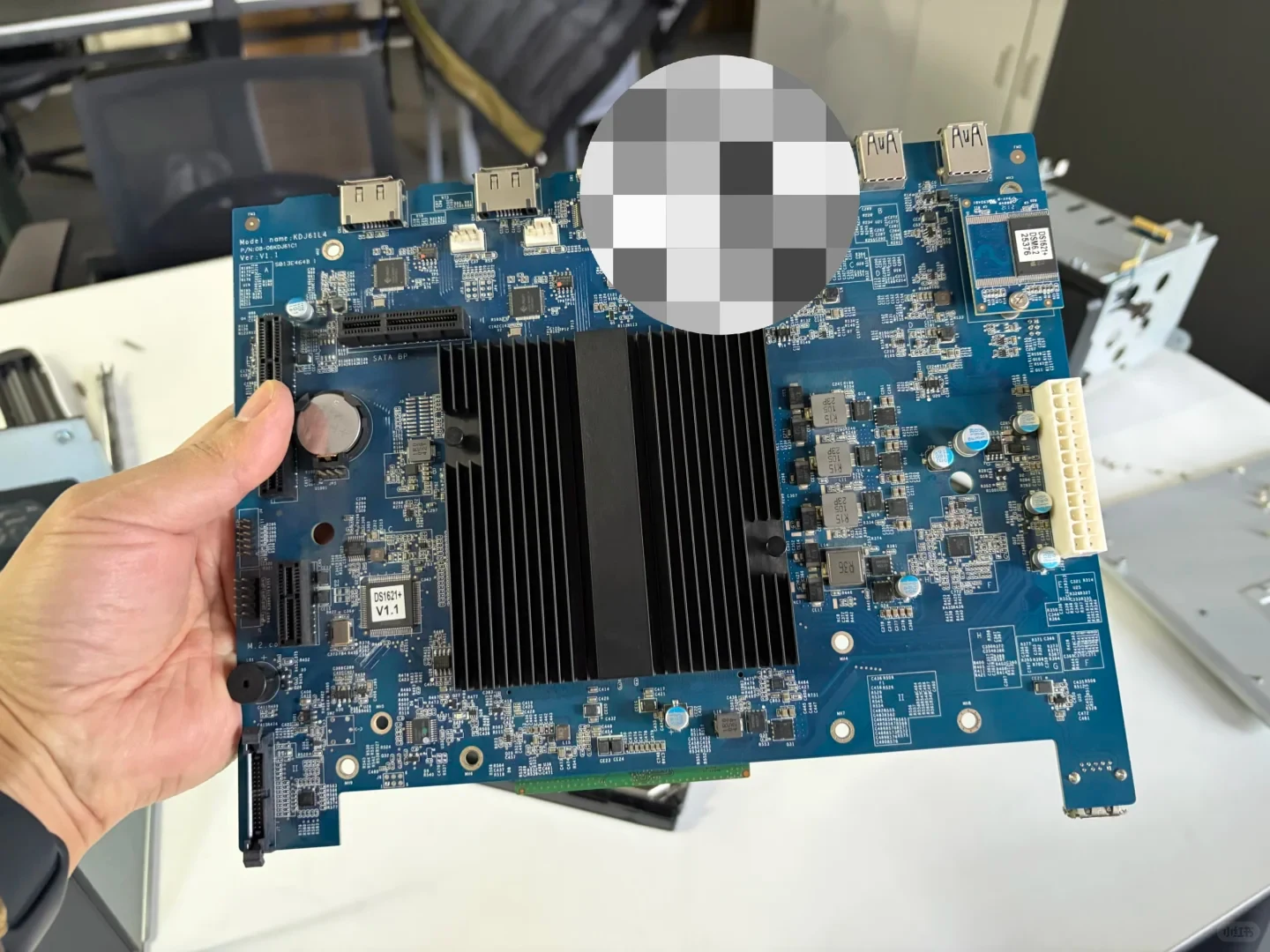
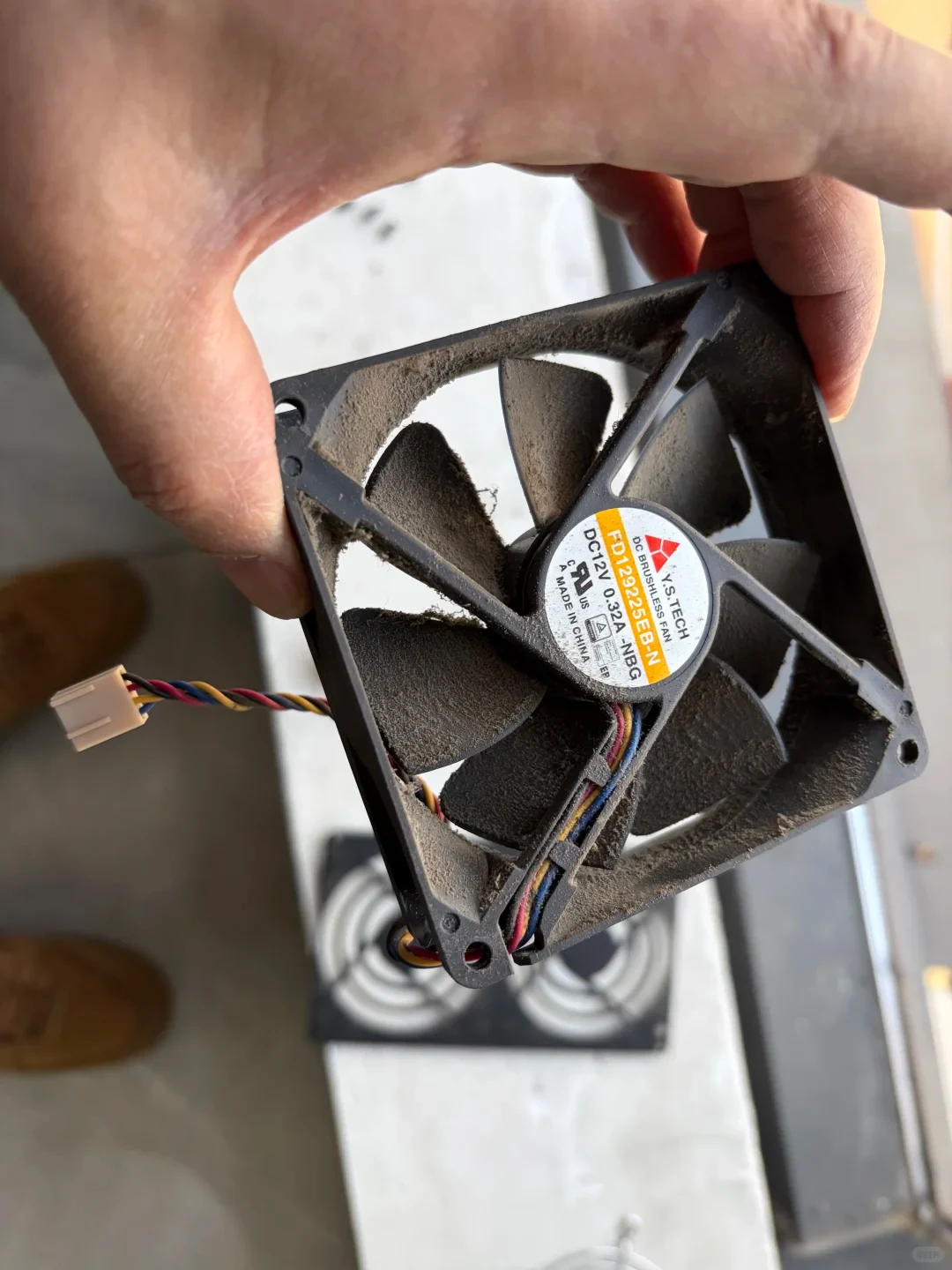
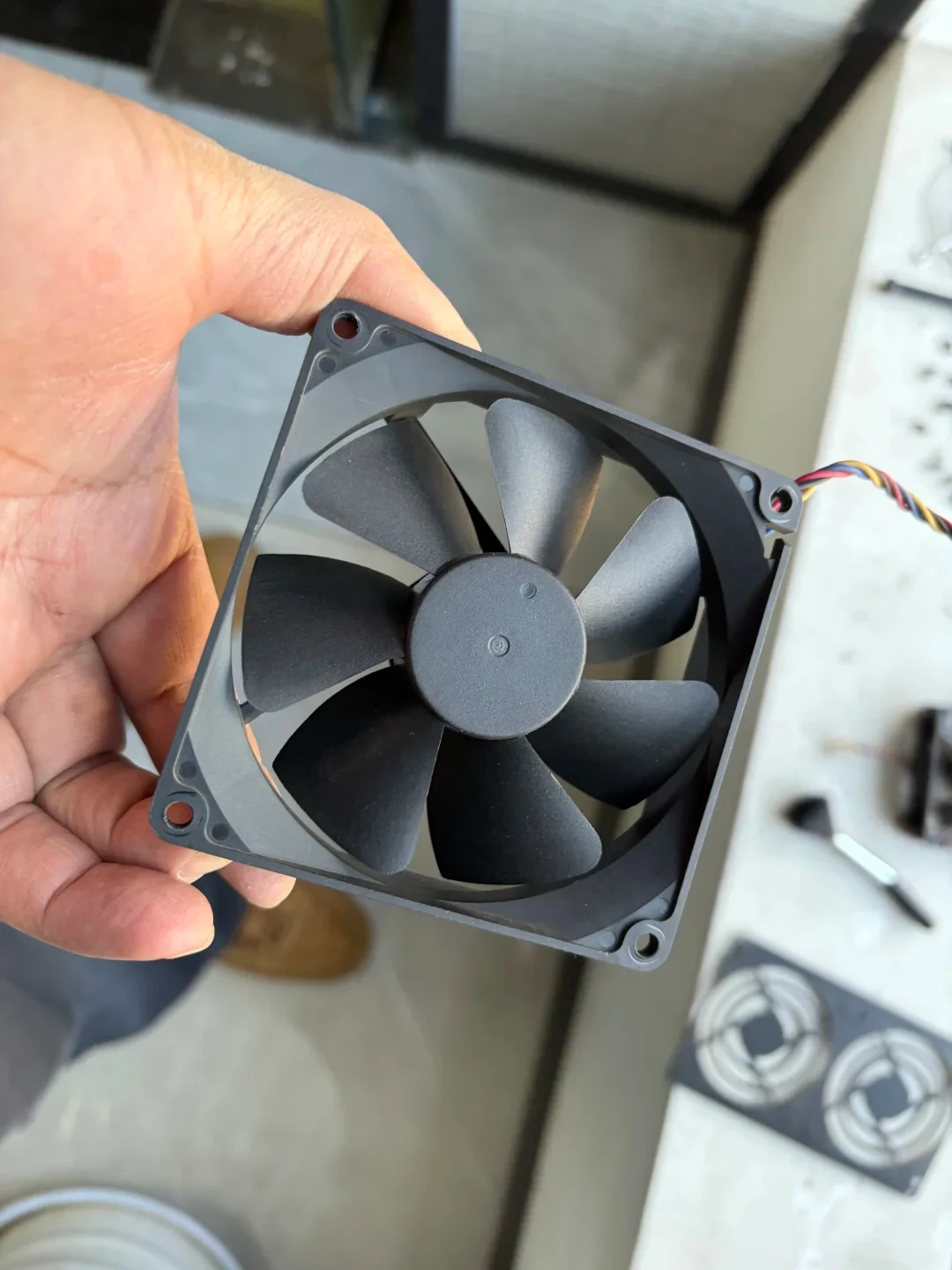
I always thought my Synology NAS at home was “clean.” Then I moved it today, and it taught me a lesson...
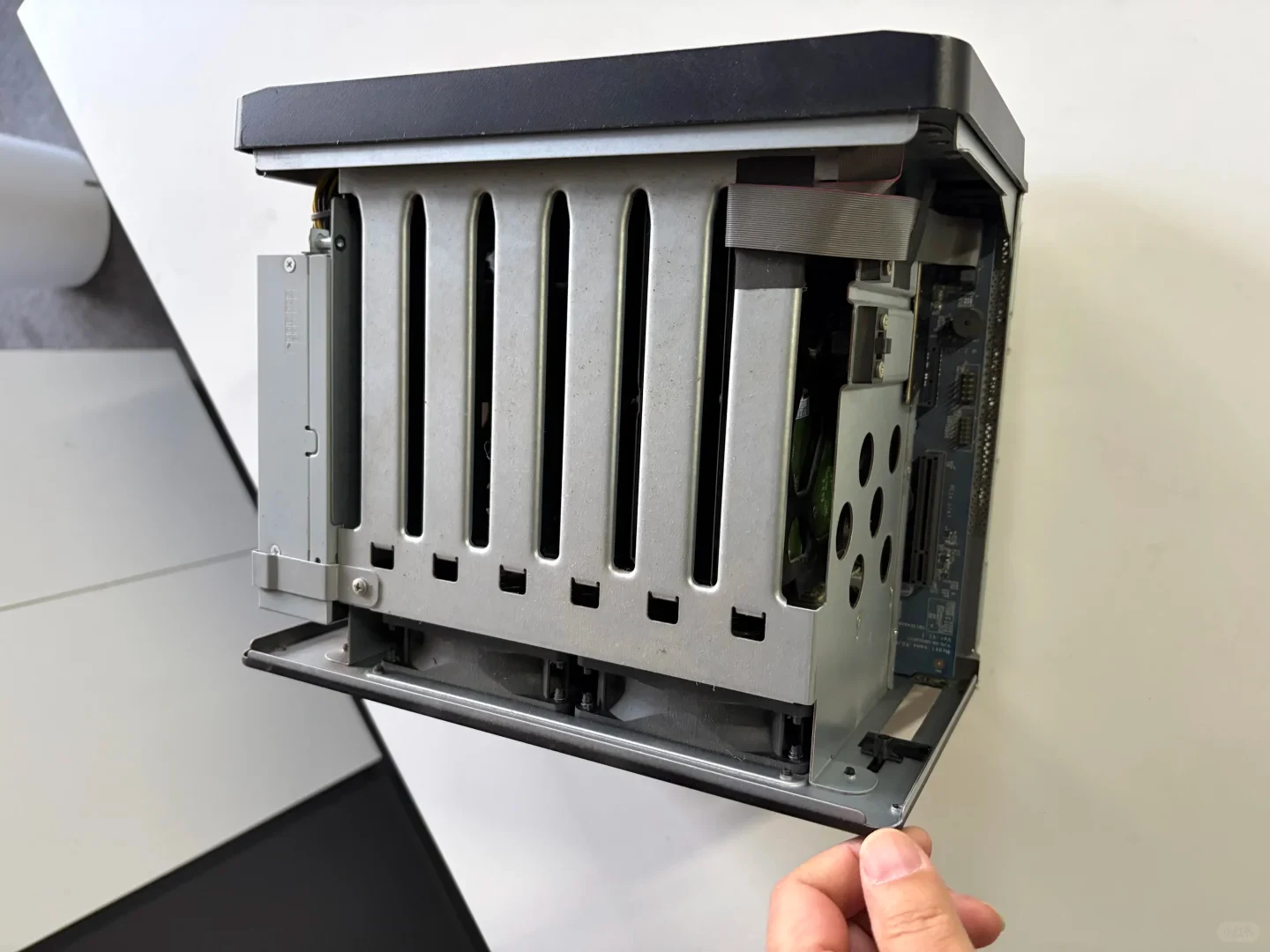
When I opened it up, the fans and hard-drive air intakes were covered in an unbelievable amount of thick dust.
It had been at home for more than a year without being cleaned. It’s winter now, so it’s fine; if it were summer, I imagine the drives would already be “baking.”
I’ve finished giving it a thorough dusting.
A reminder: NAS devices, routers and servers aren’t things you can just leave sitting there. Make sure to clean them regularly!
Source: 钛极jamin · Xiaohongshu · 2026-01-16 · 一年没动的群晖 NAS,拆开后我人都沉默了…. Search this Chinese title in Xiaohongshu to find the original post.
Before You Buy
Models in your region
The owner’s front bezel and motherboard labels identify a Synology DiskStation DS1621+. Synology’s English hardware guide and US support route use the same model name. The owner’s dust and cleaning observations apply to that unit.
| Model in this review | Related regional model | What to know |
|---|---|---|
| Synology DiskStation DS1621+ | Synology DiskStation DS1621+ (United States / English hardware guide) | The official English hardware guide identifies the same DS1621+ model used by the owner and diagrams two rear system fans. It advises unplugging power before cleaning; its fan-removal instructions concern replacing a malfunctioning fan, not routine deep disassembly. |
- Model in this review
- Synology DiskStation DS1621+
- Related regional model
- Synology DiskStation DS1621+ (United States / English hardware guide)
- What to know
- The official English hardware guide identifies the same DS1621+ model used by the owner and diagrams two rear system fans. It advises unplugging power before cleaning; its fan-removal instructions concern replacing a malfunctioning fan, not routine deep disassembly.
A household dust snapshot
After more than a year without cleaning, the owner found heavy dust on the DS1621+ fans and drive-bay air intakes. The post describes summer overheating as a concern, not an observed result: it reports no temperature readings, overheating alerts, drive failures, noise changes or measured improvement after cleaning.
The official guide identifies two rear system fans on the DS1621+. That confirms the model’s fan layout, but does not establish how quickly dust will accumulate in another home or what cleaning interval is right for a particular setup.
Cleaning and fan access
Synology’s guide says to unplug the DS1621+ before cleaning and cautions against chemical or aerosol cleaners. The owner reports a thorough cleaning but does not specify the shutdown sequence or cleaning method, so the post does not establish a procedure to copy.
For a malfunctioning fan, Synology’s manual describes removing the rear fan panel after powering off and unplugging the NAS. That section covers fan replacement; the motherboard removal goes beyond those steps. The post does not report a fan fault.
Related Reading

Reviews & Guides · Computing & Networking
TP-Link Deco X55 in a two-storey Australian home: Wi-Fi across 300 m²
I installed two TP-Link Deco X55 units in my 300 m², two-storey home; bedrooms that often lost Wi-Fi now had a signal throughout the house.

Reviews & Guides · Computing & Networking
TP-Link Deco X55: DNS pauses stopped for six days in access-point mode
I switched my Deco X55 to access-point mode and restored my older router to the front of the network. The DNS-like pauses stayed away for six days.
Reviews & Guides · Computing & Networking
TP-Link Deco X55 after nearly a year: six units, Teams and gaming
I’ve used six TP-Link Deco X55 units for nearly a year, including daily Teams calls and online gaming; I’ve had only one or two connectivity issues.