
Reviews & Guides · Computing & Networking
Synology DiskStation DS1821+: keeping a photo workflow in one place
Reviewed: Synology DiskStation DS1821+Regional reference: Synology DiskStation DS1821+ (US manufacturer reference)
I store my photo and video material on an eight-bay Synology DS1821+ so I can edit from either of my two computers, though the setup brings cable clutter.
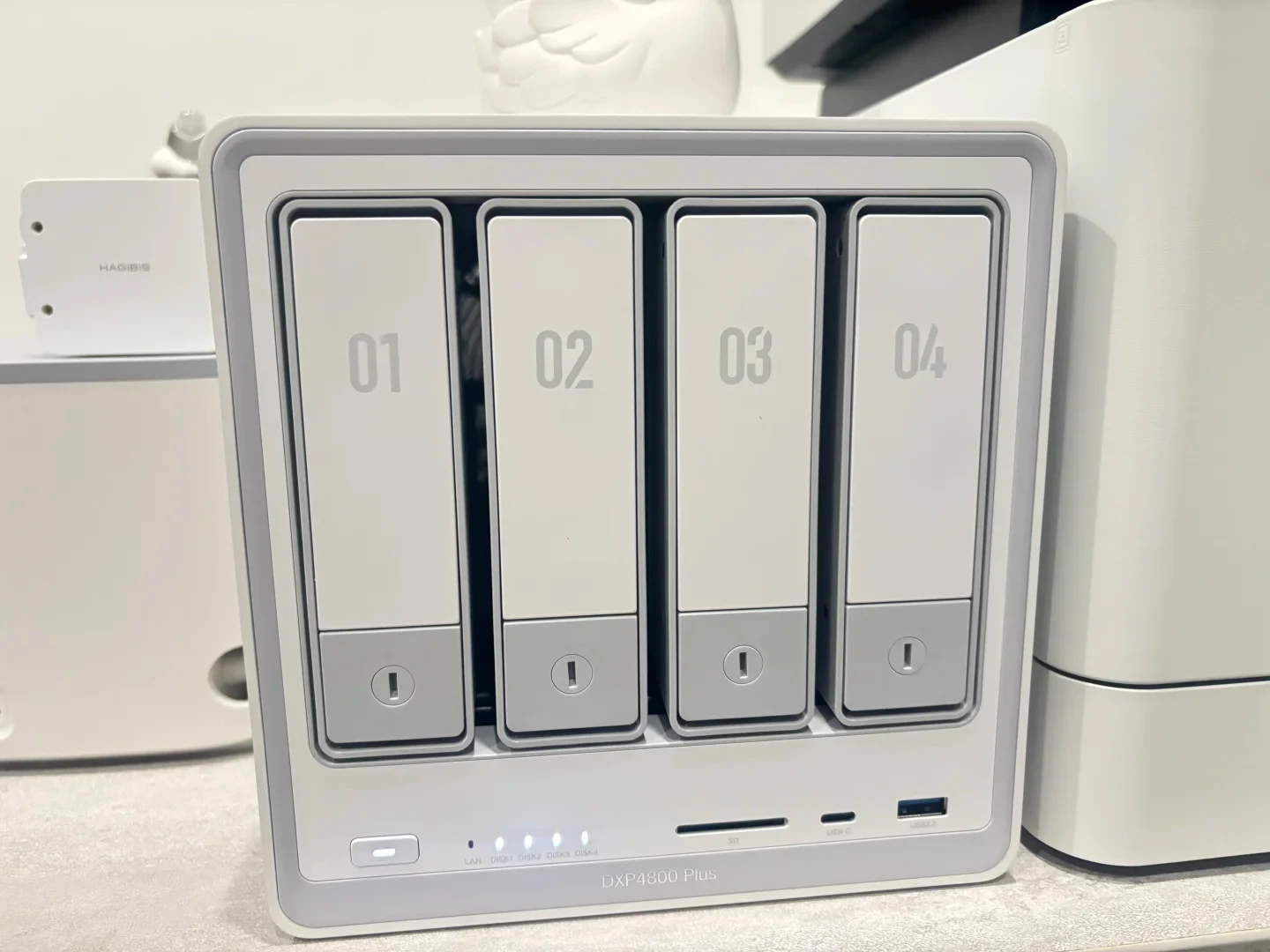
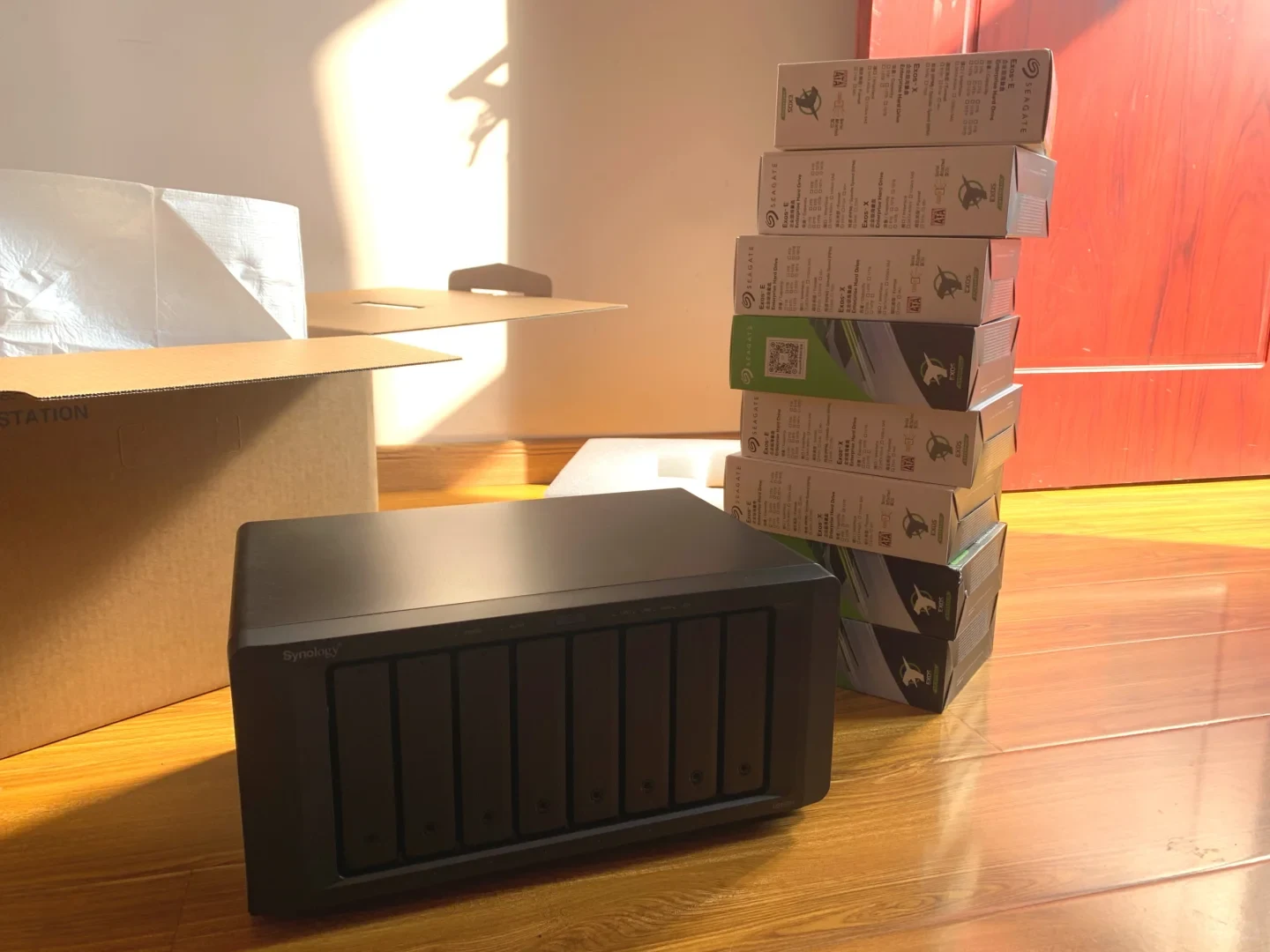
I bought a Synology DS1821+ with eight Seagate Exos 16TB drives around the 618 shopping festival in 2020. At the time, each drive cost less than 2,000 yuan, but buying eight at once still stung a little. Now each drive costs more than twice as much. If you do photography, it never hurts to stock up on hard drives when you can.
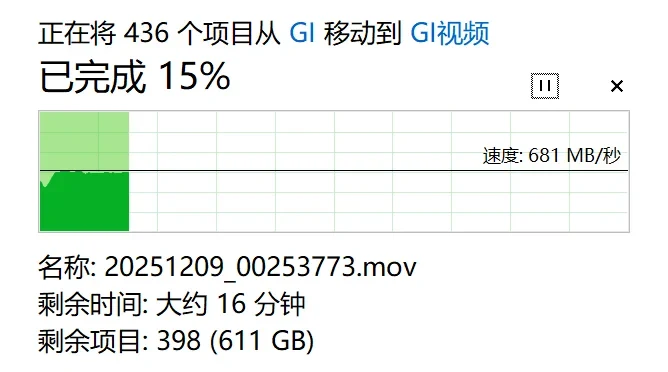
I set up RAID 6 in the eight-bay NAS, giving me about 94TB of usable space. I also bought a TP-Link TL-ST1005 to build a 10-gigabit local network. The maximum local-network transfer speed can reach 1Gb/s, with an average of at least 300mb/s. Photo 2 shows the local-network speed. On a gigabit wireless network, the speed is about 100mb/s.
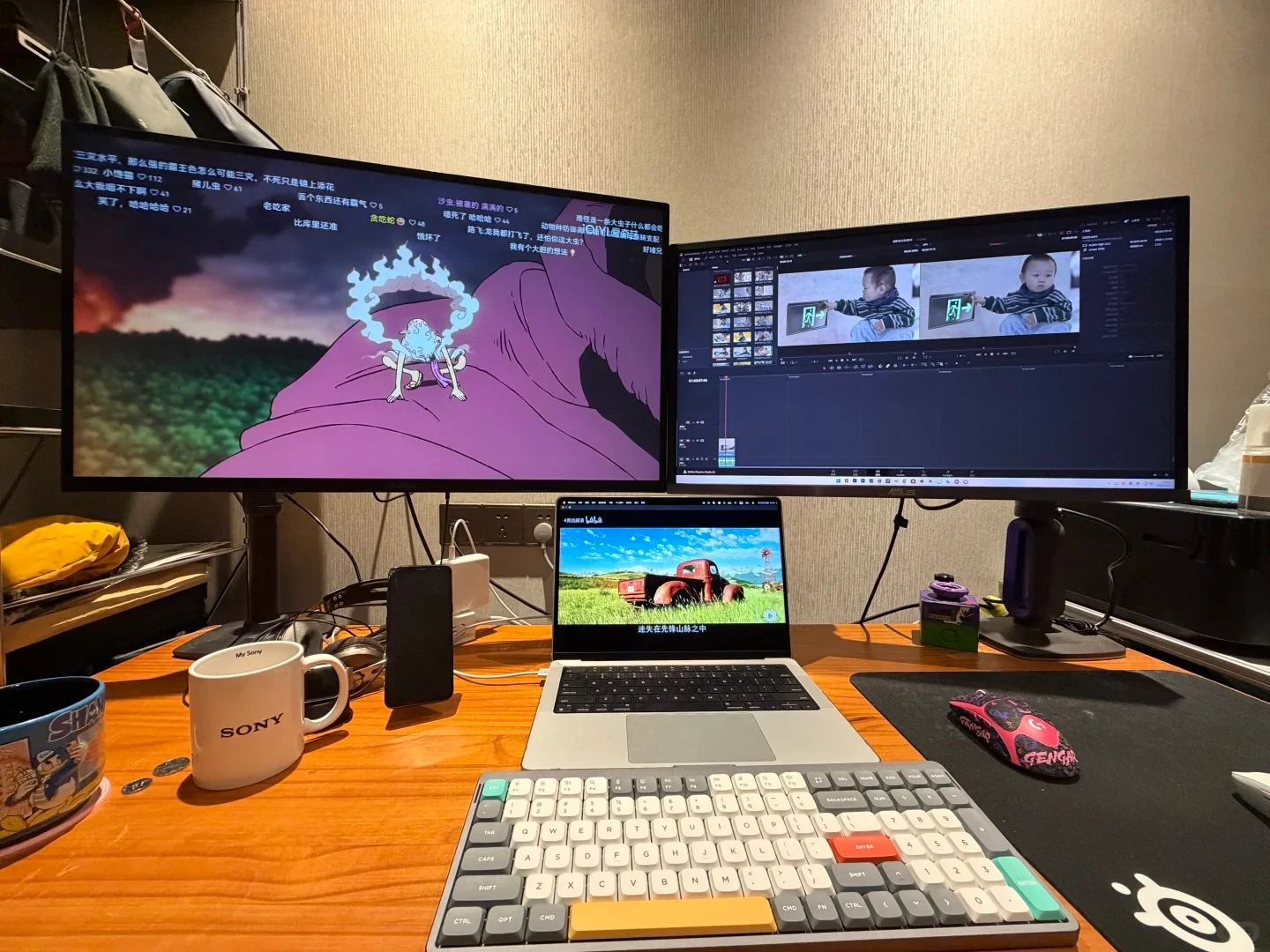
Pros: I store all my shooting material directly on the NAS. The NAS and both computers are connected to the switch, so I only need one copy of my material and can edit photos or videos from either computer whenever I want. I don’t run into loading speeds that can’t keep up with editing, and I don’t have to keep copying files back and forth between the computers.
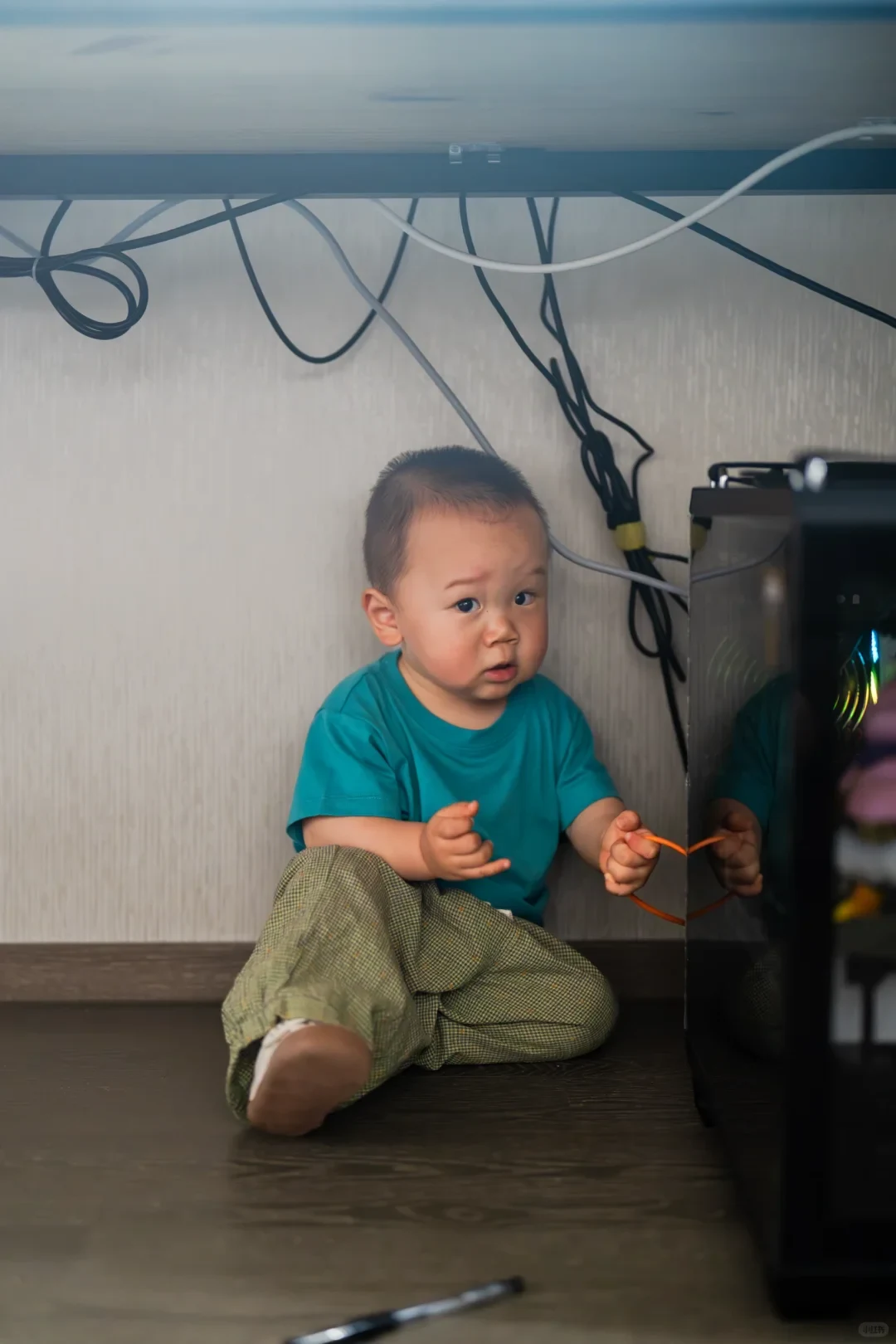
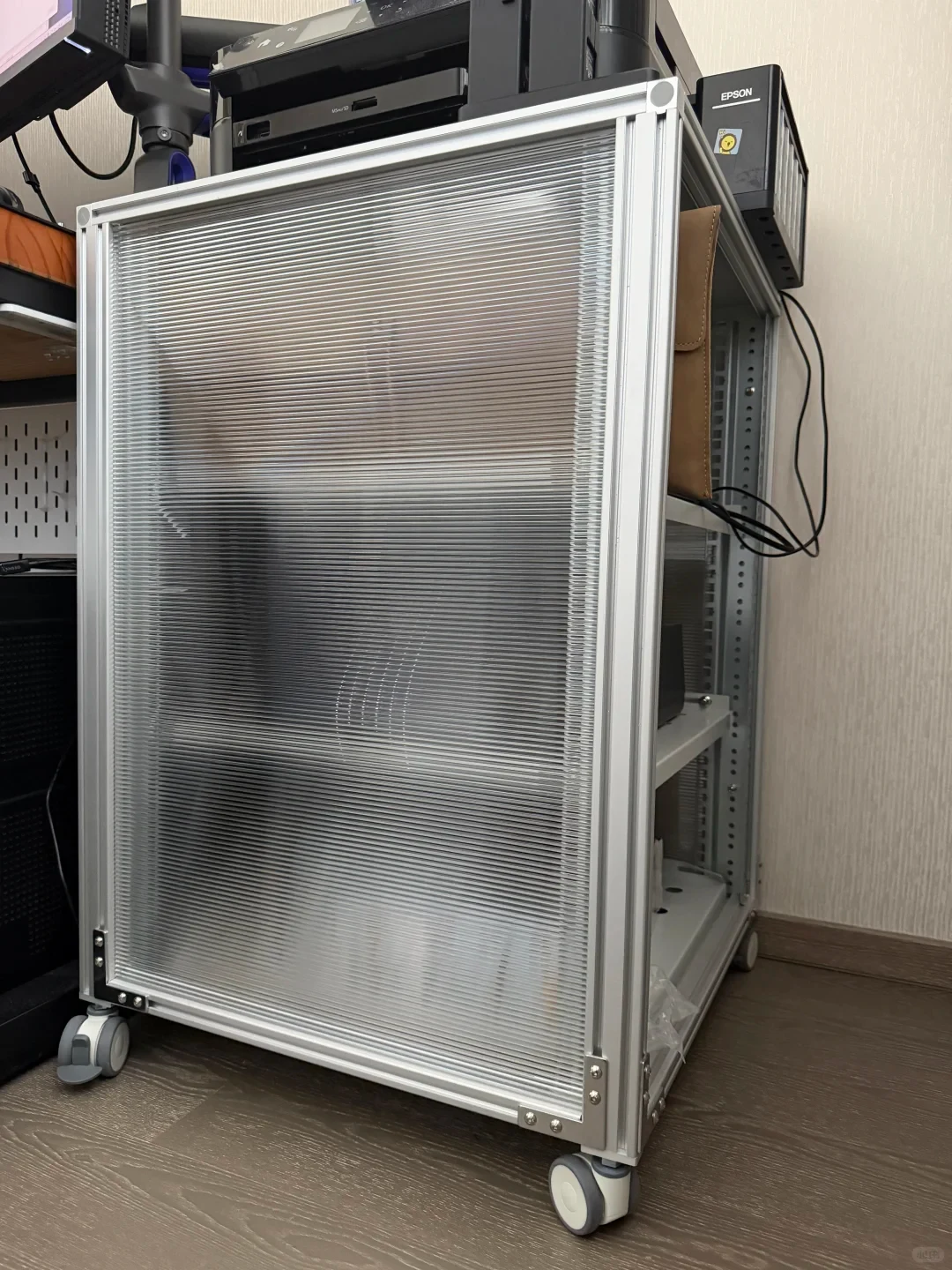
Cons: There are too many cables! See P3. To hide them, I asked a friend to make an aluminum-profile equipment rack, and later added a pegboard back panel behind the desk. It still doesn’t look particularly tidy. I feel that properly hiding the cables might mean changing the desk or even redesigning the room layout. I really envy people who manage to keep their desks so cable-free!
Source: 魏望Cookie · Xiaohongshu · 2026-02-08 · 5年来最正确的一笔消费:8盘位nas. Search this Chinese title in Xiaohongshu to find the original post.
Before You Buy
Models in your region
The owner identifies the NAS as a Synology DiskStation DS1821+. Synology’s US manufacturer announcement confirms that model and says it launched on December 10, 2020; that conflicts with the post’s claim of a purchase around June 2020. The purchase date remains unresolved, so the account’s setup and workflow are attributed to the owner rather than treated as a verified five-year ownership history.
| Model in this review | Related regional model | What to know |
|---|---|---|
| Synology DiskStation DS1821+ | Synology DiskStation DS1821+ (US manufacturer reference) | The US manufacturer reference identifies the same DS1821+ model used by the owner. Synology says it launched on December 10, 2020, later than the owner’s reported approximate June 2020 purchase date; the account’s RAID 6 setup and workflow are the owner’s experience, not a regional performance comparison. |
- Model in this review
- Synology DiskStation DS1821+
- Related regional model
- Synology DiskStation DS1821+ (US manufacturer reference)
- What to know
- The US manufacturer reference identifies the same DS1821+ model used by the owner. Synology says it launched on December 10, 2020, later than the owner’s reported approximate June 2020 purchase date; the account’s RAID 6 setup and workflow are the owner’s experience, not a regional performance comparison.
Shared storage made two-computer editing simpler
The owner says they store photo and video material on the DS1821+ and connect the NAS and two computers to a switch. That let them edit from either computer without repeatedly copying files between them. This describes their workflow; it does not establish a benchmark or guarantee that every two-computer setup will avoid loading delays.
The post also reports eight 16TB drives in RAID 6 and about 94TB of usable space. That is an approximate reported capacity, not an independently verified filesystem total. The post’s transfer-rate units are retained as written, but their measurement method and exact meaning are unclear, so they should not be used as a reliable speed estimate for a purchase.
The network and transfer evidence has limits
The owner says a TP-Link TL-ST1005 switch forms part of a 10-gigabit local network, but the NAS network-interface configuration is not specified. Synology says the DS1821+ requires an optional PCIe network card for 10Gb Ethernet; the account does not establish that this NAS had that card or that its reported transfer figures came from a controlled test.
A photograph shows a Windows transfer dialog moving files between two folders, with a displayed speed of 681 MB/s at 15% complete. It is one snapshot, not a verified average or a full test of transfers to and from the NAS, so it cannot establish sustained NAS throughput.
Plan for the physical setup
Cabling remained a drawback in this workstation. A custom aluminum-profile rack and pegboard behind the desk had not made the setup feel tidy, and changes to the desk or room layout were being considered. Allow space for the NAS, network equipment, two computers and their cables when planning a shared editing workspace.
The reported purchase timing does not match Synology’s US announcement that the DS1821+ launched on December 10, 2020. The supplied evidence does not resolve the discrepancy, so it does not support calling this a verified five-year ownership account or correcting the date to another specific purchase date.
Related Reading

Reviews & Guides · Computing & Networking
TP-Link Deco X55 in a two-storey Australian home: Wi-Fi across 300 m²
I installed two TP-Link Deco X55 units in my 300 m², two-storey home; bedrooms that often lost Wi-Fi now had a signal throughout the house.

Reviews & Guides · Computing & Networking
TP-Link Deco X55: DNS pauses stopped for six days in access-point mode
I switched my Deco X55 to access-point mode and restored my older router to the front of the network. The DNS-like pauses stayed away for six days.
Reviews & Guides · Computing & Networking
TP-Link Deco X55 after nearly a year: six units, Teams and gaming
I’ve used six TP-Link Deco X55 units for nearly a year, including daily Teams calls and online gaming; I’ve had only one or two connectivity issues.