
Reviews & Guides · Computing & Networking
Synology DS218+ after six months: IPv6, Docker and a media library
Reviewed: Synology DiskStation DS218+Regional reference: DiskStation DS218+ (United States / English international datasheet)
After six months with my Synology DS218+ and two 8 TB drives, my early enthusiasm for Docker and a huge media library faded; IPv6 access also failed on many free Wi-Fi networks.
Using Synology after half a year…
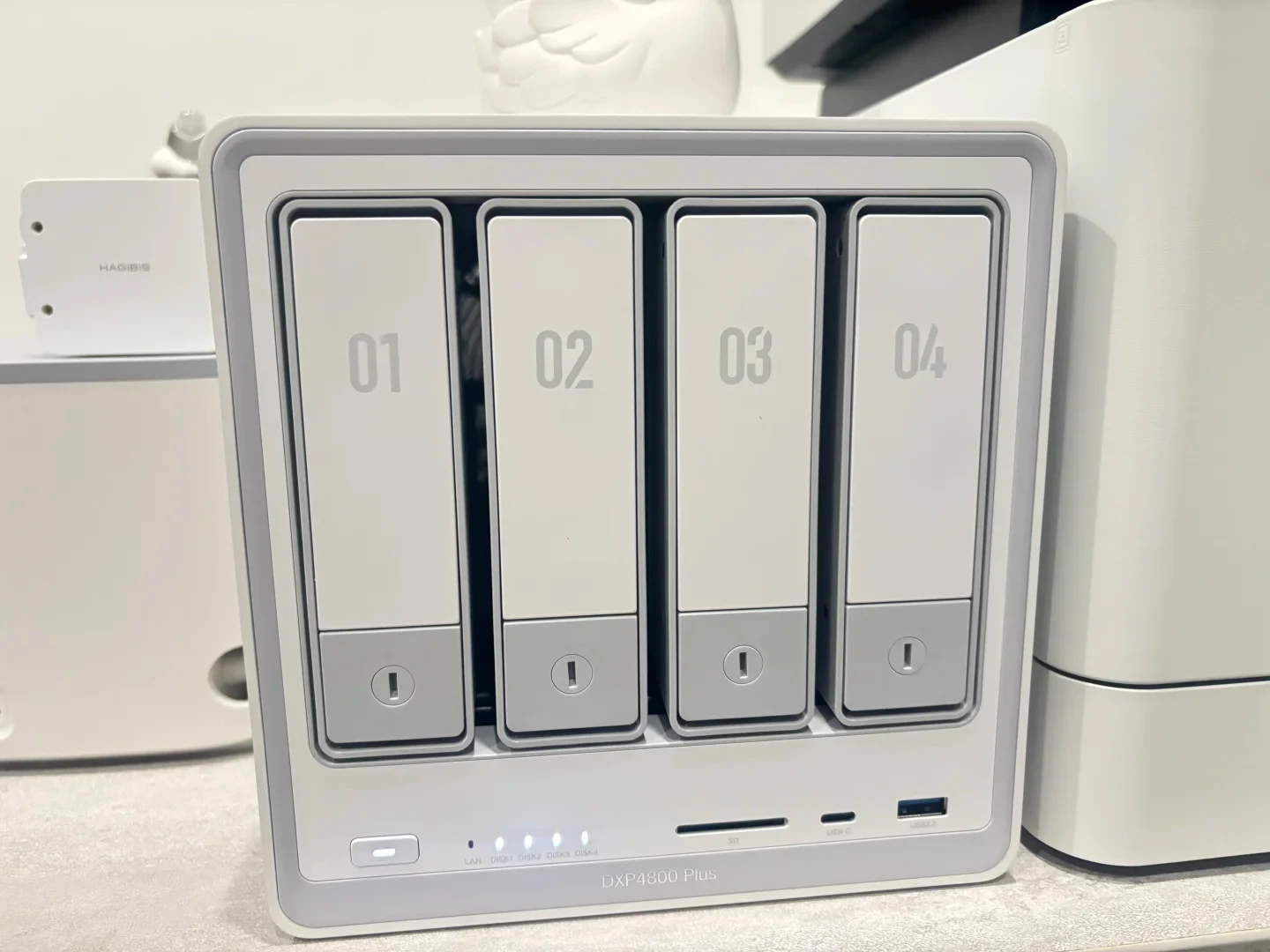
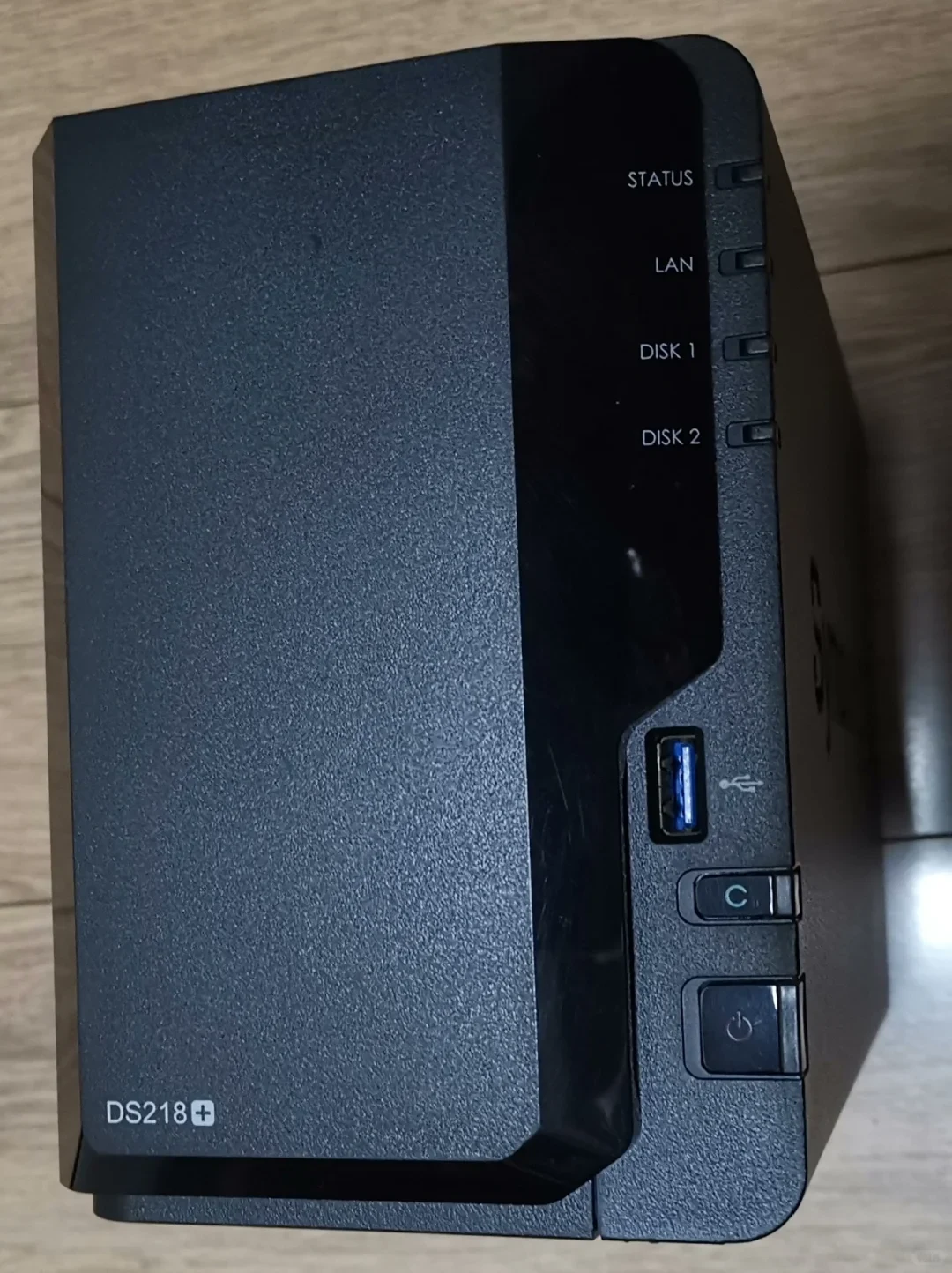
After six months with my Synology, the initial excitement has finally worn off. In June, I picked up a secondhand DS218+ and two 8 TB drives. I still remember how fired up I was right after setting it up:
✅ I couldn’t get a public IPv4 address, so I tinkered with IPv6 remote access. It worked pretty well overall. The annoying part is that most free Wi-Fi networks I use away from home don’t allow IPv6.
✅ I tried out dozens of Docker containers and packages, as if I were a systems administrator. Now it doesn’t feel very interesting anymore.
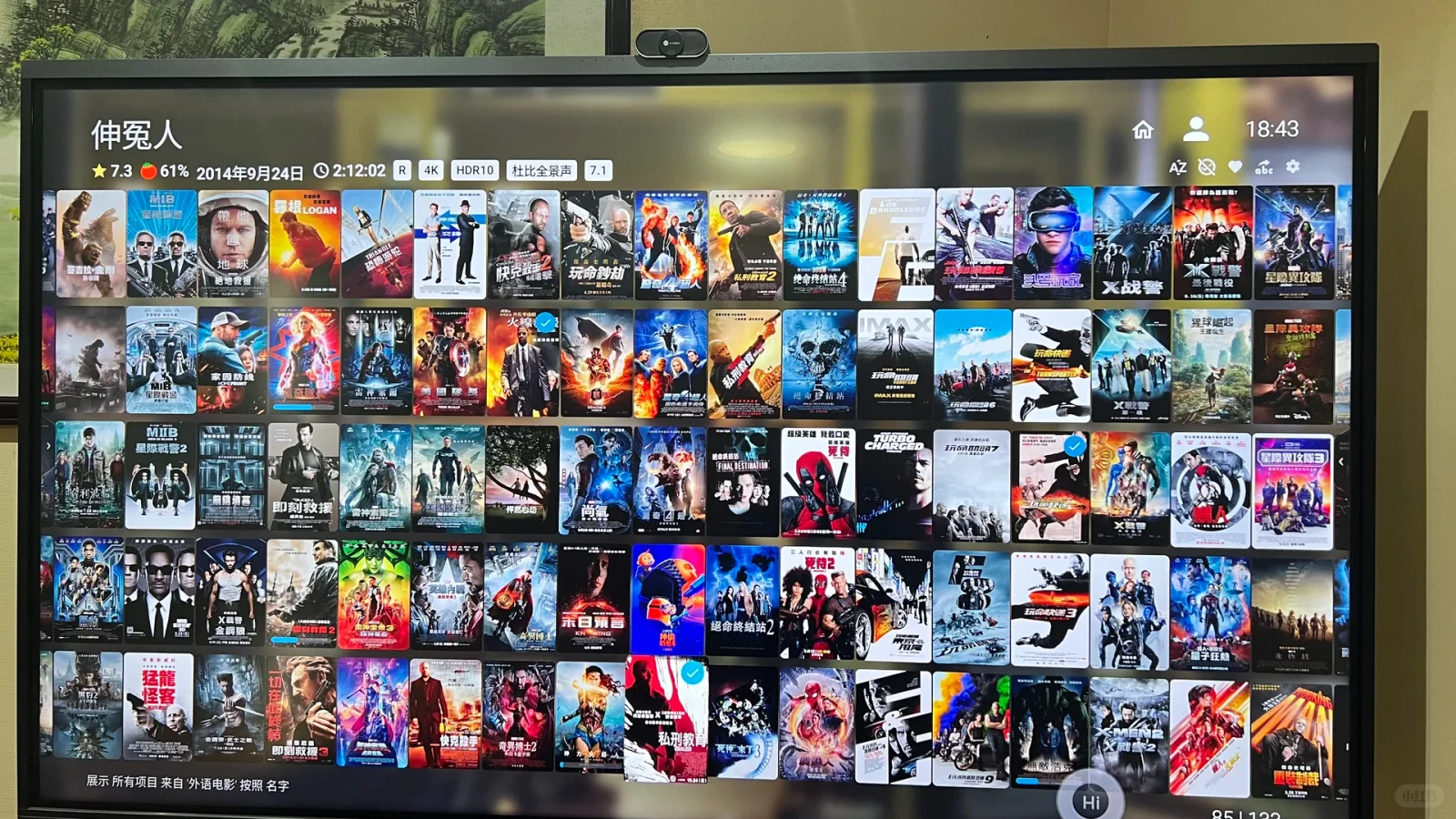
✅ I filled the movie wall with posters. Back then, I wanted to stop everyone I saw and say, “Look how perfectly my poster wall automatically scrapes movie information!” Now I haven’t watched many of the movies myself.
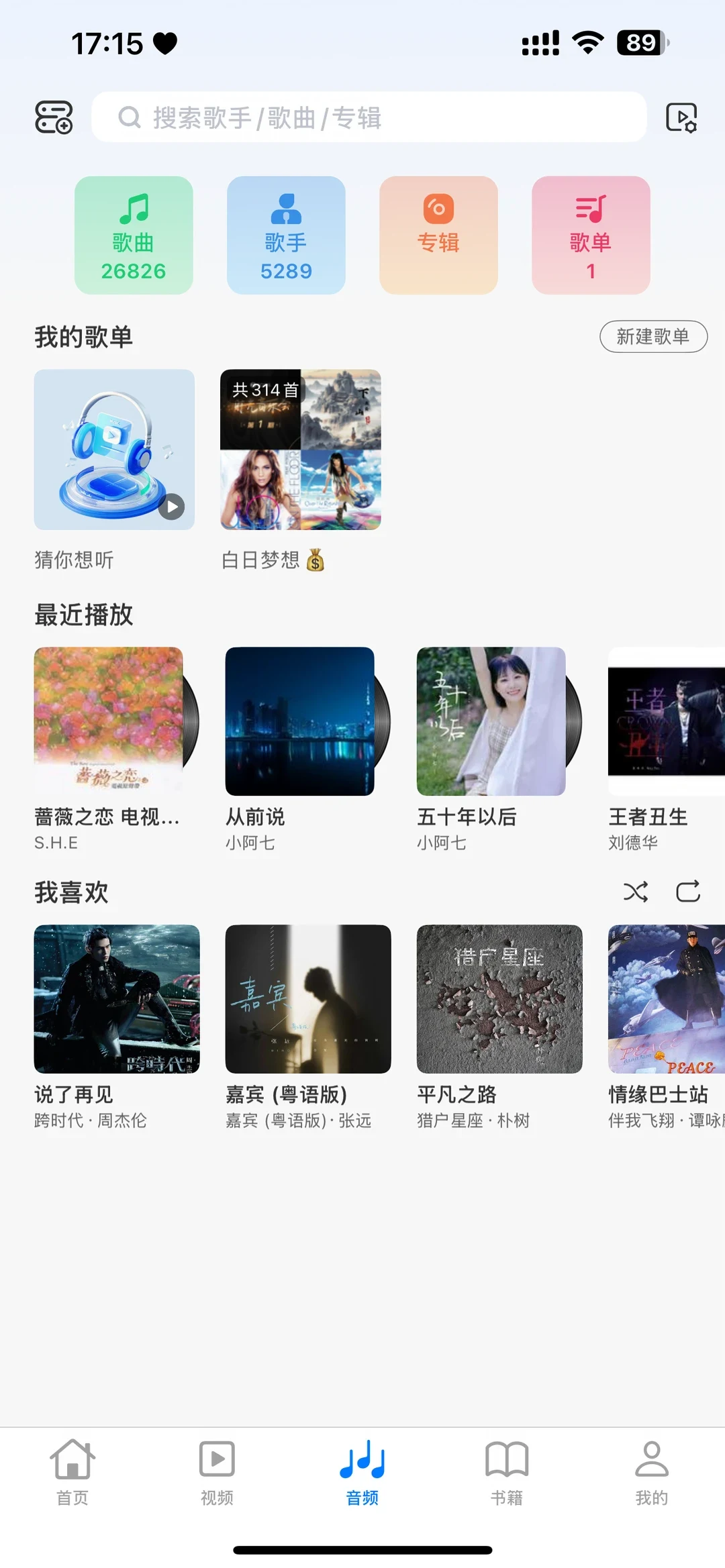
✅ I downloaded more than 20,000 songs for my music library, but I keep listening to just a few dozen.
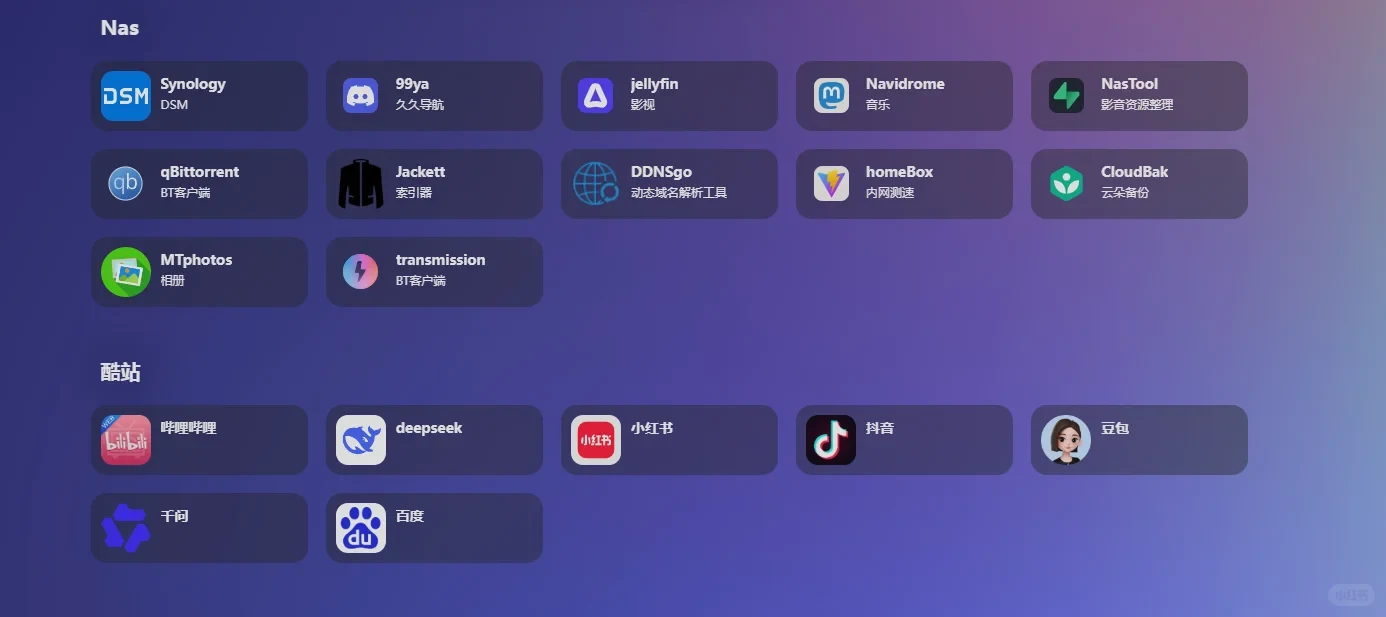
Here are a few packages and management apps I find useful
Photos: MTphotos (I find it easier to use than the official one.)
Movies and TV: Jellyfin and Emby (for attractive media libraries)
Music: Navidrome (for web playback or use with a NAS player, such as Yinliu (音流) or DS music)
Navigation: Sun-Panel (to set as the browser homepage)
Downloads: Xunlei and qBittorrent (I find Xunlei more convenient for downloading)
WeChat backup: Yunduo Backup (云朵备份), for backing up WeChat messages
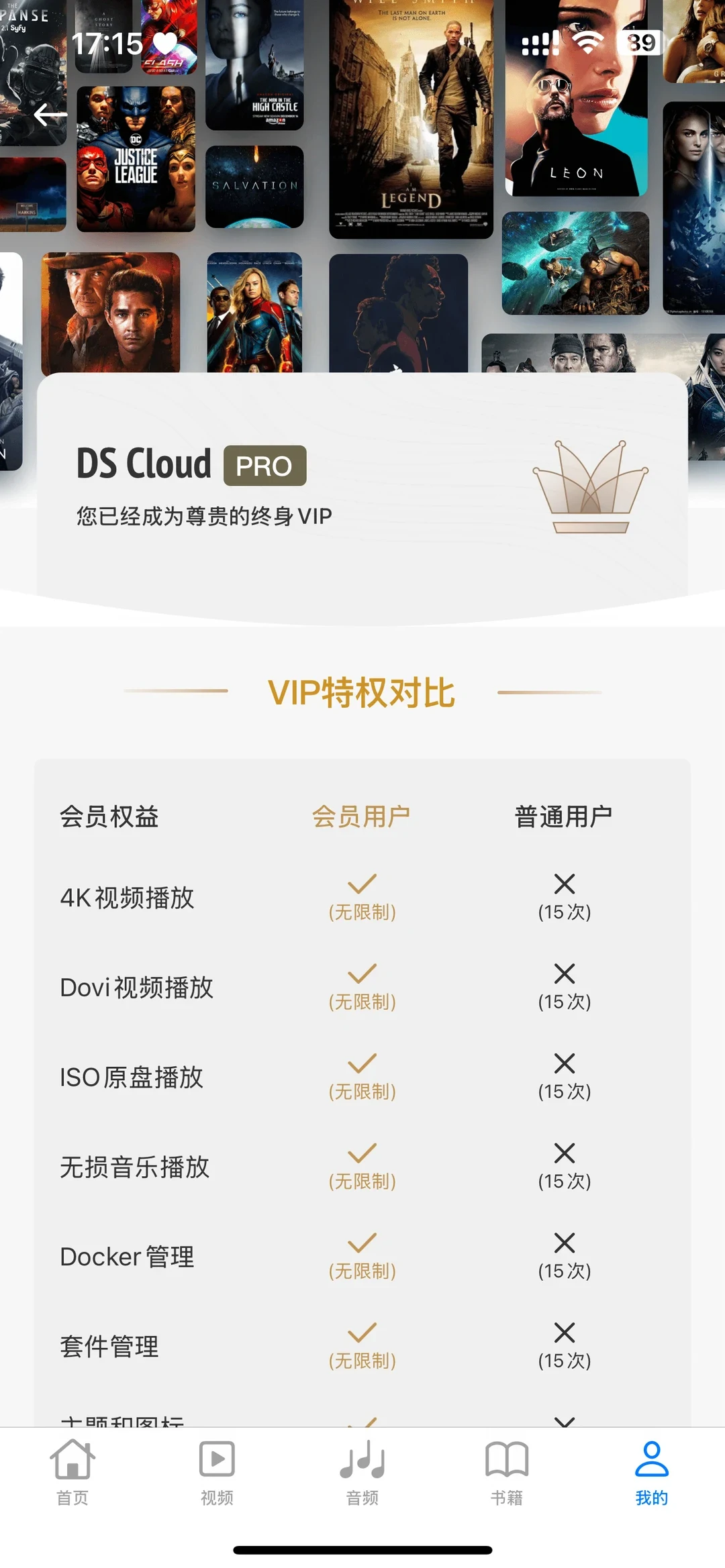
Phone management tool: DS cloud (It brings video, audio and files together, which I find very convenient.)
Source: 佩奇Zzz · Xiaohongshu · 2025-12-17 · 群晖使用半年后……. Search this Chinese title in Xiaohongshu to find the original post.
Before You Buy
Models in your region
The owner’s label identifies the device as a Synology DiskStation DS218+, matching Synology’s official English-language model documentation and US support route. The datasheet describes a two-bay NAS with one Gigabit Ethernet port; it does not establish the installed DSM version or current support for the third-party apps the owner lists.
| Model in this review | Related regional model | What to know |
|---|---|---|
| Synology DiskStation DS218+ | DiskStation DS218+ (United States / English international datasheet) | The owner’s labeled unit is the same DS218+ identified in Synology’s English-language datasheet. The datasheet specifies two drive bays and one Gigabit Ethernet port; the owner’s account does not identify the installed DSM version, so their app recommendations should not be read as confirmation of current availability. |
- Model in this review
- Synology DiskStation DS218+
- Related regional model
- DiskStation DS218+ (United States / English international datasheet)
- What to know
- The owner’s labeled unit is the same DS218+ identified in Synology’s English-language datasheet. The datasheet specifies two drive bays and one Gigabit Ethernet port; the owner’s account does not identify the installed DSM version, so their app recommendations should not be read as confirmation of current availability.
A two-bay NAS, with one network port
Synology’s datasheet identifies the DS218+ as a two-bay NAS with one Gigabit Ethernet port. That establishes the hardware configuration relevant to the media and file-storage setup; the account does not report measured transfer speeds or a network-performance test.
The owner bought a used DS218+ and separately picked up two 8 TB drives. Synology’s datasheet says drives are not included in the manufacturer’s listed configuration, so buyers should check which drives come with a secondhand unit and assess their condition separately.
IPv6 access depends on the network you use
The owner turned to IPv6 remote access after they could not obtain a public IPv4 address. They found it worked reasonably well overall, but most free Wi-Fi networks they used away from home did not allow IPv6. That is a limitation they encountered on those networks, not evidence that IPv6 access fails everywhere.
Large libraries can outgrow everyday listening and viewing
After building a poster-filled movie library, the owner says they watched few of its films; their library of more than 20,000 songs also narrowed in practice to a few dozen favorites. These are personal six-month usage observations, not a test of the NAS’s media capacity or playback performance.
The owner recommends several apps for photos, video, music, downloads, navigation, WeChat backup, and phone file management. These are the owner’s recommendations from their setup, not confirmation that each app is currently available or compatible: the installed DSM version and present-day third-party app support are not established.
Related Reading

Reviews & Guides · Computing & Networking
TP-Link Deco X55 in a two-storey Australian home: Wi-Fi across 300 m²
I installed two TP-Link Deco X55 units in my 300 m², two-storey home; bedrooms that often lost Wi-Fi now had a signal throughout the house.

Reviews & Guides · Computing & Networking
TP-Link Deco X55: DNS pauses stopped for six days in access-point mode
I switched my Deco X55 to access-point mode and restored my older router to the front of the network. The DNS-like pauses stayed away for six days.
Reviews & Guides · Computing & Networking
TP-Link Deco X55 after nearly a year: six units, Teams and gaming
I’ve used six TP-Link Deco X55 units for nearly a year, including daily Teams calls and online gaming; I’ve had only one or two connectivity issues.