
Reviews & Guides · Computing & Networking
Synology DiskStation DS223j after one year: easy photo access, but backup is still manual
Reviewed: Synology DiskStation DS223jRegional reference: Synology DiskStation DS223j (US manufacturer reference)
I’ve used my Synology DiskStation DS223j for a year to store family photos and videos. Phone access is convenient, but my cold backup is still manual.
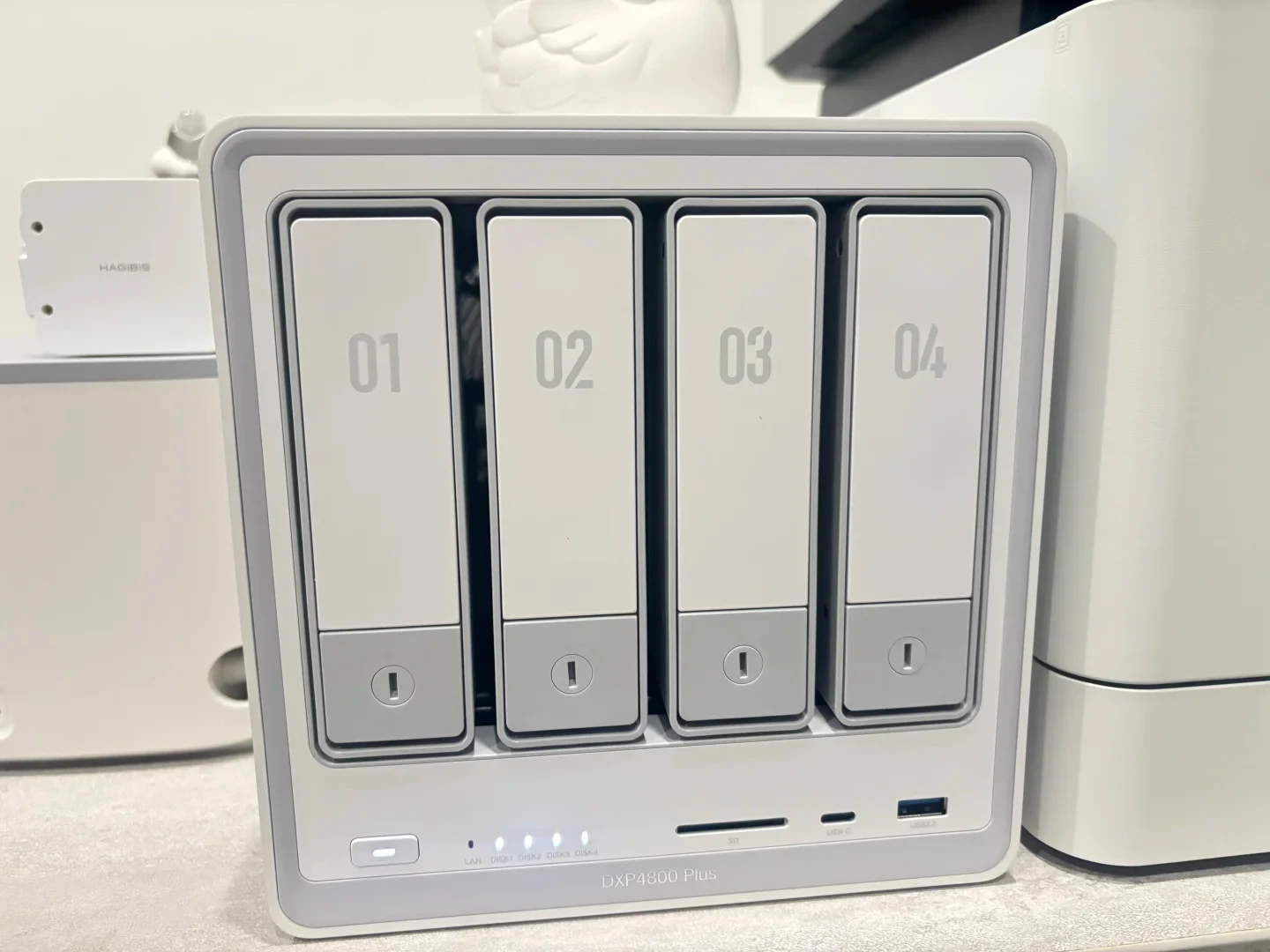
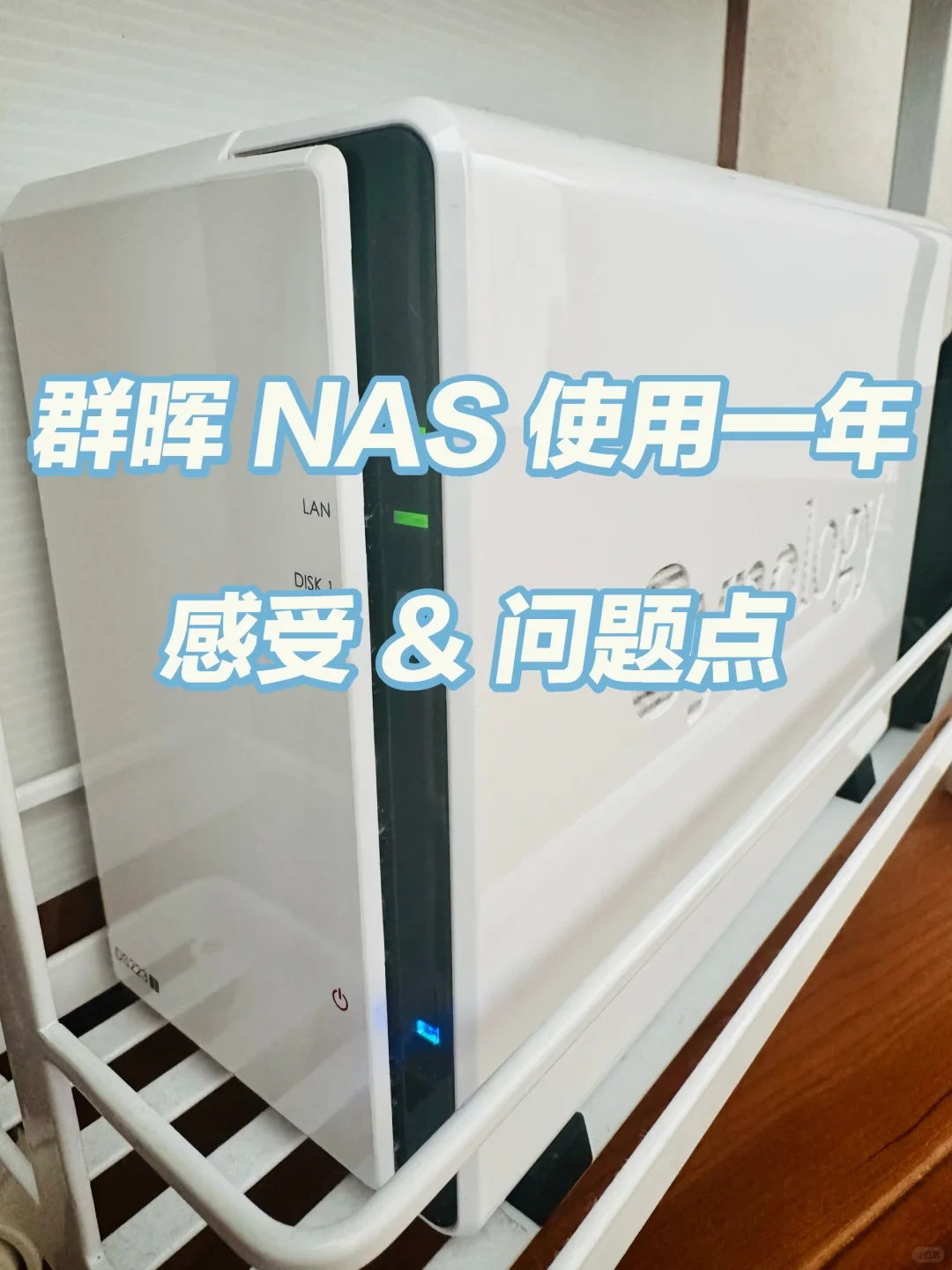
A year ago, I bought a Synology NAS, the DS223j (two bays), and an 8 TB Seagate IronWolf drive. Here are my impressions and the issues I’d like advice on.
Background
- The number of photos and videos from my phone, camera and action camera was growing.
- My computer’s 245 GB of storage and a 1 TB Seagate portable drive weren’t enough.
- I was curious after seeing a blogger I like using a NAS.
After a year of use
My setup now
- I’ve given up storing things on my computer, apart from temporary files.
- The NAS, with its 8 TB Seagate IronWolf drive, is the main storage for my photos and videos. I initially set the storage pool to SHR.
- I use the 1 TB Seagate drive for cold backup, copying only important files every one to two months. I don’t use Hyper Backup; I just copy and paste manually.
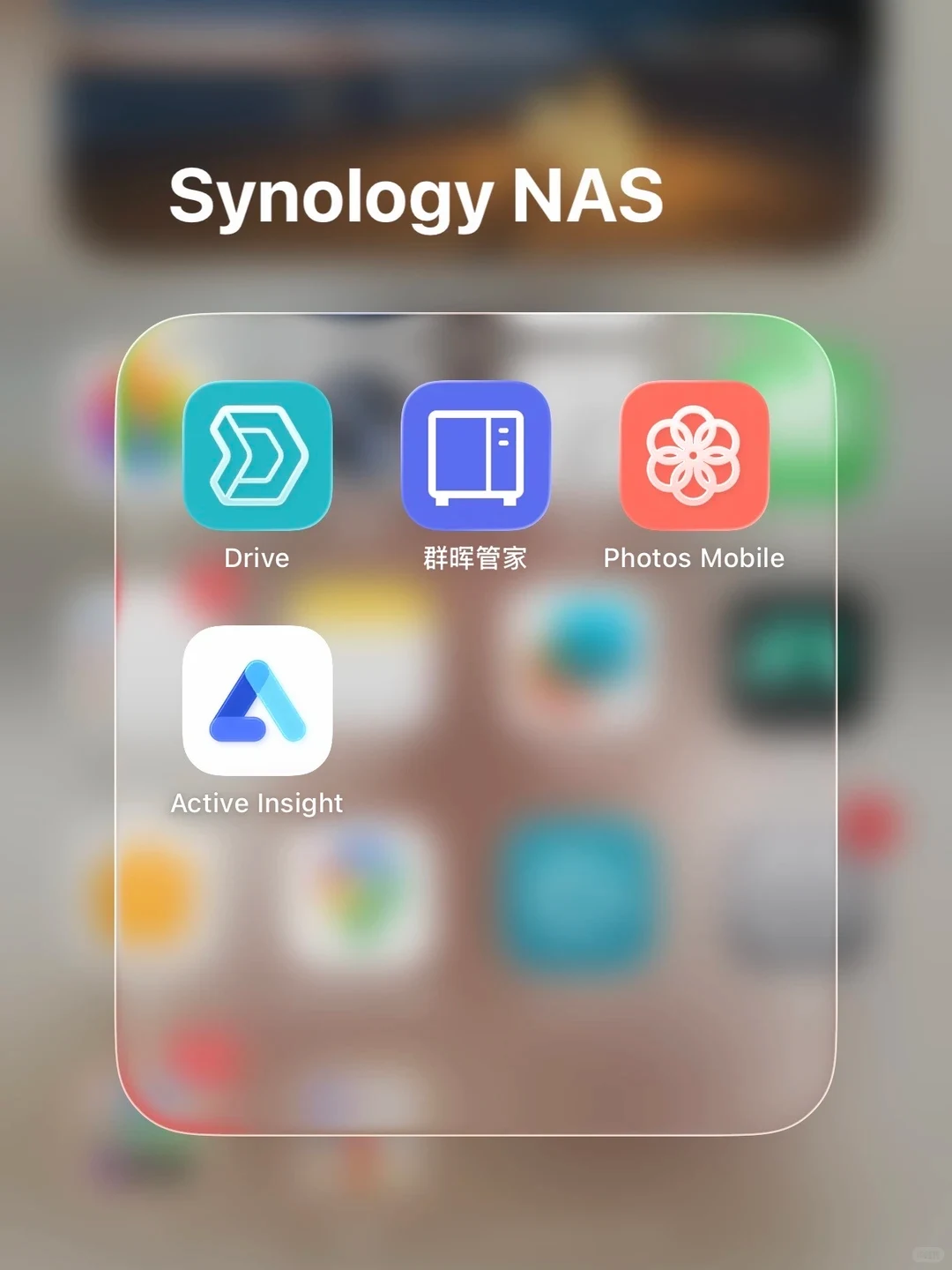
- On my computer, I mainly use Synology Photos and File Station. On my phone, I mainly use Drive and Photos Mobile.
How it feels
- It’s convenient to view photos on my phone. I can share them with family members and give myself read-and-write access while they have read-only access.
- I plan to keep using the DS223j. I don’t want to upgrade to a NAS with more bays for now; it meets my needs for storing photos, videos and files.
- I’m not considering cloud storage.
My concerns
- I’m worried that the NAS, the 8 TB Seagate drive or the 1 TB Seagate drive could fail and I could lose my photos and videos.
- I currently add less than 0.5 TB a year and expect that to continue for 15 years. My 1 TB Seagate cold-backup drive won’t be large enough.
Possible solution 1 (I’d appreciate advice)
Buy another 8 TB drive and pair it with the existing one in RAID 1.
The drawbacks: usable capacity would be lower, the NAS has only two bays, and I don’t plan to upgrade to a model with more bays. Replacing both 8 TB drives with 16 TB drives later would be expensive.
2. Keep using the existing 8 TB drive in the NAS and leave the second bay empty for now. When I need more storage, add an 8 TB drive as a Basic volume rather than mirroring the first one, so the two drives can provide 16 TB in total. Buy a 16 TB external drive now for cold backup of the NAS using Hyper Backup. Also buy an 8 TB external drive for important files, which I’d continue backing up manually.
I’m leaning toward solution 2.
P.S. I have a PS5 gathering dust and wonder if it can connect to the NAS somehow…
Source: 达xixi桑dundun · Xiaohongshu · 2026-02-19 · 群晖NAS DS223j 使用一年 感受 & 问题点. Search this Chinese title in Xiaohongshu to find the original post.
Before You Buy
Models in your region
The owner’s one-year account is about a Synology DiskStation DS223j with a single 8 TB drive, currently configured as SHR. Synology’s US product page identifies the same DS223j two-bay model; the account describes the owner’s setup, not a test of every configuration or backup method.
| Model in this review | Related regional model | What to know |
|---|---|---|
| Synology DiskStation DS223j | Synology DiskStation DS223j (US manufacturer reference) | The US reference is the same two-bay DS223j family as the owner’s NAS. The owner used one 8 TB drive in SHR; the two-drive RAID 1 and Basic-volume expansion plans were proposals, not tested setups. |
- Model in this review
- Synology DiskStation DS223j
- Related regional model
- Synology DiskStation DS223j (US manufacturer reference)
- What to know
- The US reference is the same two-bay DS223j family as the owner’s NAS. The owner used one 8 TB drive in SHR; the two-drive RAID 1 and Basic-volume expansion plans were proposals, not tested setups.
One-drive SHR and a cold-backup plan
The owner reports that phone photo access is convenient and that family members can have read-only access while the owner retains read-and-write access. The account describes a year of use for photos, videos and files, but does not report a drive failure or a restore test.
With one drive in SHR, the current setup has no drive-failure tolerance. Synology says adding an equal-sized drive to a one-drive SHR pool adds protection against one drive failing, but does not increase the approximately 8 TB of usable capacity to 16 TB. RAID is not a backup, so the separate cold-copy routine addresses a different risk.
The proposed expansion and backup plans are not tested outcomes
The owner is weighing a second 8 TB drive in RAID 1 against keeping the current drive and later adding a separate 8 TB Basic volume. These are different arrangements: the existing single-drive SHR pool and a new Basic pool would remain separate storage pools, not one shared, redundant 16 TB pool. Synology’s supplied guidance does not establish an in-place migration from the existing SHR pool to Basic, so the owner should not assume that changing plans later will be a simple conversion.
The suggested 16 TB external drive for Hyper Backup and separate 8 TB drive for manually copied important files are also plans, not methods the owner has tried. The account does not establish how much space the backup would require, whether a restore succeeds, or whether the proposed drives suit the intended backup schedule; those details still need checking before purchase.
The 15-year estimate is a capacity projection, not a drive-life promise
The owner says current data growth is under 0.5 TB per year and projects a similar rate for 15 years. This projection concerns future storage needs, not how long either drive will last. The practical concern is already clear: the current 1 TB cold-backup drive is too small for the expected needs.
Related Reading

Reviews & Guides · Computing & Networking
TP-Link Deco X55 in a two-storey Australian home: Wi-Fi across 300 m²
I installed two TP-Link Deco X55 units in my 300 m², two-storey home; bedrooms that often lost Wi-Fi now had a signal throughout the house.

Reviews & Guides · Computing & Networking
TP-Link Deco X55: DNS pauses stopped for six days in access-point mode
I switched my Deco X55 to access-point mode and restored my older router to the front of the network. The DNS-like pauses stayed away for six days.
Reviews & Guides · Computing & Networking
TP-Link Deco X55 after nearly a year: six units, Teams and gaming
I’ve used six TP-Link Deco X55 units for nearly a year, including daily Teams calls and online gaming; I’ve had only one or two connectivity issues.