
Reviews & Guides · Computing & Networking
I sold my Synology DiskStation DS224+ over HDD chatter
Reviewed: Synology DiskStation DS224+Regional reference: Synology DiskStation DS224+ (United States)
An owner sold a Synology DS224+ after HDD chatter led to nightly shutdowns, then moved packages to an SSD on DIY hardware.
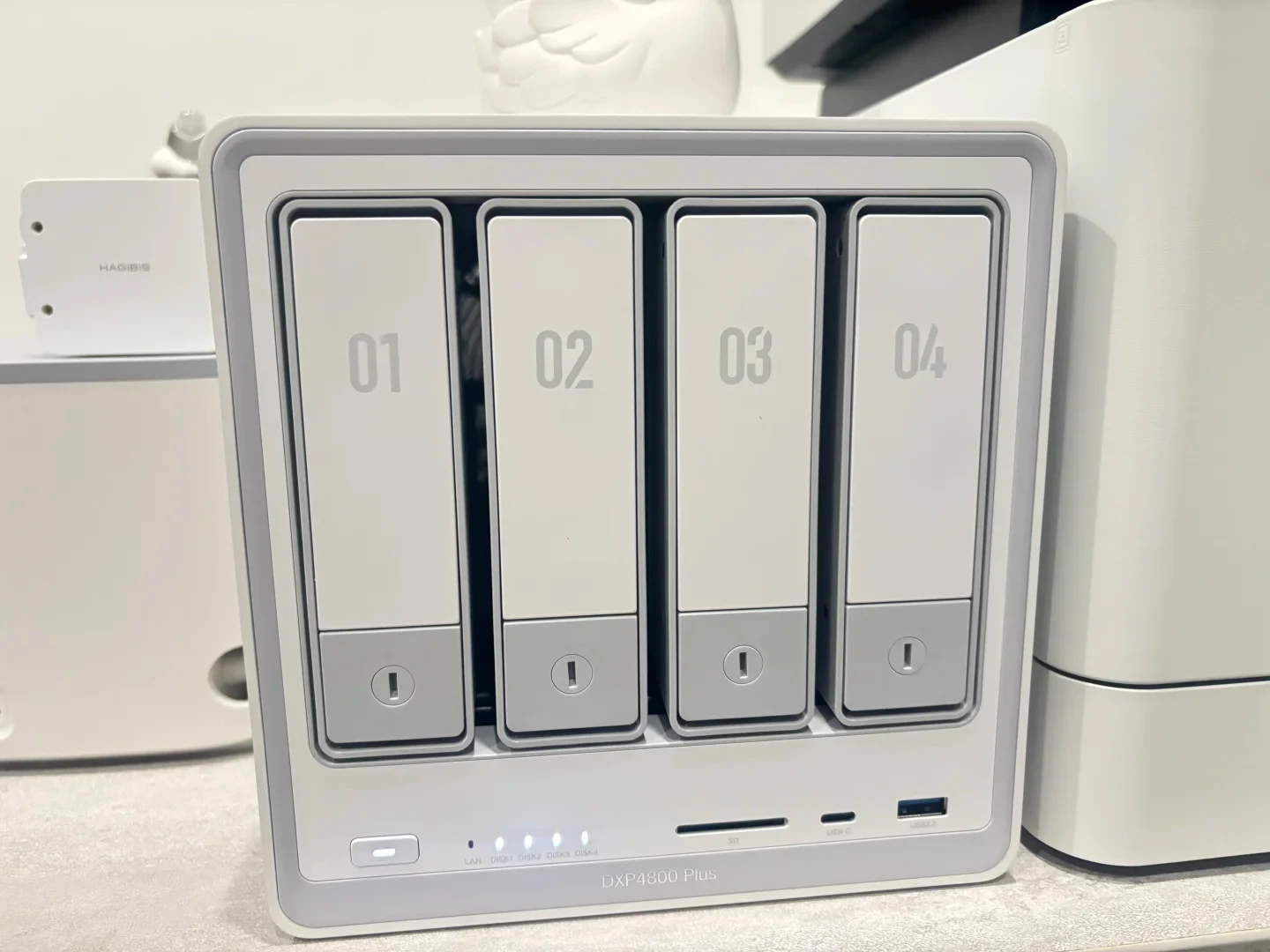
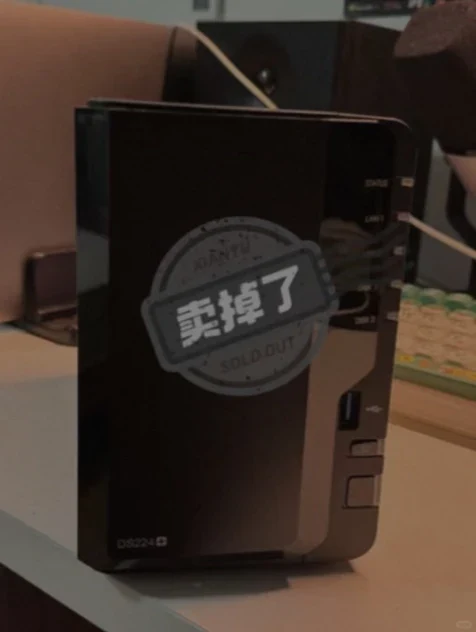
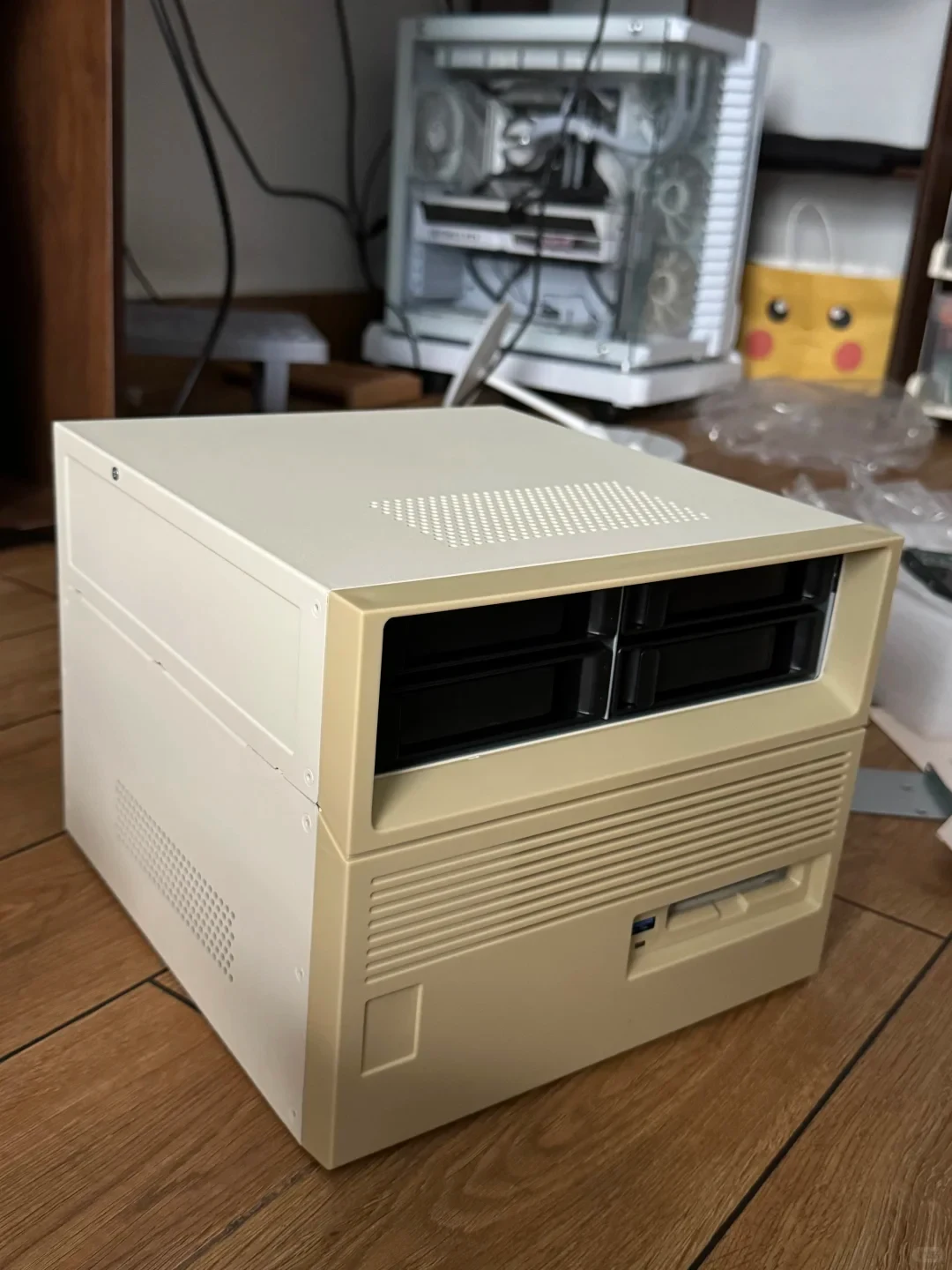
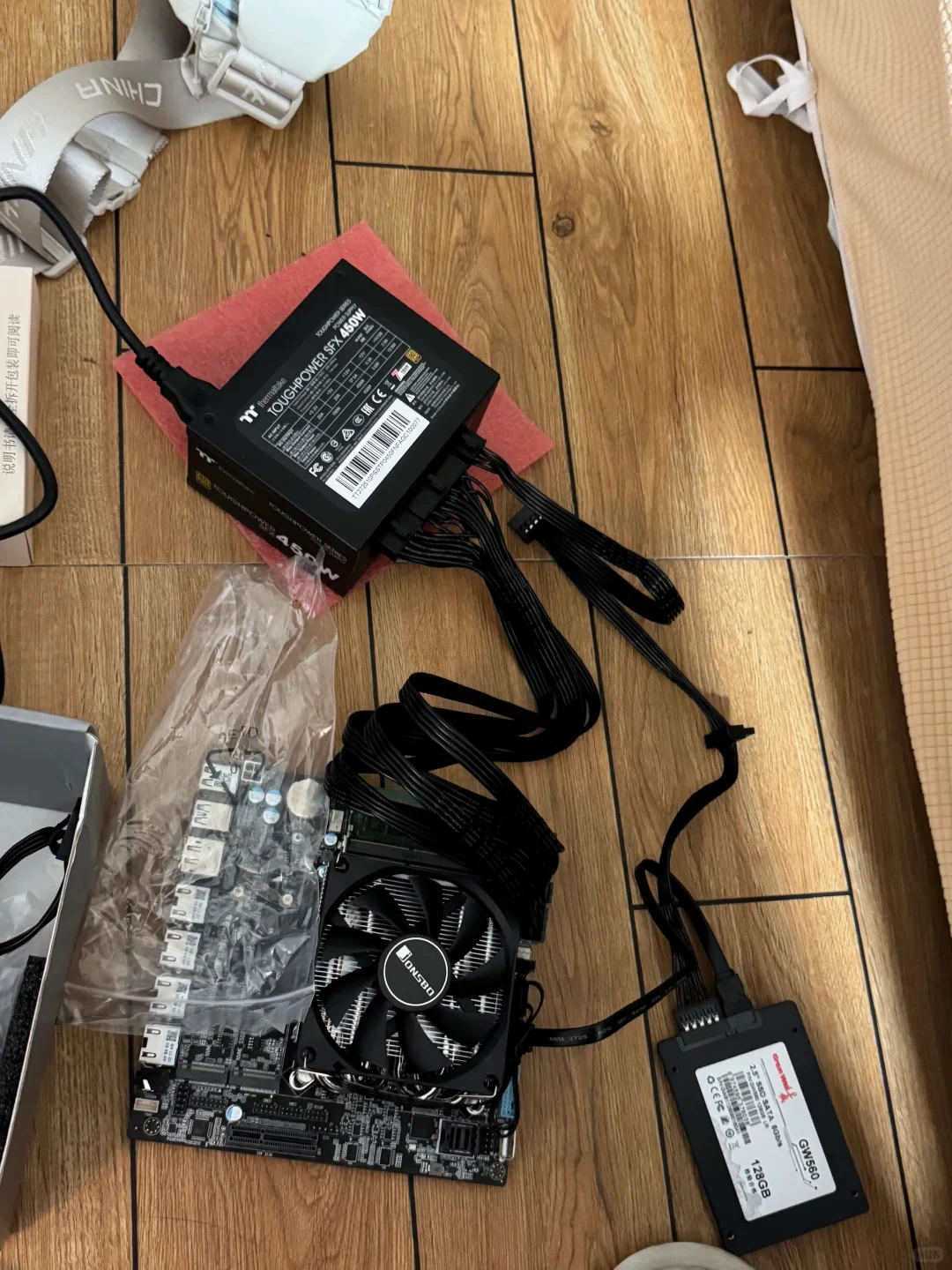
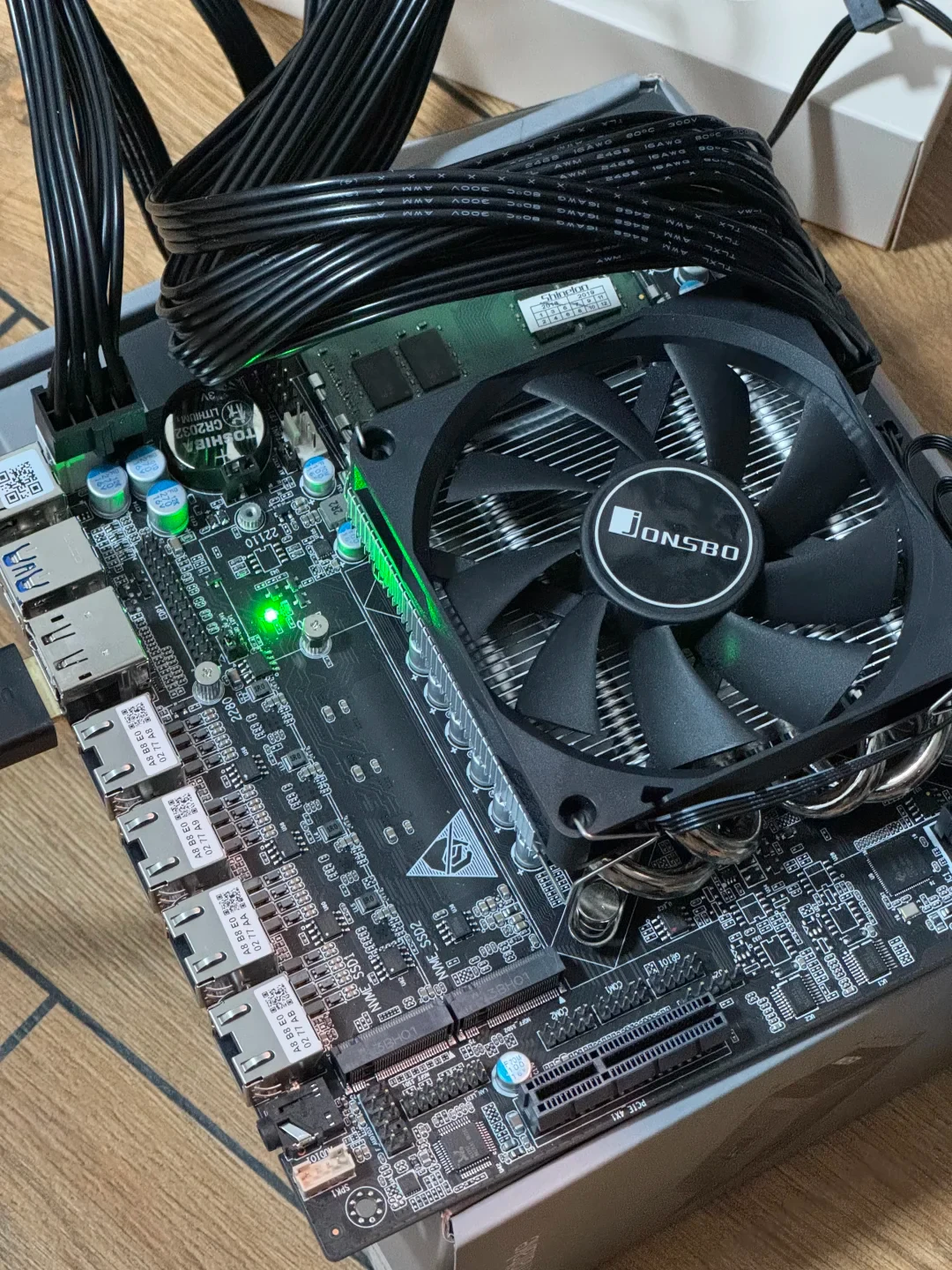
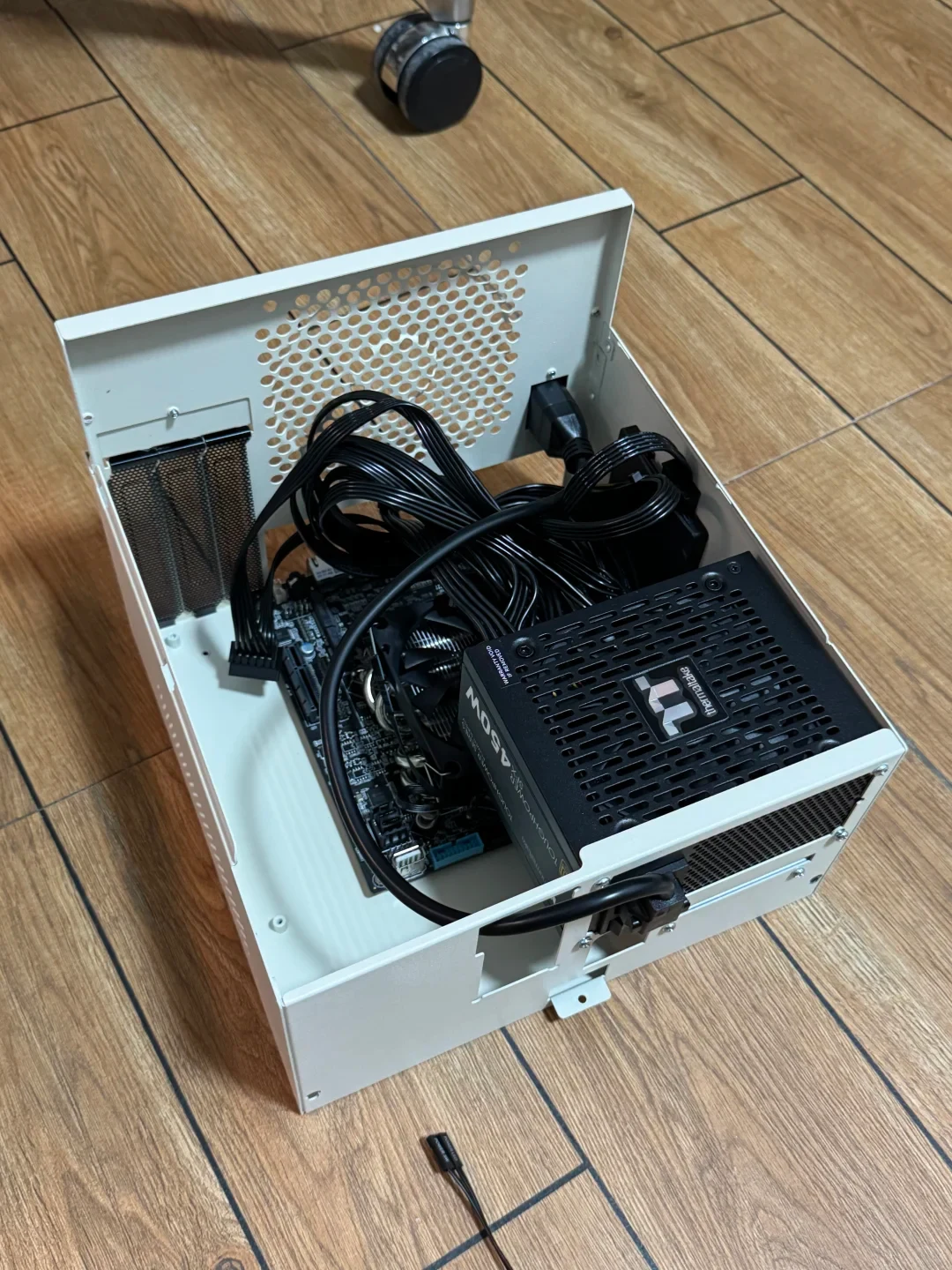
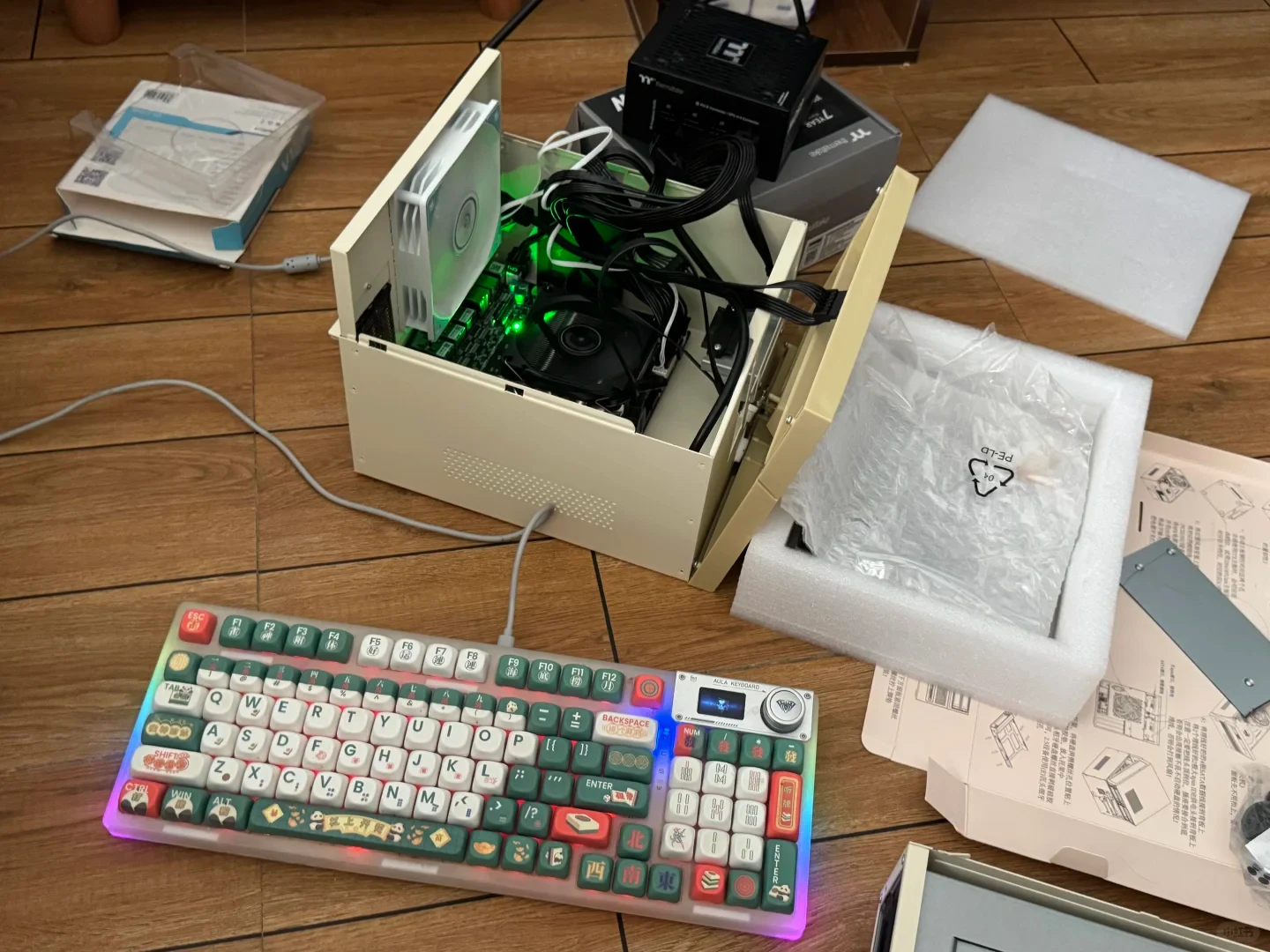
My setup was a Synology DS224+ with a single 16TB Seagate helium HDD.
The features and everyday experience were actually quite good. The biggest problem, I thought, was that this model couldn’t take an SSD, so both the apps and data ran on the HDD.
That may have been the hardest part to tolerate. When I had a lot of services running on the Synology, even a Docker command could take a long time because everything ran on the HDD and every process needed to use it.
If it had only been slow, I might have put up with it. But background services kept reading and writing to the drive even when I wasn’t actively accessing the NAS, making the HDD chatter constantly. It drove me crazy, and I couldn’t find a way to optimize it. I had hoped to leave the Synology running 24/7, but instead I had to schedule it to turn on and off each day: I put up with the “popcorn” noise during the day and shut it down at night so it wouldn’t disturb my sleep. Some people say running a drive 24/7 is better for it than switching it on and off daily. But if I really did leave it running 24/7, I felt like the noise would wear me down.
So my goal became finding a NAS that could take an SSD. But I couldn’t give up Synology’s DSM system, and the Synology models that could take an SSD seemed too overpriced for their hardware. That led me to look at a DIY Synology setup.
I bought a motherboard, case, and power supply online. People were advising against building a new PC this year because memory and storage prices had become so high, whether for SSDs or HDDs. But for this migration I didn’t need to buy new memory or drives, and I reused an SSD I had taken out of my old university laptop.
The migration from the genuine Synology to my DIY setup went very smoothly. Once I plugged in the drive, it recognized that it had previously been used in my old Synology and started the migration process. I just had to be careful at a few key points when mounting the drive and its file system to avoid losing data.
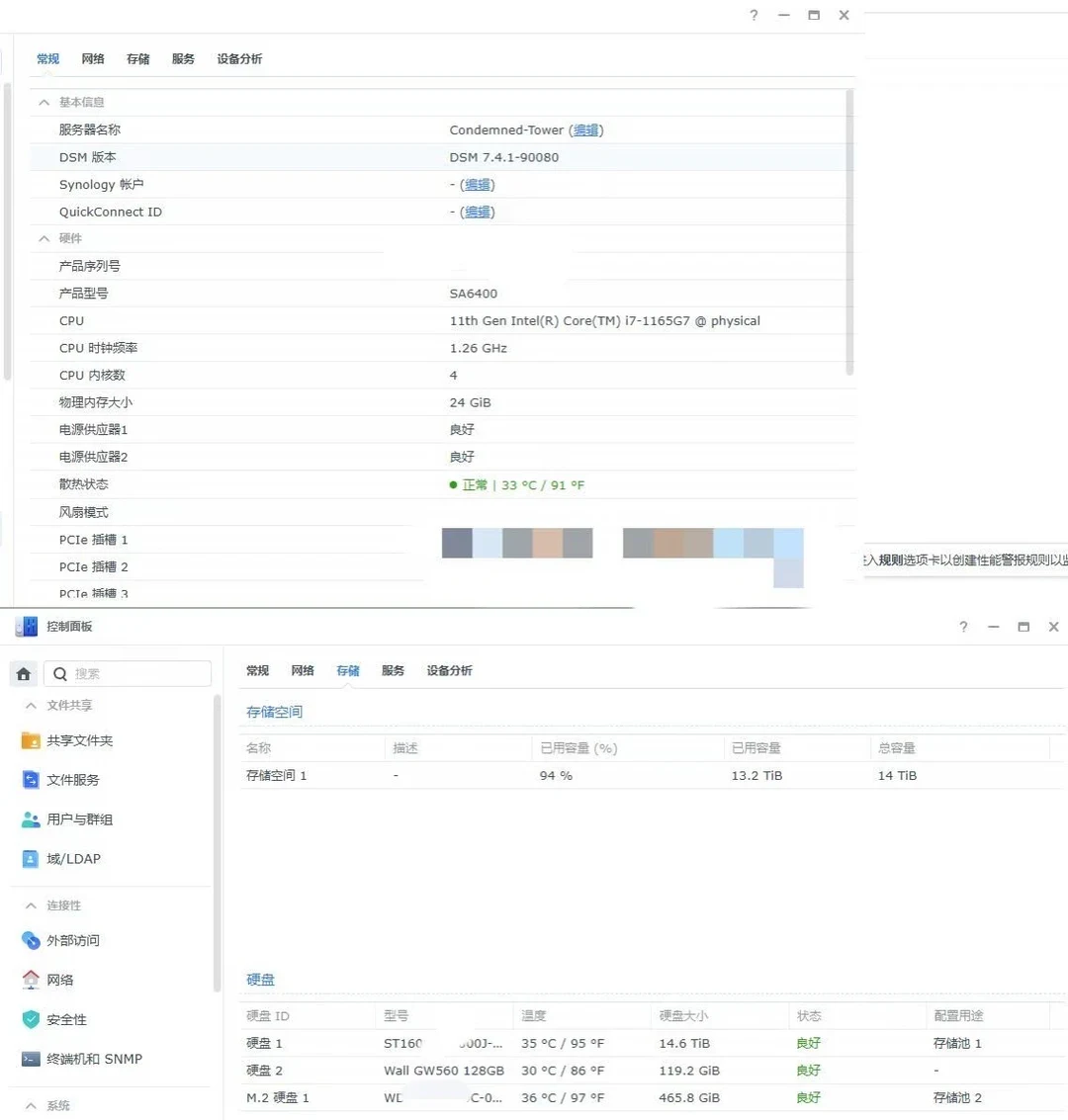
I then uninstalled the packages that had been installed on the HDD, especially Container Manager, and reinstalled them on the volume with the SSD. Now, aside from some specific background processes, the HDD only makes that “popcorn” noise when I actively access data on it. Overall, I’m very happy with how the migration turned out.
As long as life goes on, there’s always another project to tinker with.
Source: Steven Ye · Xiaohongshu · 2026-10-15 · 我卖掉了我的白群晖NAS. Search this Chinese title in Xiaohongshu to find the original post.
Before You Buy
Models in your region
The owner used a Synology DiskStation DS224+ with one 16TB Seagate helium HDD; the exact drive model is not specified. The listed US product is the same named DS224+. Synology’s specifications list both 3.5-inch SATA HDDs and 2.5-inch SATA SSDs as supported drive types, so the owner’s claim that the DS224+ cannot take an SSD is too broad. The account does not identify the reused laptop SSD’s interface, and the DS224+ has no M.2 slots.
| Model in this review | Related regional model | What to know |
|---|---|---|
| Synology DiskStation DS224+ | Synology DiskStation DS224+ (United States) | This is the same named US model the owner used. It supports 2.5-inch SATA SSDs as well as 3.5-inch SATA HDDs, but has no M.2 slots. The owner’s account does not establish whether the laptop SSD reused in the DIY system was SATA, so that migration does not verify SSD compatibility with the DS224+. |
- Model in this review
- Synology DiskStation DS224+
- Related regional model
- Synology DiskStation DS224+ (United States)
- What to know
- This is the same named US model the owner used. It supports 2.5-inch SATA SSDs as well as 3.5-inch SATA HDDs, but has no M.2 slots. The owner’s account does not establish whether the laptop SSD reused in the DIY system was SATA, so that migration does not verify SSD compatibility with the DS224+.
The DS224+ can use a SATA SSD
The owner blamed the DS224+’s lack of SSD support for having apps and data run on the HDD. Synology’s specifications for the US DS224+ list support for 2.5-inch SATA SSDs in its two bays, as well as 3.5-inch SATA HDDs. The model has no M.2 slots, so a supported SATA SSD is not the same as adding separate M.2 storage.
The owner did not give the reused laptop SSD’s interface or a complete model number. That means the account does not show whether that particular drive could have been installed in the DS224+; check the interface and drive-bay requirements before applying the DIY setup to a DS224+ purchase.
The noise improvement came after moving packages
With one 16TB Seagate helium HDD, the owner reported long waits for some commands when many services were active and persistent drive chatter from background reads and writes. The exact HDD model and any measured noise or command timings are not provided, so these are unquantified observations from this setup.
After migrating to DIY hardware, the owner moved packages—especially Container Manager—from the HDD to an SSD volume. In that setup, the owner reported that HDD chatter mostly occurred when actively accessing HDD data, apart from some background processes. This is a personal outcome, not a guarantee that the migration is risk-free or that the same reduction will occur on other systems.
Migration requires care, and the DIY system is not Synology hardware
The owner said the migration began when the reused drive was connected and the system recognized its prior Synology use. They cautioned that key drive and file-system mounting steps had to be handled correctly to avoid data loss. The account does not provide a tested procedure or establish that the same migration will work for every configuration, so keep a separate backup and verify compatibility before attempting it.
The replacement was built from a separately purchased motherboard, case, and power supply, with existing memory and drives reused. Although the photographs show a DSM system identified as SA6400, that software identity does not make the DIY computer physical SA6400 hardware; the replacement was not another genuine Synology product.
Related Reading

Reviews & Guides · Computing & Networking
TP-Link Deco X55 in a two-storey Australian home: Wi-Fi across 300 m²
I installed two TP-Link Deco X55 units in my 300 m², two-storey home; bedrooms that often lost Wi-Fi now had a signal throughout the house.

Reviews & Guides · Computing & Networking
TP-Link Deco X55: DNS pauses stopped for six days in access-point mode
I switched my Deco X55 to access-point mode and restored my older router to the front of the network. The DNS-like pauses stayed away for six days.
Reviews & Guides · Computing & Networking
TP-Link Deco X55 after nearly a year: six units, Teams and gaming
I’ve used six TP-Link Deco X55 units for nearly a year, including daily Teams calls and online gaming; I’ve had only one or two connectivity issues.