
Reviews & Guides · Computing & Networking
Synology DS224+ after three months: backups, sorting and a noisy 16TB drive
Reviewed: Synology DiskStation DS224+Regional reference: Synology DS224+ (US)
I used my Synology DS224+ for three months to back up Windows and iOS files, sort folders automatically and sync selected files to Baidu Cloud; my 16TB drive is noisy.
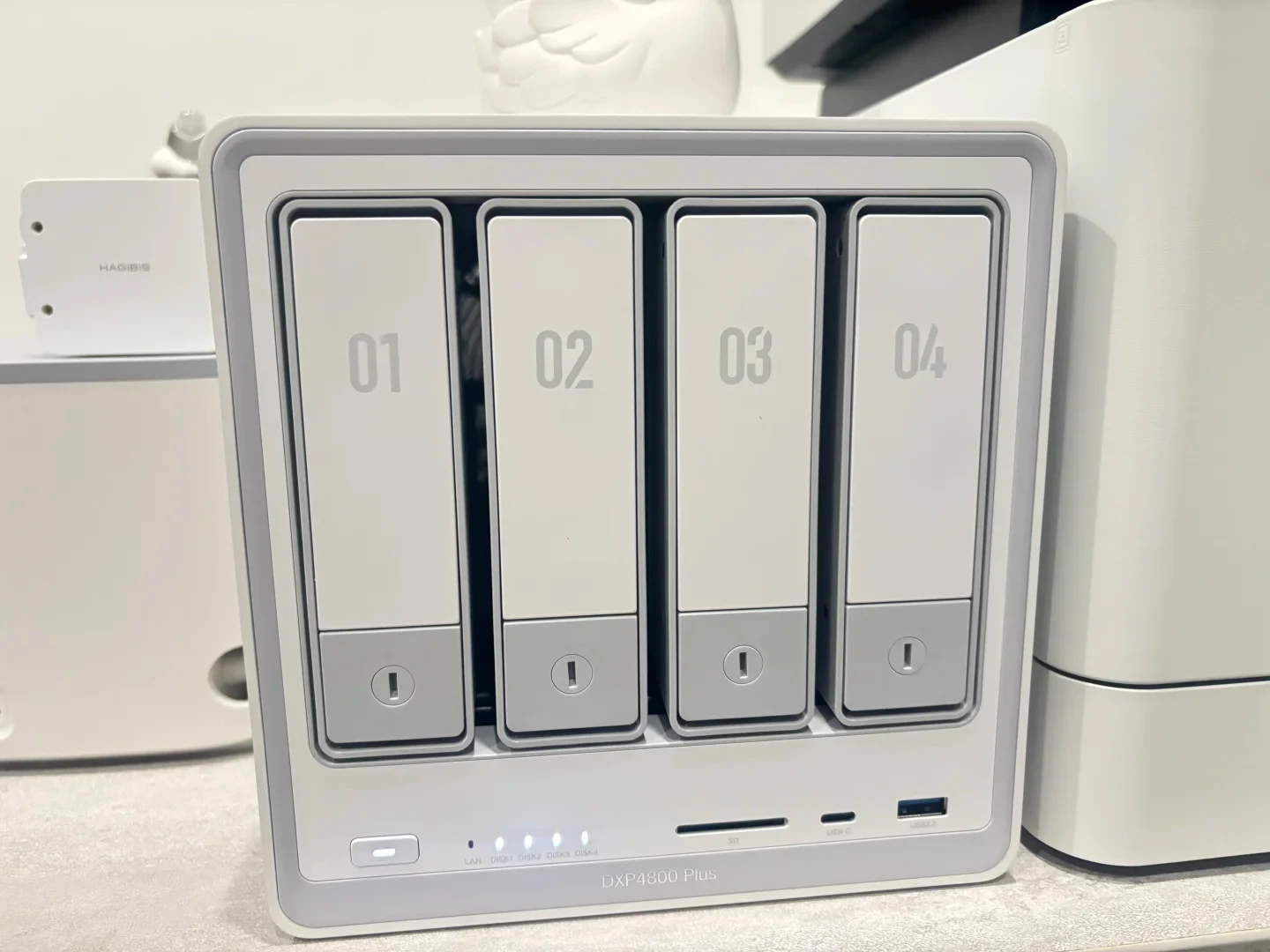
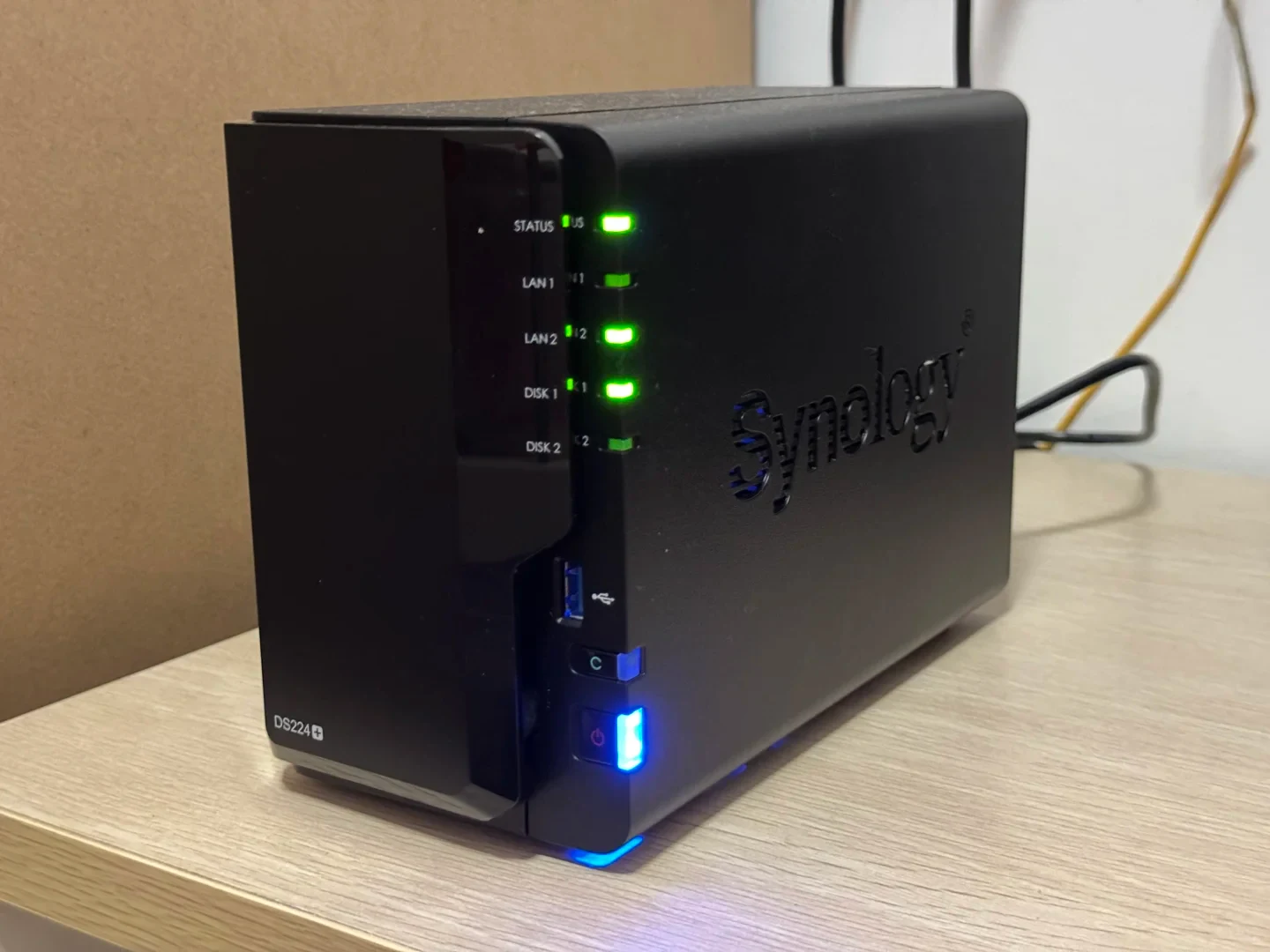

I bought the Synology DS224+, not because I’m a hardware enthusiast, but because the number of devices in my home was growing and my files were getting scattered. I wanted a centralized solution.
I mainly use iOS and Windows. These are the use cases that have addressed my pain points.
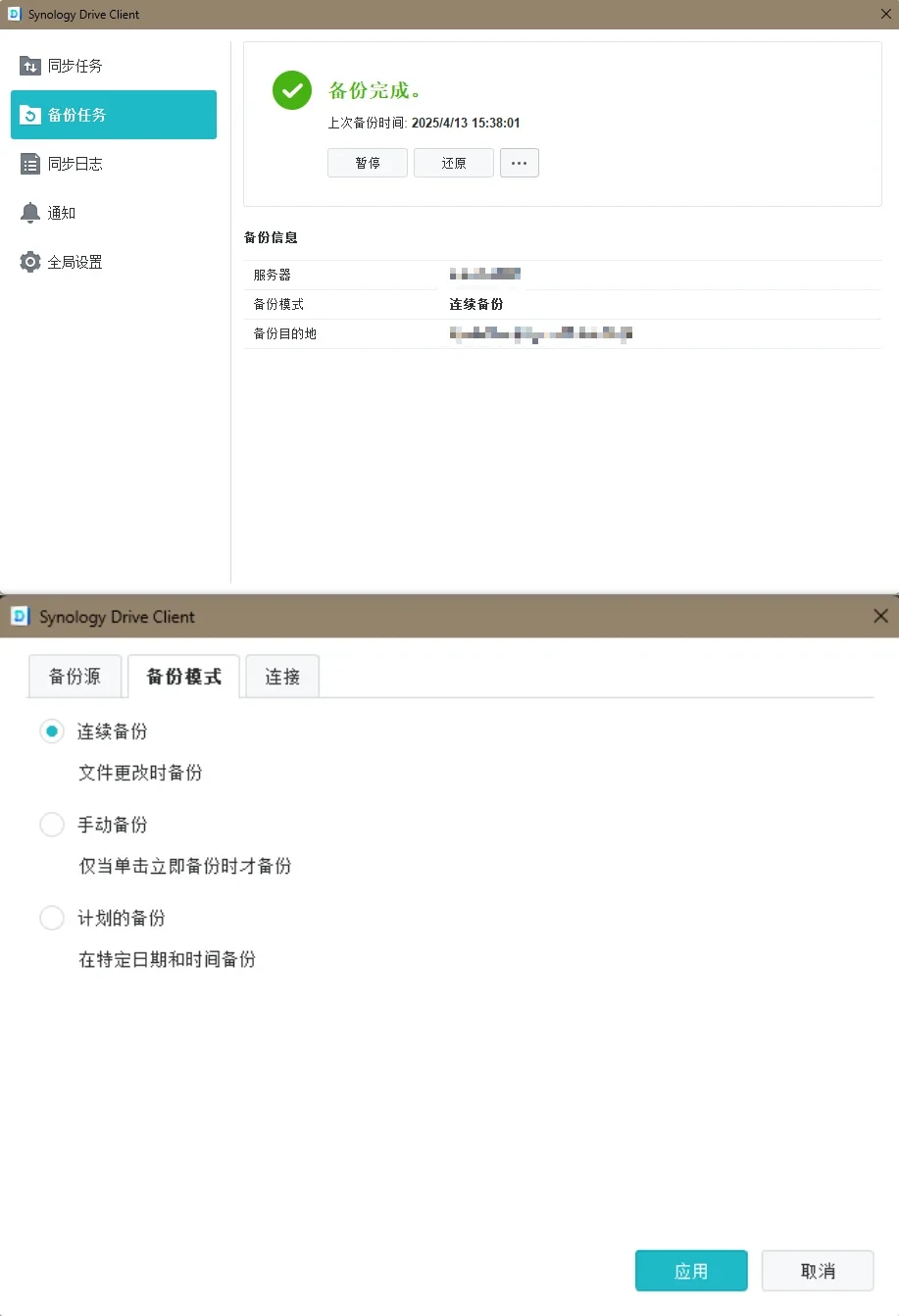
Synology Drive one-way backup
The client supports Windows, macOS, iOS and iPadOS. It can continuously sync specified folders to the NAS and exclude particular directories.
My everyday Windows files come from three main sources: screenshots from a tool I called “snipates”, Steam game screenshots and various downloads.
Synology Drive continuously backs these up to the NAS. Since this is a one-way backup, I can clear scattered files from my computer without worrying about it; they’re stored on the NAS, where I can look for them if I need them later.
Synology Photos photo sync
This app can automatically sync the contents of the system photo library. iCloud is too expensive for me, so I use it to keep selected photos and rely on Synology Photos to back up the rest automatically.
Because it syncs everything without distinction, I don’t have to deliberate over whether to delete each photo from my phone. That has reduced a lot of mental overhead.
Cron script for automatic file sorting
Synology’s system is a customized version of Linux, so it supports scheduled tasks and scripts.
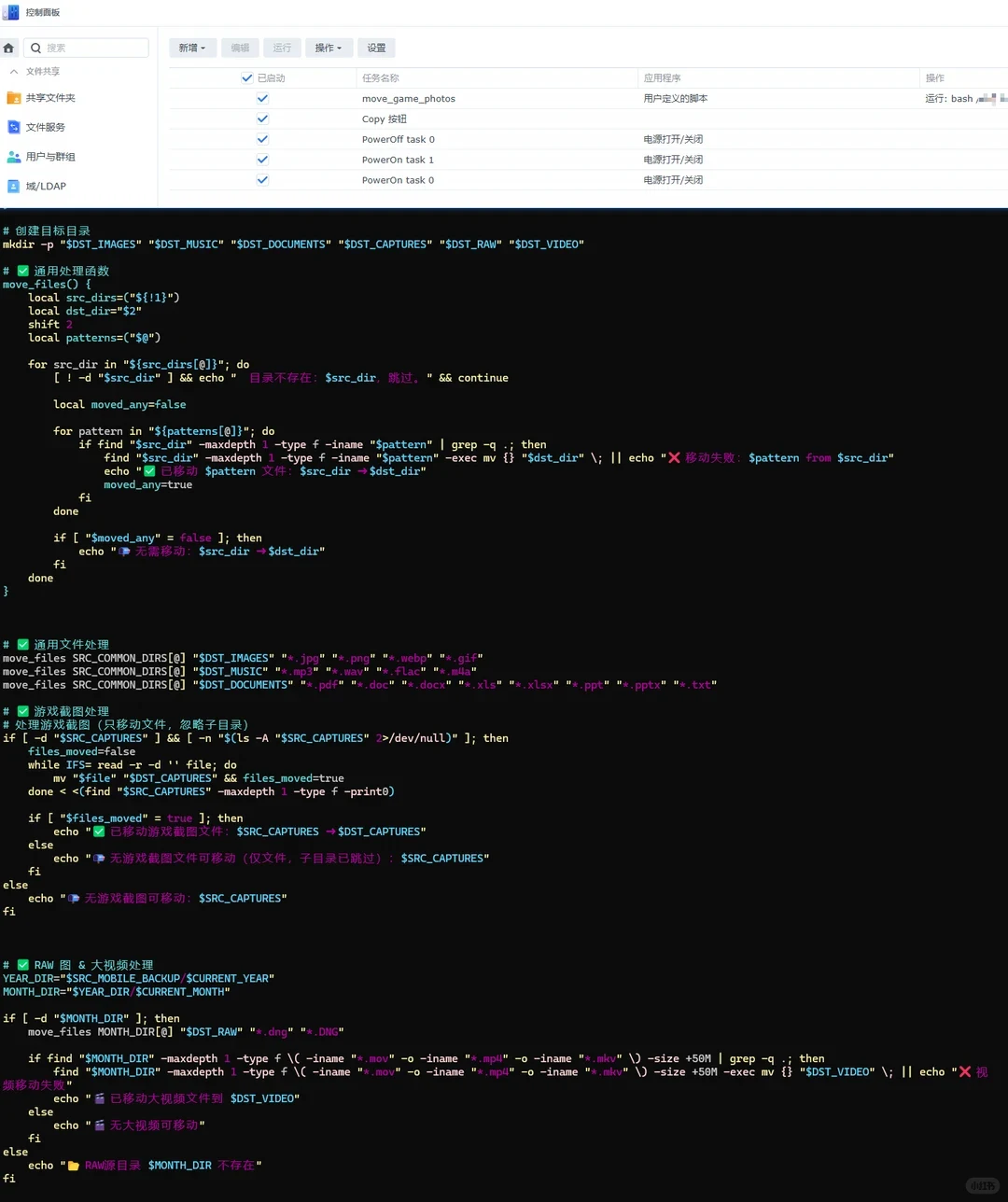
I wrote a script that sorts files in specified folders every five minutes. For example:
- It moves .DNG files into a RAW folder.
- It treats .mp4 and .mov files larger than 50 MB as videos and moves them into a video folder.
- It sorts files in the Downloads folder by extension into documents, images, audio and video.
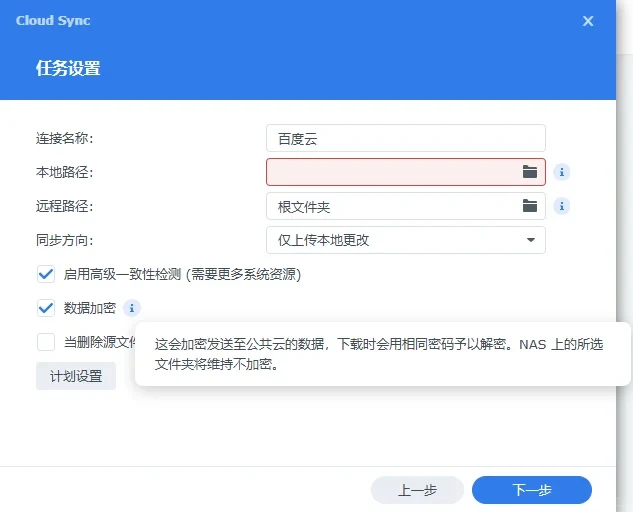
Encrypted Cloud Sync backup to Baidu Cloud
Despite Baidu Cloud’s poor reputation, cloud storage is generally more stable and works well as an off-site disaster-recovery option.
The awkward part is that NAS storage is usually larger than my Baidu Cloud capacity, so I can sync only important, relatively small files. The built-in encryption is convenient, and I don’t have to worry about the cloud service inspecting attachment contents and using them for other purposes.
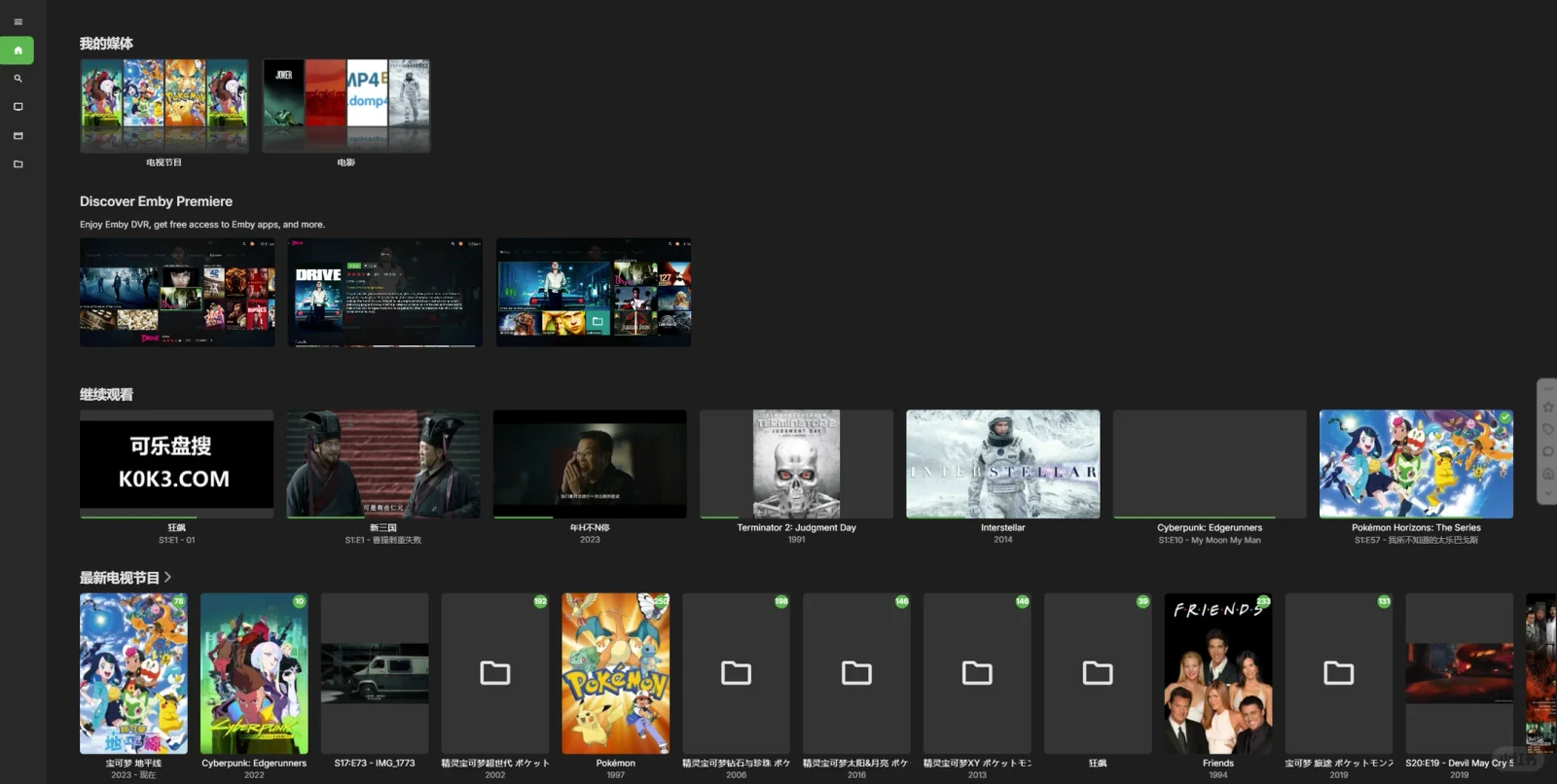
Emby media library
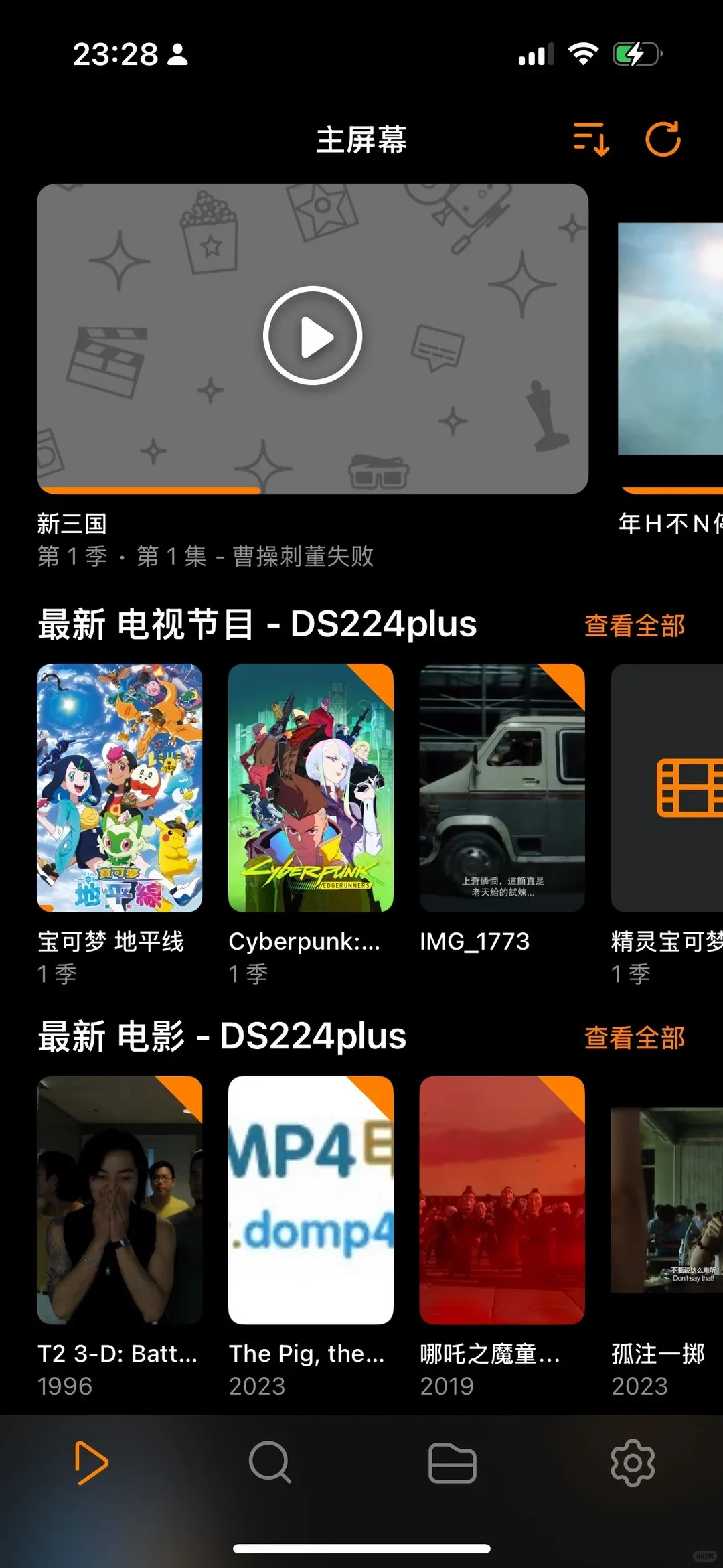
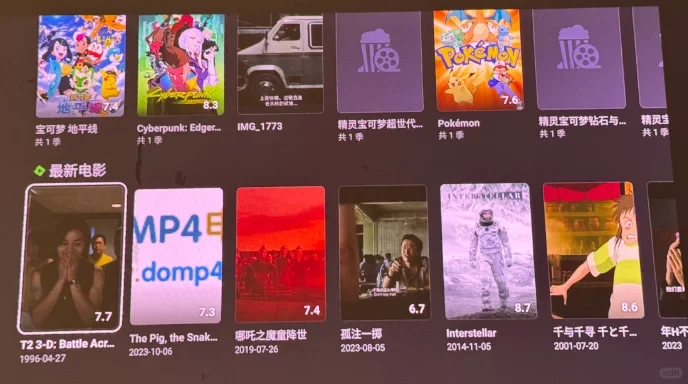
I use what I described as Synology’s built-in Emby Server, with Infuse on iOS and Android TV on my projector. It supports playback progress.
Smart albums (syncPhotos)
This is the smart-album solution I’ve found most satisfying on iOS.
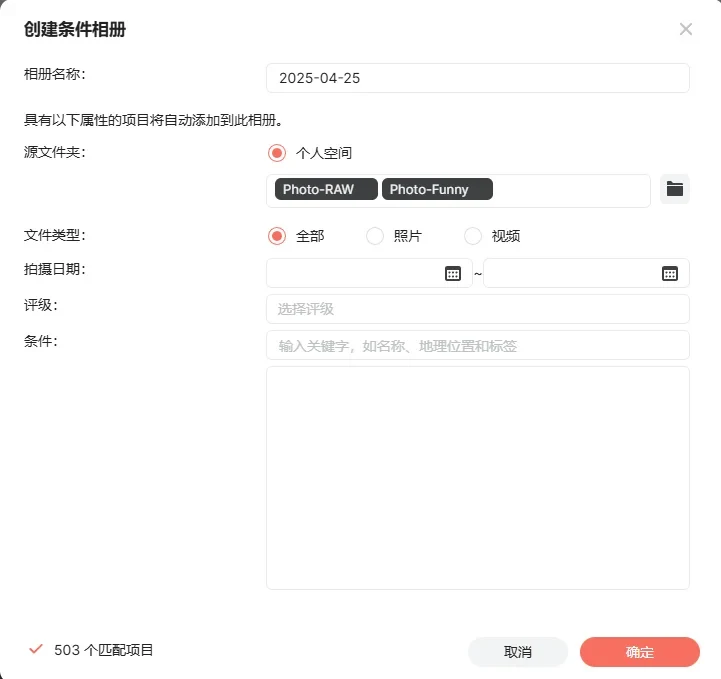
Compared with the traditional process of creating an album, adding photos manually and repeating that work, syncPhotos can identify photos by tags and folders and generate albums dynamically.
I used to be satisfied with adding an SMB share on my computer. Now I’ve found a NAS pretty appealing. I just wish I could solve the problem of the drive noise; I bought a 16TB helium drive.
Source: Steven Ye · Xiaohongshu · 2025-04-25 · 使用了三个月NAS的感想. Search this Chinese title in Xiaohongshu to find the original post.
Before You Buy
Models in your region
The source account identifies the NAS as a Synology DS224+, and Synology’s US product page lists the same full model. The owner’s three-month account is relevant to that model, though it does not establish that every service or third-party app behaves identically across regions.
| Model in this review | Related regional model | What to know |
|---|---|---|
| Synology DiskStation DS224+ | Synology DS224+ (US) | This is the same full model named in the source account. Synology lists two SATA bays, dual 1GbE ports and Synology Drive and Photos backup features; the account’s Windows/iOS backup workflow therefore applies to the US-listed DS224+. |
- Model in this review
- Synology DiskStation DS224+
- Related regional model
- Synology DS224+ (US)
- What to know
- This is the same full model named in the source account. Synology lists two SATA bays, dual 1GbE ports and Synology Drive and Photos backup features; the account’s Windows/iOS backup workflow therefore applies to the US-listed DS224+.
Backups and file cleanup
The DS224+ supports Synology Drive and Photos backup features, and the US model has two SATA bays. In this three-month account, Drive continuously backed up selected Windows folders, while Photos handled the owner’s iOS library; those are separate workflows, so choose which folders and photos each should cover.
Drive backup and Cloud Sync are separate tasks. The Drive screenshot shows continuous backup selected but does not reveal its deletion-retention settings. Before deleting originals, check that task’s settings and test restoring a disposable file after deleting the local copy. The separate Cloud Sync screenshot selects upload-local-changes-only; its partly obscured delete-related label does not establish what will be retained.
Automated sorting needs a script you can maintain
Scheduled scripts can sort files by extension, size or destination folder, but the owner’s five-minute routine is a personal setup rather than a ready-to-run DS224+ feature. The supplied account gives examples of sorting RAW files, large video files and downloads, but not a complete runnable script or configuration; treat those examples as a workflow idea, not a tested recipe.
Cloud encryption and off-site copies
Cloud Sync offers encryption and compression, and the owner used its encryption option for a Baidu Cloud task. The screenshot distinguishes encrypted uploads to public cloud from an unencrypted selected NAS folder; this supports the account’s use of encryption, but does not establish that every kind of metadata is hidden from the provider.
Cloud capacity was smaller than the owner’s NAS capacity, so he limited the off-site sync to important, small files. That is a practical way to prioritize a constrained cloud destination, but it is his setup rather than a measured capacity comparison for other accounts.
Media apps and drive noise
The Emby Server, Infuse and Android TV combination supported playback progress in this setup. The author calls Emby “built-in,” but the account does not establish that it is a Synology first-party bundled app. Check availability and compatibility for the intended clients. The author also names an iOS app “syncPhotos”; the supplied conditional-album creation dialog does not independently identify that app or show a completed album.
The owner’s 16TB helium drive was noisy enough to become his closing complaint. That is an observation about his installed drive, not a measured noise result for the DS224+ itself; the account does not identify the drive model or provide a sound measurement, so it cannot predict noise from another drive or setup.
Related Reading

Reviews & Guides · Computing & Networking
TP-Link Deco X55 in a two-storey Australian home: Wi-Fi across 300 m²
I installed two TP-Link Deco X55 units in my 300 m², two-storey home; bedrooms that often lost Wi-Fi now had a signal throughout the house.

Reviews & Guides · Computing & Networking
TP-Link Deco X55: DNS pauses stopped for six days in access-point mode
I switched my Deco X55 to access-point mode and restored my older router to the front of the network. The DNS-like pauses stayed away for six days.
Reviews & Guides · Computing & Networking
TP-Link Deco X55 after nearly a year: six units, Teams and gaming
I’ve used six TP-Link Deco X55 units for nearly a year, including daily Teams calls and online gaming; I’ve had only one or two connectivity issues.