
Reviews & Guides · Computing & Networking
Synology DS423+ after two years: Drive, Photos and QuickConnect
Reviewed: Synology DiskStation DS423+Regional reference: Synology DiskStation DS423+ (US manufacturer reference)
I’ve used my Synology DS423+ for photo storage and file syncing; Drive’s on-demand sync worked reliably, while QuickConnect felt slow on my connection.
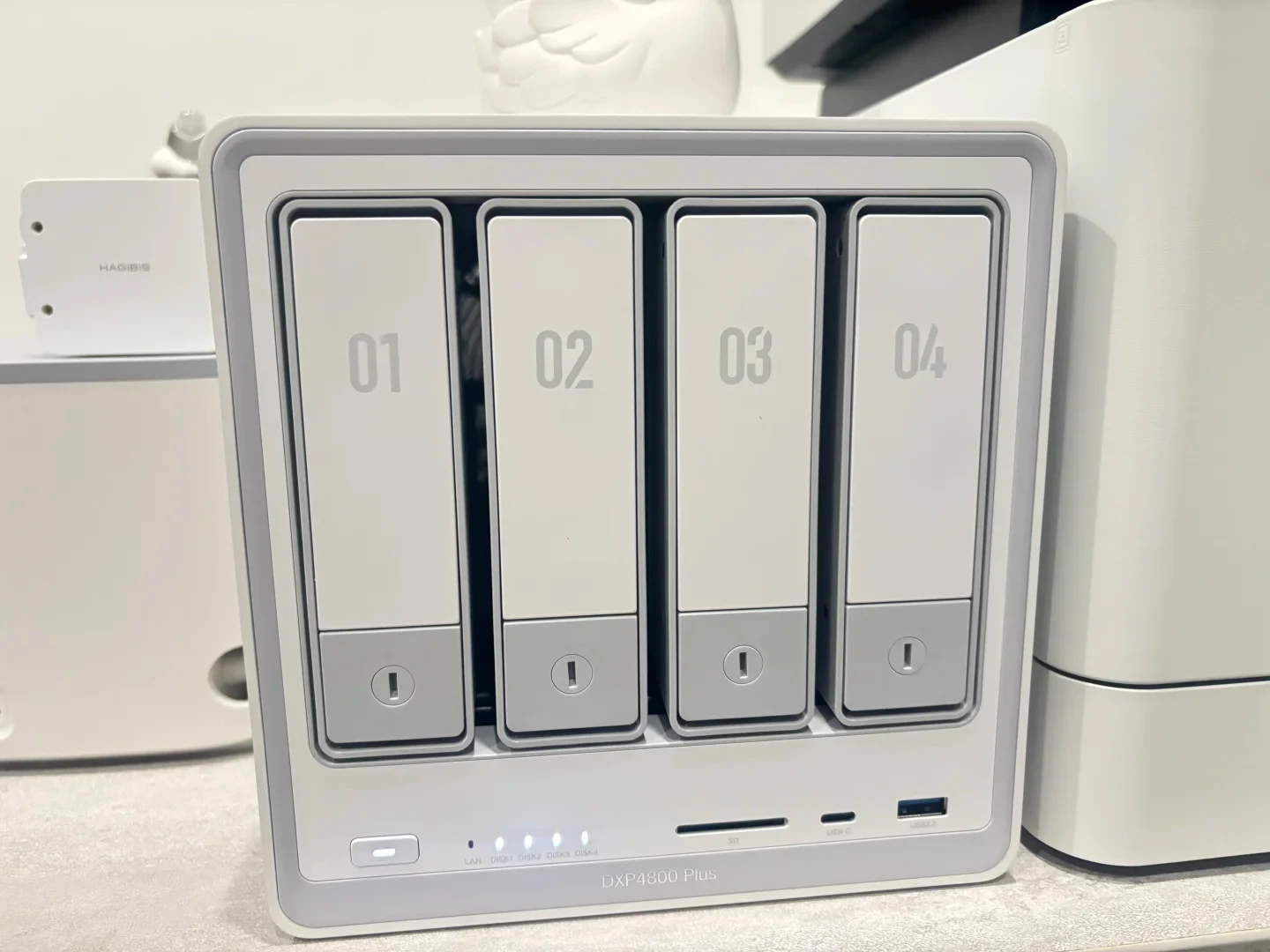
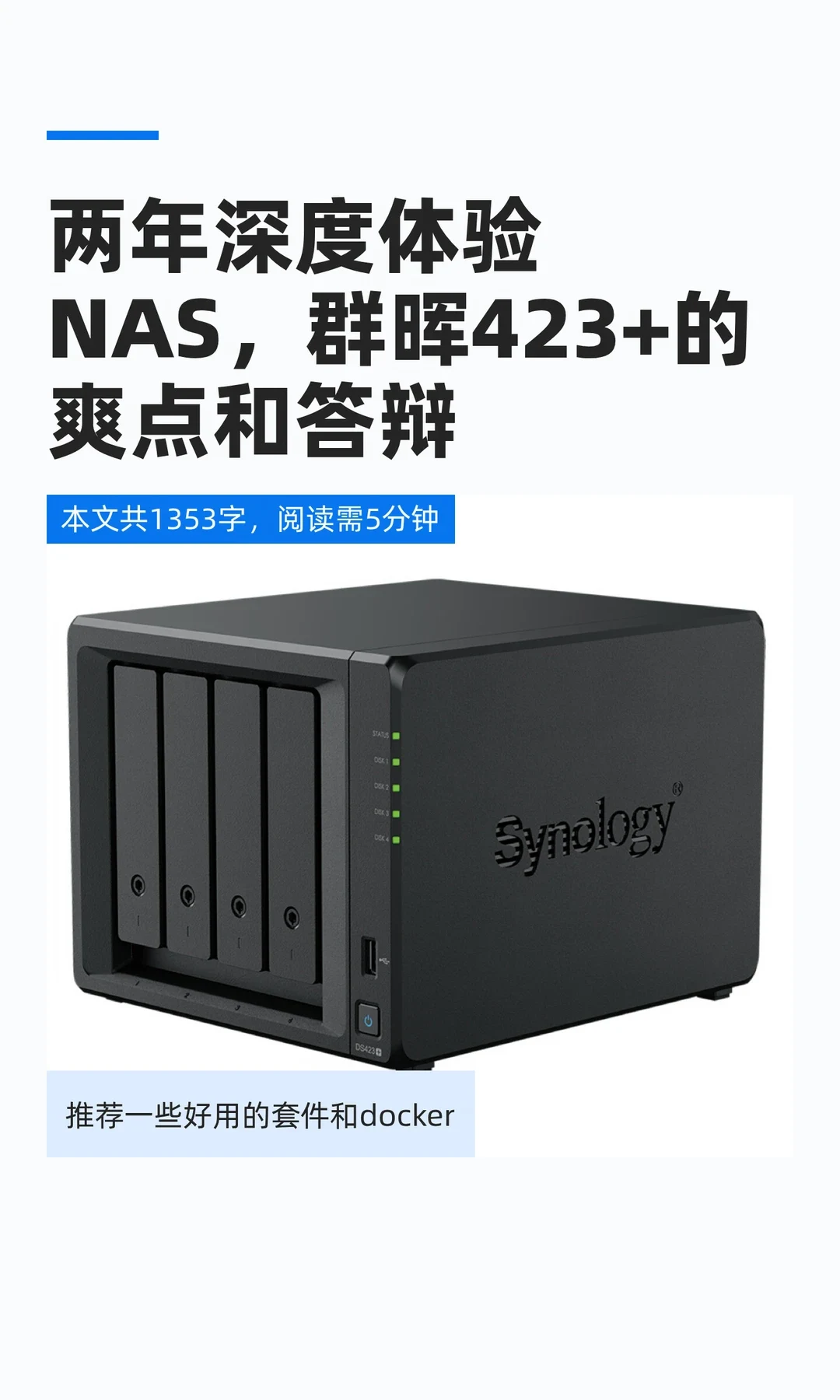
A two-year in-depth NAS review: the highlights and frustrations of the Synology DS423+. This post is 1,353 Chinese characters and takes about five minutes to read. I recommend some useful packages and Docker apps.
Purchase experience
I first considered buying a NAS because we have a lot of devices at home: I have two phones, three computers and an iPad. Sometimes I wanted to look at photos without moving them from one device to another. Cloud drives and phone cloud storage didn’t seem cost-effective, so I started thinking about a NAS. I initially bought a NAS from a domestic brand, but sold it later because its system wasn’t mature. That led me to Synology.
I bought it on May 23, 2023, from an online marketplace, using a 618 shopping-festival promotion for 3,330 yuan. I added three 4 TB drives I had taken out of my previous NAS, a 4 TB surveillance drive that cost 360 yuan, and an 8 GB memory module. The total came to about 4,800 yuan. When buying drives, I recommend choosing CMR drives and avoiding SMR drives; in my view, SMR drives have lower speed and lifespan.
SSR (excellent, a great experience): Synology Drive and Synology Photos
Drive syncs files: put a file in the Drive folder on a device and it automatically uploads to the Synology NAS. It also has an On-demand Sync feature that frees up space by leaving only the file icon in the Drive folder; when you need the file, it downloads from the NAS. I’ve used this feature reliably on my Mac for three years. My 512 GB laptop drive has never been more than half full, and the feature has been very stable.
Photos is a photo-management package. Its functions are fairly standard, but whenever I open a cloud drive or phone cloud service and it recommends pictures to me, I feel as if public cloud services are snooping on my privacy. Photos gives me a much greater sense of security. After several updates, it also gained face recognition and duplicate-photo detection. As a photographer, I appreciate its full tagging features for managing my portfolio, and I can hide RAW files to keep the interface tidy. Most importantly, it can handle tens of thousands of photos a year while staying smooth for me. Together, these two packages and Synology’s user management automatically sync my family members’ photos and files from their devices to the NAS. NAS version history can also recover files we accidentally delete, which is very useful.
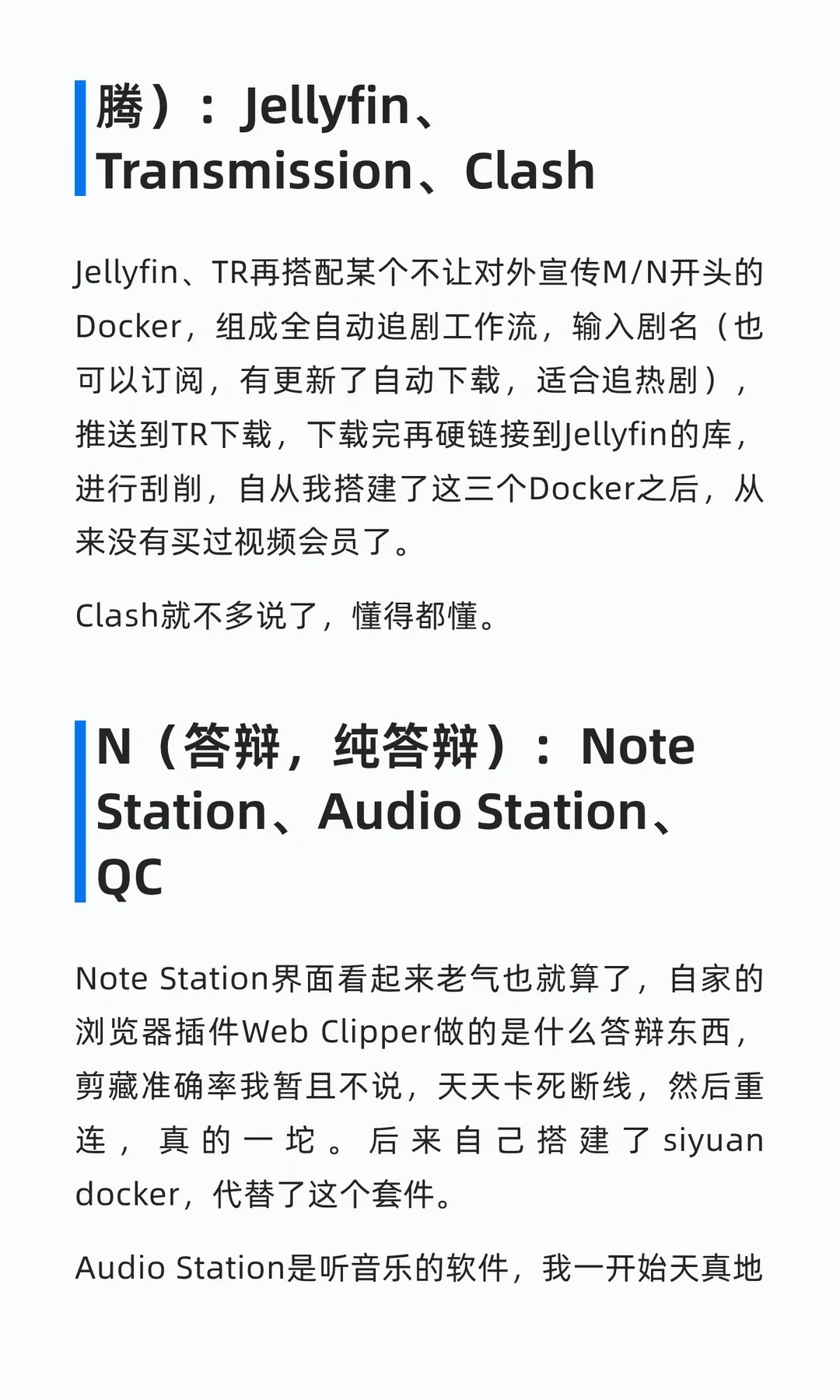
SR (pretty good, but takes some tinkering): Jellyfin, Transmission and Clash
Jellyfin and Transmission, together with a Docker app whose name I won’t share publicly and that starts with M or N, make an automated TV-show workflow. I enter a show’s name or subscribe to it for automatic downloads when new episodes arrive, which is useful for popular shows. Transmission downloads the files, then hard-links them into Jellyfin’s library for metadata scraping. Since setting up these three Docker apps, I haven’t paid for a video subscription.
There’s not much to say about Clash; those who know, know.
N (a mess, just a mess): Note Station, Audio Station and QuickConnect
Note Station’s interface looks dated, but that’s not even the worst of it. What is going on with its own browser extension, Web Clipper? I’ll leave the clipping accuracy aside: it keeps freezing and disconnecting, then reconnecting. It’s a complete mess. I later set up a SiYuan Docker app to replace this package.
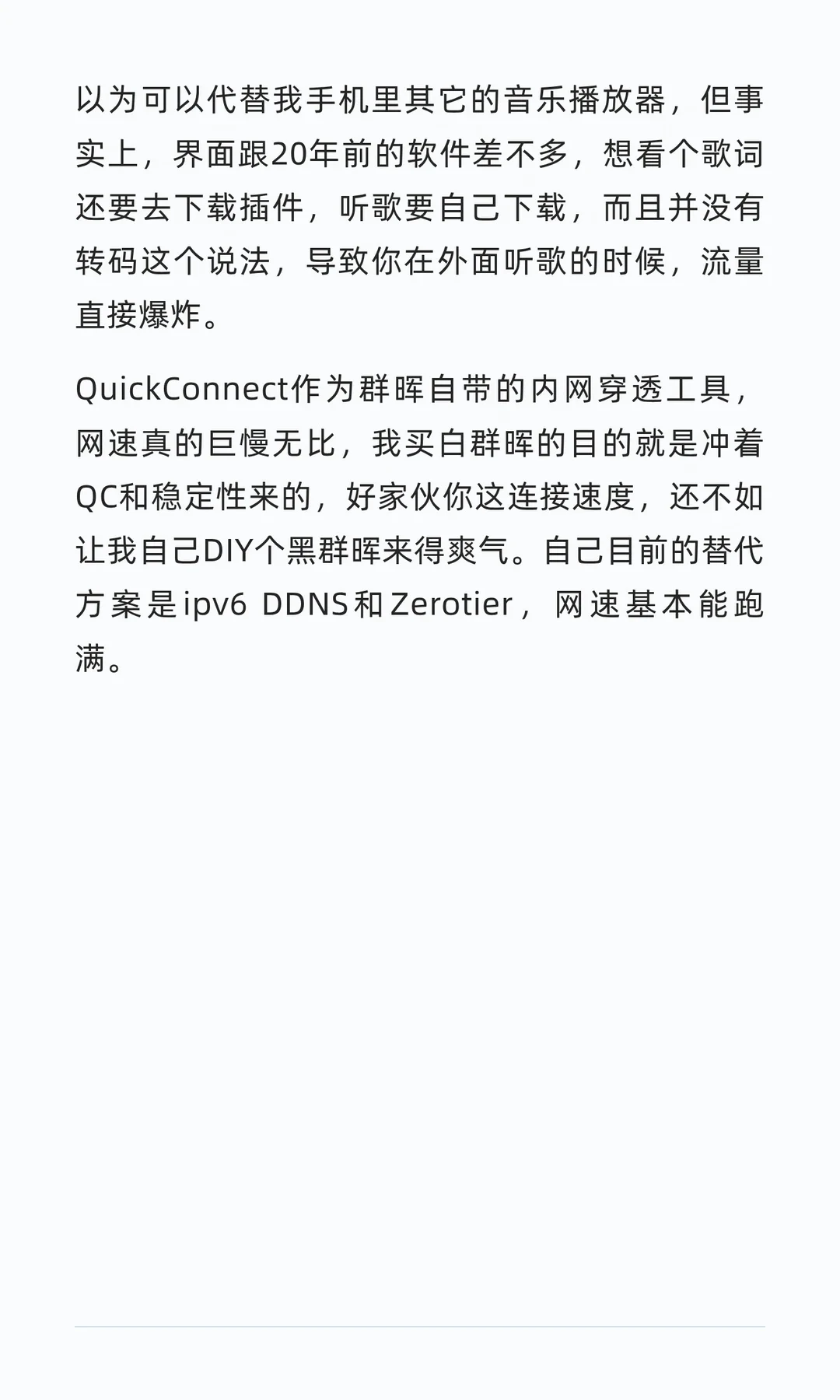
Audio Station is a music player. At first, I naively thought it could replace the other music players on my phone. In reality, its interface looks like software from 20 years ago, and even displaying lyrics requires downloading a plugin. You have to download the music yourself, too. In my experience, it didn’t transcode the music I played, so listening away from home made my mobile data use explode.
QuickConnect is Synology’s built-in tool for remote access through a private network. The connection speed is really slow for me. I bought a genuine Synology NAS specifically for QuickConnect and reliability, but at this speed I might as well build my own DIY NAS. My current alternatives are IPv6 DDNS and ZeroTier, which can nearly saturate my available speed.
Source: 小基的摄影日记 · Xiaohongshu · 2025-08-05 · 两年深度体验NAS,群晖423+的爽点和答辩. Search this Chinese title in Xiaohongshu to find the original post.
Before You Buy
Models in your region
The owner identifies the NAS as a Synology DS423+. Synology’s US manufacturer datasheet identifies the same DS423+ model family, so the account is relevant to that model, but the owner’s added 8 GB memory module is not an officially supported configuration.
| Model in this review | Related regional model | What to know |
|---|---|---|
| Synology DiskStation DS423+ | Synology DiskStation DS423+ (US manufacturer reference) | This is the same DS423+ model family the owner used. Synology lists 2 GB onboard memory and a 6 GB maximum with a 4 GB module; the owner’s added 8 GB module is outside that officially supported configuration. |
- Model in this review
- Synology DiskStation DS423+
- Related regional model
- Synology DiskStation DS423+ (US manufacturer reference)
- What to know
- This is the same DS423+ model family the owner used. Synology lists 2 GB onboard memory and a 6 GB maximum with a 4 GB module; the owner’s added 8 GB module is outside that officially supported configuration.
Drive and Photos: useful workflows, with personal limits
The owner reports using Drive’s on-demand sync reliably on a 512 GB Mac for three years, with the laptop’s storage never exceeding half full. The account describes that feature’s effect on one person’s file workflow; it does not establish performance for other devices or networks.
For photography, the owner says Photos handles tens of thousands of images a year smoothly and values its tagging, RAW-file hiding, face recognition and duplicate detection. These are personal observations, not a benchmark. The owner also says NAS version history can recover mistakenly deleted files.
Memory and drive setup: check the supported configuration
The owner says the DS423+ was fitted with an added 8 GB memory module. Synology’s DS423+ datasheet lists 2 GB of onboard memory and an official maximum of 6 GB with a 4 GB module, so the reported 8 GB setup is not a manufacturer-supported configuration. Buyers should check the exact memory module and support requirements rather than treating that installation as an approved upgrade.
The owner reports using four 4 TB drives in total, but does not state the RAID mode or resulting usable capacity. That means the account cannot establish how much storage a buyer should expect from the same drive count.
The owner recommends CMR drives over SMR drives, citing speed and lifespan, but the supplied evidence includes no comparative test establishing that general claim. Treat it as the buying preference, not a measured result from this NAS.
Audio Station playback and QuickConnect access
The owner says Audio Station did not transcode the music they played and that listening away from home used a lot of mobile data. That is their experience, but the exact codec, playback client and settings are not identified, so it does not show that Audio Station can never convert or reduce a stream. Synology’s current DS audio guidance describes conversion of music files to WAV or MP3 and playback-quality settings, subject to device and codec conditions.
Synology DiskStation DS423+ · US manufacturer reference
The owner found QuickConnect very slow on their connection and now uses IPv6 DDNS and ZeroTier, which they say nearly reach their available speed. No speed measurements or network details are provided, so this account cannot predict QuickConnect performance on another connection or establish that the alternatives will perform similarly for other buyers.
Related Reading

Reviews & Guides · Computing & Networking
TP-Link Deco X55 in a two-storey Australian home: Wi-Fi across 300 m²
I installed two TP-Link Deco X55 units in my 300 m², two-storey home; bedrooms that often lost Wi-Fi now had a signal throughout the house.

Reviews & Guides · Computing & Networking
TP-Link Deco X55: DNS pauses stopped for six days in access-point mode
I switched my Deco X55 to access-point mode and restored my older router to the front of the network. The DNS-like pauses stayed away for six days.
Reviews & Guides · Computing & Networking
TP-Link Deco X55 after nearly a year: six units, Teams and gaming
I’ve used six TP-Link Deco X55 units for nearly a year, including daily Teams calls and online gaming; I’ve had only one or two connectivity issues.