
Reviews & Guides · Computing & Networking
TerraMaster F4-423 (8GB): transfer tests, full-speed fans and power draw
Reviewed: TerraMaster F4-423 (8GB)Regional reference: TerraMaster F4-423 (8GB) (China); TerraMaster F4-423 (US)
We tested the TerraMaster F4-423 (8GB) with four 4TB WD Red drives, recording network results, full-speed fan temperatures and power during uploads.
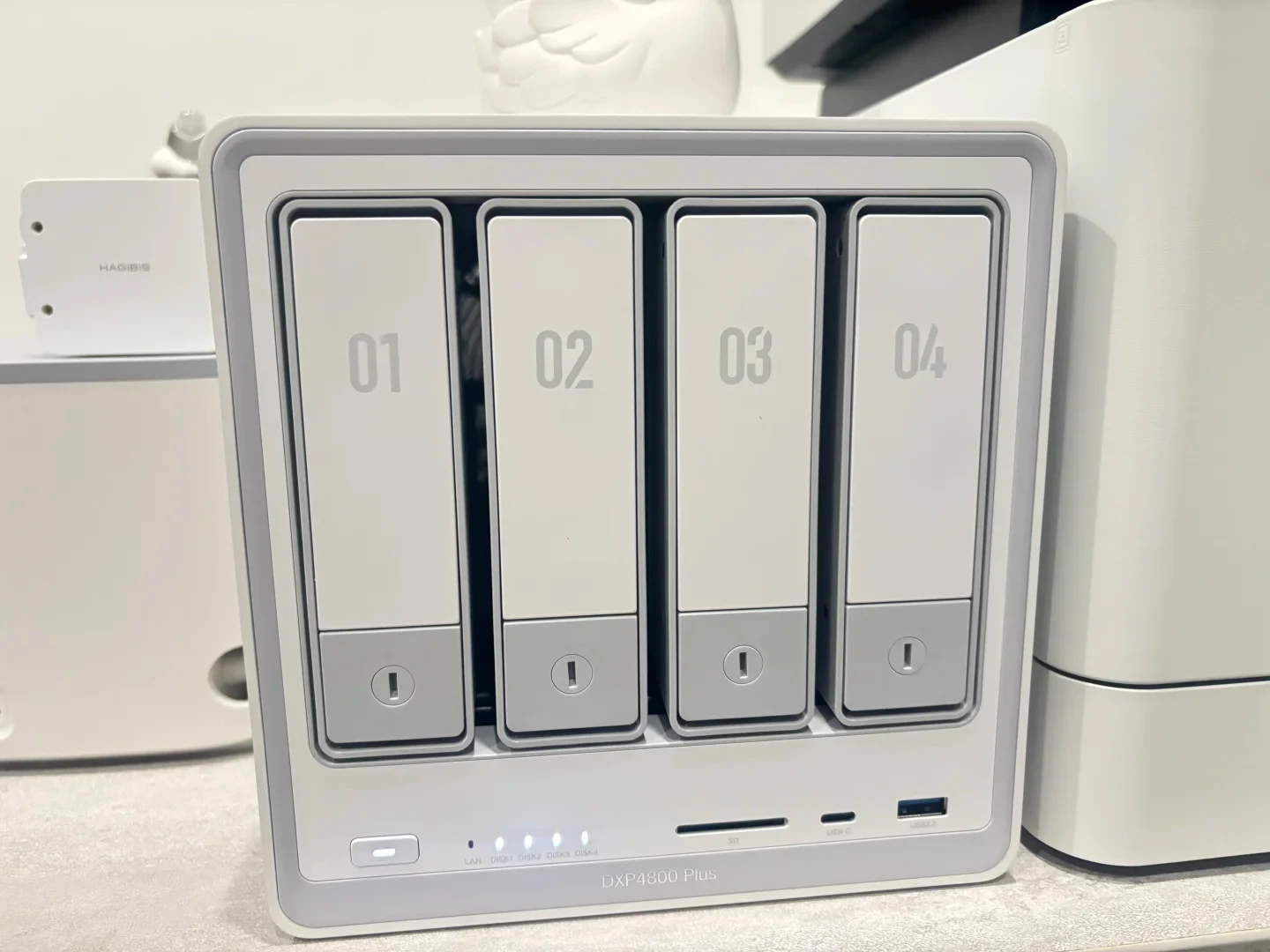
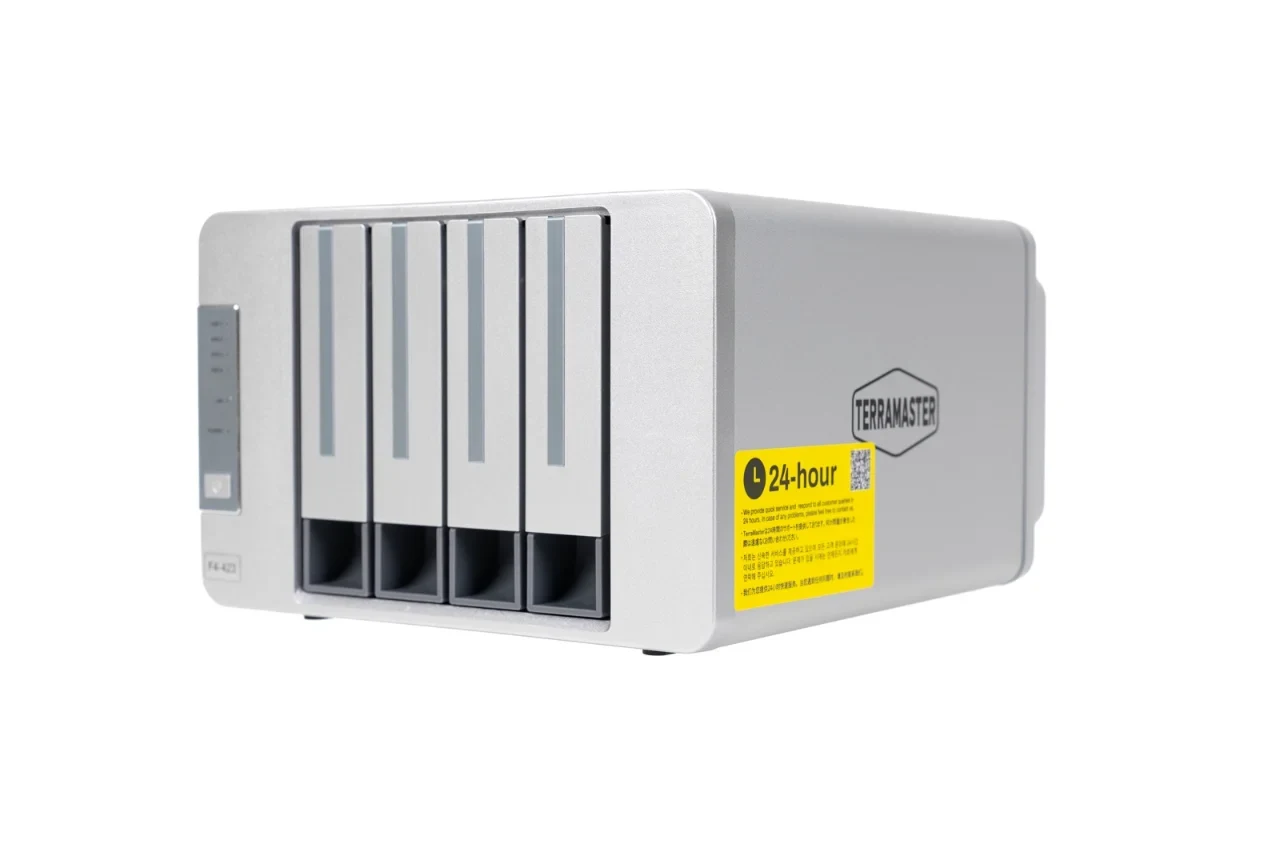
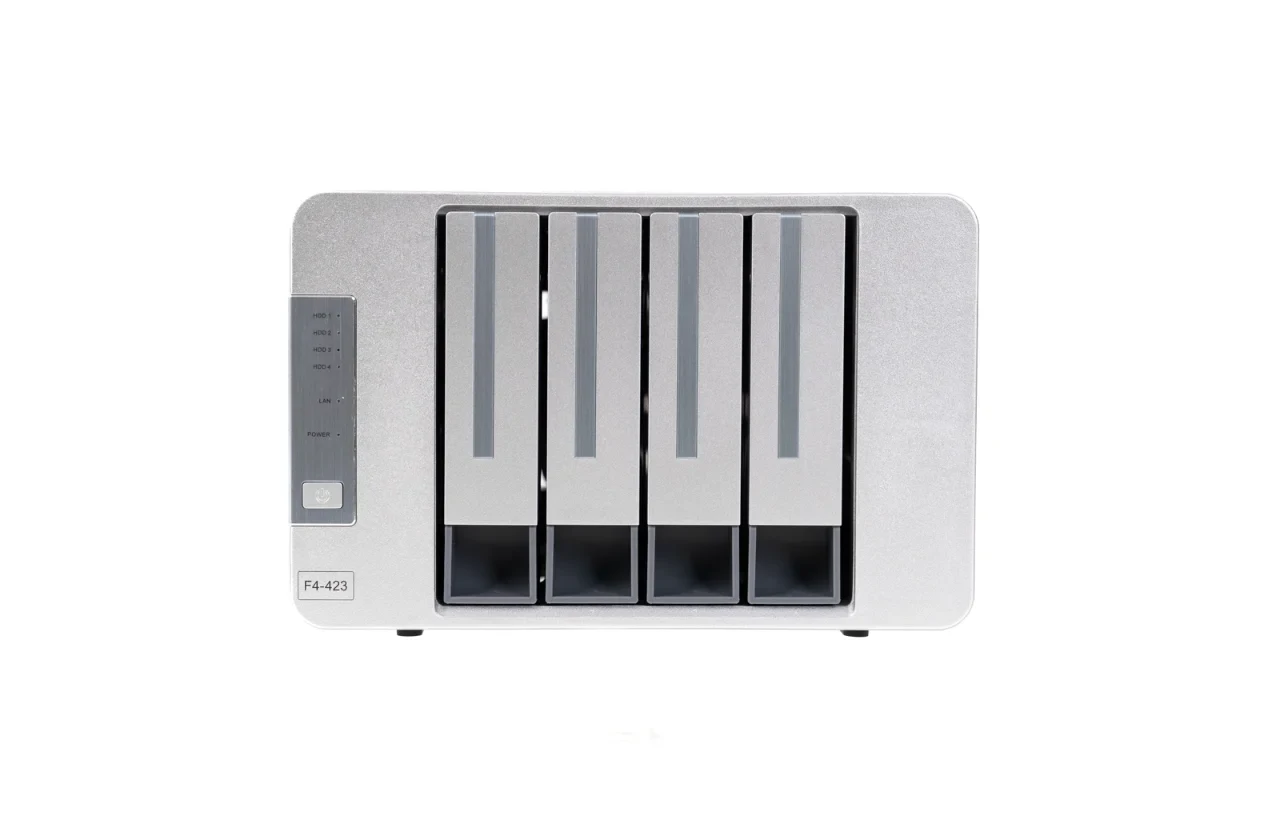
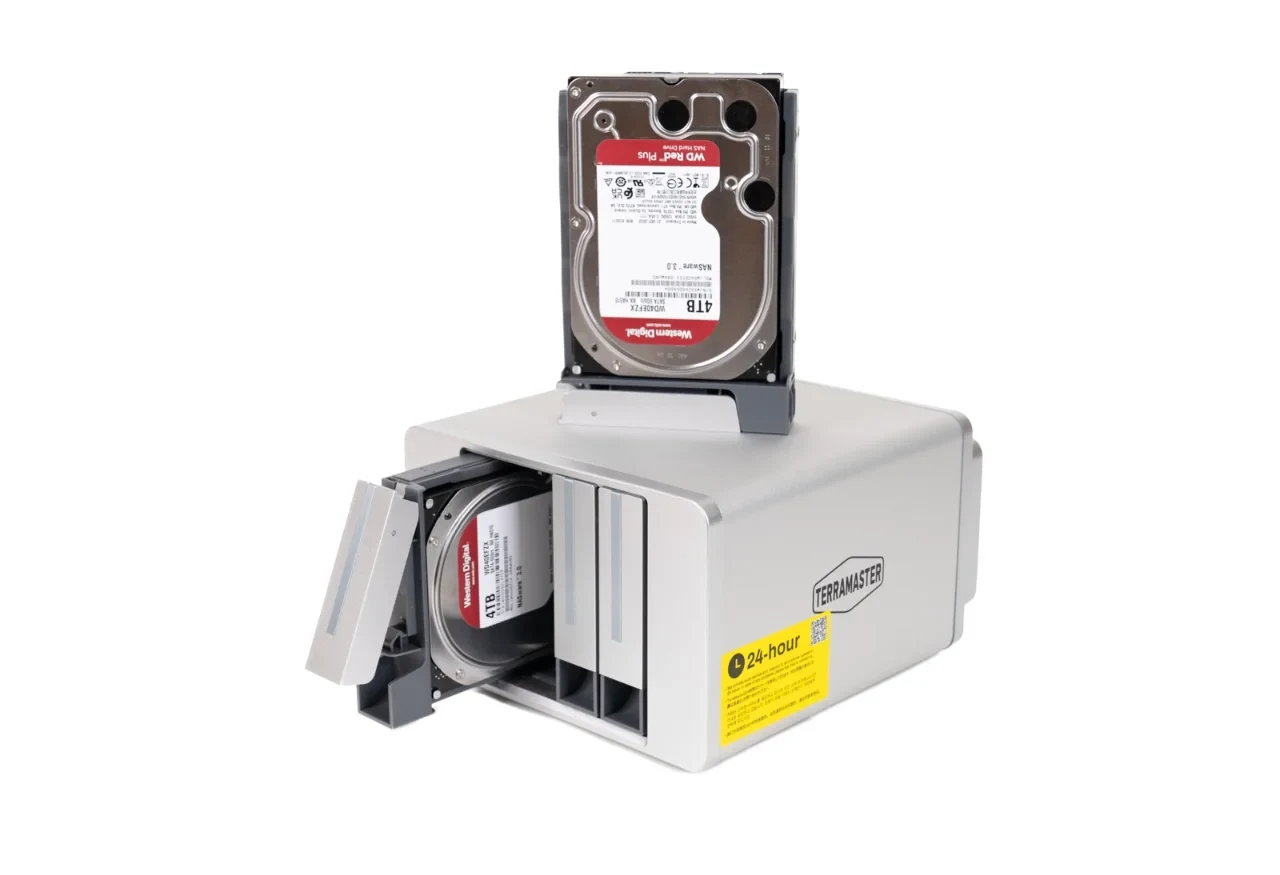
KoolShare test-room review
This time, the TerraMaster F4-423 (8GB) came to the KoolShare test room. It is a high-performance, four-bay NAS for small and medium-sized businesses that need high-performance storage.
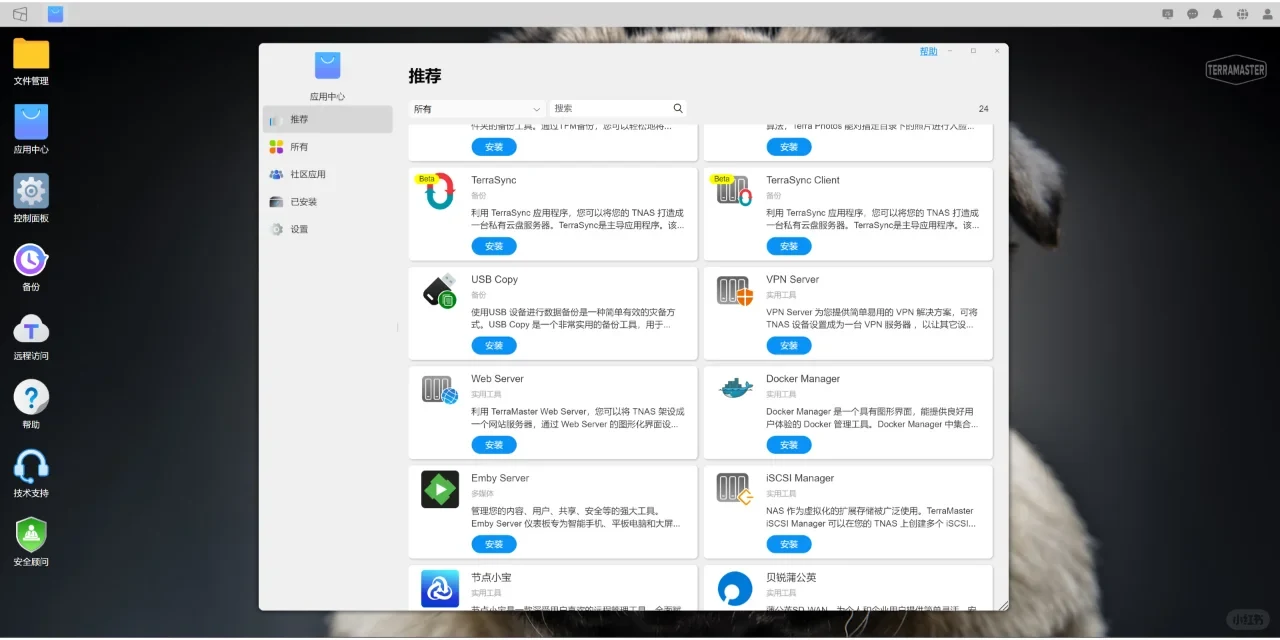
- TOS has more than a hundred apps in its App Center, including familiar options such as Docker and PeanutHull. For SSD caching, you can use either an NVMe SSD or a standard SATA SSD, though the latter takes up a hard-drive bay.
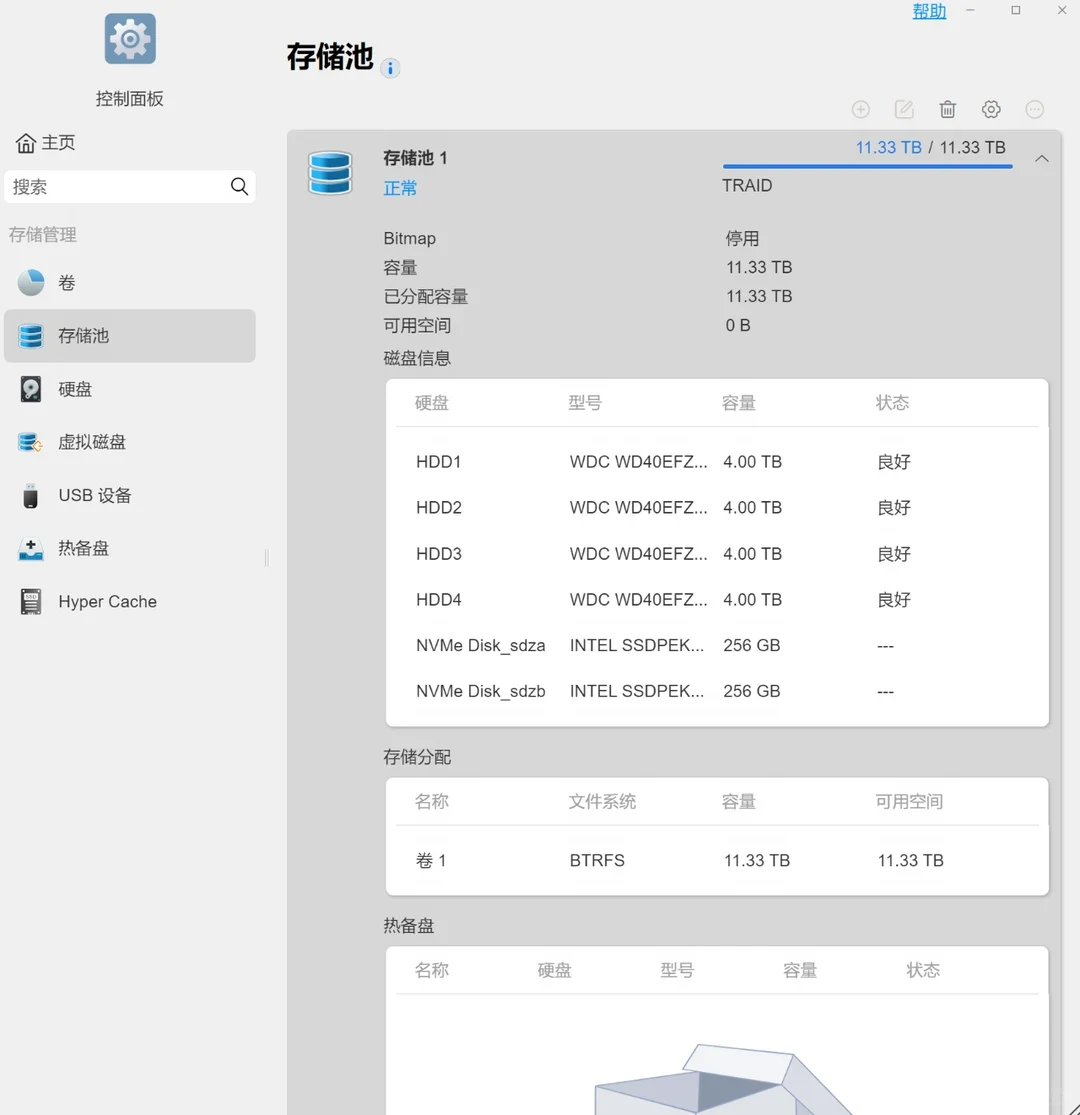
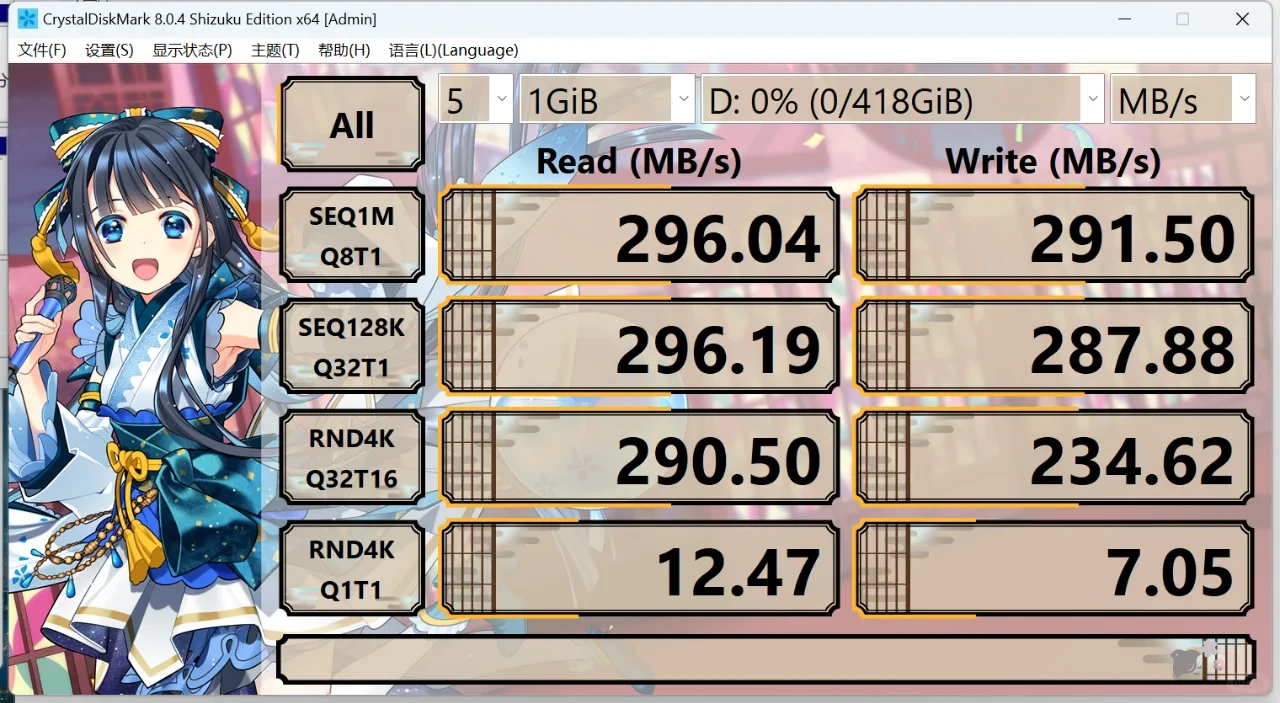
- With four 4TB WD Red drives, read and write transfers easily filled the 2.5GbE network link.
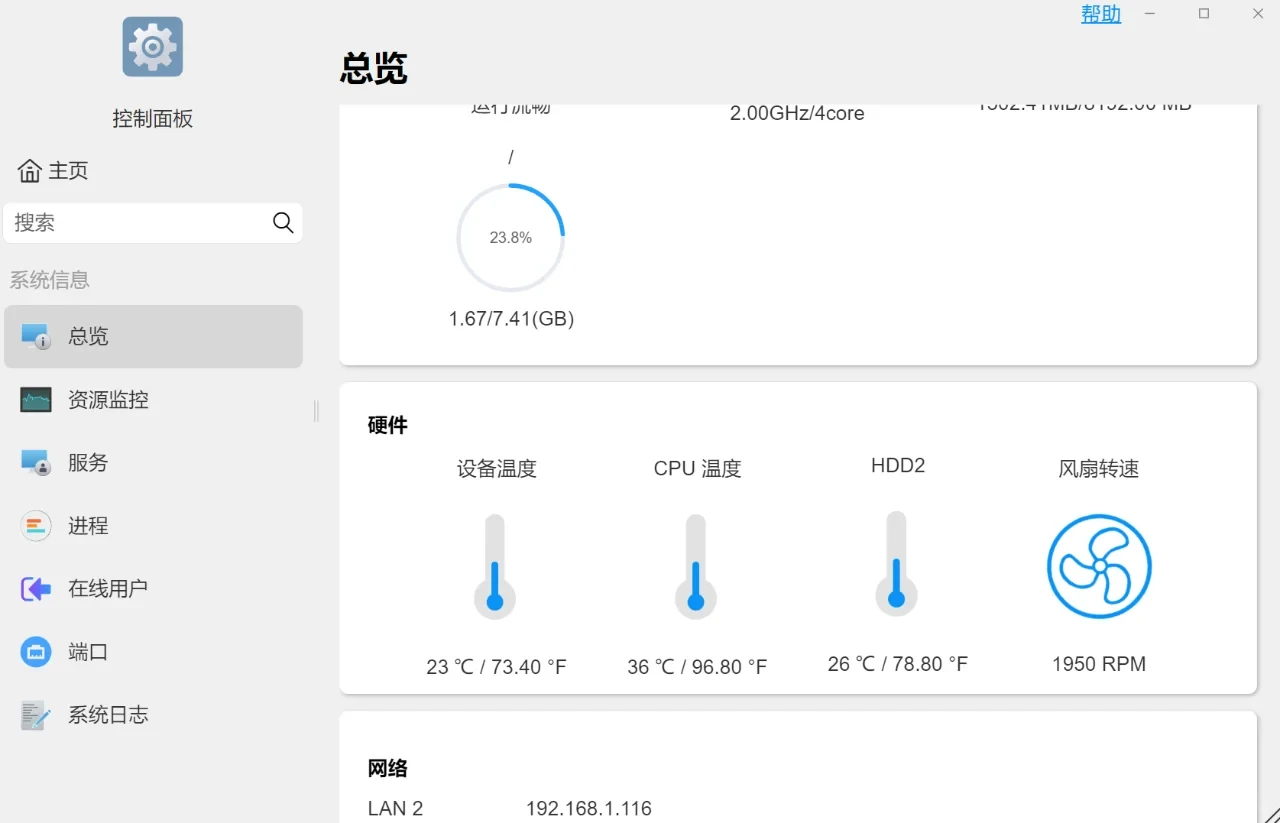
- We kept the fan at full speed. After the NAS had run for one hour, the device temperature was 23°C, the CPU was 36°C and HDD2 was 26°C—the highest temperature among the drives. The fan was running at 1,950 RPM.
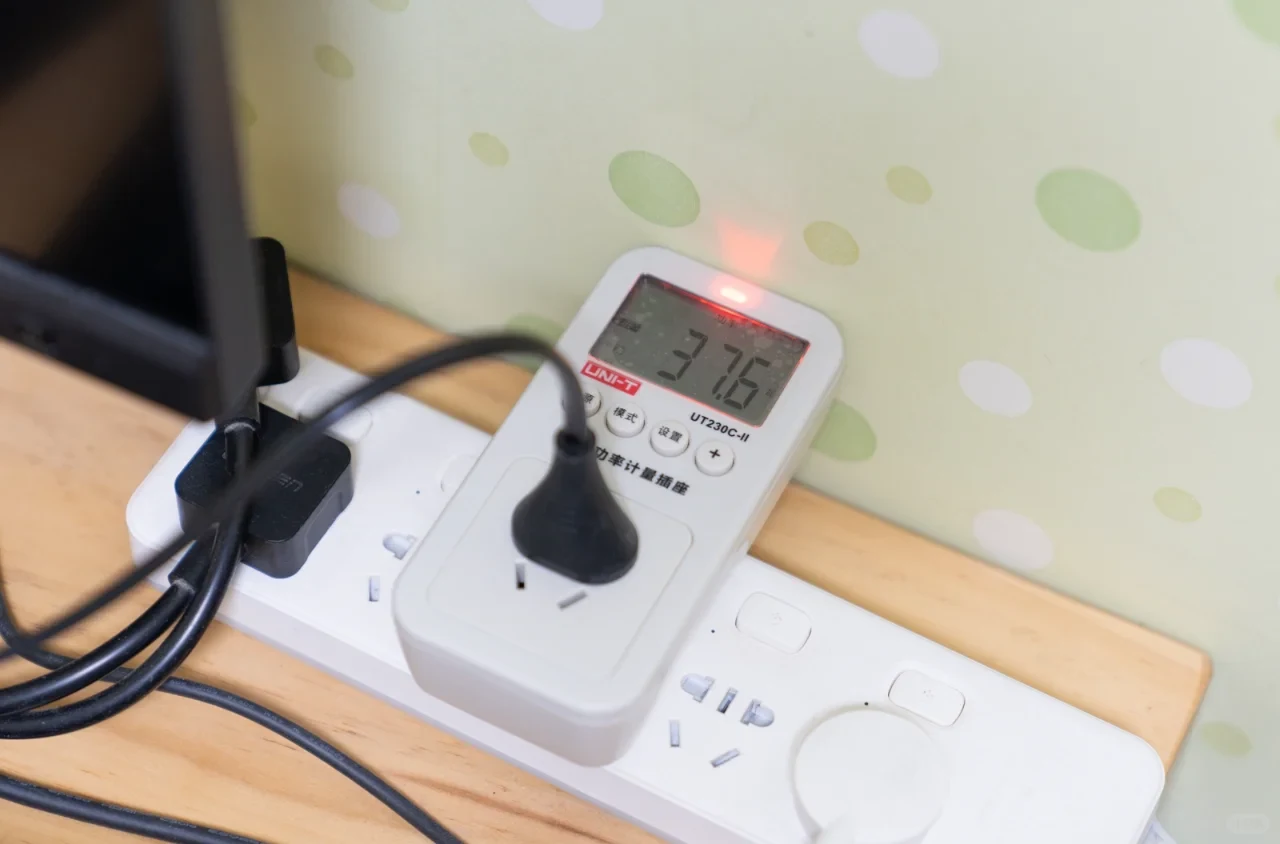
- While uploading documents through the 2.5GbE LAN port, the TerraMaster F4-423 drew about 37.6W.
Source: KoolShare · Xiaohongshu · 2024-01-24 · 极致性价比,铁威马F4-423(8G)四盘位NAS. Search this Chinese title in Xiaohongshu to find the original post.
Before You Buy
Models in your region
The source experience is with the China-market TerraMaster F4-423 (8GB). TerraMaster’s US F4-423 is a related regional configuration, but its listed memory differs; the US specification should not be used to describe the tested 8GB unit.
| Model in this review | Related regional model | What to know |
|---|---|---|
| TerraMaster F4-423 (8GB) | TerraMaster F4-423 (8GB) (China) | This China-market 8GB configuration matches the test-room unit named in the post. The owner reports 2.5GbE transfers with four 4TB WD Red drives and a full-speed fan test; the exact CPU in the tested unit is not shown. |
| TerraMaster F4-423 | TerraMaster F4-423 (US) | The US regional configuration is in the same F4-423 hardware family, but its official listing specifies 4GB RAM, versus 8GB in the tested China model. The owner’s temperature and power readings are not measurements of this US configuration. |
- Model in this review
- TerraMaster F4-423 (8GB)
- Related regional model
- TerraMaster F4-423 (8GB) (China)
- What to know
- This China-market 8GB configuration matches the test-room unit named in the post. The owner reports 2.5GbE transfers with four 4TB WD Red drives and a full-speed fan test; the exact CPU in the tested unit is not shown.
- Model in this review
- TerraMaster F4-423
- Related regional model
- TerraMaster F4-423 (US)
- What to know
- The US regional configuration is in the same F4-423 hardware family, but its official listing specifies 4GB RAM, versus 8GB in the tested China model. The owner’s temperature and power readings are not measurements of this US configuration.
The 2.5GbE result is tied to a specific drive setup
The review team reports that four 4TB WD Red drives could fill the F4-423’s 2.5GbE link during read and write transfers. That is a test-room observation with this drive setup, not a measured transfer rate for every workload or configuration; the post does not give an exact file-copy speed.
Full-speed fan readings are not a quiet-mode result
After one hour with the fan set to full speed, the review team recorded a 23°C device temperature, 36°C CPU temperature, 26°C on HDD2—the warmest drive—and a fan speed of 1,950 RPM. These readings describe that test-room run, not automatic or idle operation; the post does not establish how quiet the NAS is in those modes.
Treat 37.6W as a momentary workload reading
The review team recorded about 37.6W while uploading documents through the 2.5GbE LAN port. This is a reading during that activity, not a monthly energy estimate or a measure of continuous consumption. TerraMaster’s US specification lists 35.2W for a different read/write setup using Seagate 4TB drives, so it is not a direct comparison with the review team’s WD Red test.
Check memory configuration and SSD-cache trade-offs
The China-market F4-423 listed by TerraMaster has 8GB DDR4 memory, while the US F4-423 listing specifies 4GB; both list two memory slots and support up to 32GB. The tested unit is the 8GB China configuration, so buyers elsewhere should check the memory supplied with their regional package rather than assume it matches.
The review team says TOS supports SSD caching with NVMe or SATA SSDs, but using a SATA SSD occupies a hard-drive bay. TerraMaster’s regional specifications list two M.2 Gen 3 x1 slots; the post does not test cache performance, so it supports the available options and bay trade-off, not a claim about speed gains.
Related Reading

Reviews & Guides · Computing & Networking
TP-Link Deco X55 in a two-storey Australian home: Wi-Fi across 300 m²
I installed two TP-Link Deco X55 units in my 300 m², two-storey home; bedrooms that often lost Wi-Fi now had a signal throughout the house.

Reviews & Guides · Computing & Networking
TP-Link Deco X55: DNS pauses stopped for six days in access-point mode
I switched my Deco X55 to access-point mode and restored my older router to the front of the network. The DNS-like pauses stayed away for six days.
Reviews & Guides · Computing & Networking
TP-Link Deco X55 after nearly a year: six units, Teams and gaming
I’ve used six TP-Link Deco X55 units for nearly a year, including daily Teams calls and online gaming; I’ve had only one or two connectivity issues.