
Reviews & Guides · Computing & Networking
TerraMaster F4-424 Pro: a hands-on look at drive, memory and M.2 access
Reviewed: TerraMaster F4-424 ProRegional reference: TerraMaster F4-424 Pro (US)
We opened the TerraMaster F4-424 Pro and found tool-light SATA access, two M.2 slots and replaceable memory; the 96TB figure is raw capacity arithmetic.
Reviewer’s hands-on account
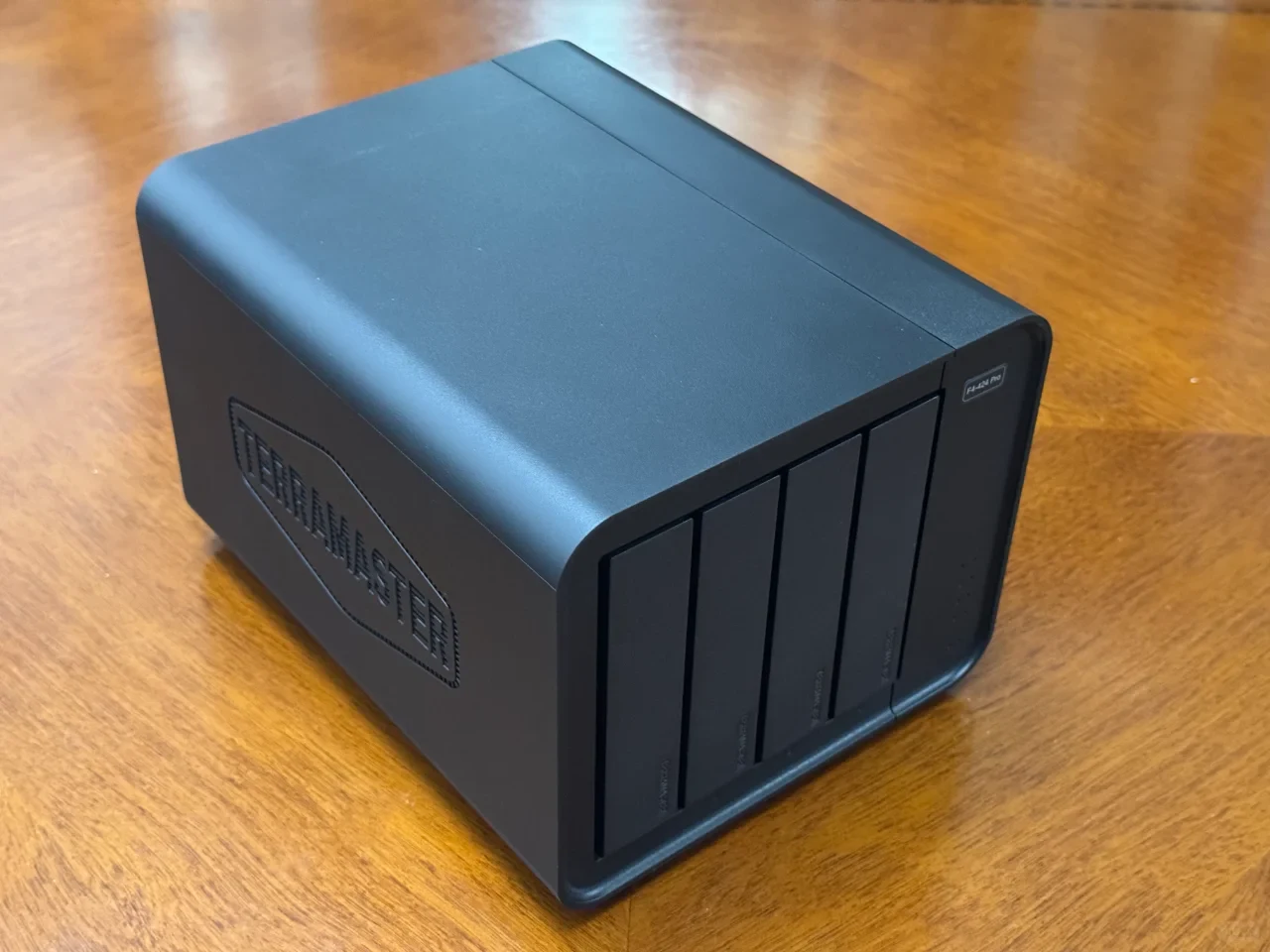
Many people choose and compare NAS products from the “four major brands.” The NAS we’re reviewing today comes from one of them: TerraMaster, a specialist storage brand with 20 years of experience. Let’s see how its “flagship” F4-424 Pro measures up.
1. Hardware
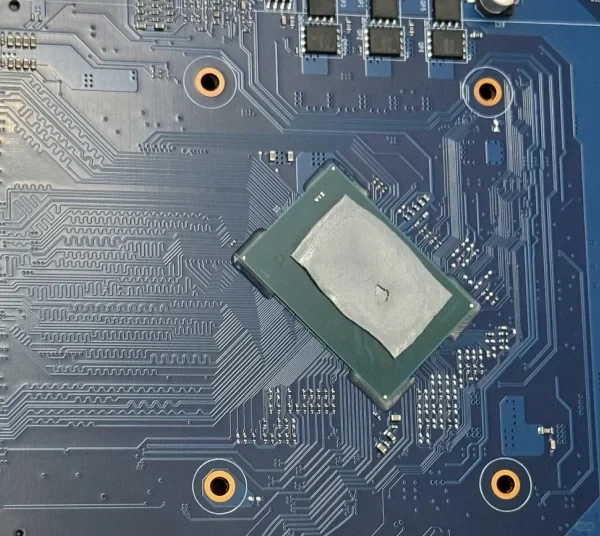
CPU: It uses an Intel Core i3 processor with 8 cores and 8 threads.
If you know NAS products, you’ll know how rare it is to find one with an Intel Core processor. Most are doing well if they have a Celeron.
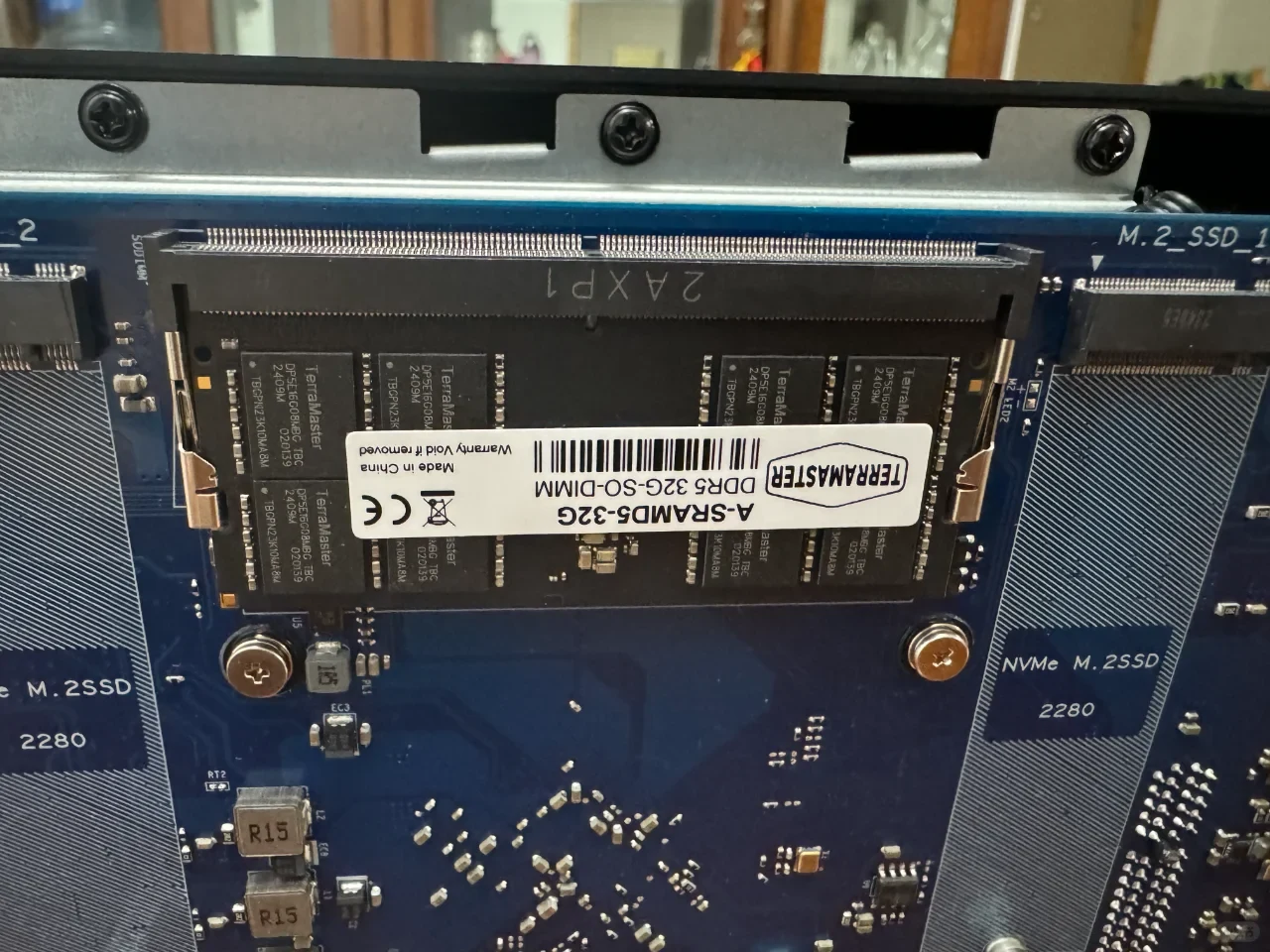
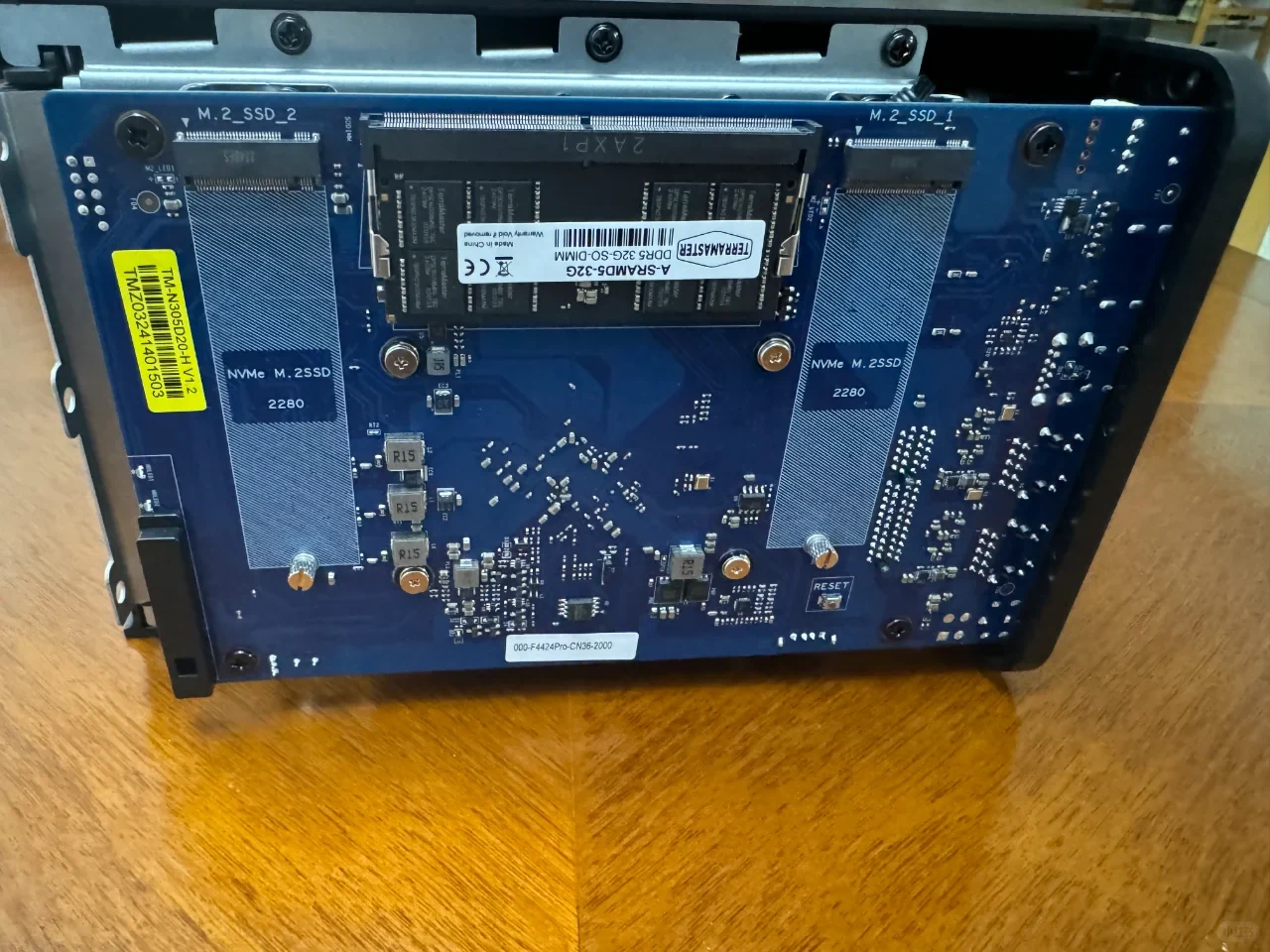
Memory: It comes with 32GB of DDR5 memory, which is replaceable.
The TerraMaster F4-424 Pro uses a standard laptop-style memory module. To replace it, just release the clips; it’s very easy to do yourself.
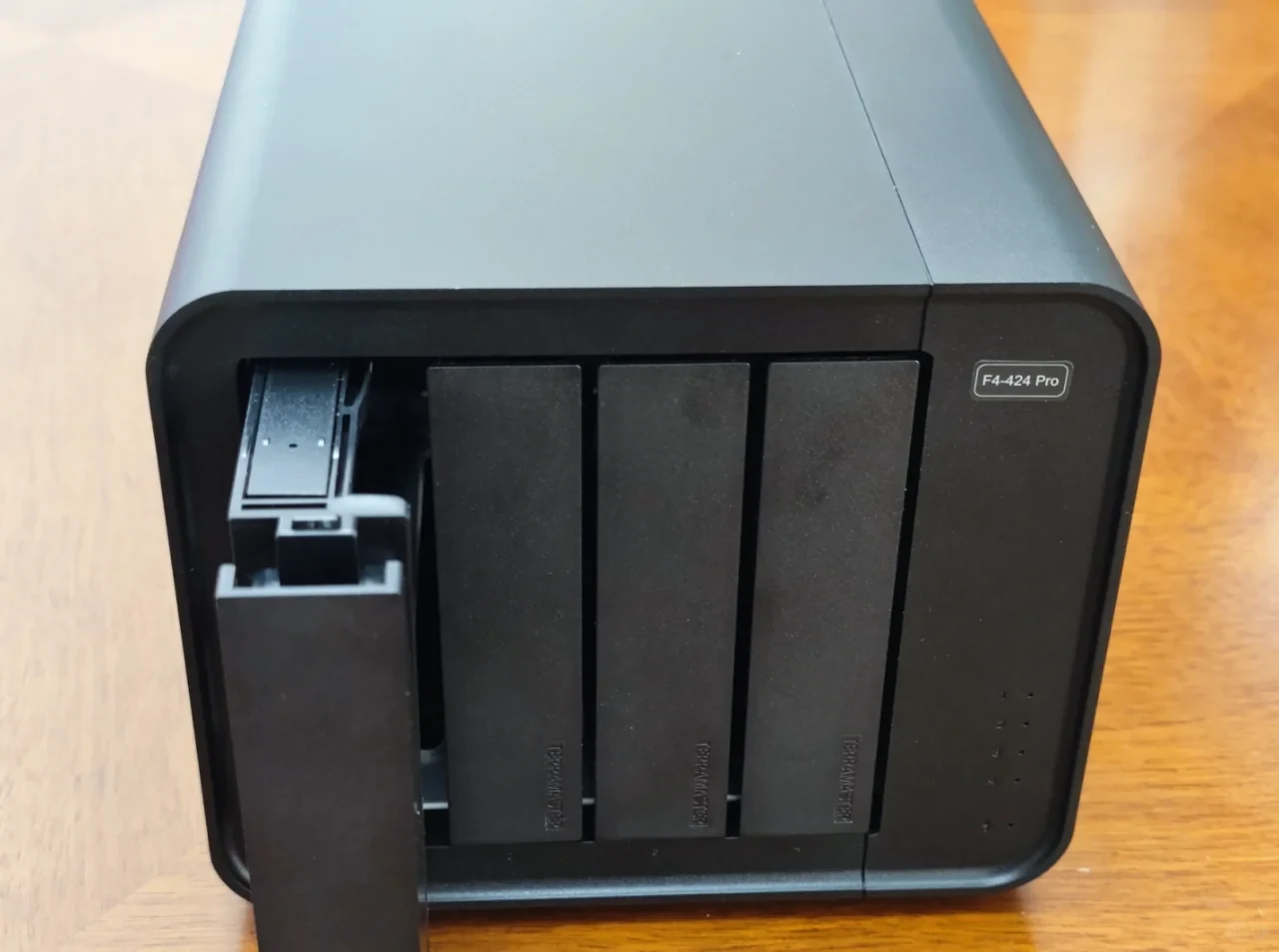
Drive bays: There are four SATA bays and two M.2 bays.
The four front SATA bays support 3.5-inch hard drives, as well as 2.5-inch hard drives or SSDs, with up to 22TB per drive. The two internal NVMe M.2 bays use standard 2280-length drives, with up to 4TB per drive. That makes six bays in total and a maximum storage capacity of 96TB.
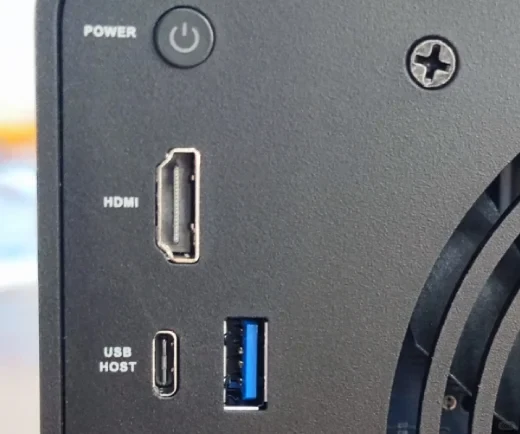
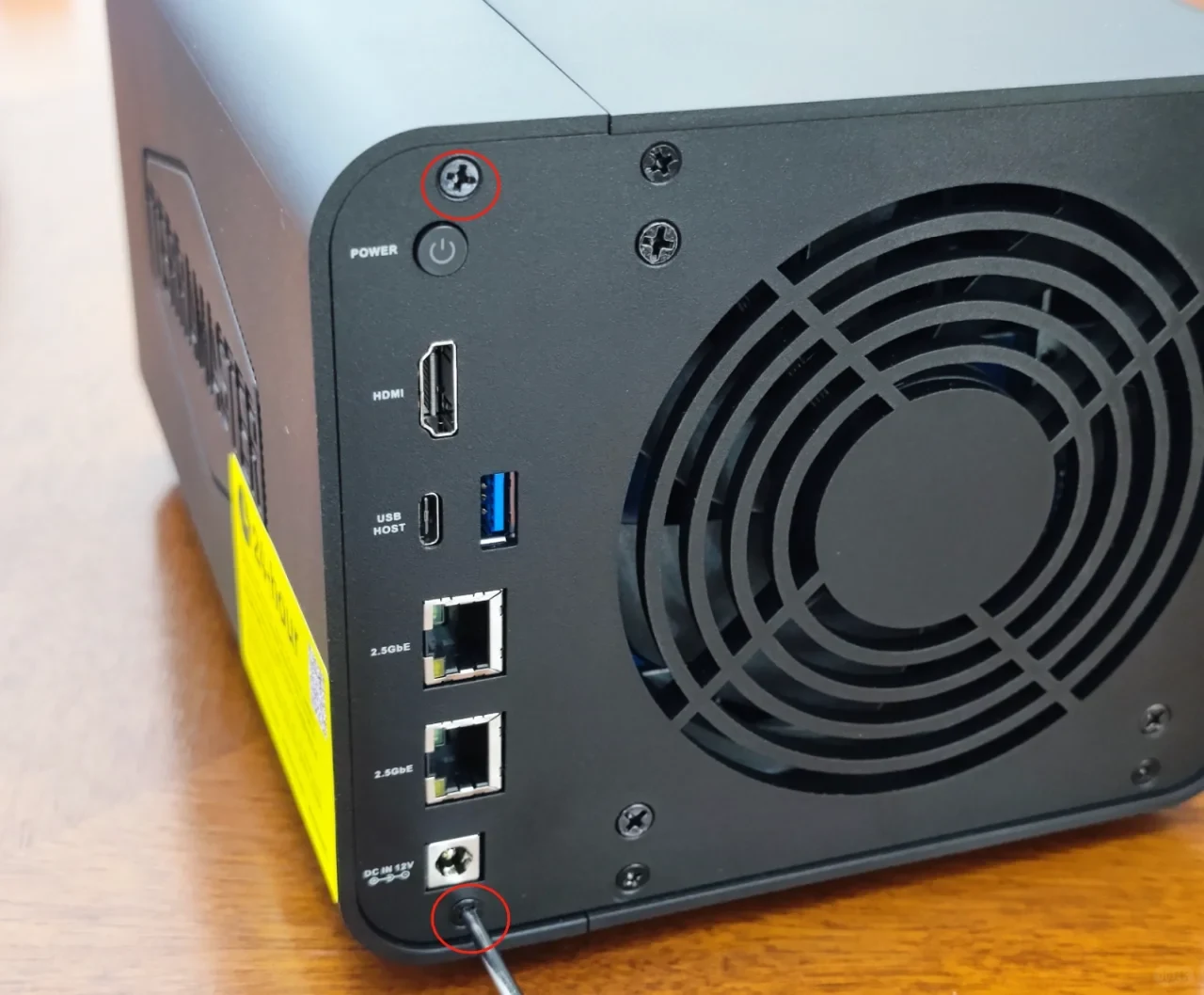
You can install SATA drives without opening the enclosure: push the upper part of a drive tray inward and pull the tray out. Installing an M.2 SSD requires loosening the two screws on the left side of the back and removing the panel. Inside, you can see the front of the motherboard and the two M.2 SSD slots. Open the built-in retaining screws to install an M.2 SSD.
The latest system from TerraMaster also lets users choose where to install the system drive. If you choose an M.2 SSD, it can greatly improve system responsiveness.
In addition, data drives support various formats, including EXT3, EXT4, BTRFS, NTFS, FAT32, exFAT and HFS+, as well as hot swapping. You don’t need to shut down or reformat; you can hot-swap any drive with a supported file system at any time and access its data directly.
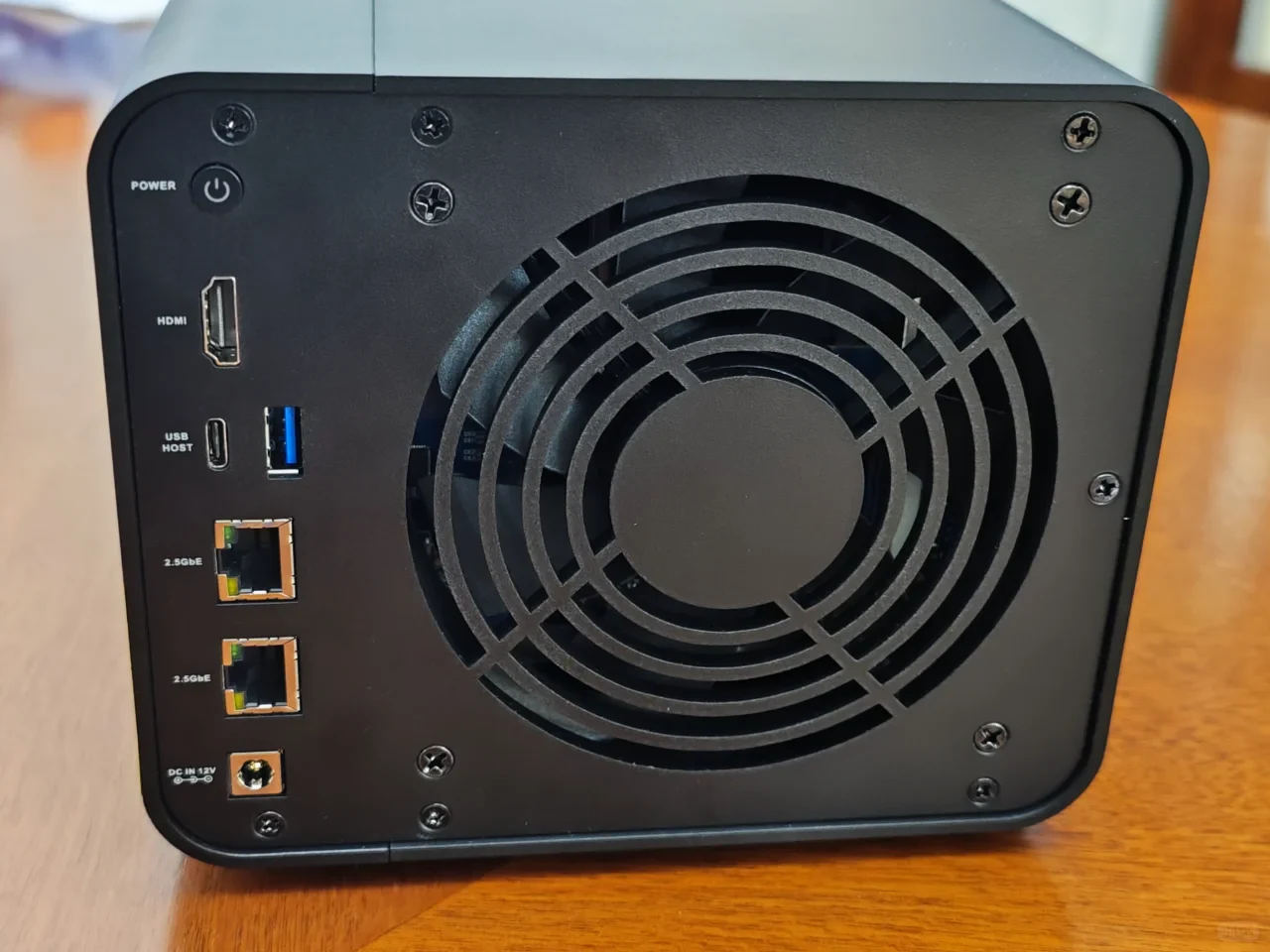
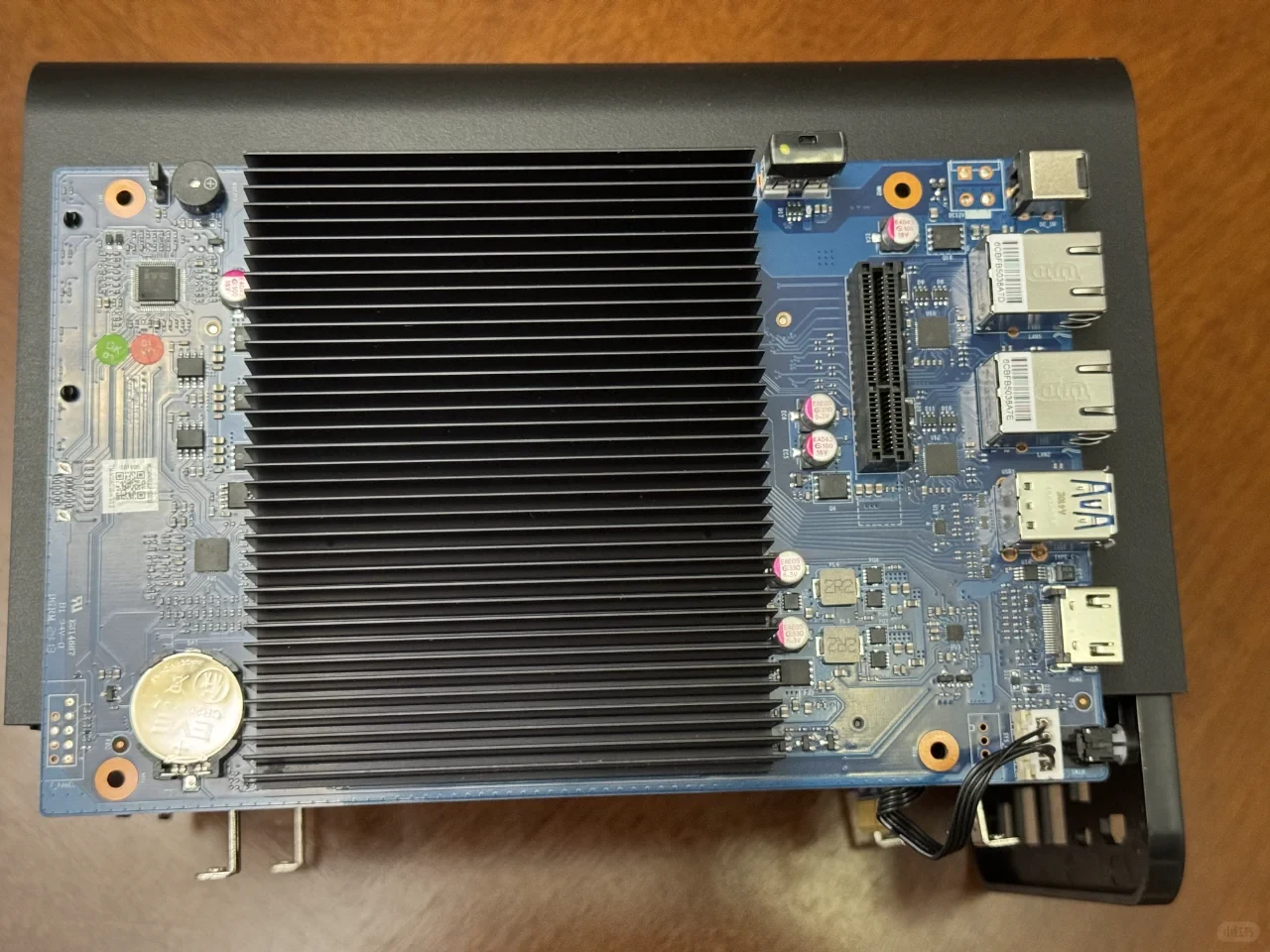
- Two 2.5Gbps network ports, which can be aggregated.
The TerraMaster F4-424 Pro has two 2.5Gbps network ports. If the upstream equipment has 5Gbps of bandwidth and two 2.5Gbps ports, TOS 6 supports SMB Multichannel link aggregation. This can increase transfer speeds when multiple files are transferred at once.
So why is a NAS not just “a group of disks,” but “a computer”? You can see why from the motherboard teardown: it has the components you’d expect in a computer.
Why does the title call the TerraMaster F4-424 Pro “good value”? Just look at the hardware configuration. What’s more, it also has “really easy-to-use” software that works deeply at the system level.
Source: 萌大叔vincentist · Xiaohongshu · 2024-05-20 · NAS性价比之选——铁威马F4-424Pro拆机体验. Search this Chinese title in Xiaohongshu to find the original post.
Before You Buy
Models in your region
The reviewer’s F4-424 Pro is identified by its front label and photographs, but its exact CPU revision is not established by a readable chip marking. TerraMaster’s current US F4-424 Pro listing specifies an Intel N305, 16GB or 32GB DDR5 memory options, four SATA bays, two M.2 slots and dual 2.5GbE ports. Those current specifications do not establish the reviewer’s CPU revision or TOS version.
| Model in this review | Related regional model | What to know |
|---|---|---|
| TerraMaster F4-424 Pro | TerraMaster F4-424 Pro (US) | The US listing is for the same named model. It specifies an N305 CPU, 16GB or 32GB DDR5 configurations, four SATA bays, two M.2 slots and TOS 7; the reviewer’s 32GB unit ran TOS 6, and its exact CPU revision is unconfirmed. The hands-on findings cover physical access and interface screens, not measured network or system performance. |
- Model in this review
- TerraMaster F4-424 Pro
- Related regional model
- TerraMaster F4-424 Pro (US)
- What to know
- The US listing is for the same named model. It specifies an N305 CPU, 16GB or 32GB DDR5 configurations, four SATA bays, two M.2 slots and TOS 7; the reviewer’s 32GB unit ran TOS 6, and its exact CPU revision is unconfirmed. The hands-on findings cover physical access and interface screens, not measured network or system performance.
Drive access and capacity
The reviewer found that SATA trays slide out from the front, while reaching the two M.2 slots requires removing the side panel after loosening two screws at the rear. TerraMaster’s US listing also specifies four SATA bays and two M.2 slots. The post’s 96TB total adds four 22TB drives and two 4TB M.2 drives; it is a raw-capacity calculation, not usable array capacity or confirmation that every drive combination is supported.
The post says a system drive on M.2 can improve responsiveness, but it does not report a before-and-after test. Treat that as the reviewer’s stated benefit, not a measured speed result.
Memory and CPU identification
The reviewer’s photographed unit has a 32GB DDR5 module and removable memory, matching one of the 16GB or 32GB configurations on TerraMaster’s current US listing. The source describes an 8-core, 8-thread Intel Core i3, but no readable CPU marking establishes its exact revision. The current US listing names an N305; that specification should not be assumed to identify the reviewer’s processor.
Networking needs the right setup
The reviewer describes two 2.5GbE ports and says TOS 6 supports SMB Multichannel for simultaneous file transfers when the upstream network has two 2.5GbE ports and 5Gbps of bandwidth. SMB Multichannel is not automatic link aggregation: the client and network paths must support and be configured for it. The post gives no transfer benchmarks, so it does not show the speed achieved in practice.
Filesystem and hot-swap limits
The post broadly suggests that drives using several filesystems can be hot-swapped and read without reformatting. TerraMaster’s US documentation distinguishes internal Btrfs and EXT4 volumes from support for other filesystems on external drives; it does not establish that an arbitrary data drive can be imported internally without reformatting. The hot-swap claim applies to SATA drives, not the M.2 slots, so check drive format and migration requirements before moving existing storage.
The software screens are demonstrations, not security tests
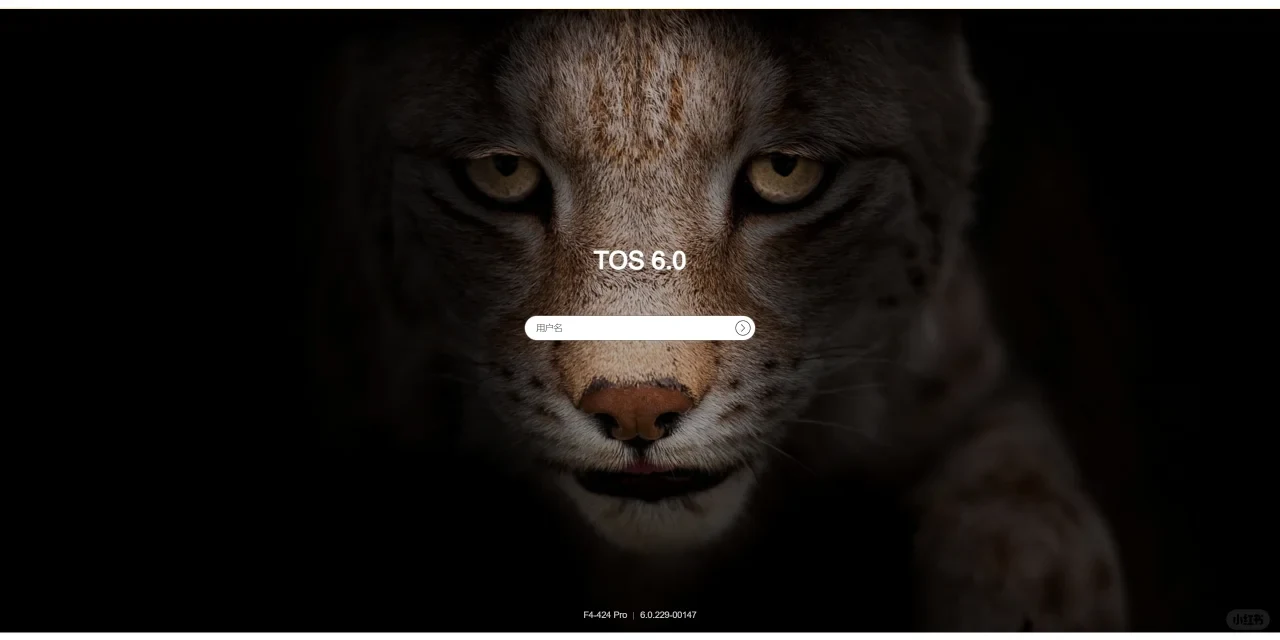
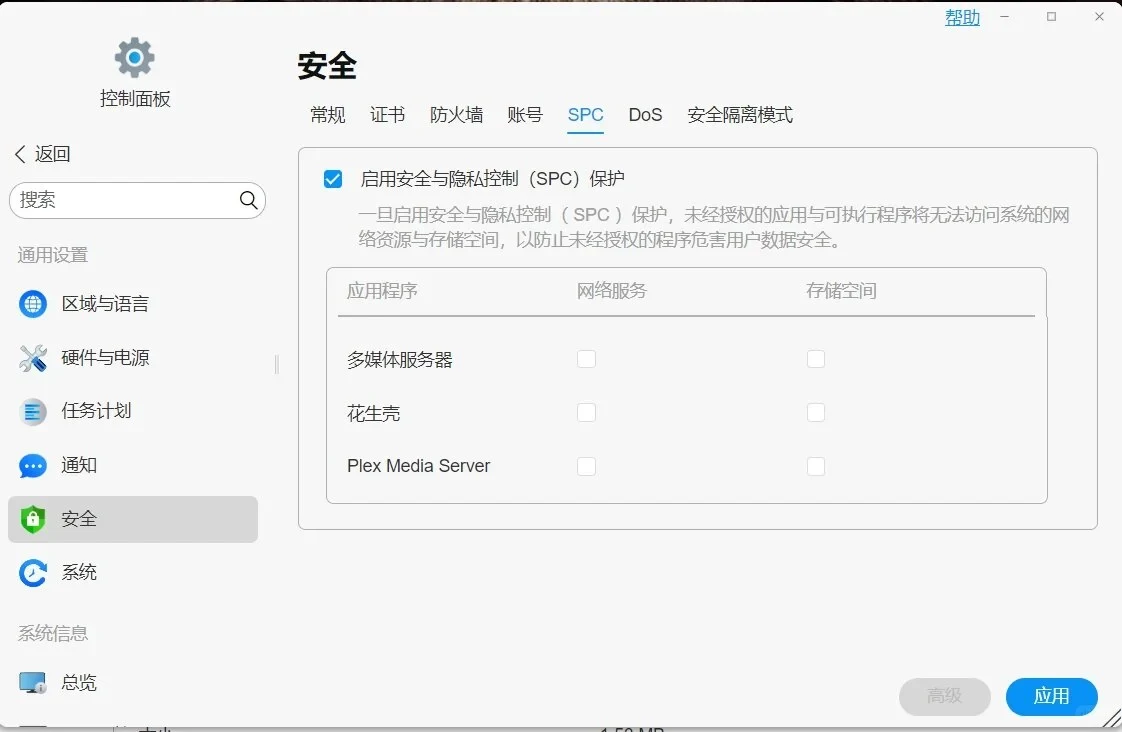
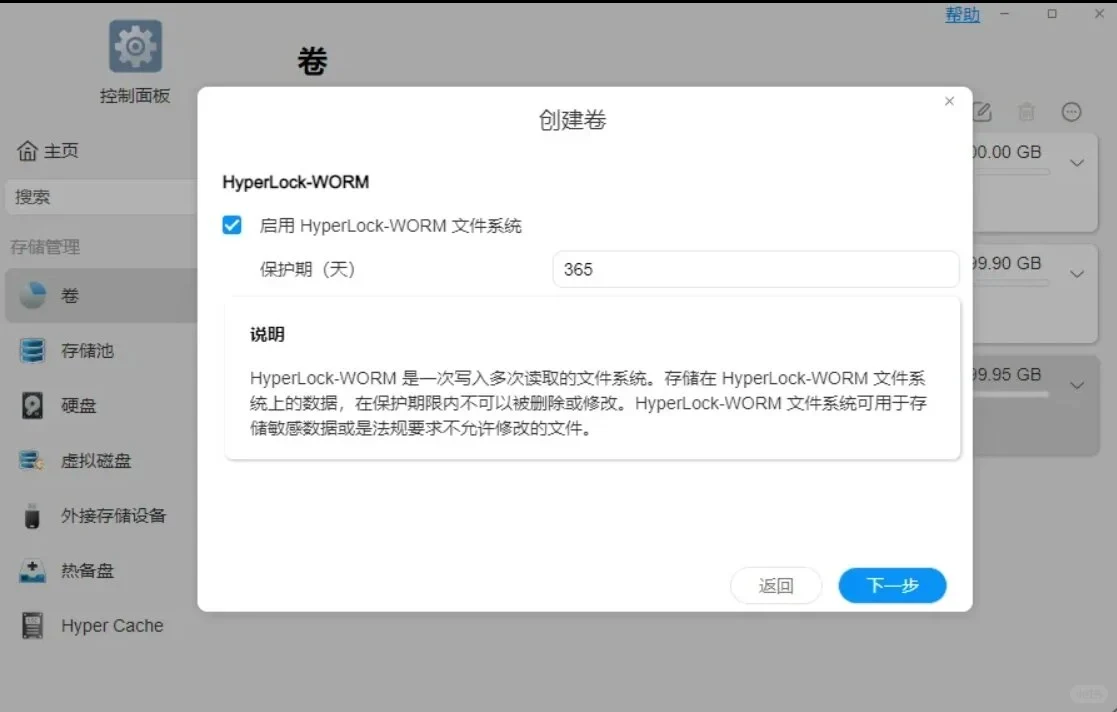
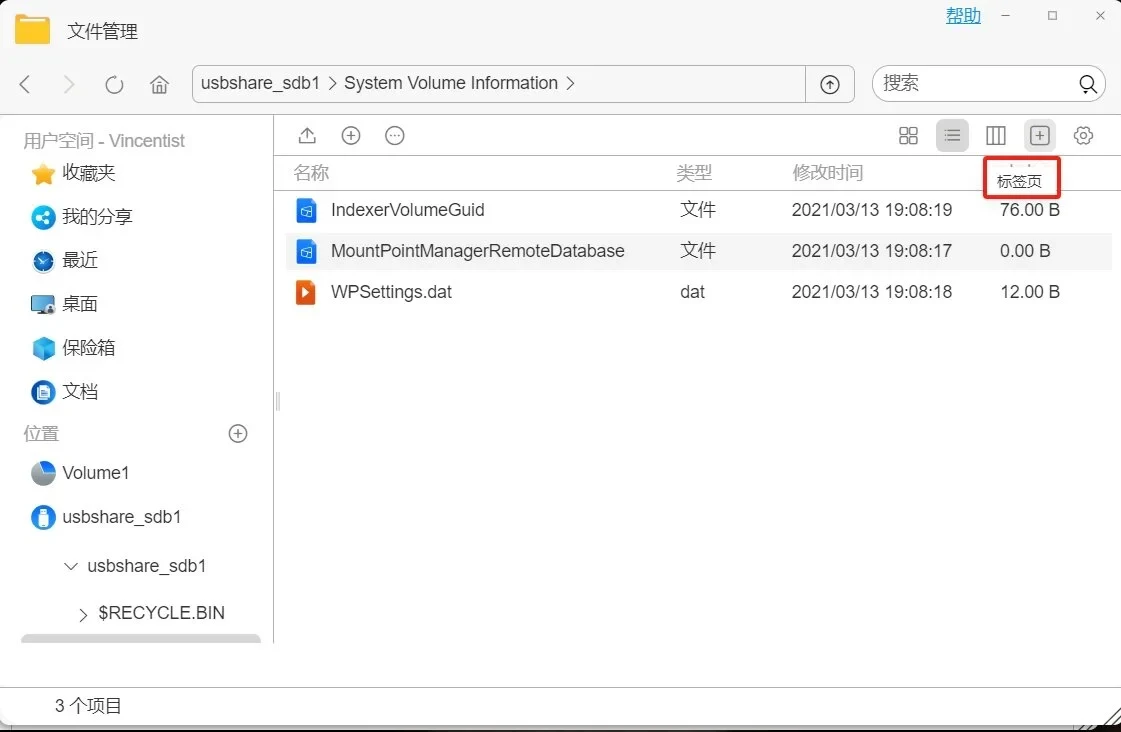
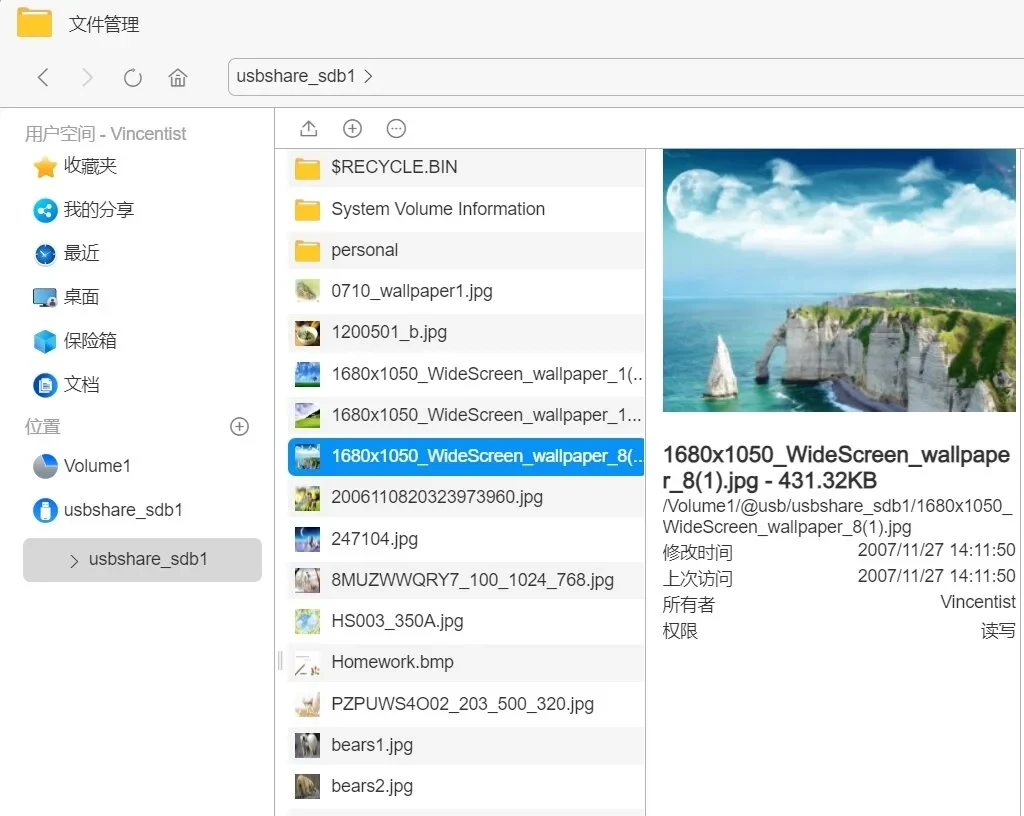
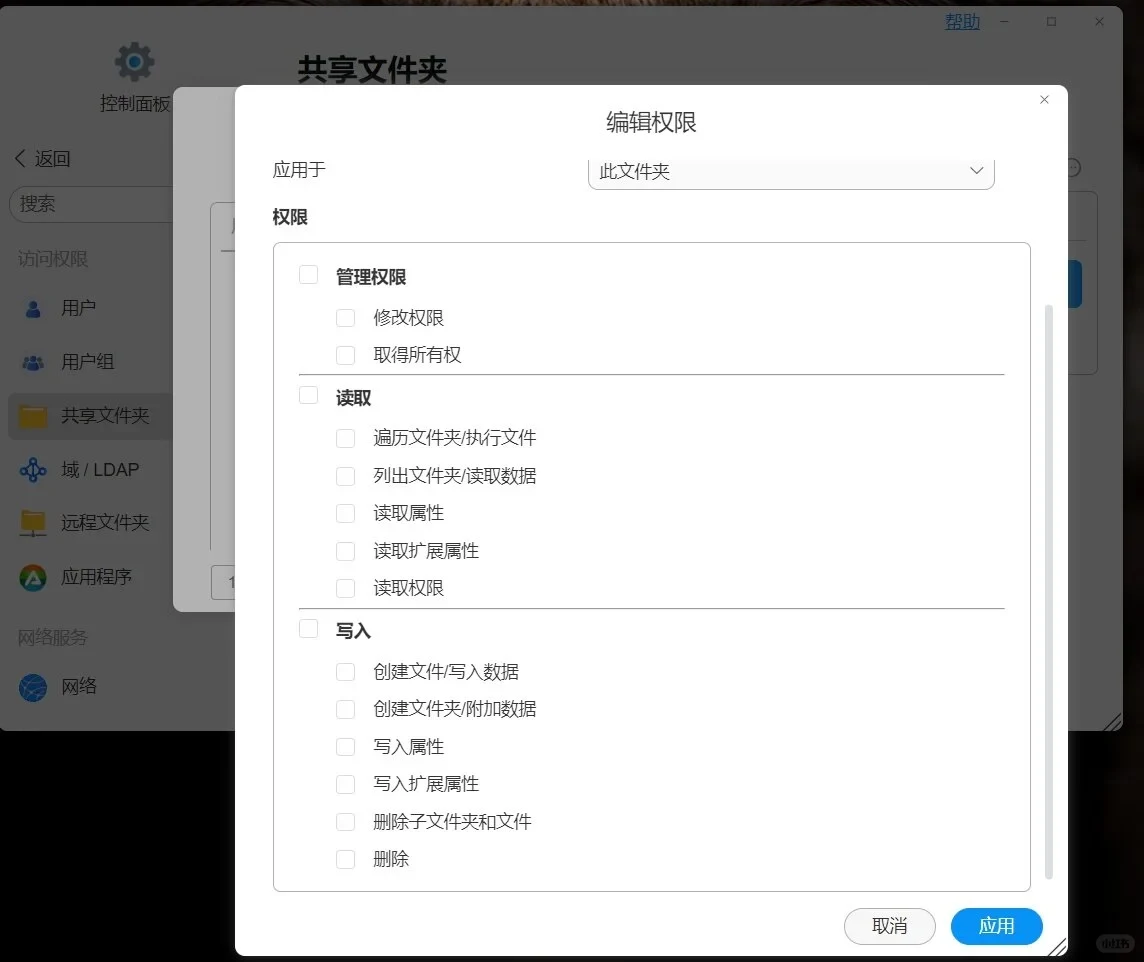
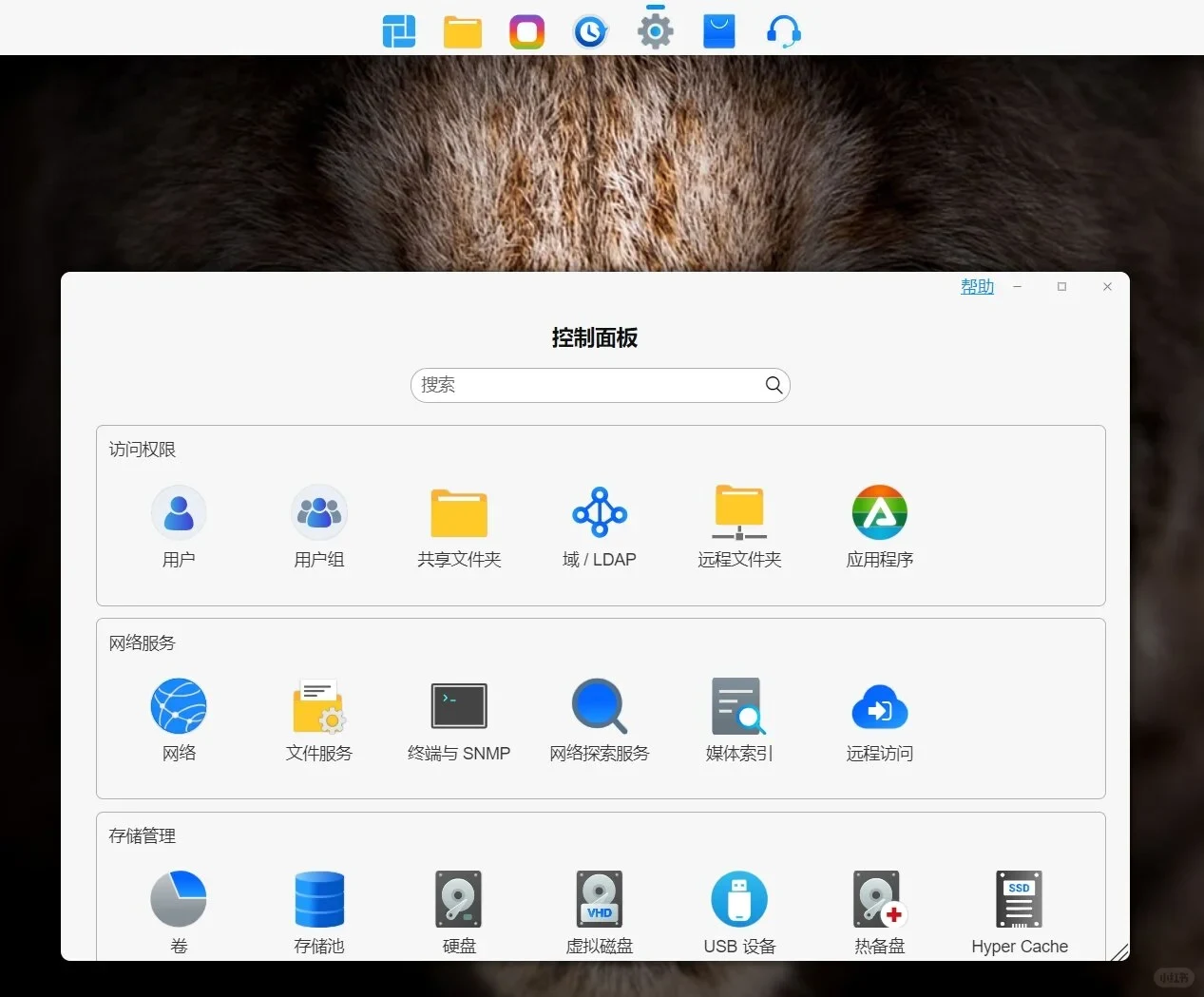
The reviewer’s screenshots show a TOS 6 login page, a security-and-privacy control screen, a volume-creation dialog offering HyperLock-WORM with a 365-day retention setting, USB-drive browsing and shared-folder permissions. They demonstrate visible interface options, not that a volume was created, that files became immutable, or that security protections were independently tested. The current US listing specifies TOS 7, so its software version should not be treated as the one shown in this hands-on account.
Related Reading

Reviews & Guides · Computing & Networking
TP-Link Deco X55 in a two-storey Australian home: Wi-Fi across 300 m²
I installed two TP-Link Deco X55 units in my 300 m², two-storey home; bedrooms that often lost Wi-Fi now had a signal throughout the house.

Reviews & Guides · Computing & Networking
TP-Link Deco X55: DNS pauses stopped for six days in access-point mode
I switched my Deco X55 to access-point mode and restored my older router to the front of the network. The DNS-like pauses stayed away for six days.
Reviews & Guides · Computing & Networking
TP-Link Deco X55 after nearly a year: six units, Teams and gaming
I’ve used six TP-Link Deco X55 units for nearly a year, including daily Teams calls and online gaming; I’ve had only one or two connectivity issues.