
Reviews & Guides · Computing & Networking
TP-Link Deco X50 Pro: fixing weak upstairs Wi-Fi in a Canadian home
I used a TP-Link Deco X50 Pro mesh system to fix weak upstairs Wi-Fi from a garage router after a cheap extender failed; setup was simple.
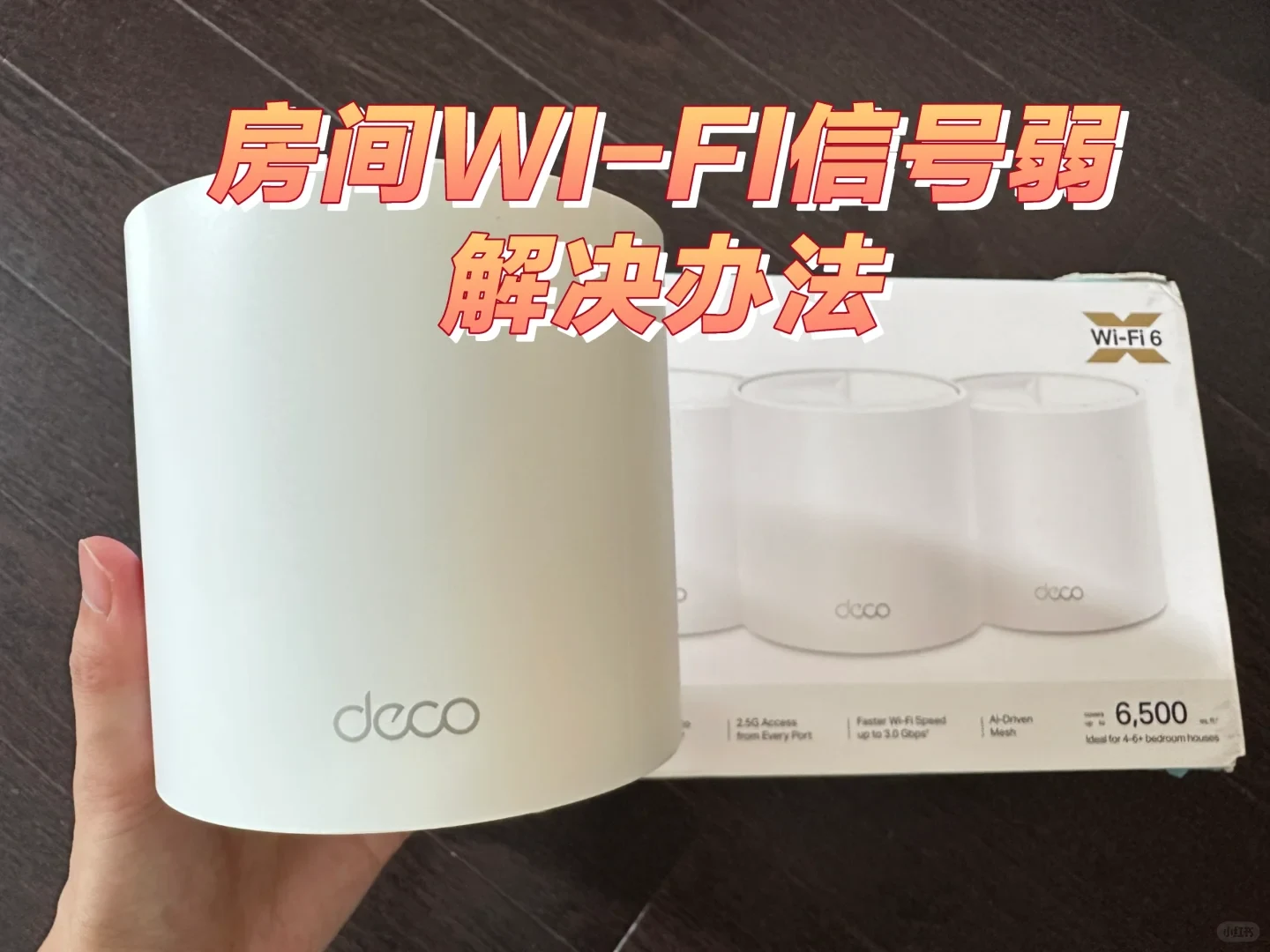
My home’s router is in the garage, and the signal was weak in two upstairs rooms. I had previously bought one of those inexpensive Wi-Fi extenders from Amazon, but it did not work at all. It felt like a complete waste of money, so I came to believe this problem would be difficult to solve.
Later, after researching the issue on Xiaohongshu, I found that this three-hundred-dollar TP-Link mesh Wi-Fi 6 system immediately solved the weak network problem in those rooms. It was also very simple to use.
Installation
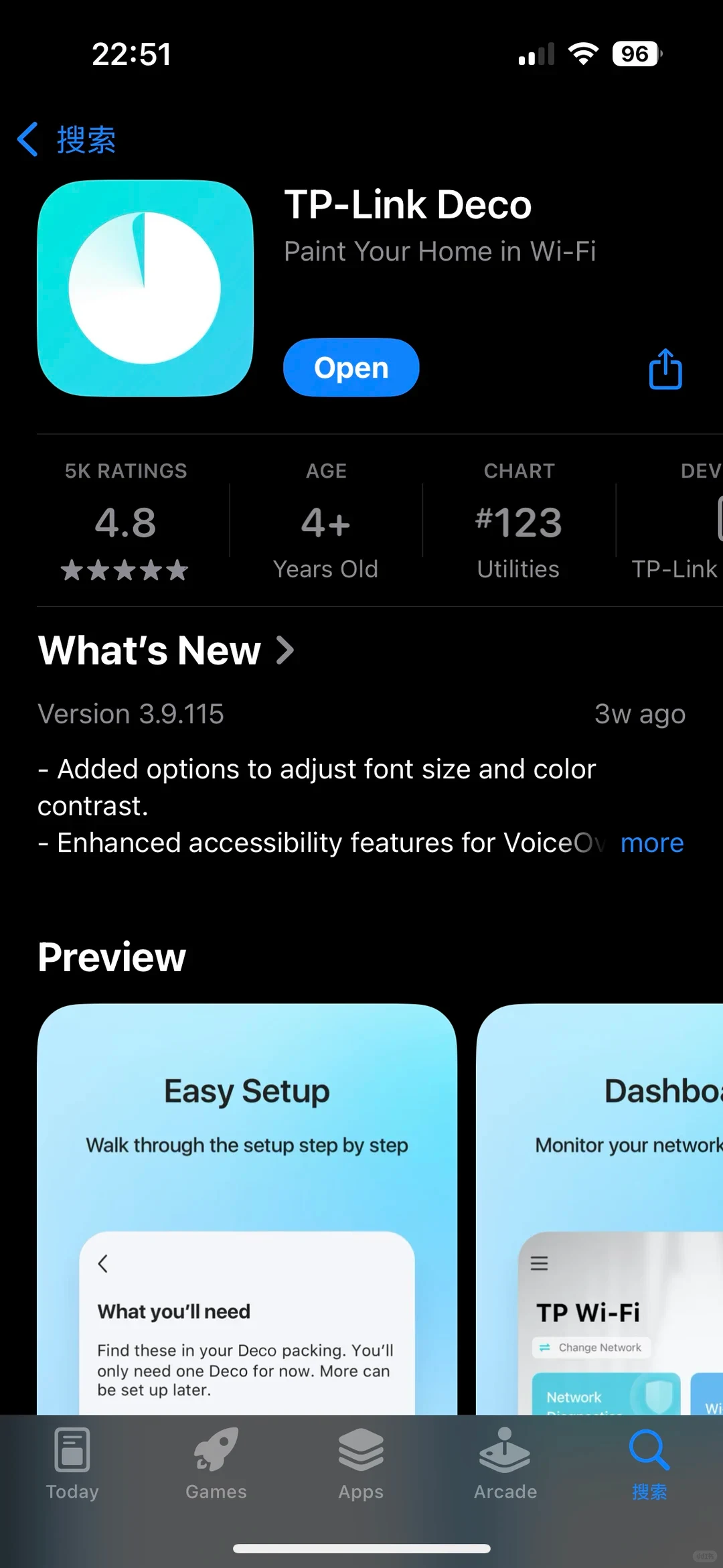
- Download the TP-Link Deco app, shown in the fourth photograph, and follow the instructions in the app to install it.
- Use the included Ethernet cable to connect any one Deco unit to the router, plug the Deco unit into power, and restart the router.
- Set the Deco network name and Wi-Fi password.
- Place the other two Deco units in different areas of the house and connect them to power.
- Connect your phone to the new network, and you are done!
If you need this, give it a try.
Source: Dao · Xiaohongshu · 2025-08-01 · 🇨🇦三百刀拯救房间wifi信号弱📶. Search this Chinese title in Xiaohongshu to find the original post.
Before You Buy
Models in your region
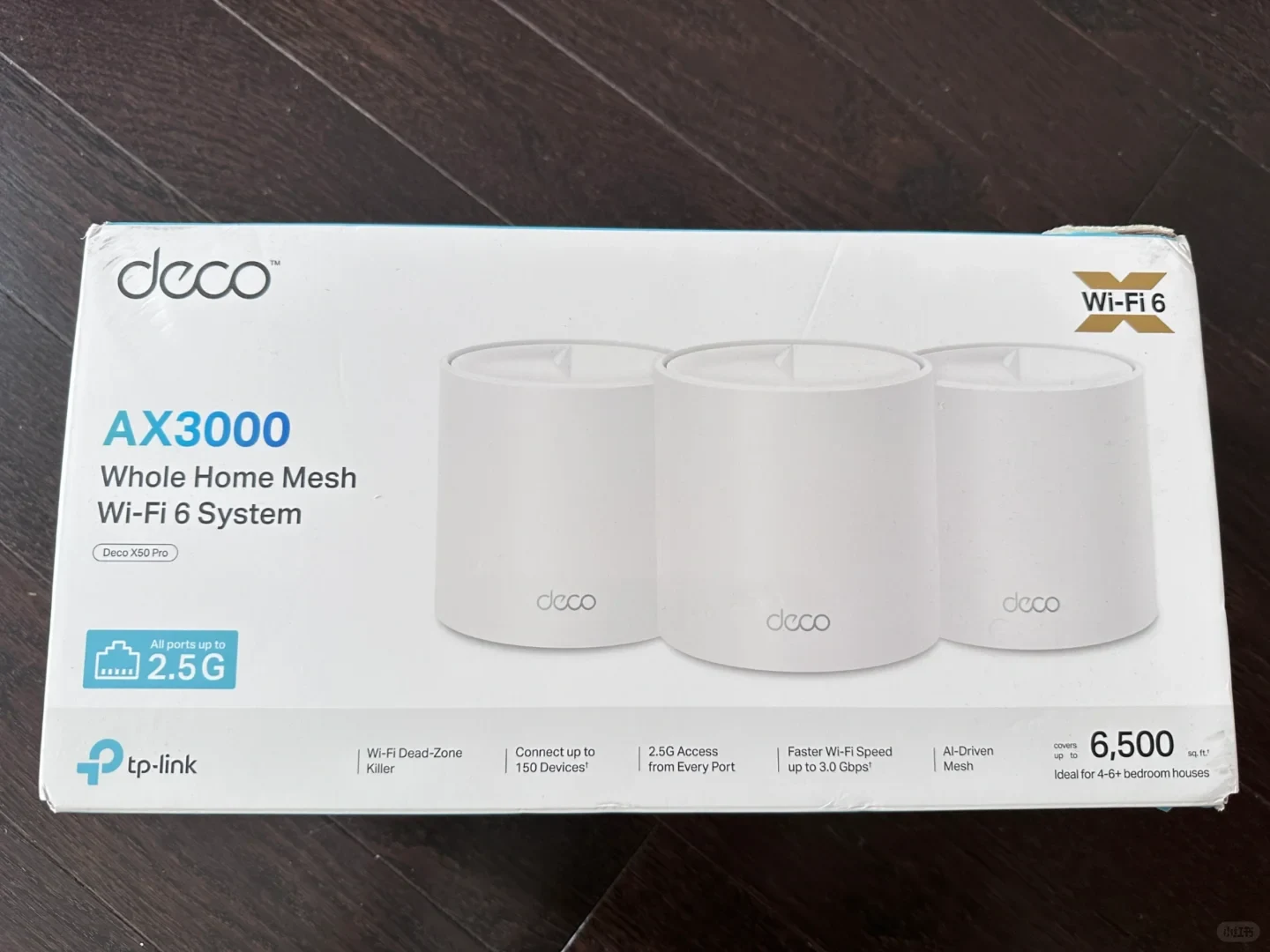
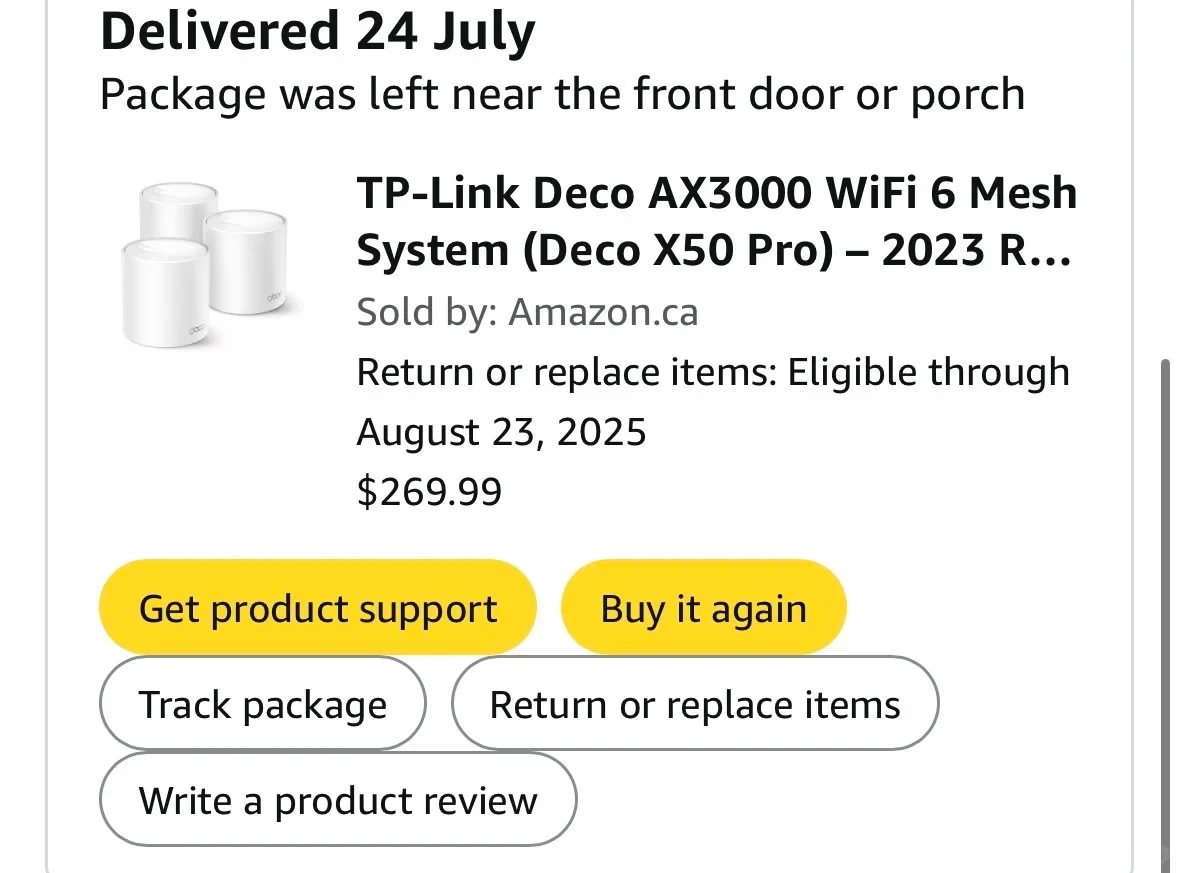
The owner’s packaging and Amazon.ca order identify the product as the TP-Link Deco X50 Pro, not the similarly named Deco X50. TP-Link Canada lists this model as an AX3000 dual-band Wi-Fi 6 mesh system with two 2.5 Gbps WAN/LAN auto-sensing ports per node and app-based setup. The owner’s three-unit installation matches the three-node package shown in the source material, while the Canadian page’s published coverage and signal figures remain theoretical.
| Model in this review | Related regional model | What to know |
|---|---|---|
| TP-Link Deco X50 Pro | TP-Link Deco X50 Pro (Canada) | The source packaging and Amazon.ca order identify the exact X50 Pro model, and the owner describes using three Deco units. The Canadian model is an AX3000 dual-band Wi-Fi 6 mesh system with two 2.5 Gbps WAN/LAN auto-sensing ports per node. |
- Model in this review
- TP-Link Deco X50 Pro
- Related regional model
- TP-Link Deco X50 Pro (Canada)
- What to know
- The source packaging and Amazon.ca order identify the exact X50 Pro model, and the owner describes using three Deco units. The Canadian model is an AX3000 dual-band Wi-Fi 6 mesh system with two 2.5 Gbps WAN/LAN auto-sensing ports per node.
What the owner’s installation shows
The owner’s problem was a garage-mounted router leaving two upstairs rooms with weak Wi-Fi. A previous inexpensive extender had not solved it, but the owner reports that the three-unit Deco system immediately resolved the room-coverage problem after installation. This is one owner’s result in one home, not a guarantee for every building.
The reported setup uses the Deco app, a wired connection from one Deco unit to the existing router, a network name and password, and two additional units placed in other parts of the house. That gives buyers a clear installation outline, although the source does not record the home’s dimensions, building materials, node spacing or measured speeds.
Canadian model and practical checks
For Canadian buyers, confirm that the listing says TP-Link Deco X50 Pro rather than Deco X50. TP-Link Canada lists the X50 Pro as an AX3000 dual-band Wi-Fi 6 mesh system, with two 2.5 Gbps WAN/LAN auto-sensing ports on each node and setup through the Deco app.
The owner’s experience supports considering a multi-node mesh system when a router sits far from rooms that need coverage, especially after a basic extender has failed. It does not establish the system’s maximum range or throughput for your home: TP-Link states that published coverage and signal rates are theoretical and vary with building materials, client devices, traffic and placement.
Related Reading
Reviews & Guides · Computing & Networking
TP-Link Archer BE550 Pro: Japan IPoE and MLO notes, with Archer BE550 buying context
I bought the Japanese TP-Link Archer BE550 Pro for 10Gbps fiber, but severe MLO latency and recurring IPv6 drops led me to use OpenWrt for routing.
Reviews & Guides · Computing & Networking
TP-Link Deco M4: a four-floor wired-backhaul setup
I used TP-Link Deco M4 units across four floors with Ethernet backhaul, then found my upstairs computer needed an extra switch to get a wired connection.
Reviews & Guides · Computing & Networking
TP-Link Deco X55: a three-floor installation reached about 400 Mbps upstairs
I installed three TP-Link Deco X55 units for a friend and found setup took about 10 minutes, with roughly 400 Mbps still available on the top floor.