
Reviews & Guides · Computing & Networking
TP-Link Deco X55: a three-floor installation reached about 400 Mbps upstairs
I installed three TP-Link Deco X55 units for a friend and found setup took about 10 minutes, with roughly 400 Mbps still available on the top floor.
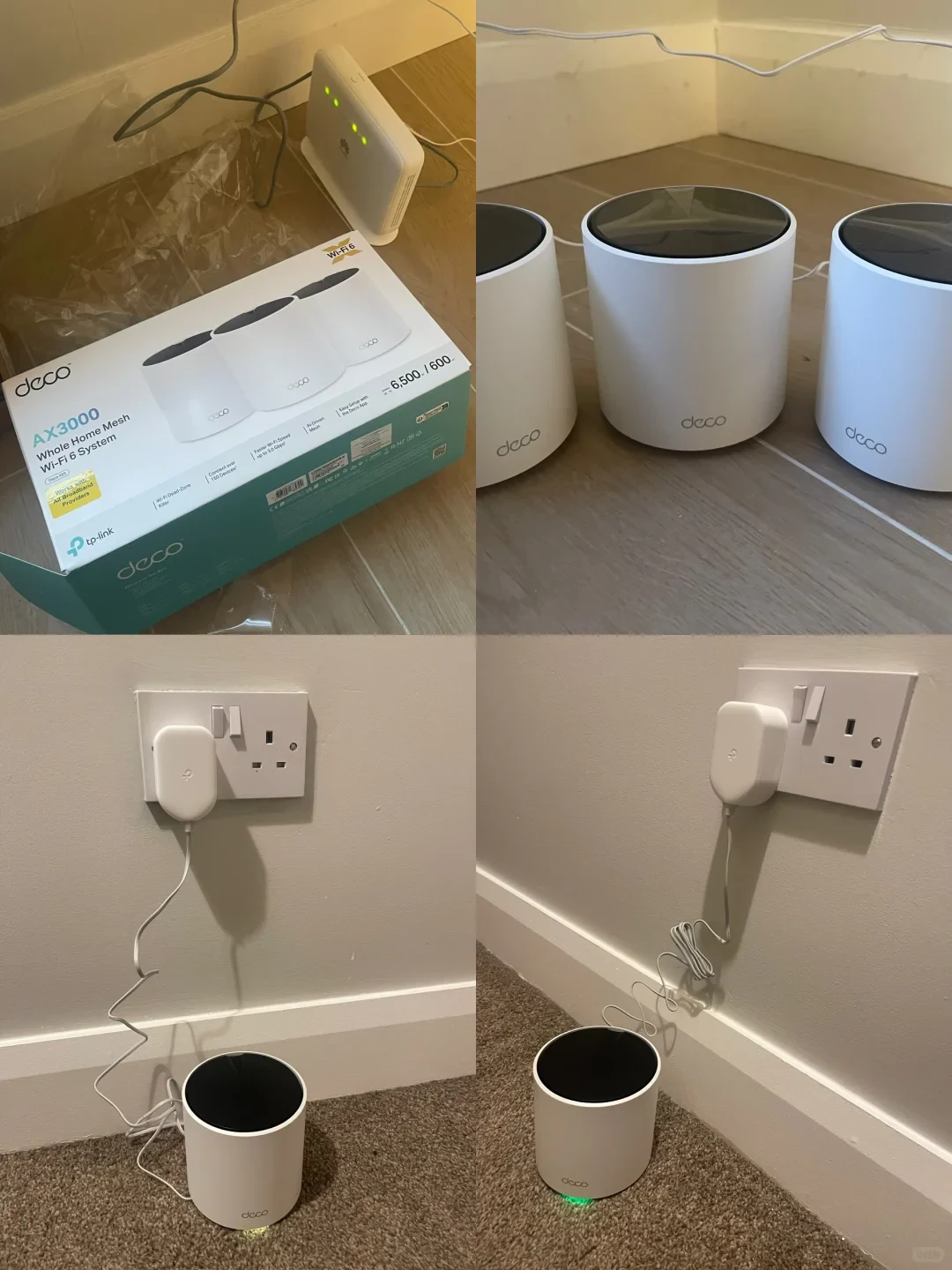
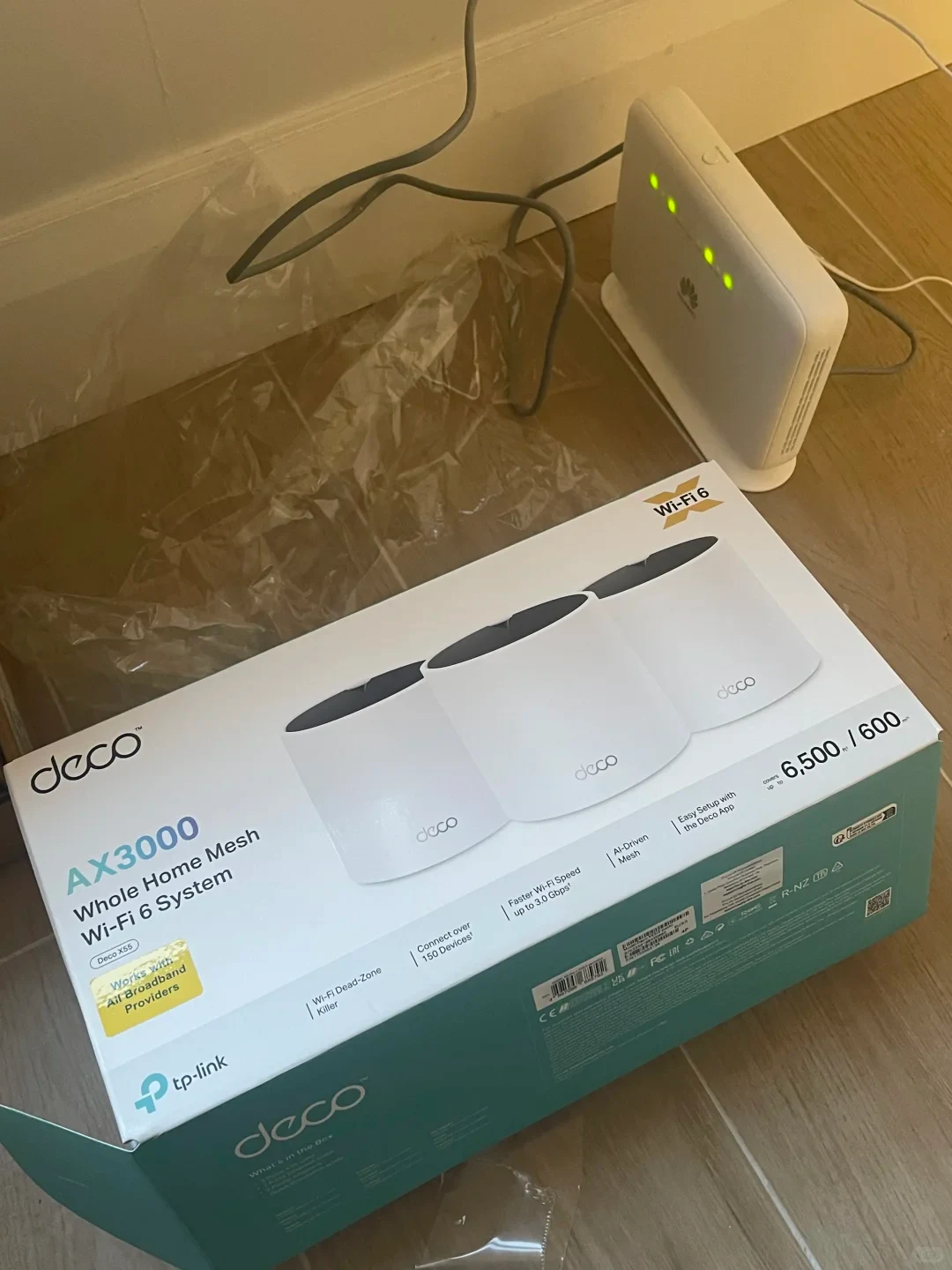
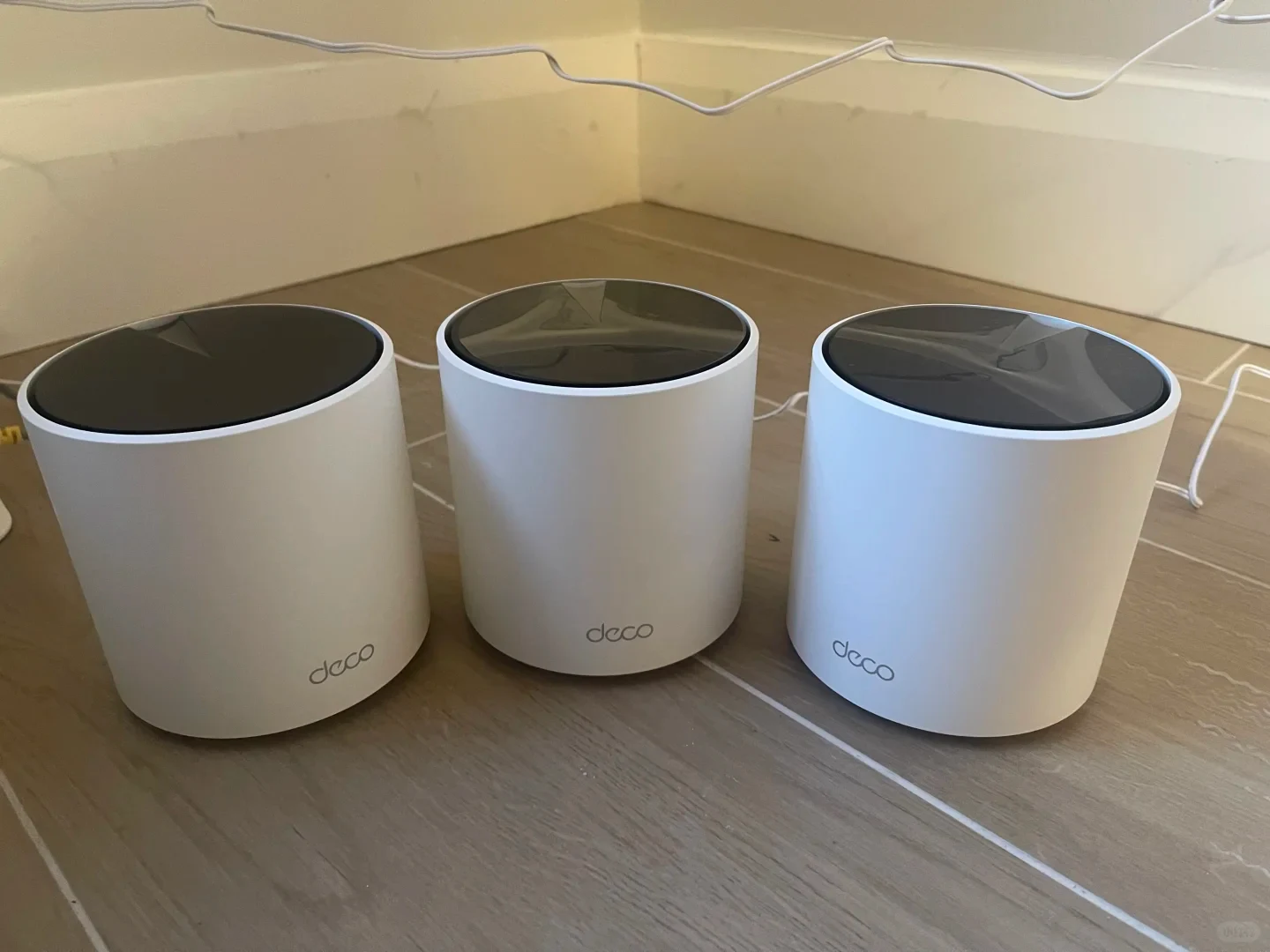
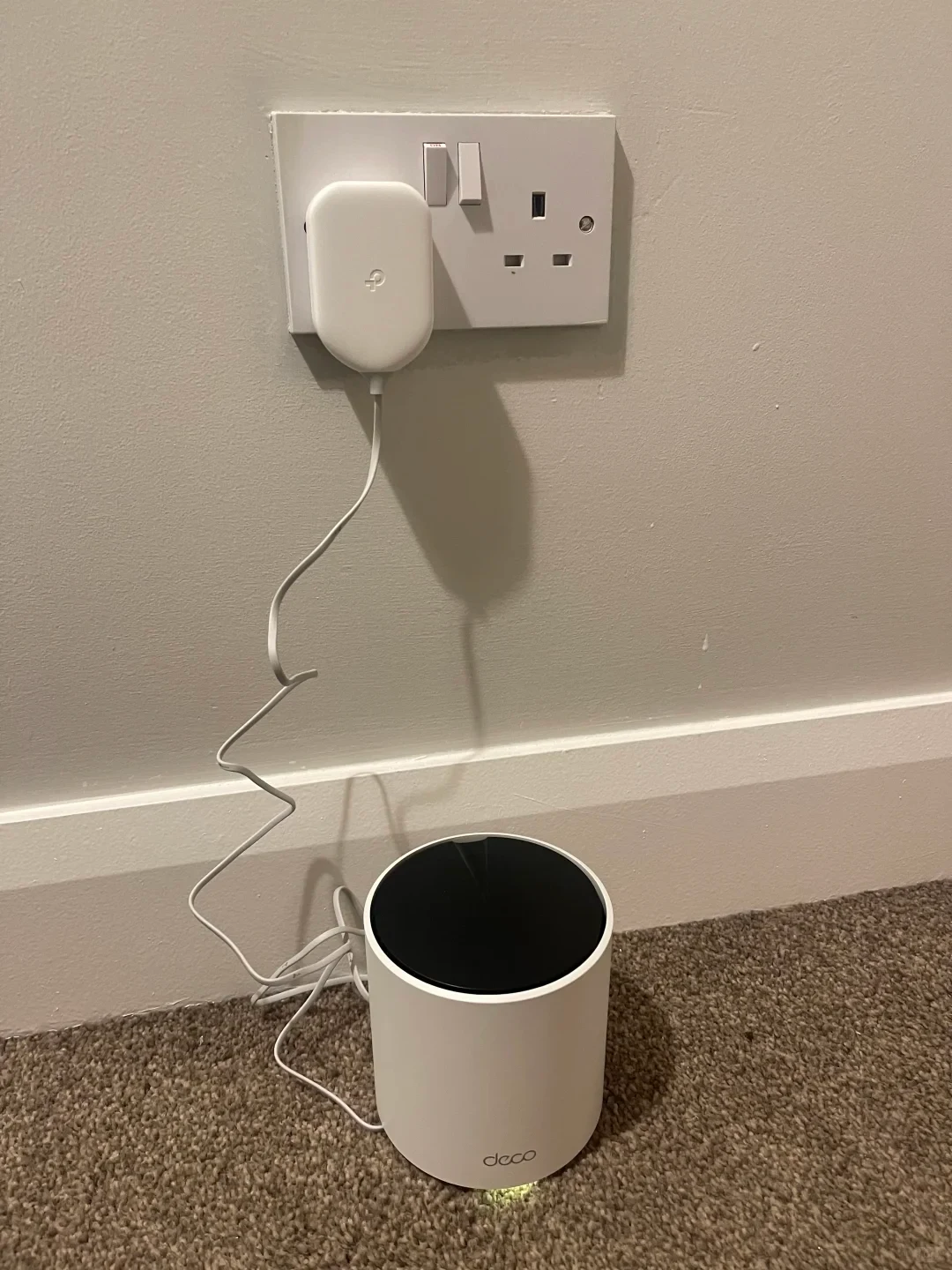
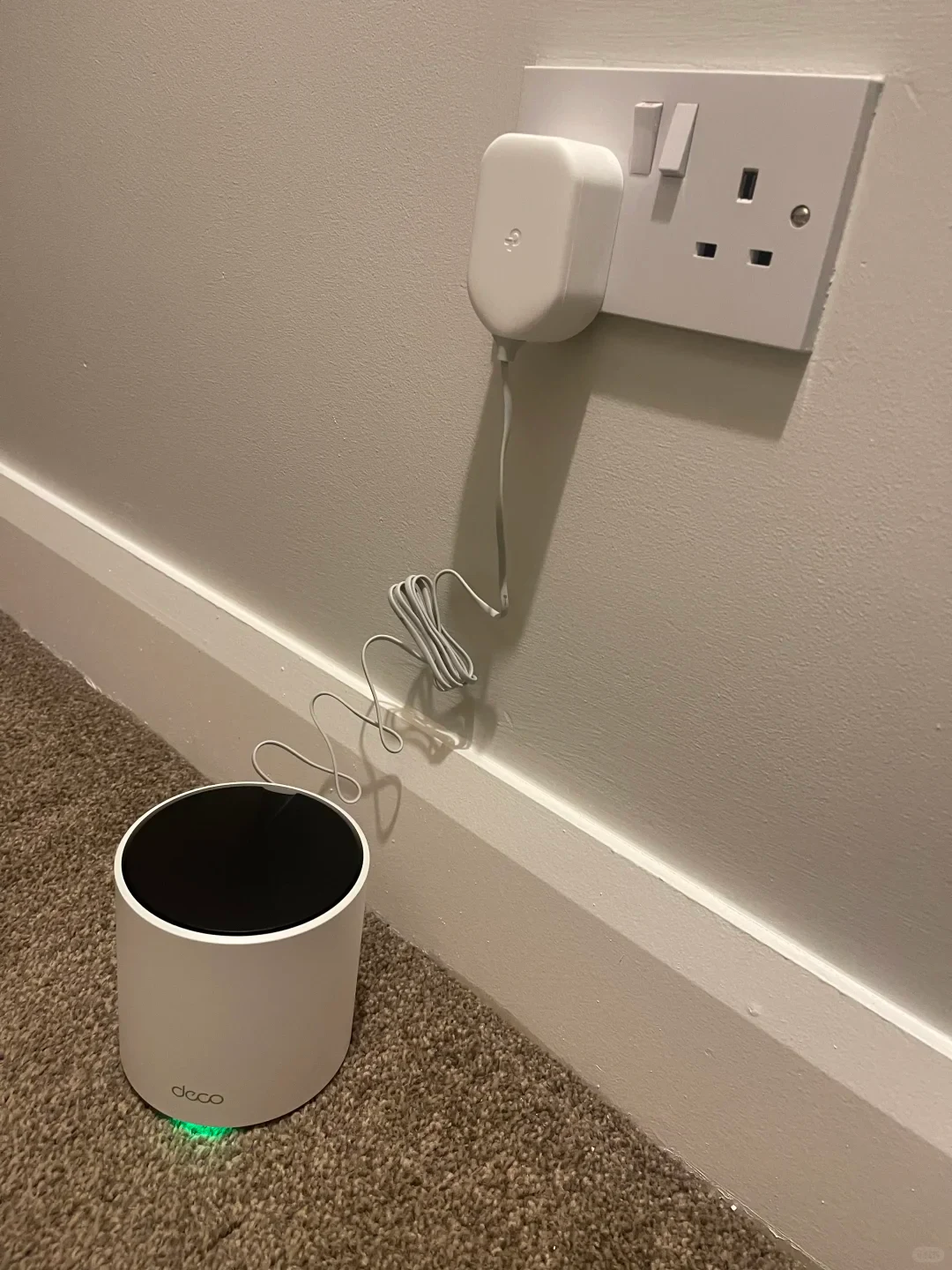
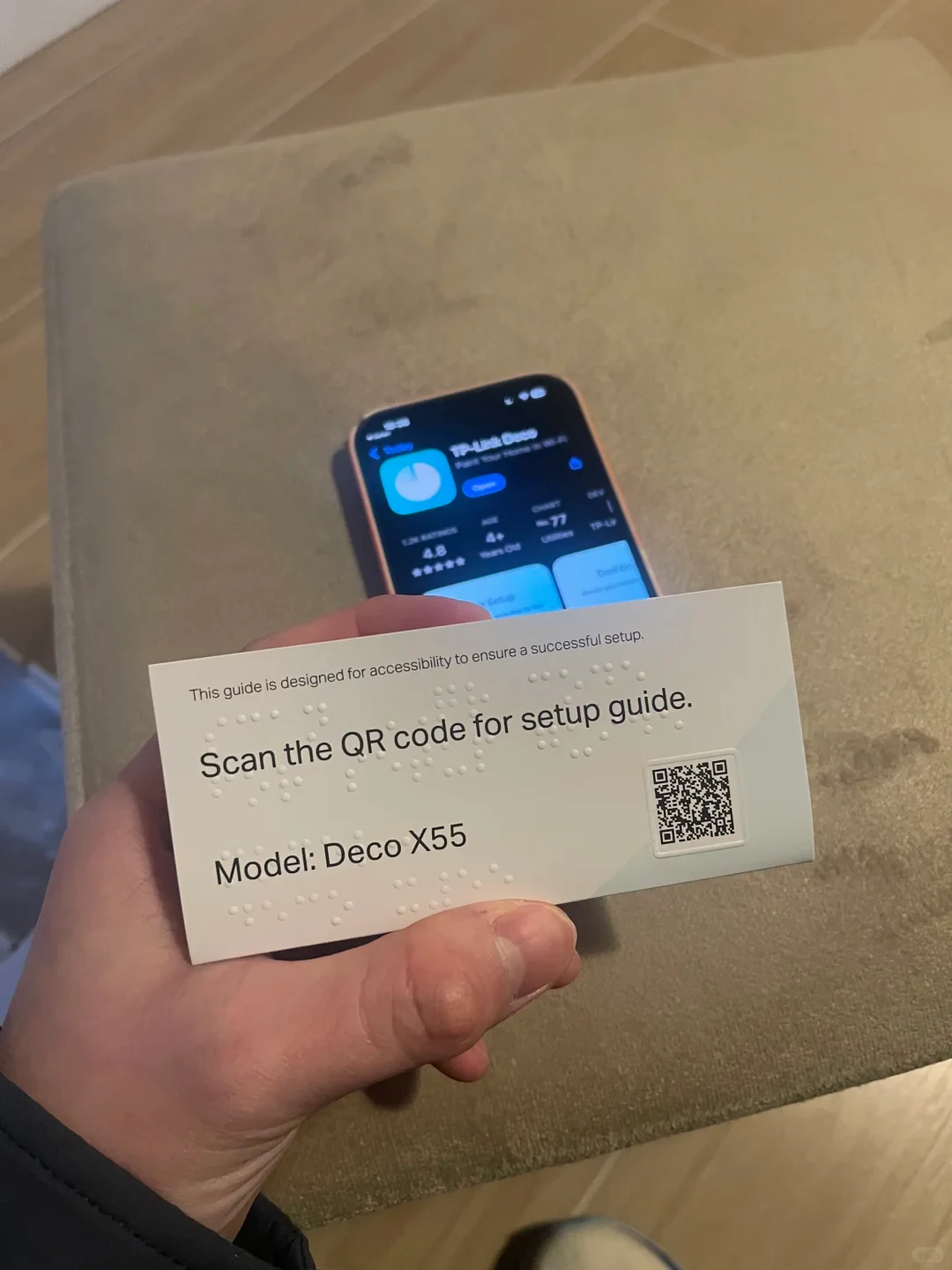
Installer’s Review: Jason sets up a Deco X55 mesh system
This time I used Deco's mesh system. I think it is very easy to use and fast, and setup was also very convenient: both wired and wireless connections could be used, and following the instructions took only 10 minutes to set up all three units.
Test: The friend's home has three floors. The first floor generally reached 500–600 Mbps, while the third floor could still reach around 400 Mbps. Gaming in the bathroom did not mean having to worry about the connection dropping.
Checklist: When you open the package, you will see the card shown in Figure 6. Scan the QR code to download the Deco app, then follow the steps to connect the Deco devices. Connect one Deco to the router with an Ethernet cable, and then you can set your Wi-Fi name and password. After that, place the other units where the Wi-Fi signal starts to weaken, or connect them directly by Ethernet if you have network cables available. Then connect them in the Deco app; they will be on the same network, so you do not have to worry about losing the connection in any corner.
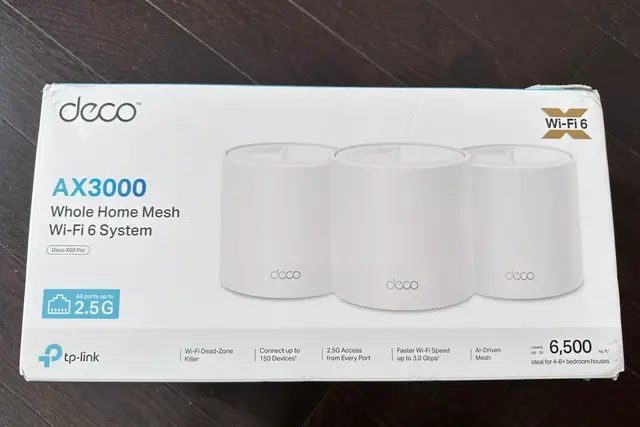
TP-Link Deco X55
Source: Jason · Xiaohongshu · 2026-01-03 · 🇮🇪新年第一件事,给朋友新家连Wifi啦. Search this Chinese title in Xiaohongshu to find the original post.
Before You Buy
Models in your region
The source identifies the installed product as TP-Link Deco X55 in an Irish home. The US Deco X55 belongs to the same product family, but matching firmware, regulatory settings and configuration with the Irish installation remain unconfirmed.
| Model in this review | Related regional model | What to know |
|---|---|---|
| TP-Link Deco X55 | TP-Link Deco X55 (US) | The US Deco X55 is in the same model family as Jason’s Irish system. The official US reference describes it as an AX3000 Wi-Fi 6 mesh system with three Gigabit WAN/LAN auto-sensing ports per unit; exact configuration equivalence with the Irish installation remains unconfirmed. |
- Model in this review
- TP-Link Deco X55
- Related regional model
- TP-Link Deco X55 (US)
- What to know
- The US Deco X55 is in the same model family as Jason’s Irish system. The official US reference describes it as an AX3000 Wi-Fi 6 mesh system with three Gigabit WAN/LAN auto-sensing ports per unit; exact configuration equivalence with the Irish installation remains unconfirmed.
What the installation shows
The installation used three Deco units across a three-floor home. Jason says the setup took about 10 minutes and allowed either wired or wireless connections, while his reported speed check found roughly 500–600 Mbps on the first floor and about 400 Mbps on the third. These are useful results for this installation, not a controlled performance test.
Jason’s procedure starts with the Deco app, one Ethernet connection from the router to the first unit, and Wi-Fi name and password setup. The remaining units can be placed where the signal begins to weaken or connected by Ethernet when cabling is available, then added to the same network through the app.
Regional buying checks
For US buyers, the listed Deco X55 is an AX3000 Wi-Fi 6 mesh system with three Gigabit WAN/LAN auto-sensing ports on each unit. That port arrangement supports the wired-backhaul option described by Jason, but identical firmware and regulatory settings for the Irish installation remain unconfirmed.
The source account does not provide a full local retail model suffix, firmware version or controlled test method. Buyers outside the US should therefore confirm the local X55 variant and electrical or regulatory requirements, and treat the 400 Mbps upstairs figure as an installation-specific observation rather than a guaranteed result.
Related Reading
Reviews & Guides · Computing & Networking
TP-Link Archer BE550 Pro: Japan IPoE and MLO notes, with Archer BE550 buying context
I bought the Japanese TP-Link Archer BE550 Pro for 10Gbps fiber, but severe MLO latency and recurring IPv6 drops led me to use OpenWrt for routing.
Reviews & Guides · Computing & Networking
TP-Link Deco M4: a four-floor wired-backhaul setup
I used TP-Link Deco M4 units across four floors with Ethernet backhaul, then found my upstairs computer needed an extra switch to get a wired connection.
Reviews & Guides · Computing & Networking
TP-Link Deco X50 Pro: fixing weak upstairs Wi-Fi in a Canadian home
I used a TP-Link Deco X50 Pro mesh system to fix weak upstairs Wi-Fi from a garage router after a cheap extender failed; setup was simple.