
Reviews & Guides · Computing & Networking
UGREEN CM121: heat and corrupted photo backups
Reviewed: UGREEN CM121Regional reference: UGREEN CM121 50538 (Poland / European Union, retailer listing); UGREEN Revodok105 15495 (Germany / European Union)
I found my UGREEN CM121 very hot during photo backups, and some copied images were unreadable. A later check found only 100 photos on one drive.
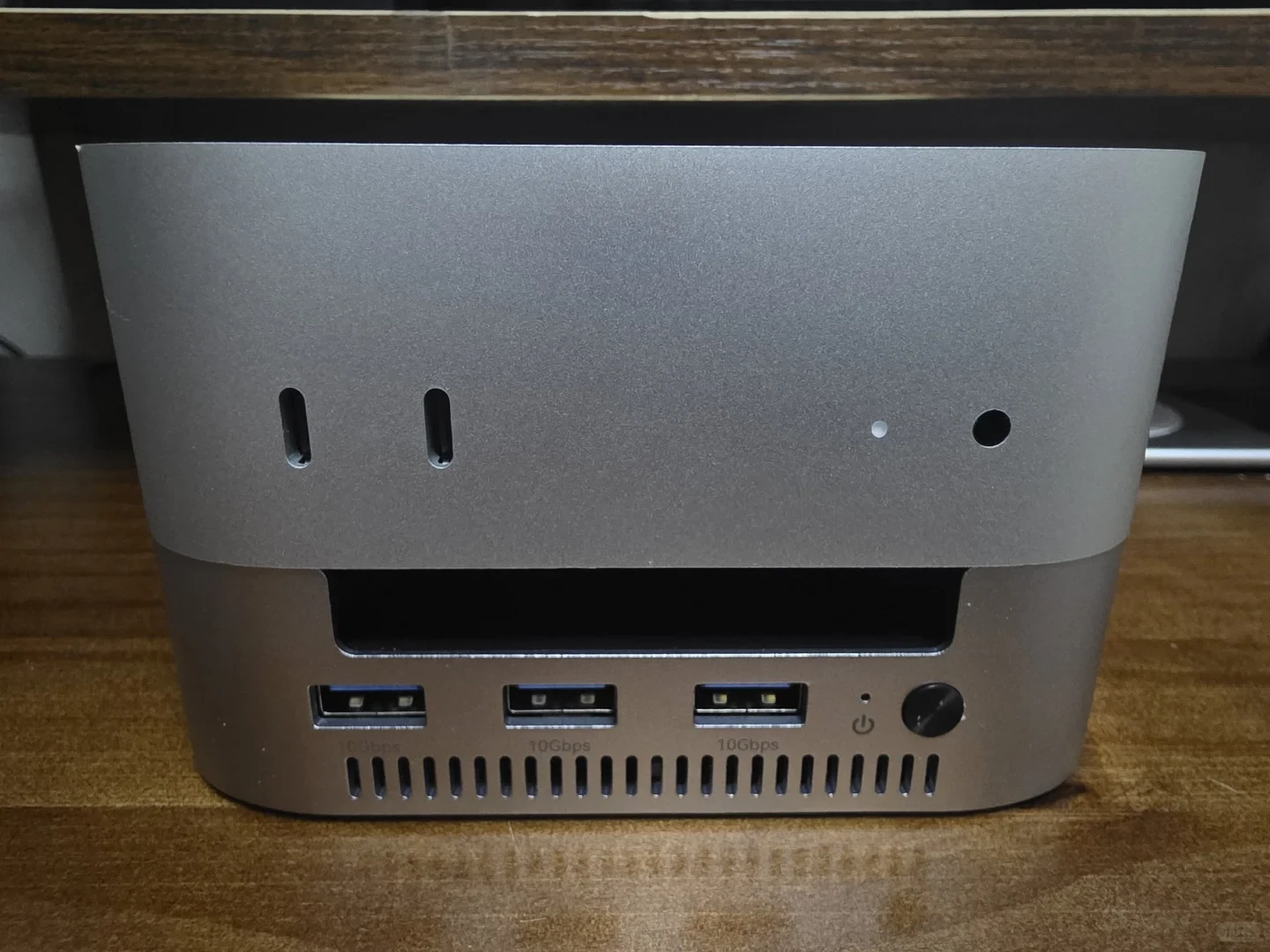
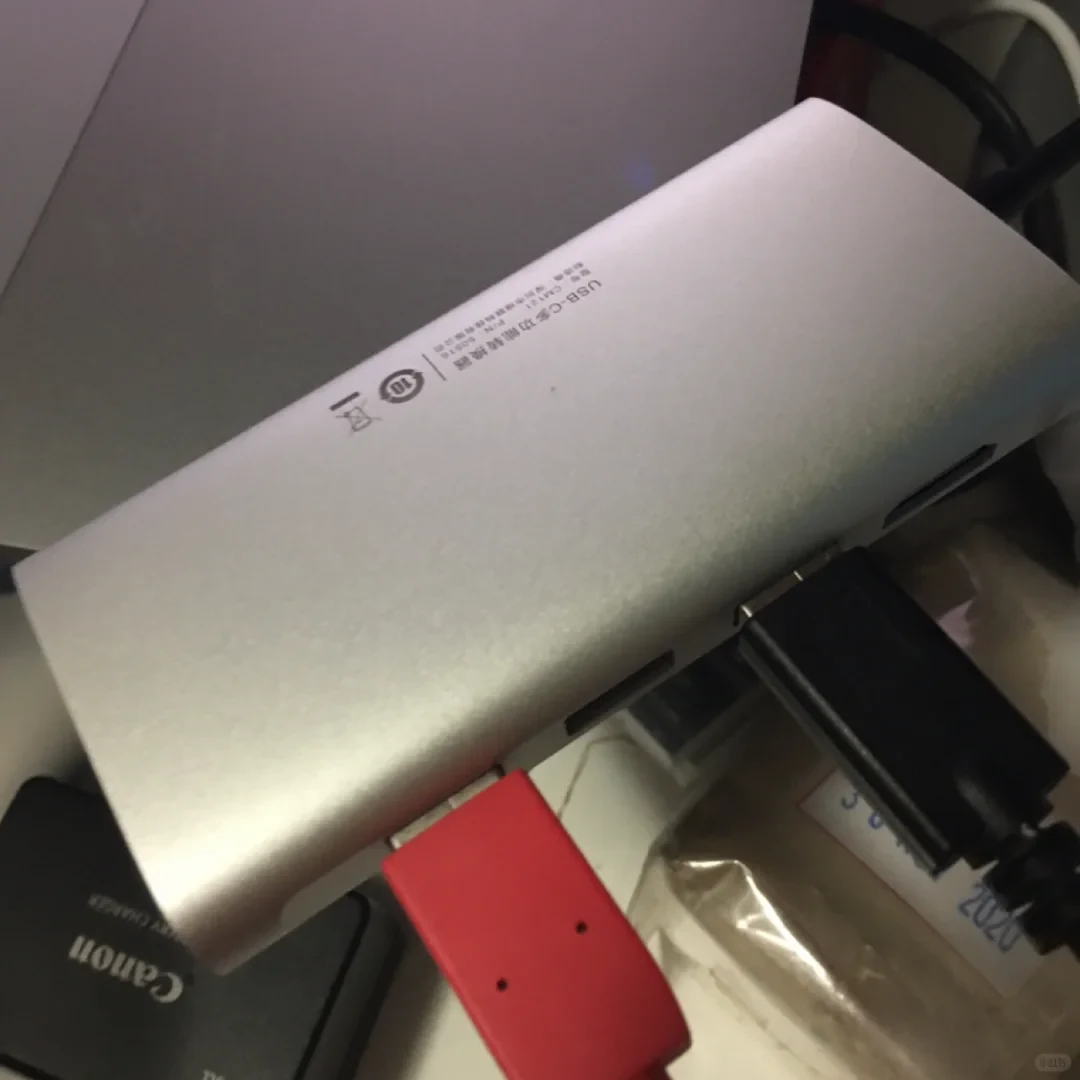
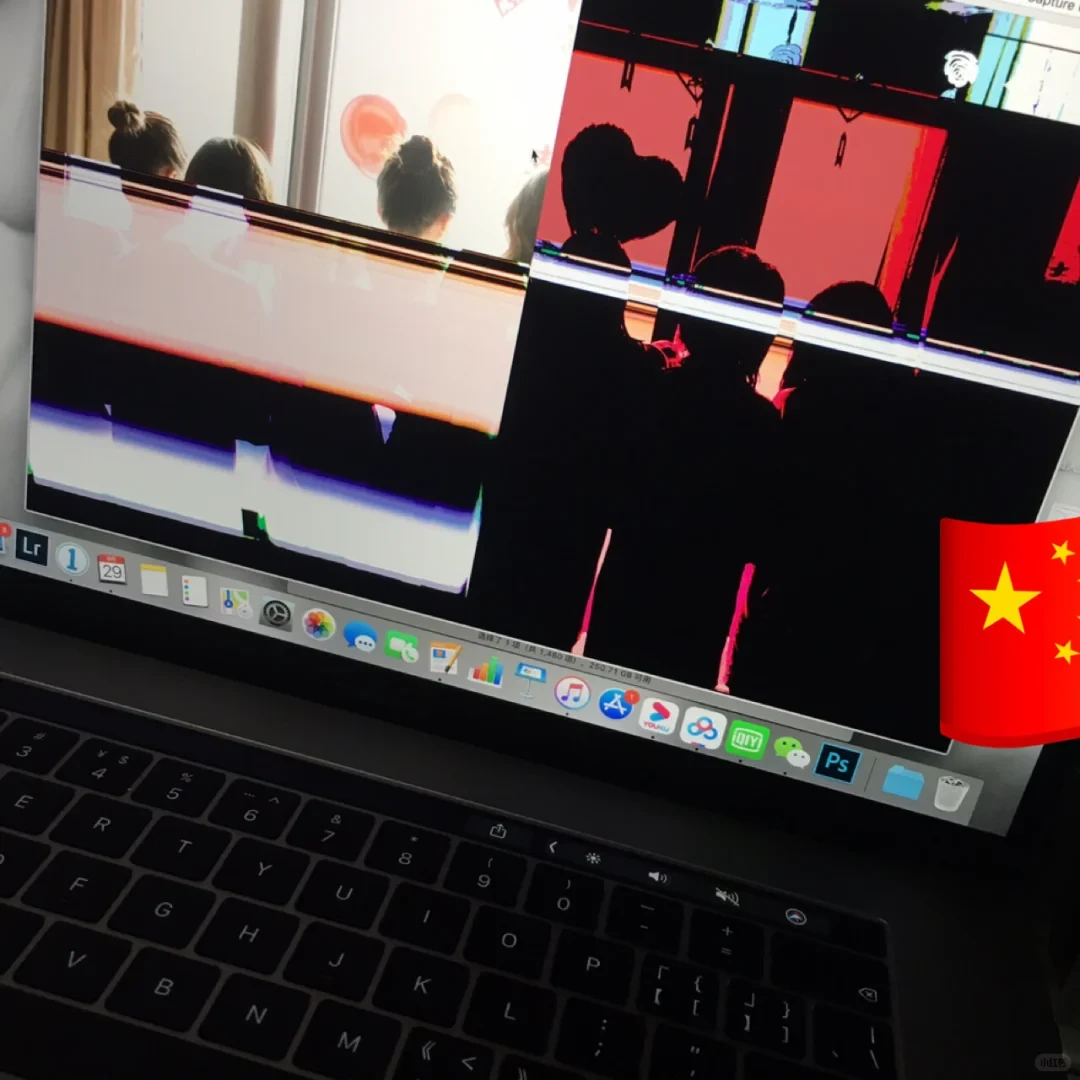
This isn’t clickbait: it really hasn’t worked well for me. I recently bought a MacBook Pro, so I couldn’t connect my old USB 3.0 accessories, such as a hard drive and card reader, directly to the computer. I saw many people on Xiaohongshu recommending UGREEN adapters, so I bought one on Taobao. I didn’t expect it to get hot as soon as I connected it to the computer. When I connected a hard drive and a card reader, it was hot to the touch—hotter than a hand warmer! Worse, when I copied photos from the card to the hard drive, some were corrupted and wouldn’t open. I tried another hard drive, but it copied only about a third of the photos. That was frightening.
Just now, I switched computers and found that only 100 photos had successfully copied to the first hard drive. There were 1,380 photos that hadn’t copied. On the previous computer, it looked as though 1,480 had copied, with only some corrupted. I hadn’t realized the problem was this bad. Now I’m worried that this UGREEN adapter has damaged both hard drives.
I’m adding a photo of one corrupted image. It was backed up from a camera card to a hard drive through the UGREEN USB-C hub adapter. When I opened the image from the hard drive, it looked like this.
Source: 夏天_ · Xiaohongshu · 2019-09-29 · 要命啊!千万别买!绿联typec扩展坞转接头烫!. Search this Chinese title in Xiaohongshu to find the original post.
Before You Buy
Models in your region
The source unit is identified as a UGREEN CM121, but its exact product number and full port configuration cannot be confirmed. The Polish listing is a regional CM121 family reference, not a verified match for the source unit; the German Revodok 105 is a different, related hub.
| Model in this review | Related regional model | What to know |
|---|---|---|
| UGREEN CM121 | UGREEN CM121 50538 (Poland / European Union, retailer listing) | The Polish listing identifies CM121 SKU 50538 as a related regional version with three USB-A 3.0 ports, HDMI, USB-C PD, Gigabit Ethernet, and SD/microSD. The source unit’s exact SKU and full port configuration are unconfirmed, so those specifications cannot be attributed to the owner’s hub. |
| UGREEN CM121 | UGREEN Revodok105 15495 (Germany / European Union) | The German Revodok 105 SKU 15495 is a different, related hub, not a verified CM121 match: it has HDMI, USB-C PD input, one USB-A 3.0 port, and two USB-A 2.0 ports, but no card reader or Ethernet. Using it for camera-card backups requires a separate reader. |
- Model in this review
- UGREEN CM121
- Related regional model
- UGREEN CM121 50538 (Poland / European Union, retailer listing)
- What to know
- The Polish listing identifies CM121 SKU 50538 as a related regional version with three USB-A 3.0 ports, HDMI, USB-C PD, Gigabit Ethernet, and SD/microSD. The source unit’s exact SKU and full port configuration are unconfirmed, so those specifications cannot be attributed to the owner’s hub.
- Model in this review
- UGREEN CM121
- Related regional model
- UGREEN Revodok105 15495 (Germany / European Union)
- What to know
- The German Revodok 105 SKU 15495 is a different, related hub, not a verified CM121 match: it has HDMI, USB-C PD input, one USB-A 3.0 port, and two USB-A 2.0 ports, but no card reader or Ethernet. Using it for camera-card backups requires a separate reader.
The backup failures are the clearest buying concern
The CM121 became hot to the touch while photo copies were corrupted or incomplete. A check on another computer found 100 photos copied successfully and 1,380 missing from the first drive. The cause, any damage to the drives, and which component failed remain unconfirmed.
The exact CM121 product number and complete port configuration of the unit are unknown. The Polish retailer’s CM121 SKU 50538 listing is therefore a family reference, not proof that its specifications match the reviewed hub. Check the specific listing and configuration before assuming it has the ports shown there.
The German Revodok 105 is a different alternative
UGREEN’s German Revodok 105 SKU 15495 is not the identified CM121. It has one USB-A 3.0 port and two USB-A 2.0 ports, alongside HDMI and USB-C PD input; it does not include an SD or microSD reader. A camera-card workflow with this model needs a separate card reader, and the port speeds differ, so it is not a like-for-like replacement for the setup.
UGREEN warns that disconnecting and reconnecting PD while using this particular Revodok can interrupt peripherals or data. The account does not say whether PD was connected or changed, so the warning cannot explain the reported corruption or establish its cause.
Related Reading

Reviews & Guides · Computing & Networking
TP-Link Deco X55 in a two-storey Australian home: Wi-Fi across 300 m²
I installed two TP-Link Deco X55 units in my 300 m², two-storey home; bedrooms that often lost Wi-Fi now had a signal throughout the house.

Reviews & Guides · Computing & Networking
TP-Link Deco X55: DNS pauses stopped for six days in access-point mode
I switched my Deco X55 to access-point mode and restored my older router to the front of the network. The DNS-like pauses stayed away for six days.
Reviews & Guides · Computing & Networking
TP-Link Deco X55 after nearly a year: six units, Teams and gaming
I’ve used six TP-Link Deco X55 units for nearly a year, including daily Teams calls and online gaming; I’ve had only one or two connectivity issues.