
Reviews & Guides · Computing & Networking
UGREEN DH4300 Plus: 4K videos stuttered in the app and from a mounted drive
Reviewed: UGREEN DH4300 PlusRegional reference: UGREEN DH4300 Plus (United States)
An owner reports stuttering 4K playback from a UGREEN DH4300 Plus through an app and a locally mounted connection. The cause is unspecified.
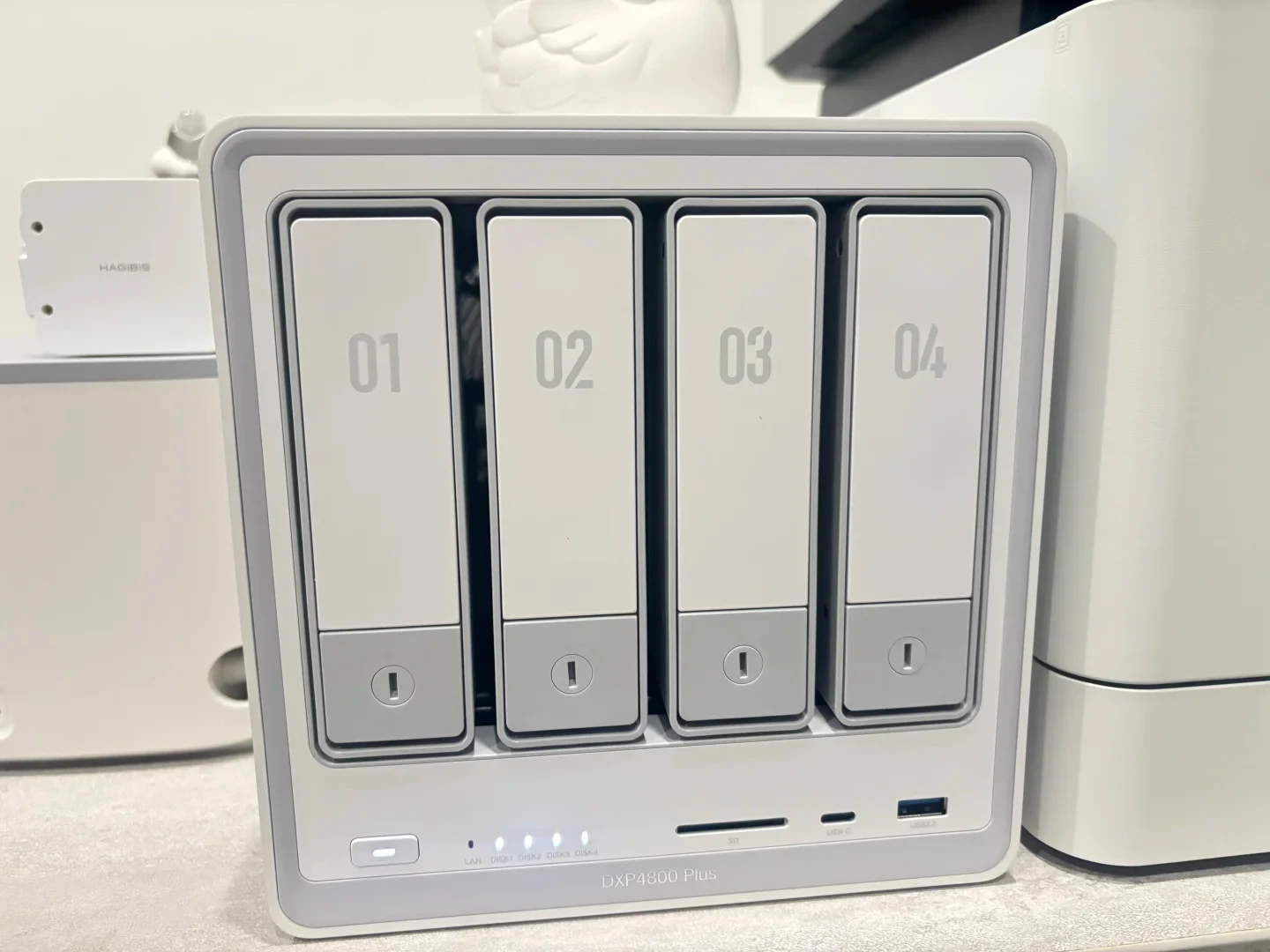

My UGREEN NAS is so frustrating: 4K movies stutter badly.
The movies are 4K files on the NAS. When I access them through the app, playback keeps stuttering.
I mounted the NAS locally, but playback still kept stuttering.
This is so exasperating.
Source: 懿叁贰 · Xiaohongshu · 2026-02-01 · 绿联 nas 播放 4k 视频一卡一卡的. Search this Chinese title in Xiaohongshu to find the original post.
Before You Buy
Models in your region
The source identifies the NAS as a UGREEN DH4300 Plus through its hashtag. UGREEN’s US listing uses the same model name. The post does not specify the playback app, client device, connection route, video format or whether transcoding was involved, so the cause of the stuttering—and whether it would occur in other setups—remains unknown.
| Model in this review | Related regional model | What to know |
|---|---|---|
| UGREEN DH4300 Plus | UGREEN DH4300 Plus (United States) | The US listing uses the same model name as the source. It specifies four SATA bays, one 2.5GbE port and HDMI output supporting 4K at 60 Hz; the post does not identify the app, client, network path or media settings, so its stuttering report cannot be tied to a particular playback bottleneck. |
- Model in this review
- UGREEN DH4300 Plus
- Related regional model
- UGREEN DH4300 Plus (United States)
- What to know
- The US listing uses the same model name as the source. It specifies four SATA bays, one 2.5GbE port and HDMI output supporting 4K at 60 Hz; the post does not identify the app, client, network path or media settings, so its stuttering report cannot be tied to a particular playback bottleneck.
Two access methods, one unresolved playback problem
The author reports stuttering when playing 4K movies through an app and after mounting the NAS locally. Because the post does not identify the client, app, connection route, codec, bitrate or transcoding status, it does not establish whether the bottleneck was the NAS, the network, the playback device or the media itself.
UGREEN’s US product FAQ recommends planning around direct playback rather than demanding remote transcoding. It notes that codec conversion, subtitle burn-in, client compatibility, bandwidth and simultaneous streams can affect performance. Those are possible factors to check, not a diagnosis of this setup.
What the listed hardware does—and does not—tell you
UGREEN lists four SATA bays, one 2.5GbE port and HDMI output supporting 4K at 60 Hz for the US DH4300 Plus. These specifications describe storage, networking and video output; they do not establish that every 4K file will play smoothly through every app or client.
If you are choosing this NAS for video playback, check whether your intended client can play your files directly and whether your planned setup depends on transcoding or subtitle burn-in. The post does not supply enough setup details to tell whether either access method would perform differently with a compatible client or another network route.
Related Reading

Reviews & Guides · Computing & Networking
TP-Link Deco X55 in a two-storey Australian home: Wi-Fi across 300 m²
I installed two TP-Link Deco X55 units in my 300 m², two-storey home; bedrooms that often lost Wi-Fi now had a signal throughout the house.

Reviews & Guides · Computing & Networking
TP-Link Deco X55: DNS pauses stopped for six days in access-point mode
I switched my Deco X55 to access-point mode and restored my older router to the front of the network. The DNS-like pauses stayed away for six days.
Reviews & Guides · Computing & Networking
TP-Link Deco X55 after nearly a year: six units, Teams and gaming
I’ve used six TP-Link Deco X55 units for nearly a year, including daily Teams calls and online gaming; I’ve had only one or two connectivity issues.