
Reviews & Guides · Computing & Networking
UGREEN DH4300 Plus: photo search and remote sharing ease storage worries
Reviewed: UGREEN DH4300 PlusRegional reference: UGREEN NASync DH4300 Plus (US)
I set up the UGREEN DH4300 Plus to ease my photo-storage worries; I can search photos by description and share files remotely, though my backup was still in progress.
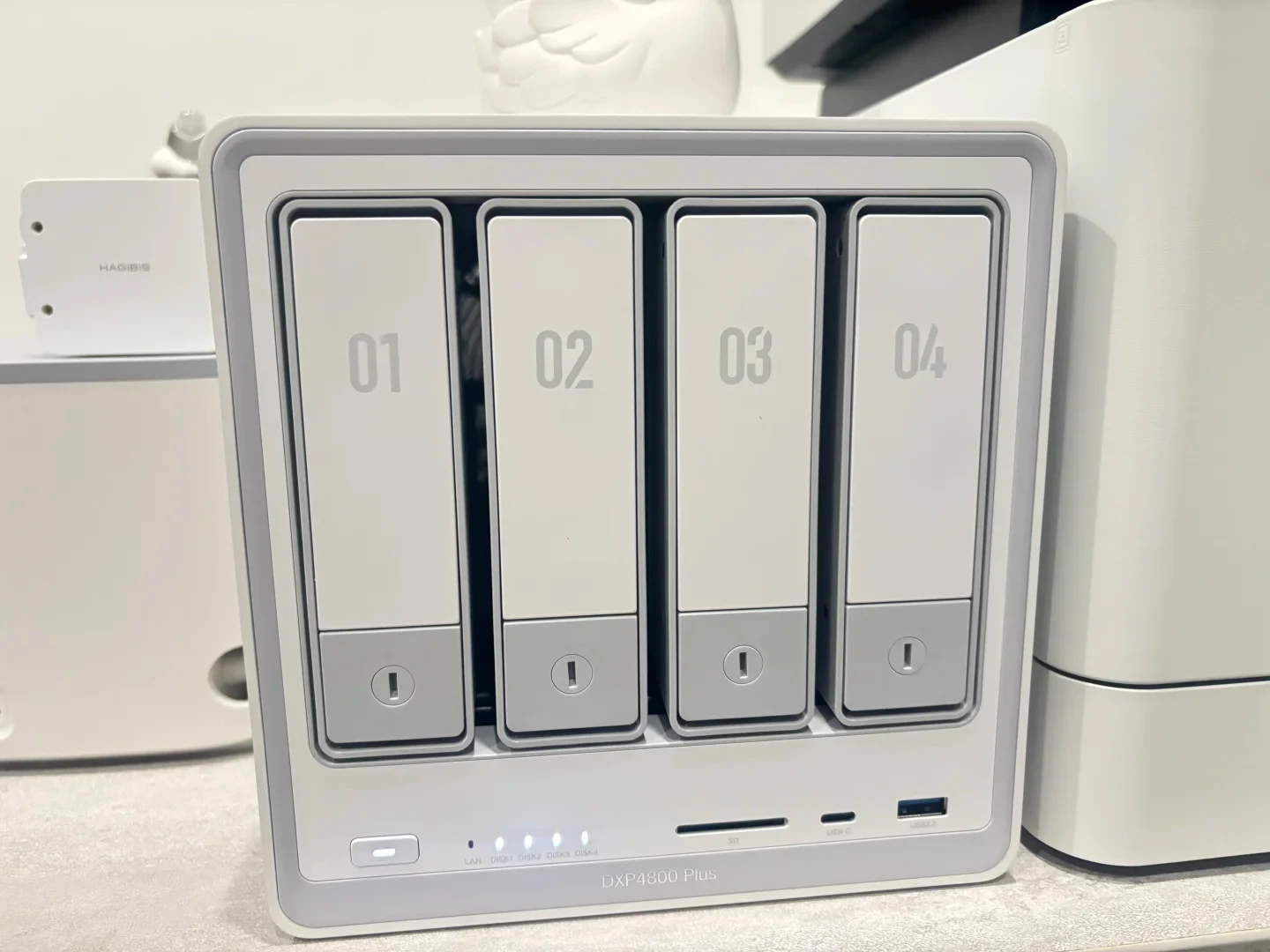
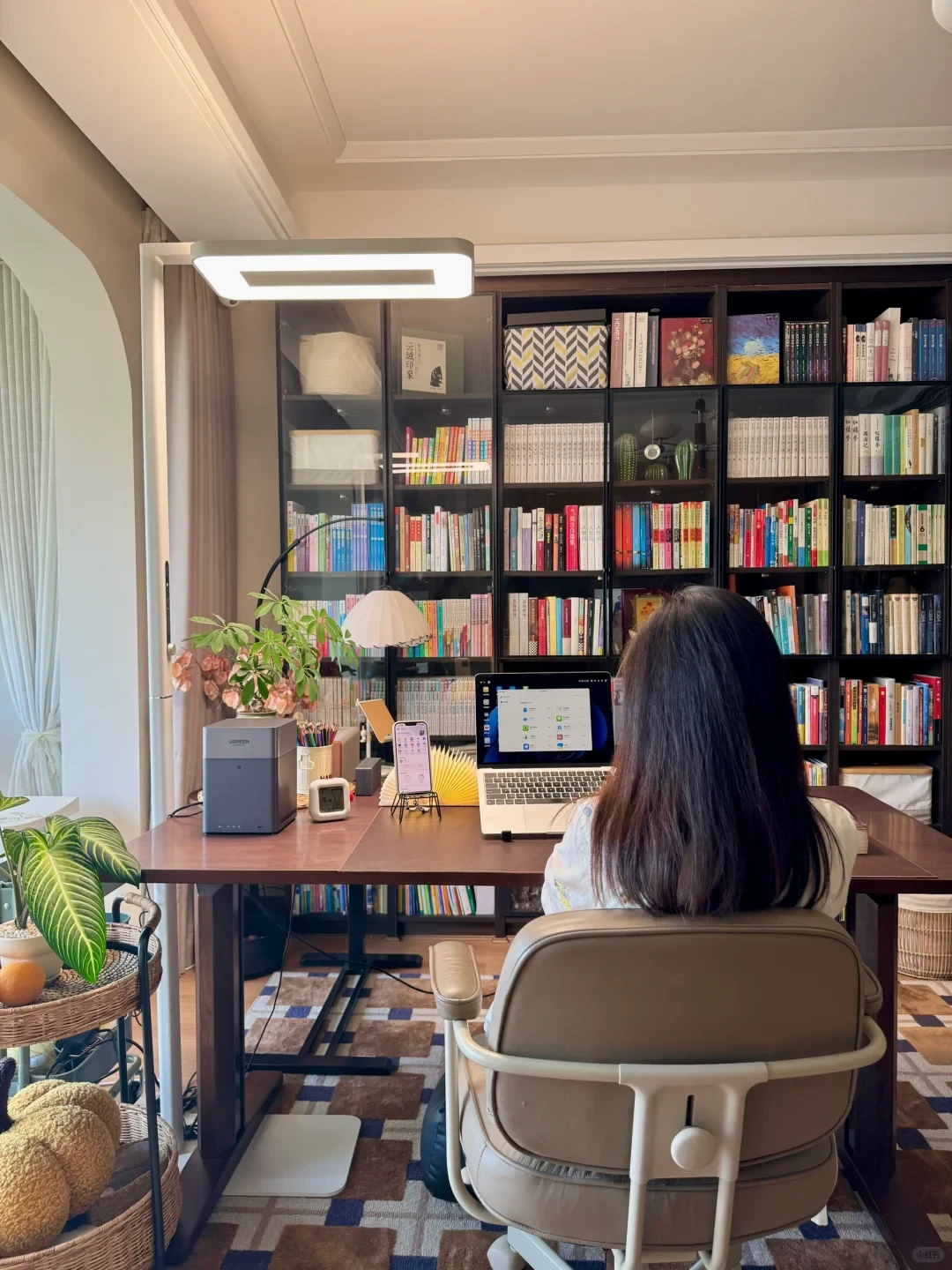

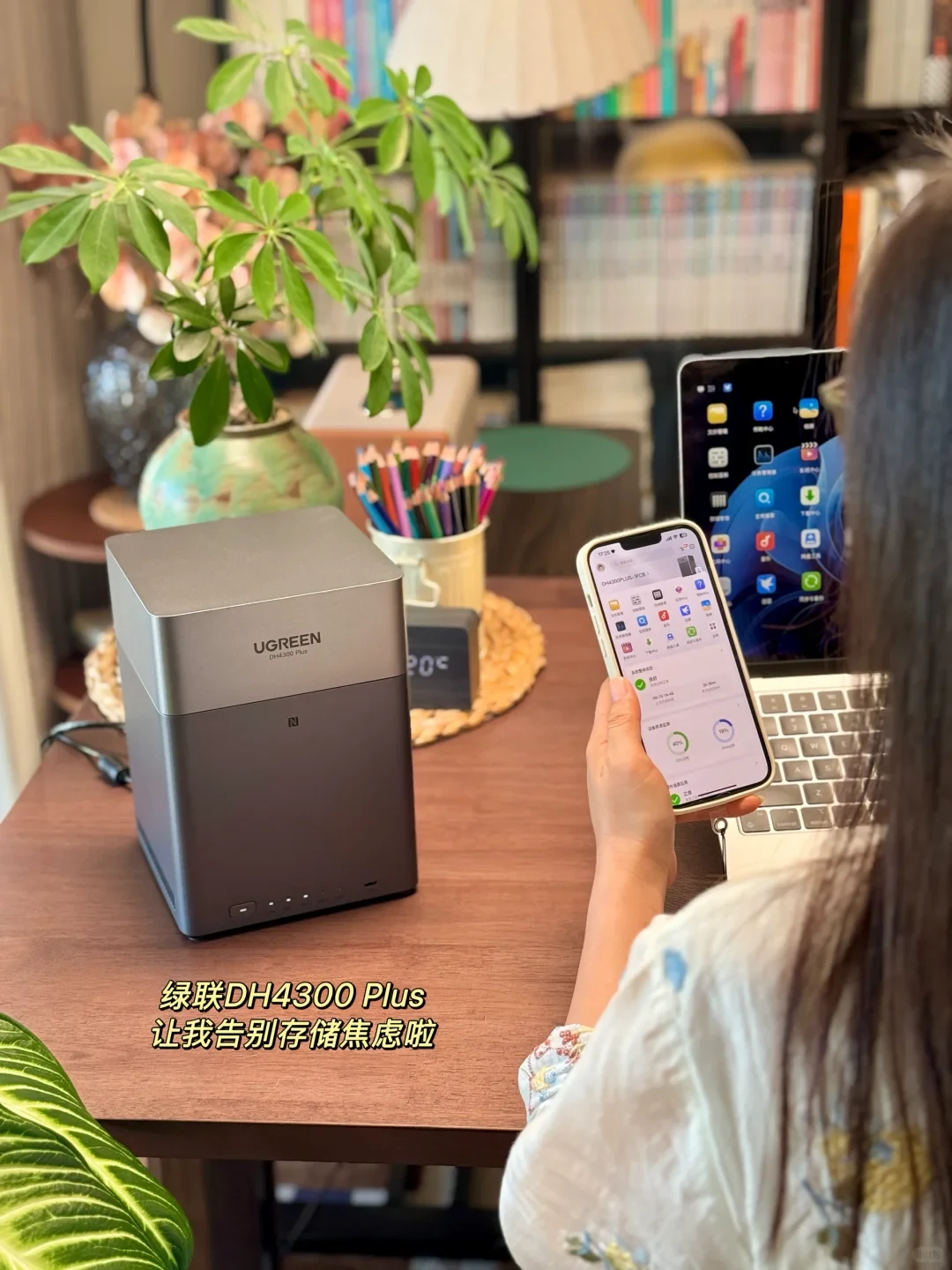
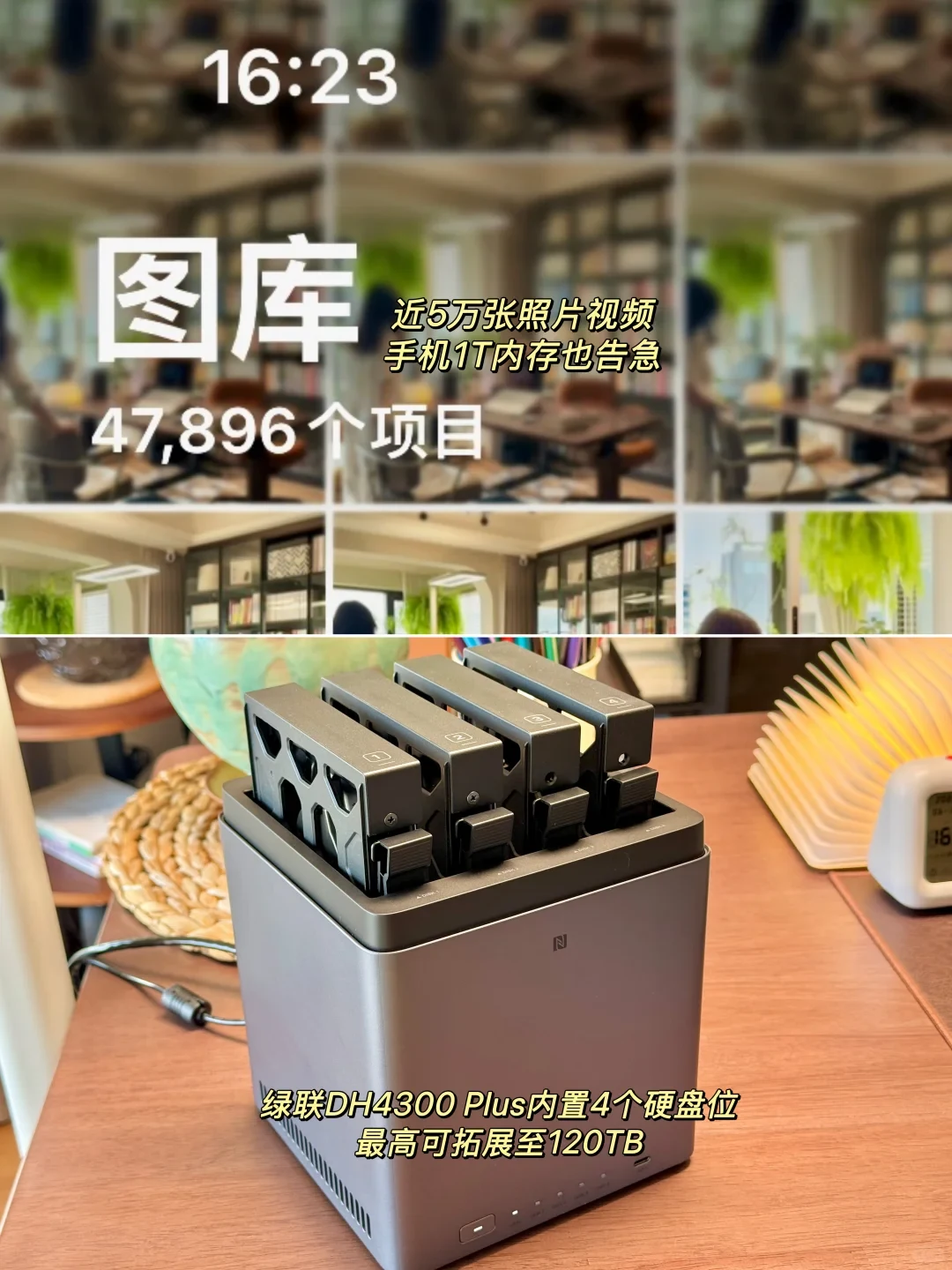
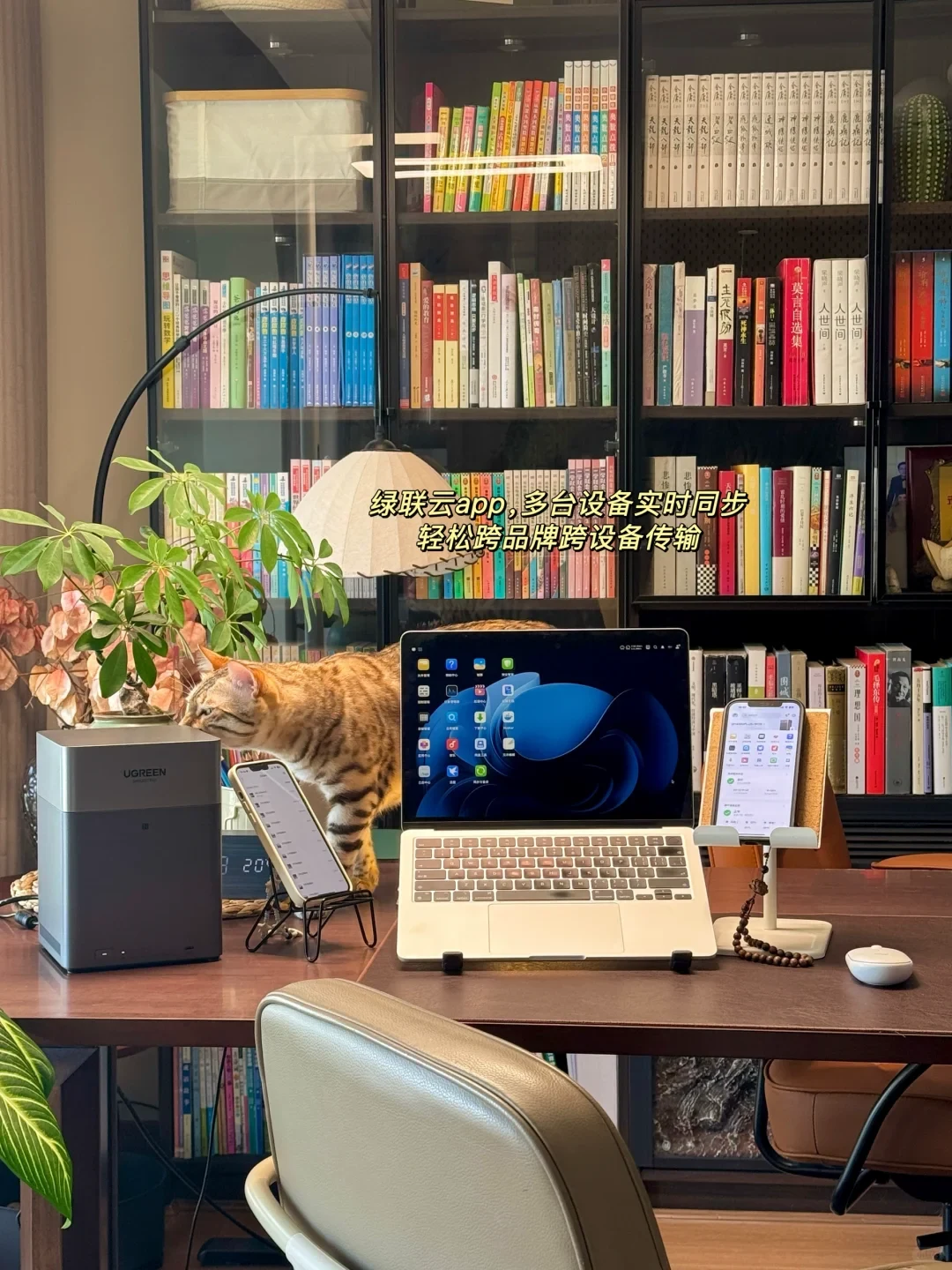
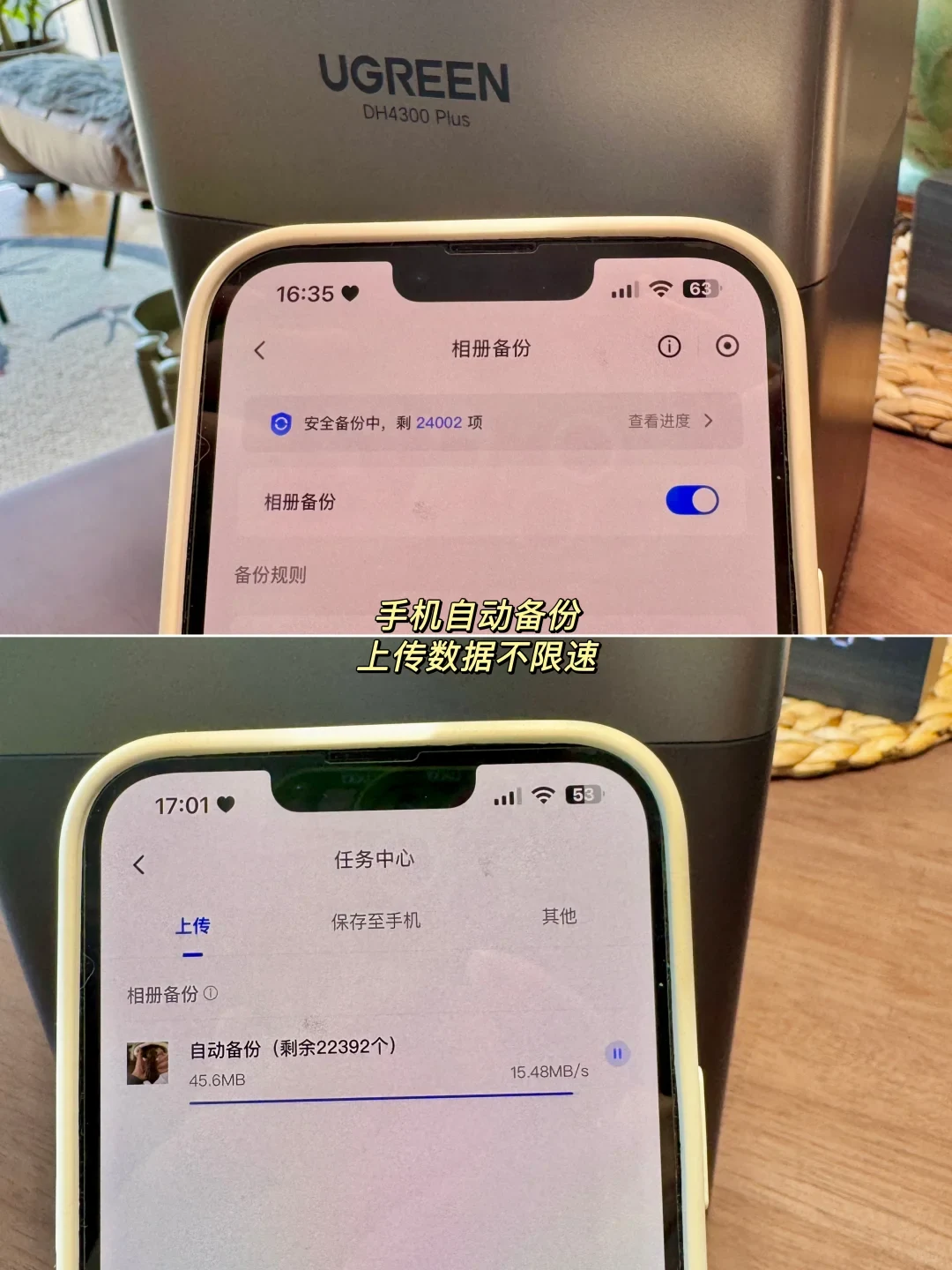
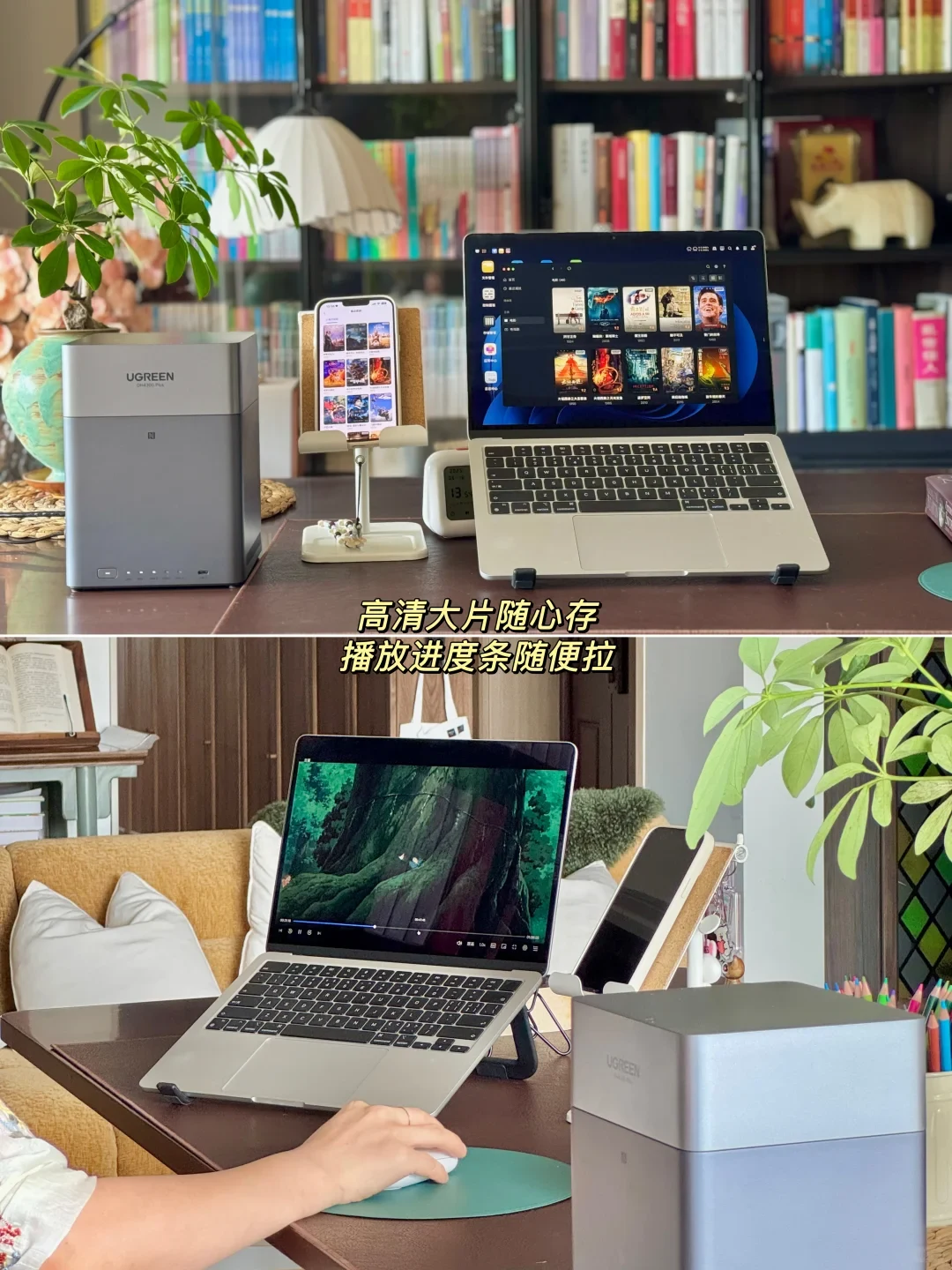

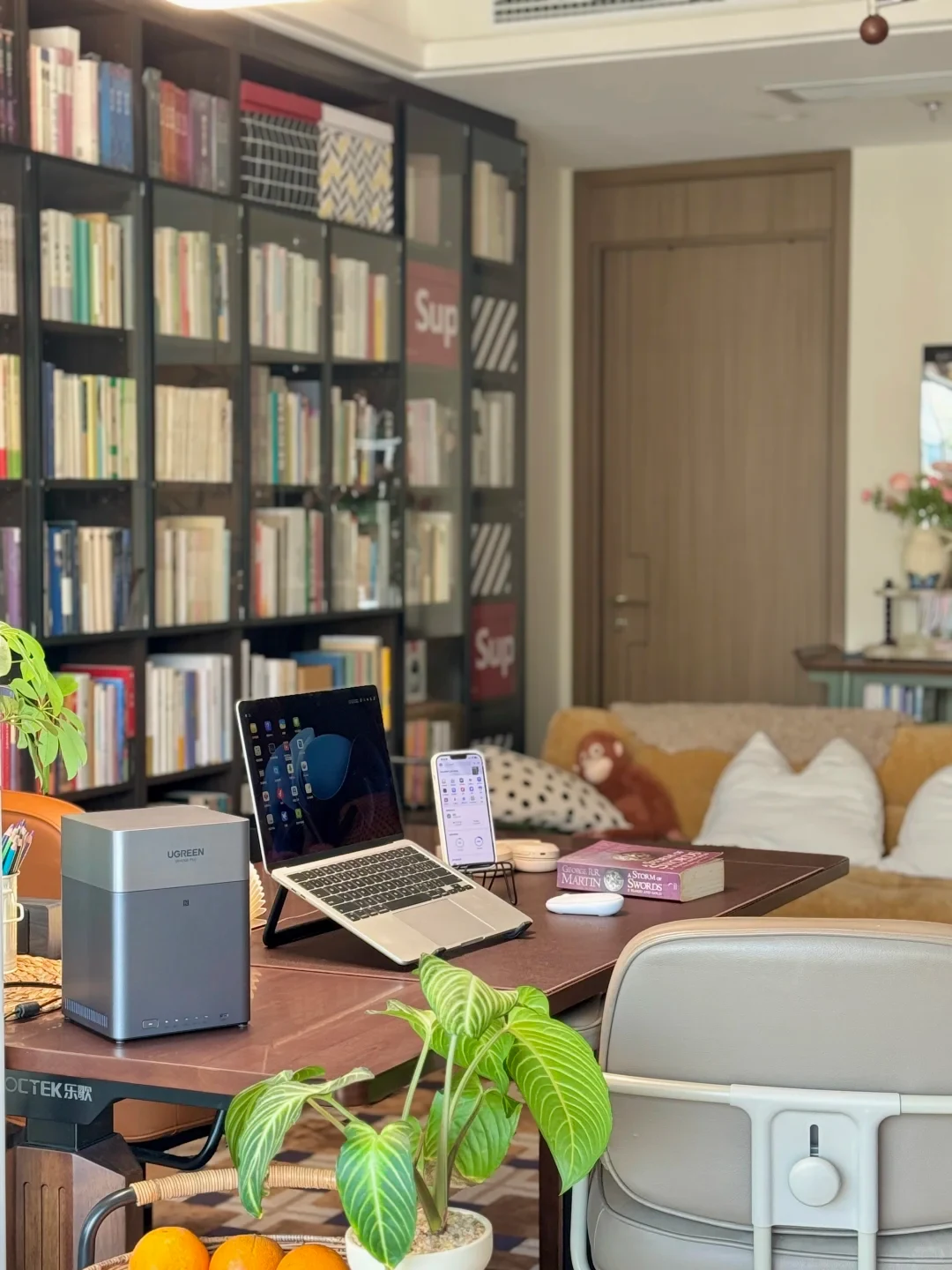
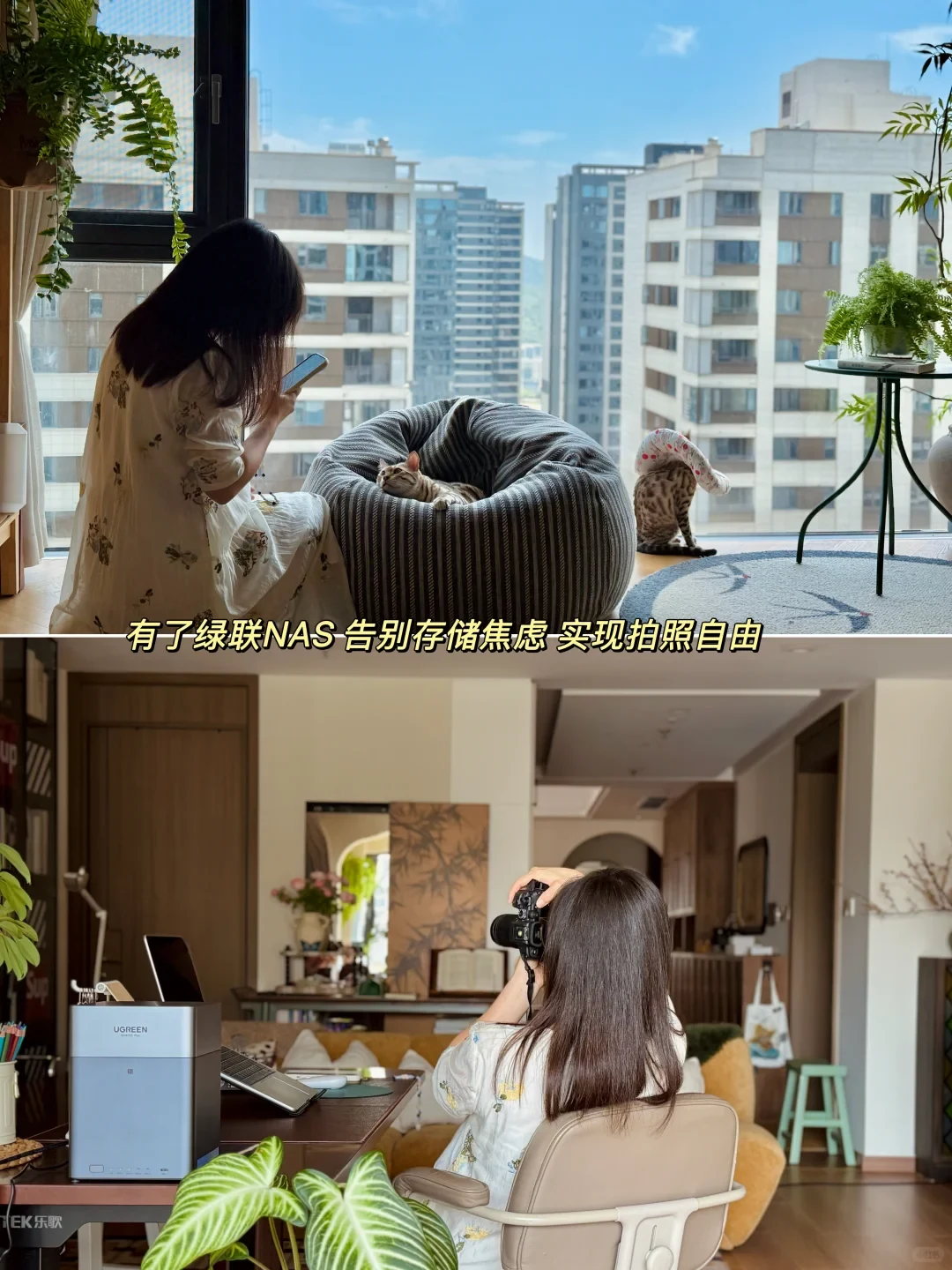
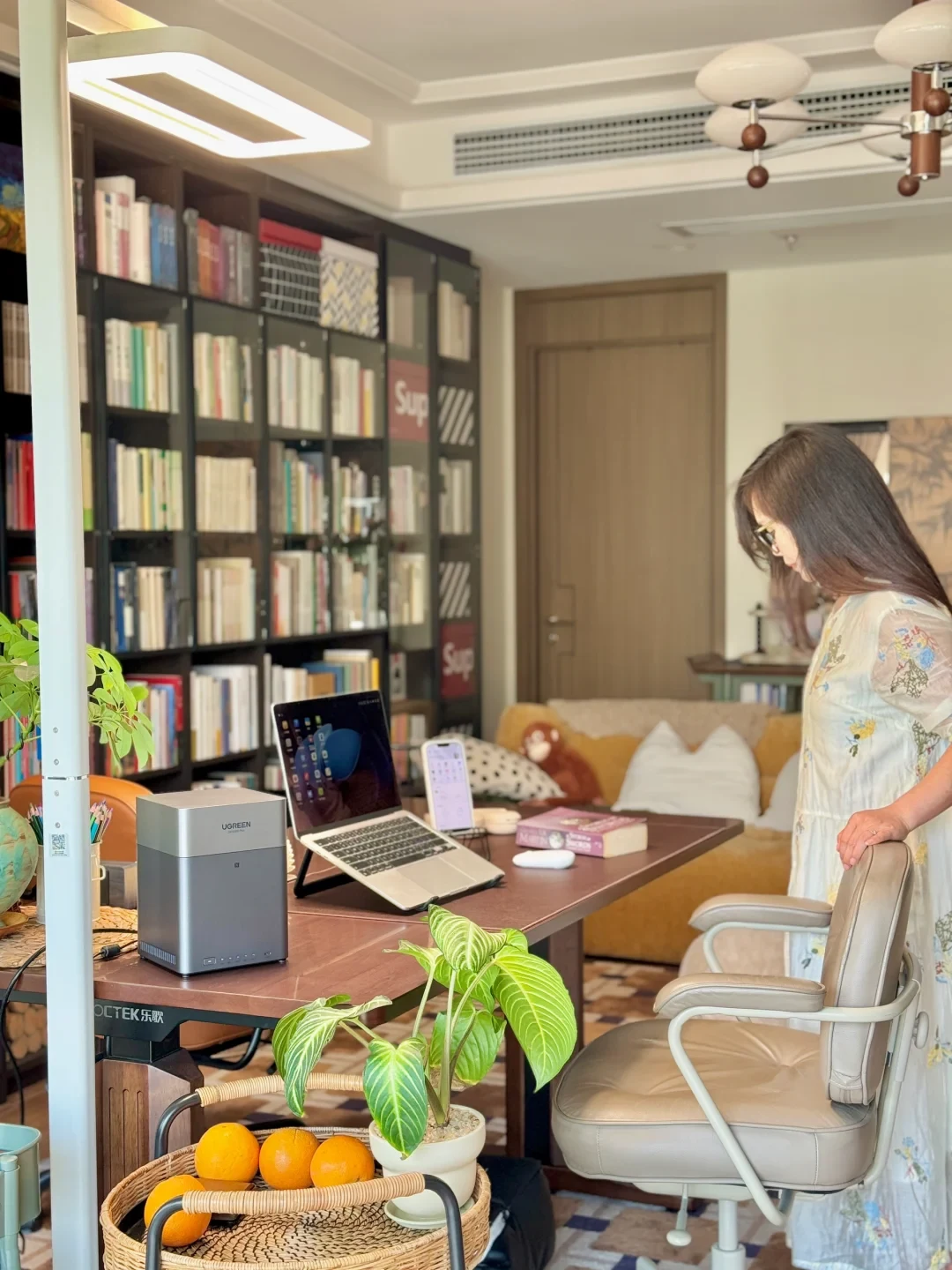
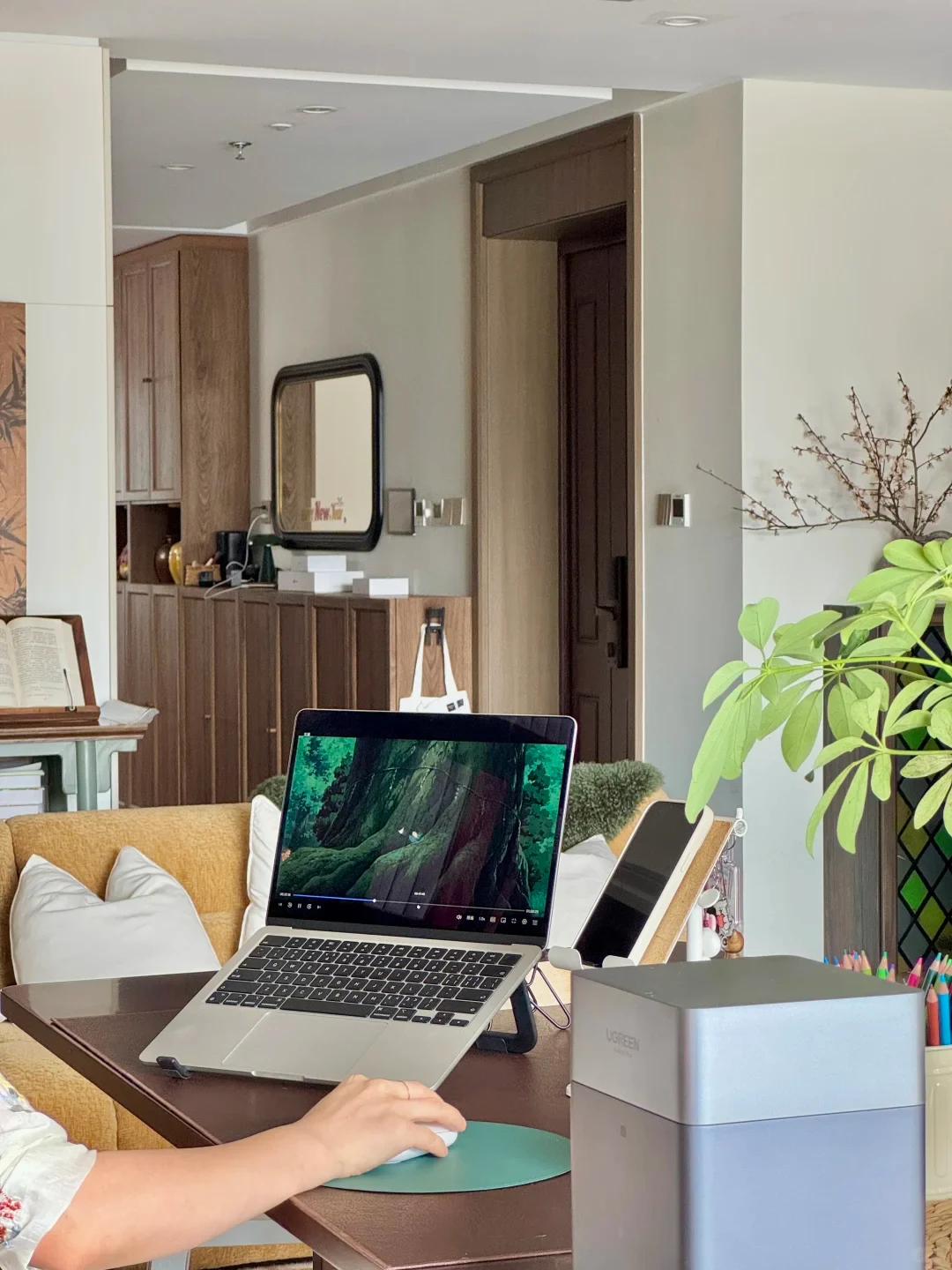
I love taking photos of my child, my cat and myself, and I can never bring myself to delete them. The number of photos and videos on my phone grew from more than 10,000 to more than 20,000, then more than 30,000—and now it has passed 50,000. Every time I take a photo, I feel a deep sense of storage anxiety. I don’t really trust iCloud or cloud drives. As a self-media creator, I often need to publish content wherever I am, but downloading material from a public cloud drive can make me want to explode. The files always seem compressed, not as sharp as the originals. Recently, I talked about storage anxiety with a local video creator. He said a NAS is the ultimate solution for people like us and recommended a beginner-friendly model that was easy to use and didn’t cost too much: the UGREEN DH4300 Plus. My storage anxiety eased right away.
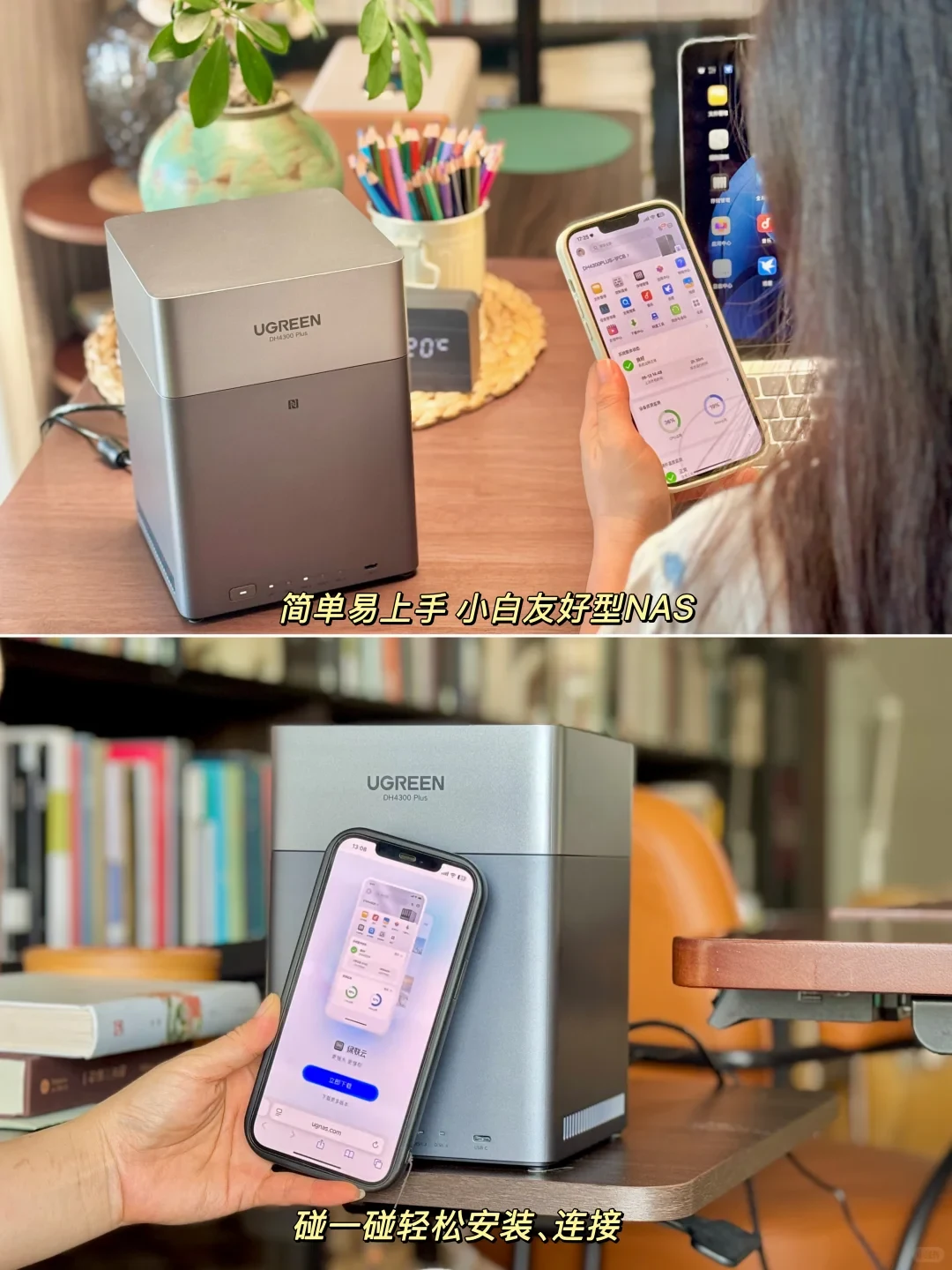
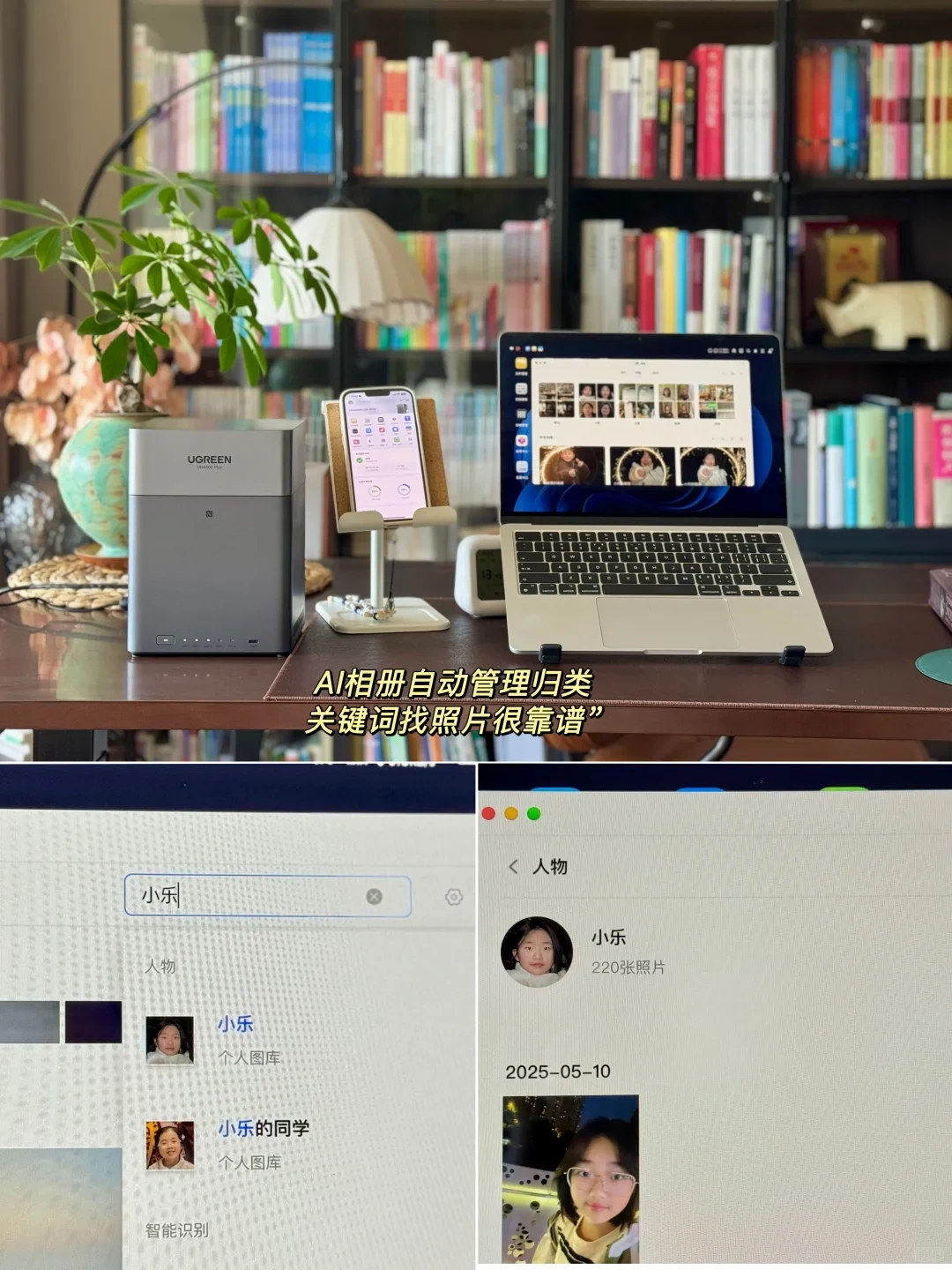
It’s genuinely great to use. If I’d known a NAS was this easy to set up, I’d have bought one much sooner. Just plug it in, connect the network cable, turn it on, tap the NFC area to download the UGREEN Cloud app, and follow the instructions step by step. Even a NAS beginner can get started easily. Phones, tablets and computers at home can sync data in real time and back it up automatically. I can also set permissions so my personal folder is accessible only to me—not even the administrator can see it—so I have my own privacy. What surprised me most was that Live Photos from my iPhone can be saved at original quality. That matters a lot to those of us who create content. The NAS’s photo app has built-in AI classification across multiple dimensions. It sorts photos into albums by time, location and people. I can type a description or keyword and quickly find the photo I want.
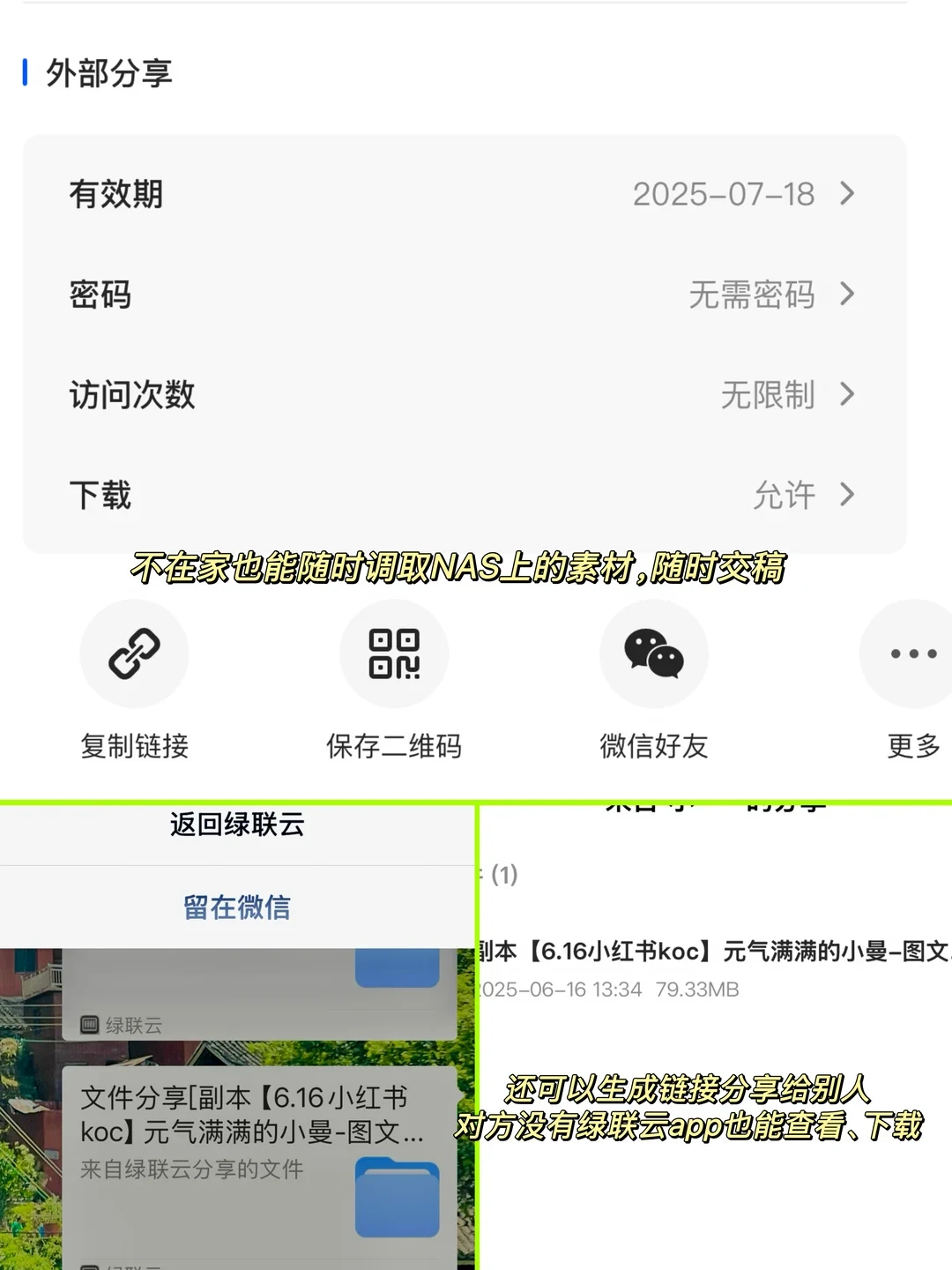
As a self-media creator, being chased by brand PR contacts for a deadline is nothing unusual. With the NAS, I can access it remotely whenever I need to, whether I’m at home or out. I can retrieve, save and use photos and videos at full quality, and I can generate a link to share them with someone else. They can view and download the files directly without installing the app. It’s really convenient.
There are plenty of movies I want to watch that I can’t find on any of the major platforms. Where they are available, I have to pay for a membership, and the picture quality is still compressed. Now that I have a NAS, I can finally put my movie-finding skills to use. I can save movies I like directly to the NAS and open the Media Center, which recognizes the movie information automatically and creates a beautiful poster wall. I can play movies on a computer, TV, phone or tablet. I can watch at full quality and move the progress bar wherever I like, with no loading and no dependence on network speed. Best of all, it doesn’t cost anything! This is the right way to watch movies. It may be compact, but it has four drive bays and can be expanded to a maximum of 120 TB—about the capacity of 120 top-spec iPhones. I can finally say goodbye to storage anxiety. It feels great.
Source: 元气满满的小曼 · Xiaohongshu · 2025-06-18 · 拍照狂人的存储焦虑,被人生第一台NAS化解了. Search this Chinese title in Xiaohongshu to find the original post.
Before You Buy
Models in your region
The author identifies the China-market unit as a UGREEN DH4300 Plus. UGREEN’s US listing identifies the DH4300 Plus as the same model, so the owner’s account concerns that model family; however, the exact firmware and configuration used in the account are unknown, which limits how confidently specific features or performance can be applied to every setup.
| Model in this review | Related regional model | What to know |
|---|---|---|
| UGREEN DH4300 Plus | UGREEN NASync DH4300 Plus (US) | The US DH4300 Plus is the same named model. It has four SATA bays, fixed 8 GB LPDDR4X memory, one 2.5GbE port and no M.2 slots; drives are sold separately. The US listing specifies a current maximum raw capacity of 128 TB, not the 120 TB cited in the owner’s account. The owner’s exact firmware and configuration are unknown. |
- Model in this review
- UGREEN DH4300 Plus
- Related regional model
- UGREEN NASync DH4300 Plus (US)
- What to know
- The US DH4300 Plus is the same named model. It has four SATA bays, fixed 8 GB LPDDR4X memory, one 2.5GbE port and no M.2 slots; drives are sold separately. The US listing specifies a current maximum raw capacity of 128 TB, not the 120 TB cited in the owner’s account. The owner’s exact firmware and configuration are unknown.
About this source
The creator’s sharing screenshot includes a file name labelled “6.16 Xiaohongshu KOC” and an image-and-text project under the creator’s name. This is a commercial-collaboration clue; the material does not establish whether the creator was paid or received the NAS. The account remains a description of this creator’s own setup, rather than an independent verification of every performance or privacy claim.
Plan storage and connections
The US model has four SATA bays, fixed 8 GB LPDDR4X memory, one 2.5GbE Ethernet port and no M.2 slots; drives are sold separately. Factor in the drives you need and your network connection when planning a setup. The owner describes connecting the NAS to a home network and backing up several devices, but does not identify the installed drives or network configuration.
Photo backups, Live Photos and privacy
The US DH4300 Plus listing advertises automatic photo backup, Live Photo backup, semantic search and permissions for private folders. These features align with the owner’s account of saving iPhone Live Photos, organizing images and searching by description or keyword. The owner’s exact firmware and setup are unknown, so the account does not establish that every search, privacy setting or backup behaves identically on every unit.
Treat the account’s privacy description as that user’s experience, not as a guarantee that administrators can never access files. The official listing describes permissions and private folders, but does not establish an administrator-proof privacy guarantee. Check the current software’s access controls and decide who should have account and administrator access.
Remote sharing and media playback
The owner used remote access and shareable links to send files to people who did not have the app. The US listing says local and remote playback depends on codec and client compatibility, available bandwidth and simultaneous streams. The account does not document those conditions, so its claims of instant, full-quality access and playback without loading should not be treated as universal speed or playback guarantees.
Related Reading

Reviews & Guides · Computing & Networking
TP-Link Deco X55 in a two-storey Australian home: Wi-Fi across 300 m²
I installed two TP-Link Deco X55 units in my 300 m², two-storey home; bedrooms that often lost Wi-Fi now had a signal throughout the house.

Reviews & Guides · Computing & Networking
TP-Link Deco X55: DNS pauses stopped for six days in access-point mode
I switched my Deco X55 to access-point mode and restored my older router to the front of the network. The DNS-like pauses stayed away for six days.
Reviews & Guides · Computing & Networking
TP-Link Deco X55 after nearly a year: six units, Teams and gaming
I’ve used six TP-Link Deco X55 units for nearly a year, including daily Teams calls and online gaming; I’ve had only one or two connectivity issues.